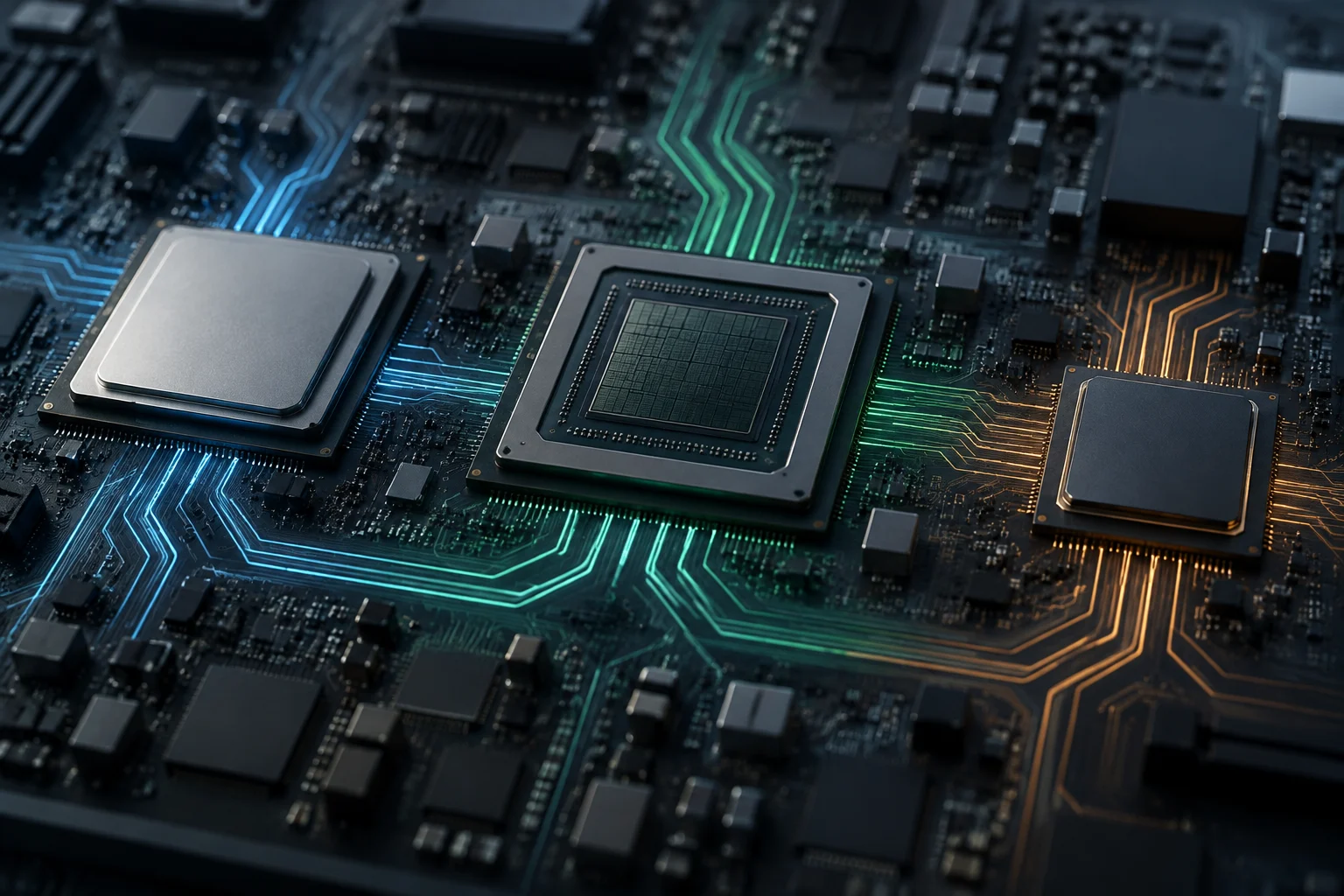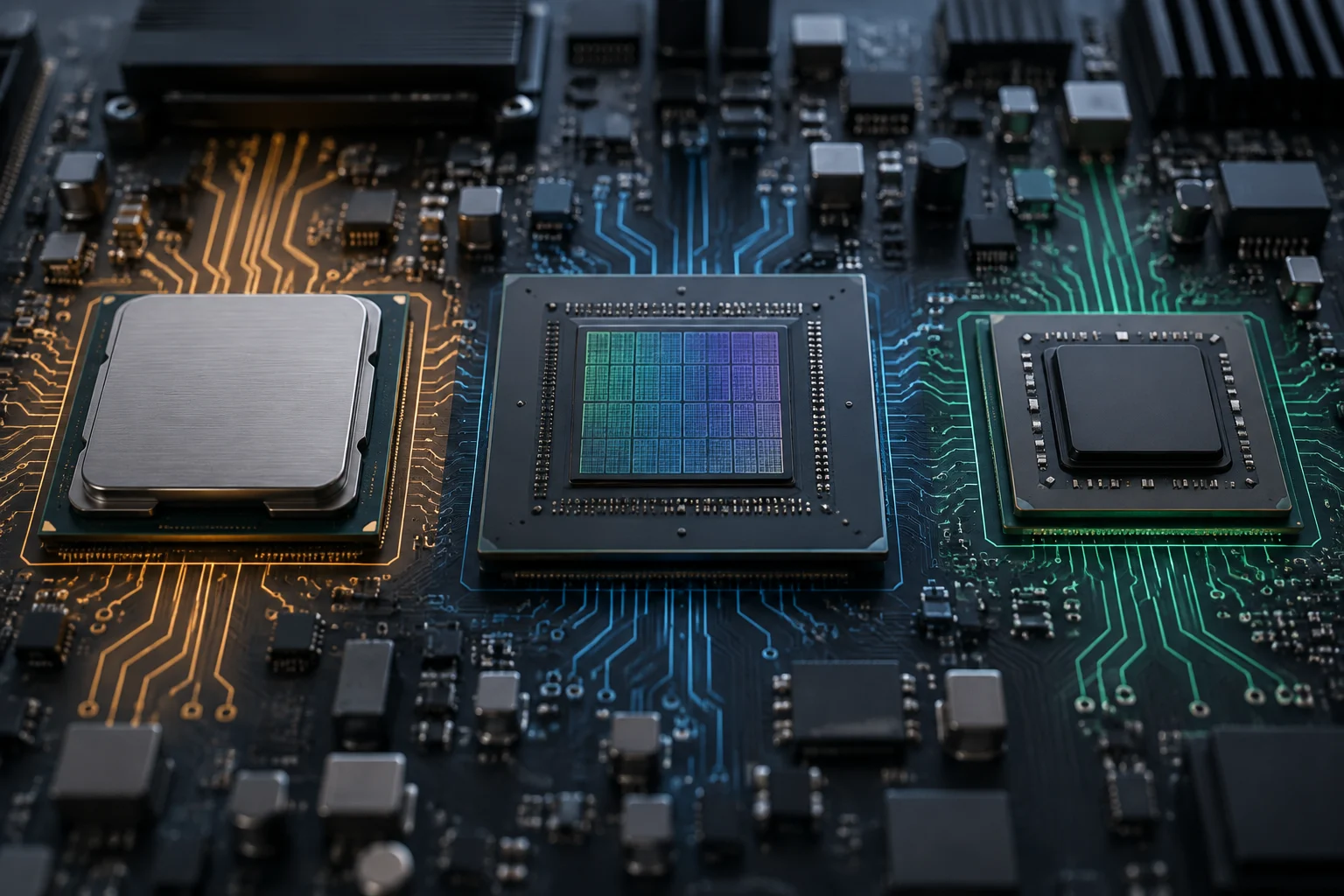
Three processors, different kinds of work
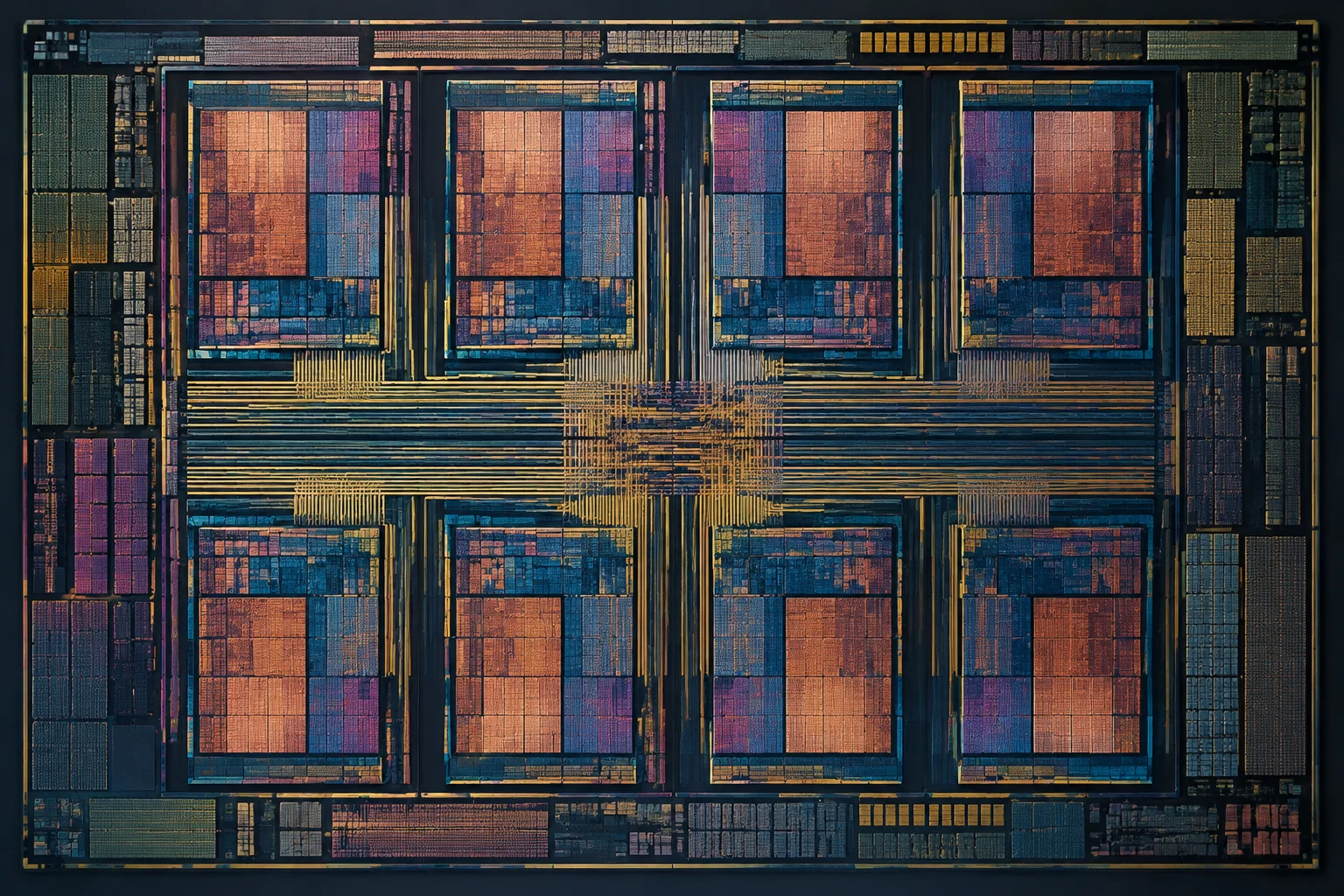
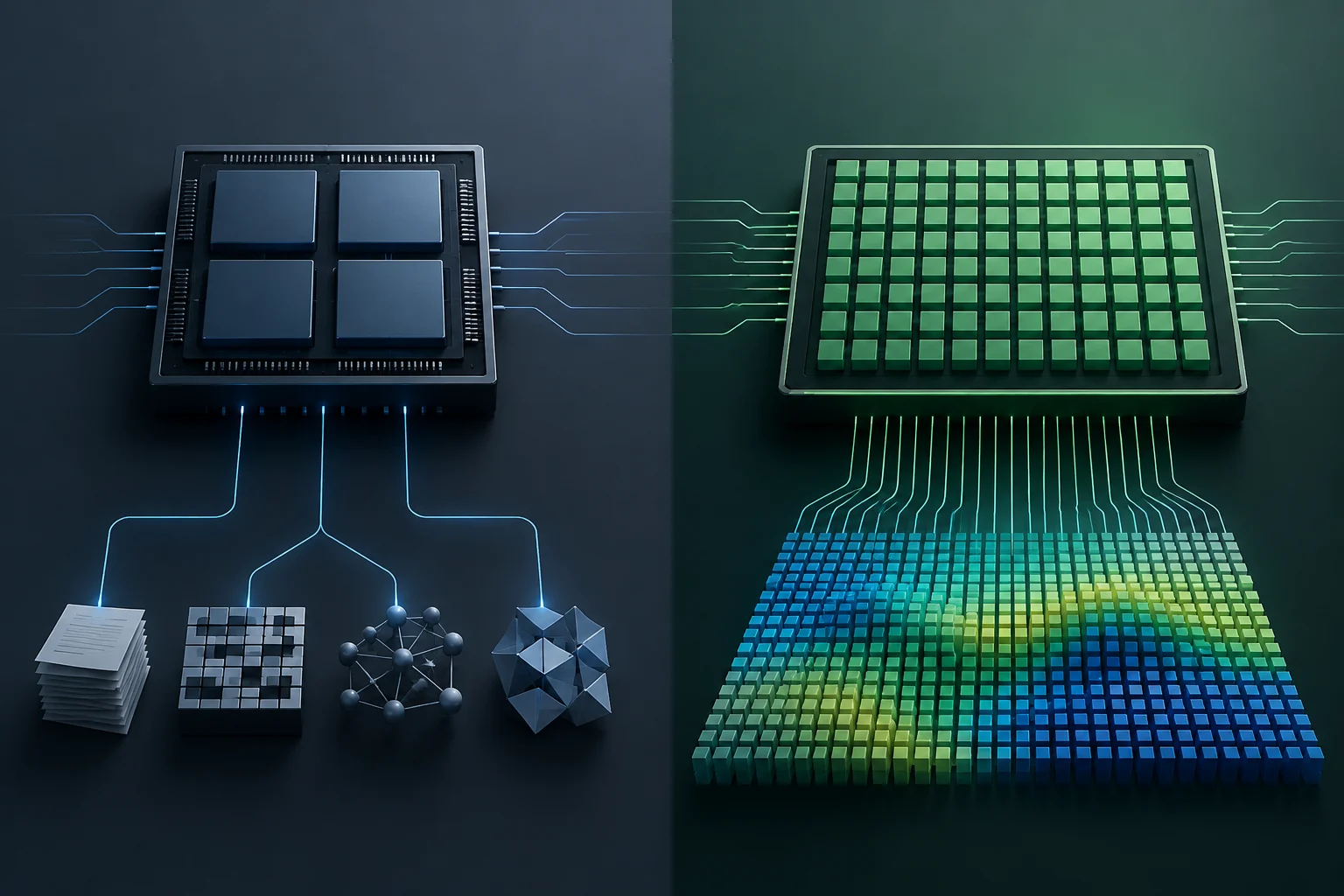
CPU, GPU and NPU are not three tiers on a single scale of processing power. They are processing units with different designs and roles: the CPU handles a wide range of instructions, the GPU excels when many operations can run in parallel, and the NPU is dedicated to operations common in certain artificial intelligence models. The advantage depends on the task, not just the name listed in a spec sheet.
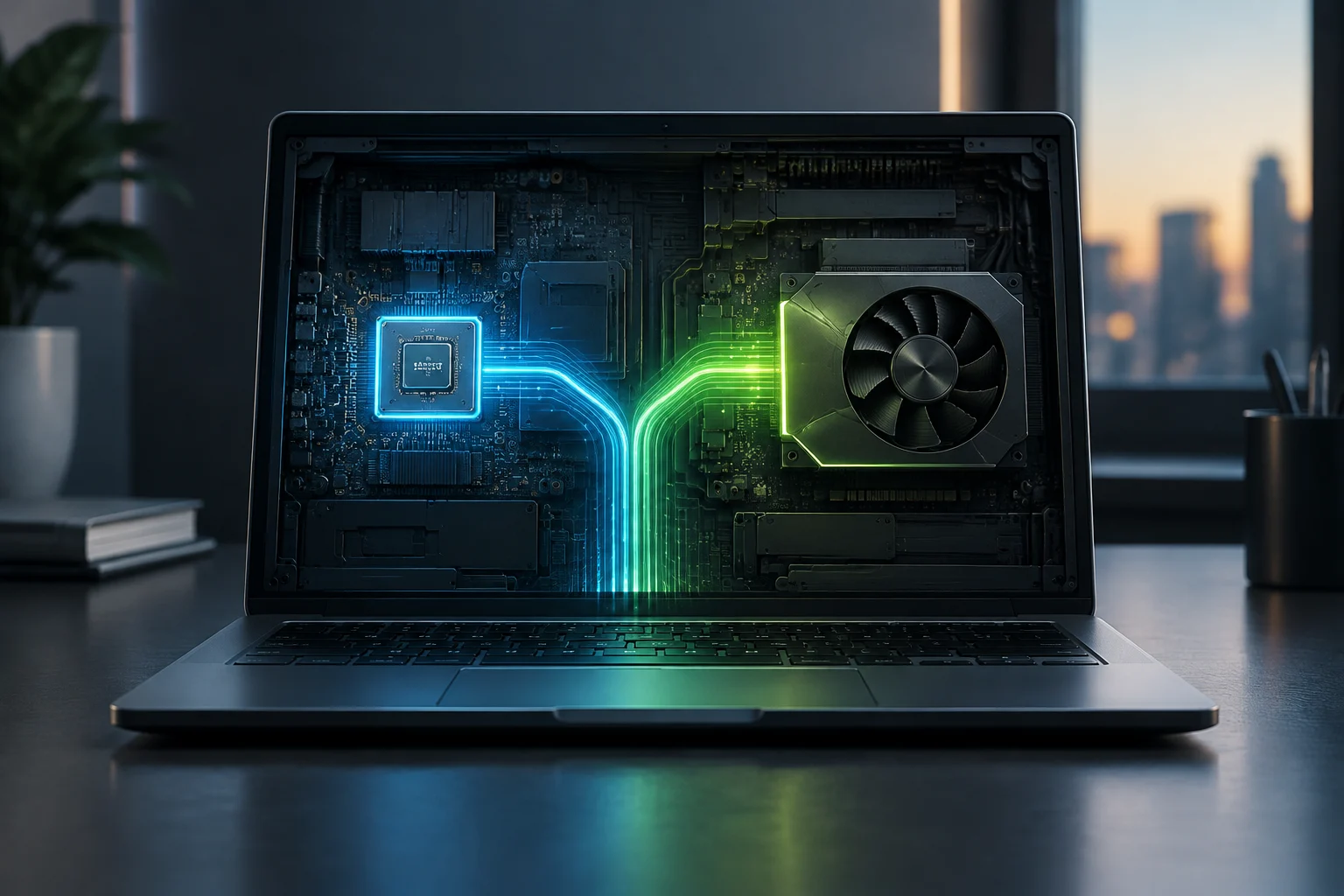
In a computer, these components may be integrated into one chip or spread across several. An integrated GPU shares the processor package with the main processor; a discrete GPU is a separate component. Both can process graphics, but their capabilities and power limits depend on the specific design. Integration does not mean there is no GPU: it means there is no separate graphics card.
One useful analogy is to picture teams with different specialties: the CPU takes on varied work and coordinates, the GPU distributes divisible work across many units, and the NPU efficiently runs specific AI operations. The analogy has limits: an application may use more than one unit, and the operating system and software determine how work is assigned.
The CPU: versatility and responsiveness for general tasks
The CPU executes instructions from the operating system and applications, and it is essential to the computer’s everyday operation. Browsing, opening programs, managing files and performing varied calculations all involve CPU work, even though a particular task may delegate some parts to other processors. Its main strength is flexibility: it can handle many kinds of operations, including those that are not easy to divide into simultaneous tasks.
The CPU executes instructions from the operating system and applications, and it is essential to the computer’s everyday operation. Browsing, opening programs, managing files and performing varied calculations all involve CPU work, even though a particular task may delegate some parts to other processors. Its main strength is flexibility: it can handle many kinds of operations, including those that are not easy to divide into simultaneous tasks.
The CPU runs program and operating-system instructions, and its performance contributes to how quickly tasks such as browsing, calculations and spreadsheet work are completed. The GPU does not replace this general role, although it can work alongside the CPU on tasks that benefit from parallel processing.
CPU, GPU and NPU at a glance
A comparison of the processors’ typical strengths and what determines whether they can help with a task.
| CPU | Versatile computing and general tasks |
|---|---|
| GPU | Graphics and parallel processing |
| NPU | Efficient, supported AI inference |
| What enables acceleration | Compatible software and model |
Roles overlap; actual capability and performance vary by hardware, model and software support.
Sources and references2
The GPU: parallel processing for graphics and more
The GPU was developed to process graphics, where similar operations can be applied to many elements of an image. That design is also useful for other workloads that can be parallelized, such as certain video processes, scientific calculations and artificial intelligence tasks. Parallel processing is its central advantage: a GPU can handle large sets of compatible operations at once, while the CPU manages coordination and code that does not benefit from being split up.
Acceleration does not happen simply because a computer has a GPU. The application must be designed to use it, and the programming model, drivers and compatible libraries affect the outcome. NVIDIA describes accelerated computing as assigning the most computationally intensive parts of an application to the GPU while the rest continues to run on the CPU. The software must know how to delegate the work for specialized hardware to make a difference.
An integrated GPU can suit compact computers and help keep power use lower; a discrete GPU can provide more resources for demanding graphics workloads, at the cost of additional power, space and heat. Neither category guarantees a particular performance level: designs vary widely in both. For gaming, video editing or working with models, check the application, available memory and specific requirements, as well as the GPU’s name.
The NPU: specialized acceleration for AI
An NPU, or neural processing unit, is an accelerator designed for certain operations used by neural networks. It can run inference—that is, apply an already trained model to produce an output, such as a transcription or an image enhancement. According to Microsoft, Windows ML can direct inference to the CPU, GPU or NPU through execution providers, and the chosen processor depends on the available hardware and the model. Having an NPU does not automatically enable every AI feature.
An NPU can run compatible inference locally, and its design is intended to perform those operations efficiently. The result depends on the model, device and implementation. To use the NPU, an application needs a compatible software path and sometimes a model adapted to the hardware. Application compatibility matters as much as the chip.
Not every feature marketed as “AI” requires an NPU, either. Some can run on a CPU or GPU, while others depend on remote services. In Windows, AI APIs, Windows ML and other frameworks have different requirements and scopes; features that require a particular PC category should not be confused with the general ability to run models on different accelerators. Before buying, check which feature you want to use and what hardware and software version it requires.
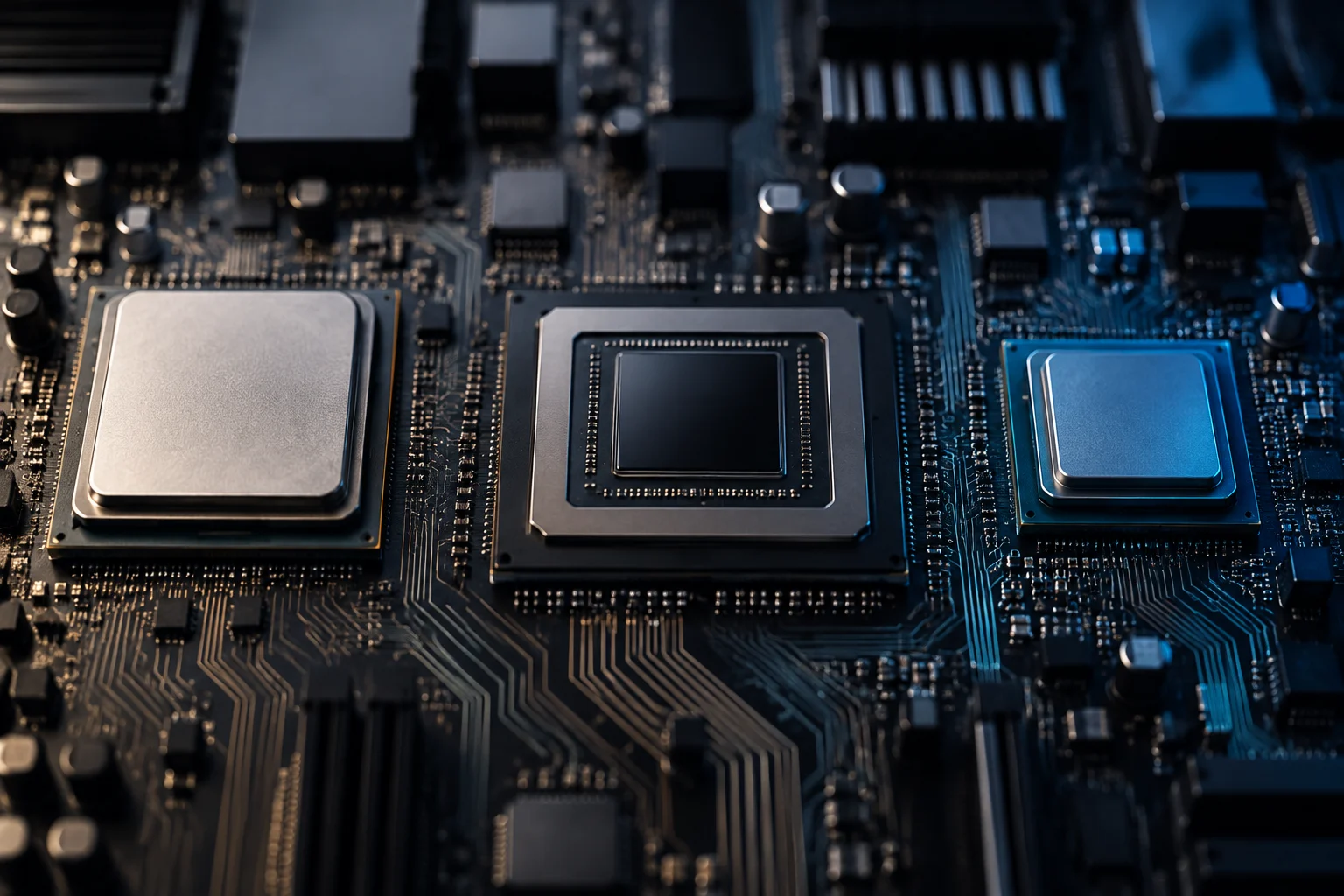
How CPUs, GPUs and NPUs work together
In a workflow, processors can divide up stages: the CPU prepares data and coordinates, the GPU handles a parallelizable portion, and the NPU may run compatible inference. This is not a fixed division across all computers. Software can direct inference to different processors, depending on available hardware and the model; performance varies with the configuration.
Windows ML illustrates this approach for ONNX models: its documentation says it can use CPUs, GPUs and NPUs through execution providers, and that performance depends on the configuration and model. It also allows an application to use the CPU as a fallback when a suitable accelerator is unavailable. This makes it possible to design applications for different configurations, but it does not mean every combination will be equally fast or that every model will run on every unit.
In a laptop, integrating the CPU and GPU can help reduce size and power consumption; a discrete GPU adds a separate resource for tasks that can use it. An integrated NPU adds another specialized option for certain AI models. Each unit offers different capabilities: its usefulness depends on whether the task and software are compatible.
Software determines whether an accelerator is used
Theoretical hardware capability does not mean an application will use it. Developers must build support for the accelerator, runtime and available drivers; the model may also need conversion or optimization. Microsoft explains, for example, that some NPUs accept lower-precision numerical formats and that models must be prepared to run on them. Support must exist across the whole chain, from model to driver.
It is also important to distinguish inference from training. An NPU in a PC is generally designed to run models and produce results, not to take on every stage of creating or training models. A GPU can accelerate some training and inference workloads, while the CPU retains its general-purpose role and can serve as a fallback. These categories overlap in some tasks, but they are not interchangeable in every program.
Results depend on factors such as numerical precision, model size and hardware configuration. Performance varies by model and computer.
What to check before choosing a computer
Start with your main use, not the label “AI PC” or the component with the most eye-catching number. For general tasks, compare the CPU and memory capacity; for gaming or visual creation, check the GPU and software requirements; for a local AI feature, confirm whether the application supports an NPU and requires a particular model or Windows version. The useful specification is the one that matches your workload.
A practical check can follow this order:
- Identify the application and the exact task you want to accelerate.
- Review the official system, accelerator, memory and software-version requirements.
- Check whether the feature runs locally or relies on an online service.
- Look for performance results for that application and a comparable configuration.
- Consider power use, noise, size and battery life alongside speed.
CPUs, GPUs and NPUs are designed for different kinds of processing and may matter for different tasks. The application determines whether it uses an accelerator and which unit it takes advantage of. Check compatibility with the program you plan to use and review its hardware and software requirements.