The NPU Helps, But It Does Not Define Local AI Alone
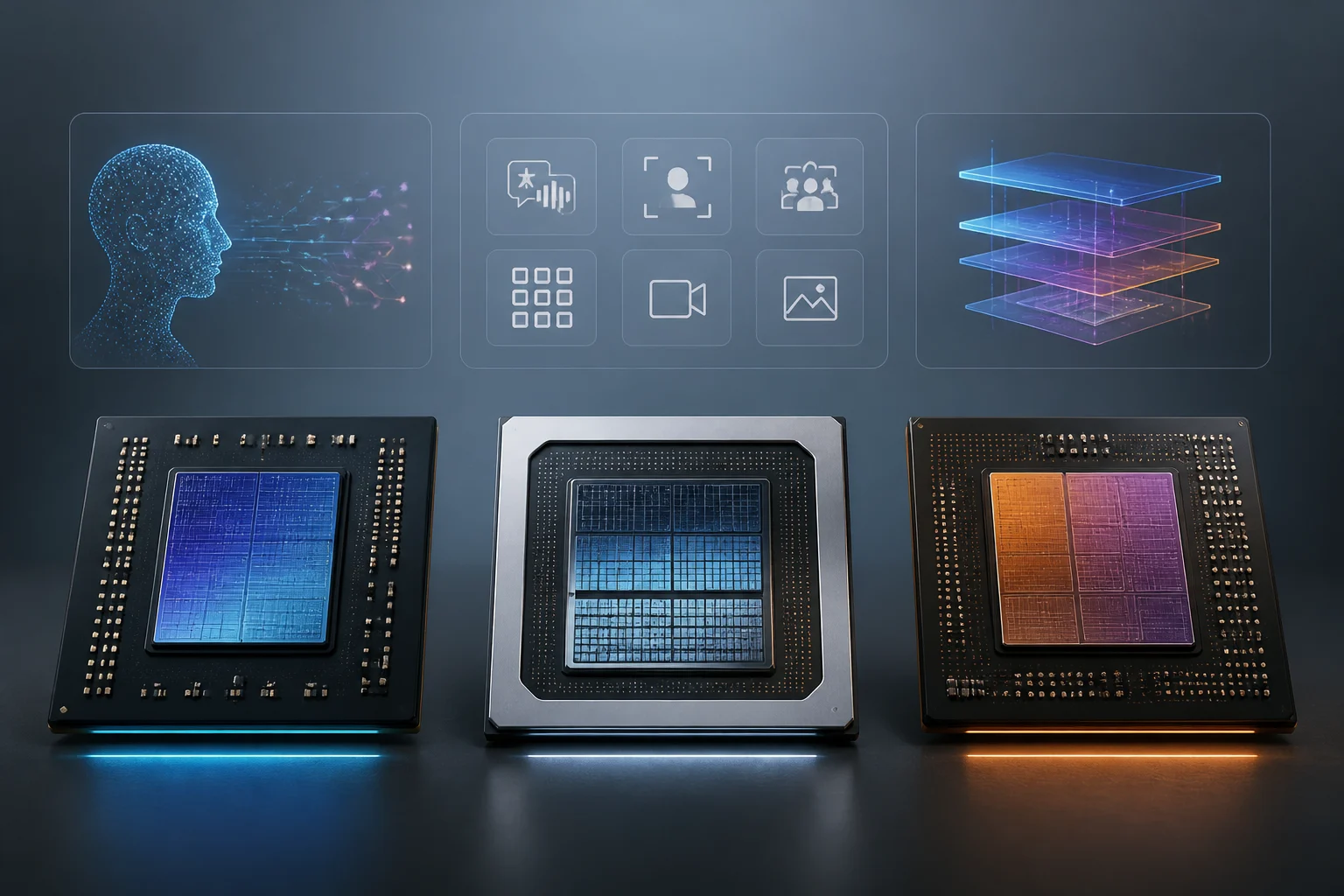
An NPU — Neural Processing Unit — is an accelerator specialized in common neural network operations. In a laptop, it can handle compatible voice, image, or inference tasks while the CPU and GPU manage other work. Its utility depends on the program being able to use it and on the model and its operations being supported.
Technical specifications often highlight the TOPS value, which is the theoretical maximum performance expressed in trillions of operations per second. This is a useful data point for describing compute capacity under specific conditions, but it does not equal tokens per second nor does it inform by itself about the size of the model that fits in the device. Numerical precision, bandwidth, and available memory are also important.
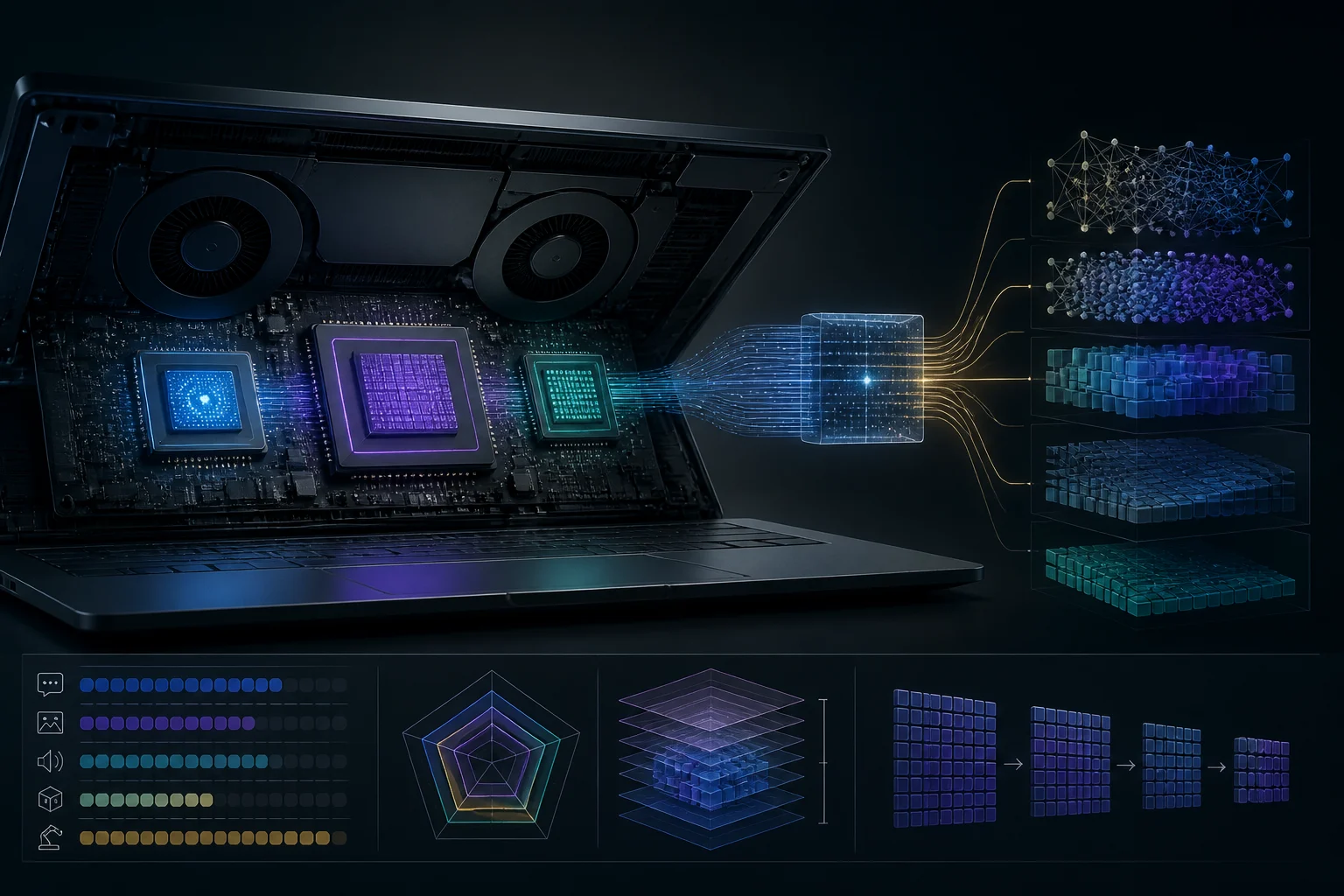
Practical comparison is not simply 'more TOPS, better laptop.' A single computer combines CPU, GPU, and NPU, but applications do not automatically distribute all workloads among the three blocks. The compatibility of the runtime, drivers, and specific model operations can decide whether the specialized accelerator participates or if the work falls back to the CPU or GPU.
What Snapdragon X Elite, Intel, and AMD Figures Show
The platforms compared here belong to different generations and families; they should not be treated as equivalent products or as a ranking of complete laptops. Qualcomm publishes a Hexagon NPU of up to 45 TOPS for Snapdragon X Elite, while Intel Core Ultra Series 2, known as Lunar Lake, features an NPU of up to 48 TOPS in its corresponding configurations.
AMD Ryzen AI 300 incorporates the XDNA 2 architecture, and TechInsights technical coverage figures its NPU at 50 TOPS. This figure describes the announced capacity for the family and does not guarantee that every laptop delivers the same sustained performance: thermal design, memory, specific processor version, and software also influence the result.
| Platform or Family | Indicated NPU | What Can Be Concluded |
|---|---|---|
| Qualcomm Snapdragon X Elite | Up to 45 TOPS | Maximum capacity declared by Qualcomm for the platform |
| Intel Core Ultra Series 2 (Lunar Lake) | Up to 48 TOPS | NPU specification recorded for this generation |
| AMD Ryzen AI 300 | 50 TOPS | Data published for the series; implementation depends on the system |
These figures do not constitute a comparative test under the same load, precision, and configuration. They do not allow declaring a general winner nor deduce battery life, temperature, or text generation speed. To make a purchase decision, one must first identify the exact laptop model and check its memory, cooling, and software compatibility.
Memory and Model Size: The Often Overlooked Limit
Model parameters do not directly convert into a single amount of RAM. The required space depends, among other factors, on the precision or quantization of weights, the context being processed, temporary memory, and what the operating system and other applications consume. Therefore, saying a model 'fits' solely based on its parameter count can be misleading.
System memory can also be shared by CPU, GPU, and other components; moreover, each laptop offers a specific configuration that may not be expandable. Intel Lunar Lake integrates LPDDR5X memory in the processor package in 16 or 32 GB configurations according to specifications summarized by MirrorFrog. This information should not be generalized to all Core Ultra chips or all Intel laptops.
In Snapdragon X Elite, Qualcomm presents a platform with LPDDR5X memory support, but the final configuration and installed amount depend on the equipment manufacturer. In any purchase, check the RAM of the exact model, whether it is expandable, and how much space the system leaves available. If experimenting with local models is the goal, total capacity and free margin are usually more useful for evaluating viability than comparing only the NPU TOPS.
Software Compatibility Determines Which Accelerator Works
A laptop having an NPU does not mean any AI tool will use it. The program must have an execution path compatible with the hardware, operating system, and model. Qualcomm documentation describes Snapdragon X Elite as a Windows platform with AI capabilities; this description does not imply that every third-party inference program runs on Hexagon without changes or configuration.
In practice, one must distinguish between a Windows or application function that delegates a task to the NPU and a local model workflow that runs on CPU or GPU. Support can change with driver and runtime versions. Look for explicit compatibility with the laptop model and application, not just general references to 'AI' in the product sheet.
Architecture can also affect applications and peripherals. Snapdragon X Elite uses an Arm-based platform; for a specific program, it is important to check if a compatible native version exists or if it relies on translation, and if its drivers work in that Windows edition. The NPU does not resolve an application incompatibility by itself, nor does it ensure that a workload is distributed among accelerators.

What Decision a Technical Sheet Allows
A technical sheet does help discard some devices or confirm that a family incorporates the type of accelerator sought. However, it is not enough to reliably estimate how many tokens per second a model will produce, whether a specific task will run on the NPU, or how long the battery will last with that load. The specification is a filter, not a measurement of real experience.
If the priority is integrated system or compatible application functions, compare software support and program requirements along with the NPU. If the priority is running a specific local model, look for an independent test of that model and configuration, with size, quantization, context, and accelerator identified. Performance figures provided by the manufacturer should be read as manufacturer statements, not universal results.
Before paying a premium for an 'AI PC' label, it is advisable to confirm:
- The exact processor and laptop variant, not just the commercial family.
- The amount of installed RAM, its expandability, and the space it leaves for the model.
- Which accelerator the software of interest actually uses: NPU, GPU, or CPU.
- Compatibility with the required operating system, model, and runtime.
- If available performance tests correspond to the same type of load and a comparable configuration.
Conclusion: Compare Complete Systems, Not Just TOPS
Snapdragon X Elite, Intel Core Ultra Series 2, and AMD Ryzen AI 300 allow comparing declared NPU capabilities: 45, up to 48, and 50 TOPS, respectively, according to cited references. The numerical difference does not resolve the purchase by itself. It does not indicate which laptop will run a specific application better or how much memory will remain free for a local model.
For productivity with compatible AI functions, software integration and device support may weigh more than a small difference between maximum figures. For local inference, one must look at the complete configuration: memory, application, acceleration compatibility, and tests of the target model. Battery life and cost cannot be deduced from TOPS either: they depend on the specific laptop and its market price.
The useful rule is simple: choose the device based on the workload you will actually run. Treat TOPS as a partial specification, confirm the memory of the exact model, and seek reproducible results for the software you will use. This avoids confusing an accelerator present in the chip with a guarantee that any local AI will run fast or efficiently.