Technical Definition of Copilot+ PC and Hardware Requirements
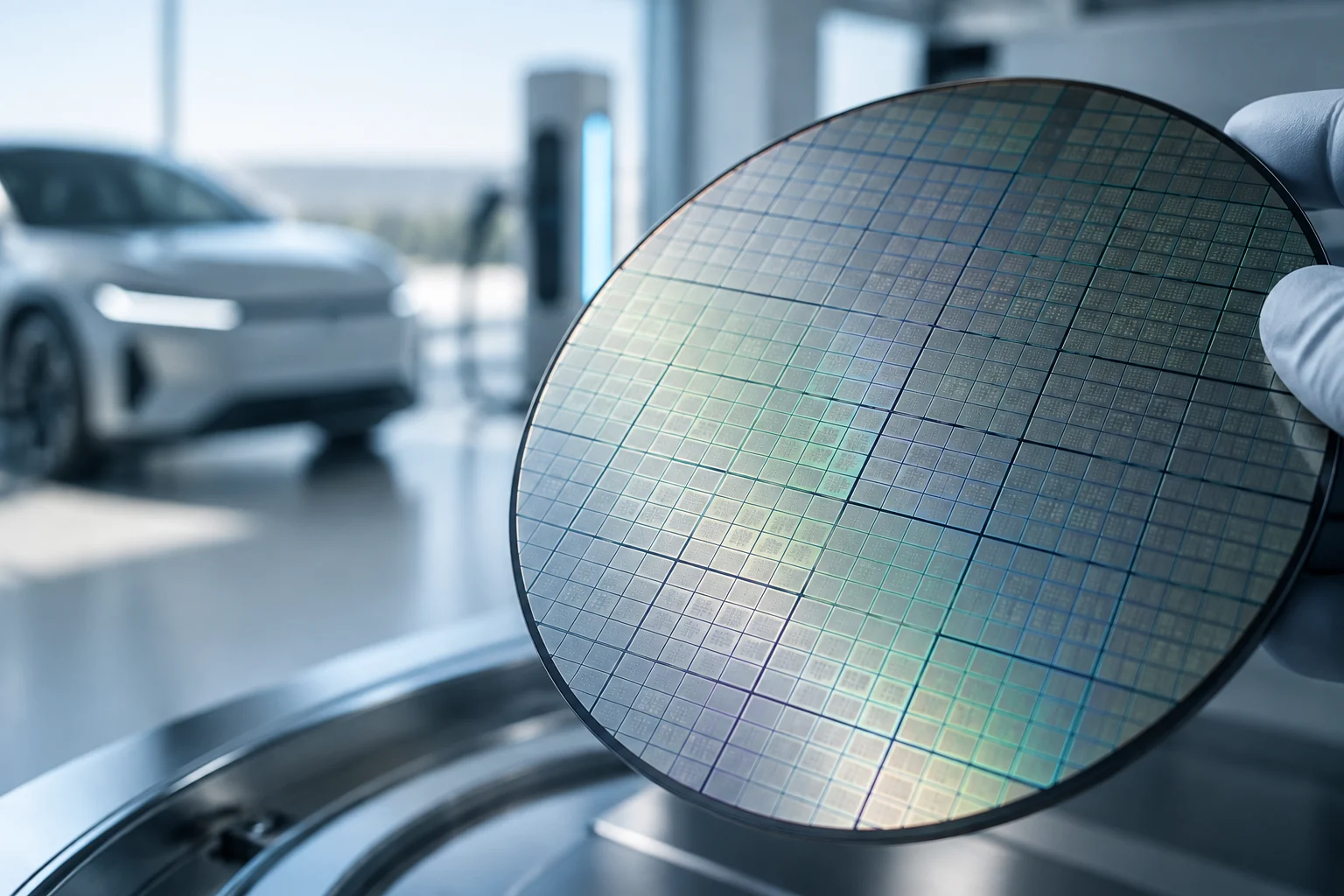
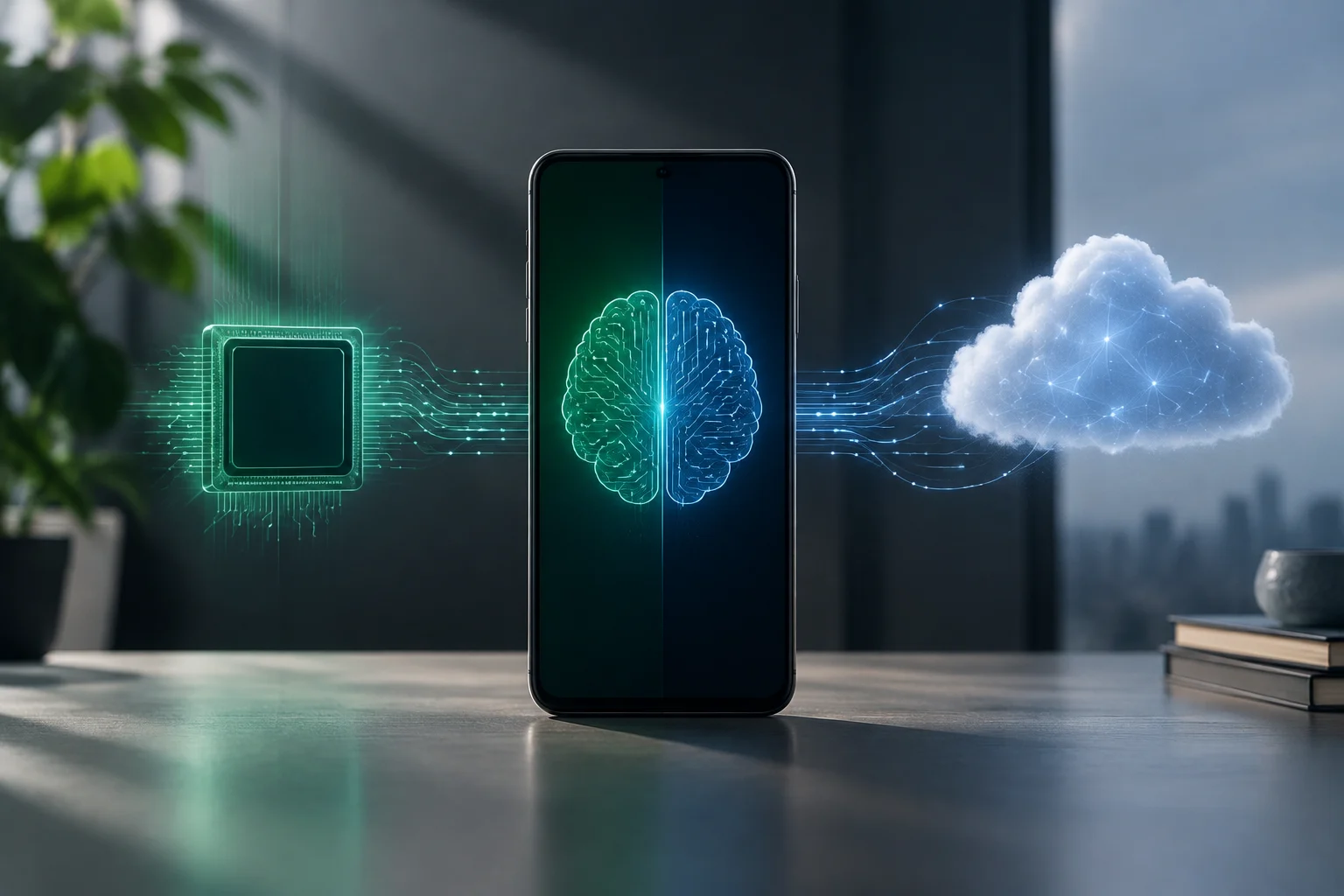
The term Copilot+ PC does not designate a software subscription or a specific version of Windows, but rather a hardware certification granted by Microsoft to devices that meet a minimum threshold of neural processing capability. This distinction allows separating standard equipment from those designed to run local artificial intelligence functions. The defining component is the NPU (Neural Processing Unit), a dedicated circuit that operates independently of the CPU and GPU to execute AI workloads on the device itself, without relying on cloud connectivity.
According to Microsoft's official documentation, the essential difference between a standard Windows 11 PC and a Copilot+ PC lies in the NPU's power. While conventional laptops usually incorporate units with lower capabilities, the certification requires an NPU capable of performing more than 40 trillion operations per second (TOPS). The requirement is not just a performance figure: it establishes the neural processing capacity that Microsoft demands for this category of equipment.
This threshold enables features like Recall, Cocreator, and Windows Studio Effects, which require intensive and continuous processing on the device itself. By being performed locally, the processing of these functions does not depend on sending the load to the cloud, a relevant characteristic to understand what distinguishes the category. The certification, therefore, combines a quantifiable hardware criterion with the possibility of executing those AI experiences.
Specification Comparison: NPU, CPU, and GPU
In the market for laptops with local AI, three main architectures are Qualcomm's ARM platform, Intel's x86 architecture, and AMD's x86 solution. Each addresses the balance between performance and efficiency differently. The differences are reflected both in the NPU specifications and in the integration of memory and other components.
When comparing these devices, it is advisable to distinguish the NPU's work from that performed by the CPU and GPU. The platforms integrate these components in different ways, so the neural capacity figure does not by itself describe the entire behavior of the laptop. It also matters how the system is organized and what design priorities each manufacturer pursues.
Qualcomm's Snapdragon X Elite platform stands out for its focus on efficiency and for integrating the NPU in an ARM64 architecture. Intel, for its part, introduced the Core Ultra 200V (Lunar Lake) series, which represents a shift towards a SoC (System on a Chip) design: CPU, GPU, NPU, and memory are integrated into a single silicon with the aim of reducing energy consumption. AMD competes with its Ryzen AI 300 line, which incorporates a high-performance NPU in a traditional x86 architecture and facilitates compatibility with legacy software.
These differences offer manufacturers several ways to design laptops for different usage profiles. The integration of Lunar Lake, for example, is presented as a decision aimed at reducing consumption; Snapdragon's ARM approach stands out for its efficiency, while AMD's x86 base facilitates the use of existing software. The comparison should be read as a set of architectural priorities, not as a single classification that describes all needs.
Energy Efficiency and Real Battery Life
Battery life is a particularly important factor for professionals who rely on mobility. The chip's architecture influences how long the battery lasts, but it is not the only element: energy efficiency also depends on the battery capacity, measured in Wh, and on how the operating system and processor manage consumption. Therefore, battery life figures are related to the complete system and usage conditions.
An efficient design can help maintain performance without draining the charge so quickly, although the specific experience depends on the laptop and its use. Battery capacity and energy management are part of the evaluation along with the processor. For those who work far from a power outlet, that combination can be as relevant as the maximum specifications of the CPU, GPU, or NPU.
Laptops based on Snapdragon X Elite usually offer the highest battery life figures and often exceed 20 hours of mixed use. This advantage is attributed to the inherent efficiency of ARM and the Always Connected PC features, which allow instant-on and native 5G connectivity. The reference to more than 20 hours describes a common trend, not an identical guarantee for all models or usage scenarios.
Intel has substantially improved efficiency with Lunar Lake compared to previous generations, in response to criticism received by the first Core Ultra series. Nevertheless, in prolonged usage scenarios, battery life remains lower than that of ARM solutions. In the case of AMD, the Ryzen AI 300 line is positioned in a comparison where performance in intensive computing tasks also counts; the choice requires weighing those priorities against battery life.
Software Ecosystem and Compatibility
The choice of processor directly affects software compatibility. In Qualcomm's ARM architecture, applications must be natively compiled for ARM64 or run via emulation. The latter option can introduce latencies or incompatibilities, particularly with legacy enterprise tools, VPN clients, and old ERP systems.
This is the main point of friction for organizations that rely on a consolidated x86 ecosystem. If a critical application does not have an adequate ARM64 version, emulation may be necessary and its operation should not be taken for granted. Therefore, the architecture change requires reviewing the specific tools used by each work team before deploying new devices.
Intel and AMD platforms, based on x86, offer native compatibility with the vast majority of current enterprise software. This can simplify deployment and device management through tools like Microsoft Endpoint Manager. For organizations already working with x86 applications, maintaining that architecture can reduce the compatibility checks that a transition would require.
ARM's advantage in energy efficiency must be weighed against the availability of native versions of the essential applications for each workflow. The transition to ARM64 is progressive, but it is still necessary to audit the technology park: checking the programs, clients, and systems on which each user depends allows identifying possible limitations before choosing a platform.
Long-Term Value and Update Support
When evaluating the purchase of a laptop in 2026, the device's lifecycle and the security update support promised by the manufacturer also matter. The longevity of a Copilot+ PC does not depend solely on its initial performance. Driver stability and the platform's ability to receive security updates for several years also count.
Consistent support contributes to the device maintaining its security and functionality over time. Therefore, when comparing models, it is not enough to review the processor or NPU specifications: it is important to consider the update conditions and the availability of specific drivers for the platform. These are aspects distinct from initial performance, but they form part of the experience during the device's useful life.
Investing in a device with an NPU of 40 TOPS or higher allows running current local AI functions and those available for that category without necessarily relying on a migration to the cloud, which can reduce long-term operational costs. The certification establishes the hardware threshold; it does not, by itself, eliminate the need to review the support and compatibility of the chosen laptop.
Users must take into account the differences in Windows 11 update support and the availability of drivers for each platform. The ecosystem maturity remains decisive for the medium-term experience, along with software stability. Consequently, purchase planning must consider the support cycle and possible technological obsolescence, in addition to the initial AI capabilities.