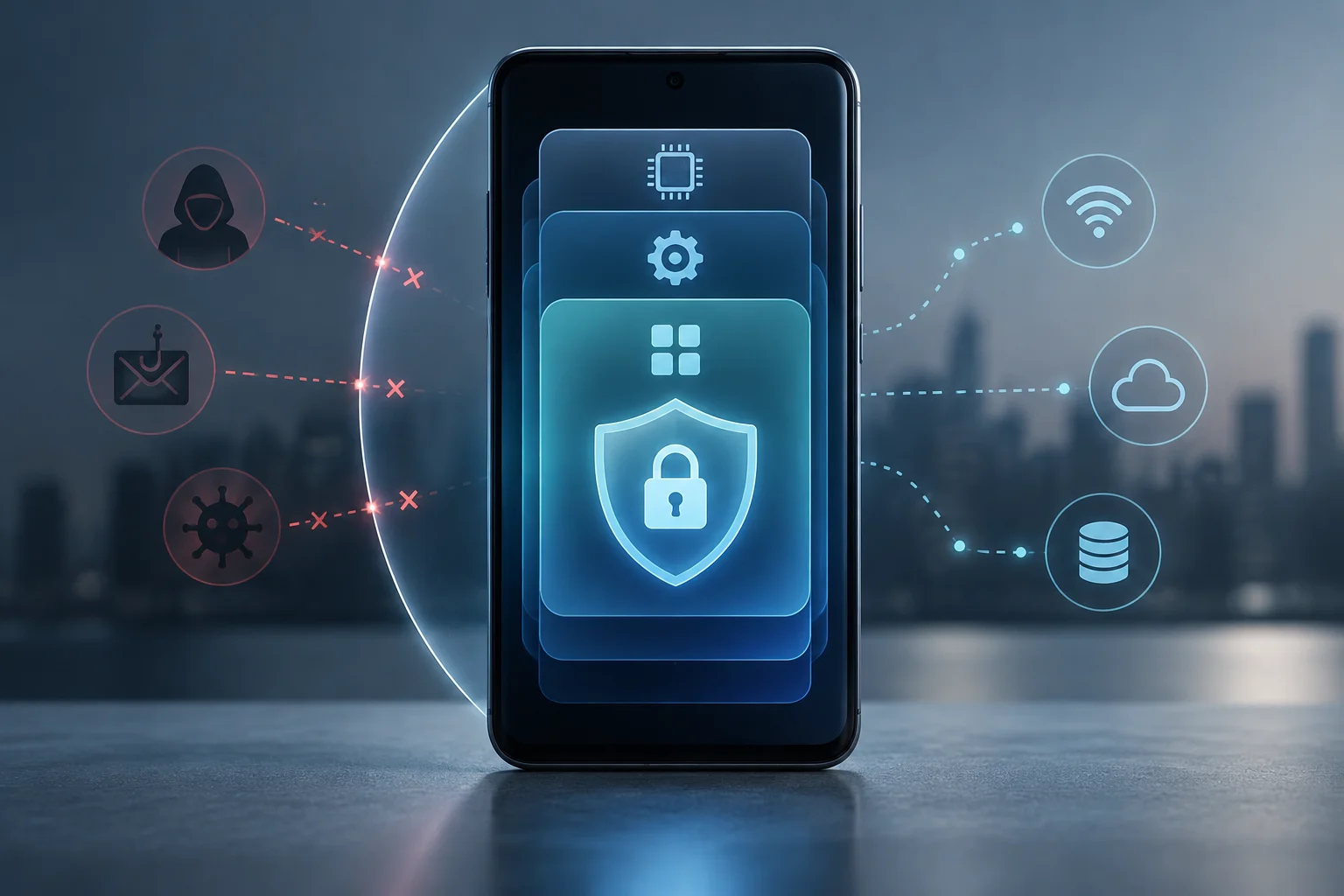
What Mobile Security Means
Mobile security encompasses security features of hardware, the system, applications, and mobile device services. Apple, for instance, documents encryption and security measures for its devices and applications.
Apple's documentation describes several security measures in its devices: encryption protects user data, apps run in isolated processes, and there are controls for their access to data. Google, on the other hand, distinguishes Play Protect certification from the Google Play Protect service, which protects against harmful applications.
Security measures serve different functions. Apple documents encryption to protect user data and process isolation for applications. Google explains that Play Protect certification is independent of Google Play Protect, which protects devices against harmful applications.
The Layers That Support Protection
Hardware, System, and Applications
The hardware layer provides functions that the operating system can use to protect keys, biometric data, or the boot process. In Apple devices, Apple describes the Secure Enclave as a security component integrated into specific chips and links its architecture to data protection and authentication. The name should not be treated as a universal component of all mobile phones: implementations depend on the platform and model.
Apple describes the sandbox as process isolation: unauthorized applications cannot access user data. It also documents additional controls for apps' access to that data.
Network and Data Management
Apple documents compatibility with standard VPN and Wi-Fi connection protocols that protect network traffic. The documentation also describes data encryption and methods to remotely wipe the device in case of loss or theft.
Apple documents encryption features to protect user data and methods to remotely wipe the device in case of loss or theft.
What Android and iOS Offer
Android and iOS integrate several defenses, but their names and configuration change depending on the version, manufacturer, and model. Therefore, a feature announced for one platform does not imply it is available on all phones or that it operates the same in each generation.
Google distinguishes Play Protect certification from Google Play Protect, which protects devices against harmful applications. Certified devices passed Android compatibility tests; uncertified devices may not receive system or application updates, and some features may not run correctly.
Google Play Protect protects devices against harmful applications. Google recommends searching for and installing the latest Android system updates, which usually solve device issues.
Apple documents protections at several levels: secure boot, encryption, and controls over applications and their access to data. On iPhone and iPad, apps run isolated and the system applies permissions; the hardware architecture includes Secure Enclave in compatible devices. These measures reduce attack opportunities, but they do not make iOS immune to phishing pages, message scams, or unknown vulnerabilities.
| Area | Android | iOS and iPadOS |
|---|---|---|
| Application Verification | Google Play Protect protects against harmful apps; device certification is a separate process. | Apple describes security controls for apps and process isolation. |
| Hardware Protection | Hardware security functions depend on the device. | Apple describes Secure Enclave in compatible devices, as a basis for protecting data and keys. |
| Encryption and System | Play Protect certification verifies Android compatibility; it is not the harmful app scanning of Google Play Protect. | Apple documents encryption, data protection, and secure boot. |
| Device Loss | Google indicates that uncertified devices may not be secure or may not receive certain updates; certification does not equal a location or remote wipe feature. | Apple documents remote wiping of devices in case of loss or theft. |
The table gathers distinct functions of Android and Apple systems; it does not establish a security classification.
Common Threats and What Each Layer Can Mitigate
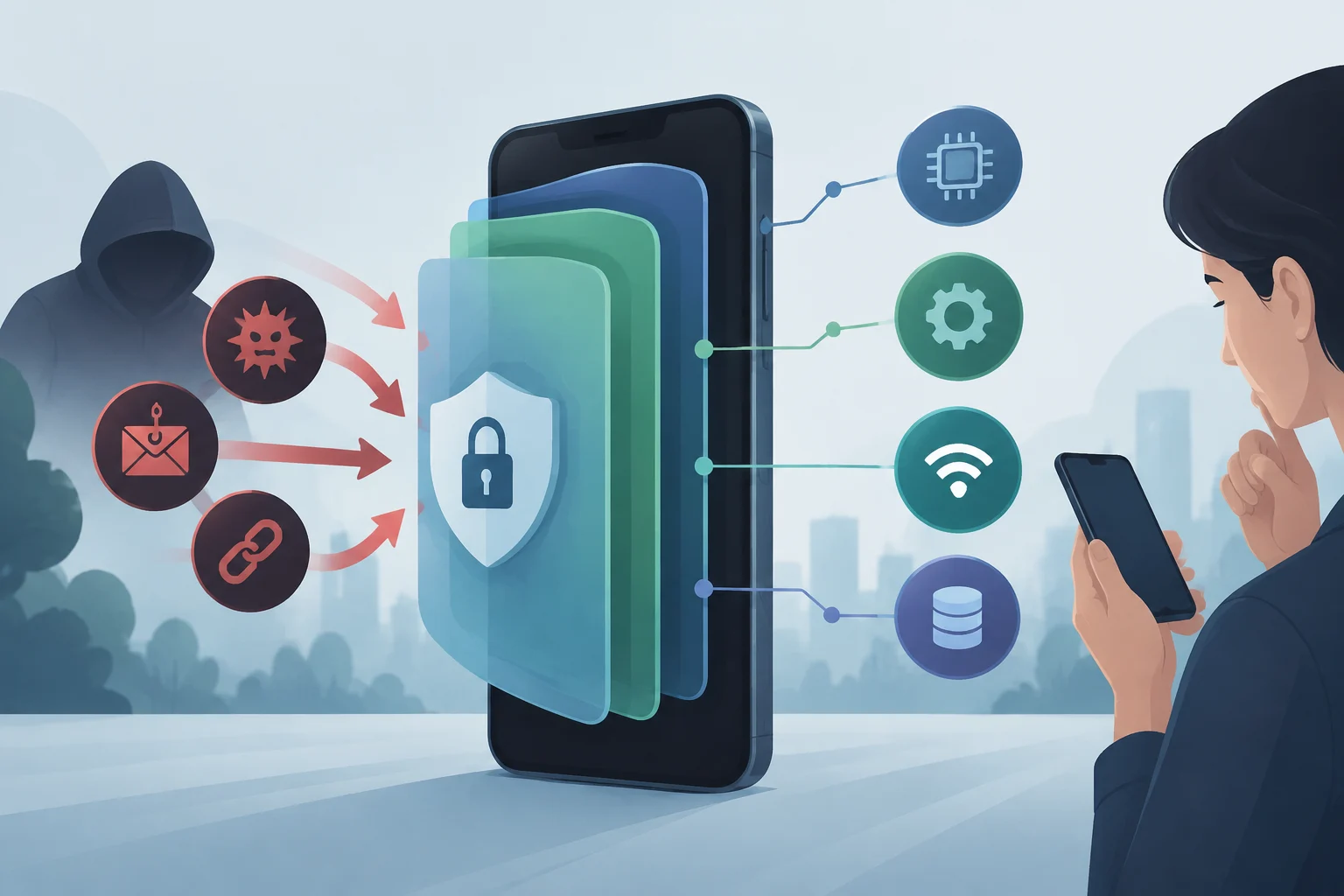
Malware is malicious software that can be used for various purposes. Among mobile threats is also phishing: messages that impersonate an entity or person to induce sharing information or opening deceptive links. Device defenses do not replace attention to unexpected requests.
Phishing and social engineering target the person's decisions, not necessarily a phone failure. A message may impersonate a bank or a delivery service to obtain credentials, codes, or a payment. Smishing is phishing distributed via SMS; it can also arrive by email, messaging, or social networks. Operating system encryption does not by itself identify the intent of the message sender.
Apple documents encryption functions to protect user data and allow remote wiping of lost or stolen devices. Remote wiping is a data protection function; it does not by itself recover files from the device.
Phishing can arrive via text messages, email, or messaging applications. Verify who sends the request before sharing information or following a link: messages may impersonate a trusted organization or person.
Limits and Differences to Understand
Technical protections have different scopes. Apple describes encryption to protect data, process isolation of apps, and controls intended to prevent applications from containing known harmful software. None of these functions alone identifies whether a received message is a legitimate request.
Play Protect certification checks device compatibility with Android and is distinct from the harmful application analysis performed by Google Play Protect. Google warns that uncertified devices may not be secure and may not receive system or application updates.
Google points out that an unlocked bootloader or a modified Android system are common reasons why a device may not pass Play Protect certification verifications. Check the certification status of the device in Google Play if you need to know that status.
Apple documents encryption functions that allow remote wiping of a device in case of loss or theft. Remote wiping protects data by its elimination from the device; it is not a function to restore files.
Practical Measures for Daily Use
To review phone security, check what options your model offers and how they are configured. Google recommends searching for and installing the latest system updates; on Apple devices, software updates are part of the platform's security measures.
- Search for and install system updates offered by your device.
- If you receive an urgent message with a link, avoid responding or sharing information without verifying who sent it: urgency can be used to influence decisions.
- If a delivery notice asks you to pay via a link, search for the service separately and verify the request before acting.
- Google indicates that an uncertified Android device may not receive updates and that the backup may not be protected.
Social engineering can use messages that impersonate an institution or service to obtain information, money, or access. Urgency is a signal to stop and verify the request before sharing data or making a payment.
Google recommends searching for and installing the latest system updates, and Apple documents software updates as part of its platform security. Deceptive messages require separate verification: social engineering seeks to influence people's decisions.