What Is a Security Patch
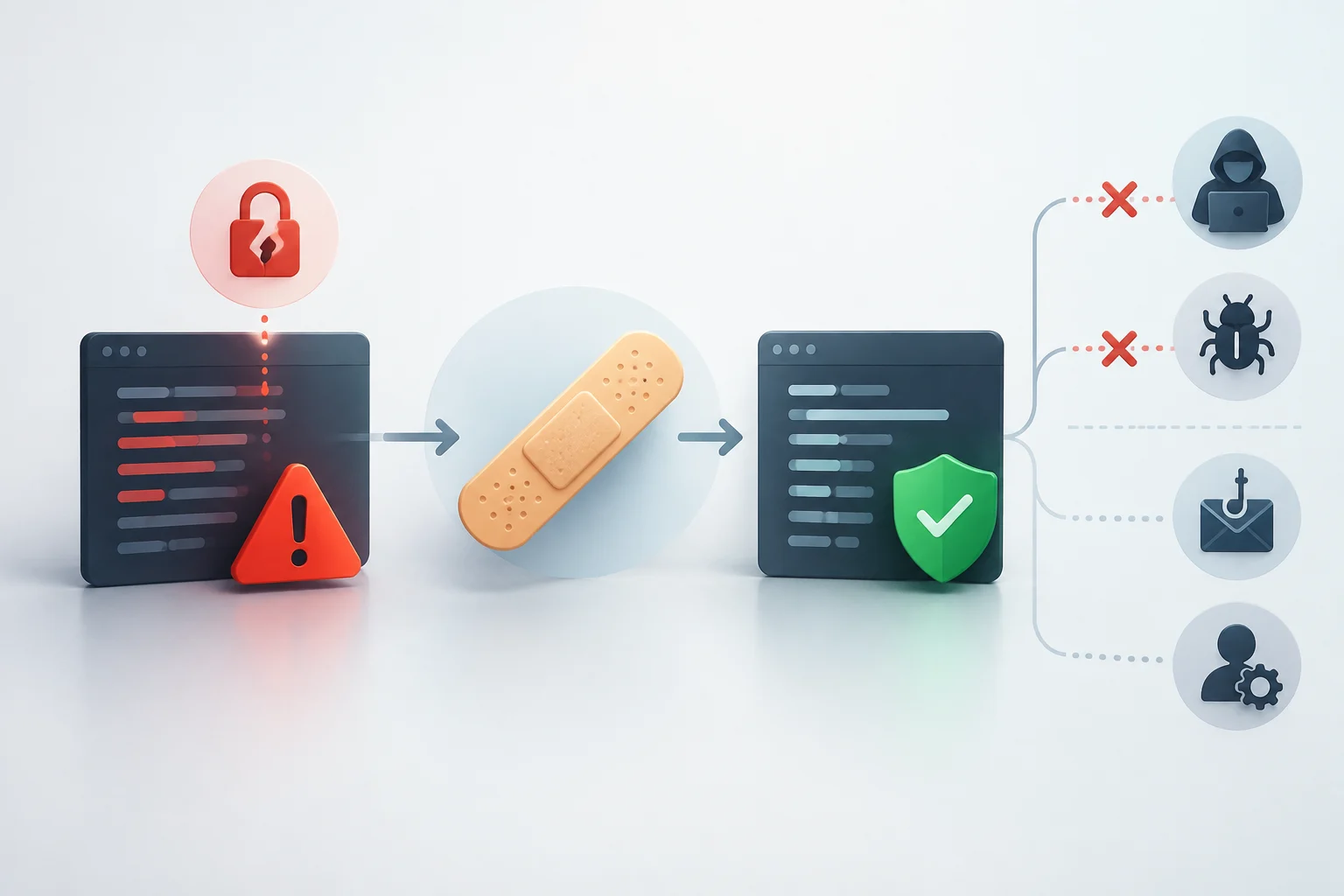
A security patch is a software modification designed to fix one or more vulnerabilities: flaws that can compromise the security of a program or product. It can apply to an operating system, an application, a library used by other programs, or a device's firmware. Its purpose is to correct the affected software, not to provide a general defense against any problem.
The word patch suggests a localized fix, but it does not imply that the change is always small or distributed as a standalone file. The provider may publish it as a specific update, incorporate it into a cumulative package, or include it in a new version. To understand what it does, its purpose and the target software matter more than the package name alone.
A vulnerability may exist before anyone detects or exploits it. When the provider prepares a fix, the patch can reduce the risk associated with that flaw once installed on an affected version. If the product has reached end of support, however, there may be no official fix for a subsequent vulnerability.
From Flaw to Installed Fix
The process begins when a flaw is identified and the affected software is determined. The provider prepares a change and distributes the solution via an update or a new version. The patch targets specific software and versions; one should not assume that a fix for one edition applies to another just because they share a brand or name.
The fix may arrive through the program's built-in update mechanism, an app store, or a package downloaded from the provider's site. Some products allow automatic updates; others require user or administrator intervention. CISA advises obtaining updates from trusted sites and avoiding unexpected links that promise an update.
In an organization, installing changes on many devices requires coordination. Cyberzaintza recommends maintaining an inventory of devices and applications, reviewing vulnerabilities, assessing risk, and testing the patch before general deployment. A test on a limited group can help detect unintended effects before extending the rollout.
After installation, it is necessary to verify that the change applied to the intended assets and to re-evaluate them. Cyberzaintza includes this post-installation review as part of an update plan. On a personal device, it is practical to check the system's update status and follow the provider's instructions, such as restarting when the process requires it.
Patch, Security Update, and Feature Update
The three terms are related, though they do not always designate exclusive categories. Security patch usually describes a fix directed at a vulnerability; security update may refer to the package delivering one or more such fixes. The specific use of these labels depends on the provider, so it is advisable to read what the update includes and which versions it applies to.
A feature update aims to add or change product capabilities. However, a feature package may also incorporate security or bug fixes. Similarly, a security fix may be distributed within a broader update, not necessarily as a separate file.
| Term | Typical Purpose | Scope to Verify |
|---|---|---|
| Security patch | Fix one or more vulnerabilities | Affected software and versions |
| Security update | Distribute security fixes | Included fixes and corresponding versions |
| Feature update | Add or modify capabilities | Functional changes and other included fixes |
The table summarizes common uses, not a universal classification. A provider may combine several types of changes in the same download; for a specific update, its description is more informative than the isolated name.
Examples in Systems, Applications, and Libraries
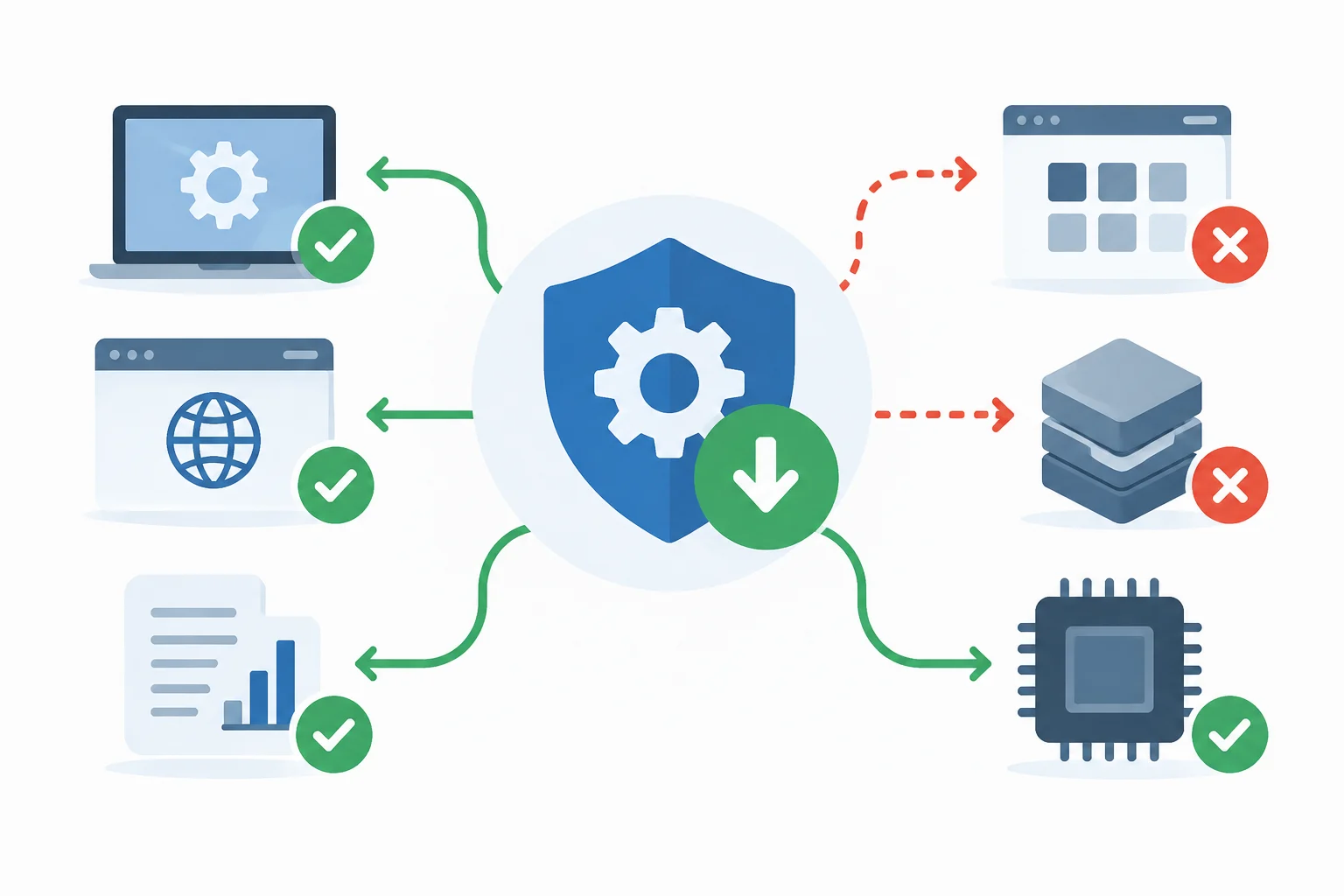
Patches can affect operating systems, browsers, office applications, custom software, third-party libraries, and firmware. Cyberzaintza highlights that keeping them updated is part of system and component care. Therefore, updating the operating system does not necessarily fix a flaw in another application or a library used by it.
A documented example is Microsoft's MS17-010 bulletin, published on March 14, 2017. The update addressed Windows vulnerabilities related to SMBv1; Microsoft indicated that the fix modified how the protocol processed certain requests. The most severe vulnerability could allow remote code execution on affected systems. The case illustrates the specific scope of a patch: resolving identified problems in the designated software.
In software development, NuGet offers an API to query information about known package vulnerabilities. Its data may include severity, a web address with more information, and vulnerable version ranges. The documentation presents this information as a resource that the NuGet client can download and use in scenarios such as package verification during restoration.
On a mobile device, a notice may refer to the operating system or an application; on a computer, to a browser, a system component, or an installed program; on a network device, to firmware. Identifying the affected software helps interpret the update better and avoids thinking that a single patch covers all device components.
What a Patch Does Not Guarantee
A patch addresses the vulnerabilities it seeks to fix; it does not imply that other product problems are also resolved. Updates may include additional changes, but their content depends on each case. Therefore, the fix has a defined scope: knowing which vulnerability and which versions it covers helps understand which risk is reduced.
Installation may have operational effects. IBM describes patch management as a balance between security needs and operational needs, explaining that organizations prioritize, test, and deploy changes considering possible interruptions. In a company, this process allows planning the rollout; on a personal device, it is advisable to follow the provider's instructions and use its official update mechanism.
A vulnerability may also appear for which no patch yet exists, or a product may not be included in the published fix. Cyberzaintza and IBM guides recommend reviewing affected assets and versions, and verifying the installation result. An installed update does not by itself prove that it has resolved any other flaw on the same device.
Support, Priorities, and Practical Decisions
Patch availability depends on product support. When the provider stops maintaining a program, it may stop issuing updates; continuing to use unsupported software exposes the system to vulnerabilities and can cause compatibility or performance issues. CISA recommends retiring products that have reached end of life.
For personal use, CISA advises enabling automatic updates when available, using trusted sites, and avoiding unsupported software. If a product no longer receives updates, the agency's recommendation is to retire it. It is worth noting that specific transition guidelines depend on the product and the alternatives its provider offers.
In an organization, orderly management involves inventorying devices and applications, knowing their support cycle, prioritizing vulnerabilities, and reviewing deployment results. Not all patches have the same urgency: IBM notes that teams can prioritize critical fixes and consider operational effects. The practical decision is to address relevant changes without losing sight of affected systems or installation status.
The central idea is simple: a patch fixes a specific weakness, in a particular product and versions. Keeping software updated helps receive the fixes the provider publishes, but it does not replace current support or turn a single installation into complete protection against any threat.