Modeling begins with asking a question
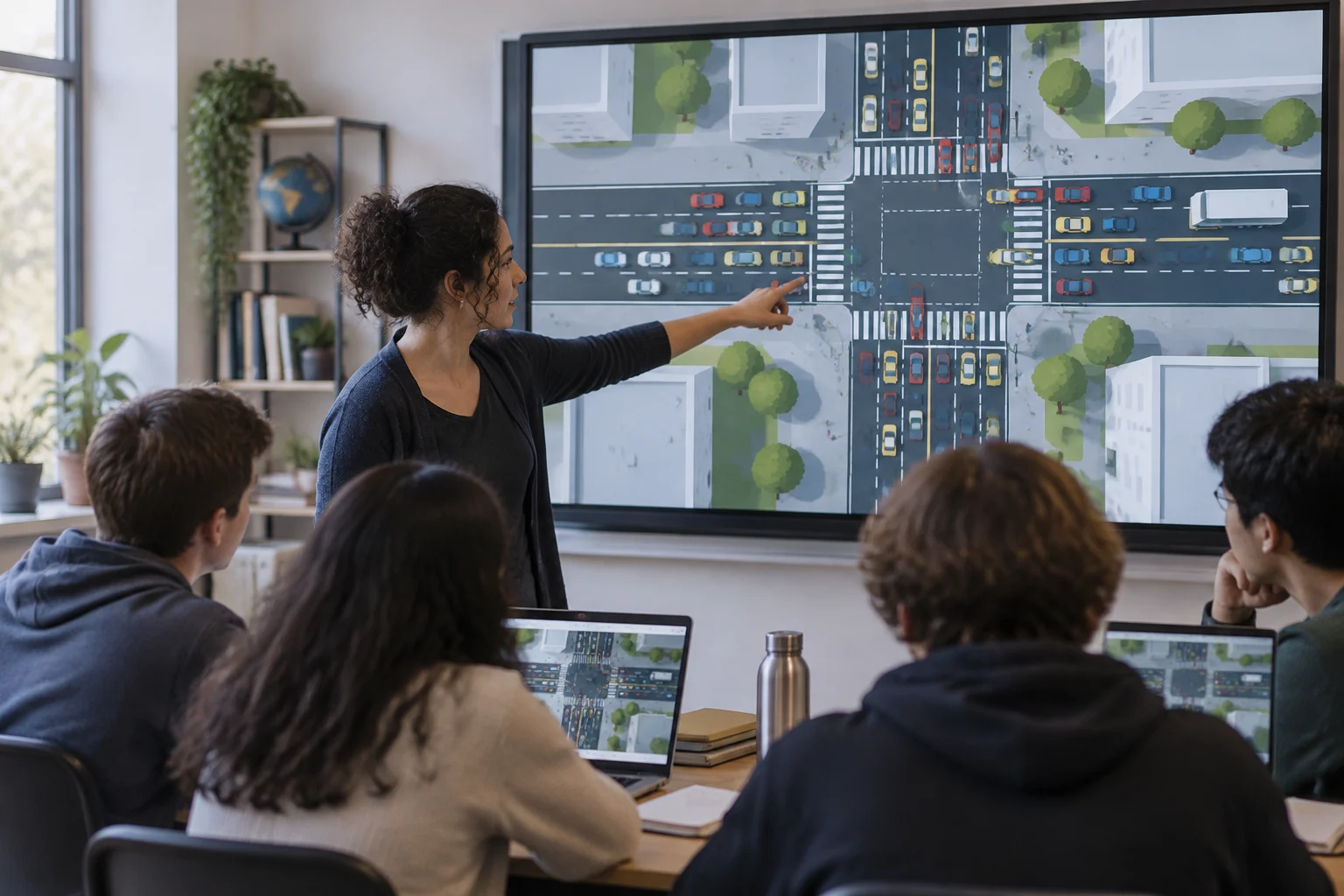
A computational model can represent a phenomenon through rules that let learners explore how its components interact. In NetLogo’s traffic model, for example, vehicles follow acceleration and deceleration rules that can be investigated in the simulation.
Classroom activities can take different forms: exploring a ready-made simulation, changing its parameters, or working with programming and data. The resources in this guide offer different ways to approach these tasks, from interacting with a model to learning programming tools.
The learning goal helps determine which resource to choose. To observe interactions among vehicles, learners can explore NetLogo’s traffic model; to learn programming tools, Software Carpentry offers lessons on the Unix shell, Git, and Python or R. The choice depends on the task at hand.
Three resources with different purposes
PhET offers interactive science and mathematics simulations. Its Calculus Grapher resource focuses on derivatives and integrals and is part of its collection of math simulations. It can be considered in light of the specific goal of an activity.
In NetLogo’s “Traffic Basic Adaptive Individuals” model, each vehicle follows rules to accelerate or decelerate and can adapt its acceleration individually. Learners can change parameters such as the number of cars and observe indicators such as a selected vehicle’s speed and the average speed. This allows them to compare individual behavior with group-level measures in the model.
Software Carpentry teaches programming tools and computational workflows. Its three core topics are the Unix shell, version control with Git, and a programming language, Python or R. The lesson catalog includes materials in Spanish for some topics, including the shell, Git, and R for reproducible scientific analysis.
| Resource | Described focus | Suggested activity |
|---|---|---|
| PhET: Calculus Grapher | Calculus simulation | Explore the PhET resource |
| NetLogo: traffic model | Traffic model with adaptive vehicles | Change the number of cars and observe indicators |
| Software Carpentry | Unix shell, Git, and Python or R | Work through the lessons |
Choose according to level, equipment, and purpose
The activity can vary with the resource and the task. In NetLogo’s traffic model, learners can adjust parameters and observe indicators; Software Carpentry lessons cover the Unix shell, Git, and Python or R. Exploring a model and following programming lessons are different activities.
Before preparing a class, check the scope of the specific resource and the device that will be used. NetLogo’s traffic model can run in NetLogo Web or the desktop application. Access requirements matter: connectivity, browser support, installation permissions, and familiarity with files can determine what is practical in the classroom.
It is also useful to distinguish the scientific goal from the technical one. If the aim is to assess how learners interpret a mathematical relationship, avoid making software installation the main obstacle. If the goal is to learn programming, however, do not hide the code behind ready-made controls. For mixed-ability groups, a gradual sequence can begin with guided observation and move on to parameter changes, explanations, and, where appropriate, modifications to the model.
Proposed activity: exploring traffic flow
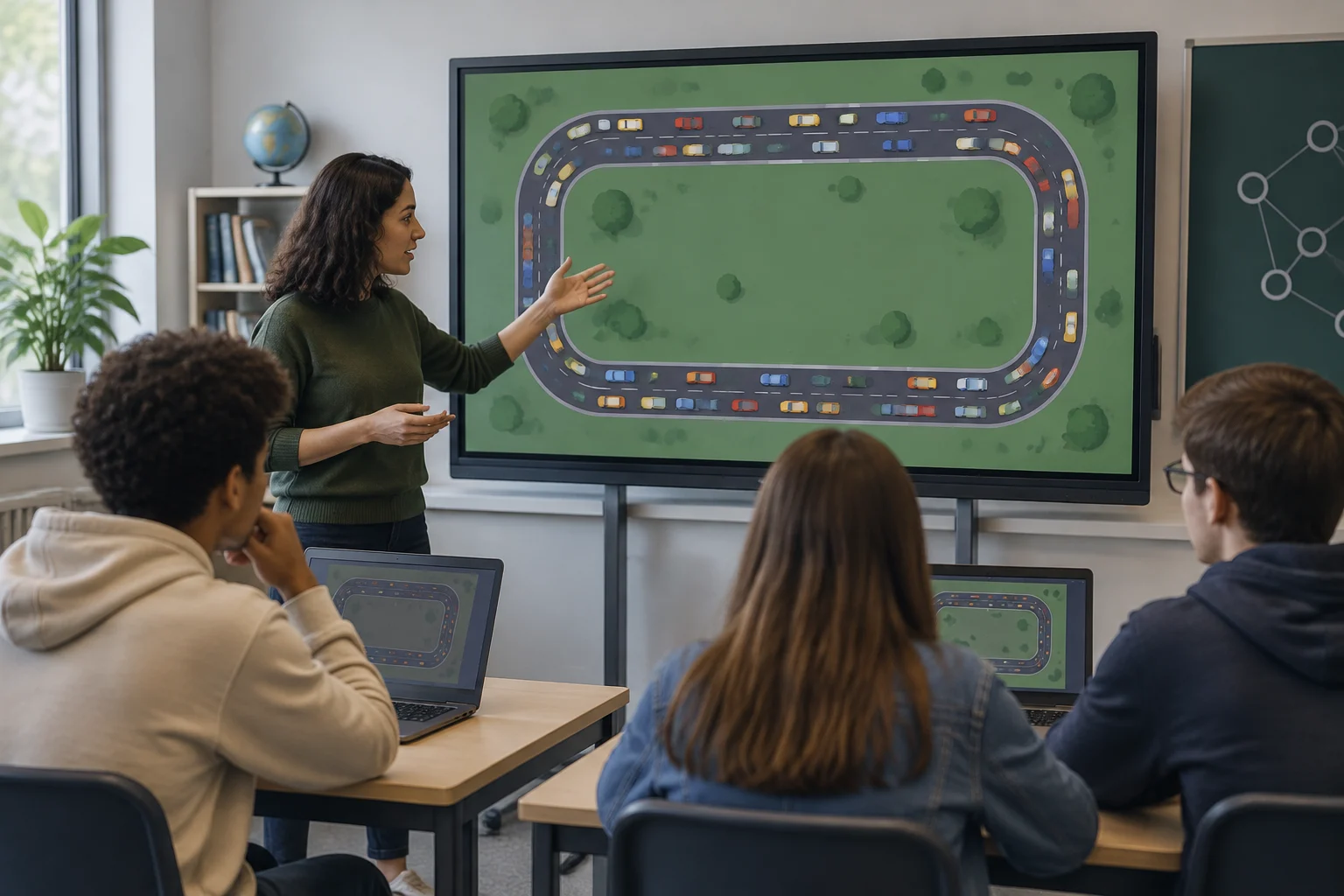
A short activity can begin with NetLogo’s “Traffic Basic Adaptive Individuals” model. The guiding question might be: How does group behavior change when the number of vehicles or the individual acceleration rule changes? The model represents cars traveling on a highway using simplified rules; the vehicles move around a continuous loop.
First, the group identifies the rules represented: each vehicle responds to the cars ahead and can adapt its acceleration. Then learners establish a baseline and change one variable at a time, such as the number of cars or the speed limit. Keeping the other controls constant helps clarify the comparison, though it does not remove the model’s limitations.
Next, each team records its observations and distinguishes the behavior of a particular vehicle from the aggregated measures provided by the simulation, such as average speed. To keep the activity from becoming mere animation-watching, students should propose an explanation and identify an assumption that could change it. The discussion can compare interpretations and separate observation, explanation, and prediction.
A simple worksheet can ask for four elements:
- The question and the variable being changed.
- The controls being held constant.
- The observed pattern and the measure used.
- One limitation of the model and a new question to investigate.
Access, licensing, and accessibility
NetLogo’s library lists a Creative Commons Attribution-NonCommercial-ShareAlike 3.0 license for the traffic model and notes that commercial licenses are available. Anyone reusing, adapting, or distributing the material should follow its terms; free access does not necessarily permit every use. Check the license for the software, model, images, and any third-party material separately.
Research on PhET accessibility has described initiatives such as audio descriptions and sonification, but a 2016 presentation does not guarantee that every current simulation includes those features or that every activity is accessible to every student. Accessibility must be checked for the specific simulation and the combination of browser, device, and assistive technologies available. When needed, offer alternative ways to participate and consult PhET’s accessibility resources before planning the session.
A translated Carpentries lesson is not necessarily available for every module in Spanish: the lesson catalog distinguishes English materials from selected Spanish lessons. A 2018 article about translation work records progress at that time; for classroom planning, check the currently published lesson and its contents rather than extrapolating from an older translation status.
A transparent, easy-to-review selection
To choose thoughtfully, note what learners should learn, what prior knowledge the activity requires, and what technical resources it needs. Then check whether the material lets them observe the variable of interest and offers an understandable way to interpret what it shows. The tool should serve the question, not become the default goal.
Also record the version or page used, language, access requirements, and relevant license. If an activity depends on a browser or internet connection, plan an alternative; if it requires software installation or code execution, test that beforehand. Documenting these details helps distinguish a reusable activity from an experience that depended on particular conditions.
The choice can be summarized as follows: PhET for exploring a ready-made math or science simulation; NetLogo for investigating the rules and interactions of an agent-based model; and Software Carpentry for learning programming and reproducible-workflow tools. They are not interchangeable, but they can complement one another in a sequence that moves from exploration to modeling and then to organizing a computational analysis.