An agent is more than a responsive assistant
The practical difference between a conversational assistant and an agent emerges when the task continues after the response. A generative system can prepare a summary or a draft; an agent can also consult tools, decide subsequent steps, and execute actions within granted permissions. The risk shifts from producing an incorrect response to modifying something real.
The label 'agent' does not guarantee a specific level of autonomy. Some functions only prepare results for review; others operate with connected applications, files, or services. It is advisable to evaluate the actions the system can perform, not the brand name or the promise of automation.
This also helps decide when not to use an agent. If a task is one-off, its steps are predictable, and receiving a draft is sufficient, a conventional generative tool may be simpler. An agent is more relevant when the workflow requires follow-up, multiple steps, or reacting to changes, but that utility depends on being able to limit its effects.
Start by mapping tools, data, and actions
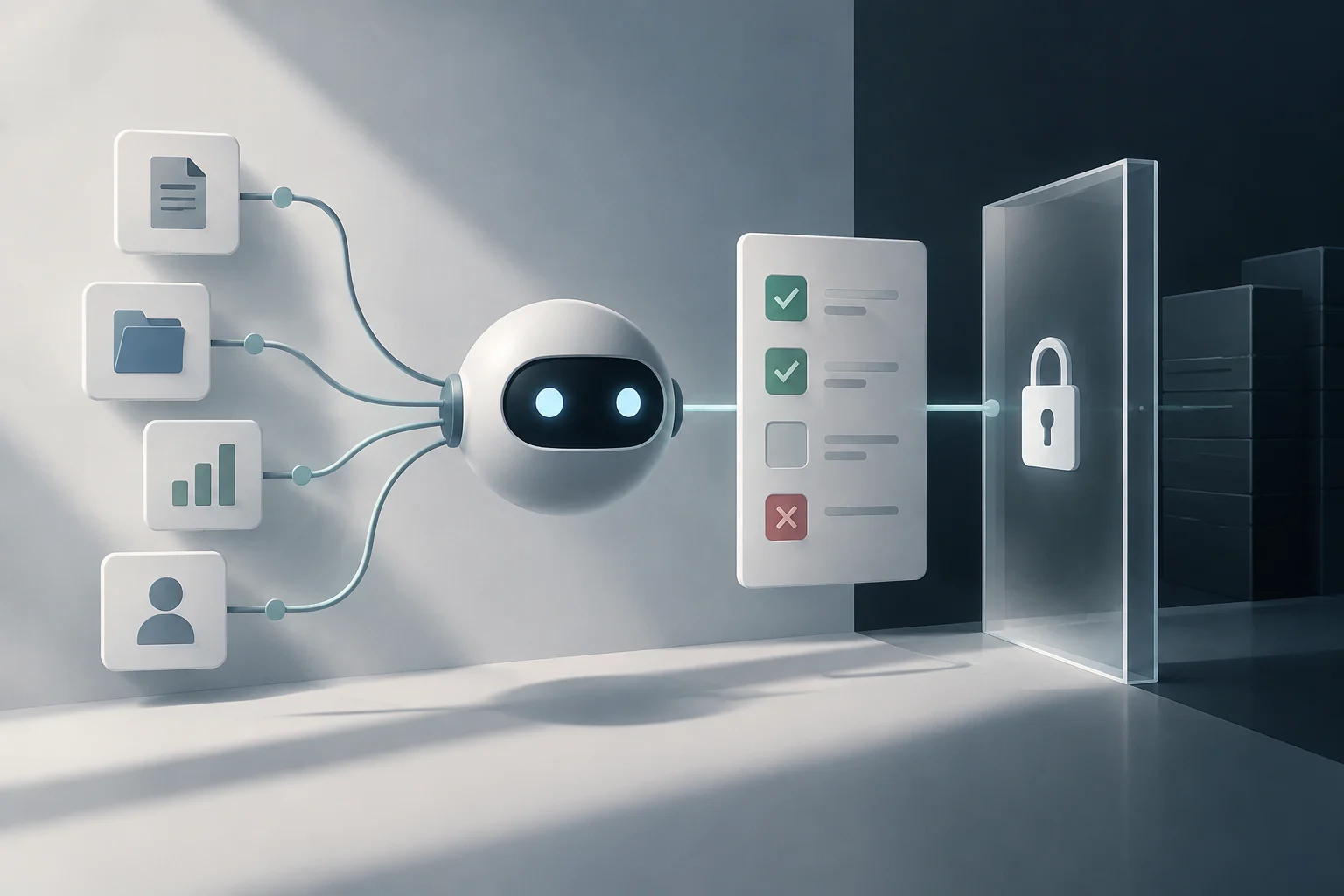
Before activating an integration, write down what the agent needs to read, what it can modify, and what result it must deliver. Listing applications is not enough: within the same service, there may be permissions for reading, editing, sending, or administration. Separate data access from the authorization to act.
Meta's help for Muse on Mac illustrates why this distinction matters. It describes macOS permissions to access the disk, automate applications, and display notifications; it also allows configuring local applications as disabled, read-only, or with interaction capability. To access certain files, the disk permission may cover a broad set, even if the requested task is specific. This breadth must be part of the evaluation, not hidden behind the convenience of the flow.
A useful initial review can be brief and specific:
- Data: identify folders, mailboxes, repositories, or projects the agent needs to consult.
- Actions: distinguish between reading, creating, editing, deleting, sending, publishing, and buying.
- Connections: remove integrations that do not intervene in the chosen flow.
- Ownership: confirm who can grant and revoke each permission.
Perplexity describes Teammates as agents that can connect to tools like Slack, GitHub, and Gmail and inherit the permissions associated with those tools and projects. For a GitHub repository, the guide cited in the coverage indicates that you can select which ones to grant access to. Granting access to a tool does not by itself define what task is safe: the scope of the connected space and the allowed operations also matter.
Define limits and human approval points
Divide the work into two groups: low-impact reversible actions and actions with external consequences or difficult to undo. Reading, classifying, and preparing a draft are usually good candidates to automate first; sending a message, changing permissions, publishing, or deleting merits stricter control. Approval must be situated before the consequence, not after receiving a summary.
Meta's help indicates that Muse requests confirmation before important actions, such as sending an email or making a purchase, and that deleted files go to the trash. This is a feature described for that product, not a general rule for all agents. In any tool, check which actions require confirmation and which can be executed directly; a supervision option does not necessarily equate to a technical barrier.
A simple policy can order autonomy by stages: first allow reading and proposals; then, reversible changes in a test environment; finally, external actions only with explicit approval. Do not raise permissions for convenience until verifying that the system stops when information is missing, detects unexpected results, and makes clear what it intends to do.
For each flow, record in writing three limits: what it can do without asking, what requires approval, and what is prohibited. Add who can approve and how to stop an execution. If the product does not allow expressing a limit technically, compensate by reducing access or keeping that stage under human intervention; a natural language instruction may not replace a system permission control.
Control the agent's context and memory
A persistent agent can reuse files, instructions, and previous results to continue a task. This continuity saves explanations, but it can also drag obsolete information or a wrong interpretation. Memory must have purpose and scope, just like access to a folder or an account.
Perplexity presents Teammates as agents that can rely on projects, files, skills, and Computer memory, and receive comments applicable to subsequent tasks. Before using such a function, decide what context needs to be maintained between executions, who can edit it, and how it is corrected. Do not save a temporary preference as a permanent instruction or turn an agent-generated result into a source of truth without review.
Muse can read information stored locally in Mac applications that the user authorizes. Meta's help indicates that the user can adjust access to those applications in the settings and remove it later. Review the context per application, not just the general permission: an agent that summarizes messages does not necessarily need permission to send messages or change notes.
To reduce drifts in prolonged tasks, delimit the objective and the validity date of the instructions. Ask the agent to point out data it cannot verify, to stop before contradictory instructions, and to differentiate facts from assumptions. If the flow changes, re-check files, permissions, and context: memory useful for one project may be inappropriate for another.

Supervise execution and maintain useful traceability
Supervision must allow answering specific questions: what information the agent consulted, what steps it attempted, what it changed, and what remained pending. A final summary is not always enough; to review an error, records associated with the task and a way to distinguish a proposal from an effectively performed action are needed. Traceability serves to detect and correct impacts, not just to explain the result.
Meta indicates that Muse can notify when a task ends, that important actions require confirmation, and that the user can revoke permissions from macOS settings. Perplexity, according to information about Teammates, allows reviewing work, taking control of the desktop, or modifying instructions while the agent is active. These are different controls: retrospective review, interruption during execution, and permission revocation are not interchangeable.
A review routine can focus on what changes the risk:
- Check changes in files, tickets, or repositories before incorporating them into shared work.
- Review messages and publications before they reach third parties.
- Confirm that incomplete tasks remain marked as pending, not as finished.
- Revoke connections that are no longer necessary and verify that the task has stopped.
Maintain a channel to report errors and keep the task instructions along with the result. If the agent does not offer sufficiently clear records, limit its use to reading or preparation tasks. Autonomy must correspond to the real capacity to audit and stop the system.
A gradual rollout reduces surprises
Start with a low-impact flow, a small set of data, and a single integration. Define in advance the expected result and a verifiable success criterion; for example, that the agent classifies items without deleting them or responding on its own. During the first executions, compare the result with a manual review and observe where it makes mistakes or needs clarifications.
After that test, expand only one dimension at a time: more data, a new tool, or an additional action. If several are added at once, it will be harder to identify which permission or stage caused a problem. Gradual expansion turns supervision into a decision based on the specific flow, not on a general trust in the product category.
Finally, incorporate costs and usage limits into the decision. The coverage of the Teammates launch describes a relationship with Perplexity Computer credits and explains that tasks can be paused when the necessary credits run out. This is a specific detail of that service; in other products, you must review their own quotas, resumption conditions, and additional spending options before scheduling continuous work.
The adoption criterion is operational: delegate only tasks whose data, permissions, approval points, memory, and records you can manage. If you cannot answer who authorized an action or how to stop it, keep the flow in proposal mode. A useful agent is not the one that acts more, but the one that solves bounded work without exceeding the authority granted to it.