The Shift to DVB-T2 and UHD: What Really Changes on November 5, 2026
Spain's Digital Terrestrial Television (TDT) begins a new modernization phase with the reorganization of its multiplexes. November 5, 2026, is the key date, as the RGE2 multiplex will abandon the DVB-T standard to adopt DVB-T2, enabling the broadcast of four channels in Ultra High Definition (UHD). This transition does not imply a general TDT blackout, but rather an expansion of the offer that will coexist with current High Definition (HD) broadcasts.
It is fundamental to understand that this change does not affect the entire infrastructure at once. Other national multiplexes will continue operating under DVB-T during this first phase. Therefore, no channels will be lost, as the new UHD broadcasts will be in simulcast, meaning HD replicas will be available on other multiplexes for those without equipment compatible with the new signal.
The reorganization is divided into two moments: November 3 will focus on RTVE changes and the technical preparation of RGE2, while November 5 will execute the main technological migration. For the viewer, the process is simple: there is no need to change the antenna or call an installer; it is only necessary to perform an automatic channel search on the TV or receiver.
DVB-T2, UHD, and HEVC: Three Distinct Technologies That Are Not Confused
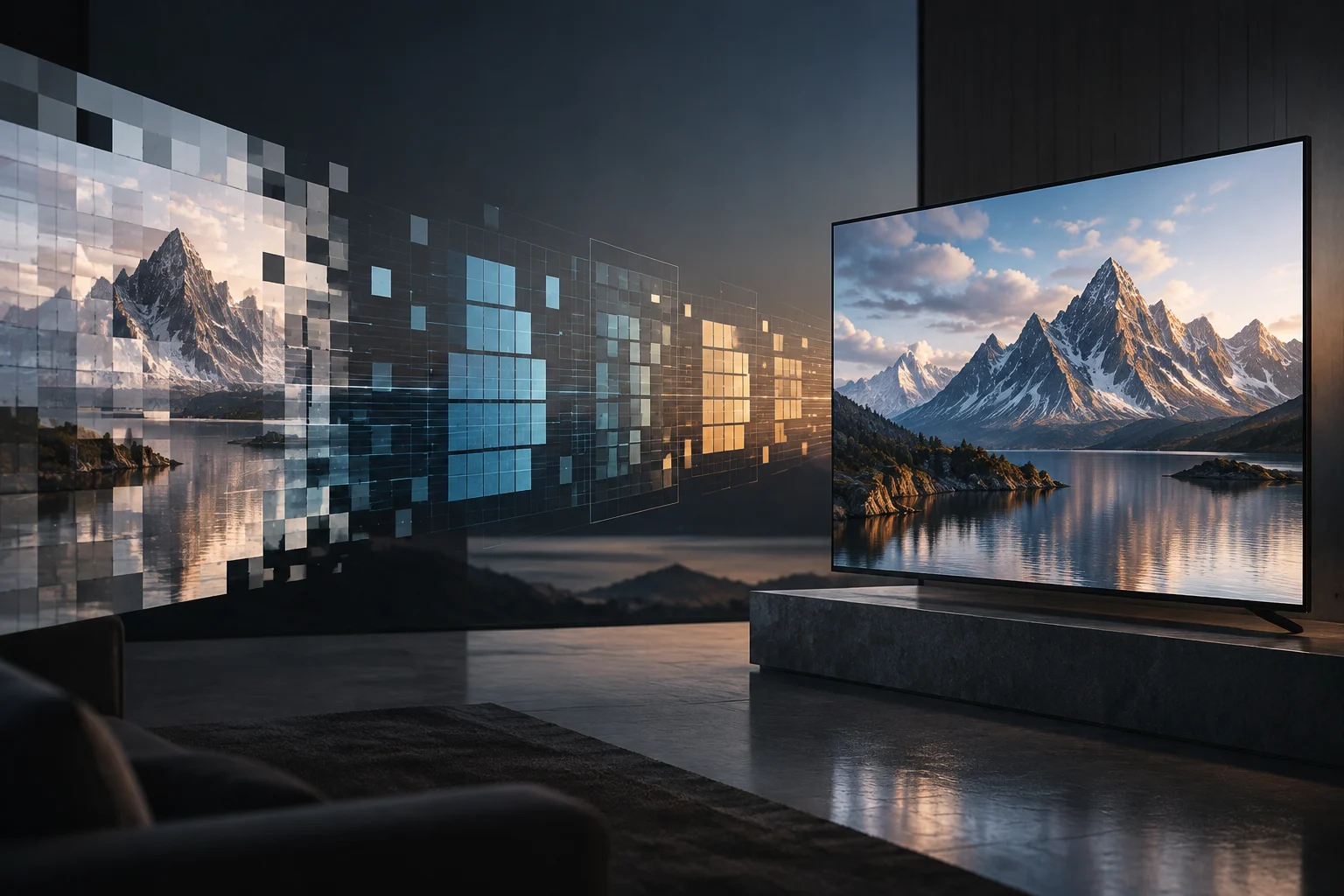
One of the biggest mistakes when buying a TV is believing that having a 4K screen guarantees the reception of the new TDT in UHD. In reality, three technologies with completely different functions are involved. DVB-T2 is the transmission system that carries the signal over the air; UHD refers to the image resolution (3840 x 2160 pixels); and HEVC (H.265) is the compression codec that allows transporting that high-resolution video efficiently.
To receive the new signal, the equipment must be compatible with the transmission standard (DVB-T2) and the video codec (HEVC). A TV with a 4K screen but only a DVB-T tuner and H.264 decoder will not be able to tune to the UHD broadcasts of RGE2, although it will be able to see the HD versions of the same channels. This distinction is crucial to avoid unnecessary purchases or technical frustrations.
The efficiency of DVB-T2 allows better use of the radio spectrum capacity, facilitating the introduction of higher-resolution services without the need for more frequencies. The HEVC codec, for its part, reduces the bandwidth required to transmit high-quality video, which is vital in a terrestrial broadcasting environment where capacity is limited.
How to Identify Compatibility in Your TV's Technical Specifications
Before assuming your equipment is compatible, you must review the manufacturer's official technical sheet. Look in the tuner or receiver section for the explicit mention of DVB-T2. Many modern TVs include it, but older models or very low-end ones may be limited to DVB-T. If the sheet only mentions DVB-T, your TV will not be able to receive the UHD signal directly.
The second point to verify is compatibility with the HEVC or H.265 codec. In the video or decoding specifications, this format must appear. Some manufacturers list it as 'HEVC 10-bit' or simply 'H.265'. If your TV does not support HEVC, even if it has DVB-T2, it will not be able to decode the TDT UHD video, as the signal will arrive compressed with this standard.
Where to Find the Information
- Tuners: Look for 'DVB-T2' or 'DVB-T/T2'.
- Video Codecs: Look for 'HEVC', 'H.265', or 'H.265/HEVC'.
- Native Resolution: Ensure it is 4K UHD (3840x2160) to take advantage of the broadcast quality.
If you do not find this information on the manufacturer's website, consult the user manual or contact customer service. Do not rely solely on the '4K' label on the box, as it refers to the screen, not the reception capability.
Compatible TV vs. External Receiver: Which Connections Must Match
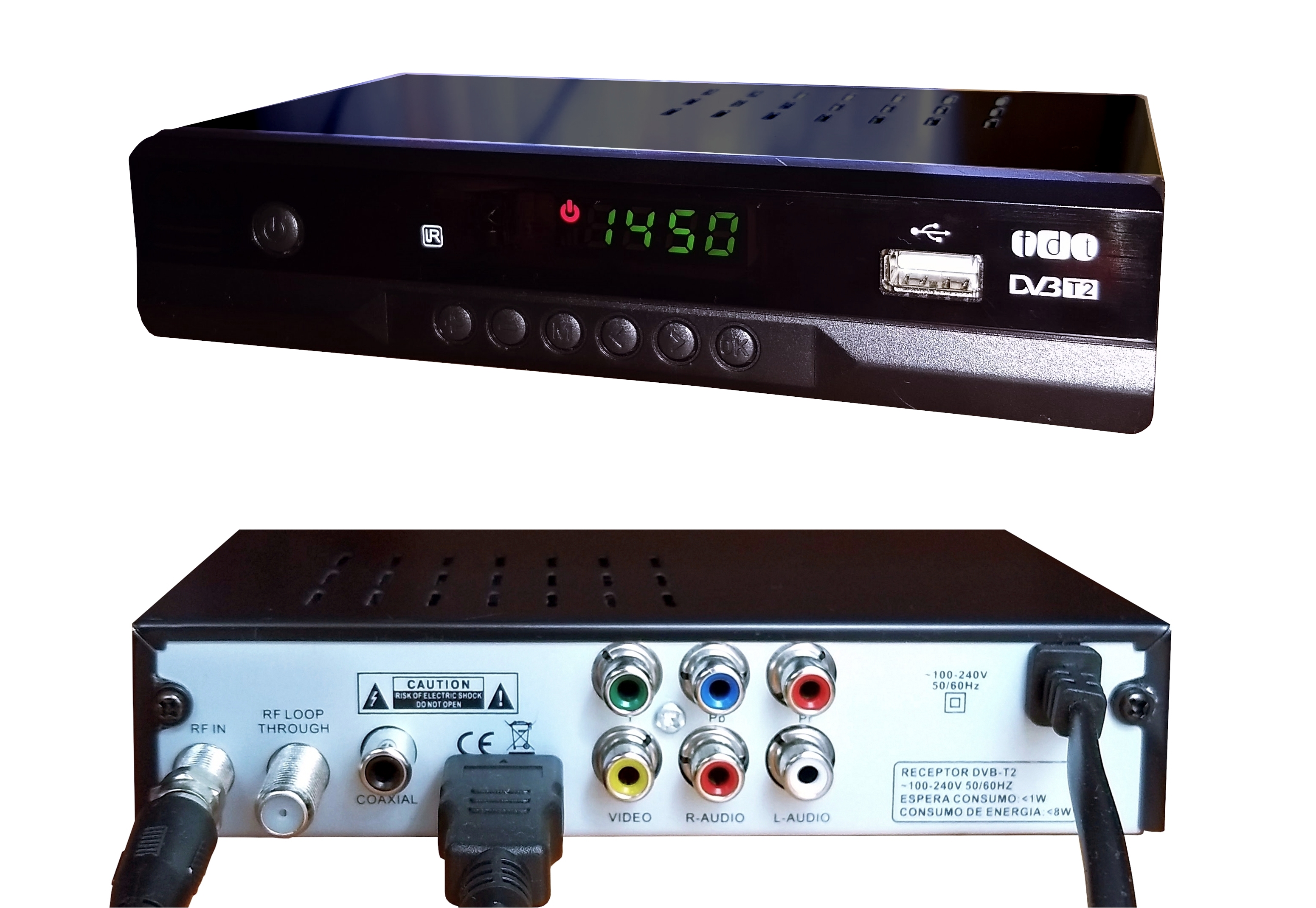
If your TV is not compatible with DVB-T2 and HEVC, you have two options: buy a new TV or acquire a compatible external receiver (decoder). The second option is usually more economical and allows you to use your current screen. For it to work correctly, the receiver must have video outputs that match your TV's inputs.
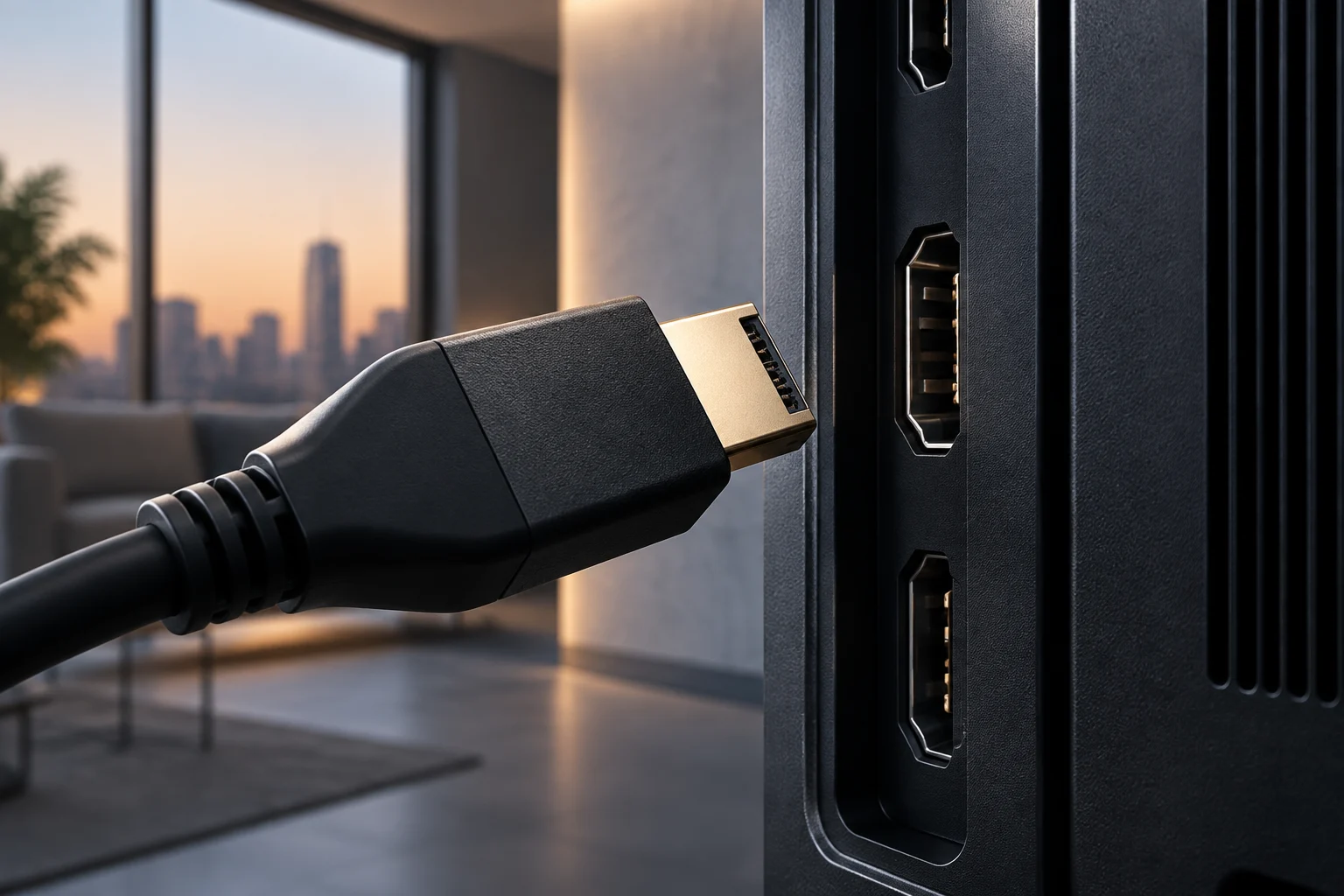
The ideal connection is via HDMI, as it allows transmitting the complete UHD signal with high-quality audio and video. If your TV is old and only has HDMI 1.4 or lower inputs, there may be limitations in the maximum supported resolution, although for 4K at 50/60 Hz it is usually sufficient. Avoid analog connections (RCA or SCART) if you seek maximum quality, as they will degrade the UHD image.
When choosing an external receiver, verify that it clearly specifies support for DVB-T2 and HEVC. Many modern TDT decoders already include these capabilities, but it is important to confirm it in the technical sheet. Additionally, ensure that the receiver has an antenna input (RF) to connect it to your existing installation.
What Changes for the User: Coverage, Antenna, and Resynchronization
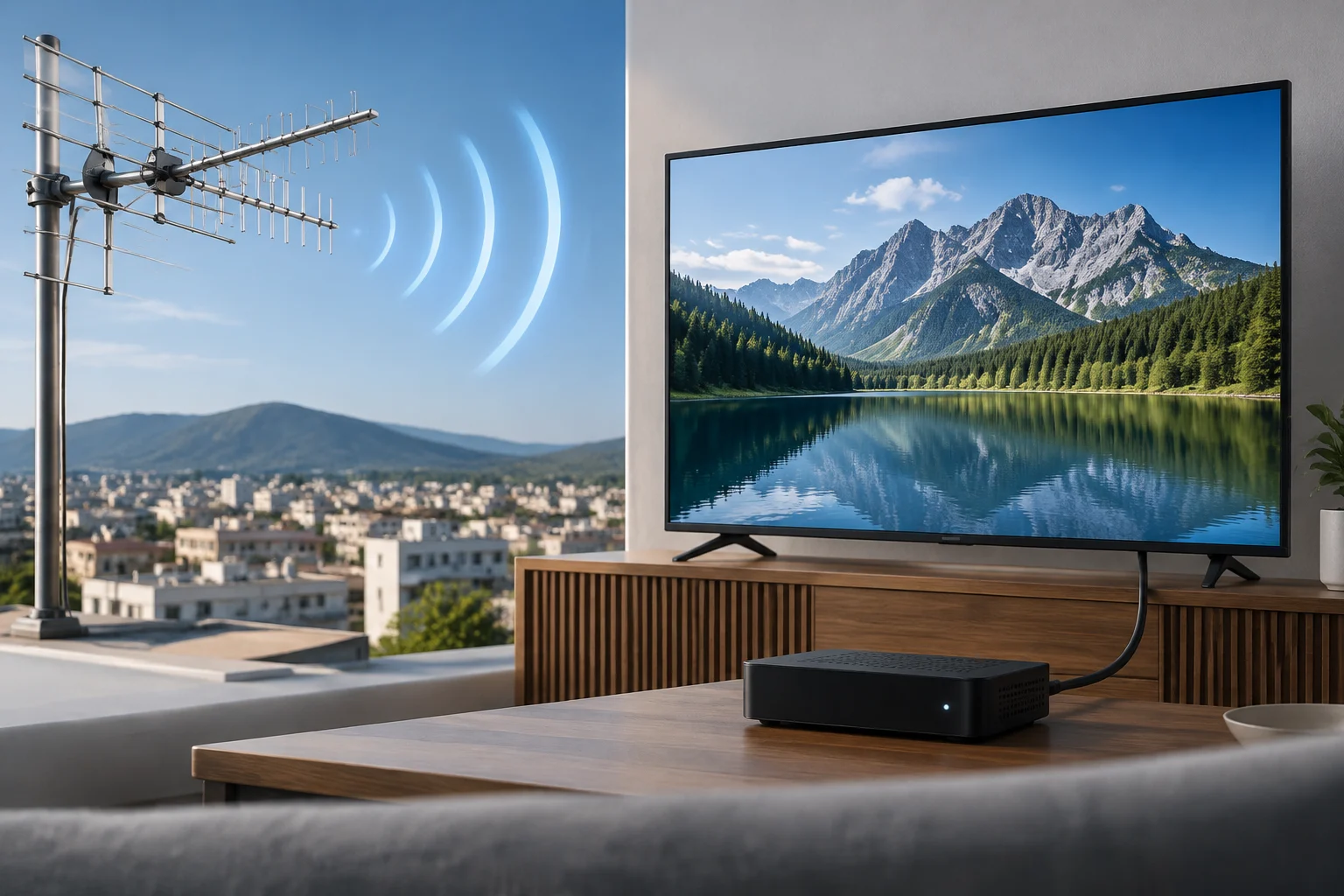
For most users, the change to DVB-T2 and UHD does not require modifications to the antenna installation. The official TDT guide indicates that it is not necessary to change the antenna, amplifier, or cabling. The DVB-T2 signal is transmitted on the same UHF frequencies as DVB-T, so the existing physical infrastructure is compatible.
The only required action is the automatic resynchronization of channels. This process is performed from the TV or receiver's configuration menu by selecting the automatic channel search option. Depending on the brand (Samsung, LG, Sony, etc.), the menu name may vary, but the procedure is similar: access 'Channels', 'Broadcast', or 'Tuning' and start the search.
It is possible that after resynchronization, channels will appear in a different order, generally alphabetical. To reorganize them, use the 'Edit Channels' or 'Channel Management' option in the menu. If you do not find the new UHD channels, verify that your equipment is compatible with DVB-T2 and HEVC, and that the antenna has a sufficient signal on the RGE2 frequency.
Practical List to Compare Models and Avoid Confusions
To make an informed decision, use this checklist when evaluating a TV or receiver for the new TDT in UHD:
- DVB-T2 Tuner: Does it appear explicitly in the technical sheet?
- HEVC/H.265 Codec: Is it listed in the video specifications?
- Native 4K Resolution: Is the screen 3840x2160?
- HDMI Output: Does it have at least one HDMI port to connect an external receiver if necessary?
If your TV meets points 1 and 2, you will be able to receive TDT in UHD directly. If not, you will need an external receiver that meets those requirements and connects via HDMI.
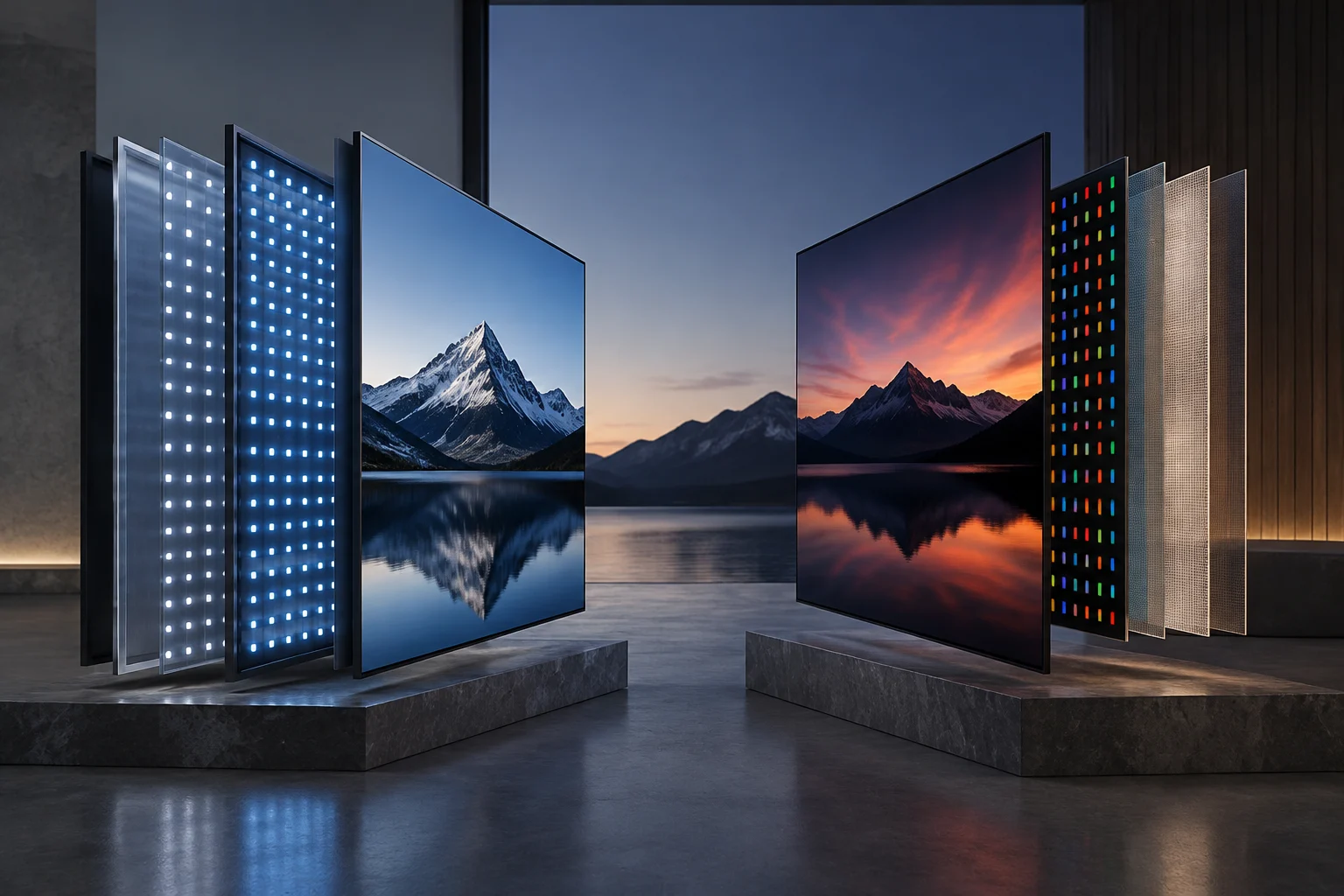
Remember that 4K compatibility is not the same as DVB-T2 compatibility. Many 4K TVs from a few years ago only support DVB-T and H.264, so they will not be able to receive the new UHD signal. Investing in a new TV only makes sense if you also seek improvements in image quality, sound, or Smart TV functions, not just for TDT reception.
The transition to DVB-T2 and UHD is another step in the evolution of Spanish TDT, which has been broadcasting in HD since 2024. This change seeks to offer superior image quality at no additional cost to the viewer, maintaining the free and open character of public and private television. Take advantage of the resynchronization to update your channel list and enjoy the new UHD offer.