What integrated and discrete mean
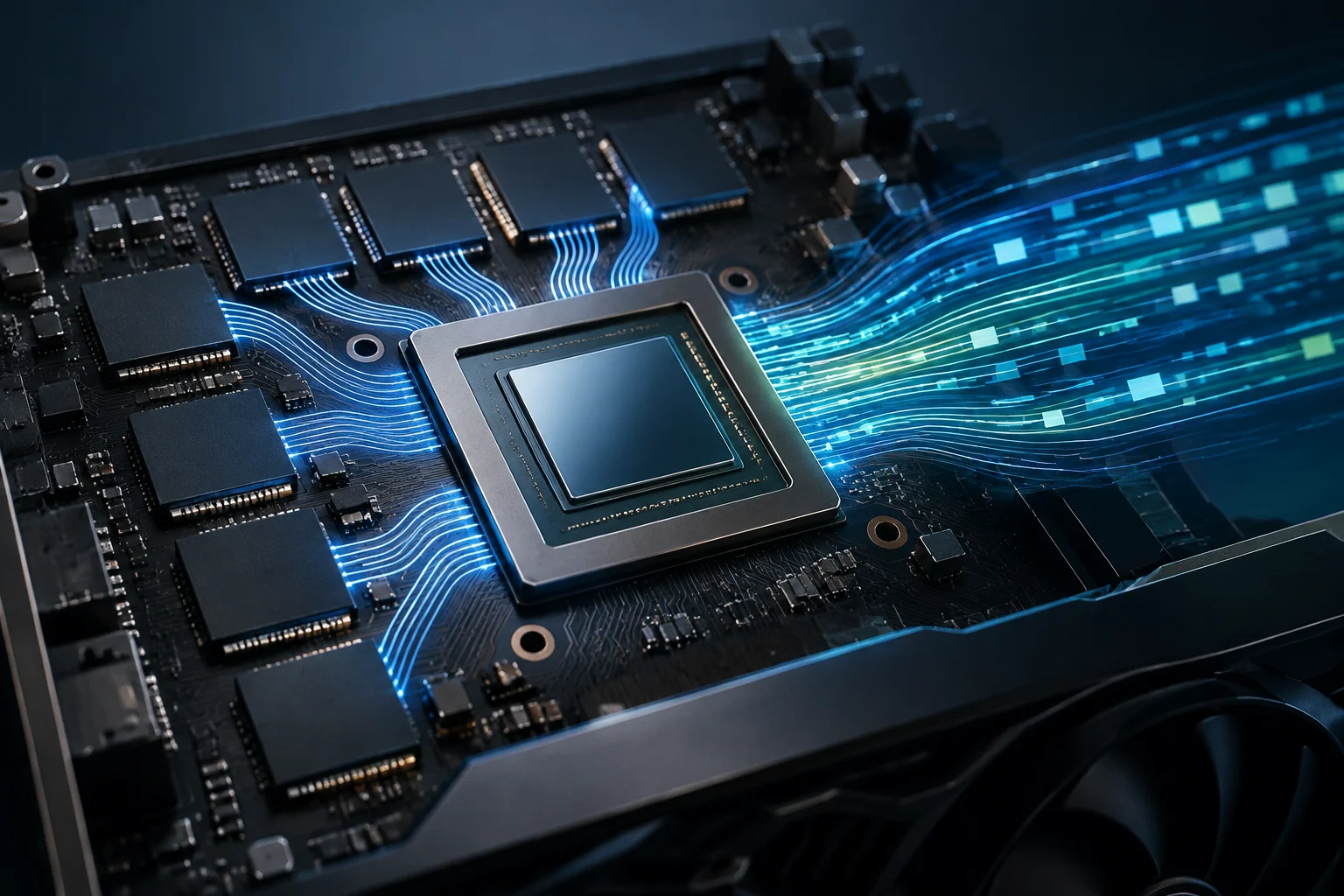
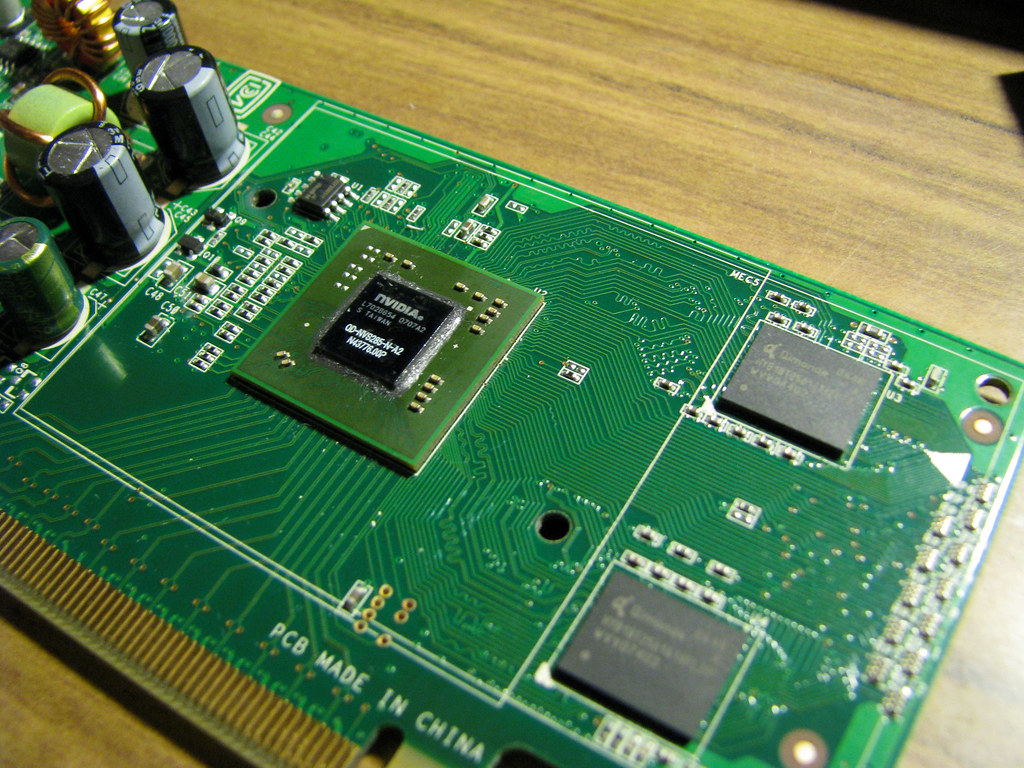
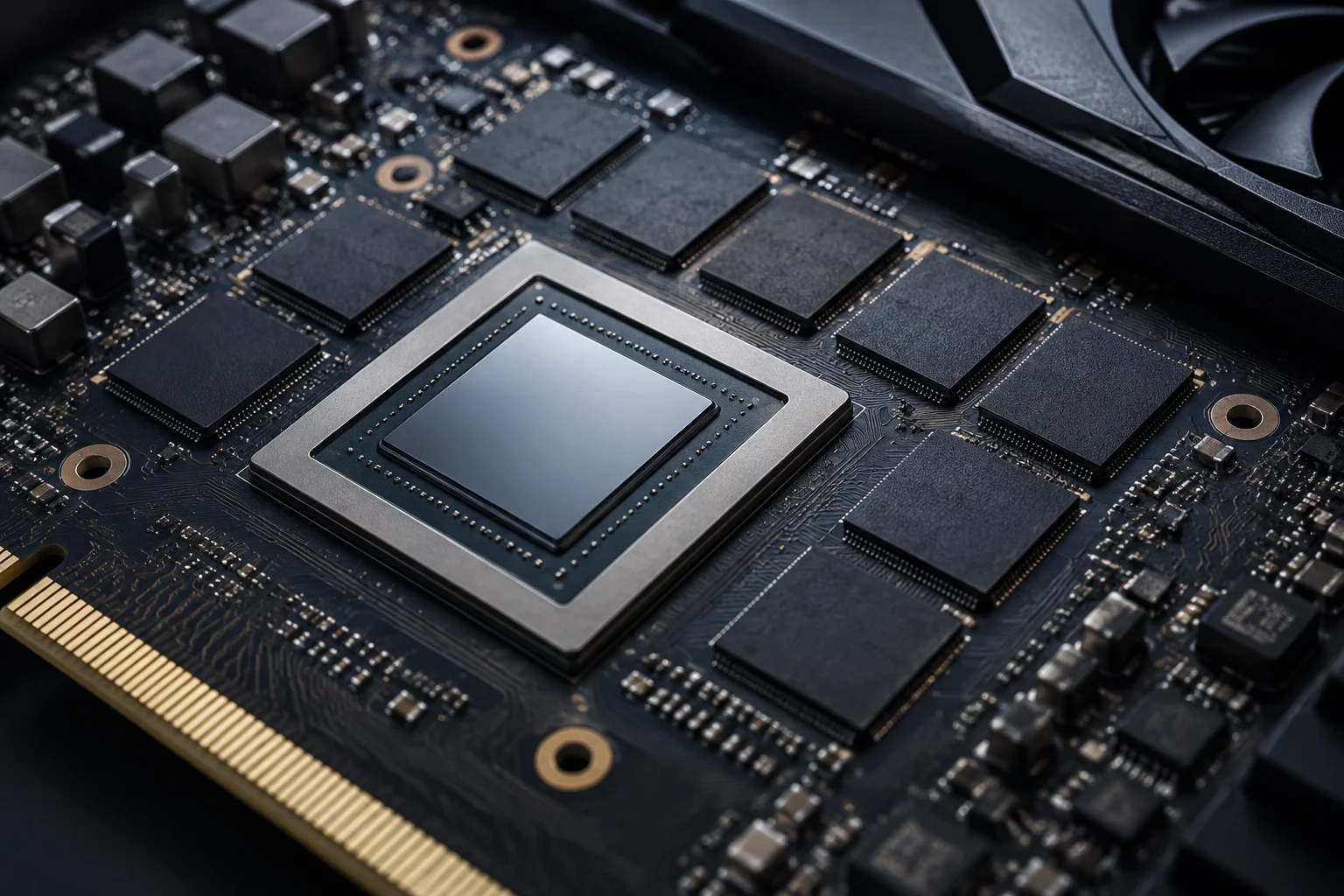
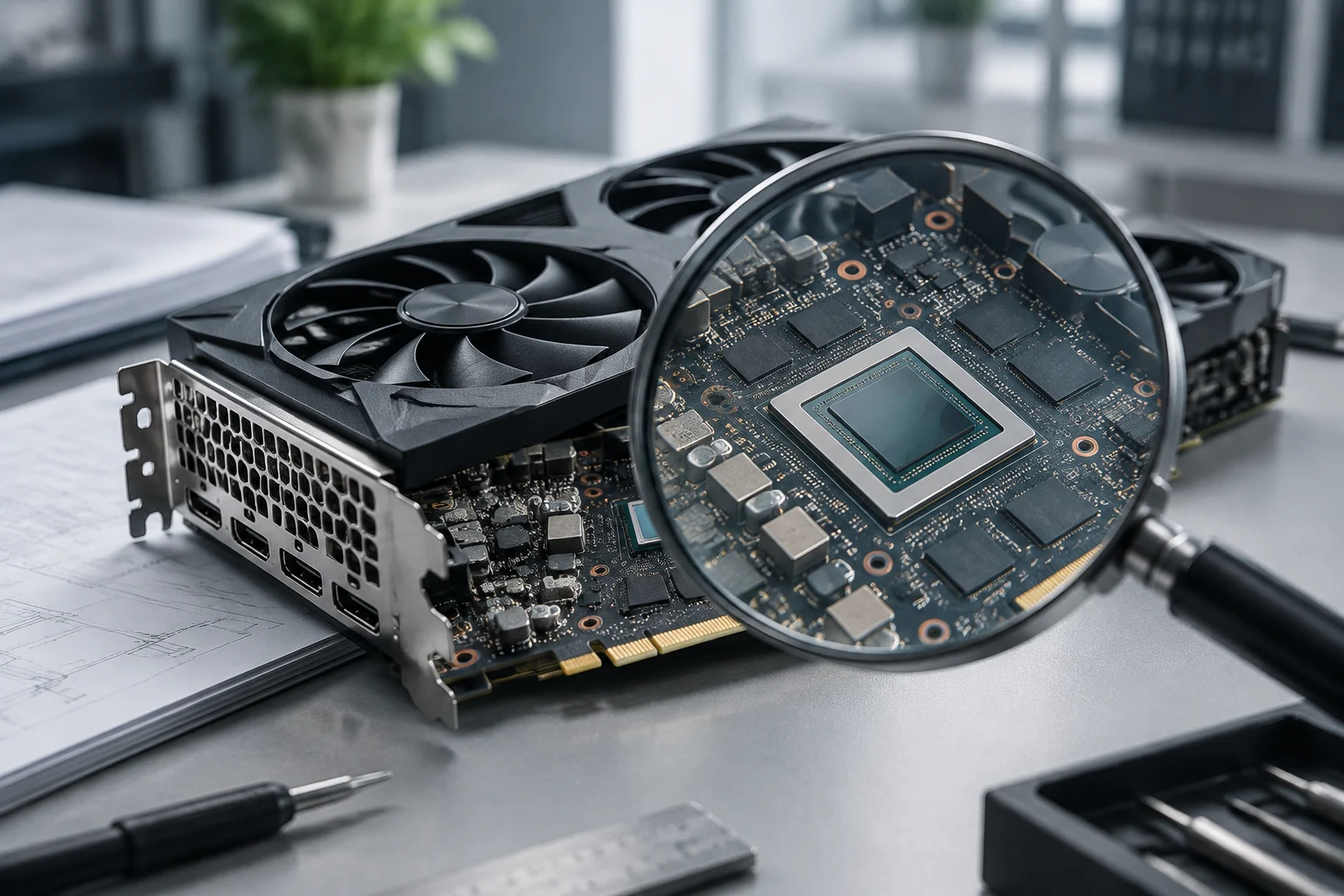
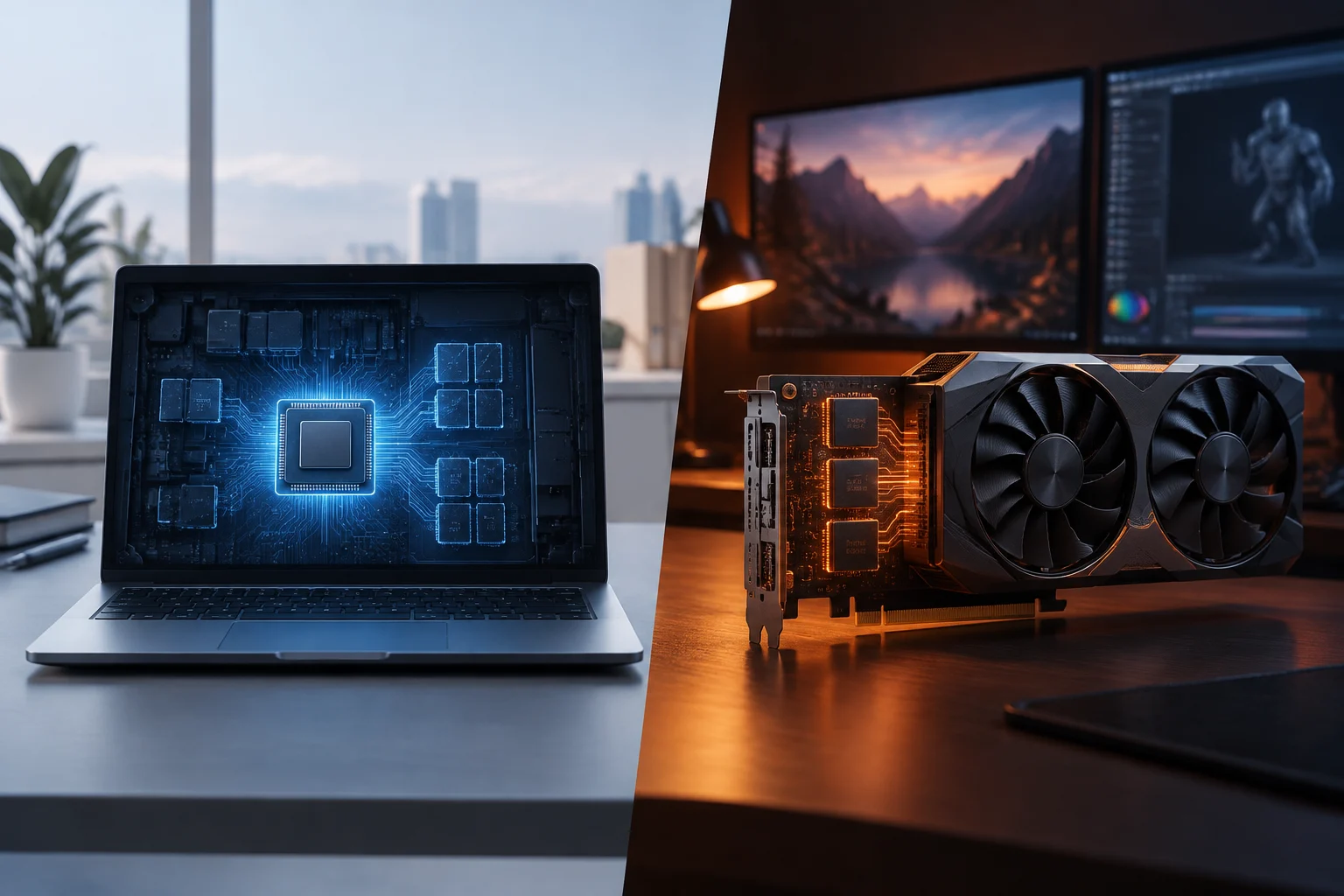
An integrated GPU is part of the processor or the same component package and does not need a separate expansion card. A discrete GPU is a separate graphics processor; in a desktop computer, it is often mounted on a graphics card that includes memory, power delivery, cooling, and video outputs. A GPU and a graphics card are therefore not exactly the same thing: the card is the complete assembly. Intel describes both configurations, distinguishing integrated graphics built into the processor from discrete graphics that are separate from it.
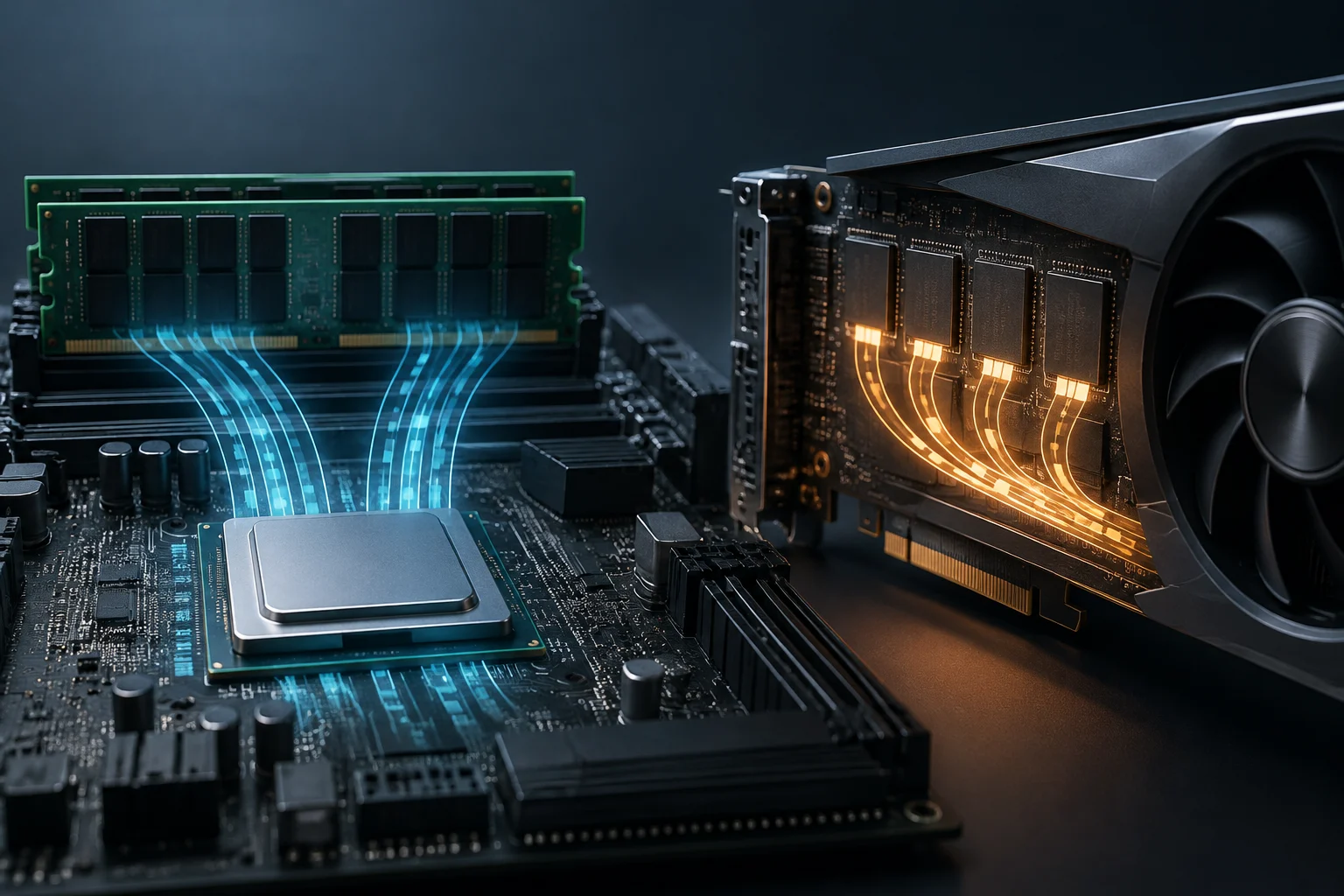
Both types process graphics, but they differ in how they relate to memory and the rest of the system. An integrated GPU shares system memory with the CPU, while a discrete GPU has its own memory. The category does not depend on the computer’s form factor: Intel notes that discrete graphics can be found in laptops and compact computers as well as desktops.
The useful comparison is not “integrated versus dedicated” in the abstract, but between specific models and configurations. Intel says a discrete GPU generally offers more performance than an integrated one, though it also uses more power and generates more heat. This is a broad manufacturer guideline, not a guarantee for every combination of processor, GPU, cooling, application, and power limit.
Shared memory versus dedicated VRAM
An integrated GPU uses system memory shared with the CPU, rather than a separate pool of graphics memory.
A discrete GPU has its own memory, separate from the processor’s memory. This distinction matters when an application needs to store graphics data, but capacity is not the only factor affecting performance: the GPU’s characteristics, software, and system configuration also matter.
Intel documents the Shared GPU Memory Override option for integrated graphics in Core Ultra Series 2 processors and later, subject to specific software and driver requirements and at least 10 GB of system memory. Intel says the default is 57%, the maximum depends on installed memory, and memory the GPU is not using remains available to the system. The setting can affect overall performance and is not the same as adding physical VRAM.
Performance by task
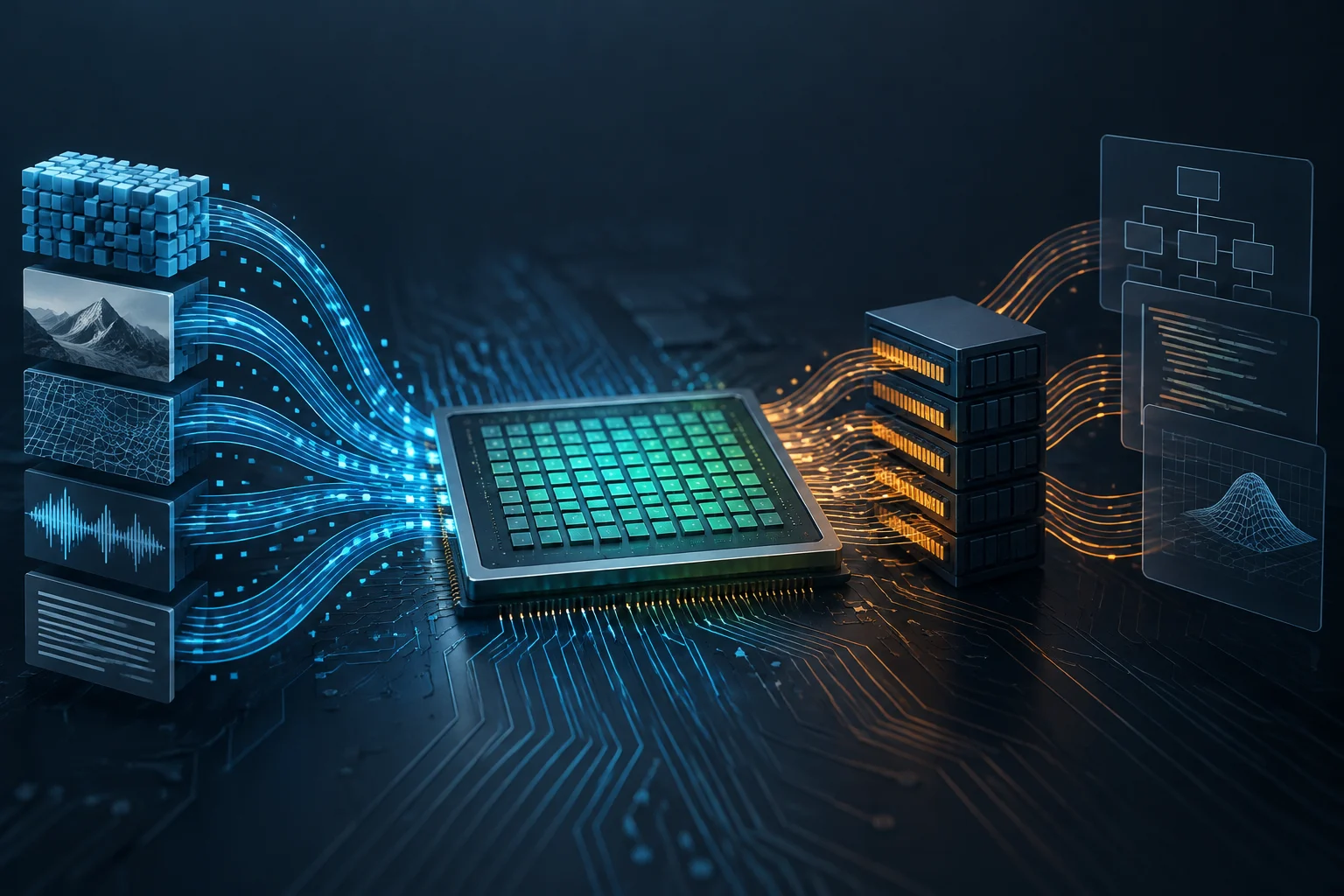
Many applications can run well on integrated graphics; tasks with higher graphics demands often benefit from a discrete GPU. GPUs are used in games, video editing, and other workloads because they can process data in parallel. Results depend on the program and model, not just on whether the graphics are integrated or discrete.
For gaming, start with the specific titles, the resolution, and the graphics quality you expect. A discrete GPU may be better suited to demanding games, while integrated graphics may be enough for less intensive use, but there is no universal dividing line. Check the requirements published by the developer and look for tests of the exact model in the same game and at comparable settings; a result from a different configuration cannot reliably predict how the computer you plan to buy will perform.
For video editing, rendering, and content creation, a GPU can accelerate certain operations, but applications do not all use hardware in the same way. Intel describes GPU uses in video editing and content creation, but support for specific features depends on the software and the computer. Check the software documentation to learn which tasks use the GPU, which formats are supported, and whether there are memory or driver requirements.
The same caution applies to professional workloads and machine learning. GPUs can accelerate parallel operations, but that does not mean every professional program needs a discrete card or that every discrete GPU supports all of its features. Check the exact combination of application, operating system, driver, and GPU before paying for a capability you may not use.
Power use, temperature, battery life, and size
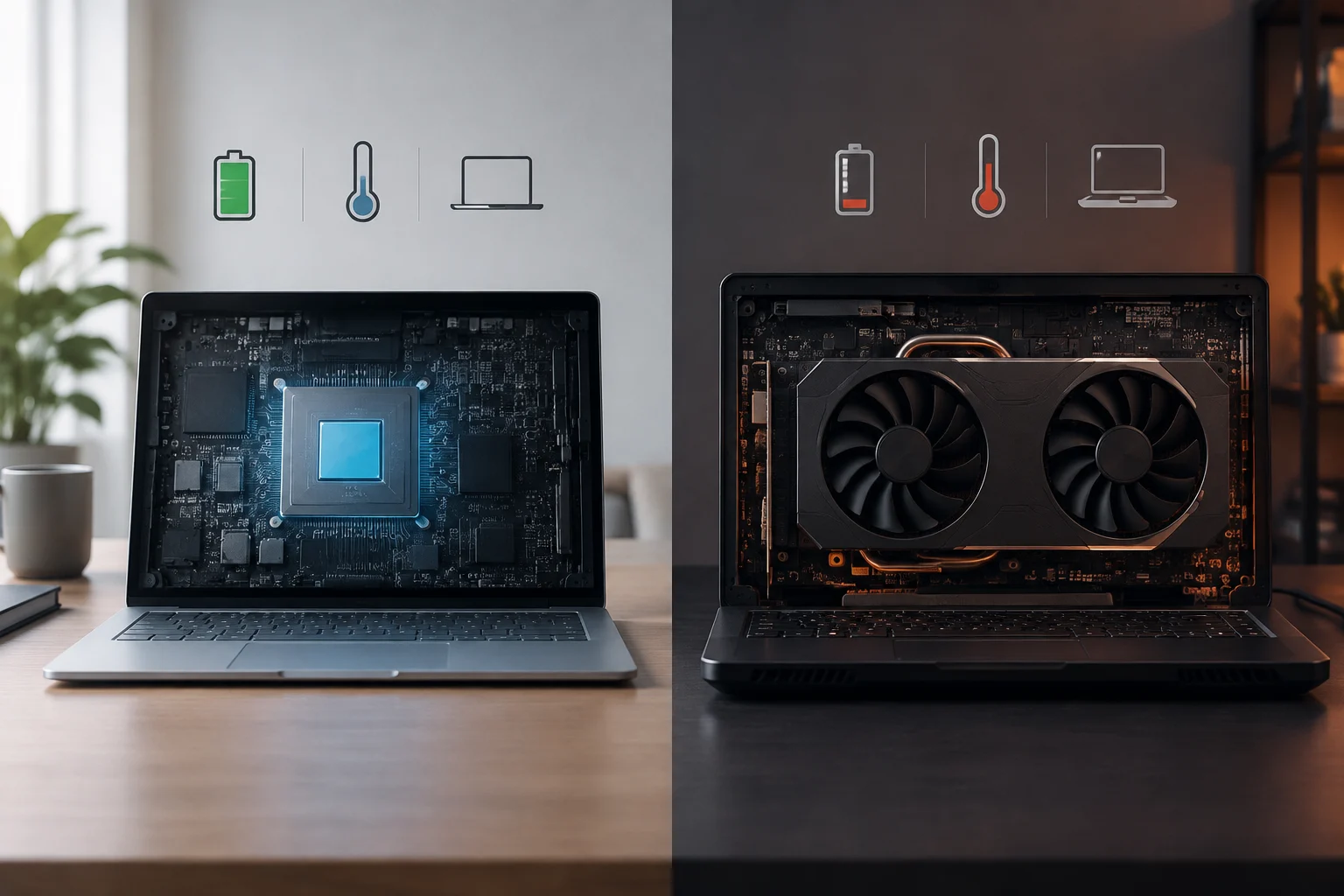
Because an integrated GPU is part of the processor and shares system memory, it usually uses less power and generates less heat than a discrete GPU. Intel notes that this profile can contribute to longer battery life. That is a potential effect, not a guaranteed figure: real-world battery life also depends on the battery, display, processor, workload, and computer design.
A discrete GPU usually offers more performance, but it can increase power use and the system’s thermal load. For a specific computer, check power and cooling specifications, and remember that a GPU does not operate independently of the computer’s design: the chassis and thermal solution affect how it performs.
Integrated graphics generally use less power and produce less heat than discrete graphics. If your work demands greater graphics capability, a discrete GPU may be suitable; check the computer’s power and cooling specifications. The decision is not about assuming one category is always quieter or more efficient, but about comparing the specifications of the complete computer with your intended use.
Compatibility: applications, games, and drivers
Before buying, identify the applications you will use and check their requirements: operating system, compatible GPU, memory, and driver versions where specified. Compatibility is checked against the specific software, not inferred solely from the labels “integrated” or “dedicated.”
For games, compare the minimum and recommended requirements with the computer’s exact configuration. If performance tests are available, check that they identify the GPU model, game, resolution, and settings. This helps avoid applying results from one graphics card or laptop to another system with different power limits, cooling, or components.
For editing, rendering, and machine learning, check which accelerated features the program supports and whether they depend on a particular technology or driver. Intel, for example, presents its discrete Arc GPUs for gaming and content creation, with capabilities such as ray tracing and media engines; those features do not by themselves guarantee compatibility with every application. The software developer’s documentation is the practical reference for confirming a specific workflow.
Total cost and upgrade options
Integrated graphics are part of the processor or system package; a discrete GPU adds a separate component. That is why it is worth comparing the complete computer, not just the GPU name: system memory, graphics capability, power use, cooling, storage, and the price of the whole package can all change the value of a purchase.
In a desktop, a discrete graphics card may be a separate component, but whether it can be installed or replaced depends on the rest of the system. Before upgrading, check the computer’s specifications and the physical and electrical compatibility of the components. For a laptop, check the exact configuration being sold: do not assume its GPU can be replaced or upgraded like a desktop graphics card.
If you already own a computer, compare the cost of a compatible upgrade with the cost of buying a new one. When choosing between laptops, compare complete configurations suited to the same use. Price alone does not settle the choice: a more expensive option makes sense only if its capabilities, compatibility, and performance headroom meet real needs.
What to choose for your needs
If you are considering integrated graphics, check the requirements of the applications you use for browsing, documents, video calls, or watching video. If you play games occasionally or do light editing, look for tests of the specific model with your programs and games; do not assume all integrated GPUs perform alike.
A discrete GPU makes more sense when the requirements of games, editing, rendering, or other demanding tasks exceed what the integrated configuration offers. Before deciding, verify the model, computer specifications, and software compatibility. In particular, check the conditions of the laptop or desktop where it will be installed: useful performance depends on the whole system.
To organize your purchase, list the programs and games you will use, the resolution or workload you need, and your limits for budget, battery life, and size. Then compare those needs with the computer’s specifications and the software documentation. The most practical rule is to choose the least expensive option that meets your verifiable needs, without paying for performance or features you will not use.