GPU and Graphics Card Are Not the Same
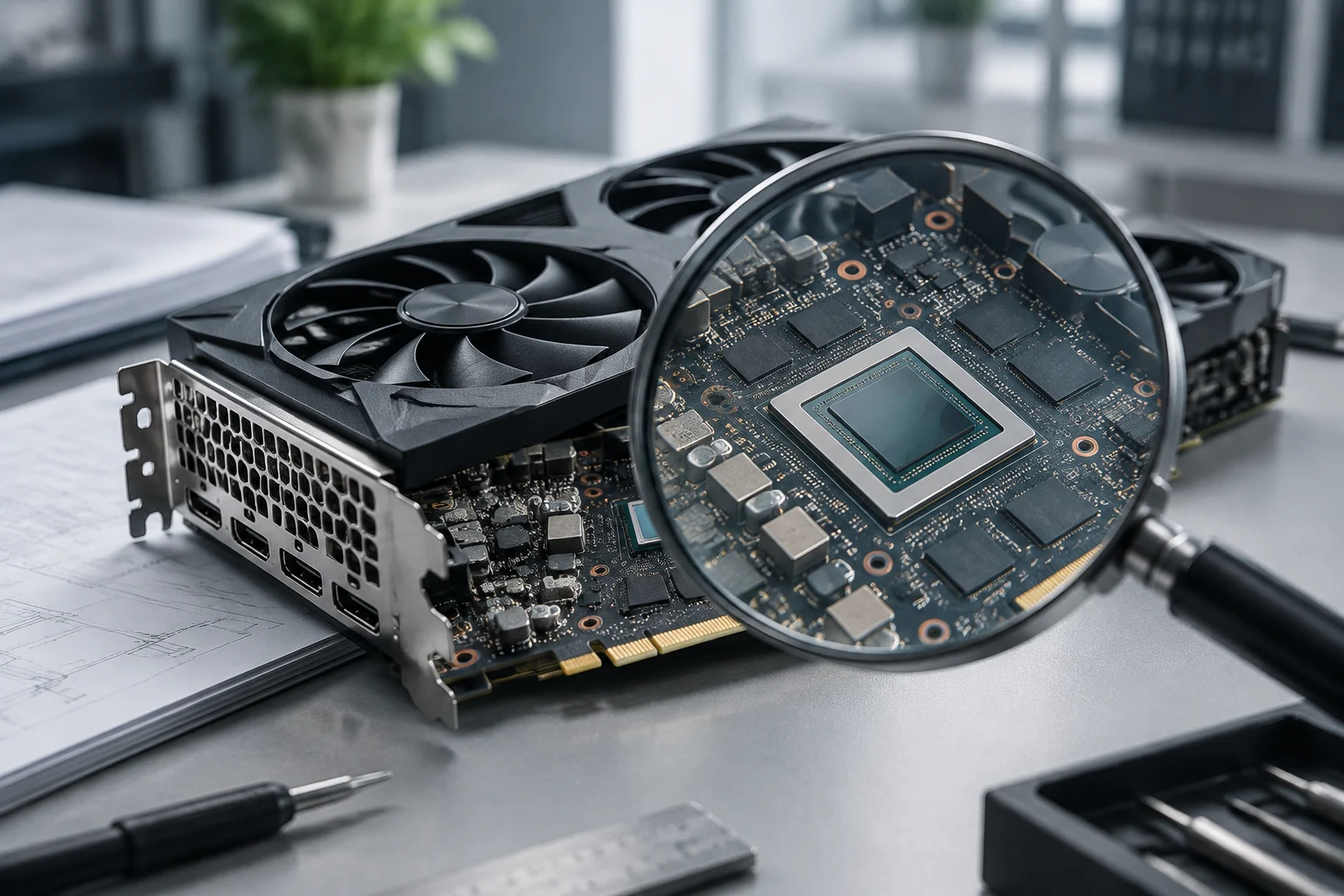
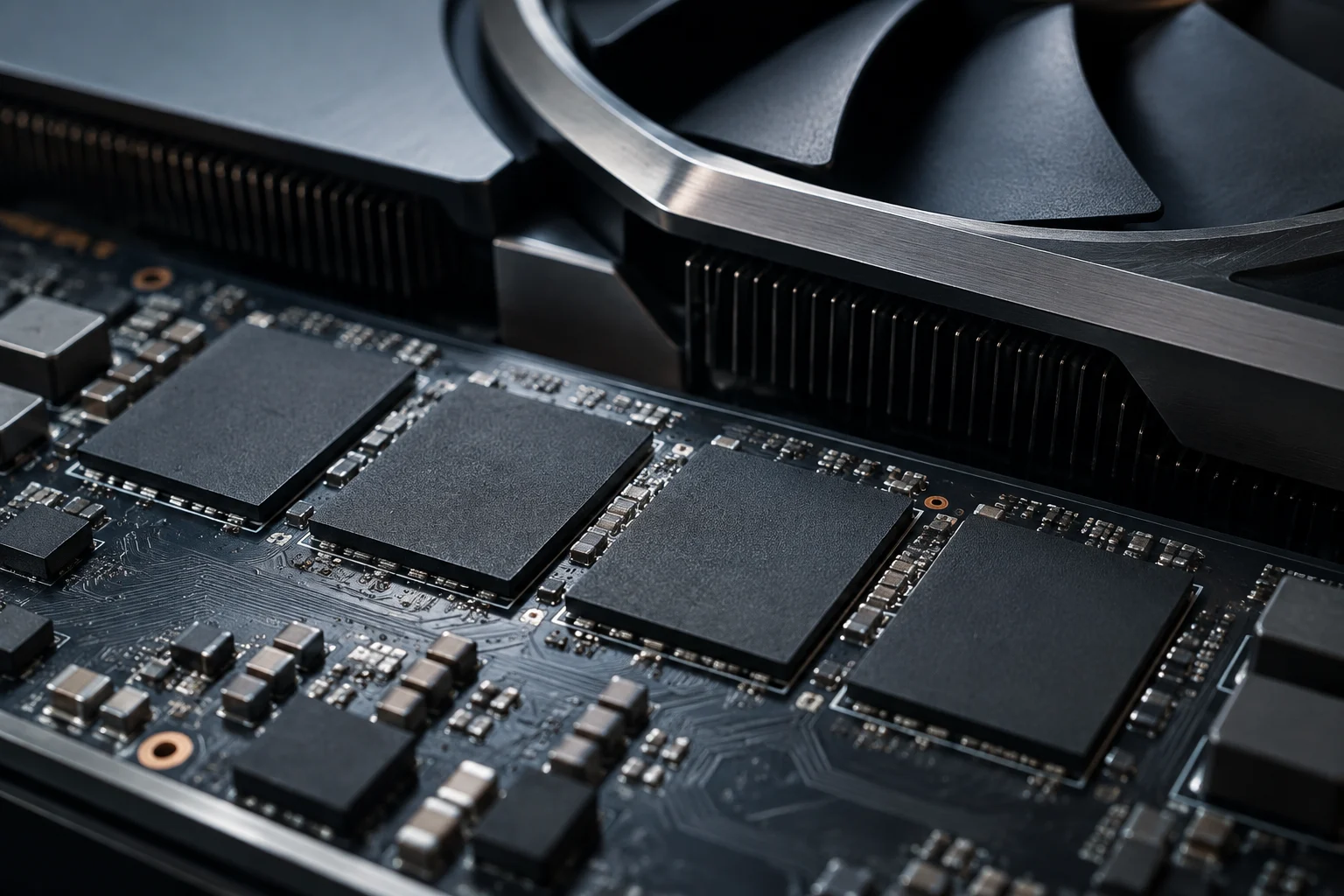
In everyday use, GPU and graphics card are often used interchangeably, yet they describe different things. The graphics card is the physical component; the GPU is the processor that executes compute instructions inside the system. In some machines the GPU is integrated and does not form an independent board, so having a GPU does not automatically mean you have a dedicated card.
The difference matters because general computing happens on the CPU and in the software that uses it, not simply by installing a board. A GPU can participate in tasks beyond rendering, but the program must assign compatible work to it and manage interaction with the CPU. Thus, a more powerful card does not automatically transform an application that still runs on the CPU.
The useful question is not just how many resources the GPU has, but whether the program can split its workload, send that portion to the GPU and retrieve the result at reasonable cost. That journey includes design decisions of the program and runtime environment. Acceleration is a property of the combination between load, hardware and software, not an universal function that activates for everything in the system.
Parallelism Favors Certain Types of Work
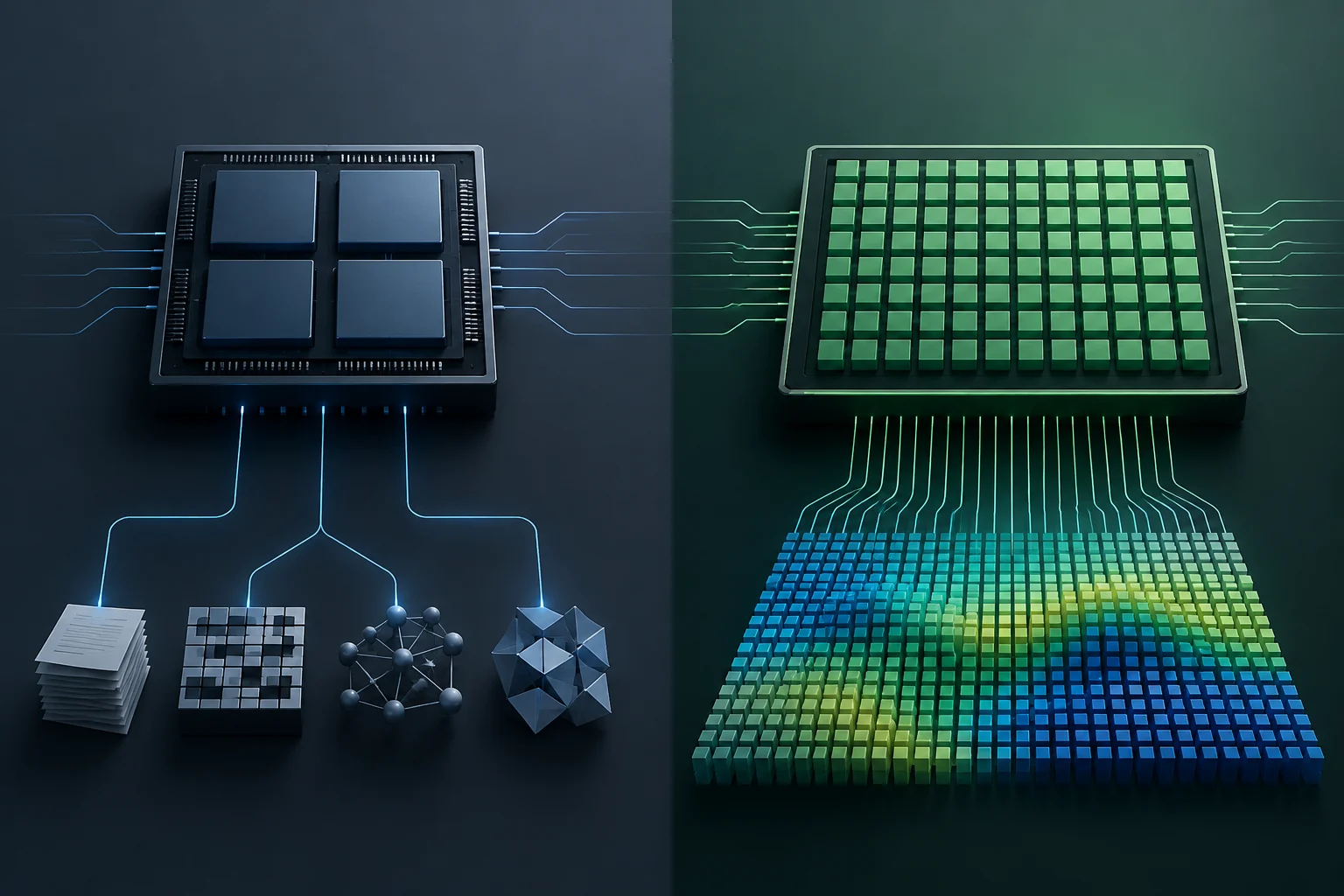
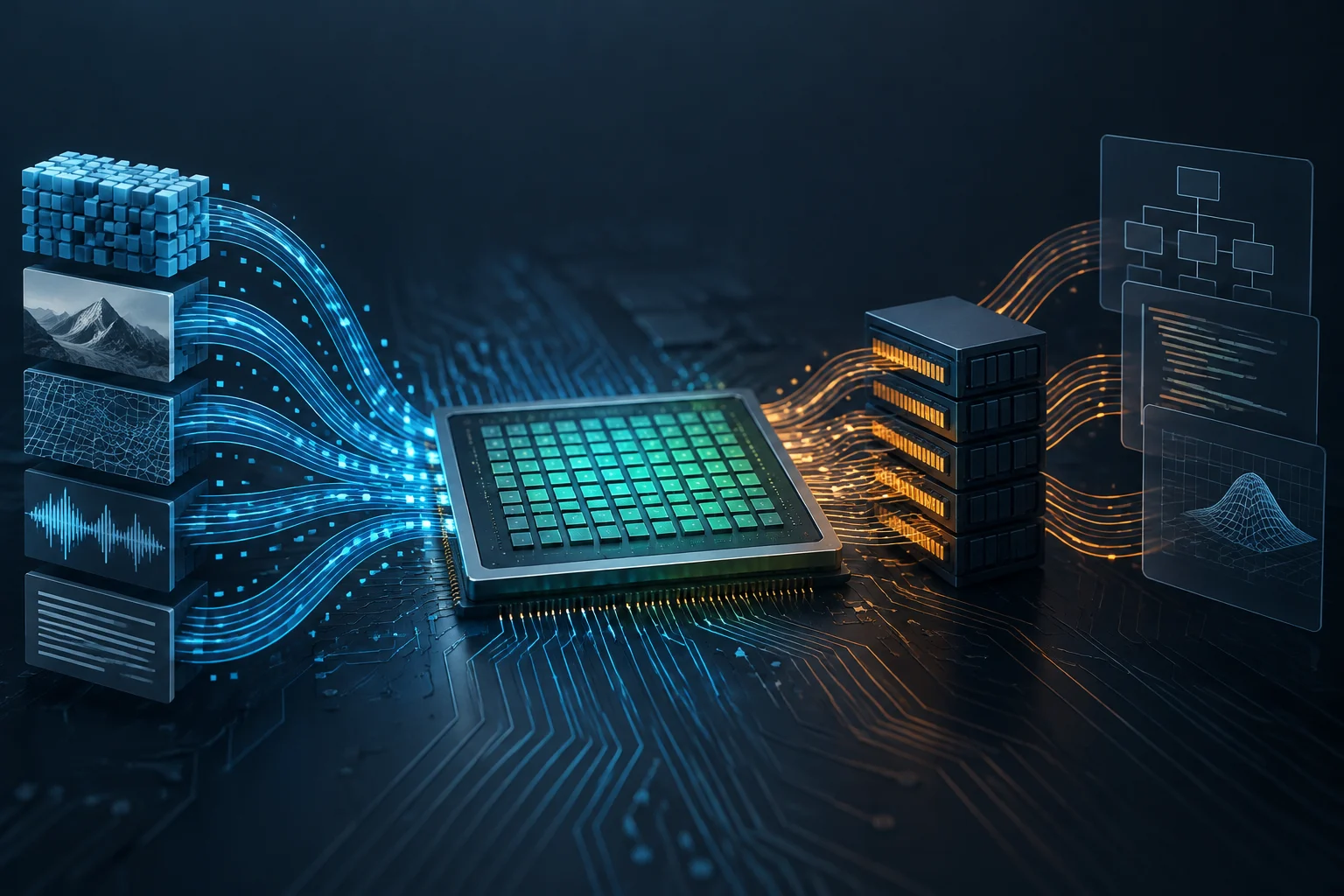
The GPU excels when it can repeat many similar operations over different data elements. This pattern, called data parallelism, appears, for example, when applying an operation to many pixels or to matrix elements. AMD’s documentation describes HIP as a model that allows mapping data‑parallel algorithms onto GPU architectures; it also notes that these units seek high aggregate performance, not necessarily finishing a single instruction with the lowest latency.
The CPU, in contrast, is oriented toward responding quickly to individual instructions and executing control sequences. The difference does not mean a CPU cannot process data in parallel nor that a GPU cannot execute all conditional logic: it means each design has different priorities. The advantage appears when there is enough independent work to keep many compute units of the GPU busy.
If each step depends on the previous result, or if the program has much irregular control flow, fewer operations will be available for simultaneous execution. The outcome can be modest acceleration or none at all, even with a powerful GPU. AMD’s documentation also warns that moving code designed for CPU to a GPU without adapting it does not efficiently use its resources. Porting an application requires redesigning or mapping the work, not just changing where it is compiled.
Memory and Transfers Also Consume Time
A GPU typically manages device memory separate from system memory used by the CPU. The data the GPU needs must be available in its memory space, and depending on program design and platform, it may need to transfer them between both. AMD identifies allocation and movement of data between host and device memory as tasks that can be critical for performance.
Therefore, total time is not just the calculation time on the GPU. Preparation, copies and result synchronization also count. For a short task or with small data, those steps can represent a significant portion of total time and reduce the gain promised by parallel computation. It cannot be said that transfer always negates acceleration: its effect depends on data size, frequency of exchanges and concrete implementation.
Platforms offer mechanisms to better organize this movement. The HIP guide mentions asynchronous calls, streams and the possibility of overlapping transfers with compute when resources allow it. The CUDA guide also documents asynchronous copies within the GPU memory hierarchy. Overlapping work can reduce waits, but does not eliminate the need to transfer, coordinate and verify that data is available on time.
Without Explicit Support, the Program Does Not Delegate Work
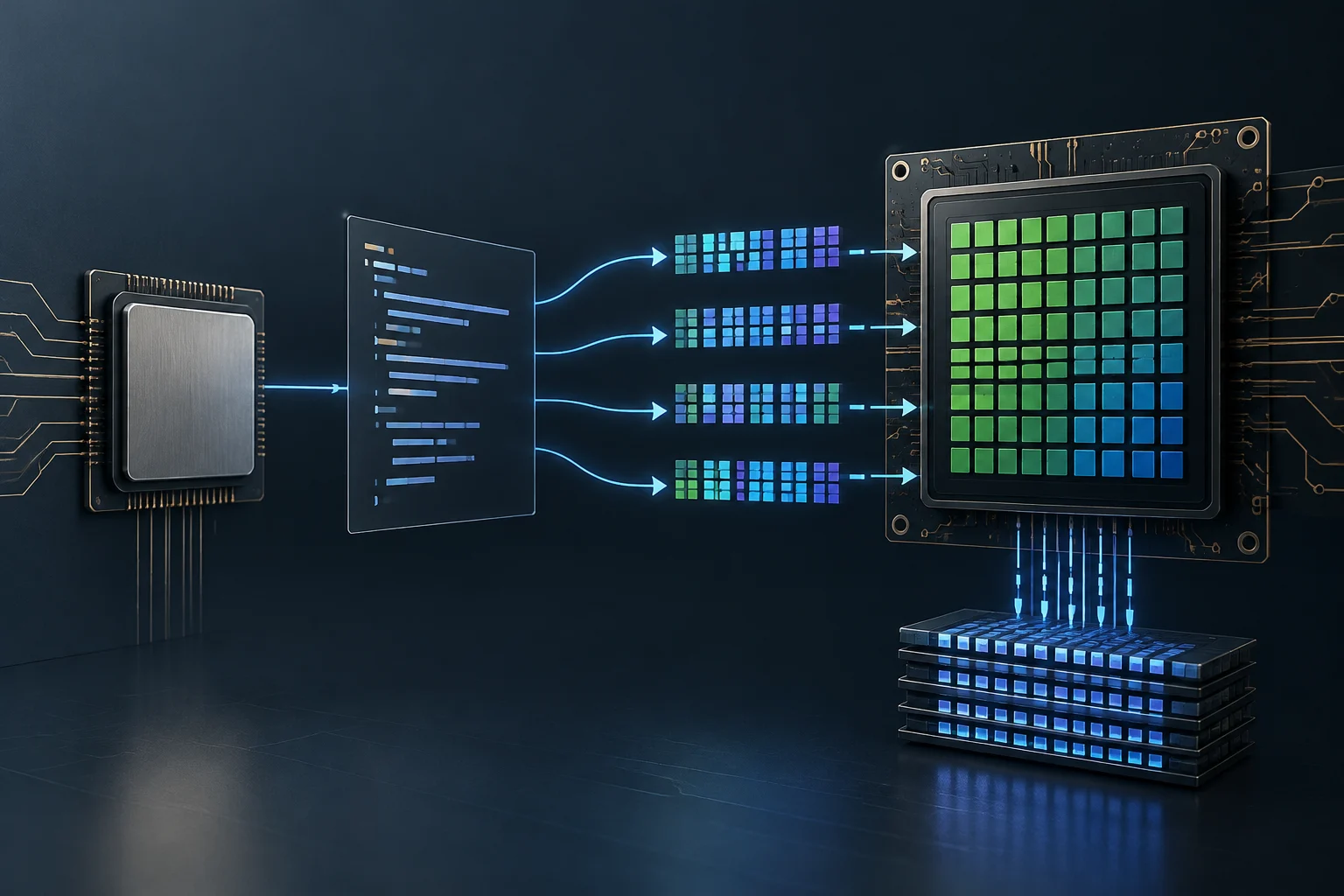
A GPU does not automatically detect which parts of an application would be faster and run them in the background. Software must include a execution path for that processor: it can do so via an API, library or framework providing access to the GPU. CUDA is NVIDIA’s platform and parallel programming model; HIP offers AMD’s programming model to assign data‑parallel algorithms to GPUs.
Concrete compatibility matters. That a program advertises GPU acceleration does not prove it works with any card, OS or driver version: you must check which devices and execution providers that application supports. Compatibility is verified per application and configuration, not inferred from the system recognizing the card for display output.
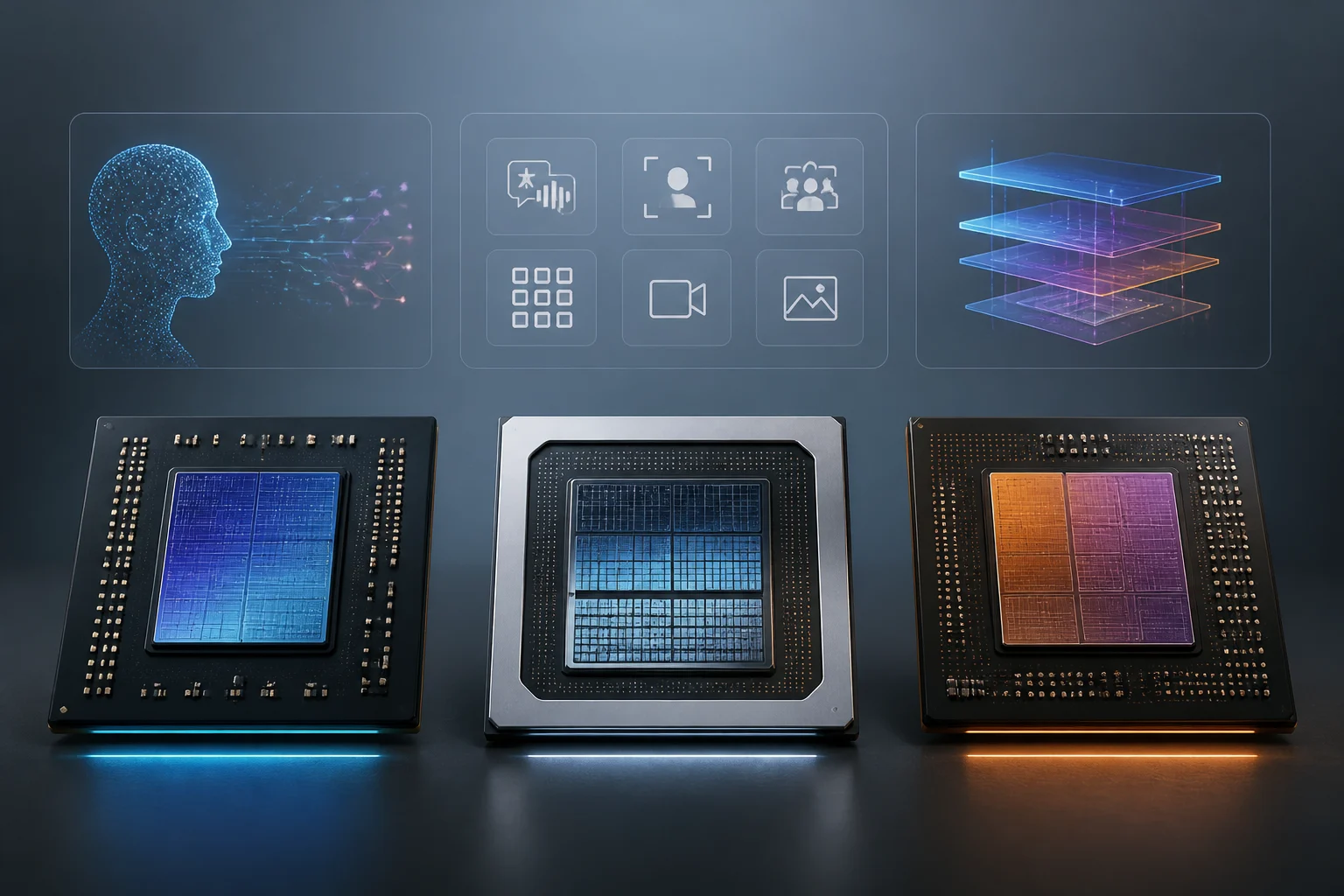
Windows ML illustrates how a software layer can offer different execution options: Microsoft describes it as a local AI inference framework that can use CPU, GPU or NPU via optional execution providers managed by Windows. The documentation itself warns that performance results vary with hardware and model. It is an example limited to AI inference on Windows, not a function that automatically accelerates any desktop program.
A Published Result Is Not a General Promise
A seismic processing study offers a concrete example of what a GPU can achieve when the algorithm and load fit. The authors compared seismic data decomposition algorithms using wave‑packets and reported acceleration between two and six times versus a 20‑core CPU, in tests performed with synthetic datasets. That figure describes a specific experiment, not a number applicable to any task or any GPU.
Manufacturer documentation helps understand why results vary: execution model, available parallelism and memory management are part of performance. But a programming guide does not replace testing the concrete application, and the seismic study does not compare all types of work or all possible configurations. There is no reason to extrapolate its multiplier to editing, gaming, compression or office applications.
When reading an acceleration figure it is useful to check what was compared, with which program and data, which processor was used as reference and whether time includes transfers and preparation. It also matters if a single operation was measured or the full flow that a user employs. Without those details, a figure can be technically true for its original case yet of little use in deciding what will happen on another machine.
How to Verify If an Application Uses the GPU
To know whether a specific application can benefit, start with its documentation and settings. Look for the name of the accelerated function and compatible devices or frameworks. If the vendor only mentions acceleration in one particular function, do not assume the entire program runs on the GPU. Declared compatibility is the first filter, not a measure of improvement.
Next, define a test that represents your real use. Compare the same work with acceleration enabled and disabled, keeping data, output quality and other relevant conditions equal. Record total time and repeat the test: seeing GPU activity only indicates there was work on the accelerator, not how much time was reduced or whether the response feels smoother.
A practical check can follow these steps:
- Identify the accelerated function and confirm which GPU model, system and driver it requires.
- Review the load type: look for repetitive operations over many data points and consider if there are significant sequential dependencies.
- Consider transfers: find out whether the application keeps data in GPU memory or moves it often between CPU and GPU.
- Measure the full flow: compare start‑to‑finish time, not just GPU usage or isolated compute time.
- Decide based on observed improvement: a reproducible reduction in time or a smoother response is more valuable than the percentage of accelerator activity.
The practical conclusion is simple: do not buy or configure a GPU for an application without checking its support and results on your workload. Parallelism opens a possibility for acceleration; software, memory and task structure determine whether it becomes a perceptible improvement.