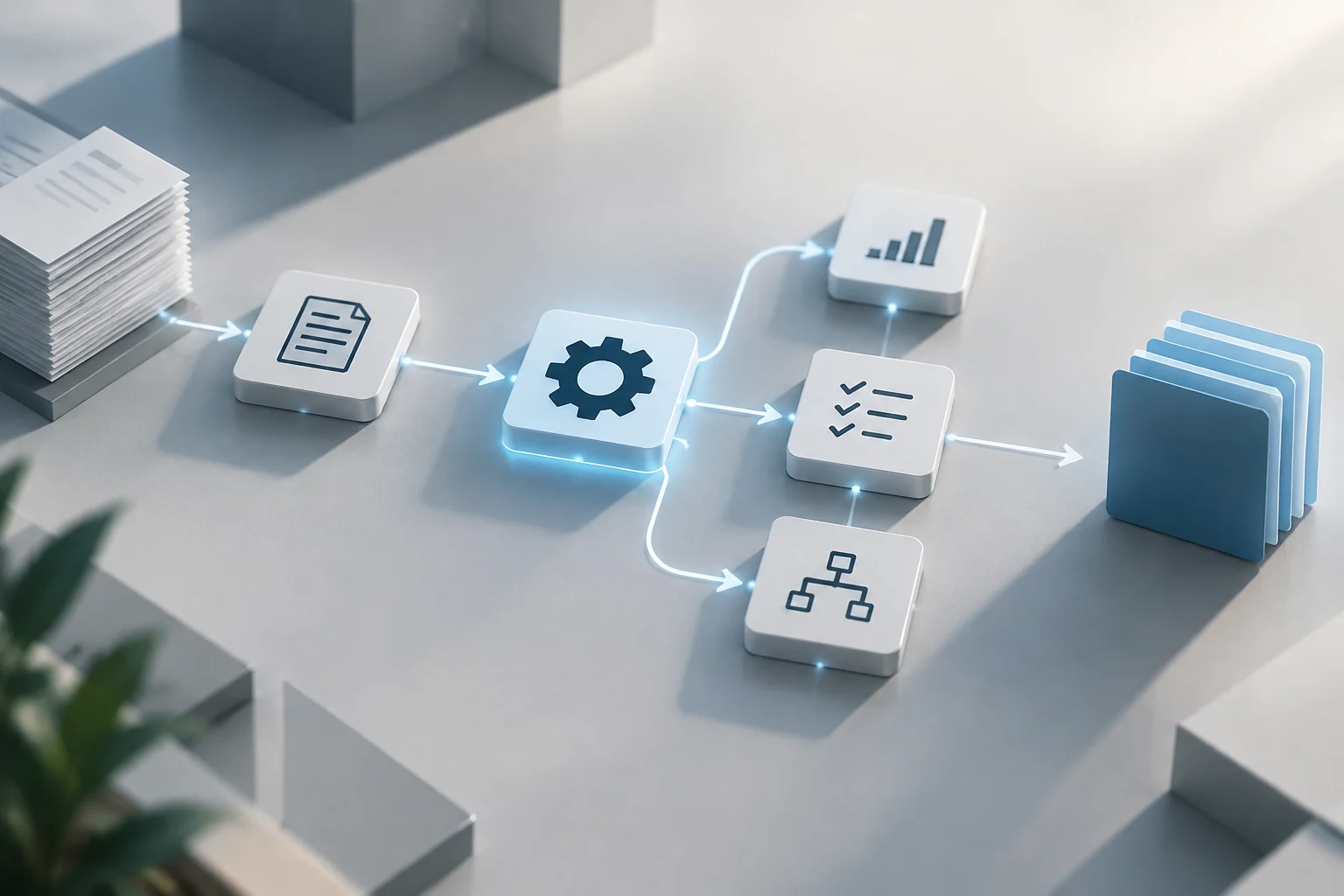
The Risk of Manual Management and the Value of Automation
Managing credentials via spreadsheets, shared documents, or messages makes it difficult to control who knows each password and when they no longer need it. An enterprise manager can centralize the storage, generation, and sharing of credentials in a system subject to permissions and policies. The main improvement is control and traceability, not a guarantee that incidents will disappear.
Automation can help reduce repetitive tasks: for example, provisioning access when hiring staff, revoking it when changing roles or leaving the organization, and updating privileged credentials. Bitwarden describes enterprise management as part of an approach combining encrypted storage, controlled sharing, MFA, audits, and policy enforcement. The benefit depends on configuring and reviewing those controls; installing a vault alone does not resolve excessive permissions or forgotten accounts.
Prerequisites: Tool Selection and MFA
Before choosing a platform, inventory the types of credentials to be managed: human logins, administrative accounts, service accounts, and shared access. Not all tools cover the same functions. A team password manager can organize human access, while automated rotation of privileged accounts usually requires Privileged Access Management (PAM) capabilities and connectors compatible with target systems. It is advisable to validate each specific flow, not assume that a function described for a product is available in all plans or environments.
Also define how access to the vault will be protected. MFA requires more than one type of identity verification and can make stolen passwords less useful, but its implementation requires deciding which accounts to cover first and which methods to accept. In practice, prioritize administrators and accounts with access to critical systems, establish a recovery procedure, and communicate changes to users. Proton's enterprise guide highlights the need to select accounts and methods, and to deploy authentication so staff can adopt it. MFA must be mandatory where appropriate, not just an informal recommendation.
Integration with the Identity Directory
Integration with a directory does not necessarily mean synchronizing all user passwords with the vault. It can serve to discover accounts, relate domain credentials, or automate actions on compatible resources. Devolutions Server documentation, for example, describes a domain user provider that stores credentials for discovering Active Directory accounts and for rotation or propagation operations. This example documents a specific function of that product, not a universal capability of any enterprise manager.
Before connecting the system, check the domain and fully qualified domain name (FQDN), the supported protocol, the domain controller, and the type of credential used. The mentioned documentation allows selecting LDAP or LDAPS and specifying the port; it also notes that using Devolutions Gateway requires that component to be installed and configured. These data do not replace an architecture review: verify connectivity, least privileges, and scope in a test environment before enabling changes in production.
Secure Integration Sequence
- Inventory the accounts and resources to be managed; separate personal identities from privileged and service accounts.
- Configure the connector with the corresponding protocol, domain, and credentials; limit its scope to necessary systems.
- Test discovery and reading first, then any operation that modifies passwords.
- Ensure personnel changes reflect in permissions and that access revocation has a responsible party and a verifiable log.
Automating Credential Rotation
Rotation involves changing a credential according to a policy or event, such as potential exposure or staff departure. It should not automatically translate to 'change all passwords every certain number of days': frequency must respond to risk, applicable requirements, and system capabilities. A miniOrange page describes the automation of privileged password changes in multiple systems and the use of a centralized vault and audit logs. It is a description of the provider's functions, so compatibility with each server, database, and real account must be confirmed before designing the process.
Service accounts deserve differentiated treatment: they can allow applications or processes to access other systems without human intervention. If an account has broad permissions, an exposure can have significant reach; but changing its password without coordinated updates to the services using it can interrupt operations. Secure rotation requires synchronizing the change and verifying the service. Define windows, dependencies, responsible parties, failure handling, and a rollback procedure before automating it in production.
For each set of credentials, document at least the owner, dependent systems, change mechanism, the condition triggering rotation, and how the result is confirmed. Start with test or low-impact accounts. Only expand scope when logs allow identifying what changed and the team has verified that applications recover access correctly. Automation reduces manual intervention, but it does not turn a poorly designed policy into a secure one.
Limits of Automation Against Phishing
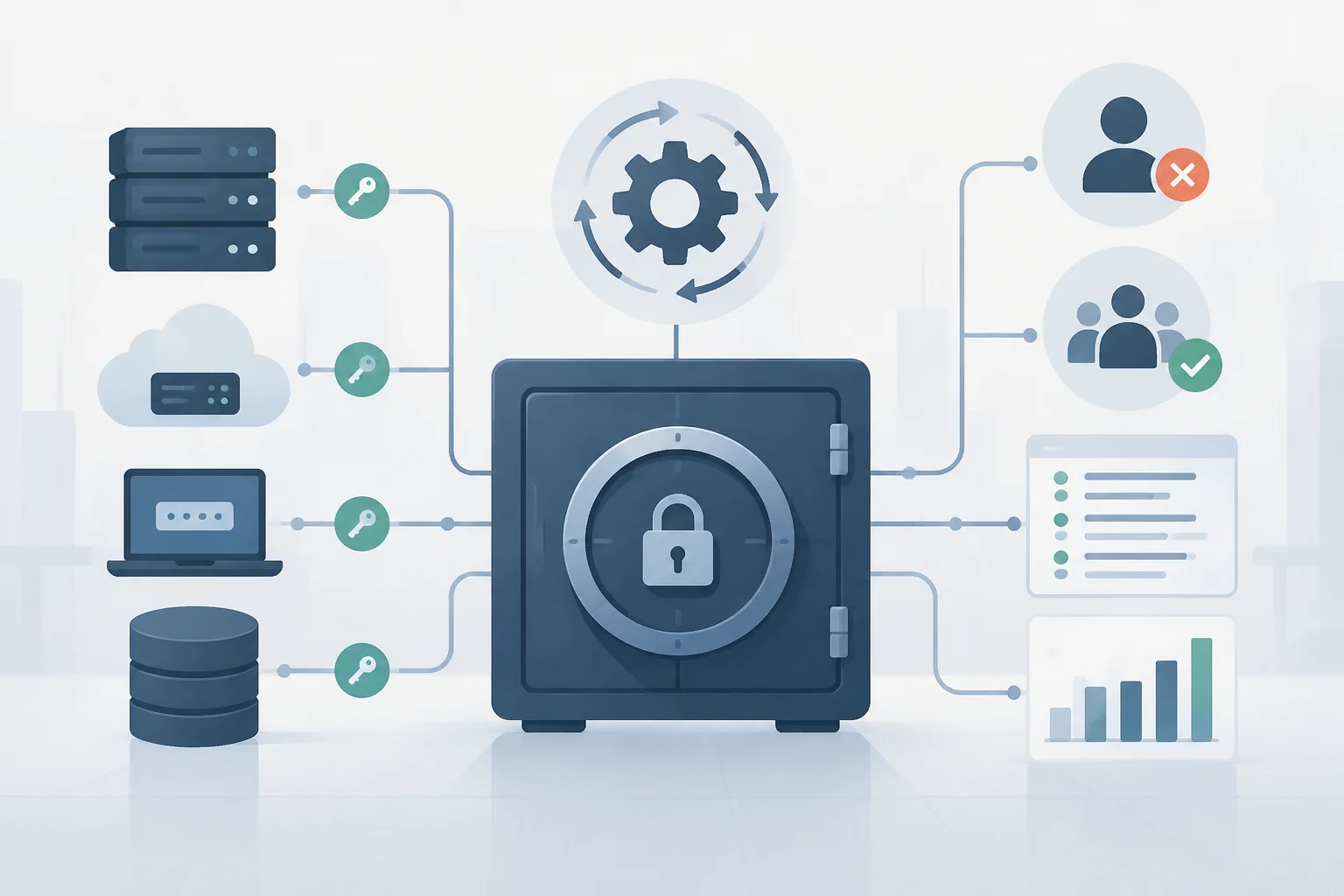
A manager can limit reuse and prevent teams from sharing credentials disorderly, but it does not by itself prevent a person from handing data to a fraudulent page. INCIBE includes phishing among techniques used to deceive users and obtain confidential information. SpyCloud notes that identity data stolen via phishing campaigns can be reused in account takeovers and privilege escalations. Rotation does not automatically reverse an already compromised session nor replace incident response.
If a credential is suspected to be exposed, the team must evaluate which account and systems are affected, revoke or renew pertinent accesses, and review related sessions and activity. MFA adds a barrier, but it should not be presented as absolute protection: the outcome depends on the method, application, and attack circumstances. Training helps staff recognize lures, while technical controls and incident response reduce impact when prevention fails. Human supervision remains necessary to interpret alerts and decide on actions.
Final Verification: Permissions, Logs, and Recovery
Before full deployment, review who can view, use, share, and modify each credential. Ensure permissions correspond to job functions and that a process exists to remove access when responsibilities change. Bitwarden recommends combining credential management with MFA, audits, logs, and policies; these controls offer more context than an isolated vault. The review must also cover shared and service accounts, not just individual users.
Validate logs with operational questions: is it identified who initiated an action? Is there a record of a rotation result? Can the team detect a failed change? Is it known who must respond? For recovery, document how to restore access to the platform and how to act during an interruption, without storing credential copies in unprotected locations. Consulted sources support the utility of audits and logs, but do not establish a universal backup or recovery procedure: adjust it to the organization's design and obligations.
Pre-Production Checklist
- Verify MFA and recovery for administrative accounts.
- Confirm permission scope and user offboarding.
- Test rotations in a controlled environment, including application dependencies.
- Review that logs allow investigating changes and accesses.
- Rehearse service recovery and assign responsible parties for incidents.
The practical decision is to deploy in stages: first control accesses and logs, then automate limited changes, and finally expand coverage after verifying operation and recovery.