The real role of the motherboard in 2026
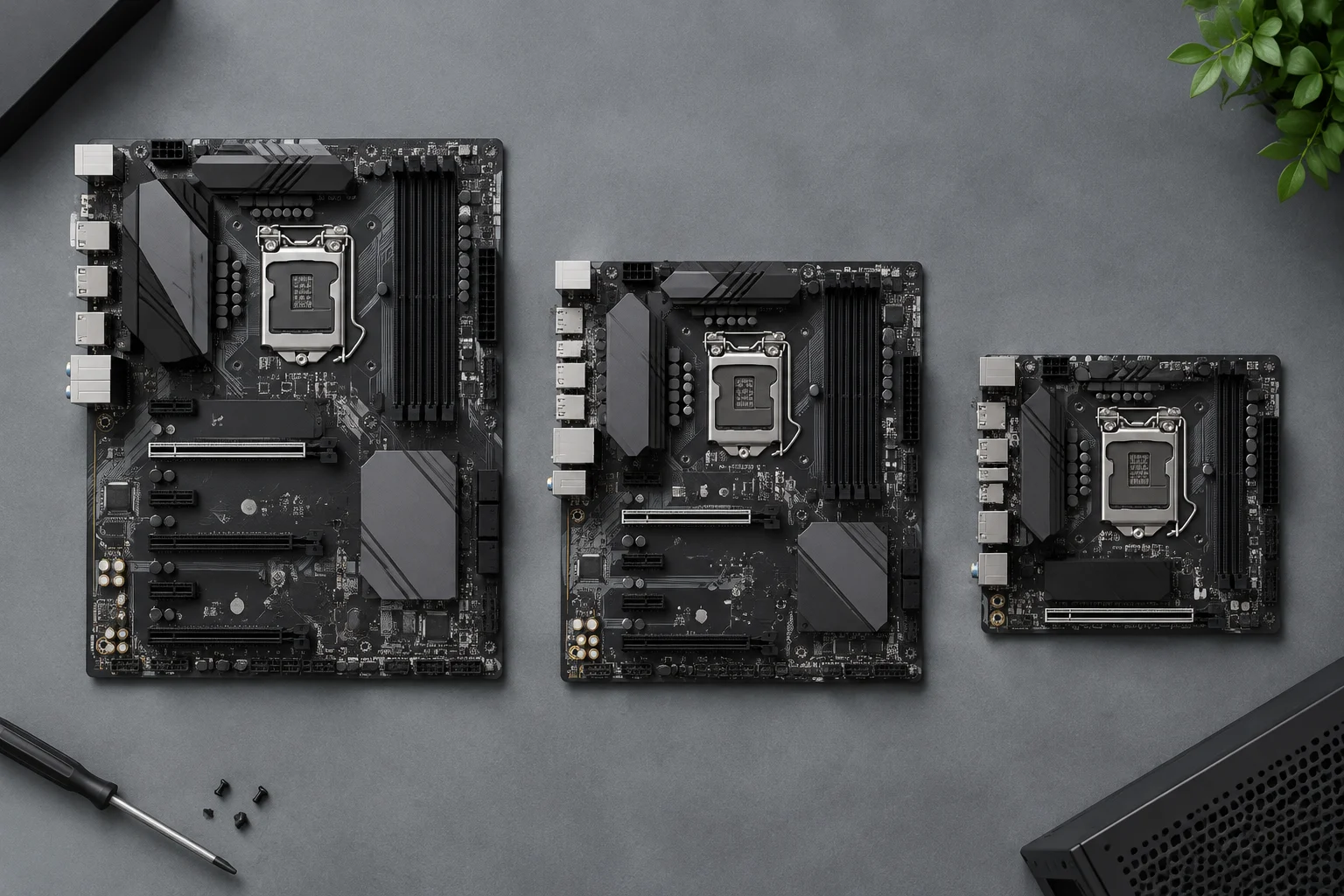
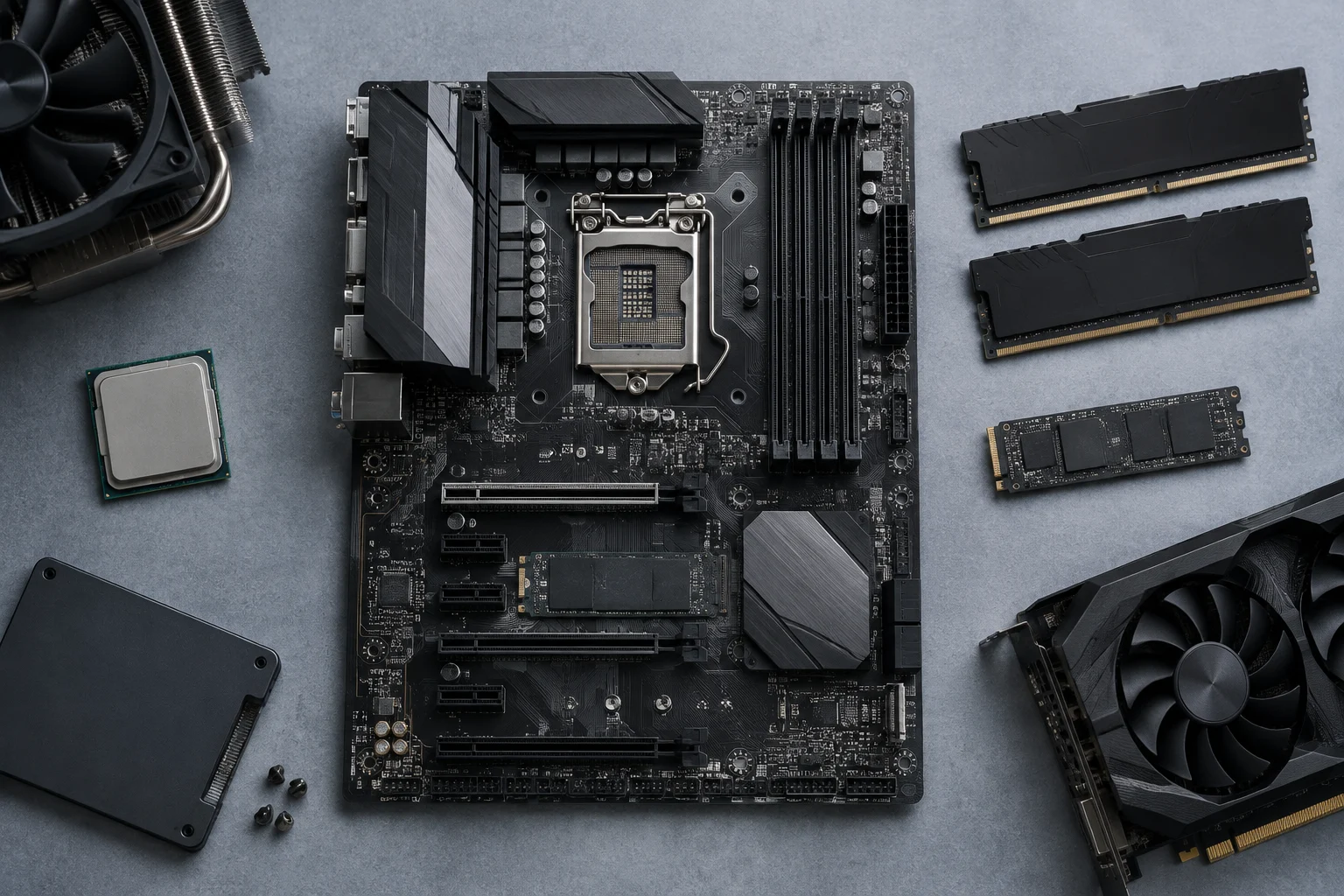
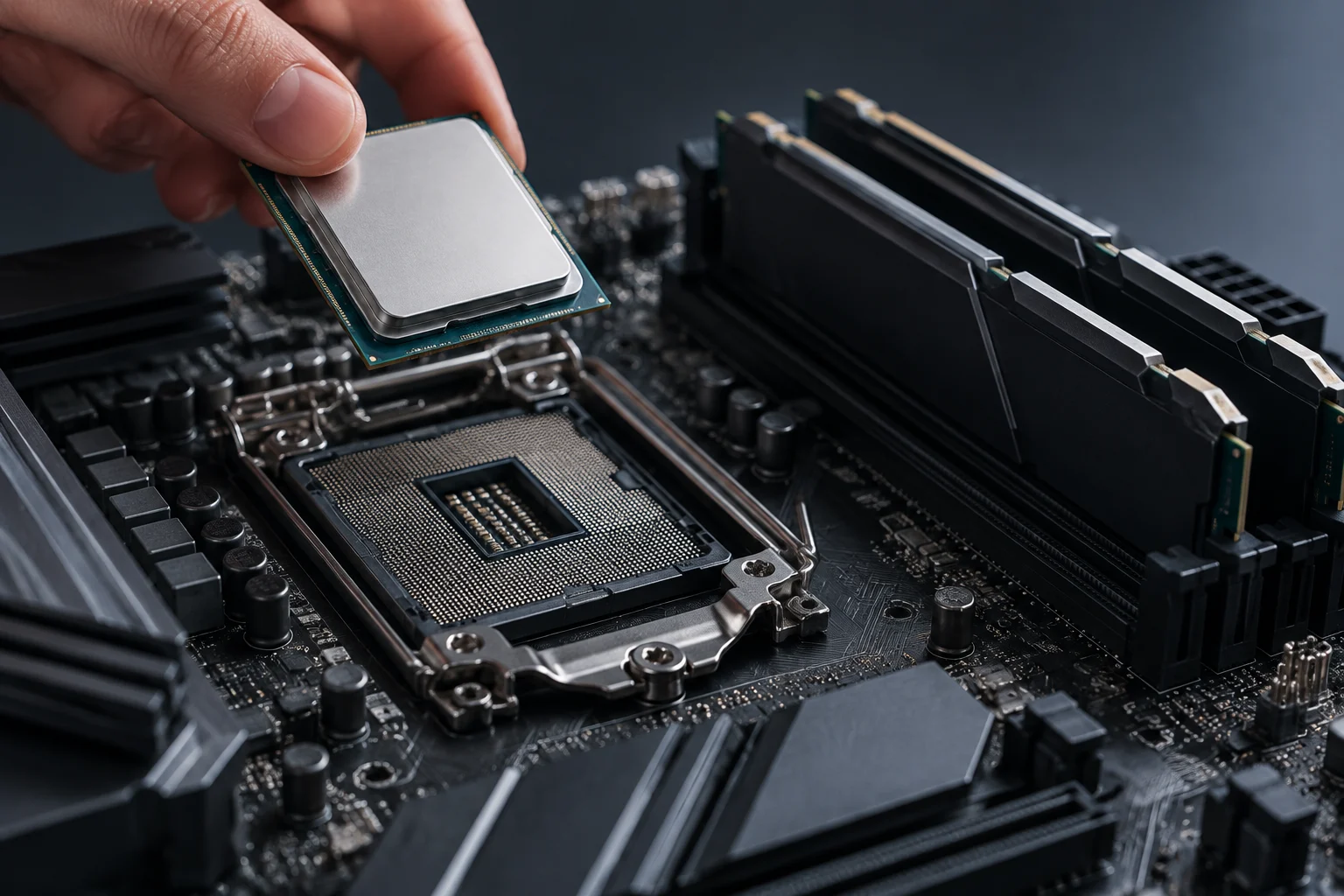
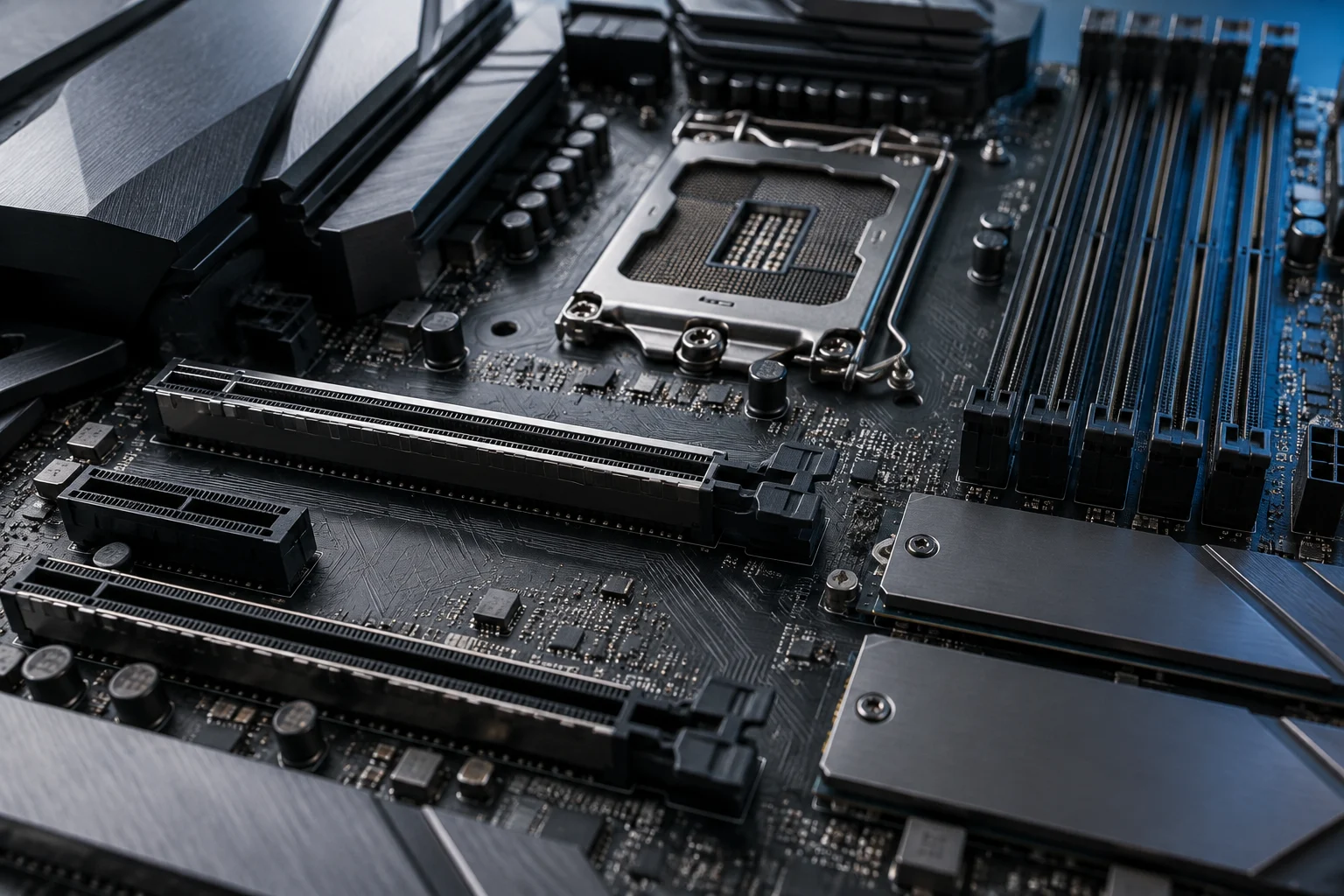
A motherboard is a printed circuit board that connects the processor, memory, storage, and graphics card via interconnect buses. It does not add performance on its own, but it determines which components can be installed and at what speed they communicate. In 2026, its function remains the same, but the range of options has narrowed: two platforms dominate the desktop market, AMD AM5 and Intel LGA1851, and within each, chipsets define the available expansion lines.
The practical decision the user makes is not which board is "the best," but which one covers their use case without paying for features they will not use. The chipset is the decisive factor, not the brand or aesthetic design. A well-built B650 can be a wiser purchase than an X870E with USB4 ports that will never be connected, especially if the budget is tight and the GPU does not require PCIe 5.0.
Current architecture: sockets, chipsets, and CPU support
AMD AM5: A platform that ages well
AMD designed the AM5 socket to cover several generations of Ryzen processors. According to available documentation, all AM5 boards with 600 and 800 series chipsets are compatible with AM5 processors, although on 600 series boards, a BIOS update may be necessary to recognize Ryzen 8000 or 9000. This means a B650 bought in 2023 remains a valid platform in 2026, provided the manufacturer maintains firmware updates.
Intel LGA1851: The new Core Ultra generation
Intel has introduced the LGA1851 socket for the Core Ultra 200S family. The choice here is more binary: a B860 is sufficient if you do not intend to overclock the processor, while the Z890 offers support for frequency tuning and more PCIe lines. The difference between the two is not raw performance, but future flexibility.
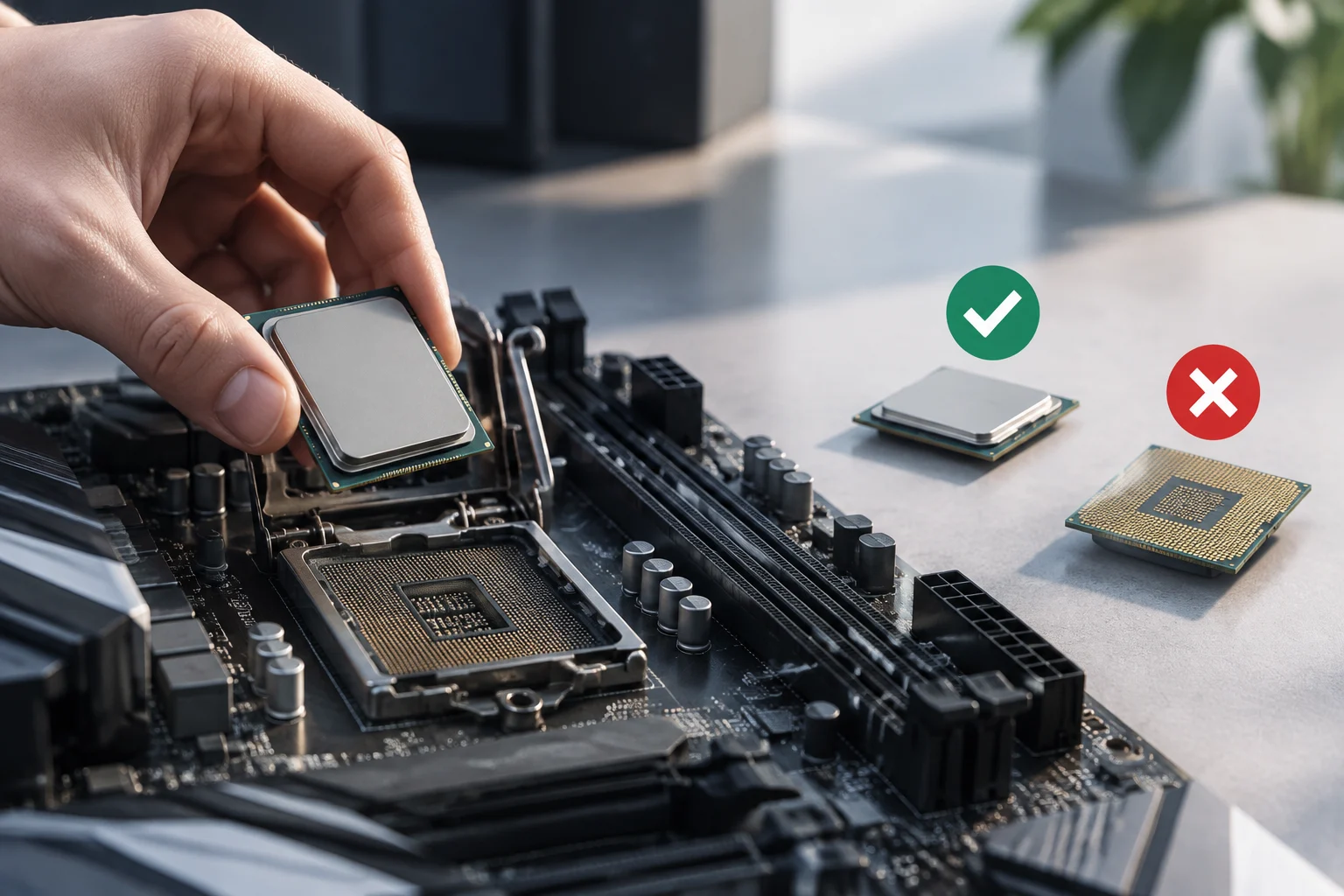
CPU compatibility is the first filter. Before comparing ports or connectivity, you must verify that the board supports the specific processor you are installing, including the need for a prior BIOS update. A frequent error is buying a mid-range board with a high-end processor without checking that the initial firmware recognizes it.
RAM memory: DDR5 as standard and its practical limits
In 2026, DDR5 is the universal standard on current platforms. Both AM5 and LGA1851 boards require DDR5 modules; there is no compatibility with DDR4 on these platforms. The maximum supported speed varies by chipset and manufacturer implementation. For example, the SAPPHIRE B650M-E supports DDR5 up to 7600 MHz in overclock mode, while high-end models like the GIGABYTE X870E AERO X3D WOOD announce support for DDR5 at 9000 MT/s.
The impact of memory speed on gaming performance is real but moderate. Moving from DDR5-5600 to DDR5-7200 can improve FPS in certain latency-sensitive titles, but the difference rarely exceeds 5-10% in most scenarios. Capacity and stability are more important than theoretical maximum frequency. A 32 GB kit at 6000 MHz with tight timings usually offers better practical performance than 64 GB at 7200 MHz with relaxed timings.
One aspect to consider is compatibility with high-density modules. Some mid-range boards have limitations on the amount of memory supported per channel. The SAPPHIRE B650M-E, for example, supports up to 96 GB (2x 48 GB), which is sufficient for most users, but not for those who need 128 GB or more for professional work.
PCIe 4.0 and 5.0 interconnects: real speed vs. specifications
The GPU slot: does PCIe 5.0 matter?
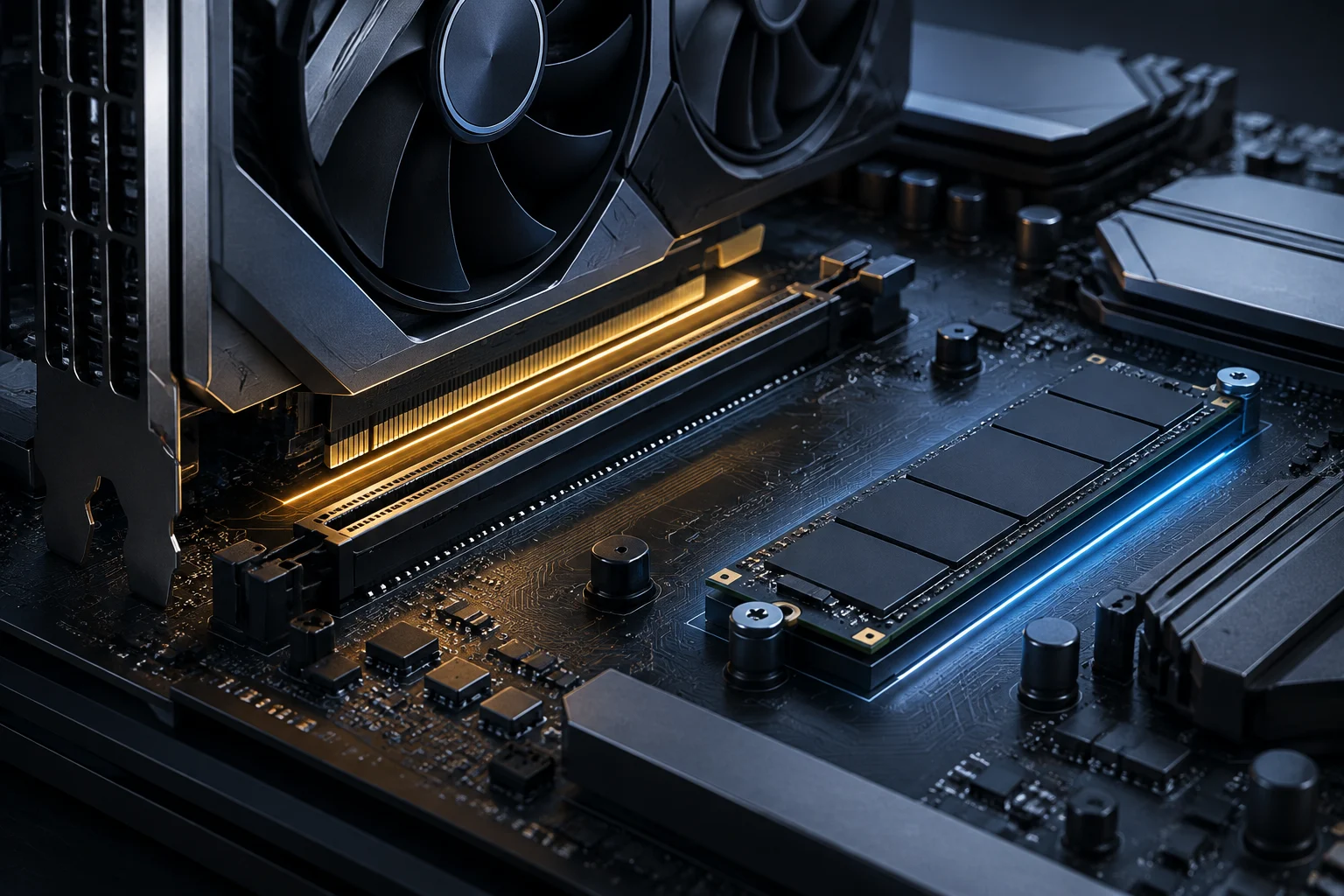
The current generation of AMD and NVIDIA graphics cards uses PCIe 5.0, but is also compatible with PCIe 4.0 with minimal performance loss in most games. AMD made the PCIe 5.0 x16 slot for GPU mandatory on B650E and X670E chipsets, while it was not a requirement on standard B650. This has created an irregular situation: some B650 boards include it as an additional feature, and others do not.
A specific case illustrates the complexity: GIGABYTE removed support for PCIe 5.0 GPUs on its B650 boards via a BIOS update in August 2025. Users noticed their graphics cards switched to operating in PCIe 4.0 after the update, generating complaints about the loss of an advantage that, though small, had been initially offered. This decision reminds us that feature support is not permanent and can be withdrawn for stability reasons or resource prioritization.
NVMe SSDs: where PCIe 5.0 makes a difference
For storage, the difference between PCIe 4.0 and 5.0 is more tangible. A PCIe 5.0 NVMe SSD can reach sequential read speeds exceeding 12 GB/s, compared to ~7 GB/s for PCIe 4.0. In tasks involving large file copying, texture loading in game engines, or working with voluminous datasets, the improvement is perceptible. For general use, however, the difference is minimal, and a 2 TB PCIe 4.0 SSD offers a practically identical experience to a PCIe 5.0 of the same capacity.
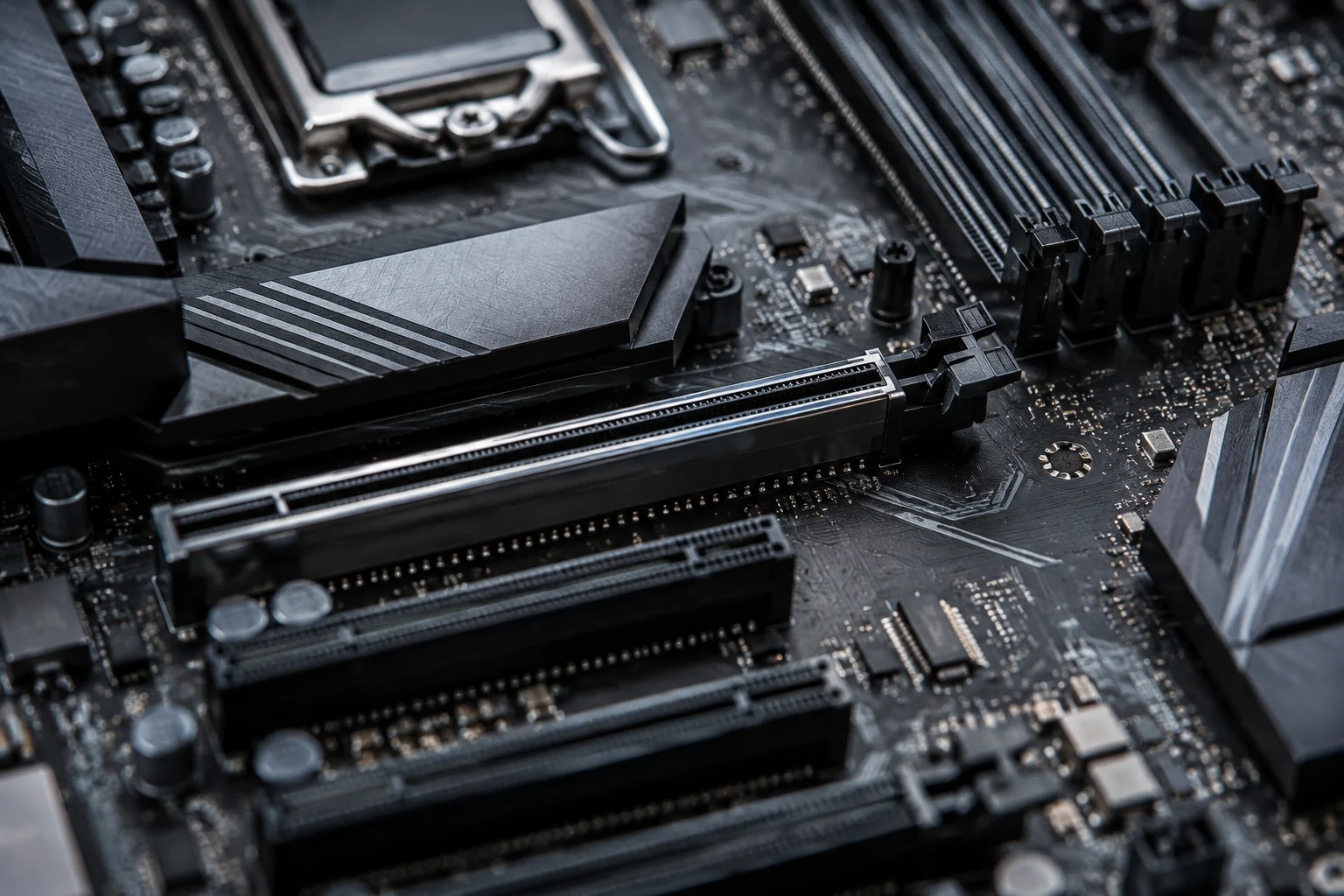
The number of M.2 slots is a more important criterion than the speed of each one. A board with two PCIe 4.0 M.2 slots can be more useful than one with a PCIe 5.0 and a PCIe 3.0, depending on how many drives are needed. The SAPPHIRE B650M-E, for example, offers one PCIe 5.0 M.2 slot and another PCIe 4.0, a balanced configuration for most users.
Wireless connectivity and ports: Wi-Fi 7, USB4, and Ethernet
Wi-Fi 7: available, but not always necessary
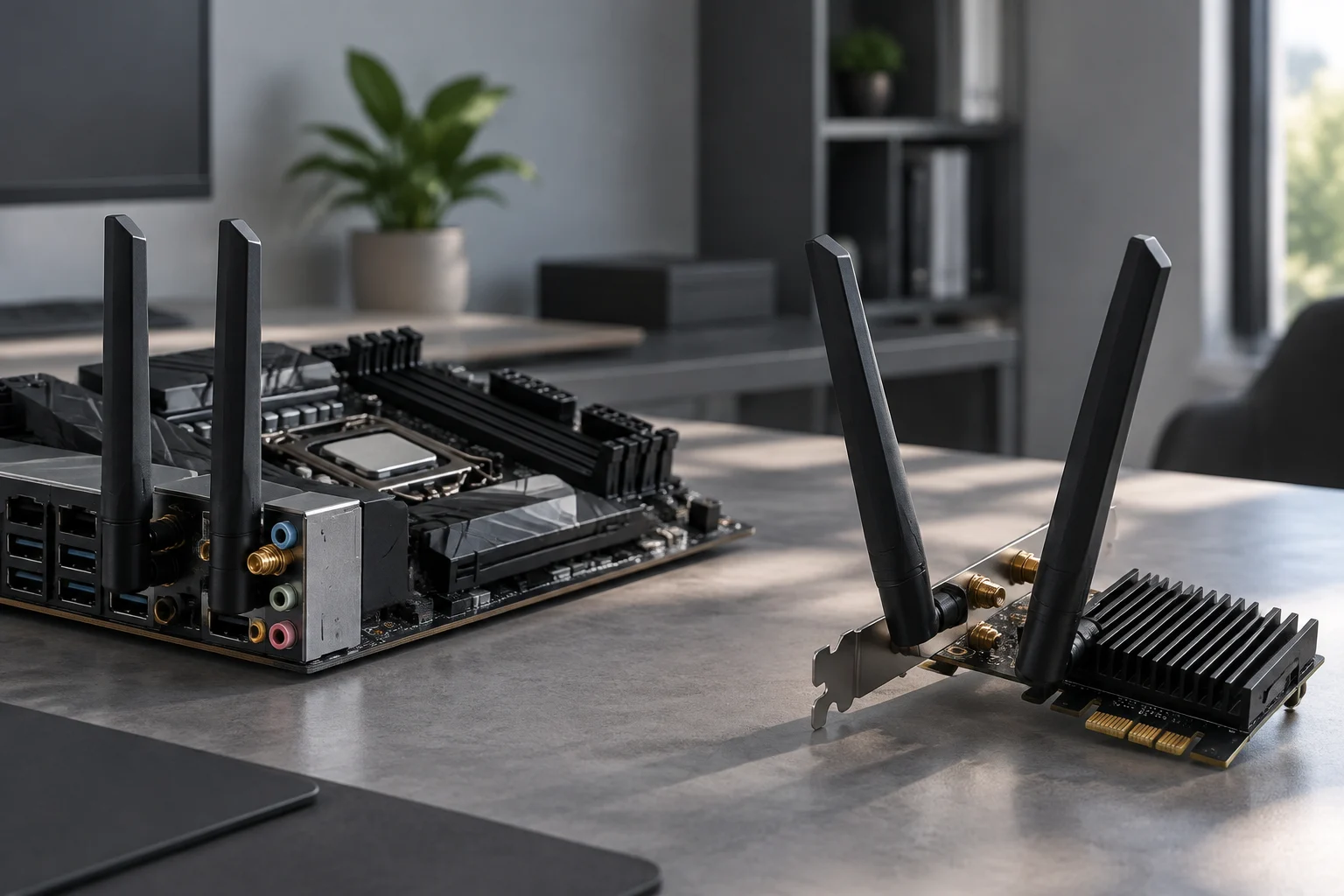
The Wi-Fi 7 (802.11be) standard offers higher bandwidth and lower latency than Wi-Fi 6E, but its practical impact depends on the local network. If the router is not compatible with Wi-Fi 7, a motherboard with this standard will provide no advantage. In 2026, Wi-Fi 7 routers are available but are not yet the norm in most homes. For most users, Wi-Fi 6E is sufficient for streaming, video calls, and online gaming.
Wired connectivity remains the most stable option for competitive gaming and professional work. 2.5 Gbps Ethernet is the current sweet spot: it offers a significant improvement over traditional Gigabit without the complexity of 10 Gbps switches. The SAPPHIRE B650M-E includes a 2.5 Gbps RTL8125BG port, a specification that is already standard in the mid-range.
USB4 and Thunderbolt: for whom they make sense
USB4 at 40 Gbps allows connecting high-resolution monitors, fast external storage, and, in some cases, eGPUs. It is not a feature most users need, but for content creators working with high-speed external NVMe drives or 4K/144 Hz monitors, it can be a real differentiator. X870E and Z890 boards usually include USB4, while B650 and B860 rarely offer it.
Future compatibility: BIOS, firmware, and lifecycle
The lifespan of a motherboard depends largely on the manufacturer's firmware support. A board that stops receiving BIOS updates may lose compatibility with new processors, memory modules, or storage devices. AMD and Intel publish microcode updates that board manufacturers must integrate, and the frequency of this varies by brand and model.
A recent example: the SAPPHIRE B650M-E received a BIOS update in September 2026 that fixed compatibility issues with CXMT memory modules and resolved a boot failure with the 7500F processor. These fixes are critical for long-term stability and are not always announced with the same level of detail as new features. Reviewing a board's update history before buying is a recommended practice, especially in mid-range models where support may be more limited.
The purchase decision must consider the upgrade horizon. If you plan to change platforms in 2-3 years, a mid-range board with good firmware support is sufficient. If you are looking for a platform for 5 years or more, investing in a higher chipset with more PCIe lines and high-speed ports offers greater maneuvering room to add components without changing the board.
Practical recommendations by use case
Gaming at 1080p or 1440p with a tight budget
A B650 or B850 with DDR5 and a PCIe 4.0 M.2 slot is more than enough. There is no need to pay for PCIe 5.0 in the GPU slot if the graphics card does not critically require it. The savings can be directed to a better GPU or more storage.
Gaming at 4K or local AI work
Here, the PCIe 5.0 slot for GPU and at least one PCIe 5.0 M.2 for SSD start to make sense. An X870E or Z890 offers the necessary expansion lines for high-end graphics cards and fast storage without bottlenecks. USB4 connectivity also becomes relevant if using high-speed external storage.
Professional workstation
The priority is the number of ports, VRM stability, and support for large amounts of memory. High-end boards with robust VRMs and multiple M.2 slots are the appropriate option. The SAPPHIRE B650M-E, for example, offers a 6+2+1 phase VRM with 60A per phase, sufficient for most Ryzen processors, but for sustained rendering loads, a board with a more powerful VRM is preferable.
Summarized decision criteria
- Do you need PCIe 5.0 for GPU? If not, B650/B850 is sufficient.
- How many M.2 slots do you use? Two PCIe 4.0 usually suffice; a PCIe 5.0 is an extra.
- Do you overclock? If yes, Z890 or X870E; if no, B860 or B850.
- Do you use USB4 or Thunderbolt? If not, do not pay for it.
- What upgrade horizon do you plan? The longer the horizon, the higher the chipset.