Compatibility is decided port by port
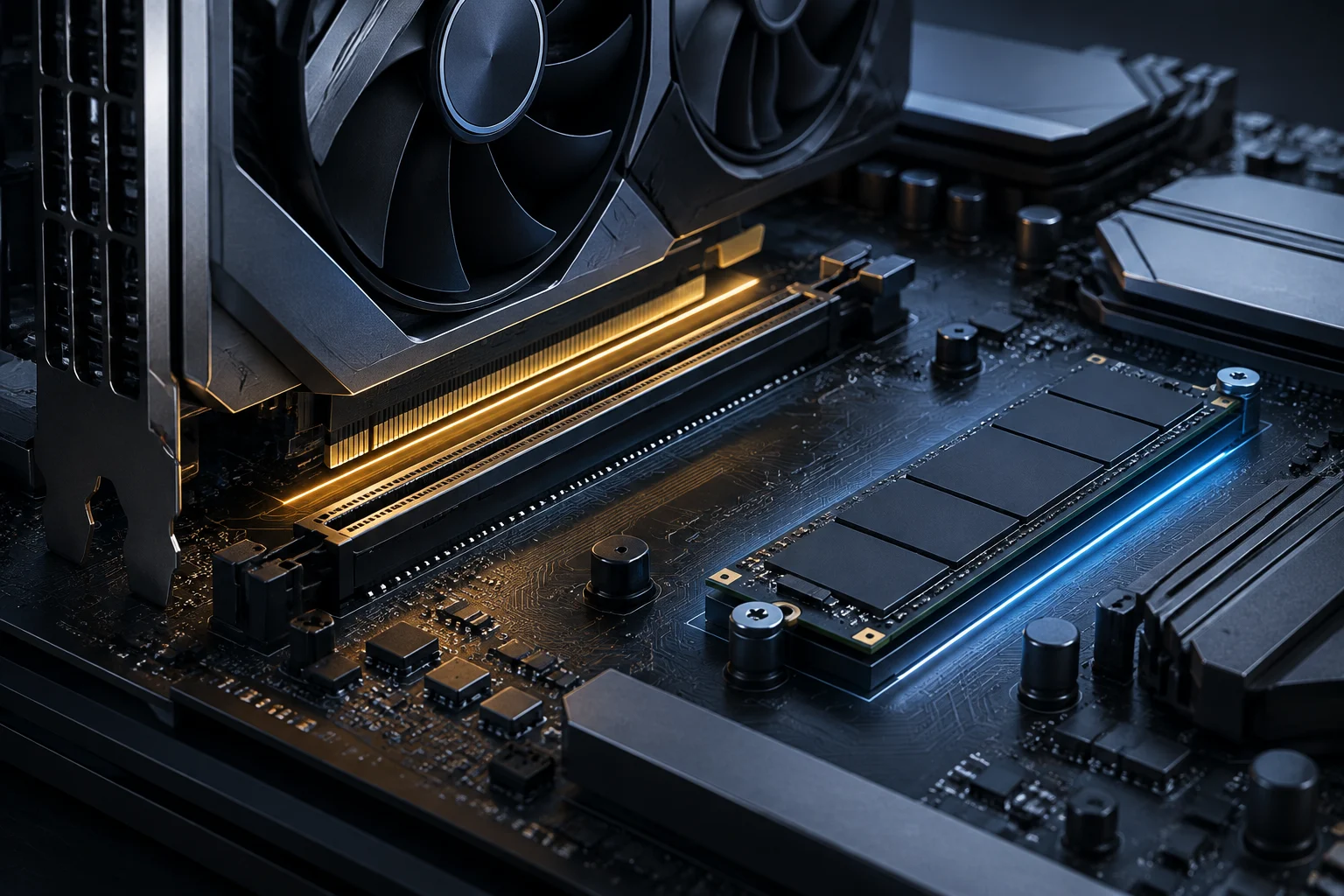
PCIe 5.0 describes a connection generation, but it does not guarantee that a motherboard offers it in all its slots. A manufacturer can announce Gen5 support and reserve it for an M.2 connector, the main graphics slot, or both. The practical question is not if the board is PCIe 5.0, but which specific port offers that generation, with how many lines, and under what usage conditions.
It is also useful to separate negotiated speed from application performance. A higher-generation link increases available bandwidth, but it does not automatically accelerate all games, creation tasks, or storage loads: the installed component and the work performed must be able to exploit it. A Box buying guide notes that support can vary even among AM5 boards and that the chipset name is not enough to identify the wiring of each model. The consequence for those upgrading is simple: verify the exact model's datasheet, not a generic description of the family.
How to read the technical sheet without stopping at the chipset name
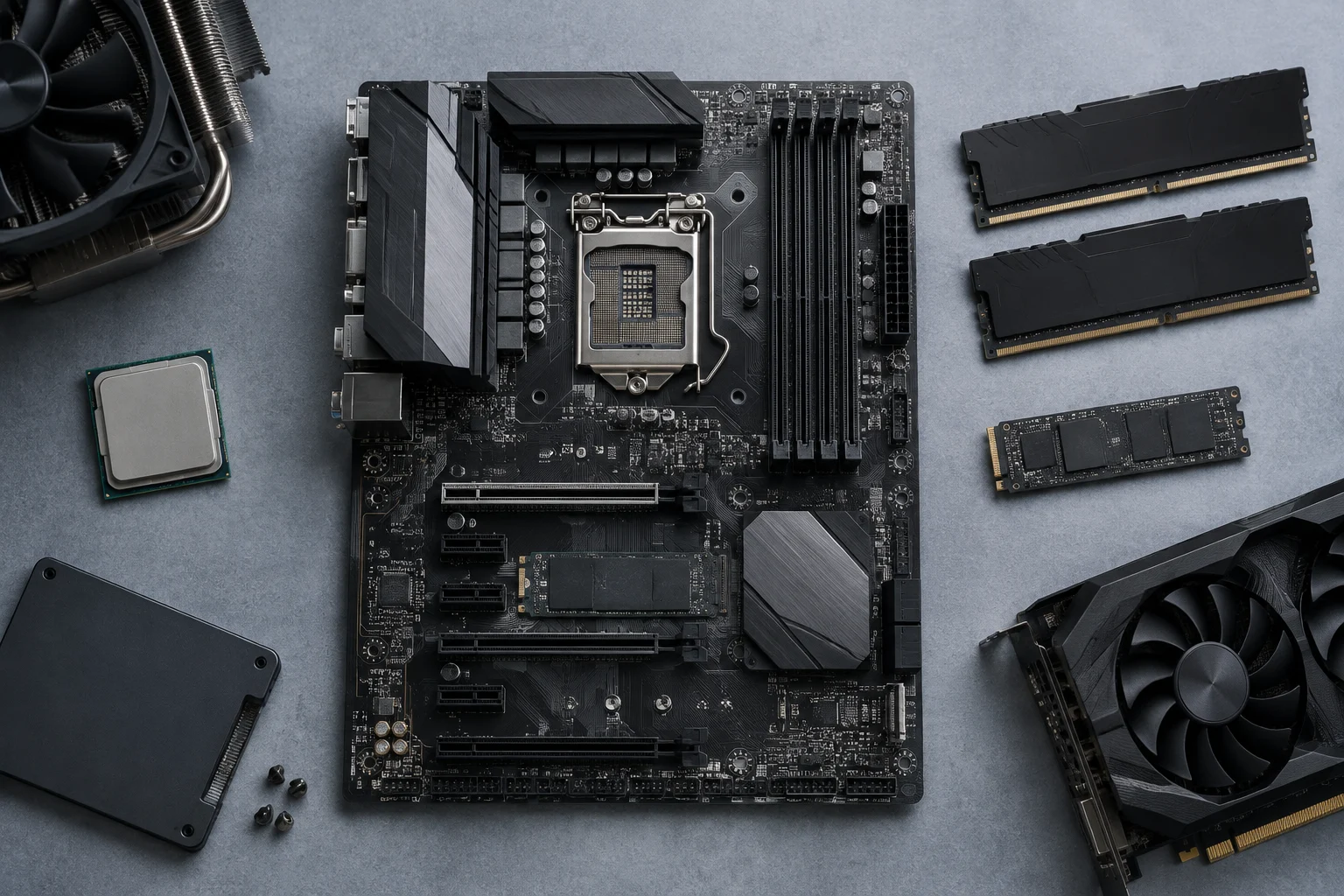
Start with the board's official page and look for the expansion and storage slots section. In the main PCIe x16 slot, check the generation and operating mode; in each M.2, confirm if the interface is PCIe 5.0 x4, PCIe 4.0 x4, or another. The label “M.2” describes the connector format, not its PCIe generation. Each slot must be verified separately before buying a GPU or an NVMe drive.
Next, review the footnotes in the manual or specifications: some boards share lines between slots, limit one connection when another is occupied, or depend on the installed processor. The datasheet for the ASUS ROG Strix B850-F Gaming WiFi, for example, announces Gen5 support and two M.2 slots, but these general data do not replace the technical table indicating the interface assigned to each connector. ASUS's filterable list allows locating boards by PCIe bandwidth, although the filter is only a first sieve: final confirmation must come from the specific model's page and manual.
A practical way to document the check is to note four elements before deciding: graphics slot, generation, and number of lines; intended M.2 slot, generation, and lines; possible conflicts when populating other connectors; and CPU requirement. If a store only shows “PCIe 5.0” without saying where it applies, that information is insufficient to confirm a specific configuration. Corsair also recommends checking the board's specifications to verify M.2 Gen5 support, and warns that a PCIe 5.0 SSD can work on an earlier connection without reaching its maximum link speed.
GPU: Bandwidth and power are distinct issues
For a graphics card, the relevant check is the slot in which it will be installed and the link that slot negotiates with the GPU. PCIe 5.0 should not be confused with the card's power supply: the board's bus offers communication and part of the power, while high-power GPUs may also rely on their own power connectors and an adequate power supply. A board's VRM does not directly power the GPU; it regulates energy mainly destined for the processor and other board circuits.
Therefore, counting VRM phases does not allow concluding by itself that a graphics card will maintain its frequency or avoid power limitations. The phases and their nominal current describe part of the board's power design, but the result also depends on the processor, its consumption, cooling, configured limits, and real load. A 2021 news item about MSI Z690 boards reported MEG models with 19 phases and SPS stages of up to 105 A; this is a historical example of VRM specifications, not a performance rule or a recommendation for 2026 boards.
ASUS's official page for the ROG Strix B850-F Gaming WiFi announces a 16 + 2 + 2 power solution, with up to 80 A per stage. This figure describes the product and serves to compare datasheets, but it does not by itself demonstrate a concrete advantage in FPS or guarantee CPU behavior without knowing test conditions. For a reasoned purchase, contrast the intended CPU with the manufacturer's compatibility and thermal information; evaluate the GPU by its own power requirement and the assigned PCIe slot.
NVMe Gen5 SSD: Compatibility, lines, and temperature
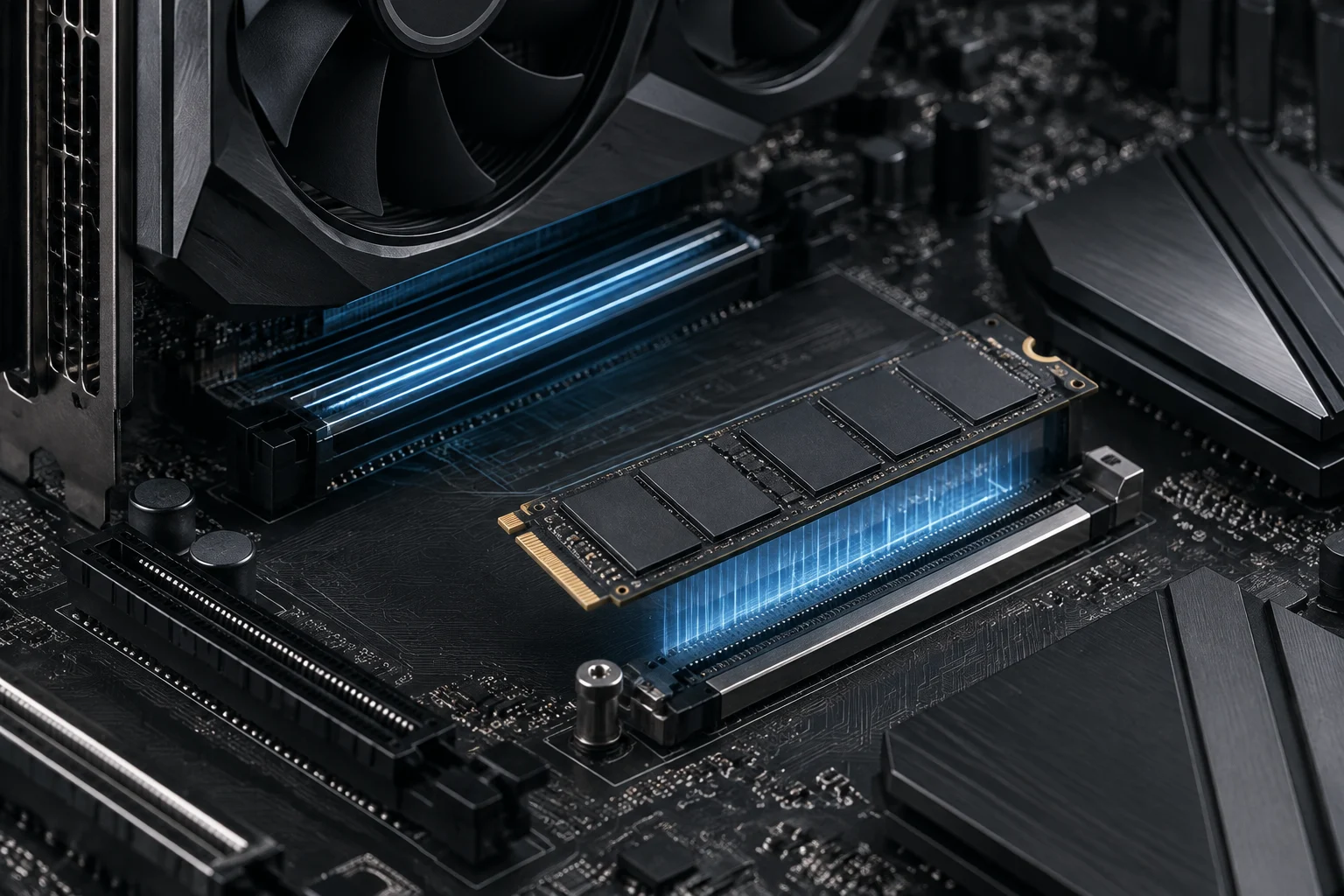
A PCIe 5.0 M.2 SSD can be compatible with a board whose slot operates at a lower generation, but the connection will operate according to the available link. Compatibility does not equal Gen5 speed. Corsair explains this for its M.2 SSDs: to exploit the Gen5 connection, a board with PCIe 5.0 support in the specific M.2 connector is needed, and it advises checking the board model's specifications.
A board label indicating several M.2 connectors does not mean all are Gen5. Look at the datasheet of each one and the manual to know its generation, number of lines, location, and possible shared resources. If the SSD will be installed under an integrated heatsink, also check that the heatsink is compatible with the drive and that two incompatible solutions are not being used at the same time. The goal is to check the whole set—board, slot, SSD, and cooling—not to infer it from the chipset.
Temperature can affect a drive's sustained performance, but it is not correct to assert that every Gen5 SSD will reduce its speed to Gen4 levels if it lacks forced ventilation. Conditions depend on the model, load, temperature, and cooling design. PCMag includes thermal management among the aspects to consider when choosing PCIe 5.0 drives; this supports checking cooling, not attributing a uniform result to all drives. Do not confuse a thermal possibility with a measurement of your equipment.
VRM: What the number of phases allows asserting
Phase and ampere figures appear frequently in board datasheets, but they are not a universal score. The count can refer to different parts of the power supply and is not enough, in isolation, to compare thermal capacity or behavior under sustained load. In the case of the ASUS ROG Strix B850-F Gaming WiFi, the official description identifies 16 + 2 + 2 and up to 80 A per stage; it is advisable to repeat that specification with its context, without turning it into a performance promise.
For a high-consumption processor, the useful approach is to cross-reference the CPU compatibility list with the model's power and cooling information, and consult independent analyses when it is necessary to know how it behaves under sustained loads. Geeknetic's coverage of MSI Z690 is a secondary source from 2021, while the ASUS datasheet is official for a specific model. They are evidence of different scope: one describes an old announcement; the other, characteristics declared by ASUS. Neither allows generalizing to all current boards.
A checklist before buying
Before paying extra for PCIe 5.0, decide which component needs it and check the connector you will use. The Box guide suggests that, in AM5, boards can distribute Gen5 support differently between GPU and storage. Therefore, do not deduce the board's connectivity from the chipset name nor assume that all boards of the same platform are identical.
You can use this list to compare two specific models: there is no need to pay for capacity you will not use, but you must confirm the functions your configuration requires.
- For the GPU: generation and number of lines of the main slot; possible restrictions when occupying other slots.
- For the SSD: generation and lines of the specific M.2, compatibility with the processor and available heatsink.
- For the CPU: model support in the official list, declared power, and cooling conditions.
- For an upgrade: backward compatibility, physical space, GPU power connectors, and adequate power supply.
- For comparison: manufacturer's manual and datasheet first; independent tests if you need sustained performance data.
What decision PCIe 5.0 allows
PCIe 5.0 is a useful specification when the component and workload justify the additional bandwidth. It is not, by itself, a guarantee of more performance in games nor a sufficient reason to replace a board that already covers the equipment's needs. The decisive difference for the buyer lies in the implementation of each model: location of Gen5, available lines, distribution among connectors, and thermal conditions.
The practical recommendation is to buy according to the specific configuration, not according to a generation label or the number of phases in a datasheet headline. Confirm the GPU slot and the M.2 separately, review the manual for possible shared resources, and treat VRM figures as technical data that require context. When there is no independent test for the exact combination of CPU, board, GPU, and SSD, limit the conclusion to what the manufacturer documents: declared compatibility and characteristics, not measured performance.