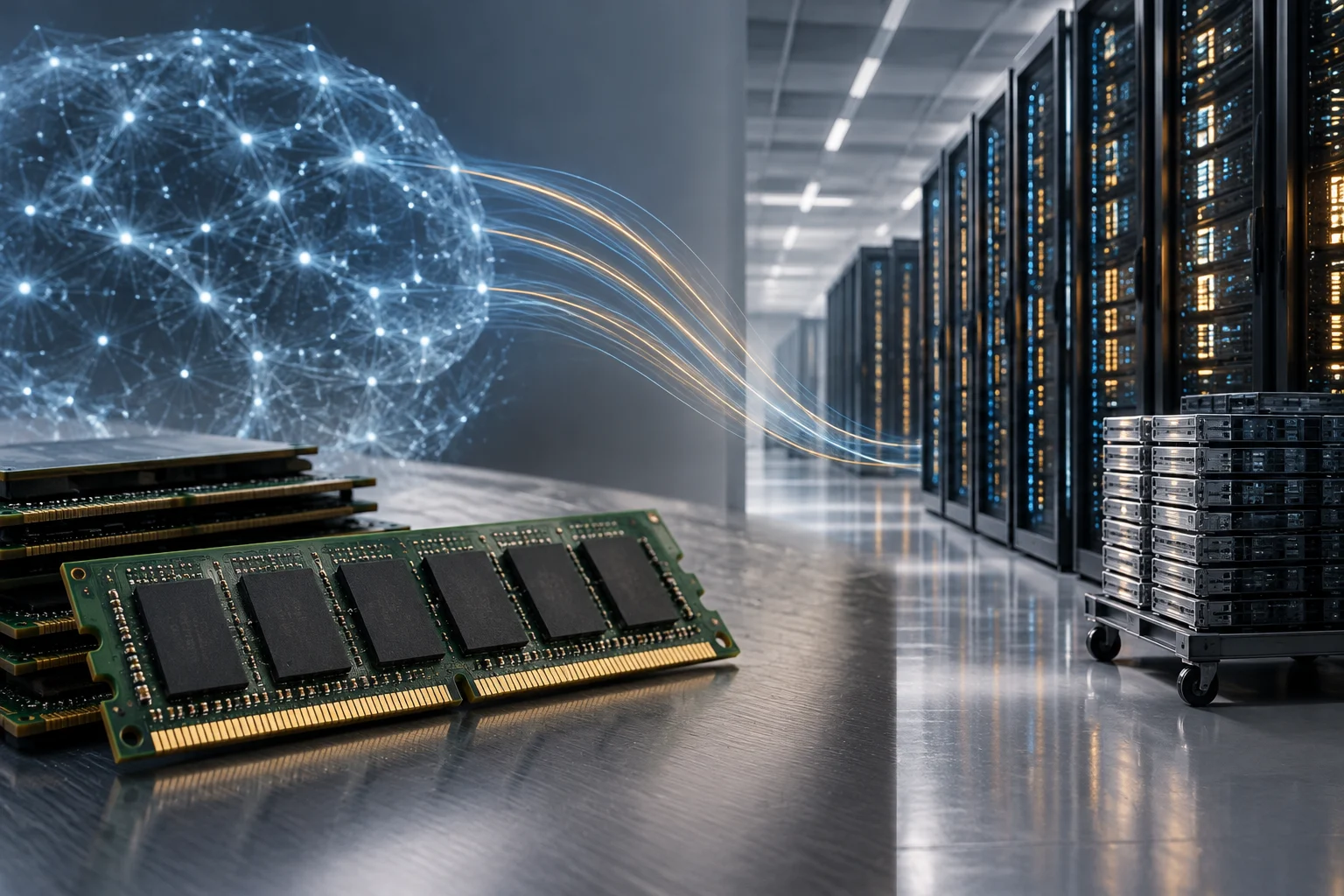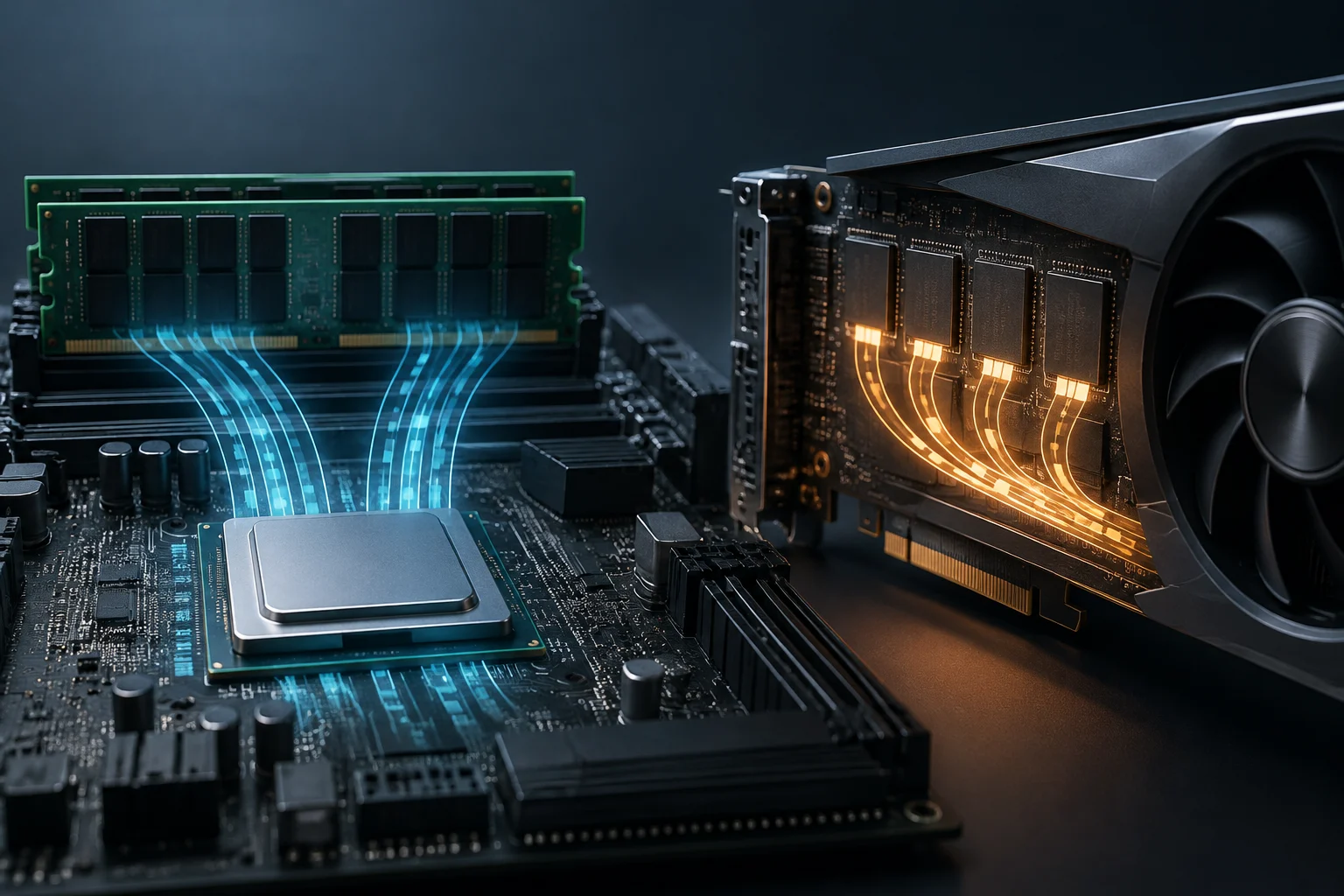
Two types of memory with related, but not interchangeable, roles
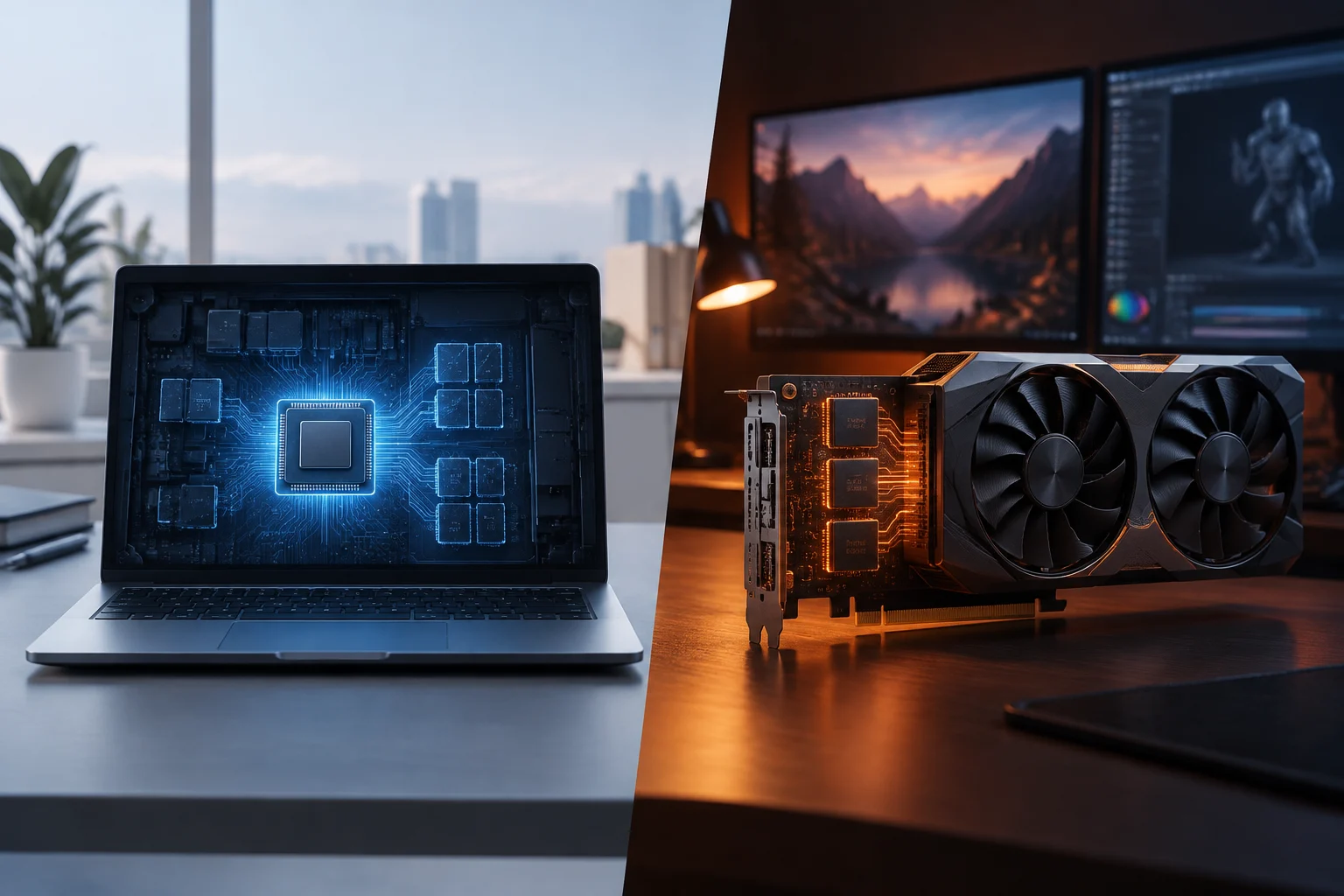
With integrated graphics, the GPU uses system memory shared with the CPU; it does not have a separate pool of graphics memory. With discrete graphics, the GPU has its own dedicated memory.
In a discrete graphics card, the GPU is a component separate from the processor and has its own dedicated memory, which it does not share with the CPU. Integrated graphics are built into the processor and use system memory shared with the CPU.
The key difference is that integrated graphics use system memory shared with the CPU, while discrete graphics have their own dedicated memory. These arrangements affect how memory is supplied to graphics workloads, but a shared-memory figure should not be read as if it were a dedicated VRAM capacity. When comparing specifications, identify whether the graphics are integrated or discrete before interpreting the memory figures shown for the device.
Integrated and discrete describe where the GPU resides and how it accesses memory; they do not, by themselves, tell you how much memory a particular task will consume. The model and configuration determine the exact arrangement, so the category of memory matters as much as the number attached to it.
Integrated and discrete GPUs: where the memory resides
An integrated GPU is part of the processor or the same computing package and, in general, uses system RAM as graphics memory rather than having a separate VRAM pool. The CPU and GPU therefore draw on memory installed in the computer. This is common in laptops and compact systems, although the exact capabilities depend on the model and the manufacturer’s configuration.
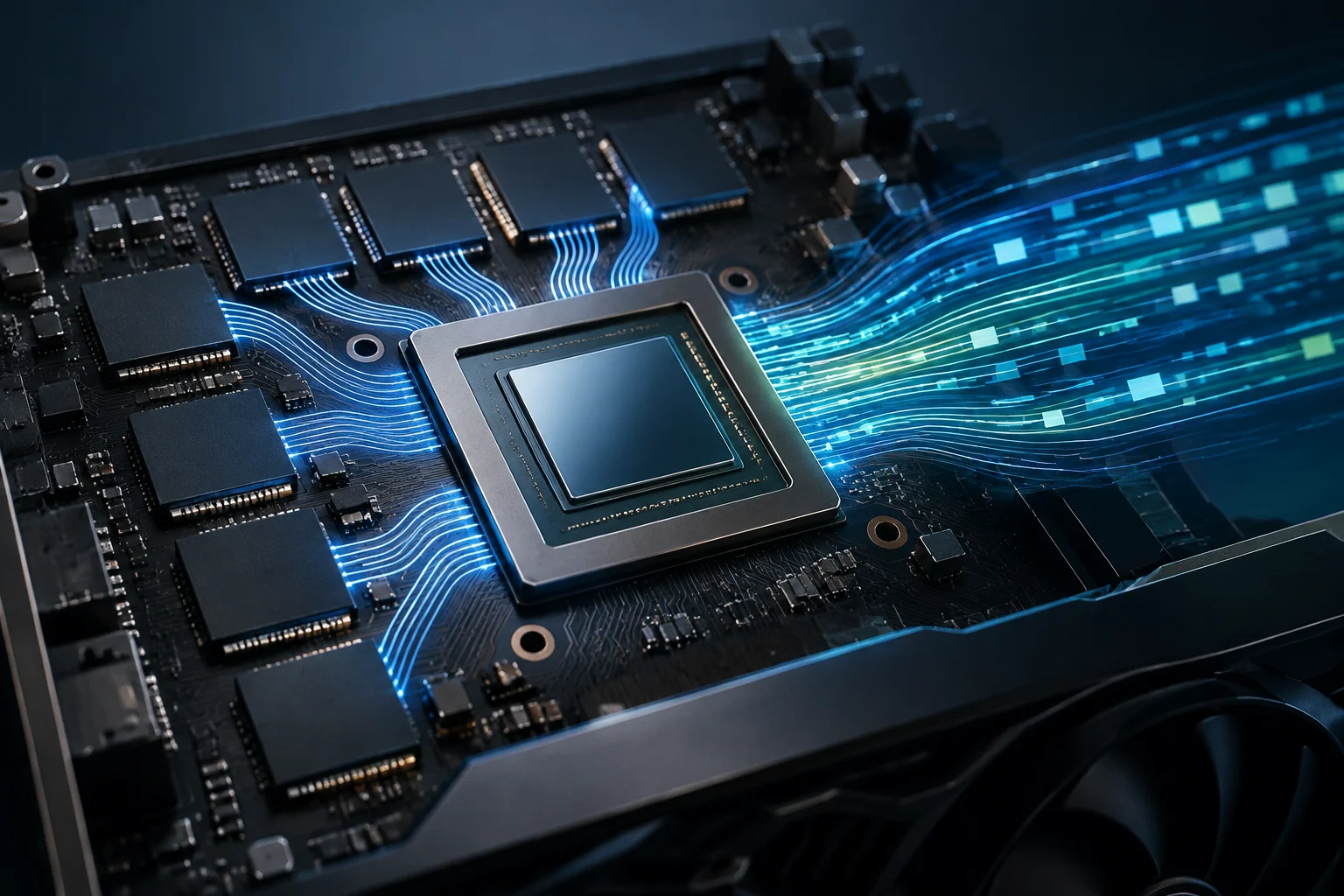
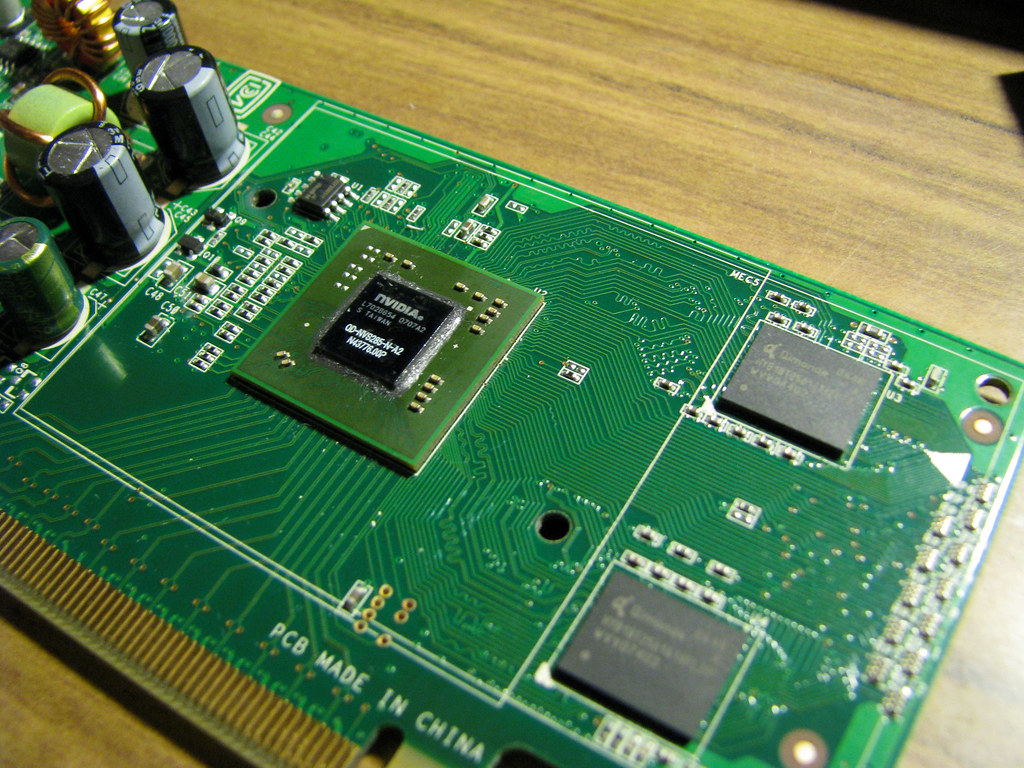
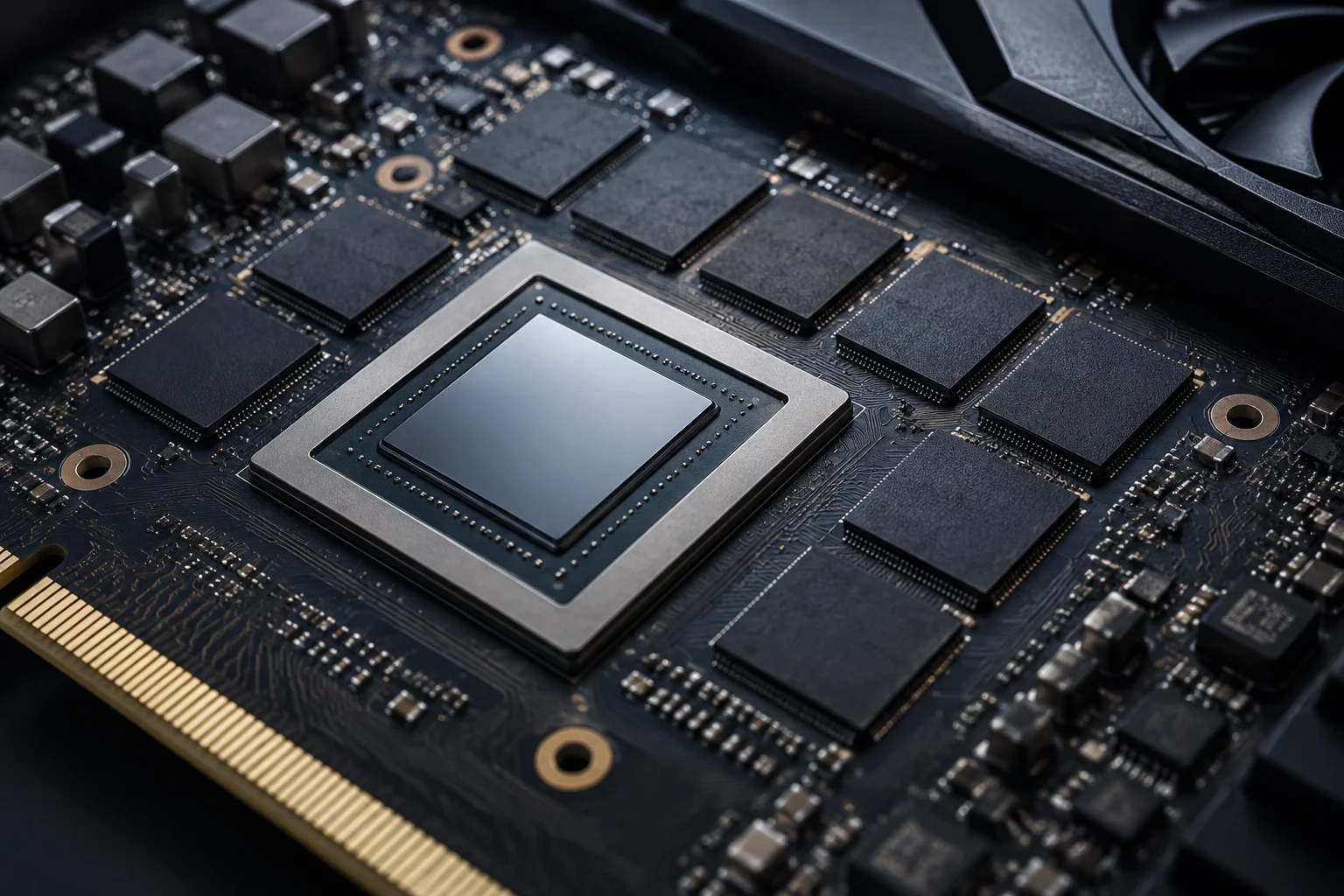
A discrete GPU is separate from the processor and incorporates dedicated memory that it does not share with the CPU. An integrated GPU, by contrast, is part of the processor and uses shared system memory. A discrete graphics card therefore has its own graphics memory, while integrated graphics use the computer’s RAM.
For integrated graphics, graphics memory comes from system memory; for discrete graphics, the GPU has its own dedicated memory. To compare computers, check the GPU type and the memory specifications for the exact model: configurations vary by device. This distinction is especially useful when a product listing gives a single memory figure without making clear whether it refers to system RAM or graphics memory.
The terms do not imply that every integrated GPU works identically, nor that all discrete cards have the same memory capacity. The practical question is whether the GPU relies on shared system memory or has dedicated memory of its own, followed by checking the specifications and requirements that apply to the particular model.
What each component holds during a workload
A GPU is a processor dedicated to graphics operations. According to Intel, one of its main functions is to reduce the CPU’s workload, especially when running games or graphics-intensive applications.
Integrated graphics use system memory shared with the CPU; discrete graphics have dedicated memory that they do not share with the processor. The way graphics memory is provided depends on the GPU type. That basic difference is more useful than treating every memory figure on a computer as if it represented the same resource.
In Windows documentation, shared graphics memory refers to system memory accessible to the GPU through the video memory management system. Windows calculates a maximum shared-memory limit; that figure is not necessarily dedicated memory or memory in use. Memory assigned by firmware is not counted as system memory accessible to the operating system.
A displayed maximum therefore describes a limit recognized by the system, not a report that the GPU is currently holding that amount. The distinction matters when interpreting diagnostic screens: a capacity limit, a fixed firmware allocation and current use are different concepts, even though each can be presented in connection with graphics memory.
Capacity, shared memory, and bandwidth
To compare computers, check each GPU’s memory specifications and the application’s requirements. A memory capacity figure alone cannot explain every aspect of graphics performance, so use the category named in the specification rather than assuming that two similarly sized numbers refer to equivalent memory.
Windows presents graphics-memory figures calculated by its video memory manager. They may include dedicated memory, shared memory and total graphics memory. These figures describe memory categories recognized by the system, not necessarily three separate physical memory pools. Shared memory represents system memory that can be mapped for graphics use, subject to limits and conditions managed by the driver and Windows.
In Windows documentation, the global shared-memory limit is calculated using the system memory available for graphics and the commitment limits for aperture segments. The shared-memory figure is a maximum usable capacity, not an indication that all of that RAM is occupied or permanently reserved for the GPU. Memory set aside by firmware, by contrast, may no longer be counted as system memory accessible to the operating system.
This is why the word total on a diagnostic screen should not be taken to mean that all the listed memory is physically installed on the graphics card. Read the displayed categories alongside the GPU’s actual specifications and the application’s stated requirements; a mapped system-memory limit and dedicated graphics memory describe different resources.
How to read game and application requirements
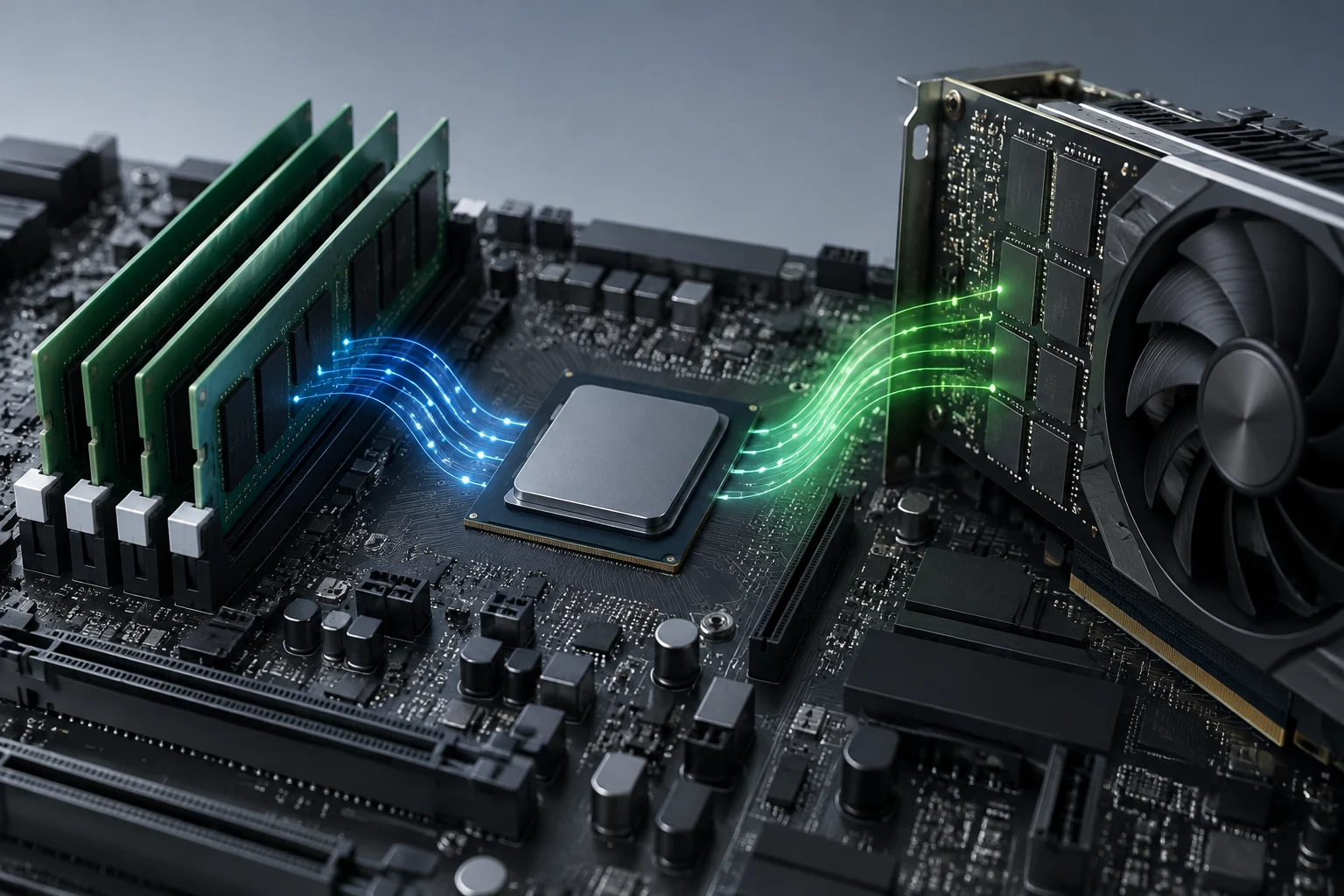
When a specification lists system RAM and graphics memory separately, check each requirement separately. Integrated GPUs usually use system memory shared with the CPU; dedicated GPUs generally have their own memory. Check which memory category the application specifies, since the wording determines what resource the requirement refers to.
On a PC with an integrated GPU, Windows may show shared graphics memory: system memory that can be assigned for graphics use under system and driver limits. The maximum figure does not mean that all that memory is occupied or permanently reserved. An integrated GPU uses system memory, while a discrete GPU generally incorporates its own graphics memory.
To decide whether a computer is suitable, check the exact GPU model and the program’s requirements for that GPU, along with the minimum or recommended RAM. If the application specifies a graphics-memory requirement, check which category of memory it names. Laptop features depend on the model and its configuration.
A requirement for a certain amount of graphics memory should not automatically be compared with the maximum shared-memory number shown by Windows. First determine whether the requirement refers to dedicated GPU memory or to system memory available to integrated graphics. Then compare the relevant figures for the exact computer, rather than relying on a generic description of its graphics hardware.
Shared memory: allocation, limit, and actual use
In Windows, the shared-memory figure indicates a system-memory limit that can be mapped for graphics use; it does not necessarily represent current use or a fixed reservation. The system calculates this limit and controls how much memory can remain resident in aperture segments at a given time.
It helps to distinguish three things: installed physical RAM, memory reserved by firmware, and system memory that the graphics subsystem can share. A BIOS/UEFI option may reserve an amount for an integrated GPU; the effect depends on the motherboard and firmware. A firmware reservation is not the same as the shared-memory limit Windows reports.
As a buying rule, choose enough RAM for the applications you use together and a GPU suited to your graphics work, rather than chasing a large “total memory” figure on a diagnostic screen. Shared RAM and dedicated VRAM are different resources, even though some systems let the GPU access system memory. To compare requirements, use the category specified by the developer and confirm the specifications of the exact computer.
For practical comparisons, consider the whole configuration: the amount of system RAM, whether the graphics are integrated or discrete, and the memory category named by the software. A shared-memory ceiling is not an additional pool of dedicated VRAM, and a reservation configured in firmware does not by itself describe how much memory a workload is using.