The HDR label is a starting point, not a complete assessment
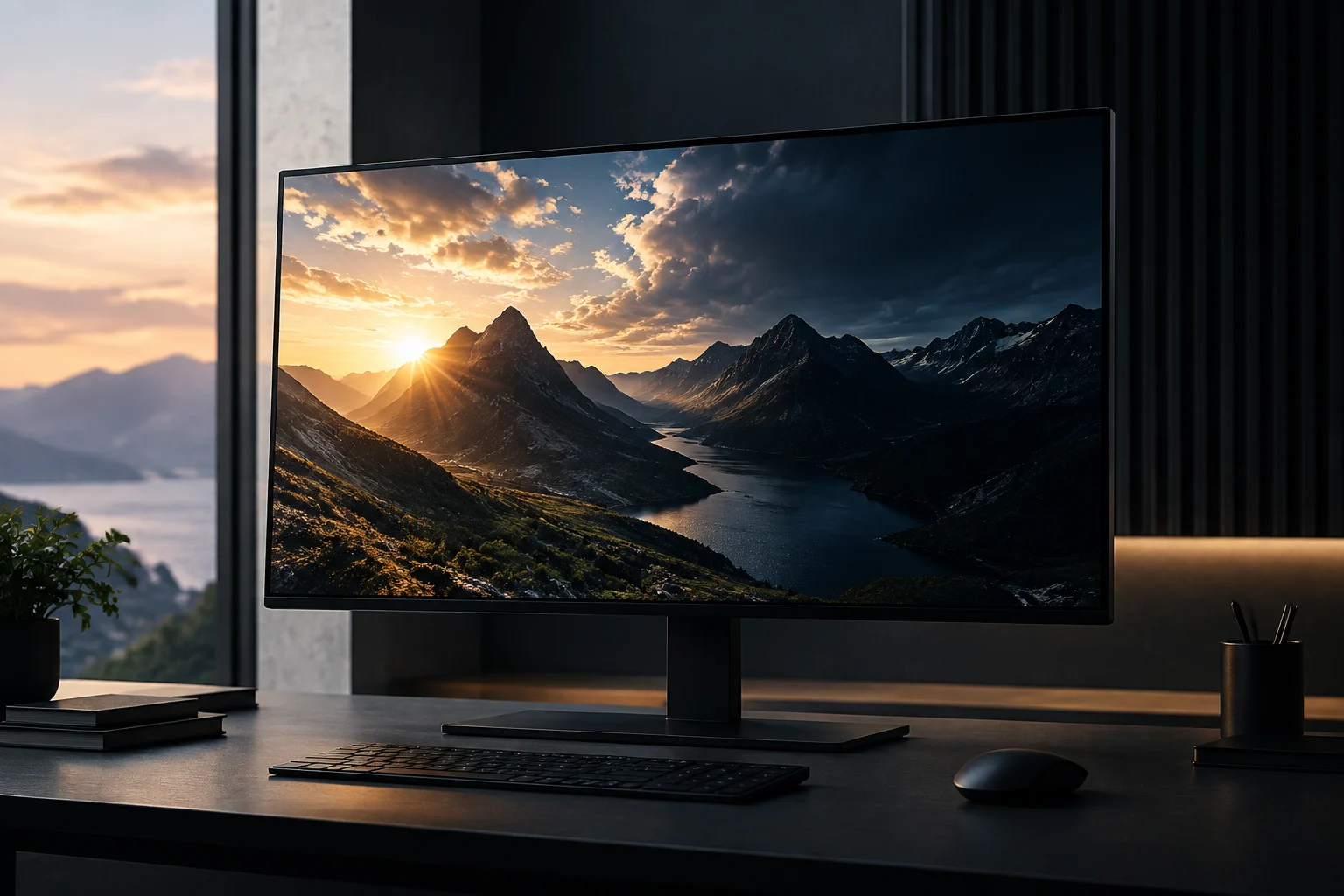
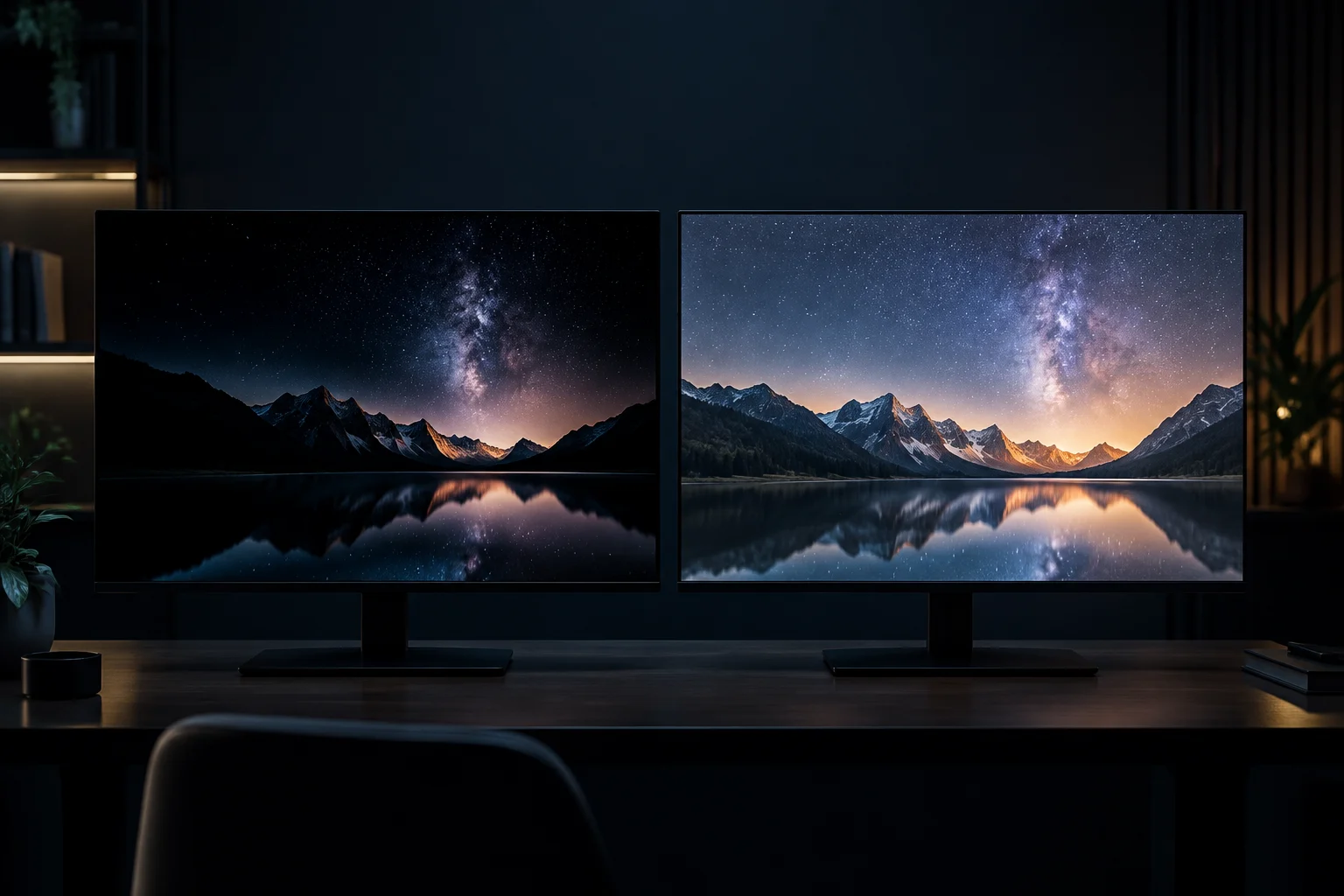
On a monitor spec sheet, 'HDR compatible' may say little about visible quality: a screen can accept an HDR signal yet deliver an image with poor contrast or unconvincing highlights. The VESA DisplayHDR certification serves to narrow that ambiguity through verifiable performance requirements, but it does not summarize all differences between models.
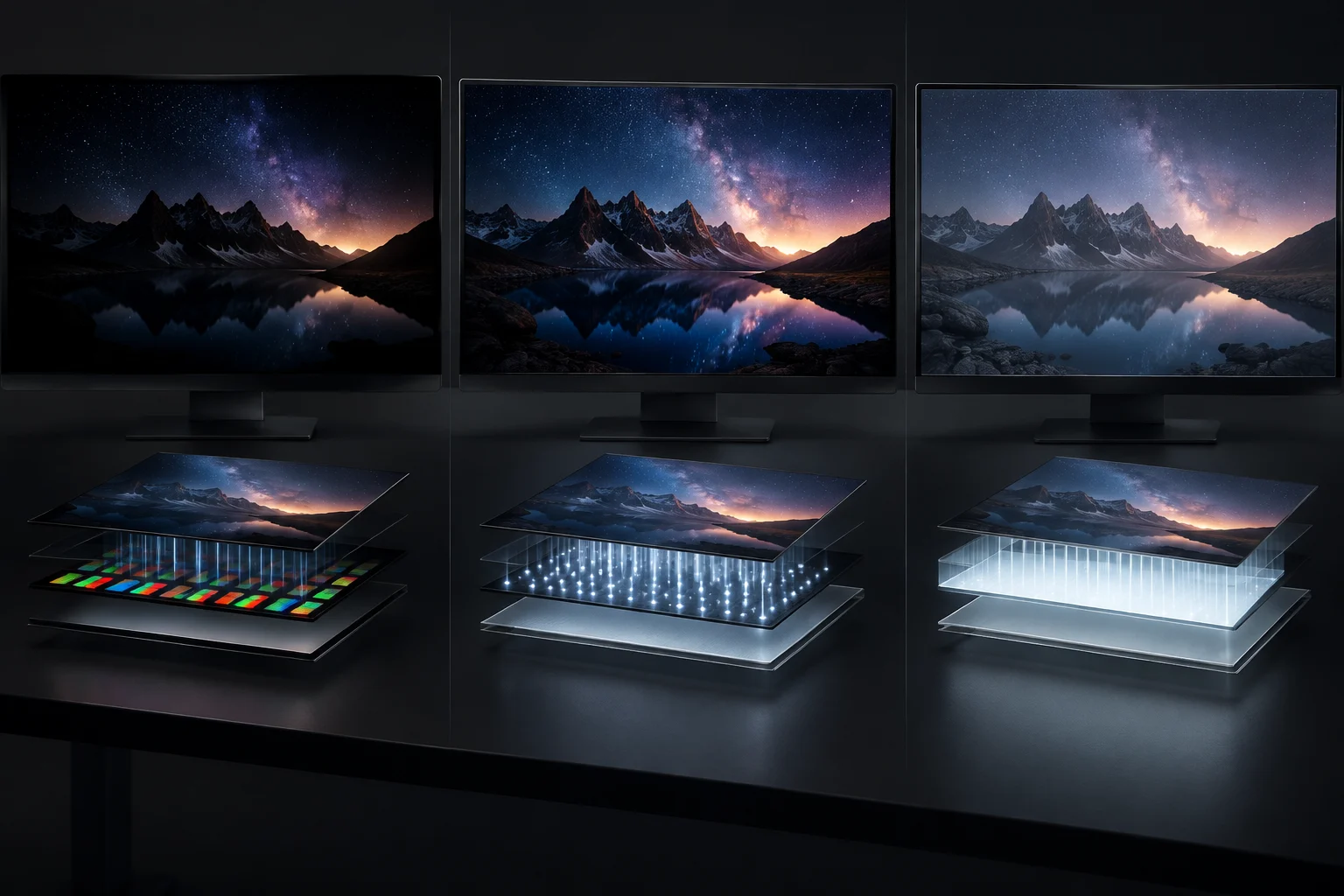
It is also worth separating technologies that often appear together in advertising. OLED describes pixels that emit light individually; Mini LED is a backlight for LCD panels, distributed in zones that can be locally adjusted. They are not two equivalent names for the same type of panel, nor do they guarantee an identical result on all monitors.
The practical decision is to use the certification as a filter and then check the data that matters for the specific use: sustained and small-window brightness, dimming behavior, color coverage, resolution, refresh rate, and connectivity. A label helps rule out inaccurate claims; it does not choose the right monitor by itself.
What DisplayHDR and DisplayHDR True Black represent
VESA organizes DisplayHDR into performance levels and maintains a differentiated family, DisplayHDR True Black, aimed at screens capable of reproducing very deep blacks. The designation has more value than vague commercial expressions like 'HDR compatible': the body indicates that only products meeting the specification can use the badge and offers a listing to verify certifications.
It is incorrect to read the numbers 400, 600, or 1000 as a global score or a promise of constant brightness across the entire screen. The levels correspond to requirements of a test specification. The CTS 1.2 revision announced by VESA in 2024 added tests and criteria; therefore, when comparing two spec sheets, it also matters which version of the specification underpins the badge.
The sources available here do not document a complete and current table of all technical thresholds for each level. For rigor, brightness figures, chromatic coverage, or contrast should not be inferred from the name alone. For a specific model, reliable verification consists of checking the certification in the VESA registry and consulting the manufacturer's official spec sheet, including declared measurement conditions.
OLED and Mini LED solve contrast in different ways
In OLED, each pixel generates its own light and can be turned off individually. This allows for very dark blacks and high contrast in scenes with bright elements against a black background. A manufacturer spec sheet example—the MSI MAG 321UP QD-OLED X24—declares a QD-OLED panel, DisplayHDR True Black 500, and a peak HDR brightness of 1000 nits; these figures describe that model, not all OLEDs.
Mini LED, by contrast, retains an LCD structure and uses a backlight with numerous adjustable zones. It can reach high brightness levels, but each zone covers several pixels: if a zone illuminates a small object against a dark background, a halo or blooming may appear. The result depends, among other factors, on the number and distribution of zones and the dimming control.
| Technology | How it controls light | What to evaluate |
|---|---|---|
| OLED | Pixel emission, with individual off | Blacks, brightness in different window sizes, and intended use |
| Mini LED | LCD backlight divided into zones | Local dimming, blooming, and highlight brightness |
| Conventional IPS | LCD backlight without automatic equivalence to Mini LED | Panel contrast and whether effective local dimming exists |
The table summarizes operating principles, not a universal classification. A Mini LED does not automatically win in HDR by having higher peak brightness, just as an OLED is not necessarily better for any environment. For daytime use with lots of light, brightness may weigh more; for dark scenes, black control and halos matter.
What an HDR certification does not cover
An HDR certification is not a comprehensive image quality assessment. It does not replace checking uniformity, reflections, color behavior in the working mode, scaling, latency, or motion clarity. It also does not allow deducing panel durability or the risk of retention or burn-in: those issues require specific information about the model and use.
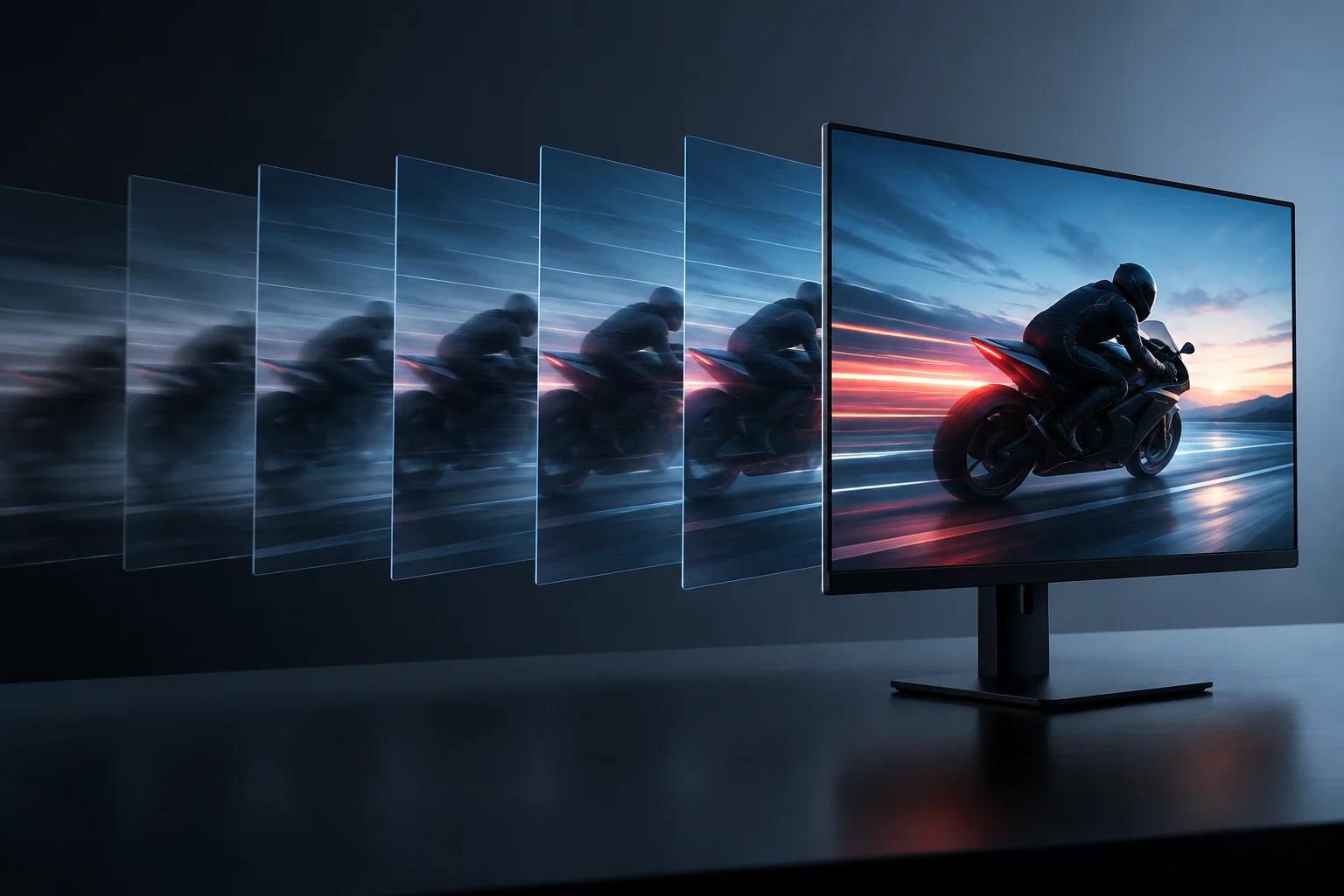
Published response figures are also not directly interchangeable if they come from different methods. A spec sheet may declare a figure in milliseconds under a specific condition; another may use a different metric or mode. For gaming, one must check refresh rate, variable refresh rate compatibility, and independent measurements when available, not assume that an HDR label implies speed.
In editing, an HDR label also does not certify that the monitor is suitable for professional delivery. One must verify color coverage and volume, accuracy, uniformity, and calibration, in addition to knowing the color space and viewing conditions. DisplayHDR answers part of the question—HDR performance according to its test—not the whole question about image fidelity.
How to read a spec sheet before buying
Start by checking the exact name of the certification: 'DisplayHDR 400' does not necessarily equate to a generic 'HDR 400' mention. VESA warns that pseudo-specific expressions should not be confused with a verified certification. Look for the model in the certified products directory and check if the manufacturer's spec sheet matches the designation.
Next, identify the panel type and lighting strategy. If it is Mini LED, look for information on local dimming and zones; if it is OLED, compare the declared brightness under the indicated conditions and consider the type of content and the exposure of static elements. Do not turn an isolated peak brightness figure into a measure of sustained performance.
To make a practical decision, use this checklist:
- Certification: full name, level, and official VESA registry.
- Light and contrast: peak and sustained brightness, test conditions, and, in LCD, local dimming.
- Color: coverage of the relevant space for gaming or editing and documented accuracy.
- Motion and use: refresh rate, VRR, response under an identified metric, and ergonomics.
- Limitations: reflections, uniformity, halo risk, or panel care considerations.
If a spec sheet does not provide these data, the absence does not prove the monitor performs poorly; it means there is less evidence to compare it. For an informed purchase, it is advisable to prefer verifiable specifications and independent tests of the exact model over conclusions based on the panel family or an isolated badge.
The decision depends on use, not a winning label
For gaming in a controlled room, OLED may be attractive due to individual pixel control and blacks, while Mini LED may be of interest if high luminous output is prioritized. Neither of these trends guarantees the result of a specific model: implementation, processing, and available settings also matter.
For color work, the panel type and HDR certification are only part of the choice. One must confirm that the monitor covers the required color space, offers adequate accuracy and uniformity, and allows workflow calibration. If the final destination is SDR, paying for a higher HDR label may offer less than a reliable calibration and a uniform screen.
In summary, DisplayHDR makes part of the performance more comparable, not the whole monitor. Verify the level in VESA, examine the metrics of the exact product, and weigh the limitations of OLED or Mini LED according to the environment. This combination allows distinguishing a plausible improvement for your use from a striking figure that does not answer the real decision.