The turning point: October 2025
The October 14, 2025 date marked the official end of the Windows 10 lifecycle for Home, Pro, Enterprise, and Education editions. From that day forward, Microsoft stopped issuing feature updates, non-critical bug fixes, and free technical support for these systems. Version 22H2 became the last stable iteration available, closing a decade of support that began in 2015.
This transition does not mean computers stop working immediately. The operating system continues running applications and services normally, but it enters a phase of progressive obsolescence where the attack surface grows with each new vulnerability discovered that does not receive an official patch.
What 'end of support' exactly means
For the end user, the cessation of support has three immediate practical consequences. First, Windows Update stops offering security patches for newly discovered vulnerabilities. Second, no performance improvements or software bug fixes unrelated to security will be received. Third, Microsoft's technical support line stops handling incidents related to this operating system.
It is a common mistake to think the device will lock up or applications will stop opening. The reality is more subtle: the risk is asymmetric and cumulative. Each day without patches increases the probability that malware exploits a known but uncorrected vulnerability, especially on devices connected to the internet or corporate networks.
The ESU program: the security extension
Microsoft has enabled the Extended Security Updates (ESU) program as a transition mechanism. This service allows users and organizations to continue receiving critical and important security updates for a limited period. For home users, coverage has been extended until October 12, 2027, offering an additional two-year margin to plan the migration.
ESU is not a permanent solution nor an extension of full support. It does not include new features, it does not fix design errors, and it offers no technical support. It is, in essence, an emergency patching service designed to reduce cyberattack risk while the user prepares the jump to Windows 11 or the purchase of a new device.
Subscription costs and requirements
The ESU subscription has an annual cost of 30 USD per device for individual users. Microsoft offers alternatives to reduce this impact: users can redeem 1,000 Microsoft Rewards points or, in some cases, obtain the subscription for free by syncing their PC settings with OneDrive via the Windows backup application.
To subscribe, the device must meet specific technical requirements. It must run Windows 10 version 22H2 and have all pending updates installed, including the October 2025 KB5066791 patch and the KB5072653 preparation package. Additionally, it is mandatory to sign in with a Microsoft account; local accounts are no longer eligible for the program, excluding users who prefer not to link their system to the cloud.
The barrier to migrating to Windows 11
The natural alternative to ESU is updating to Windows 11, a free process if the hardware allows it. However, Microsoft's minimum requirements have left out a large part of the computer park from the last five years. The system requires the presence of a TPM 2.0 chip, the activation of Secure Boot, and a processor compatible with Microsoft's official list.
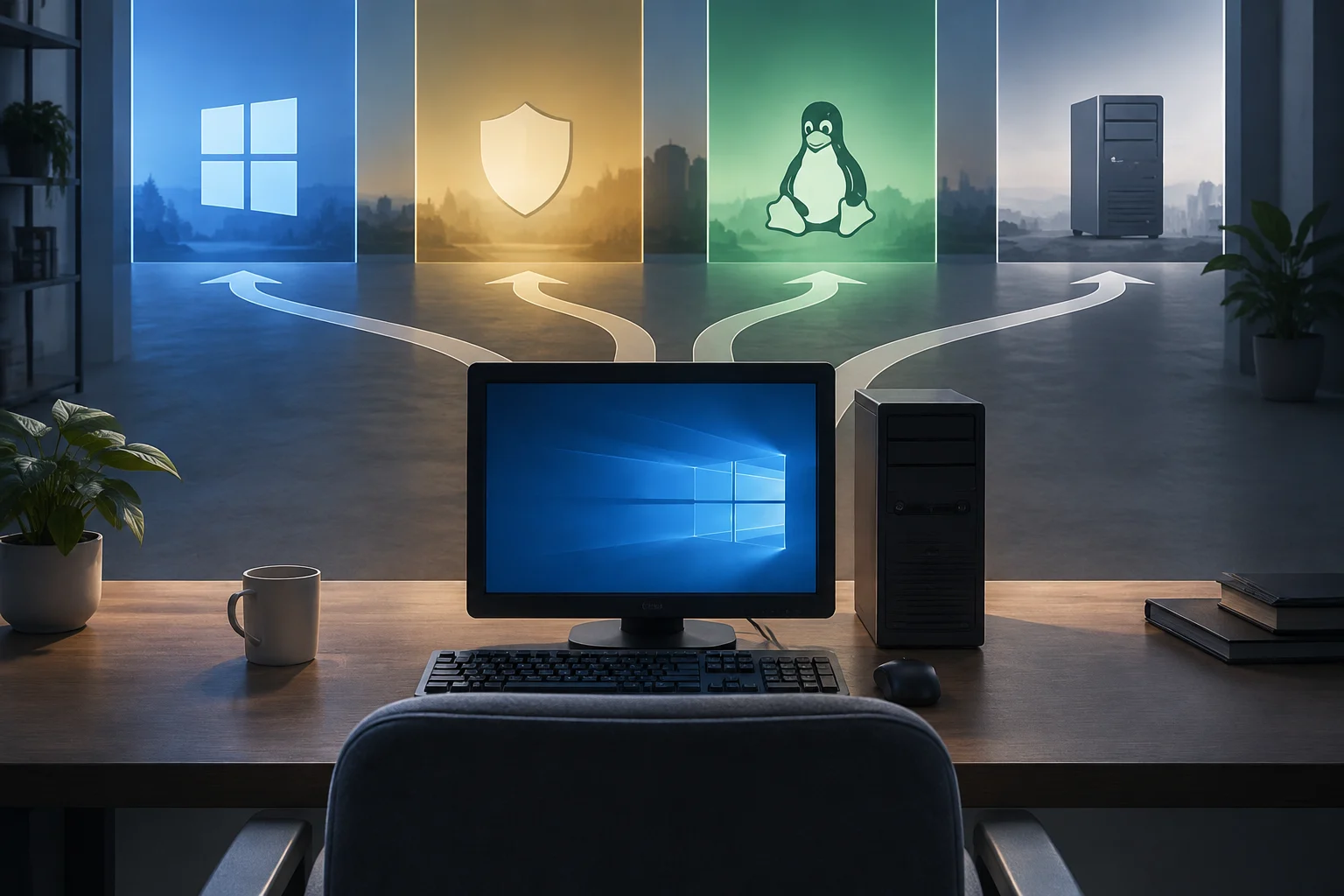
Many devices from 2018 to 2020 do not meet these criteria, forcing users to choose between paying for ESU, installing a Linux distribution (with the software compatibility limitations it entails), or investing in a new computer. This hardware friction is the main reason why the ESU program has been so relevant for the home segment.
Practical decisions for the user
In this scenario, the decision should be based on the usage profile and acceptable risk. For users handling sensitive data, performing banking transactions, or working in corporate environments, migration to Windows 11 or buying a new device is the safest option. The cost of a security incident far exceeds the price of a new laptop or the ESU subscription.
For users with compatible devices who do not wish to change, the ESU subscription is a reasonable short-term digital hygiene measure. For those who cannot afford or migrate, installing an alternative operating system like Linux offers a continuity path, although it requires a learning curve and acceptance of proprietary software limitations. The key is not to leave the device unpatched if it remains connected to the internet.