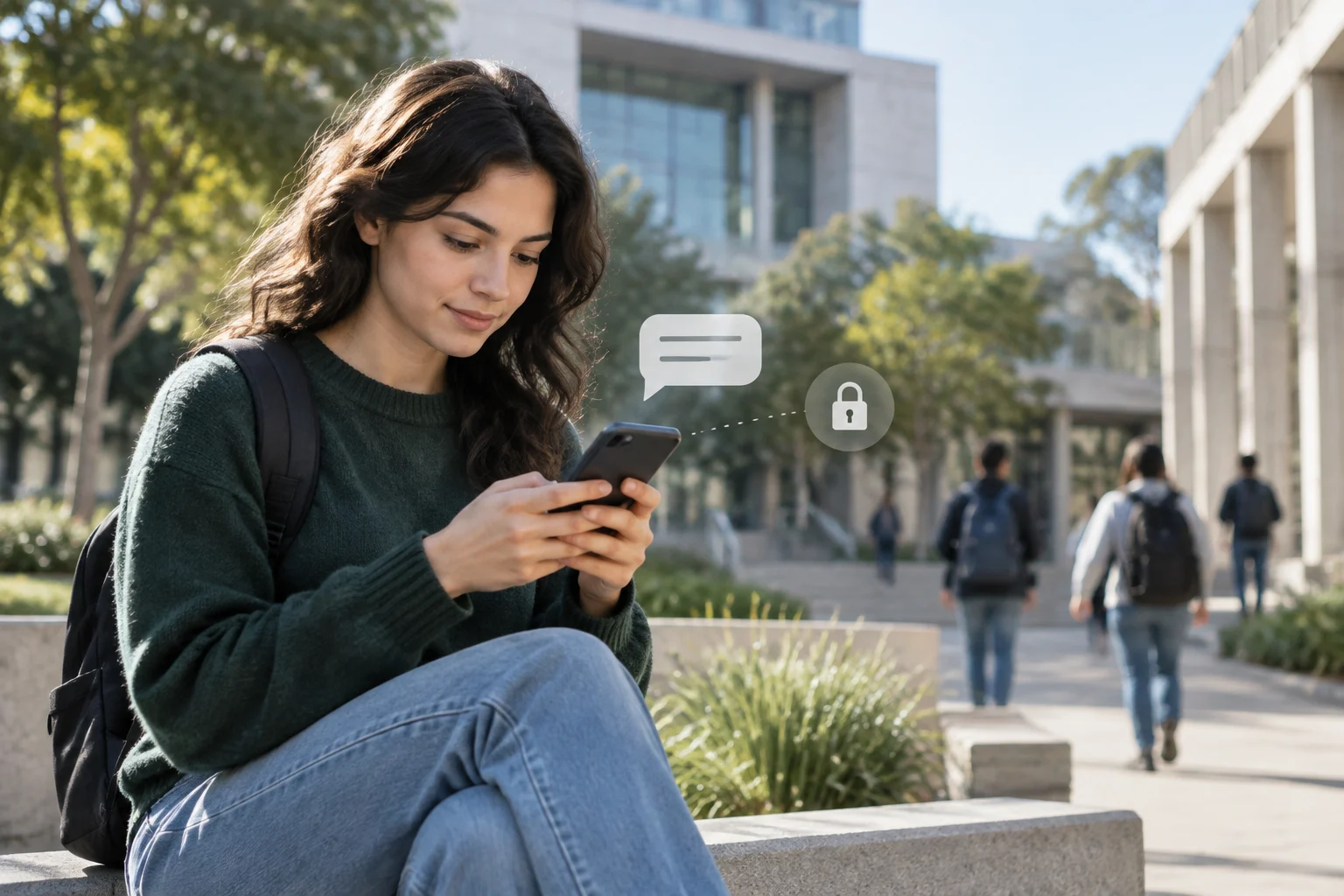
Start with a specific learning need, not the number of devices you could buy or the amount of screen time you hope to increase. Possible aims include giving students feedback on an assignment, making materials available at different times, or helping a group produce collaborative work; these are possibilities, not guaranteed outcomes.
Before starting a pilot, record the current situation, the activity you want to change, who will be responsible, and how you will judge the result. A device is a means, not a measure of success: more submissions, logins, or minutes of use do not by themselves show that students have learned more.
Technology may improve some kinds of learning in some contexts, but it does not replace teaching or guarantee better learning on its own. The Education Endowment Foundation (EEF) recommends using technology to support better teaching or student practice. UNESCO advises considering whether an intervention is appropriate, equitable, scalable, and sustainable. Together, these principles can help a school assess whether a proposed purchase addresses a real educational need. [1][2]
Bring teachers, students, support staff, inclusion leads, and school leaders together to describe the school’s conditions. Consider curriculum activities, access to devices and connectivity at school and at home, languages, accessibility, available support, digital skills, and training needs. Conditions differ between schools: an approach that works in one setting may create barriers in another. [3][4]
Keep an inventory of devices, systems, services, and applications, including licences, contracts, responsible owners, support arrangements, and relevant review or end-of-support dates. In England, Department for Education (DfE) guidance says device choices should reflect educational needs and the school’s digital strategy, and recommends maintaining records of hardware and contracts. This guidance applies to England, not every education system. [5][6]
Identify tasks that must remain possible when a connection is unreliable or a student has no device at home. Consider alternatives such as downloadable materials, loan devices, shared sets, or offline activities. Involving a range of users early can reveal accessibility needs and compatibility problems before they become barriers to participation. [3][4]
1:1 describes each student having individual access to a device; BYOD means students bring their own devices. These approaches are not mutually exclusive: a 1:1 programme can rely on BYOD. Compare who supplies, configures, maintains, and replaces devices, and decide what alternative is available to anyone unable or unwilling to provide one.
Use these questions to record the school’s decisions.
| Planned arrangement | Questions for the school team |
|---|---|
| School- or district-supplied devices | Who configures and updates each device? What support and replacement arrangements are planned? |
| BYOD with requirements | Which devices and tasks will be tested? What alternative will be offered? How will responsibilities be divided? |
| Loans or shared sets | How will reservations, allocation, storage, and maintenance be organised? |
BYOD does not remove the need to plan for costs and access: compatibility, technical support, and data protection still need attention. If you consider it, set reasonable requirements and provide a workable, discreet alternative for students who borrow a device. In England, DfE guidance distinguishes BYOD schemes for laptops or tablets used for learning from policies on personal mobile phones; this distinction is specific to England. [7]
Check wireless coverage and capacity against the number of users and devices expected to connect at the same time. Review internet access and home connectivity, as well as charging, storage, loans, and what activity can continue if a network or service is unavailable. Test realistic concurrent use, rather than relying on a connection check in an empty room. England’s DfE wireless standard calls for coverage planned around expected occupancy and simultaneous use; it is guidance for schools and colleges in England. [8]
Before committing to a platform or device combination, test the planned tasks on the devices students and staff will use. Check the browser or app, operating system, file formats, authentication, peripherals, and accessibility features, and involve IT support in assessing technical and security requirements. Test real curriculum tasks and record failures, delays, and support needs before expanding a pilot. [3][4]
Calculate the total cost of ownership over a stated period, not just the purchase price. Consider networking, recurring licences, device management, accessories, repairs and replacements, support staff, training time, and secure retirement of devices. Use local estimates and quotations; costs and requirements will vary by setting. [2][5]
Set functional requirements before requesting proposals. Ask providers about accessibility, compatibility, updates and support, warranties, data management, and what happens to information when a contract ends. Review privacy and data-protection requirements for your jurisdiction and seek advice from the responsible data-protection lead where needed; legal requirements differ between countries and services. [3][9][10]
Agree on support before purchase. Define the support channel, responsible people, escalation steps, fault procedures, replacement arrangements, and how incidents will be tracked. Recording response times and instructional time affected can help the school judge whether the service supports learning in practice.Maintain an up-to-date inventory with identifiers, status, assignment, location, and support arrangements. Define how institutional accounts are created and closed, who approves applications, and what permissions each role needs. For school-owned devices, central management can help apply consistent configurations, patches, and policies; decide in advance who is authorised to lock or erase a device and how access will be restored.
Prepare procedures for updates, backup and recovery, loss or theft, incidents, and continuity of lessons. Use least privilege and stronger authentication for staff and administrators, with accessible alternatives where a method is not usable by someone. Filtering should meet safeguarding needs without unjustifiably blocking educational content or accessibility features.
For personal devices, clearly define what the institution can manage or access and what information remains under the owner’s control. Do not turn technical management into indiscriminate deletion of personal data. England’s DfE describes central mobile-device management as a measure for institution-owned portable devices and links it to inventories, patches, and access controls. The guidance aims to minimise risks; it does not guarantee their elimination.
Before enabling a service, map the data journey: what is collected, for what purpose, who determines the processing, which providers or subcontractors are involved, where information is stored, and when it is deleted. Review contracts, access, international transfers where relevant, notices to families, and export or deletion options. Buying a tool does not establish compliance: each school or authority must assess the intended use and applicable rules.
In France, the CNIL explains that some processing connected with a school’s public-service mission may rely on the legal basis of public interest under the GDPR, and warns that consent may not be freely given in a school relationship involving authority. It also describes information duties and impact assessments where processing is likely to pose a high risk. This is guidance for the relevant French and European context, not an automatic legal conclusion for every country or service.
In the United States, the Federal Trade Commission (FTC) publishes guidance on COPPA and children’s privacy. Consult that guidance when reviewing an educational service. The FTC describes COPPA as applying to certain online services that collect personal information from children under 13; the U.S. Department of Education provides a framework for reviewing the terms of educational services. Do not assume parental consent resolves every obligation, or that every kind of processing requires consent: the legal basis and conditions depend on the specific context.
Include accessibility needs in the assessment, purchasing specifications, and acceptance tests. Check screen readers, keyboard use, captions, contrast, magnification, text-to-speech, dictation, translation, and compatibility with assistive technology according to students’ needs. In England, the DfE digital-accessibility standard asks schools to consider students, staff, and families and to include accessibility in relevant policies and strategies.
Ensure students without a device or home connectivity have a functional option: a loan device, school access, downloadable materials, or another equivalent activity. Make the alternative easy to request and avoid publicly disclosing a family’s financial circumstances. Consult students with different needs and test materials with them: a technical checklist alone does not prove that an experience is accessible.
Mobile learning does not mean allowing personal phones in class. In England, statutory DfE guidance says schools should be mobile-phone-free by default, with exceptions only where appropriate. It distinguishes personal phones from laptops or tablets used for learning under a BYOD policy, which should not include mobile phones. Local rules should reflect their own jurisdiction and context.
Set aside time for teachers to design curriculum-linked activities, try tools with support, and review student work. Technical training can teach features, but integration requires deciding when technology improves a task and when an offline activity is more suitable. Support should continue after launch, with practical advice, peer exchange, and a clear channel for resolving problems.
Each lesson plan should include what to do if the connection, device, or platform fails, so students are not left without an equivalent task. Training can begin with limited uses—for example, feedback on an assignment or collaborative production—and expand only when teachers have the time, resources, and support to sustain them.
Involve families before deciding on payments, use rules, or an access model. Explain the educational purpose, requirements, device policy, privacy, repairs, and how to get help in clear language and accessible formats and languages. Do not make families the programme’s technical support service or present a signed agreement as a guarantee of learning.
A useful sequence for a group of schools is to explore and diagnose, prepare, pilot, review and adjust, expand gradually, and sustain. This is an adaptable working framework, not a universal official timetable. The EEF organises implementation into four flexible phases—explore, prepare, deliver, and sustain—and offers a structure for planning change in context.
Choose a pilot that includes different ages, access needs, connectivity conditions, and support capacity. Do not include only enthusiastic teachers or schools with favourable infrastructure: inclusion, technical support, privacy, security, and lesson-continuity processes need to be tested. Define possible decisions in advance: continue, revise the design, or stop.
At each review, compare what you observed with the original goals and criteria, document changed conditions, and assign owners and deadlines for fixing problems. Do not expand a programme just because devices have been distributed or a platform is seeing activity. Decisions about expansion should consider recurring costs, support capacity, the experience of diverse users, and the educational value of the activities.
Build a concise dashboard with measures that inform management decisions. For learning, collect comparable work using a rubric and a baseline; for access, track who can complete the activity and what gaps remain. Add curriculum integration, teacher workload, availability, instructional time lost, incidents, and total cost of ownership over a defined period.
| Indicator | How to collect it | Decision it informs |
|---|---|---|
| Quality of work or learning | Comparable tasks, a rubric, and a baseline | Adjust or retain the activity |
| Effective access and gaps | Aggregated participation and barriers | Strengthen loans, connectivity, or support |
| Curriculum integration and teacher workload | Review plans and consult staff | Change training, time, or tools |
| Availability and disruption | Log failures and instructional time affected | Improve the network, support, or contingencies |
| Total cost over an explicit time horizon | Budget, contracts, repairs, and support | Adjust scale, model, or timetable |
Where useful, calculate cost per student actually served over the same time horizon and explain which costs are included. Protect personal information: when reporting at district level, use aggregated data and avoid publishing details that identify students. Indicators should inform decisions, not become a context-free ranking of schools.
Do not confuse submissions, screen time, devices distributed, or system logins with learning. A before-and-after comparison can prompt useful questions, but without an appropriate design it does not prove that technology caused an observed difference. Combine learning measures with access, support, and cost data, and review their limitations before deciding whether to expand.
Scottish Borders Council reports that Inspire Learning has rolled out to P4–7 pupils and secondary schools, with expansion into early years and lower primary classes using shared sets. Education Scotland describes Highland’s project as preceded by pilots at Kingussie in 2015 and launched in 2017. These are official Scottish examples of provision and sequencing; they do not by themselves demonstrate that the programmes caused improvements in academic outcomes or that the same model will suit other places.
In Highland, the sequence published by Education Scotland shows how a pilot can inform later expansion; in Scottish Borders, the council’s update describes a combination of individual access in older year groups and shared sets in earlier stages. The planning lesson is to compare conditions, not copy brands, timelines, or scale: ages, infrastructure, support, and policies vary between systems and over time.
Before expanding, confirm that the educational goal remains relevant, tasks work in real conditions, and there is sufficient financial capacity, support, accessibility, alternative access, and appropriate privacy and security processes. Also check that owners have been assigned for repairs, accounts, updates, and ongoing evaluation. Expand when the programme can be sustained, not simply when the pilot ends.

Mobile access in the United States: what the 2026 data says
Pew Research Center published its mobile-device fact sheet on October 19, 2026. It reports that 98% of U.S. adults say they own some kind of mobile phone and 91% say they own a smartphone. These figures cover adults aged 18 and older, not a school’s students or minors specifically. Pew’s mobile-device fact sheet.
Smartphone ownership by age
| Age of adults surveyed | Say they own a smartphone |
|---|---|
| 18–29 | 97% |
| 30–49 | 97% |
| 50–64 | 91% |
| 65 and older | 79% |
The fact sheet says that respondents who did not answer are not shown. These percentages describe reported ownership within each group; they do not measure connection quality, whether a phone is available for a school task, an app’s accessibility, or learning achieved.
Date, population, and method
The fact sheet is based on the National Public Opinion Reference Survey: a survey of 5,511 U.S. adults, conducted from January 30 to June 18, 2026, with responses collected online, by mail, or by phone. Pew says the survey represents U.S. adults overall and reports a general margin of error of ±1.8 percentage points. That overall margin should not automatically be applied to each age subgroup. The fact sheet links to the questions, detailed results, and methodology.
Pew also reports differences by household income: 80% of adults in households earning less than $30,000 say they own a smartphone, compared with 98% in households earning $100,000 or more. This is a descriptive comparison, not a causal explanation or an evaluation of an education policy.
Owning a phone does not resolve every access condition
The fact sheet classifies 16% of adults as smartphone-dependent for internet access: they own a smartphone but do not subscribe to home broadband, according to its definition. This category does not establish that a phone is their only device for studying or that they have a stable connection for every task. Preserve the definition when citing the percentage.
As a planning idea for a school programme, these figures can help raise questions about access; they do not replace an assessment of a school’s needs. Before choosing a task, the team can ask what device will be available, whether connectivity will be available when needed, what accessibility support is required, and what alternative will be offered if the activity is not feasible. These are planning questions, not findings from Pew’s survey or an intervention with demonstrated effectiveness.
Comparing years without mixing populations or methods
Do not present a 2019 figure as a current 2026 figure. Pew’s 2026 fact sheet reports a survey of U.S. adults conducted from January 30 to June 18, 2026, with responses accepted online, by mail, or by phone. The response modes changed over time: surveys from 2002–2021 were conducted by phone; the 2023 survey used the web and mail; and surveys from 2024 through 2026 used the web, mail, and phone. Pew also notes that question wording varied across years. To examine a trend, consult the questions and methodological notes for each edition. Do not transfer U.S. adult rates to minors, other countries, or a group of schools without specific evidence.