What information must be protected on a health mobile device
Identifiable health information can include names, contact details, diagnoses, treatments, and other details linking a person to their care. When a HIPAA-covered entity creates, receives, maintains, or transmits this information in electronic form, it is referred to as ePHI: electronic protected health information. Protection must cover its confidentiality, integrity, and availability, not just prevent someone from seeing it.
A useful first step is to map the information journey. Note which phones and tablets access the clinical portal, which accounts are used, and where copies may remain: downloads, attachments, photographs, clipboards, app caches, and automatic backups. Accessing the clinical system is not the same as saving a local copy; each action can create distinct risks and control needs.
Device ownership alone does not determine if a professional workflow is subject to HIPAA. The regulation applies to covered entities and business associates in circumstances defined by the standard; it does not automatically turn every consumer health app or every piece of data on a personal phone into HIPAA-regulated information. Nevertheless, the organization must establish how patient information is handled within the work.
Locking, encryption, and updates
Locking and physical control
Configure a robust unlock credential and an automatic lock consistent with the organization's policy. As a simple check, review if notifications show names, appointments, or clinical messages on the lock screen; hide sensitive previews when appropriate. Keep the device with you and avoid leaving it visible in shared spaces. Screen locking does not encrypt storage by itself: they are different controls.
Encryption and maintenance
Encryption reduces the likelihood that data is readable by an unauthorized person if the device or communication is exposed. Ask the IT team to confirm what protection is actually active for stored and transmitted data, including work applications and connections. A commercial label, a lock icon, or a VPN does not by itself prove that the entire flow is protected.
Keep the operating system and applications updated according to the approved policy. IT must maintain an inventory of authorized devices and assess which receive updates and still have support; equipment that can no longer be maintained must be removed from professional access according to risk and internal procedure. There is no single valid update deadline for all models and organizations: the decision depends on actual support and risk.
Authentication, accounts, and access permissions
Use an individual account to access clinical systems and limit permissions to authorized tasks. If emergency access is needed, an authorized procedure must exist to obtain the necessary information. Do not share user accounts or passwords to bypass controls or speed up a task.
The PIN or biometrics that unlock the phone are a different layer from clinical system authentication. If the organization has implemented multi-factor authentication, use it as configured; do not substitute it with improvised approvals or shared credentials. In applications, grant only necessary permissions and review with IT which services can access files, camera, contacts, location, or clipboards.
Technical rules must allow authorized care and, at the same time, reduce unnecessary access. HIPAA requires unique identifiers and emergency access procedures for systems maintaining ePHI; automatic session lockout after a period of inactivity is listed as an addressable specification. The responsible team must define how to apply these controls according to their risk analysis, not turn a generic configuration into a barrier to care.
Storage, photographs, and backups
Avoid storing clinical information on the device if the approved system allows consulting it without downloading it. Review download folders, attachments, photographs, notes, clipboards, and caches of applications used in work. Also check if a personal gallery, automatic synchronization, or phone backup can copy work data to an account outside the organization.
Minimizing local copies does not mean deleting an official medical record or eliminating data that must be retained. Keep records in approved systems and follow custody, retention, and access policies. Backups must be authorized, protected, and accompanied by a plan to restore information; a copy that cannot be recovered does not guarantee availability.
The table is an operational guide for distributing checks. It is not a compliance certification nor does it replace organization policies; specific responsibilities may vary according to the clinical flow and assigned functions.
| Control or situation | What to check | Typical responsible |
|---|---|---|
| Mobile inventory | Authorized devices and access to clinical systems | IT |
| Locking and alerts | Credential, automatic lock, and previews | Professional and IT |
| Encryption | Active protection at rest and in transit | IT |
| Accounts and permissions | Individual user, function, and access removal | IT and privacy |
| Local copies | Check downloads, photos, attachments, and synchronization | Professional and IT |
| Backups | Check that the service is approved and information can be restored | IT |
| Cloud providers | Review the provider’s role, contract, and safeguards | Privacy and IT |
| Loss or removal | Check notification channel, response steps, and sanitization | Professional, IT, and privacy |
Networks, messaging, and cloud services
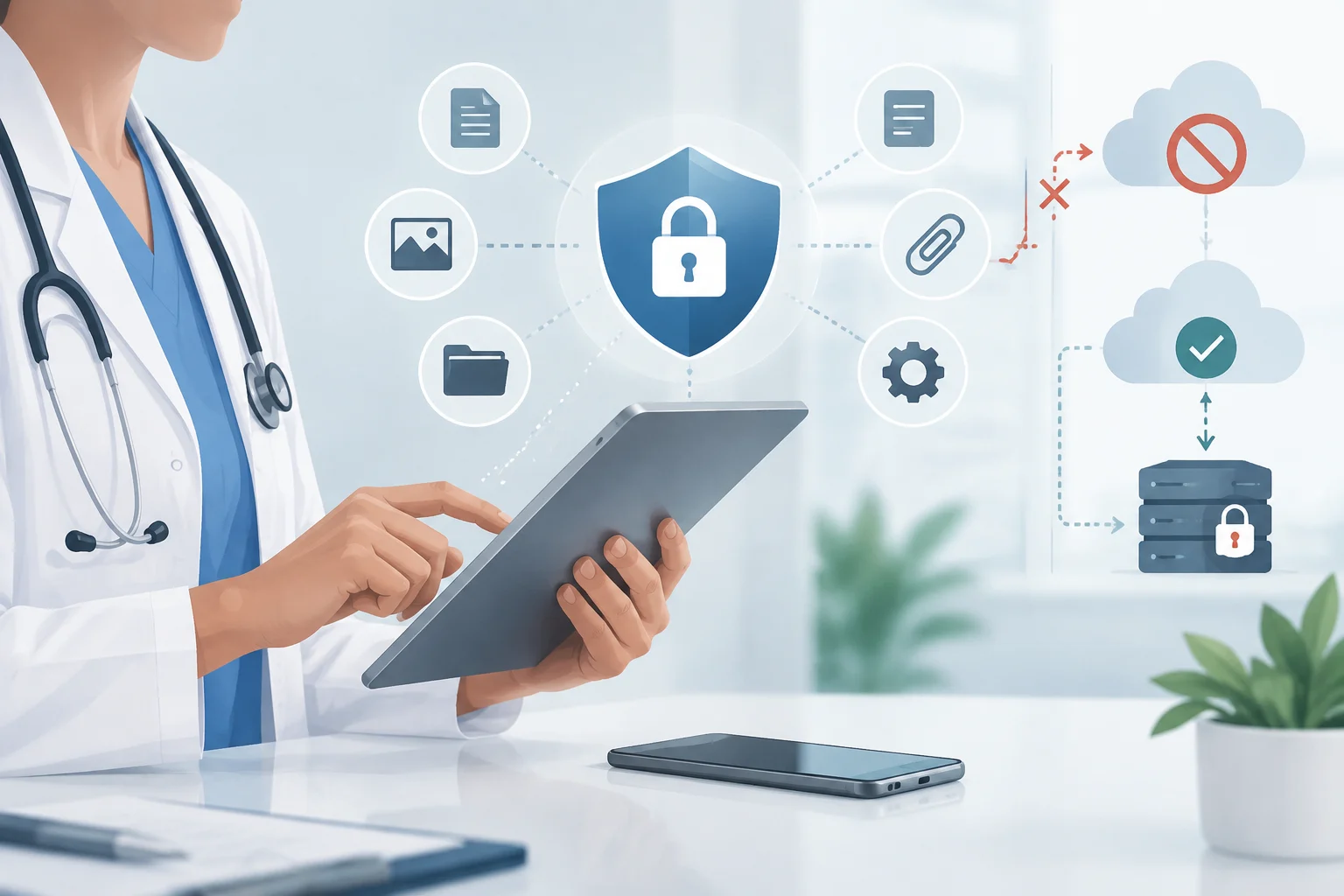
Use connections and channels approved by the organization to access or send clinical information. Transmission protection may depend on secure protocols, application configuration, and, when appropriate, an administered VPN. A VPN does not make any phone secure nor does it protect files already downloaded; furthermore, the organization must evaluate the provider and the infrastructure it uses.
Before sending a message or file, check the recipient, content, and access permissions. Do not independently resort to personal accounts, private galleries, or messaging services outside the approved flow. This does not imply that all SMS or email is universally prohibited: the decision must follow the policy and safeguards applicable to the case.
Application encryption does not by itself certify HIPAA compliance. The identity of who accesses, permissions, configuration, record retention, availability, and the provider's contractual obligations also matter. If a cloud service creates, receives, maintains, or transmits ePHI on behalf of a covered entity or business associate, it may act as a business associate and require a business associate agreement, known as BAA. HHS clarifies that storing encrypted ePHI without holding the decryption key does not automatically eliminate that status.
Personal devices versus managed equipment
BYOD means allowing a person to use their own phone or tablet for work tasks. A BYOD scheme must clarify which devices are authorized, how personal and work data are separated, what support and updates are required, what information IT can collect, and what deletion actions are permitted. A personal phone is not automatically prohibited by HIPAA, but it is also not authorized without rules and controls.
Device or application management, often called MDM or EMM, allows an organization to configure policies, restrict functions, monitor certain requirements, and remove work applications or data. Depending on the platform and configuration, there may be full device wipe or limited deletion to the work space. Before enrolling a personal phone, the person must know the scope of management and the effect a remote wipe would have on their private data.
A corporate phone is not secure just by belonging to the organization. It must have effective controls, maintenance, account management, and an incident response route. NIST describes BYOD designs that separate personal and work data, and notes that certain management tools can collect device data; therefore, employee privacy must also be considered when designing the program.
What to do in case of loss or theft
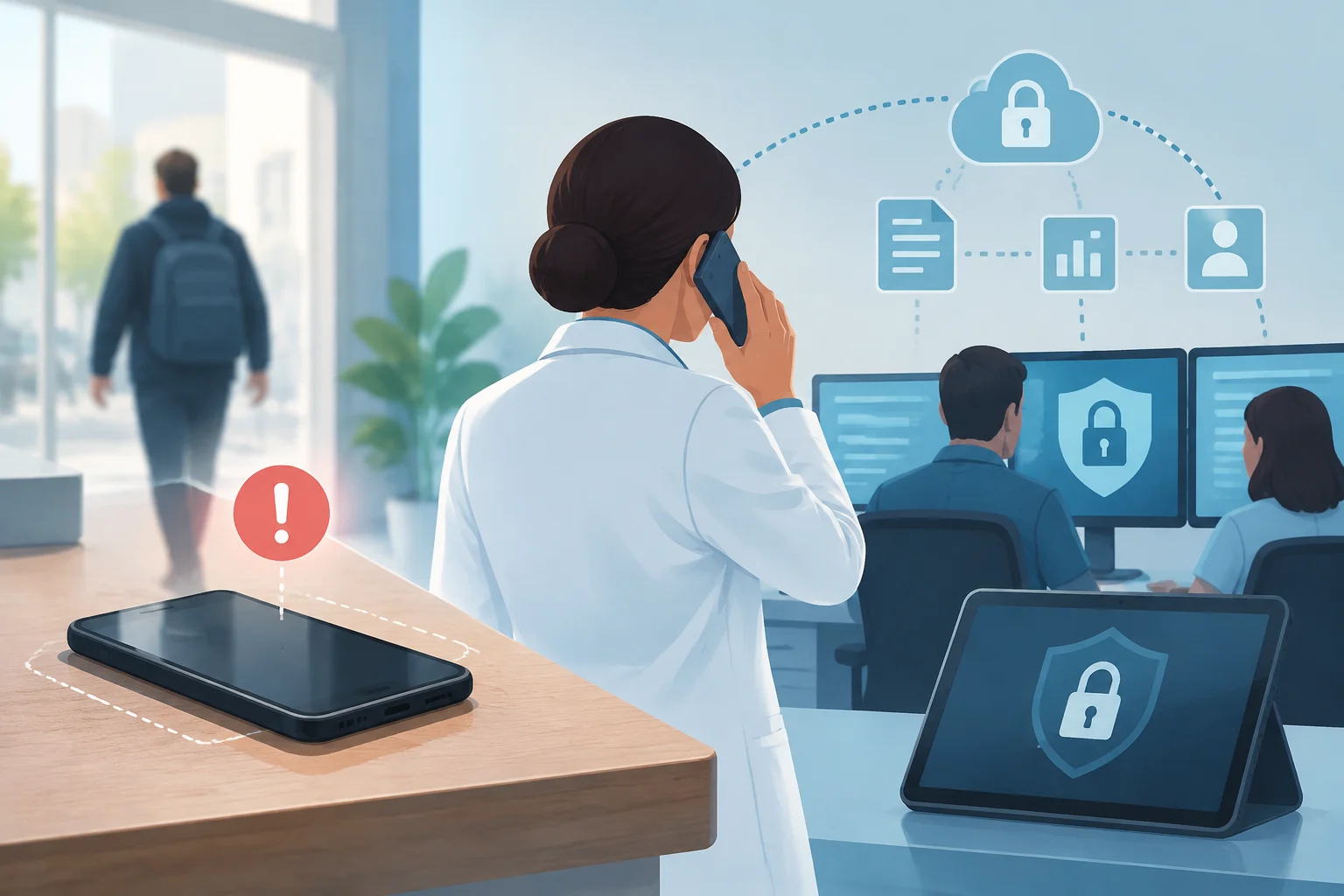
Notify immediately through the intended internal channel, even if you expect to recover the phone. Do not try to resolve the incident alone or wait to be certain someone accessed the data: the responsible team needs time to limit access and assess the risk.
- Communicate the loss or theft to the security, support, or privacy contact indicated by your organization.
- Identify the device, work account, and last known situation: when it was seen, if it was locked, and what applications or information it could contain.
- Coordinate with IT to lock the equipment and revoke sessions, tokens, or credentials, according to internal procedure.
- Preserve pertinent data and records for investigation; do not delete messages, logs, or official clinical information on your own initiative.
- With IT, assess if requesting a remote wipe is appropriate and confirm its status, without assuming it will be executed immediately.
- Let privacy or compliance evaluate the exposure and applicable notifications, and document the steps that correspond to you.
The loss of a phone does not automatically constitute a notifiable breach, and encryption does not by itself discard all notification obligations. The evaluation depends on the data involved, who could access it, if it was viewed or acquired, and possible mitigation. Reporting quickly facilitates that evaluation; the determination belongs to the responsible persons, not to the one who found the device missing.
Remote wipe must be configured before the loss occurs. Native functions in iOS and Android require the device to be on and connected to the network; some third-party tools work differently. Requesting a wipe does not confirm its execution: IT must check the result and maintain other layers of protection.
How to remove, reuse, and delete a device
Before returning, reusing, or removing a phone, keep information that must be retained in approved systems. Follow the organization's sanitization procedure and adjust the method to the type of storage and data sensitivity. Deleting a file, removing an application, closing an account, and sanitizing storage are distinct actions; one does not automatically prove that the others have been completed.
The procedure must include a check that sanitization finished and a record of the action. NIST distinguishes sanitization methods and warns that their adequacy depends on the medium, risk, and subsequent destination. In flash memory, traditional overwriting may not reach all areas, so it is not advisable to apply universal overwriting or degaussing recipes.
A factory reset can be part of a validated procedure, but it is not a universal guarantee for any equipment and circumstance. Cryptographic erasure is only appropriate when its technical and organizational conditions are met. If a personal work device is removed, also confirm that work data were deleted without improperly deleting private information or records that must be retained.
What HIPAA requires and what remains a proposal
In the United States, the HIPAA Privacy Rule regulates uses and disclosures of PHI by covered entities and business associates, while the Security Rule establishes administrative, physical, and technical safeguards to protect ePHI. The current rule requires preserving confidentiality, integrity, and availability and adapting measures to the risks, size, and capabilities of the organization. Not every consumer health application or provider is automatically covered by HIPAA.
In the current rule, encryption at rest and in transit appears as an addressable specification. This does not mean it can be omitted without evaluation: it must be implemented when the analysis determines it is reasonable and appropriate; if not, the entity must document the decision and apply an equivalent alternative when appropriate, according to the rule. In practice, it is advisable to treat encryption and its management as central controls, confirmed by IT and documented by the organization.
HHS announced in December 2024 a proposal to modify the Security Rule that includes, among other proposed changes, more specific requirements for encryption and multi-factor authentication. A proposal is not equivalent to a current obligation: the HHS fact sheet indicates that the current rule remains in effect during the processing. Therefore, the configuration must satisfy the requirements applicable today and remain reviewable for subsequent regulatory changes.
Privacy and obligations requiring legal analysis
The minimum necessary standard guides limiting uses, disclosures, and requests for PHI to what is reasonably necessary for its purpose, but it has exceptions. HHS indicates that disclosures for treatment between providers are exempt from that standard. Therefore, reducing unnecessary copies and access is a good operational practice, not a reason to hinder authorized exchange for care.
Some records may be subject to other rules. For example, 42 CFR Part 2 protects certain records of federally assisted programs that diagnose, treat, or refer for treatment of substance use disorders; it does not automatically apply to all health data. The privacy officer and legal advisor must determine which rules correspond to the specific flow.
The following list summarizes checks that can be incorporated into the team's routine, without replacing internal procedures:
- Professionals: use only authorized devices, accounts, applications, and channels; physically protect the mobile and communicate losses without delay.
- IT: maintain inventory, configuration, updates, access, encryption, approved copies, and tested response mechanisms.
- Privacy and compliance: review data flows and providers, determine when a BAA is required, and coordinate incident evaluation and retention obligations.
- Organization leaders: document the risk analysis, define emergency access routes, and ensure measures protect authorized care in addition to confidentiality.
This guide offers general security guidance. To determine the obligations, deadlines, and exceptions applicable to a specific case, consult the privacy officer and the organization's legal counsel.