Defining the Comparison: What 'Business' Really Means
The business label is not enough to conclude that a laptop will last longer or be easier to repair. A useful comparison is made between specific models and their documented conditions, not between two category names. The available sources allow examining some procedures and terms from Dell, but they do not offer a representative comparison between business and consumer laptops from different manufacturers.
It is advisable to distinguish three issues that are often mixed: hardware, after-sales service, and software support duration. A range may include service options for businesses, but that does not prove that all its devices have more accessible parts or a superior lifespan. The purchase should start from the intended use and verifiable costs, not from a general promise associated with the word 'business'.
The cost of ownership can include the price, the contracted coverage, a subsequent repair, and the time the device is unavailable. Not all these costs can be estimated in advance: the gathered sources do not provide comparable repair prices or durability data. Therefore, the guide serves to identify what to ask and verify, not to assert that one category is always cheaper in the long run.
Warranty: Scope, Eligibility, and Region
A warranty is not just a duration: it also matters who can claim it, what documentation is requested, and which products it covers. In the Dell documentation consulted for accessories and peripherals, the limited hardware warranty applies to the original end buyer and is not transferable; additionally, it is indicated that the original receipt or other purchase documentation may be required. Those conditions refer to the coverage described on that page, they do not allow generalizing about all laptops or all manufacturers.
Before buying, consult the terms applicable to the model and the market where it will be sold. Check the duration, exclusions, the claim procedure, and whether the service involves shipping, remote attention, or in-person intervention. Do not assume that the same rules apply in different regions: the cited Dell source corresponds to a regional site and its content does not demonstrate what the conditions are in other countries.
Product warranty and additional services are distinct matters. Dell has a page from which you can check support status, register or transfer devices, and review service contracts for businesses or for the home. The existence of those options does not equate to included coverage nor does it by itself credit an advantage of a laptop category; you must check which contract corresponds to the serial number and how much any extension costs.
Repair: What Service Documentation Provides
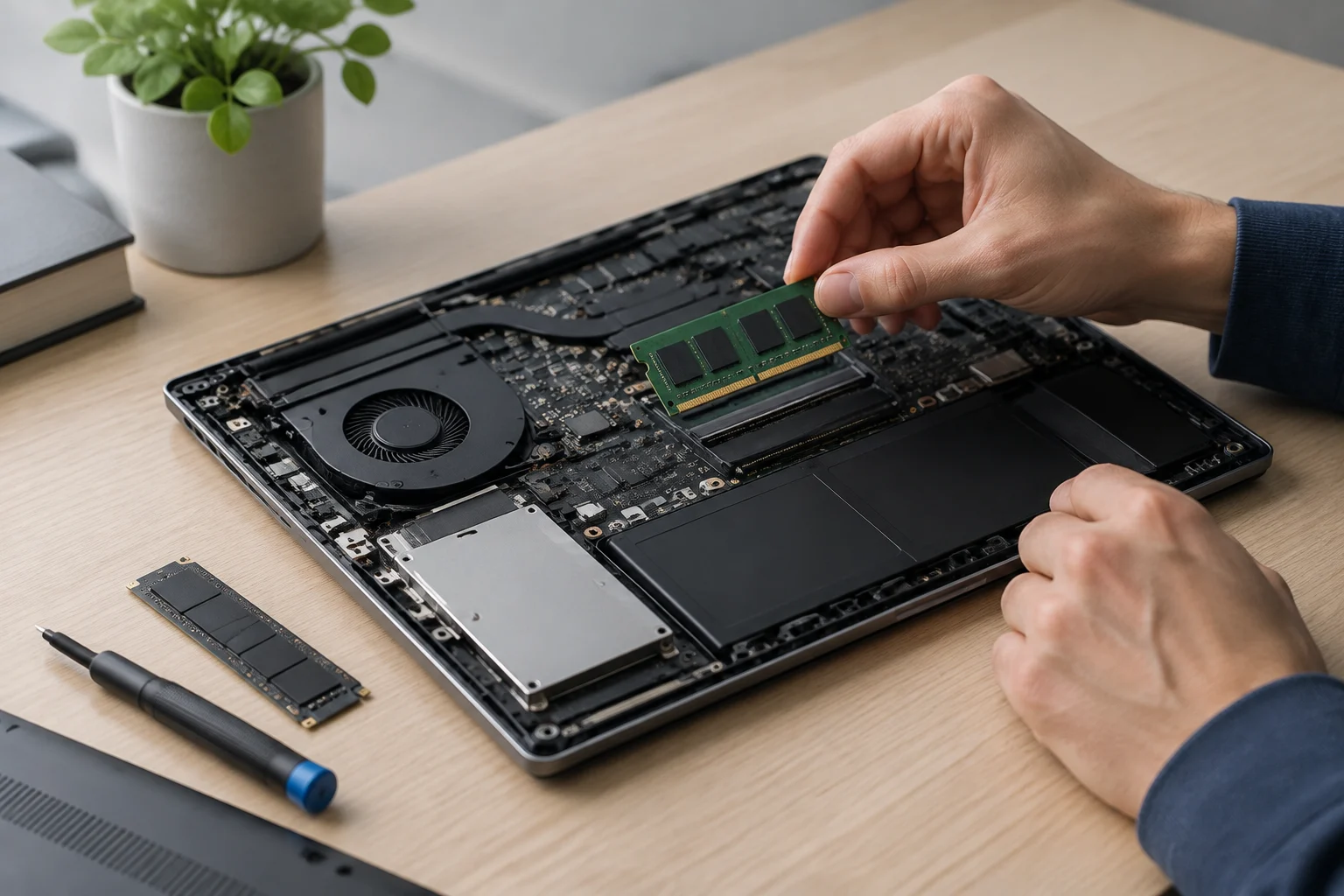
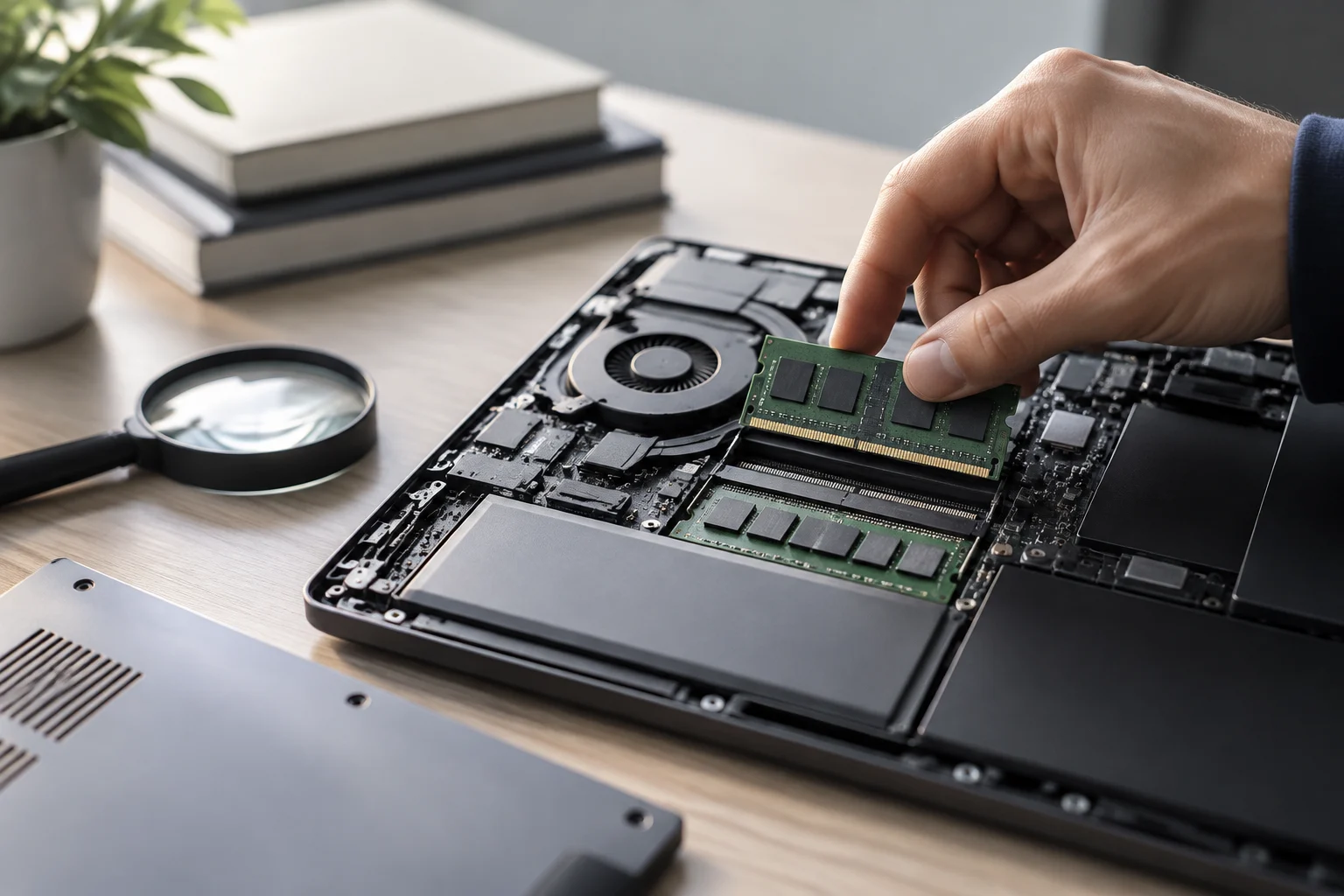
A practical sign of maintainability is that the manufacturer explains which parts the customer can replace and how to do it. Dell defines Customer Replaceable Units —CRU— as parts that can be changed with little effort and simple tools. This classification helps understand which tasks might be simple, but it does not mean that all laptop components are accessible or that any repair is suitable for doing at home.
The same documentation warns that complex components, such as motherboards or video cards, may require experience. A CRU is not synonymous with universal repair: the classification depends on the component and the instructions must correspond to the specific device. Before buying, look for the service manual of the exact model and check which parts it covers, what tools it requires, and whether the procedure affects the warranty under local terms.
The documentation available here explains a general Dell procedure, but it does not confirm spare parts availability for all models or prices, delivery times, or access to manuals from other manufacturers. For a real comparison, note the model number and separately search for the service guide, parts catalog, and repair conditions. If those data do not appear publicly, treat them as unknown; do not replace them with the reputation of a range.
Support After Warranty: Do Not Confuse Repair and Updates
The end of the warranty does not necessarily imply that there is no repair alternative. Dell points out that, for some out-of-warranty systems, it may offer paid options for software support, repair, and online diagnosis. The page also guides on how to check coverage status and coordinate a repair. It is a paid service option documented by Dell, not a promise that every repair is possible or economical.
The availability of technical support also does not demonstrate how long the device will receive firmware, driver, or security updates. The sources in this package do not provide end-of-software-support policies for specific models. Therefore, a rigorous comparison must treat hardware warranty, repairability, and updates as separate columns; do not infer the duration of one from the other.
When evaluating a purchase, look for an explicit support date or policy for the model and region, and keep the official link. If the manufacturer does not publish a clear date, record that absence as uncertainty. It is not verifiable to assert here that business devices receive software support for longer: there are no comparable data to support it.

Cost of Ownership: What Can Be Added and What Remains Uncertain
A cost of ownership calculation is only useful if its components are backed by comparable data. You can note the purchase price, the cost of a coverage extension if offered, and the price of a repair when the manufacturer publishes it. It is also possible to register if there is an out-of-warranty option, although the consulted Dell page does not provide a rate that allows comparing models.
A longer coverage does not by itself prove that the device is more repairable; a replacement guide also does not prove that the part is available or affordable. To avoid misleading conclusions, compare separately what the manufacturer promises, what it charges, and what it does not publish. Do not turn a possible inactivity cost into a figure without information about the device usage and the real impact of an interruption.
Computerworld's journalistic coverage collects a Gartner analysts' forecast according to which computer prices for businesses and consumers would rise around 17% in 2026. This is a forecast published on March 3, 2026, not an observed price or a confirmed result for each market or model. It does not serve to calculate the savings of a specific laptop, and the practical recommendation remains to compare offers and current conditions when buying.
Conclusion: A Checklist Before Choosing
With the available documentation, it cannot be resolved whether business laptops are, in general, more durable or profitable than consumer ones. Verifiable criteria can be established: warranty scope and eligibility, service procedure and cost, availability of instructions for the exact model, and update policy. The commercial category is a starting point, not a proof.
Before deciding, gather for each candidate the documentation corresponding to the same country and set up a simple comparison:
- Warranty: duration, coverage, exclusions, eligible holder, and required proof.
- Repair: model manual, parts classified as replaceable, and intervention conditions.
- Support: paid options out of warranty and published update policy.
- Cost: price and documented charges, with date and market; leave unquantified what is not published.
The result may be that a consumer device better satisfies the needs, that a business offer justifies the cost for specific services, or that information is missing to choose between both. In the absence of comparable model, region, and price data, it does not correspond to recommend a range or declare a premium unjustified. The most solid decision is the one that relies on official terms applicable to the model number and place of purchase.