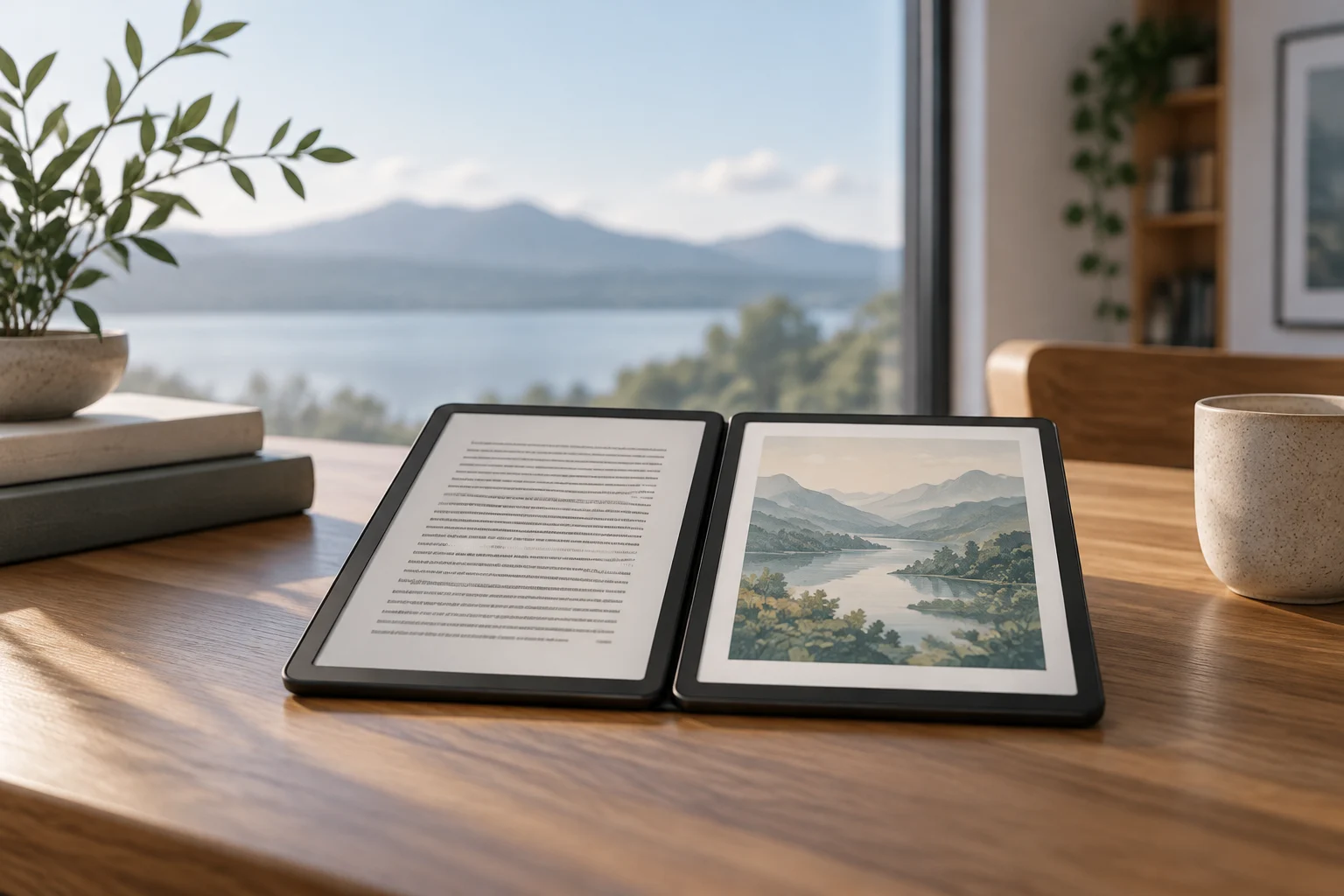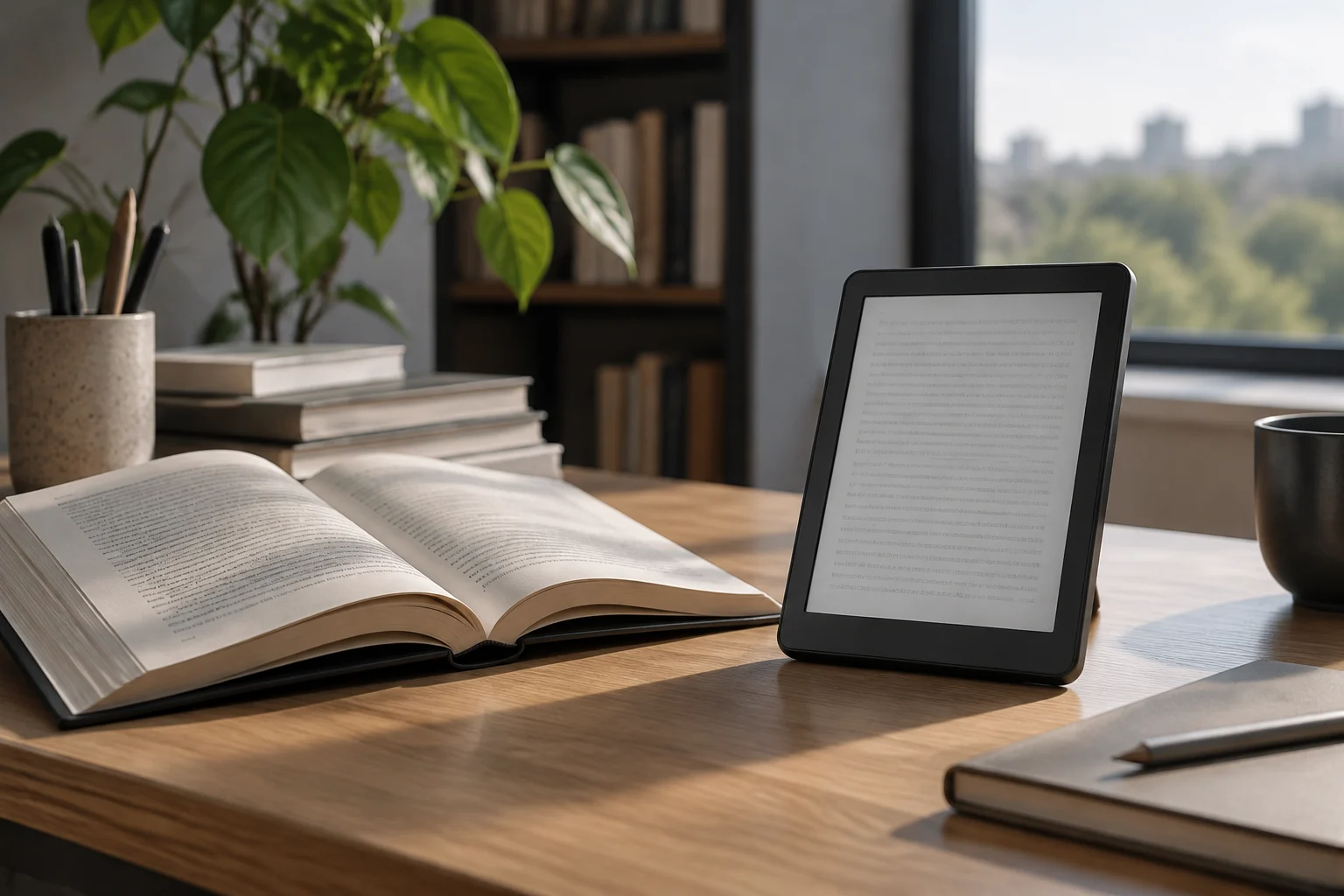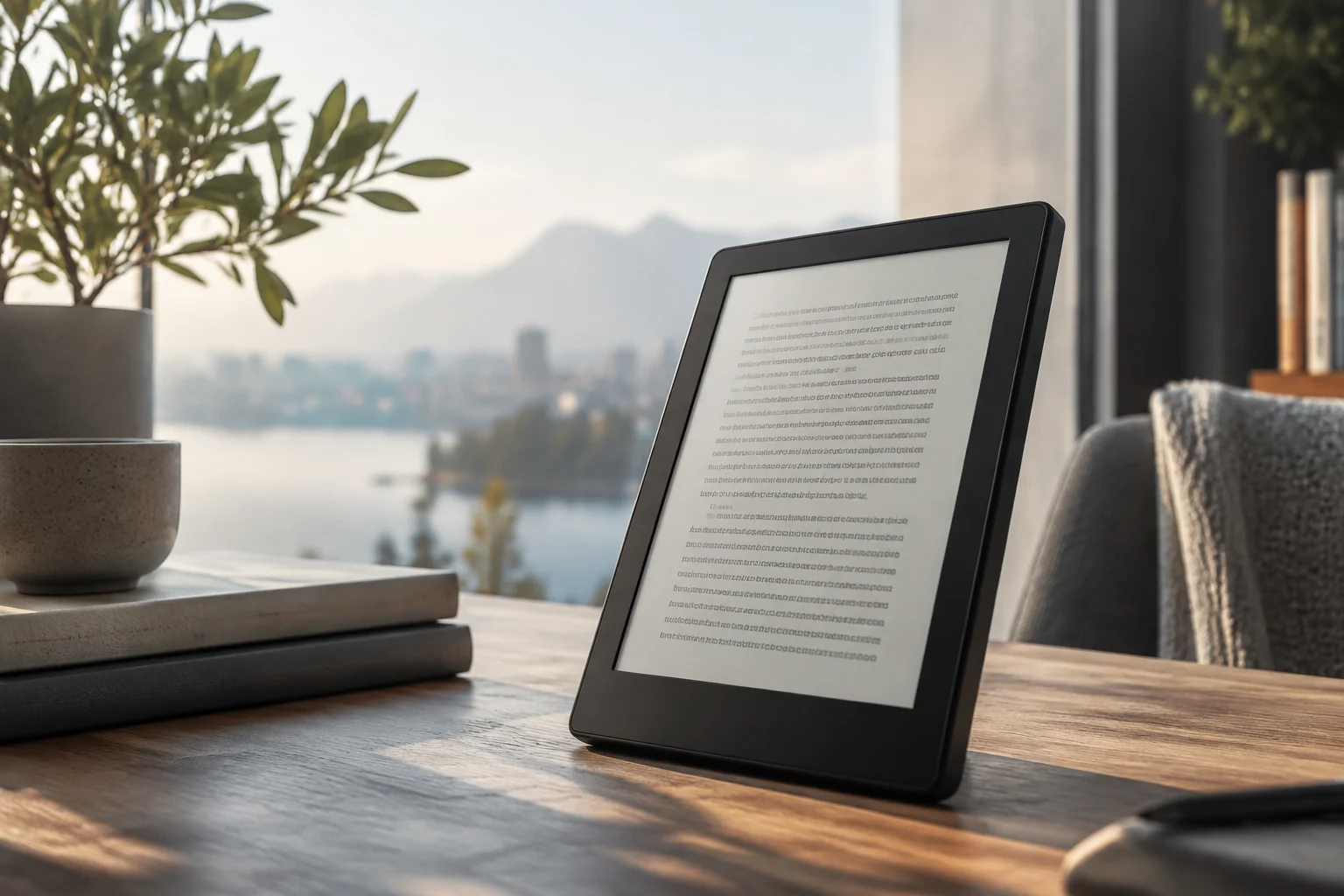
A Kindle designed for reading in color too
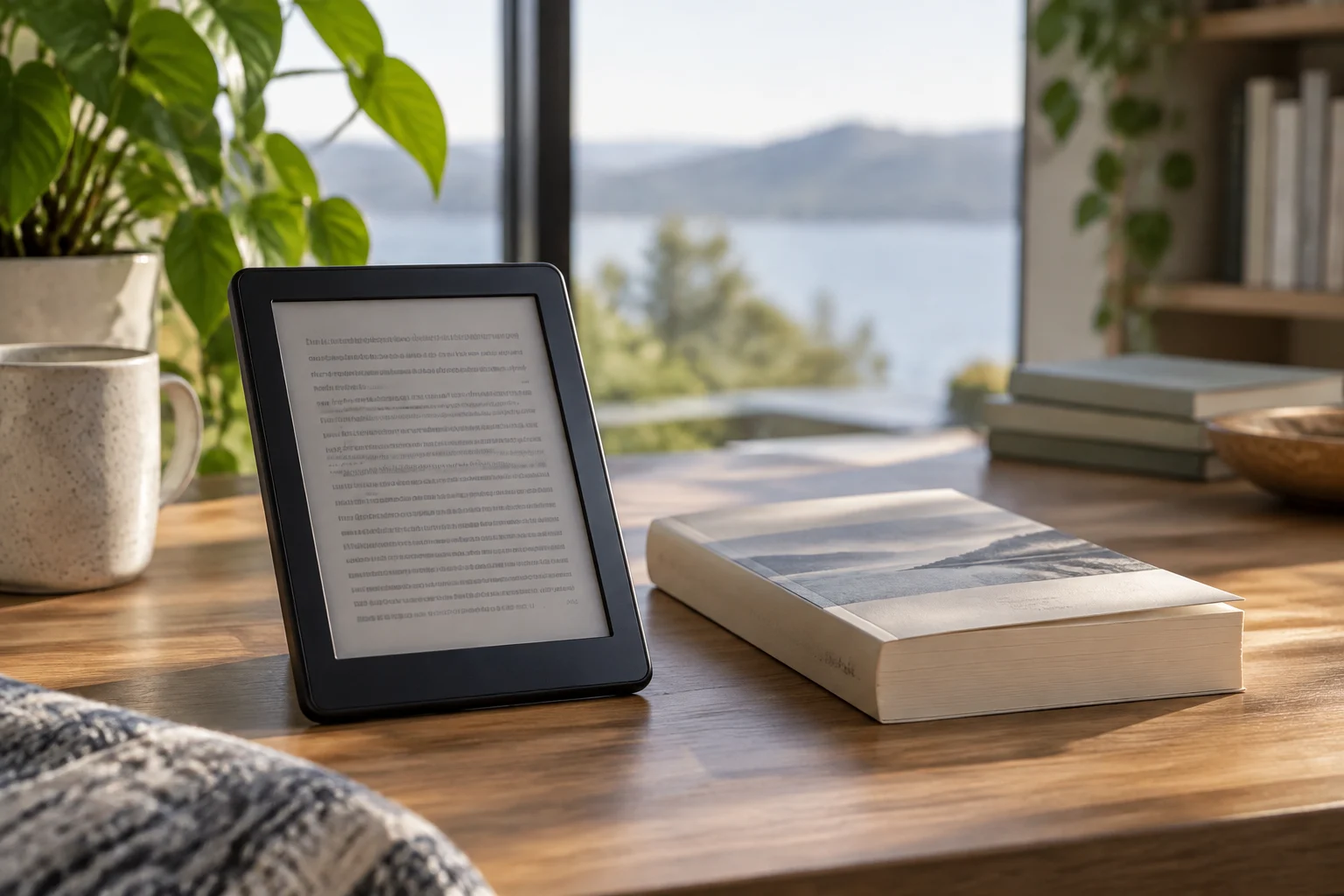
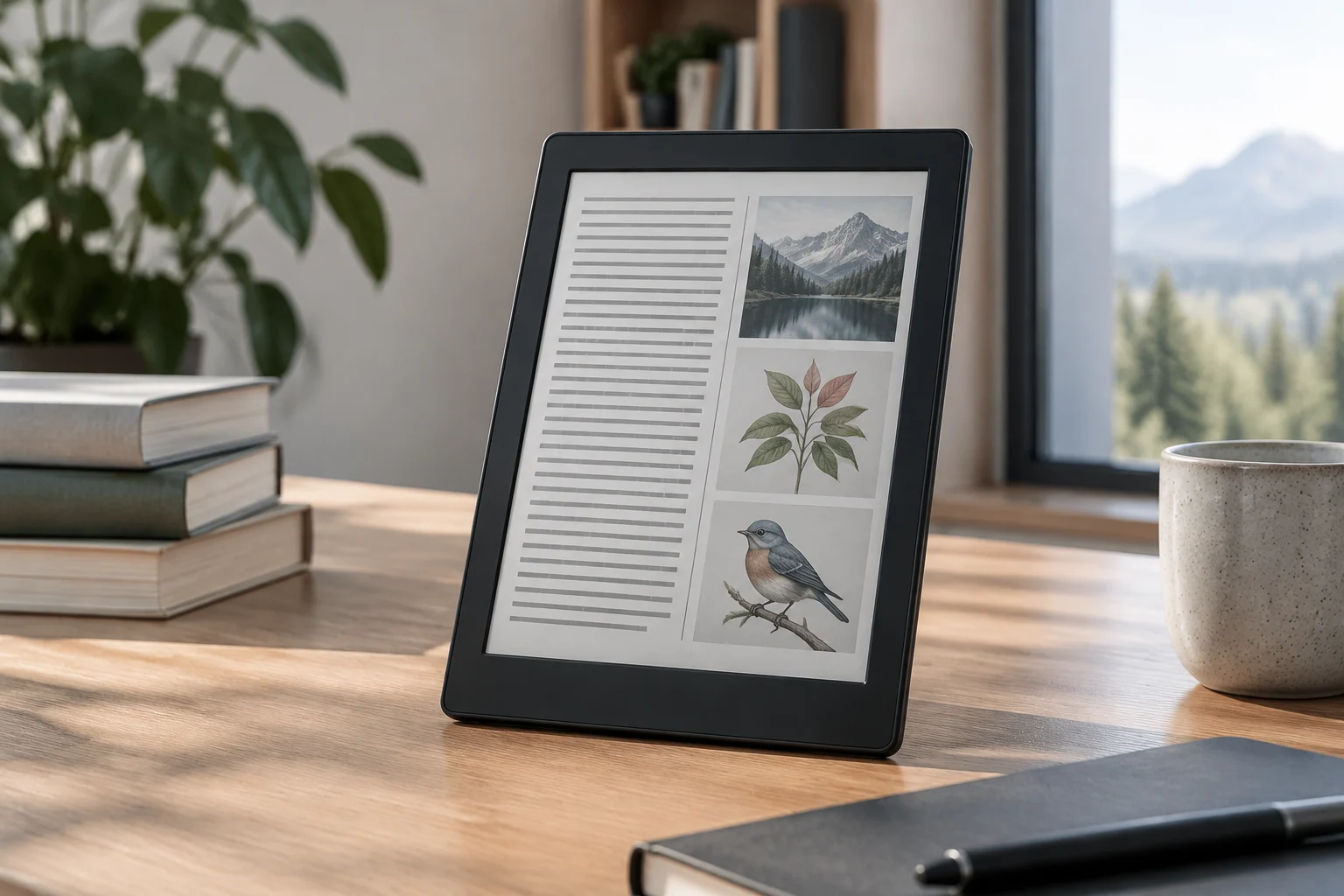
The Kindle Colorsoft brings a color screen to Amazon's line of e-readers. Its clearest utility lies in content where color adds information or context: comics, graphic novels, magazines, illustrations, and covers. For a novel composed mainly of text, the advantage is smaller; the appeal depends on the type of habitual reading, not just on the panel's ability to display images in color.
The screen measures 7 inches. The stated resolution is 300 pixels per inch for black-and-white text and 150 ppi for color content. This difference matters when evaluating the result: monochrome text retains higher density, while colored images are rendered with less detail than on a panel designed for a tablet. E-ink, therefore, does not equal an LCD screen nor does it seek to replicate its brightness or saturation.
What the 16 GB and 32 GB versions bring
The Colorsoft family includes a standard 16 GB version and a 32 GB Signature Edition. The latter adds wireless charging and automatic front light adjustment; practical differences relate to comfort and capacity, not a larger screen. Storage capacity may be more relevant for those who download numerous comics or magazines than for those who maintain a library of text novels.
Amazon also introduced a Colorsoft Kids edition, with a child-friendly cover and associated content and parental control services. It is an alternative focused on family reading, distinct from the standard configuration: before choosing it, it is advisable to consider whether its included elements will be used and whether its conditions fit the intended use. The features and price of these variants depend on the market and date; a figure published for one version or year should not be automatically transferred to another.
Battery life and lighting, in context
Amazon describes the battery life as several weeks. Actual duration depends on brightness, wireless connection, and usage, and the manufacturer does not present this estimate as a guarantee for any reading pattern. In reviews of the 2026 range, WIRED reports up to eight weeks for the Colorsoft, compared to up to twelve for the Paperwhite; these are stated figures, not an independent measurement applicable to all users.
The adjustable front light allows adapting the screen tone, a useful function for reading in different conditions. In the Signature Edition, automatic ambient light adjustment is added. For the purchase decision, it is advisable to separate this extra from the main function: the standard version already offers color reading, while the Signature adds lighting comfort and wireless charging.
Color versus monochrome reading
A black-and-white reader remains a sensible choice if the library is formed mostly of novels and color does not improve reading. In that scenario, the Kindle Paperwhite avoids paying for a function that may barely be used. The Colorsoft makes sense when illustrated material is consulted frequently, color-coded highlights are desired, or covers and graphics are valued without resorting to another device.
Comparison with other color readers also requires looking beyond price or technology name. Screen size, resolution, available catalog, and reading ecosystem influence the experience. For example, Esquire compares the Colorsoft with the Kobo Clara Colour and Kobo Libra Colour, highlighting the weight of price and the Amazon ecosystem in the recommendation. This editorial assessment does not replace a comparison of current models and prices in the country of purchase.
What not to expect from the screen
Color in e-ink has a different purpose than on a tablet. The 150 ppi density in color and the seven-inch format condition the reading of pages with many details or double-page comics. For text and simple illustrations, the screen may be practical; for large images, video, or intense colors, a tablet offers a more appropriate format.
It is also not advisable to assume that all functions or features correspond to all versions. Wireless charging and automatic light adjustment are associated with the Signature Edition, while the 16 GB model lacks these features. Before buying, identify the full name of the variant and check the corresponding market sheet; spot offers may alter the price without changing the device specifications.
How to decide if it is worth it
The choice boils down to a specific question: does color form part of habitual reading? If the answer is yes for comics, magazines, illustrated books, or color-coded notes, the Colorsoft adds a useful capability without turning the device into a tablet. If the answer is no, a monochrome Kindle may better cover text reading without paying for the color panel.
It also helps to decide if the Signature extras justify the cost difference in the local market. More storage may serve libraries with large files; wireless charging and automatic adjustment are comforts, not requirements for reading. The comparison should be made with prices observed on the same date and store, because promotions and availability vary, and launch amounts from a previous generation do not necessarily describe the current price.