From Full File to Segment-Based Playback
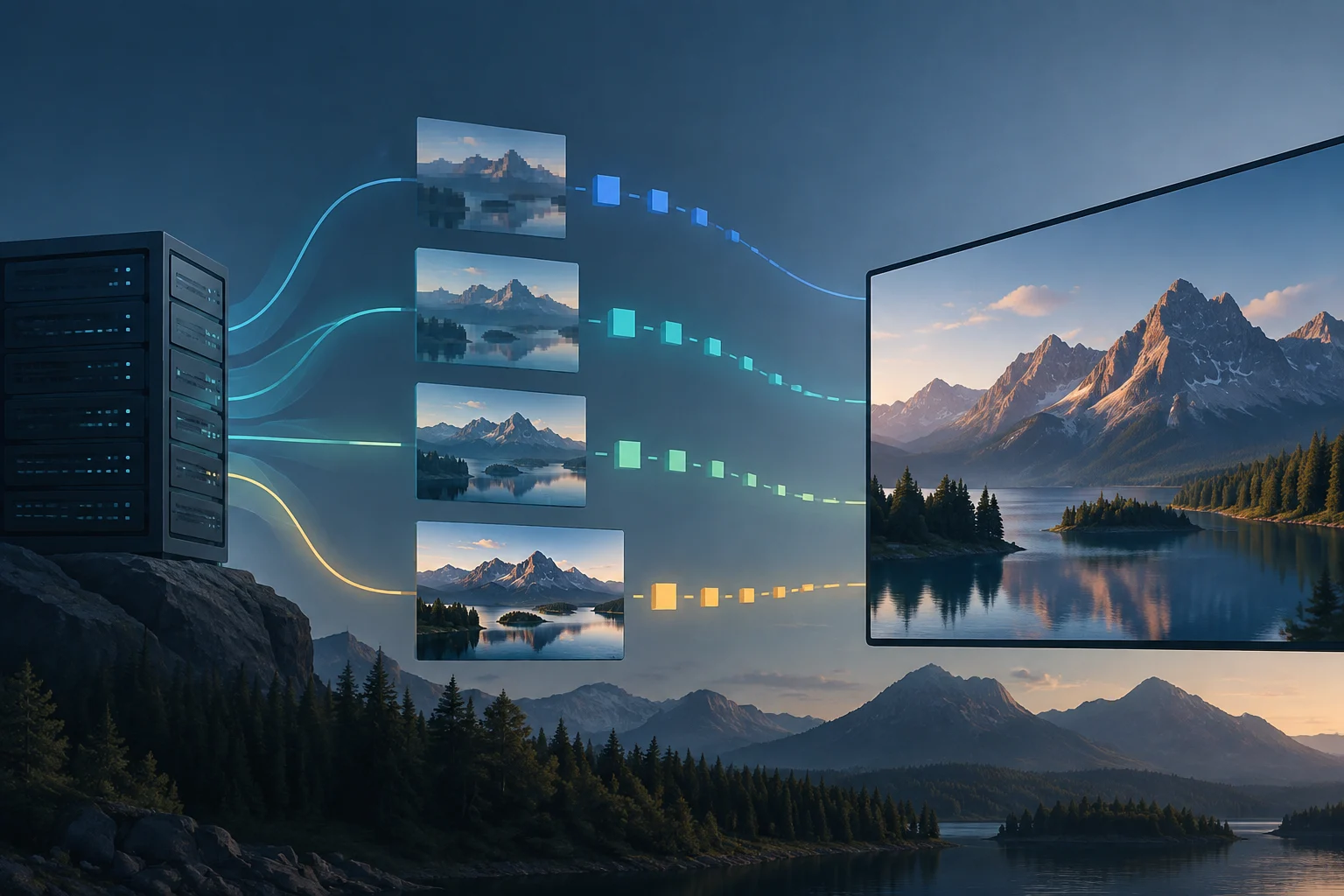
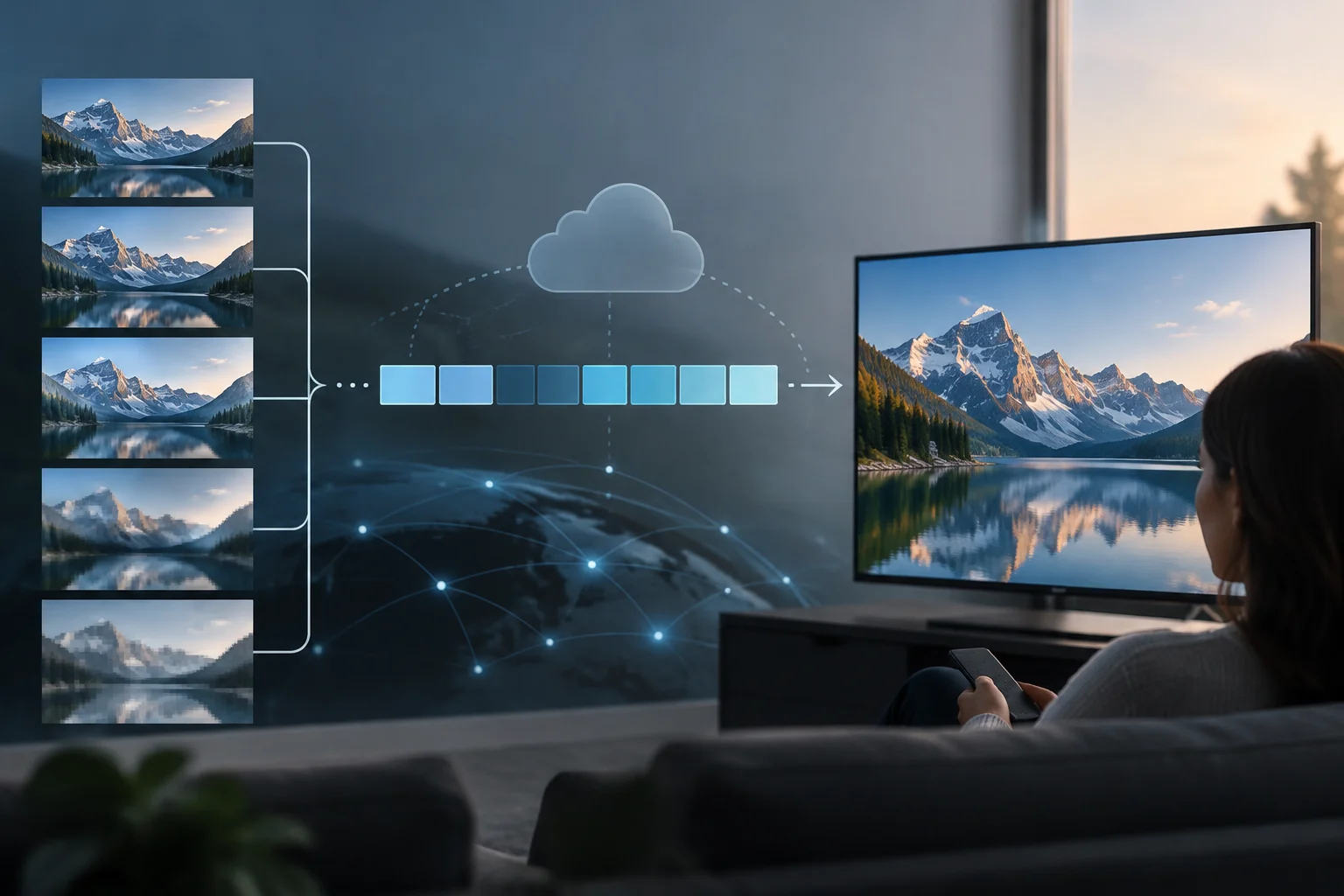
In a traditional download, you obtain the complete video file; with progressive playback, the player can start displaying it before the download finishes. In adaptive streaming, content is delivered in segments and multiple qualities are offered. The practical difference is that the client can start playback without receiving the entire video and switch to a lower or higher quality representation during the session.
Streaming does not mean the video necessarily arrives as an indivisible stream or that no temporary data is stored. The player keeps data in a buffer to play while requesting the next segments. If the download is delayed and the buffer empties, the image stops; if the connection offers margin, the player can accumulate data or try a higher bitrate representation. Continuity depends on the balance between delivery speed, video consumption, and client decisions.
It is also useful to distinguish between the delivery protocol and the codec. HLS and MPEG-DASH describe how to organize and request the presentation—for example, via manifests and segments; H.264, HEVC, or AV1 describe how the video is encoded. They are not interchangeable layers: choosing a protocol does not by itself determine the codec, resolution, or final visual quality.
HLS and MPEG-DASH: A Common Idea, Different Manifests
HLS, developed by Apple, organizes the presentation using playlists with the .m3u8 extension. MPEG-DASH uses a manifest called MPD, usually with the .mpd extension, and is an international specification published by MPEG/ISO. Both can deliver video over HTTP, divide it into segments, and offer multiple representations for the player to adapt to playback conditions. The shared idea matters more than the extension: the manifest describes options, and the client requests the segments it needs.
In general terms, a master HLS playlist can point to media playlists for different variants; the DASH MPD describes the presentation using periods, adaptation sets, and representations. A representation can specify properties such as bitrate, resolution, and codec, while segment information allows locating and playing them in order. The manifest is an index, not the complete video: verifying that it downloads does not prove that all subsequent segments are accessible or decodable.
| Element | HLS | MPEG-DASH |
|---|---|---|
| Typical manifest | .m3u8 |
.mpd |
| Variant organization | Playlists and variants | Periods, adaptation sets, and representations |
| Typical delivery | Segments requested via HTTP | Segments requested via HTTP |
| Compatibility consideration | Developed by Apple | Support dependent on player and device |
These differences guide implementation but are not enough to declare one protocol universally better. Real compatibility is verified by the combination of device, operating system, browser, player, codec, and service configuration. Some platforms offer both formats to broaden coverage or meet content protection requirements; that decision adds packaging and testing work that must be evaluated in the specific context.
How the Player Decides Which Quality to Request
Before playing, the client requests the manifest and obtains information about available representations. It then downloads segments, observes how long they take, and considers how much content it has stored in the buffer. With that data, it selects a quality for the next requests. The change usually does not rebuild the entire video: the selection applies to future segments, so a network drop can lead to a lower variant before the stored content is exhausted.
The adaptive bitrate algorithm does not measure a fixed and perfect speed. Performance can vary between requests due to congestion, wireless signal, server load, network route, or activity of other devices. Moreover, the rate observed during a download is not necessarily the one available for the next segment. The player works with estimates and usually balances quality with the risk of interruption; that is why a high resolution may take time to appear even if the internet plan announces a high speed.
The buffer acts as a time margin. A larger buffer can better tolerate brief fluctuations, but in a live broadcast it can also increase the delay relative to the event. Reducing it can bring playback closer to live, though it leaves less time to recover from a slow download. No single setting maximizes simultaneously quality, continuity, and low latency on all networks: the service goals and player behavior condition the balance.
Bitrate, Codec, Resolution, and Latency
Bitrate expresses the amount of data transmitted per unit of time. At the same resolution, a higher bitrate can preserve more detail, but the result also depends on the codec, image content, encoding settings, and screen. Resolution alone does not determine visual quality.
H.264, HEVC, and AV1 are examples of video codecs. Their presence in a feature list does not guarantee that all devices support them or that the service uses them in every playback. Compatibility and published representations influence the selection. Resolution alone is insufficient to compare two streams if the bitrate, codec, and encoding quality are unknown.
In video, latency describes the delay of playback relative to the broadcast. Low-latency configurations can reduce it; the result depends on the service and player configuration. Effective latency varies according to the implementation.
Checking the Effective Experience, Not Just the Internet Plan
Opensignal offers connectivity tests and a video experience test. The latter records aspects such as load time, buffering, and video playback; the results help describe the connection experience but do not certify the quality of any specific platform or content. A single measurement does not explain the entire experience.
To evaluate your own playback, first record the context: device and operating system, application or browser, Wi-Fi or mobile connection, approximate location, time, title, and automatic or manual quality mode. Then, observe the start time, pauses, sharpness changes, and whether the problem appears on more than one network or device. Repeating under comparable conditions helps separate a persistent issue from a one-off variation; it does not automatically attribute the cause to the internet provider.
In a development environment, inspecting the manifest and network requests allows you to check the announced representations, requested segments, response codes, and download times. In HLS, you review .m3u8 playlists and their references; in DASH, the MPD and associated requests. Manifest and segment inspection allows examining how content is requested and delivered.
A simple check can follow this sequence:
- Play the same content on two different networks and note if the start, quality, or pauses change.
- Compare automatic playback with a fixed quality, if the player allows selecting it.
- Check if the failure affects a single device, an application, or also the browser.
- In your own implementation, inspect the manifest and segment requests.
Note what you observe in each test to compare playback conditions.
What Decisions the Diagnosis Allows
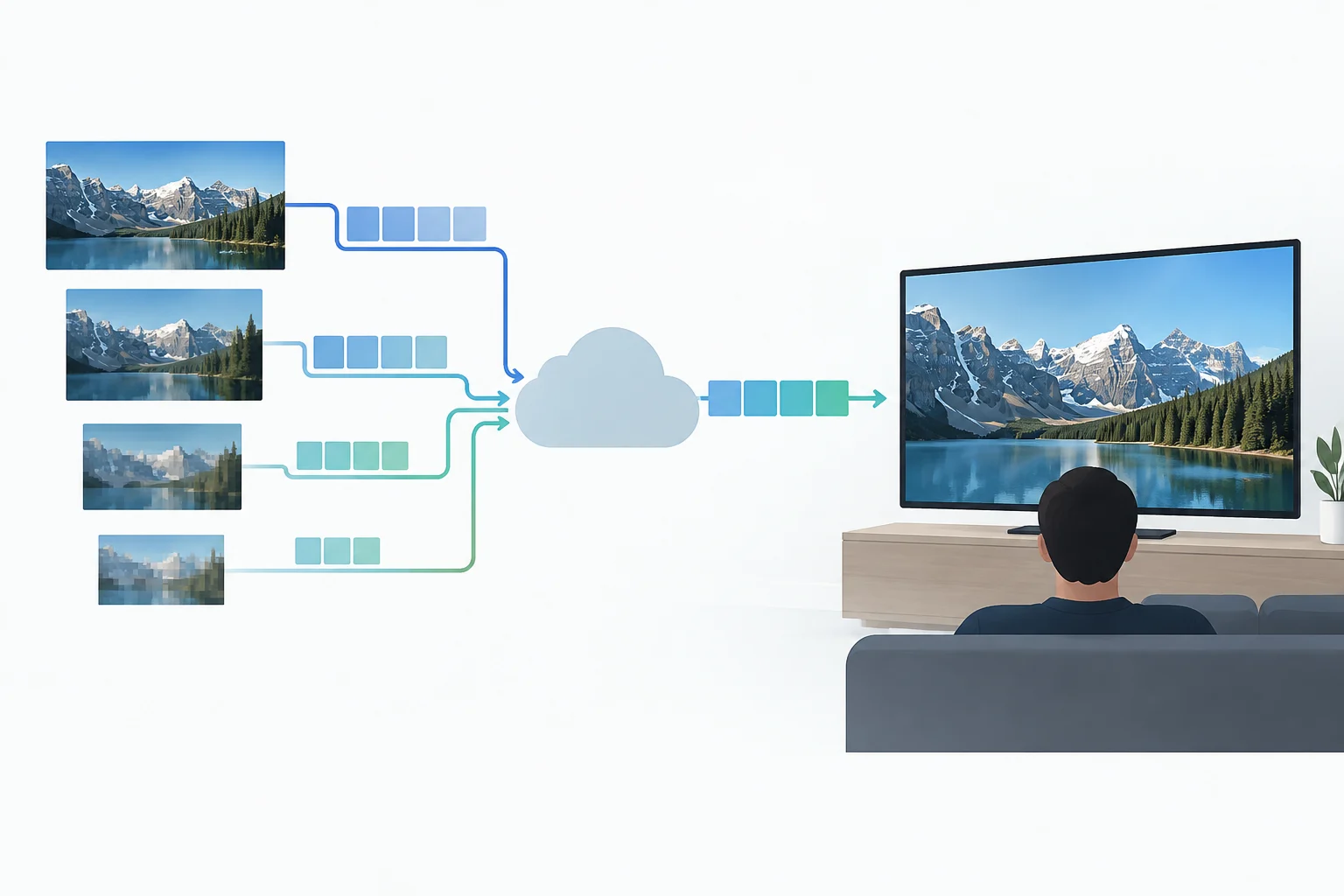
For those who publish video, the design of the quality ladder must consider more than one connection and more than one device. Publishing additional variants can broaden adaptation options, but it increases encoding, storage, and distribution work. A well-designed ladder offers quality alternatives, not just a maximum resolution version.
The choice between HLS and DASH should start from the audience and the platforms that need to be covered. Compatibility depends on the player and device, so it is advisable to test relevant combinations. If the service needs both, sharing segments via compatible packaging formats can reduce duplication in some architectures, although it does not eliminate device testing. The compatibility matrix guides the decision better than an abstract preference for one protocol.
When observing a playback, note the device, application or browser, connection, and whether pauses or sharpness changes appear. Repeat the test under comparable conditions to check if the behavior persists. The quality seen on screen can vary during playback.