Workload Profile Defines the Hardware
The decision between a mini PC and a laptop does not depend on size, but on the nature of the workload. Code compilation, running Docker containers, and virtualization are tasks that require sustained performance for minutes or hours, not brief bursts. Unlike video editing or gaming, where GPU peaks are critical, software development severely penalizes frequency instability. A developer compiling a large project needs all cores to maintain their maximum speed throughout the process; any frequency drop translates directly into additional minutes of waiting.
An ultralight laptop with a 15W thermal budget cannot dissipate the 45-65W generated by a modern processor under sustained load. This causes the chip to reach its thermal limit in 30-60 seconds and reduce its clock speed, a phenomenon known as thermal throttling. For a developer, this translates into unpredictable compilation times and performance degradation in virtualization environments. Thermal inconsistency is the main enemy of productivity in intensive development environments, where performance predictability is as important as raw power.
CPU Architecture: TDP and Thermal Management
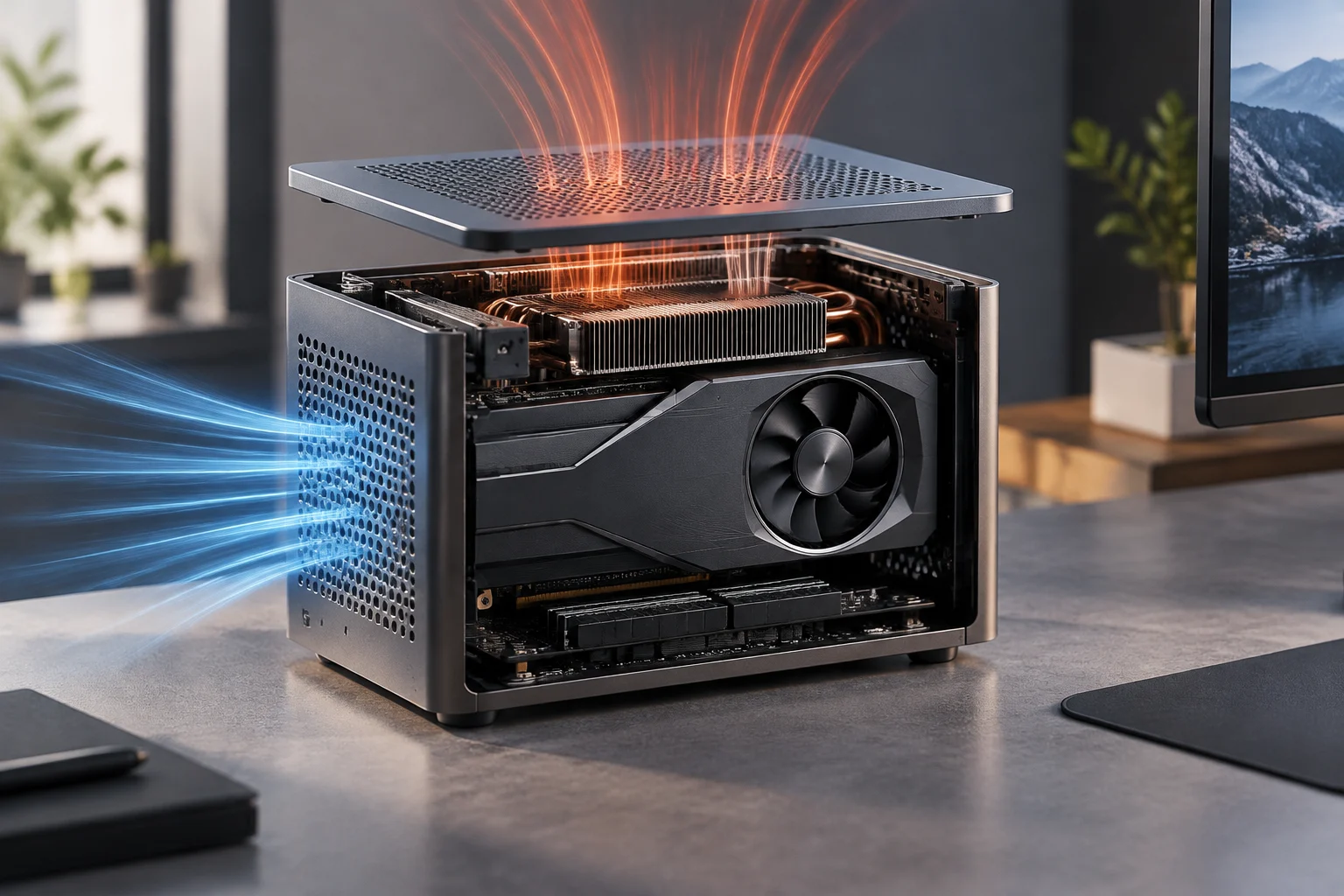
Desktop mini PCs, not being limited by battery or chassis thickness, allow for more aggressive cooling systems. This grants them a superior thermal budget, allowing processors to maintain their turbo frequencies in a sustained manner. For example, an Intel Core Ultra or AMD Ryzen processor in a mini PC can operate near its maximum TDP without reaching the 100°C that triggers throttling in laptops. The larger dissipation surface and optimized airflow guarantee that the silicon remains in its optimal operating range during prolonged work sessions.
In laptops, manufacturers often configure the firmware to start throttling at 90°C or 95°C to keep the chassis surface comfortable to the touch. In a mini PC, the priority is sustained performance, not surface temperature. This makes the mini PC offer a performance consistency that mid-range laptops cannot match, unless they are mobile workstation models with active ventilation. The architectural difference allows the mini PC to sustain maximum performance for extended periods, which is critical for heavy development tasks like kernel compilation or running automated test suites.
RAM Memory: Capacity and Expansion Cost
Memory is the most common bottleneck in development environments with containers. In 2026, RAM prices have risen significantly, making subsequent expansion less economically attractive. A 32GB DDR5 SO-DIMM module can cost around 400 USD or more, while an upgrade from 8GB to 16GB ranges from 60-120 USD. This price disparity makes it crucial to accurately assess memory needs before purchasing hardware, as post-purchase expansion can be prohibitive or technically limited by the chassis design.
The technical recommendation is clear: buy the necessary RAM pre-installed. A mini PC with 16GB of RAM can run a standard Docker stack without issues for a year, while one with 8GB will force the user to constantly close containers. Mini PCs usually offer accessible SO-DIMM slots, but the availability of high-capacity modules may be limited in low-end models. For local AI workloads or heavy virtualization, 64GB or more are becoming the de facto standard, ensuring that memory restrictions do not hinder complex development workflows.
Storage and High-Speed Connectivity
NVMe PCIe 4.0 or 5.0 storage is critical for compilation speed and container image loading. Most modern mini PCs include at least one M.2 2280 slot, and some high-end models allow expansion with a second drive. This allows separating the operating system from work data, improving reliability and performance. Fast storage reduces waiting time for dependency installation or image downloads, streamlining the overall development cycle and allowing faster iterations in code.
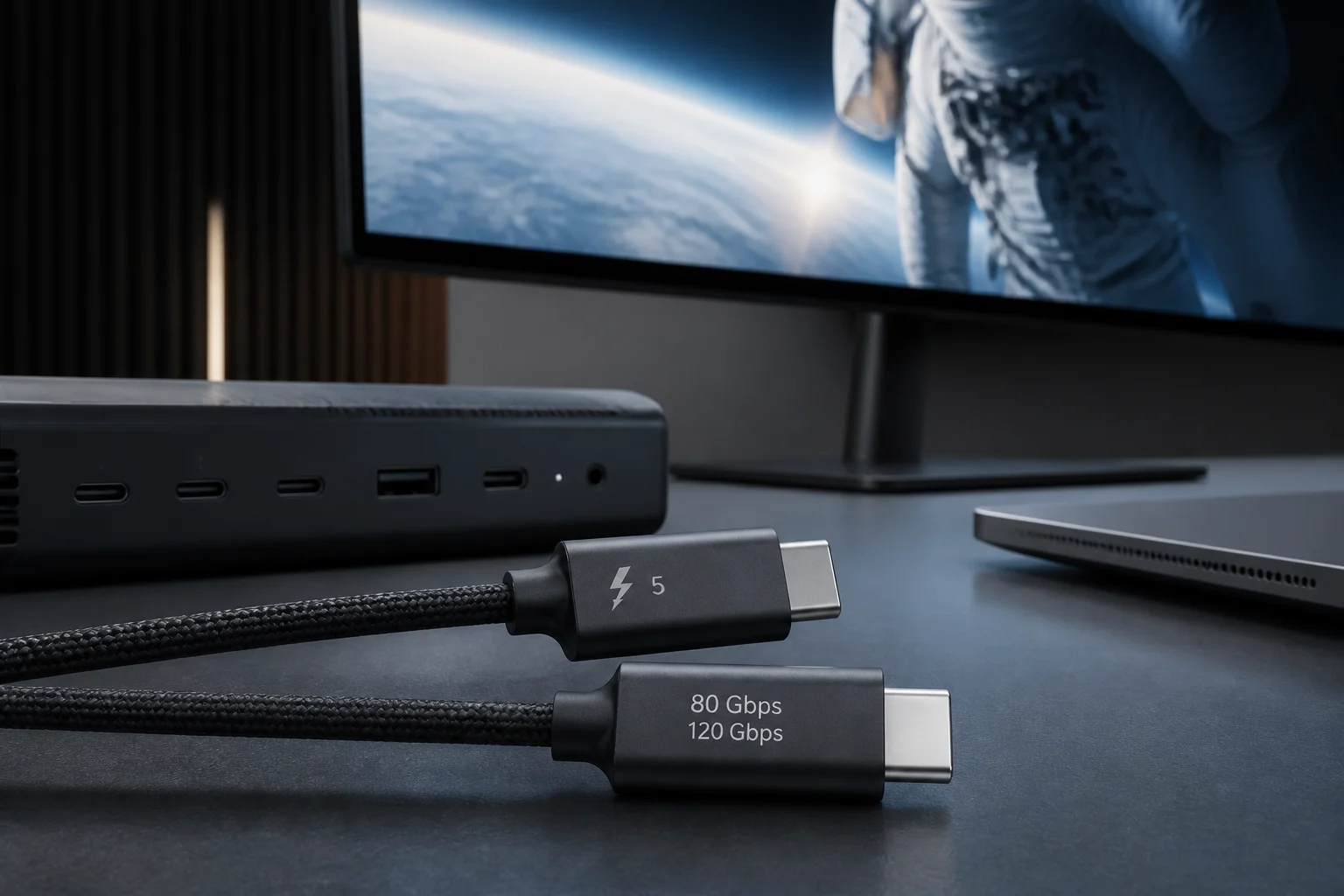
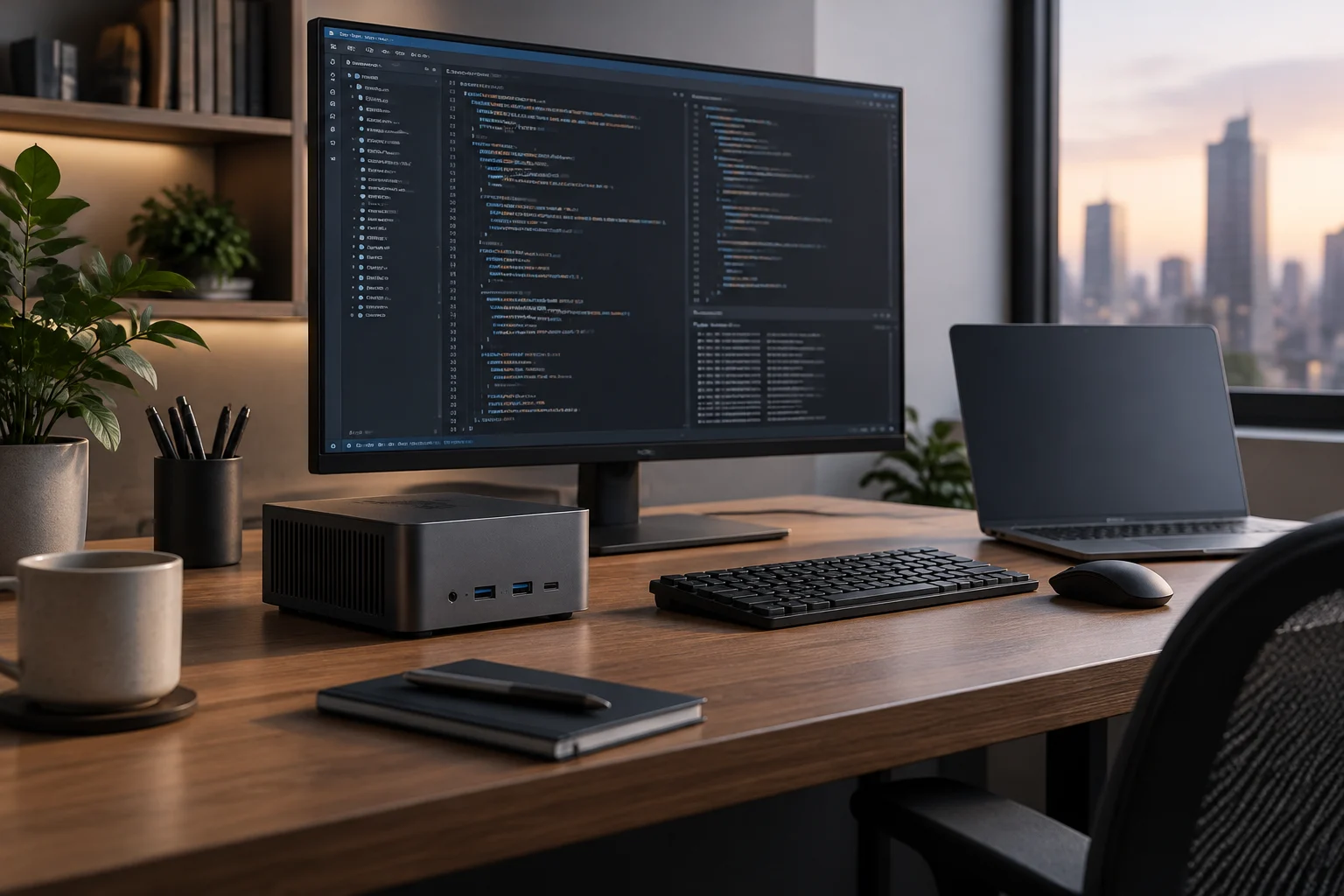
Regarding connectivity, the presence of Thunderbolt 5 or USB4 is a key differentiator. These interfaces allow connecting multiple 4K monitors, high-speed external drives, and expansion hubs without saturating bandwidth. A mini PC with triple monitor output (like the CHUWI LarkBox X) is ideal for fixed desktop configurations, where the developer needs screen space to view code, logs, and documentation simultaneously. Robust connectivity ensures that peripheral devices do not become a bottleneck in a high-performance workstation.
When to Choose Mini PC and When Laptop
A mini PC is the superior option when the developer works in a fixed desktop environment and prioritizes sustained performance and expansion capacity. It is ideal for long compilations, running multiple virtual machines, and local AI development. The advantage of not relying on the battery eliminates the energy restrictions that limit laptop performance, allowing the system to extract the necessary power to maintain maximum efficiency. Additionally, the possibility of updating components like RAM or storage in many mini PC models offers superior longevity compared to laptops, where these components are often soldered to the motherboard.
However, a laptop remains the technically superior option if mobility is a requirement. Mobile workstation laptops (such as Lenovo ThinkPad P or Dell Precision) offer a balance between performance and portability, albeit at a higher energy and thermal cost. For most developers who do not need to work outside the office, the mini PC offers an unparalleled performance-space ratio, provided it is chosen with adequate RAM and storage from the start. This configuration allows creating a powerful and stationary development center that maximizes productivity without the thermal concessions inherent to portable devices.