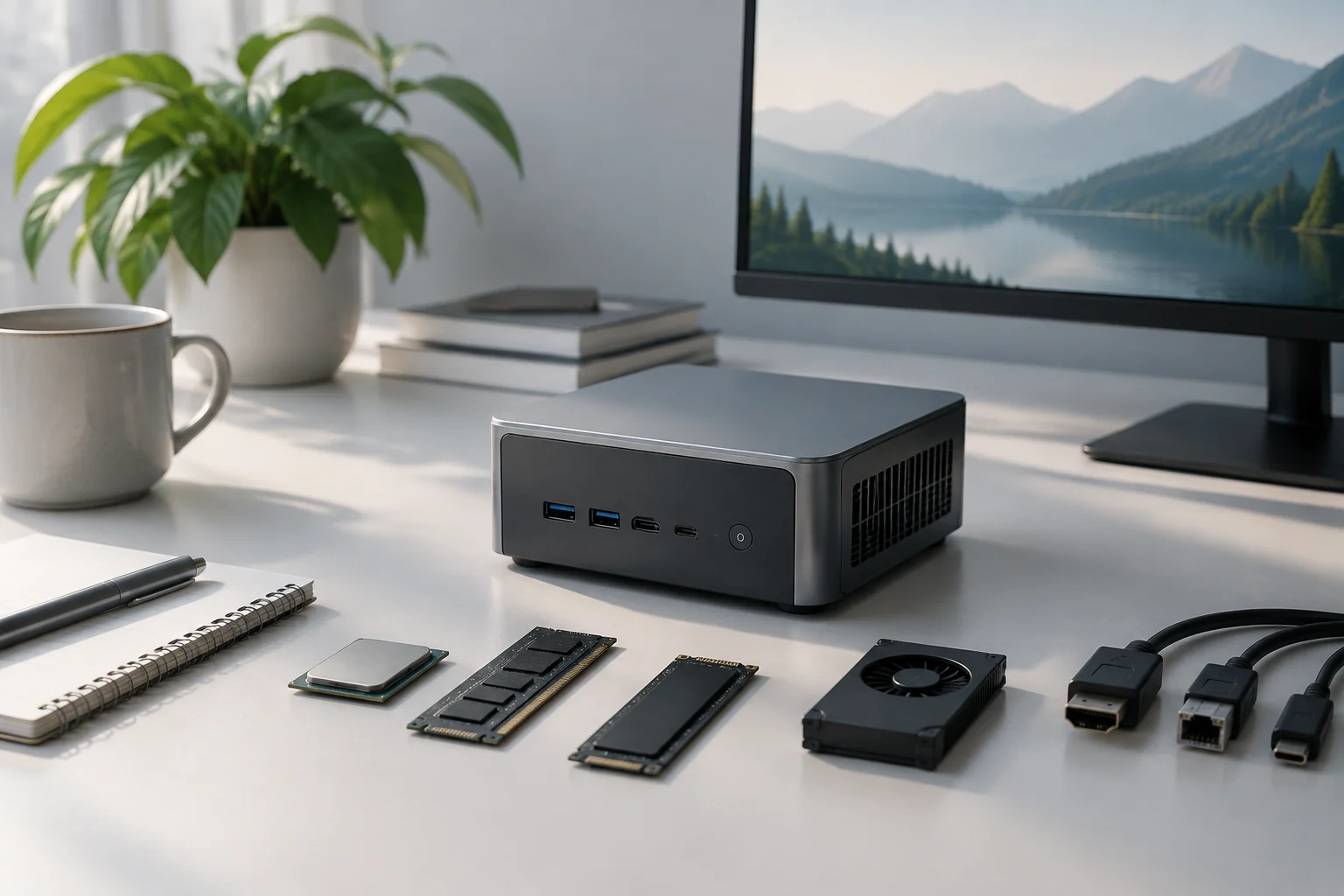
Not all mini PCs play in the same graphics league
The term mini PC describes the form factor, not a specific capability. A compact system may rely on integrated graphics, include a dedicated GPU or combine both. For those seeking demanding games, video editing or local computing, the difference between integrated and dedicated graphics sets the performance ceiling, but you cannot judge solely by the GPU name.
In the models examined here, the cards are Laptop GPU variants: ASUS ROG NUC (2025) offers up to an NVIDIA GeForce RTX 5080 for laptops, while Minisforum AtomMan G7 Pro comes with a GeForce RTX 5070 Laptop. They should not be equated with desktop‑class RTX cards that share similar names: the mobile label matters because allowed power draw, cooling and memory affect sustained results.
They are also not equivalent to a mini PC with powerful integrated graphics. A dedicated GPU is usually better for ray‑tracing games, CUDA acceleration and compatible creation effects; an integrated one may suffice for office work, everyday video and less demanding tasks. The useful decision starts by identifying the specific program or game and its requirements, not by assuming every small machine offers the same type of power.
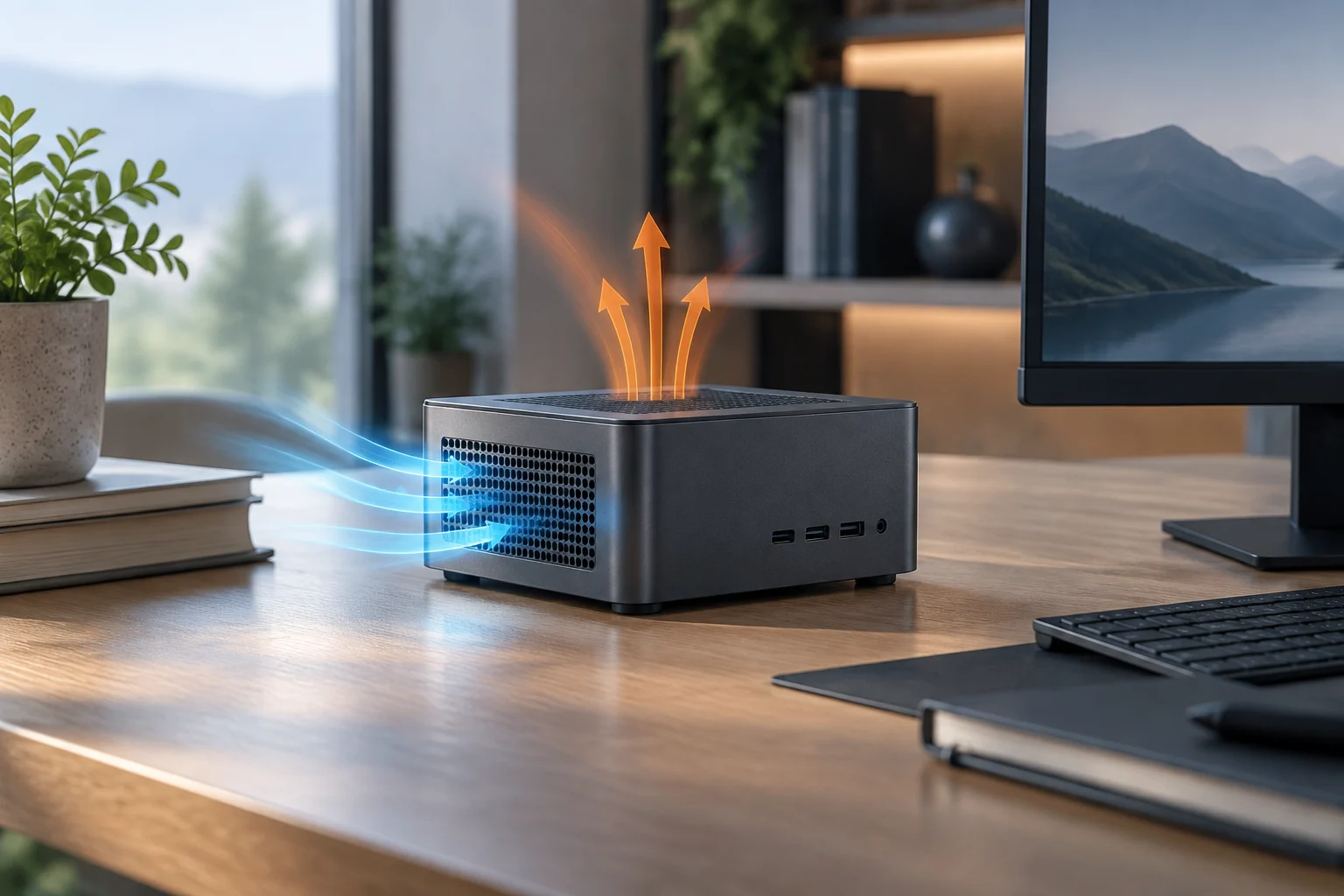
Size does not eliminate heat: it concentrates it
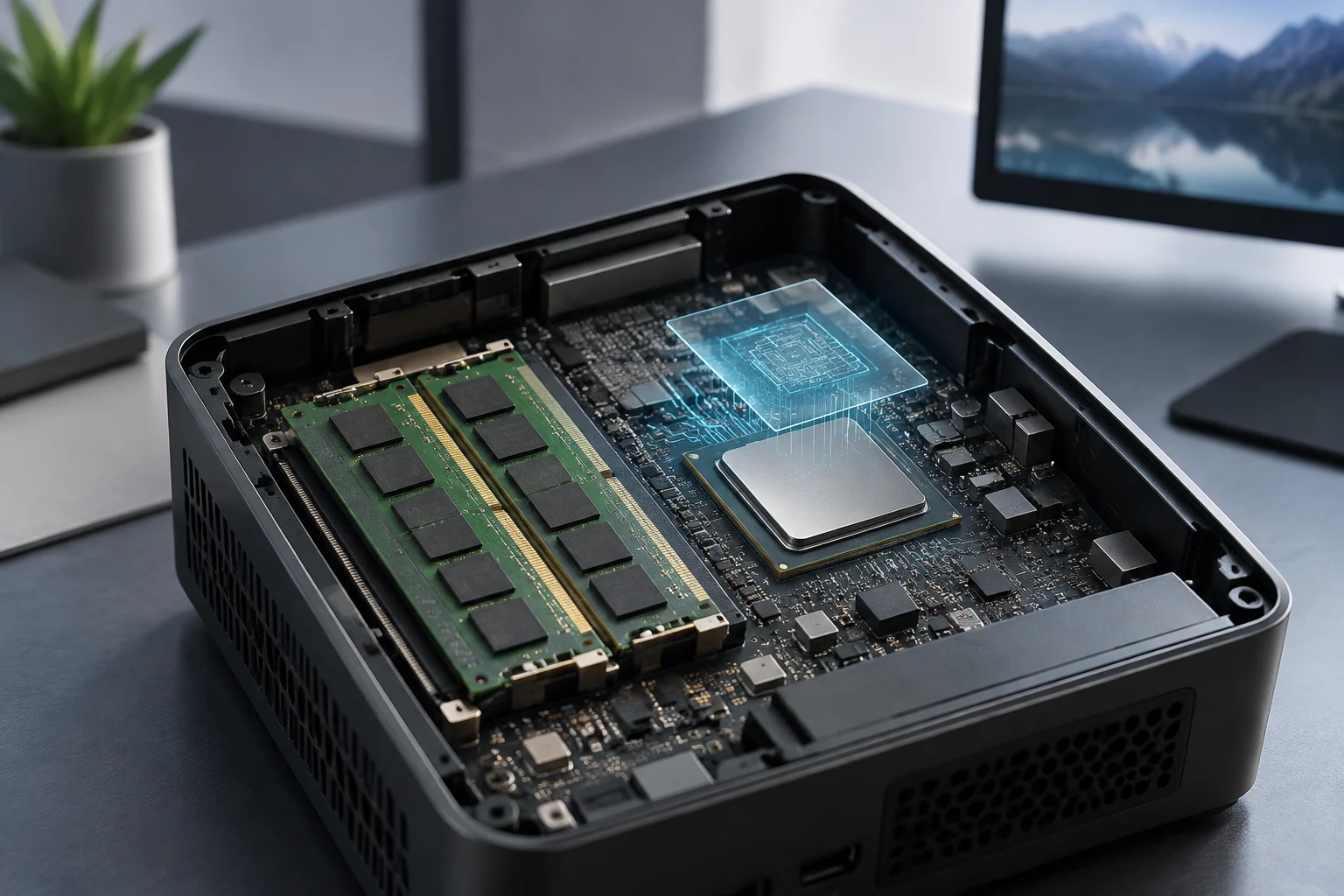
A fast GPU needs energy and must dissipate the heat that energy produces. In a compact chassis there is less volume for heatsinks and airflow; the practical outcome depends on the overall thermal design, power limits and ventilation profile, not just the chip model. Sustained power is more relevant than peak when rendering or gaming keeps load high for long periods.
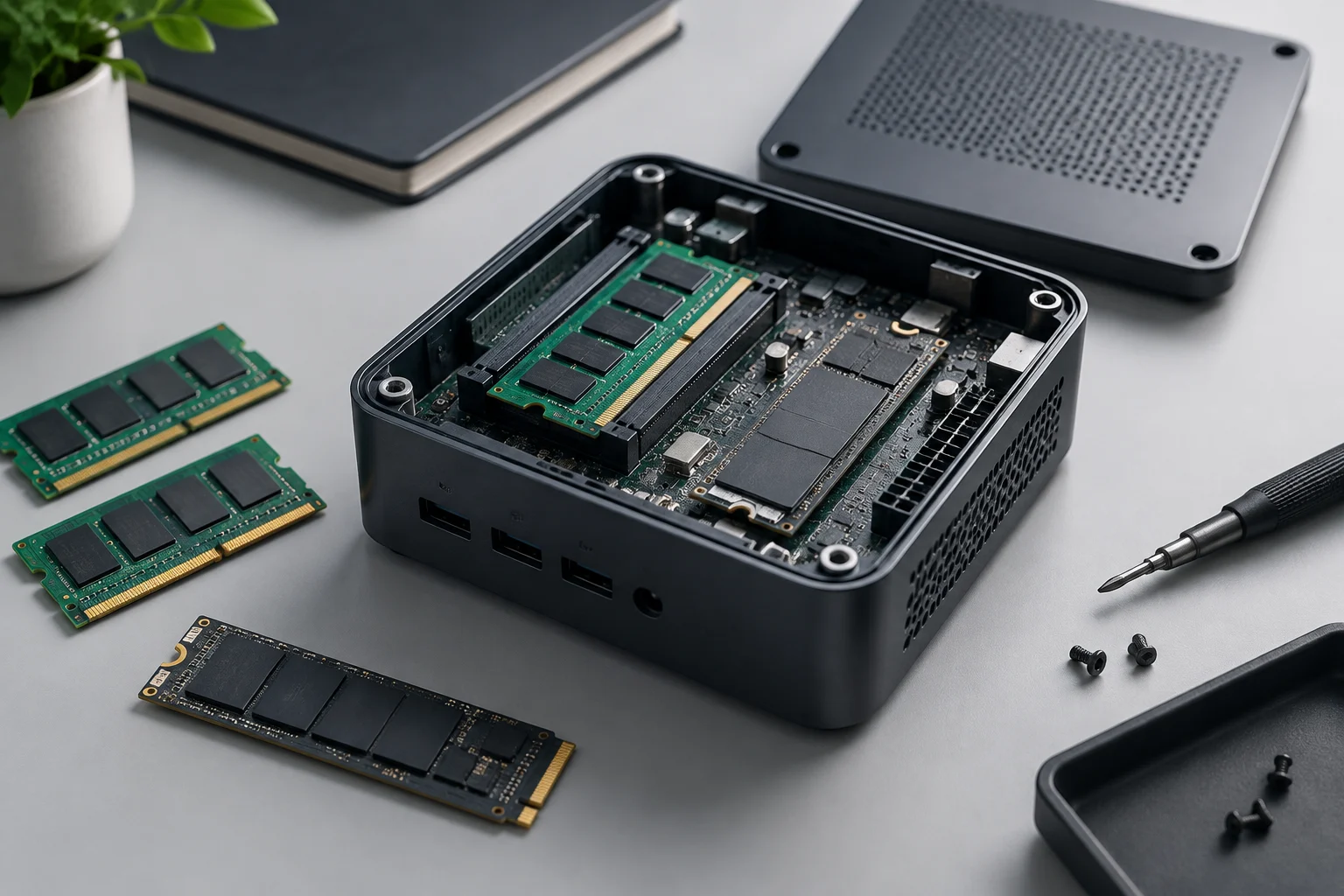
ASUS advertises three fans and a unified vapor chamber for its ROG NUC (2025), within a unit whose published dimensions are 282.4 × 187.7 × 56.5 mm, with a base depth of 146 mm. The spec also describes a chassis that can be opened without tools to upgrade components. These are design data from the manufacturer; they do not by themselves prove the system will stay quiet or maintain a certain frequency in all situations.
An independent review recorded temperatures near 80 °C on the GPU and a thermal limit around 104 °C on the CPU, with no throttling observed under tested conditions. It is a measurement of one configuration and test, not a universal guarantee: ambient temperature, firmware, power mode and load change behavior. If noise or heat are decisive, look for measurements of the exact setup rather than rely on the “quiet” adjective in a commercial spec.
The AtomMan G7 Pro advertises an RTX 5070 Laptop, but the product page does not provide a comparable table of sustained graphics performance, noise and temperature under a common methodology with ASUS. Therefore it is not rigorous to declare a thermal winner using only promotional specs. The lack of a homogeneous comparison limits any ranking between the two systems.
Local AI: VRAM and compatibility before TOPS promises
Running AI models locally, GPU capacity is just part of the equation. Video memory, model size, precision or quantization chosen, software and platform compatibility also matter. A figure of operations per second alone does not tell which model fits in memory or how long a real task will take.
The official ROG NUC page shows a GPU up to 16 GB GDDR7 in the RTX 5080 Laptop configuration, while the AtomMan G7 Pro spec promotes an RTX 5070 Laptop and a figure of 798 TOPS for AI power. They are not directly comparable metrics: memory capacity and announced operations describe different aspects, and the commercial page does not provide a standardized inference test to calculate tokens per second or maximum model size.
In practice, a compact dedicated GPU can be useful for inference and GPU‑accelerated creative tools if the model fits in memory and the program uses the hardware. For larger models, VRAM may become the bottleneck even if the chip has high compute capacity; using system memory or quantization can help in some workflows, at the cost of speed, compatibility or quality. Check first the model’s requirements and execution environment you plan to use.
No homogeneous local inference benchmark comparing these two mini PCs with the same model version, quantization, software and power limits is found in consulted sources. Nor is it appropriate to extrapolate marketing figures to a specific load. To decide, look for results measured with the same workflow or consider that purchase is based on declared capacity and compatibility, not on an universal performance promise.
Editing and gaming: real utility but with laptop compromises
In video editing, the GPU can accelerate effects, compositing and export when the application and codecs allow it; CPU, RAM, storage and cooling also matter. Minisforum credits the G7 Pro for Quick Sync Video encoding acceleration and export, plus promotes its dedicated GPU for creation. Acceleration depends on the program and codec: not all tasks improve equally nor do all projects use the GPU in the same way.
For gaming, the ROG NUC offers an Intel Core Ultra 9 275HX processor and up to RTX 5080 Laptop, with ASUS announcing support for up to five 4K displays. The G7 Pro offers a configuration with RTX 5070 Laptop and announces output for two screens via USB‑4 and HDMI. These specs are useful to verify compatibility and connections; they do not allow comparing frame rates without fixing game, resolution, graphics quality, driver and power limit.
An independent review of the ROG NUC (2025) observed solid gaming results but also noted that some tests could be limited by the processor and show worse one‑percent lows. It reminds us that an average FPS does not capture the experience: stutters, resolution, stability and noise matter, and published comparisons are only valid under each test’s conditions.
In sustained editing or long sessions, a compact chassis may prioritize size and ease of installation at the cost of more noise or higher temperatures compared to a tower with ample cooling. That does not make the mini PC a bad option: its value lies in offering an integrated system of reduced size. But those who need to upgrade GPU, change cooling or keep heavy loads for hours should also compare a compact tower or a traditional desktop.

ROG NUC and AtomMan: compare configurations, not just names
The ROG NUC (2025), identified on the Spanish page as NUC15JNK, is a concrete commercial product, not a category. ASUS specifies up to Core Ultra 9 275HX, up to RTX 5080 Laptop, DDR5‑6400 memory, triple‑fan cooling and tool‑free upgrade. The word “up to” is important: the purchased configuration can vary and you must verify memory, storage and GPU in the vendor’s reference before paying.
Minisforum lists AtomMan G7 Pro with Core i9‑14900HX and RTX 5070 Laptop; the spec promotes up to 96 GB RAM and up to 2 TB SSD in the offered configuration, with storage expandable per manufacturer. It also advertises 2.5 GbE Ethernet, Wi‑Fi 7 and two display outputs. The announced options do not guarantee each variant includes them: check the SKU and specific regional configuration.
| System | Announced dedicated GPU | Useful data to verify | Comparison limit |
|---|---|---|---|
| ASUS ROG NUC (2025) | Up to GeForce RTX 5080 Laptop | Core Ultra 9 275HX; triple fan; up to five 4K displays | “Up to” means you must confirm the variant; no common benchmark with Minisforum |
| Minisforum AtomMan G7 Pro | GeForce RTX 5070 Laptop | Core i9‑14900HX; memory and SSD options; USB‑4 & HDMI | Commercial spec alone does not establish comparable noise or sustained power |
The table summarizes published specs, not a performance verdict. The independent ASUS review and Minisforum’s commercial page do not constitute a cross‑test with identical games, AI loads and thermal protocols. Choose by configuration and relevant measurements, not by the higher RTX series number isolated from power limits or VRAM amount.
Framework Laptop 16 appears in research material as a portable alternative with modular GPU, not as a mini PC. Framework announced a version with RTX 5070 Laptop, 8 GB GDDR7 and a graphics module compatible with previous generations; it is useful for those valuing mobility and upgradeability, but should not be presented as a compact desktop nor mixed with the performance of machines compared here.
How to decide: space, load, noise and upgradability
A mini PC with dedicated GPU fits best if space is priority, you need a complete system that occupies little and your programs benefit from a high‑end mobile GPU. It can also be reasonable for gaming or content creation on an external monitor, provided you accept that performance depends on a compact configuration and its thermal limits. Its main advantage is density, not the same freedom to upgrade as a tower.
Before buying, check these points in the exact model and variant:
- GPU and video memory: confirm it’s the laptop or desktop version, VRAM and power limit if available.
- Real load: look for tests of the game, program or AI model you’ll use, with comparable configuration.
- Noise and temperature: prioritize sustained‑load measurements and verify they match the same power mode.
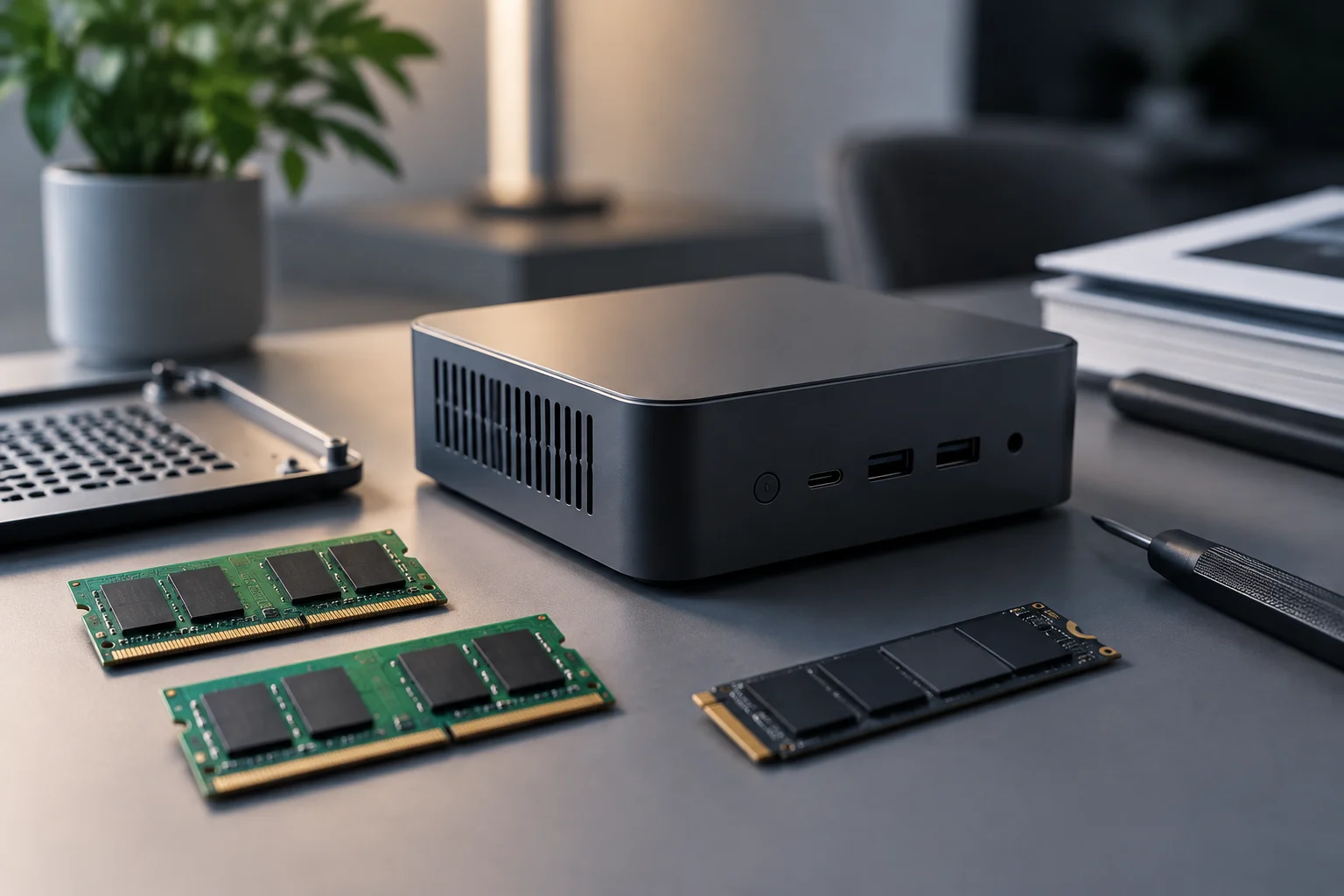
- Upgradability: see which RAM and SSD slots are replaceable, how many there are and what external connections it includes.
- Total cost: compare the full configuration price with an equivalent laptop or tower, including monitor and peripherals if needed.
If you need to move the computer between places, a laptop can solve the problem with screen, battery and keyboard built‑in; Framework Laptop 16 also offers a replaceable GPU module per its announcement, though it remains a laptop and has different compromises. If you prioritize silence, GPU upgrade or long loads, a tower usually leaves more room for cooling and components. That is a general design inference, not a guarantee on each specific unit.
The practical conclusion is to avoid buying a GPU by name alone without looking at memory, variant and sustained measurements. A mini PC with dedicated GPU does not automatically replace a tower; it offers a specific size‑power combination that may suit you if its limits match your use. For local AI, verify VRAM and compatibility first; for editing and gaming, consult application tests and exact load.