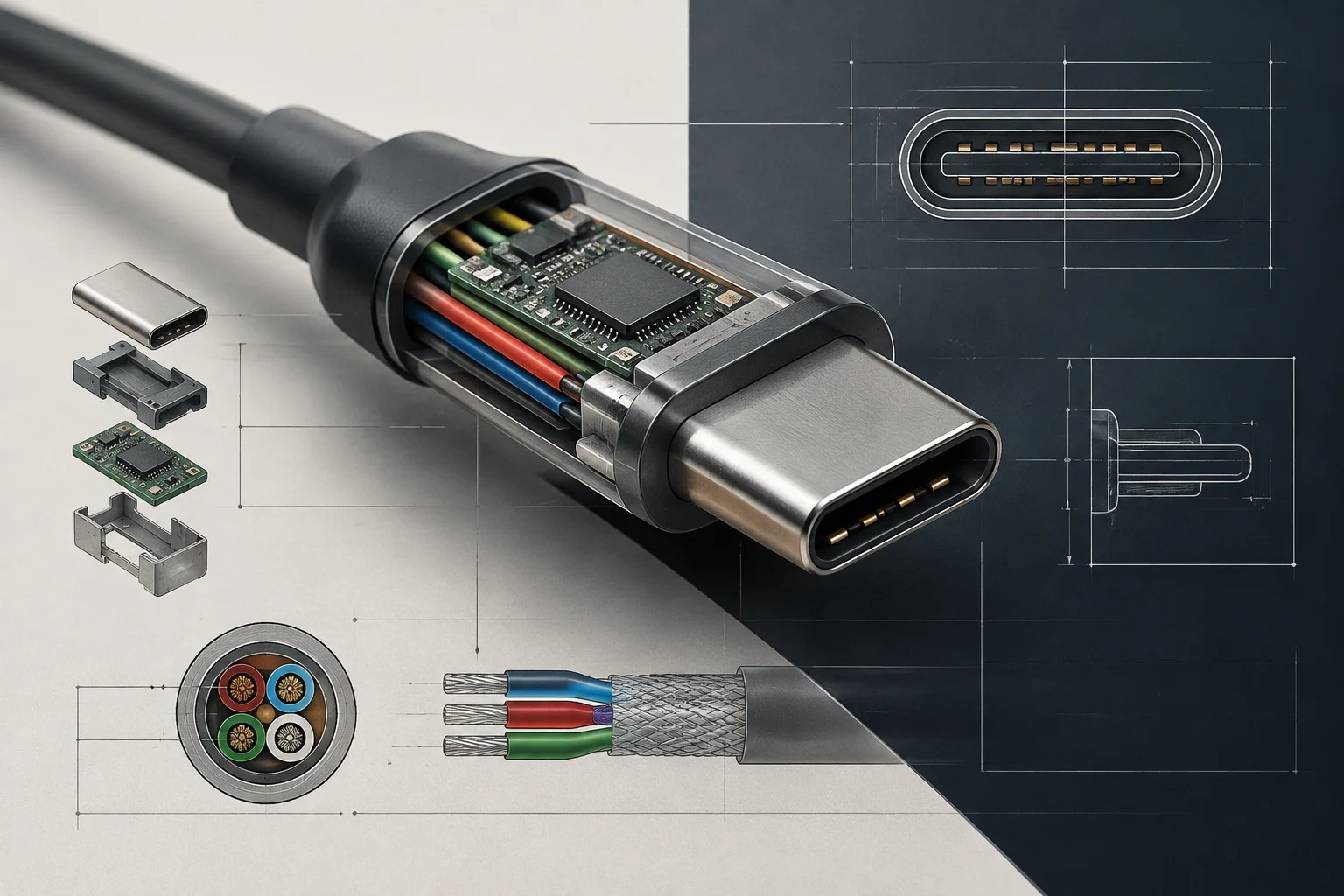
Technical definition of Thunderbolt 5 and USB4 40G
Thunderbolt 5 utilizes the USB-C connector and offers up to 80 Gbps of bidirectional bandwidth. Intel also describes a Bandwidth Boost mode that allows reaching 120 Gbps in the output direction when intensive video usage requires it. This figure does not equate to 120 Gbps symmetric speeds for copying files: the normal data mode is up to 80 Gbps in each direction.
USB4 groups capabilities that cannot be deduced from the connector's appearance. Available documentation lists different signaling speeds, while the label «USB4 40 Gbps» identifies a connection with a nominal maximum of 40 Gbps. USB-C describes the connector; it does not guarantee by itself a speed, video functions, or compatibility with any dock. Therefore, the computer's spec sheet and the peripheral's sheet must be read as a set.
The useful difference is not that one name is universally better, but what specific features are documented for each port. One should not attribute to USB4 40 Gbps, without a technical sheet confirming it, optional functions like PCIe tunneling or a specific video modality. Nor can it be deduced from the Thunderbolt name that a peripheral will reach maximum speed: the specifications of both ends and the cable count.
Nominal bandwidth, real transfer, and latency
Values in Gbps express signaling capacity or nominal bandwidth, not a promise of copy speed. The performance of a transfer also depends on the protocol, the controller implementation, the storage, and the simultaneous use of the link. Therefore, having an 80 Gbps port does not automatically turn a lower-capacity external drive into a faster device.
The draft suggested that Thunderbolt 5 could halve copy time compared to USB4 40 Gbps and attributed to the former a defined latency advantage. These conclusions are not demonstrated by the gathered sources: comparing theoretical maximums does not equate to measuring a specific unit, and there are no controlled performance or latency test results for both standards. It is not possible to assert a universal improvement percentage without detailing equipment, peripherals, load, and method.
For external storage, it is advisable to look at the speed specified for the drive and not just the host port. A product sheet may indicate a maximum read or write speed, but that figure does not guarantee sustained performance in all tasks. In large copies, cache memory, file type, and the equipment's ability to maintain the transfer may also influence. These data must be verified in the specific product documentation.
Monitor compatibility: what the interface allows asserting
Thunderbolt 5 can carry video and data over a USB-C connection, and Intel's information lists compatibility with high-resolution and high-frequency screens. However, the resolution and frequency a specific configuration can offer also depend on the computer, the screen, the dock, the cable, and the bandwidth allocation. The standard's maximum is not an automatic guarantee for every combination.
It is incorrect to conclude that any USB4 40 Gbps port supports an 8K 60 Hz or 4K 120 Hz screen, or that all are limited to those modes. The port's sheet may vary between equipment. The video support declared by the manufacturer for that output and the number of connected screens also matter. The provided data does not verify a universal resolution table for USB4 40 Gbps versus Thunderbolt 5.
Before buying for multiple monitors, look in the computer's specifications for the number of simultaneous screens, the resolution, and the frequency supported by the port you will use. Repeat the check for the dock and for each screen. If the sheet only mentions USB-C or a data speed, do not assume the video mode is confirmed; request information for the exact model or consult its support documentation.
Peripherals and bottlenecks
A fast link is only useful if the peripheral can exploit it. The commercial sheet provided for the Oyen Digital U34 Bolt describes a 40 Gbps USB4 drive with an announced speed of up to 2800 MB/s. This figure corresponds to a seller's claim and does not constitute an independent measurement or a guaranteed result on any computer. Furthermore, the available source is not manufacturer documentation.
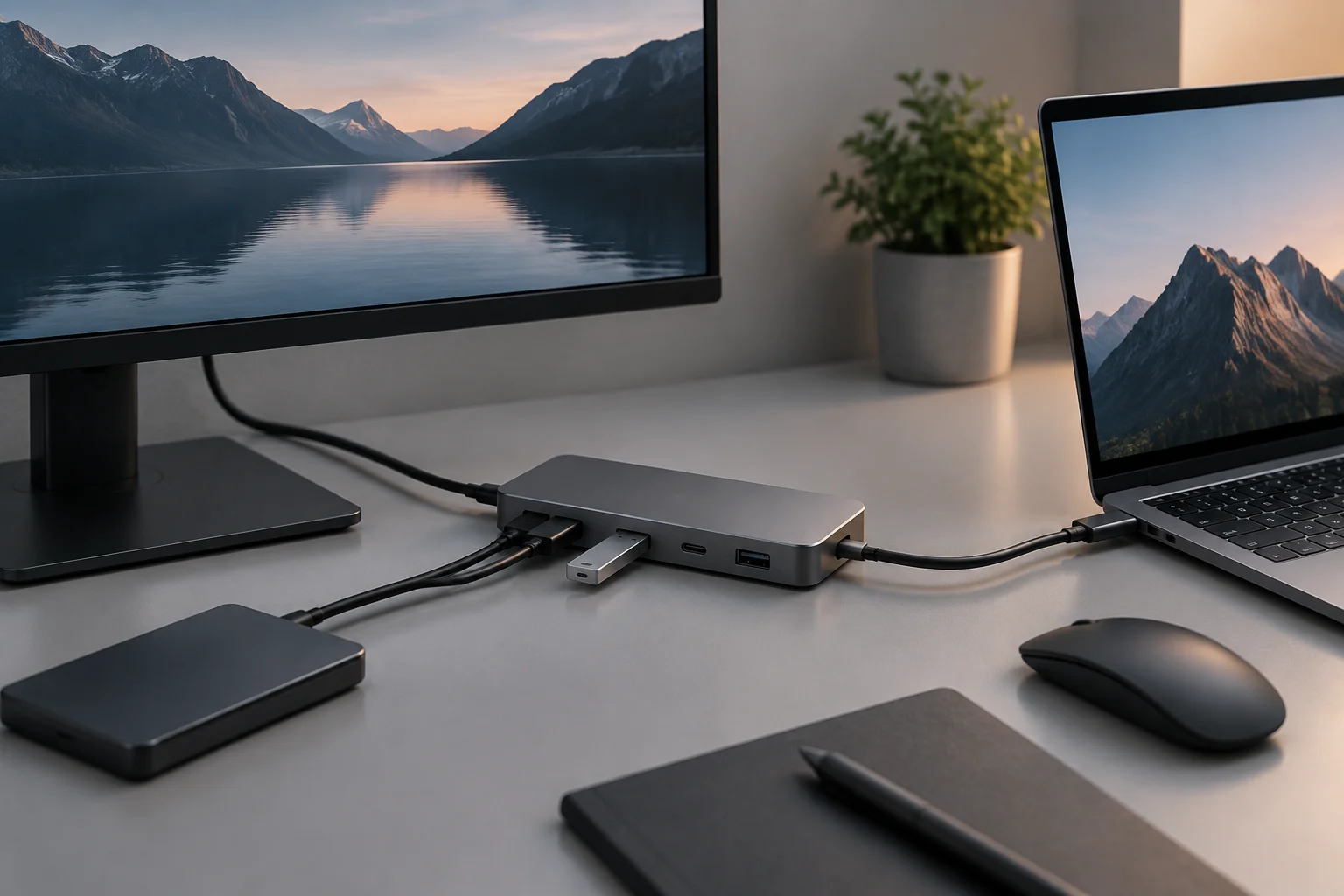
The same principle applies to docks. The main link's bandwidth figure does not by itself inform about the speed of each output port, how many screens the dock supports, or how much power it delivers. One must check the specifications of each connector and the simultaneous use conditions. In particular, one should not assume that all USB ports on a Thunderbolt 5 dock function at 10 Gbps: the exact model's sheet is needed.
To decide if paying for a higher-capacity connection is worth it, compare the computer's interface with the peripheral you will actually use. If an external drive has an announced speed lower than the port's maximum, changing only the computer does not ensure a proportional improvement. If it concerns screens or several chained devices, prioritize the documented capabilities for the complete configuration, not an isolated figure from the packaging.
How to check compatibility before buying
The first check is to identify the computer's port by its exact specification: Thunderbolt 5, 40 Gbps USB4, or another variant. Recognizing the USB-C shape is not enough. Next, review that the peripheral's sheet explicitly indicates the same interface or confirmed compatibility, and check if the included cable supports the data and functions you need.
Then, contrast the specific function. For monitors, look for resolution, frequency, number of screens, and connection requirements. For storage, compare announced speed, interface, and compatibility with the equipment. For a dock, consult the detail of each port, charging power, and limitations when several outputs are used at once. Compatibility is a property of the set, not an automatic consequence of two connectors having the same appearance.
A practical checklist before paying:
- Exact computer model and declared speed for the port.
- Interface and speeds declared by the peripheral, not just «USB-C».
- Screen resolution and frequency, or storage speed, depending on use.
- Cable compatibility and power requirements.
- Simultaneous use restrictions indicated in the dock or equipment documentation.
If one of those data is missing, the prudent conclusion is that compatibility is not verified; not that the device is necessarily incompatible.
What can be concluded about the 2026 market
Available sources allow explaining the capacity differences between Thunderbolt 5 and a connection identified as 40 Gbps USB4, but do not support a quantitative adoption landscape in 2026. There are no verifiable data here on market share, availability in Spain, price evolution, or which interface predominates in each segment. The analysis date does not turn those absent data into a verified trend.
The practical decision can be made without attributing general adoption to one standard or the other: choose according to the requirements your equipment and peripherals declare. For a monitor, confirm the exact combination of resolution, frequency, and number of screens; for storage, contrast the specified performance of the unit; for a dock, examine each port and its limits. A higher-capacity connection may provide margin, but only the set's documentation allows knowing if that margin translates into a useful function.
In summary, Thunderbolt 5 documents a higher bandwidth ceiling than USB4 40 Gbps and an increase mode for video traffic. This does not by itself demonstrate final performance, latency, monitor compatibility, or commercial availability of a specific peripheral. The safest purchase is the one based on exact models, their verifiable specifications, and the intended use.