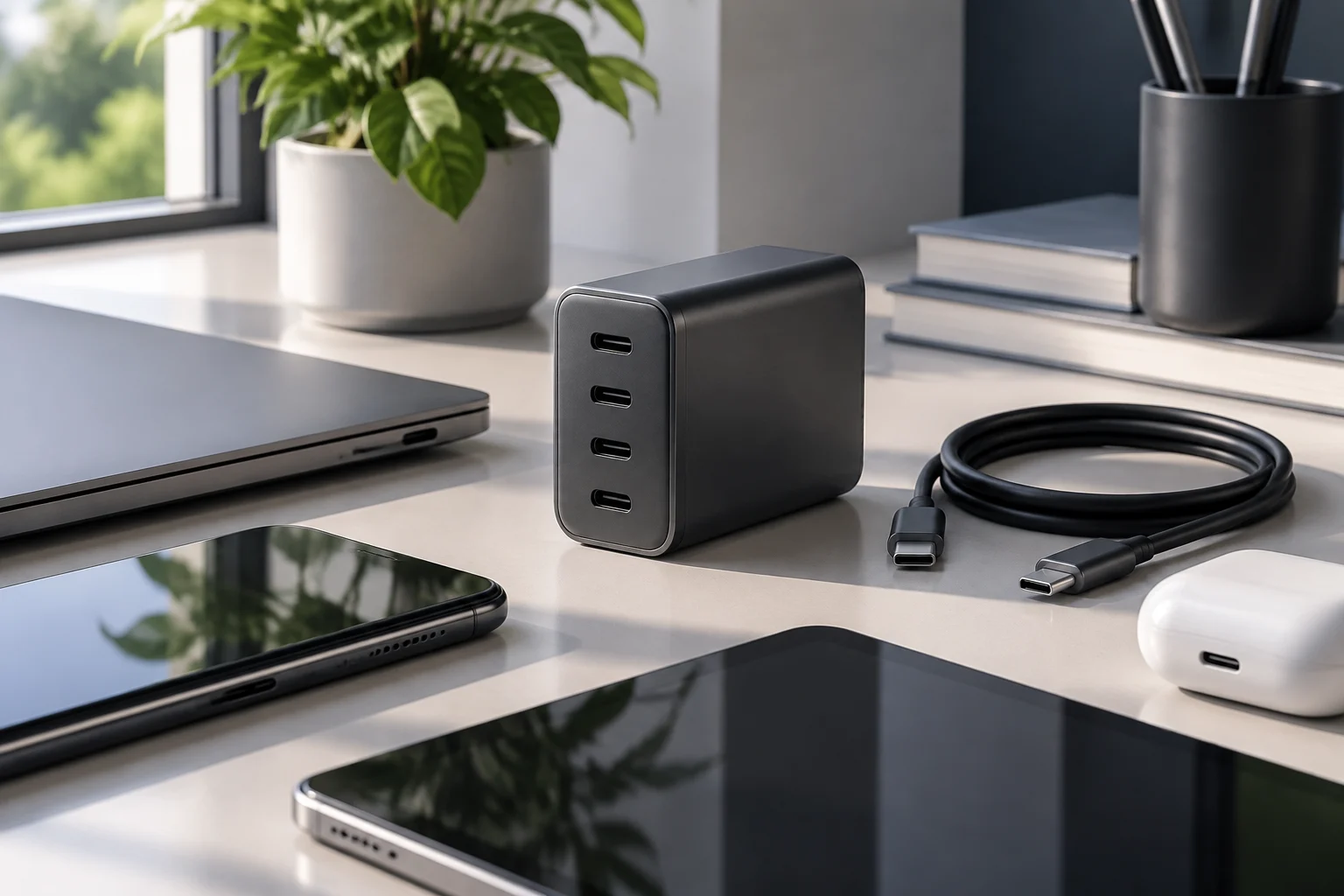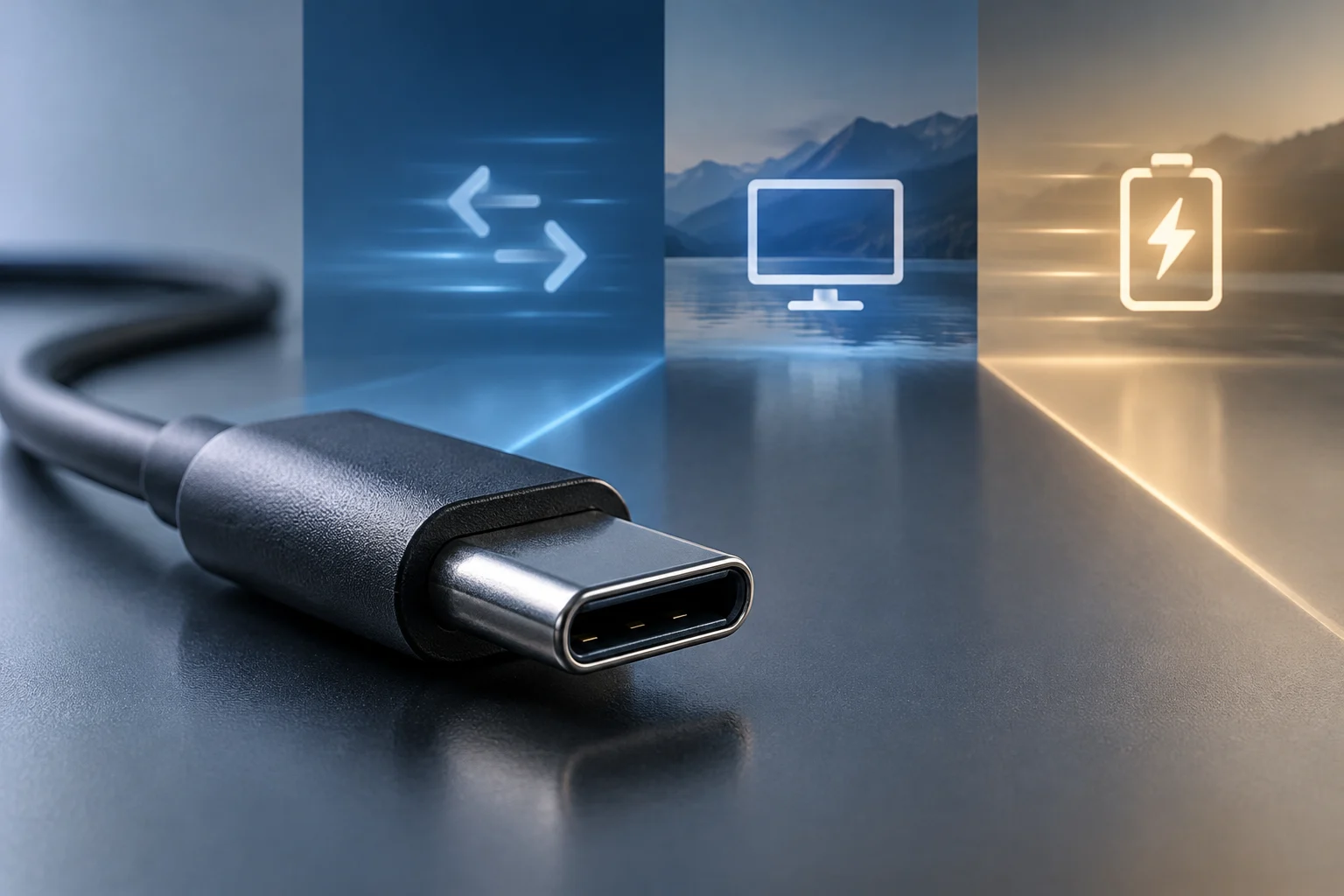
USB-C is the connector shape, not a performance guarantee
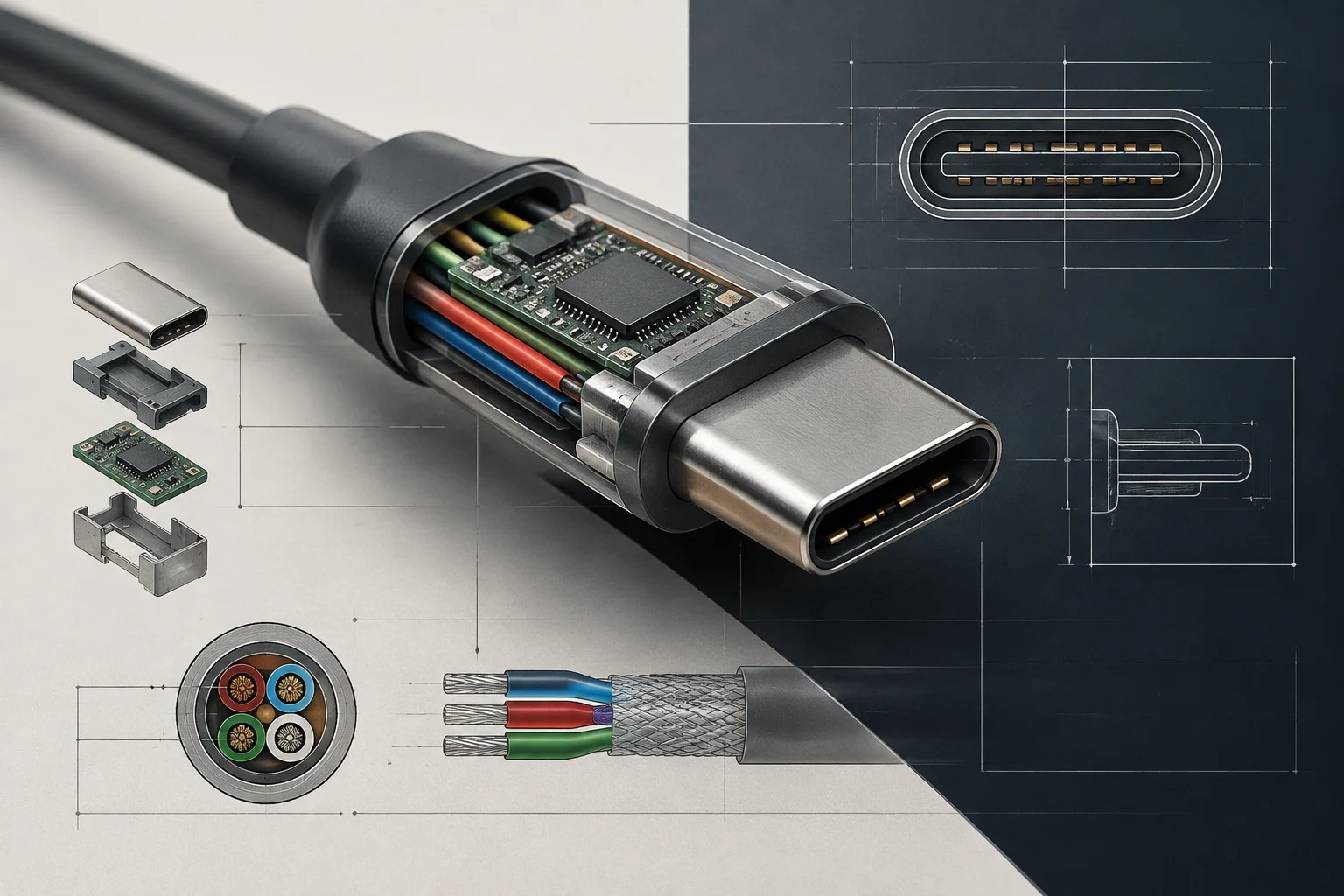
A USB-C cable can fit into two devices and still fail to perform the expected function. USB-C identifies the physical connector; by itself, it does not indicate the data transfer speed, whether it carries video, or how much power it can deliver. These limits depend on the specifications of the port, the cable, the charger, and the connected device.
Confusion persists because externally identical connectors can belong to different generations. A simple cable may suffice for charging a phone or transferring files calmly, but fall short for a monitor or a fast external SSD. Conversely, having a USB-C port on a laptop does not ensure it supports all these functions: one must verify the capabilities declared by the manufacturer for that specific port.
The practical rule is to separate three questions: what data does it support, does it transmit video, and what power can it negotiate? It is not enough for the plug to be reversible or for the product to use terms like high speed or fast charging. To make a purchase decision, it is advisable to compare the specifications of the device and the cable with the intended use.
Speed: What USB4 and 80 Gbps mean
USB4 v2.0 raised the maximum announced signaling rate to 80 Gbps. In certain asymmetric transmission modes, it can allocate up to 120 Gbps in one direction and 40 Gbps in the other; this is not a symmetric 120 Gbps connection available for any task. The specification was announced in 2022, so these figures describe a standard capability, not a 2026 novelty or a feature present in all USB-C devices.
A maximum figure does not equate to the sustained speed of file copying. The result depends on both ends of the connection, the cable, the protocol, and the devices involved. If a port or accessory supports a lower mode, the connection will function within that limit. The slowest link conditions the whole system; changing only the cable does not turn a basic port into a high-speed one.
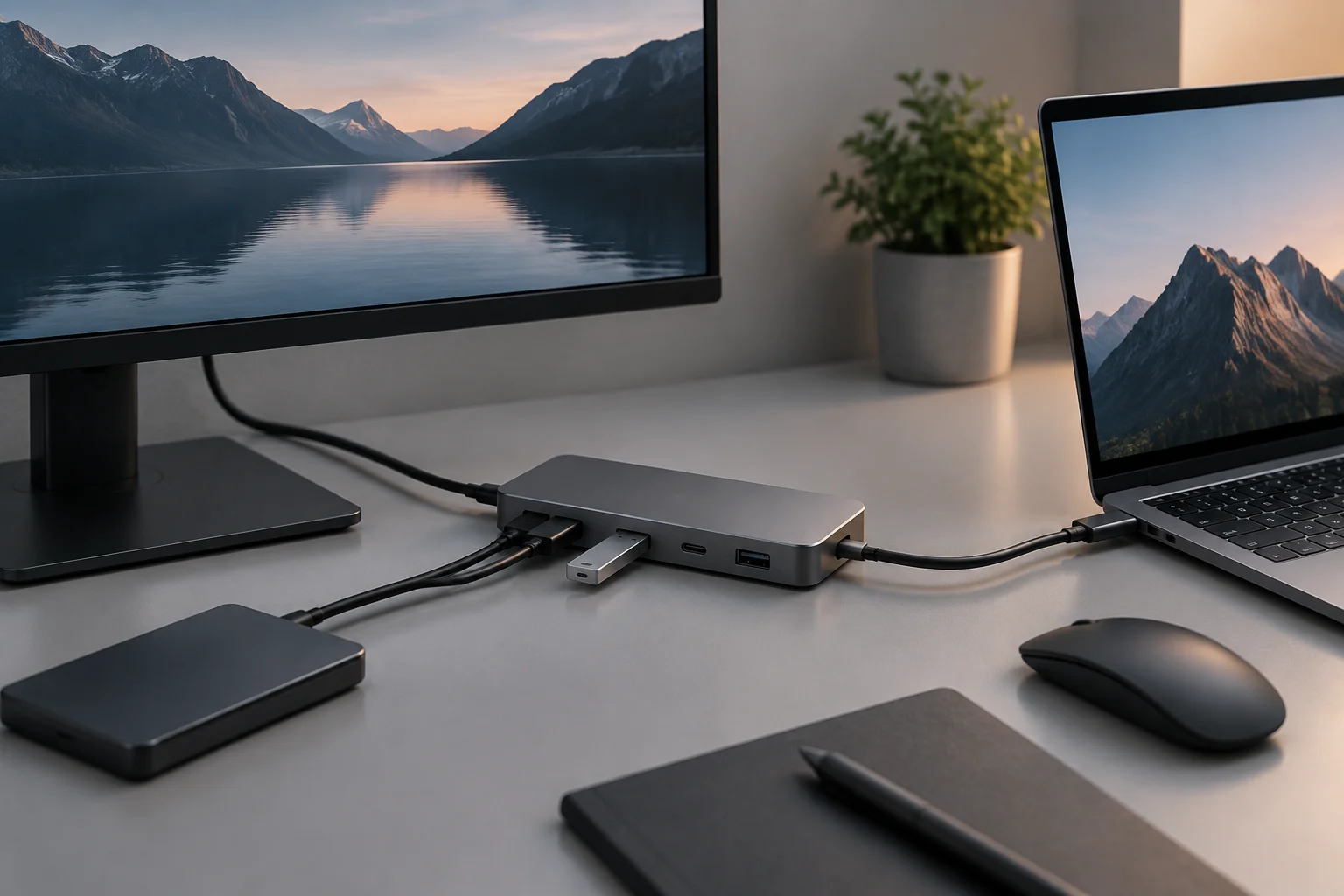
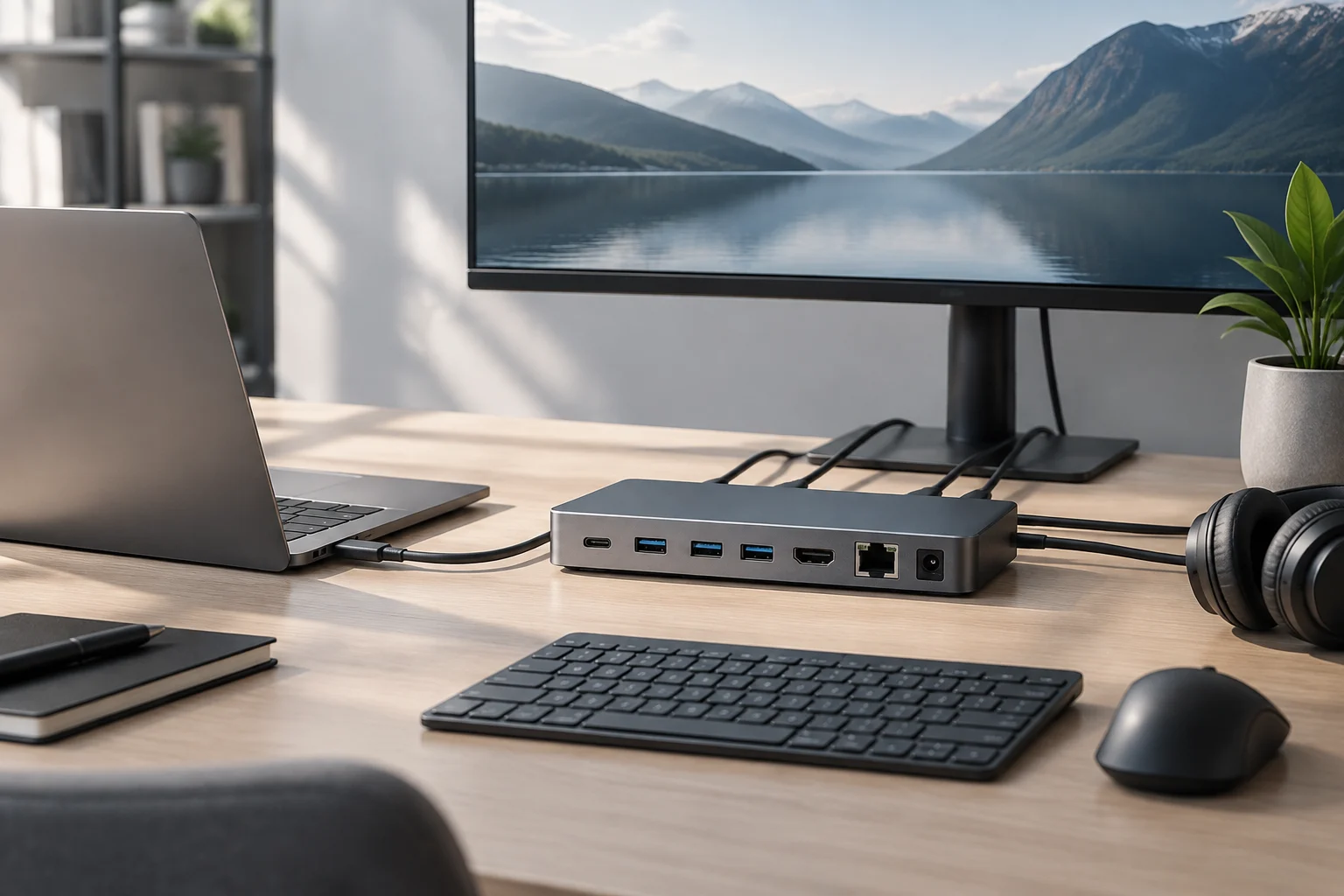
USB4 can also transport connections such as PCI Express and display signals through tunnels. This allows a dock connected by a single cable to combine several functions, but it does not mean that the maximum bandwidth is delivered entirely to each one simultaneously. If monitors, storage, and other peripherals are connected, their demands share resources according to the system configuration.
Thunderbolt 5: A distinct capability, not a USB-C synonym
Thunderbolt 5 uses the USB-C connector, but naming the connector does not identify the protocol. A Thunderbolt 5 device, port, or cable can offer functions that another USB-C product does not. The up-to-120 Gbps data rates announced for the CalDigit cable correspond to the bandwidth boost mode and should not be interpreted as the constant speed of any transfer.
The distinction also matters for compatibility. A Thunderbolt 5 cable may be suitable for compatible previous-generation devices and peripherals, but the connection will negotiate shared capabilities. A cable accepting a specification does not mean the computer, dock, monitor, or drive all support it. Before buying, one must look for the specific Thunderbolt or USB version declared by each component.
The 120 Gbps figures are link rates, not a promise to copy files at that speed. Connected units, simultaneous traffic, device implementation, and the use of asymmetric modes influence the result. In a desktop setup with a dock, multiple monitors, and external storage, the useful decision is not to chase the highest figure, but to confirm that the setup supports the necessary functions.
Power: The cable, charger, and device must match
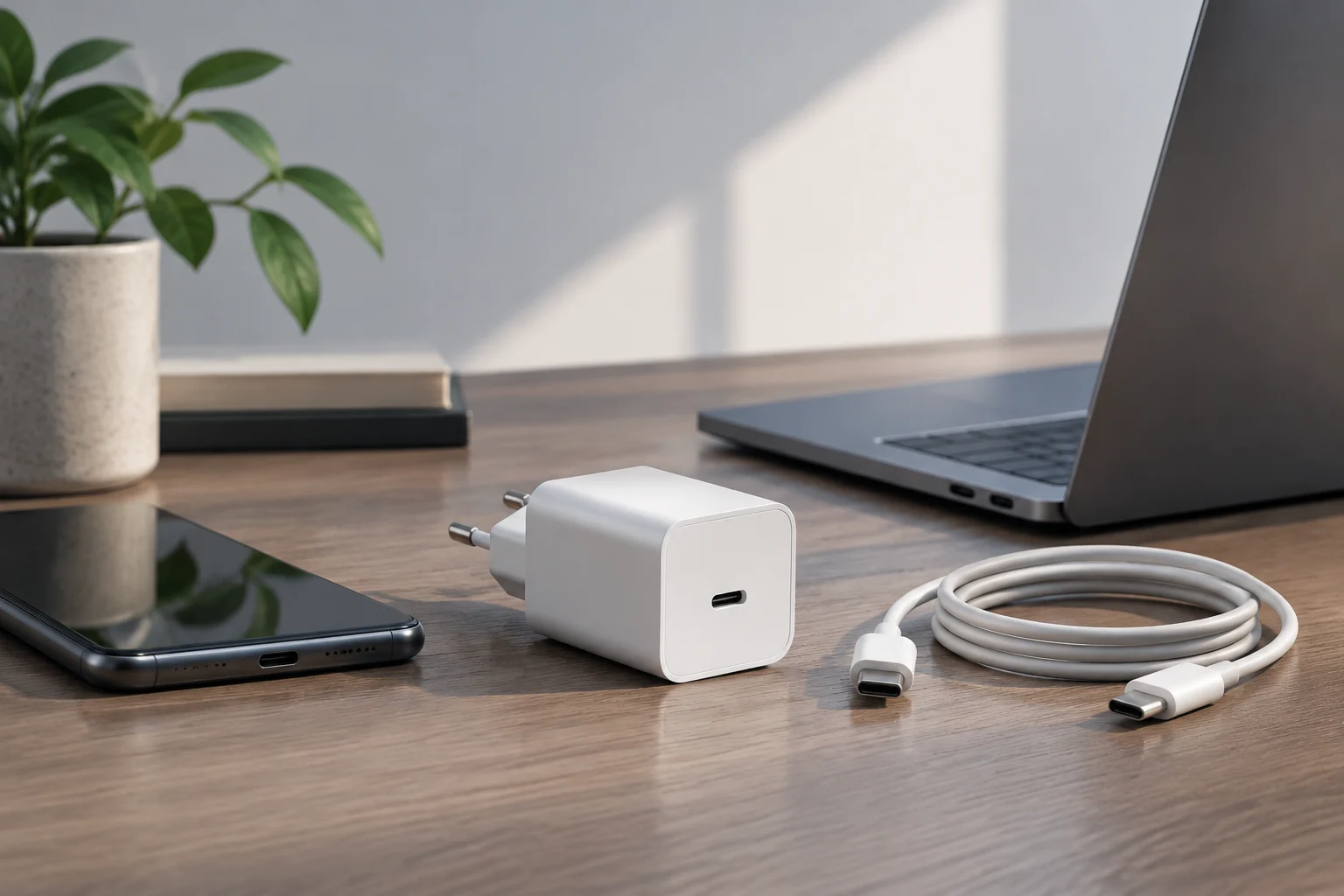
USB-C can be used for charging, but the connector does not determine by itself how much energy the device will receive. Effective power depends on what the charger, cable, and device support and negotiate. A product may announce up to 240 W and not deliver that power to a laptop that does not accept that profile; nor is it enough for the charger to have a high figure if the cable is not prepared for it.
Therefore, it is advisable to check the maximum power indicated in the device's technical sheet and buy a compatible charger and cable for that requirement. A cable suitable for high-power charging does not necessarily offer the maximum data speed, and one oriented to fast transfers should not be assumed valid for any power. Data and power are distinct capabilities, although they share the same connector.
European regulations on chargers establish USB-C as the charging port for new laptops within its scope from April 28, 2026. The obligation to have the port does not imply that all chargers or cables provide identical power or that performance differences disappear. For the user, the change facilitates reusing compatible chargers, but it does not eliminate the need to check their watts and charging profiles.
How to check compatibility before buying
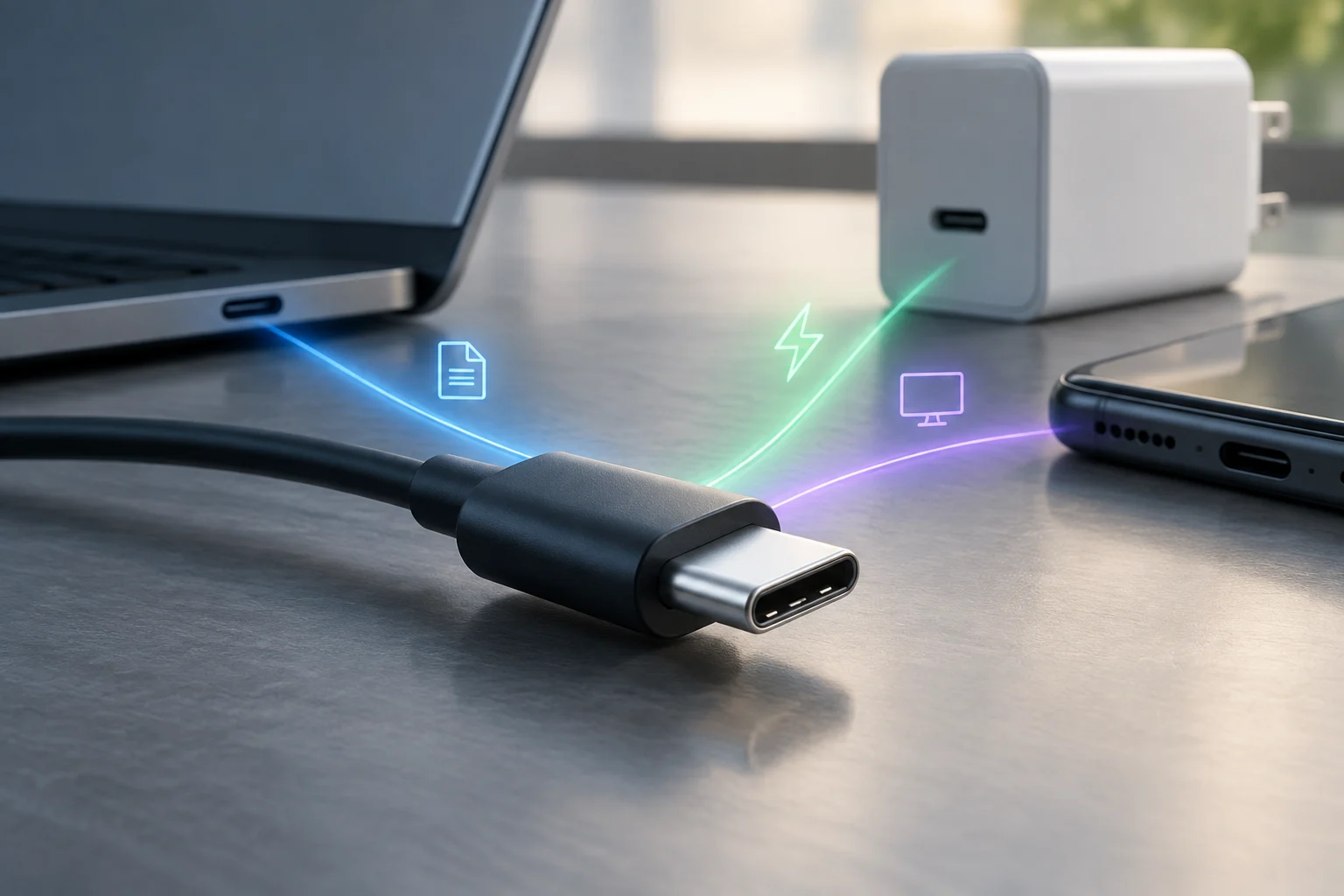
The most useful information is usually in the device's technical sheet, the cable label, or the manufacturer's documentation. If the description only says "USB-C", it is not enough to conclude there is video, a specific speed, or maximum power charging. Look for the specific capability, expressed as a protocol or data rate, and check that it also appears at the other end of the connection.
Before choosing a cable or dock, follow this order:
- Define the use: charging, data transfer, video output, or a combination.
- Check the device port: look for USB4, Thunderbolt, and screen or charging data documented by the manufacturer.
- Review the cable: confirm both supported speed and power; do not infer one from the other.
- Verify peripherals: monitors, drives, and docks also impose their own limits.
- Compare required capability with the setup's: if a feature is not documented, do not assume it is guaranteed.
For a simple peripheral, a basic USB-C cable may be sufficient. To connect a monitor and high-performance storage via a dock, it is interesting to review the USB4 or Thunderbolt version, bandwidth, and compatibility of all components. Paying for a higher specification only makes sense if the device can leverage it.
What decision this guide allows
The evolution of USB4 and Thunderbolt 5 expands what can be done through a USB-C cable, but it does not make all connections interchangeable. The connector shape remains; performance still depends on the specific combination of port, cable, charger, and peripheral. Maximum specifications serve to compare capabilities, not to predict the real performance of each installation.
In practice, there is no need to replace all cables or always buy the most advanced model. First identify if you need charging, video, or fast transfer; then verify that each part of the link supports that function. If the documentation only confirms USB-C, the prudent conclusion is that you know the connector type, but not yet the speed, power, or screen functions.
The information available here supports the maximum capabilities cited and the importance of verifying each component, but it does not include comparative measurements of real performance or an inventory of devices sold in 2026. Therefore, theoretical rates are not presented as measured speeds nor is any cable recommended as universal for any device.