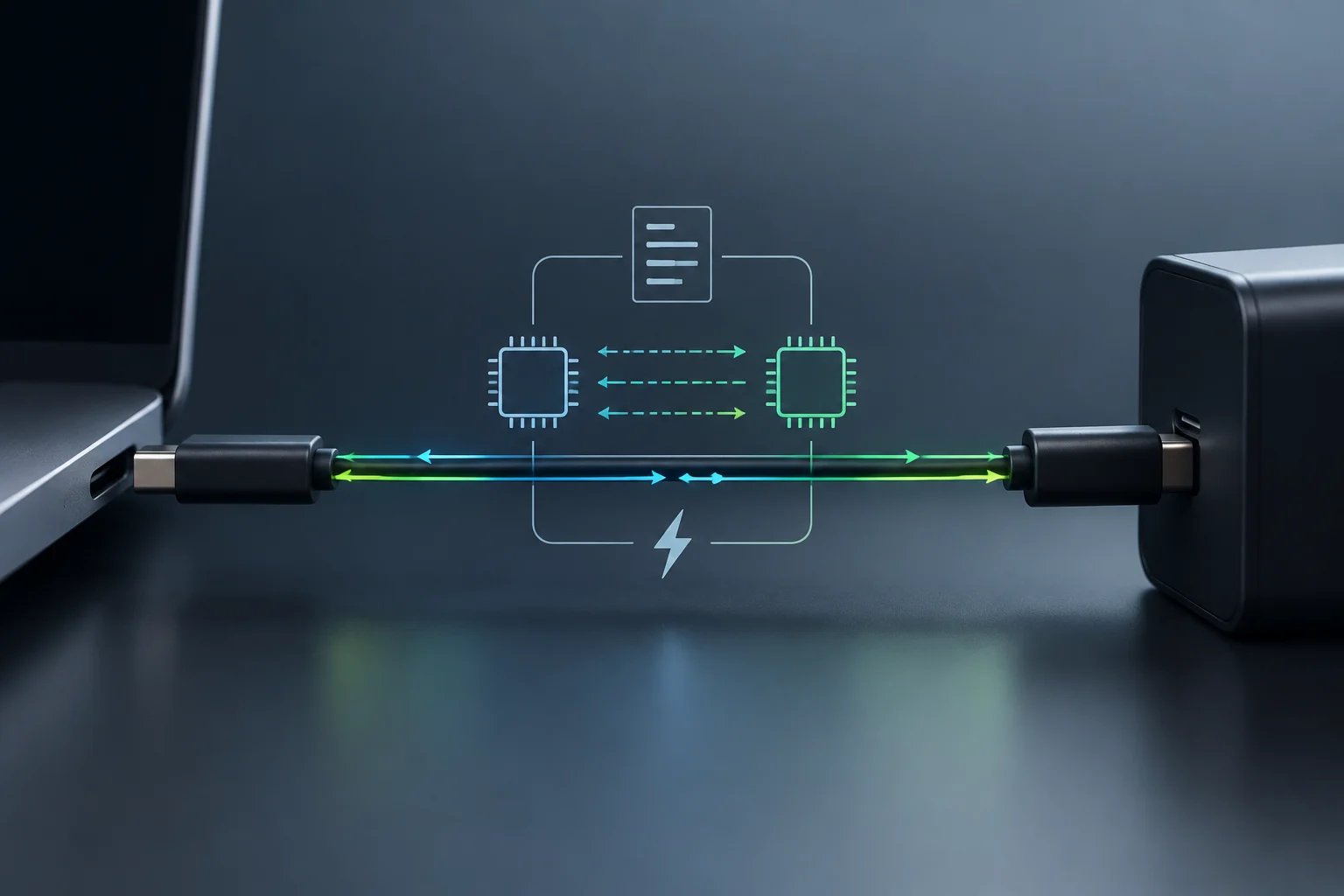
What is USB Power Delivery and its relationship with USB-C
USB Power Delivery (USB PD) is a power specification that allows a source and a device to negotiate the energy transferred via a USB connection. It is not a cable type or a guaranteed charging speed; it defines how equipment can communicate to offer more flexible power profiles than basic USB charging. The USB-IF describes PD as a way to combine power and data in the same cable. evidence: ev_7c443c308fd55eec105d
USB-C and USB PD are related but distinct concepts. USB-C describes the connector; USB PD is the protocol that can operate over a compatible connection. Therefore, having USB-C connectors on a charger, phone, or cable does not prove they all support the same functions, voltage profiles, or power levels. Effective compatibility depends on the connected components and their common capabilities.
The practical difference from a basic USB power connection is that PD allows negotiating higher, device-specific levels instead of interpreting the connector as a promise of maximum power. This can serve phones, tablets, laptops, and other devices, but the advertised power is not necessarily what the device receives: it can only be reached if the source, sink, and cable support the corresponding profile. evidence: ev_7c443c308fd55eec105d
Power, Voltage, and Current: What Each Figure Means
Electrical power is expressed in watts (W) and obtained by multiplying voltage by current: W = V × A. For example, 20 V and 5 A equal 100 W; 48 V and 5 A equal 240 W. These are examples of electrical combinations, not promises of charging speed: the battery, device design, and negotiation determine how much energy is used at any given moment.
How the source and device negotiate
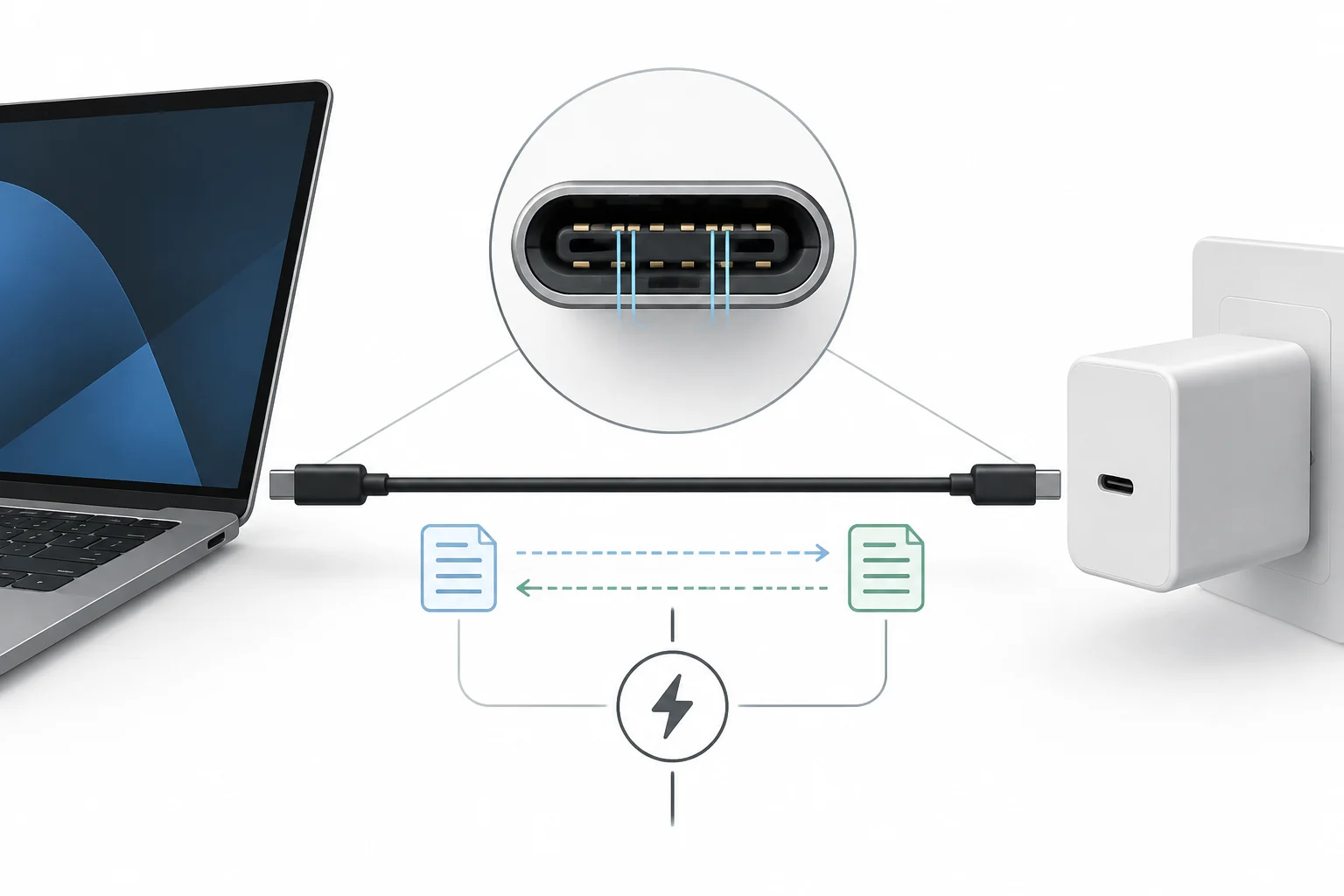
When connecting a compatible charger, the source and device identify their roles and capabilities, communicating their power options. In USB-C, the configuration channel—the CC pins—participates in connection and orientation detection and in communication associated with USB PD. A technical guide by Simplexity identifies CC1 and CC2 as lines used to detect the cable, orientation, and announce current. evidence: ev_4b9e9651ca1984175fc9
The source offers the voltage and current profiles it can supply; the connected device, as a sink, requests a suitable and available option. If both ends agree on a profile, power can switch to that level. If they do not share a higher-power profile, that feature is not obtained: the system operates within compatible capabilities and the behavior specified by the standard. Negotiation does not turn a limited charger into a more powerful one.
It is useful to distinguish this communication from the current flowing through VBUS. The CC pins serve configuration and communication functions; energy is delivered via power lines. The technical pinout summary included in the research identifies CC1/CC2 and VBUS as separate functions. evidence: ev_af94480799488ecfe28a
A Compatibility Example
If a charger offers a 20 V and 5 A profile, but the connected device only requests lower power, the charger does not automatically impose its 100 W: effective power depends on the agreed profile. And if the charger does not offer the profile the device needs, the physical connection may work without reaching maximum speed. Connecting is not the same as negotiating maximum power.
Versions and Power: What Can Be Safely Affirmed
The evolution of USB PD is often summarized as a progressive increase in power, but figures must be attributed to specific profiles and specifications. The primary source available here confirms that before revision 3.1, the indicated limit was 100 W, via a 20 V solution with a 5 A USB-C cable. It also confirms that USB PD 3.1 was announced in 2021 and expanded capacity to 240 W with suitable USB-C cable and connector. evidence: ev_7c443c308fd55eec105d
USB PD 3.1 incorporates fixed voltage levels of 28 V, 36 V, and 48 V, associated respectively with up to 140 W, 180 W, and 240 W. The specification also contemplates an adjustable voltage mode to request intermediate values, within limits admitted by the source. EPR —Extended Power Range— is the expanded range that allows exceeding the 100 W of previous implementations. evidence: ev_7c443c308fd55eec105d
The official documentation consulted does not provide a complete, verifiable table of voltage, current, power, and cable for each of revisions 1.0, 2.0, and 3.0. Therefore, it is not responsible to assign maximums to those versions here based on a simplified chronology. The comparison that can be sustained with available evidence is as follows:
| USB PD Reference | Indicated Voltage | Indicated Current | Indicated Max Power | Supported Cabling Condition |
|---|---|---|---|---|
| Before revision 3.1 | 20 V | 5 A | 100 W | 5 A USB-C cable |
| Revision 3.1, SPR | Up to 20 V in previous reference | Up to 5 A in previous reference | Up to 100 W | 5 A USB-C cable |
| Revision 3.1, EPR | 28 V, 36 V, or 48 V | 5 A to reach cited maximums | Up to 140 W, 180 W, or 240 W | USB-C cable and connector suitable for 240 W; USB-C Release 2.1 defines cable requirements |
The powers in the table are reference maximums, not constant charging levels. For example, 48 V × 5 A gives 240 W in electrical terms, but this only corresponds to a compatible EPR system. A phone connected to that same source does not necessarily accept 240 W: it will use what its design and negotiation allow.
Why It Is Not Advisable to Infer Limits of Each Version
Commercial figures may mix protocol revisions, specific profiles, and cable capabilities. The USB-IF explicitly specifies the jump from 100 W to 240 W and EPR voltages; it is not enough to deduce a complete historical table from those two data points. To choose equipment, it is more useful to verify its output power and supported profiles than to rely solely on a version number.
Why USB-C Does Not Guarantee Fast Charging
A USB-C connector indicates a physical connection form, not that the charger, device, and cable support USB PD or a high-power profile. Speed depends on the most limited link: a lower-power source, a device that does not accept the available profile, or a cable with insufficient capacity can prevent reaching the advertised maximum. The USB-IF notes that capabilities up to 240 W require the corresponding USB-C cable and connector. evidence: ev_7c443c308fd55eec105d
It also matters what the figure printed on the charger means. It may describe the maximum total power or the output of a port under certain conditions, and not necessarily the power that port delivers when multiple are used simultaneously. To resolve a specific doubt, one must compare the charger's output specifications with the device's input specifications and ensure the cable supports the required profile.
A cable may allow charging and have modest data transfer capacity. A commercial example included in the research describes a 240 W EPR cable whose data transfer is limited to USB 2.0; this illustrates that power and data speed are distinct properties, although they share the same cable. It is a product example published by a seller, not a universal rule for all cables. evidence: ev_32073afb921aeb938f10
Practical Check Before Buying
- Look for the charger's output power and profiles, not just the USB-C label.
- Check the input power supported by the device.
- Verify the cable is specified for the required current and power range; for 240 W, the reference must be EPR and compatible with applicable requirements.
- If you need to transfer files or video, separately review the cable's data capabilities.
USB PD vs. Proprietary Technologies
USB PD is part of a standard managed by the USB Implementers Forum, an organization that publishes the specification. This favors interoperability between products from different manufacturers when they implement compatible profiles. It does not mean all USB-C devices charge the same or that all manufacturers use identical power levels: it means they can share a common protocol. evidence: ev_7c443c308fd55eec105d
Proprietary technologies, like Qualcomm Quick Charge, can offer fast charging within devices that implement them. The useful difference for the consumer is not that one technology is always faster, but which source and device combinations are compatible. A source may work with a device at basic power and yet not activate its fast mode with it. Available research supports that USB PD is present in different manufacturers, while other solutions are proprietary; it does not provide comparable speed data to assert PD is always superior. evidence: ev_ddab6fe9e147b141a6cd
Therefore, when comparing chargers, it is not enough to look for a brand or protocol name. Check what the specific device supports, what profiles the source offers, and if the cable is suitable. A PD charger can be a versatile option for several compatible devices, but it does not promise maximum speed in all of them nor necessarily replace each manufacturer's particular modes.
Safety and Certification: Avoiding Absolute Claims
USB PD defines a standardized negotiation system, but that does not make any accessory safe merely for having USB-C. Compliance depends on design and adherence to specifications. For high-power purchases, it is advisable to prioritize products with clear technical information and verifiable certification. The sources gathered do not allow ensuring that an uncertified charger disables specific protections or necessarily causes damage; the prudent criterion is not to present that risk as an inevitable outcome.
What to Remember About Cables, Limits, and Daily Use
The cable is part of the power system, not an indifferent accessory. Before revision 3.1, the USB-IF describes the use of 20 V and up to 5 A to reach 100 W; for 240 W, it indicates that the USB Type-C specification was updated to define corresponding cable requirements. A cable with USB-C connectors is not automatically an EPR cable. evidence: ev_7c443c308fd55eec105d
Maximum power should also not be confused with charging time. Watts describe an electrical transfer capacity, while time depends on the device, its battery, and how it manages charging. Available evidence does not allow assigning a universal charging time or ensuring that more watts proportionally reduce that time. For the user, the charger's figure is only part of the answer.
In practice, USB PD helps a same family of chargers power different devices with negotiated profiles, from small accessories to compatible laptops. USB PD 3.1 expands the range to 240 W for higher-demand applications, but that figure requires compatible components and does not describe what each device will receive. The correct criterion is to verify the set: charger, device, cable, and negotiated profile. evidence: ev_7c443c308fd55eec105d
The central idea is simple: USB-C is the connector; USB PD is the power protocol; and watts express a maximum power under determined conditions. Understanding that difference explains why two fitting cables can charge at different speeds and why a powerful charger does not force its maximum power onto any device.