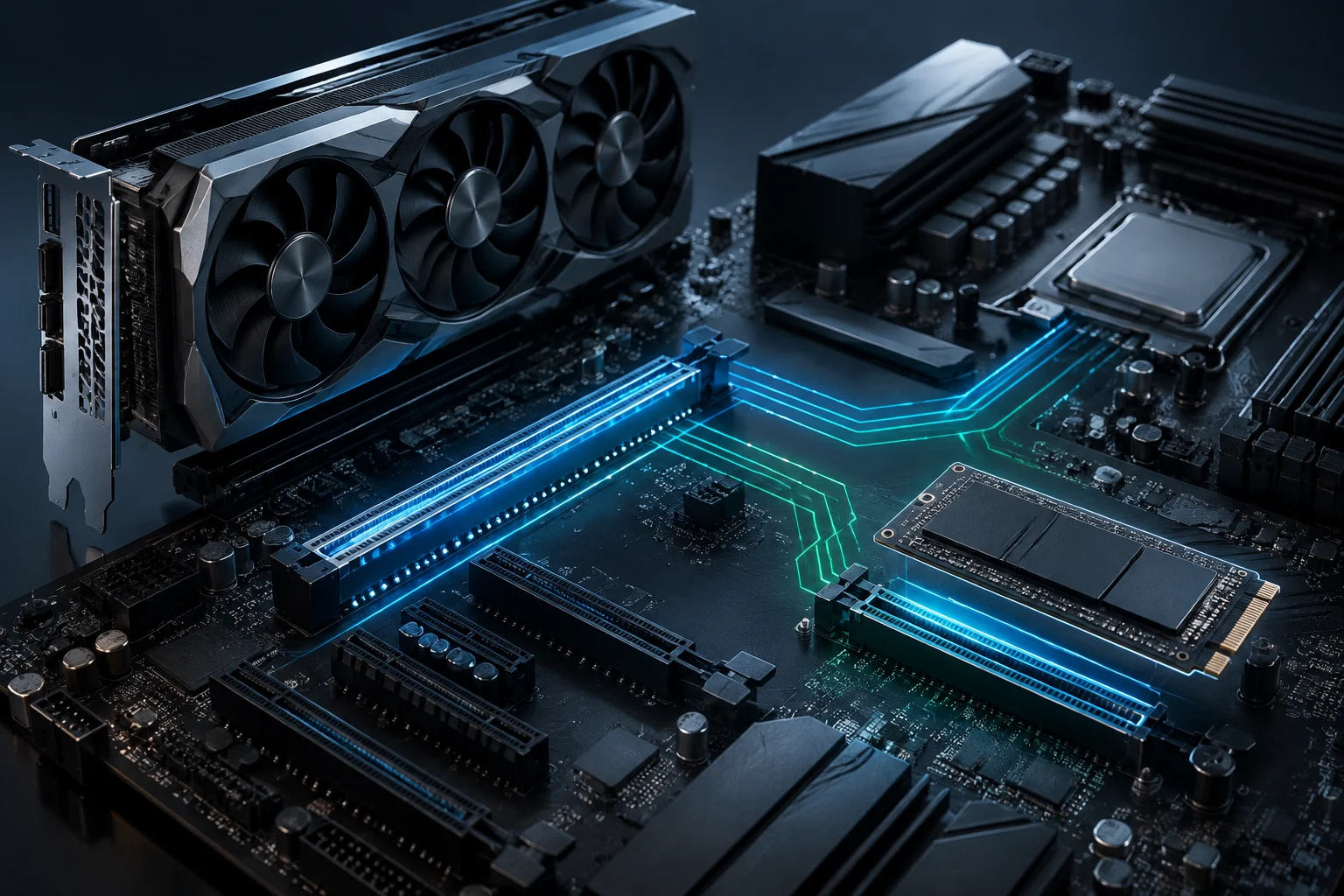
Two long slots don’t mean two x16 links
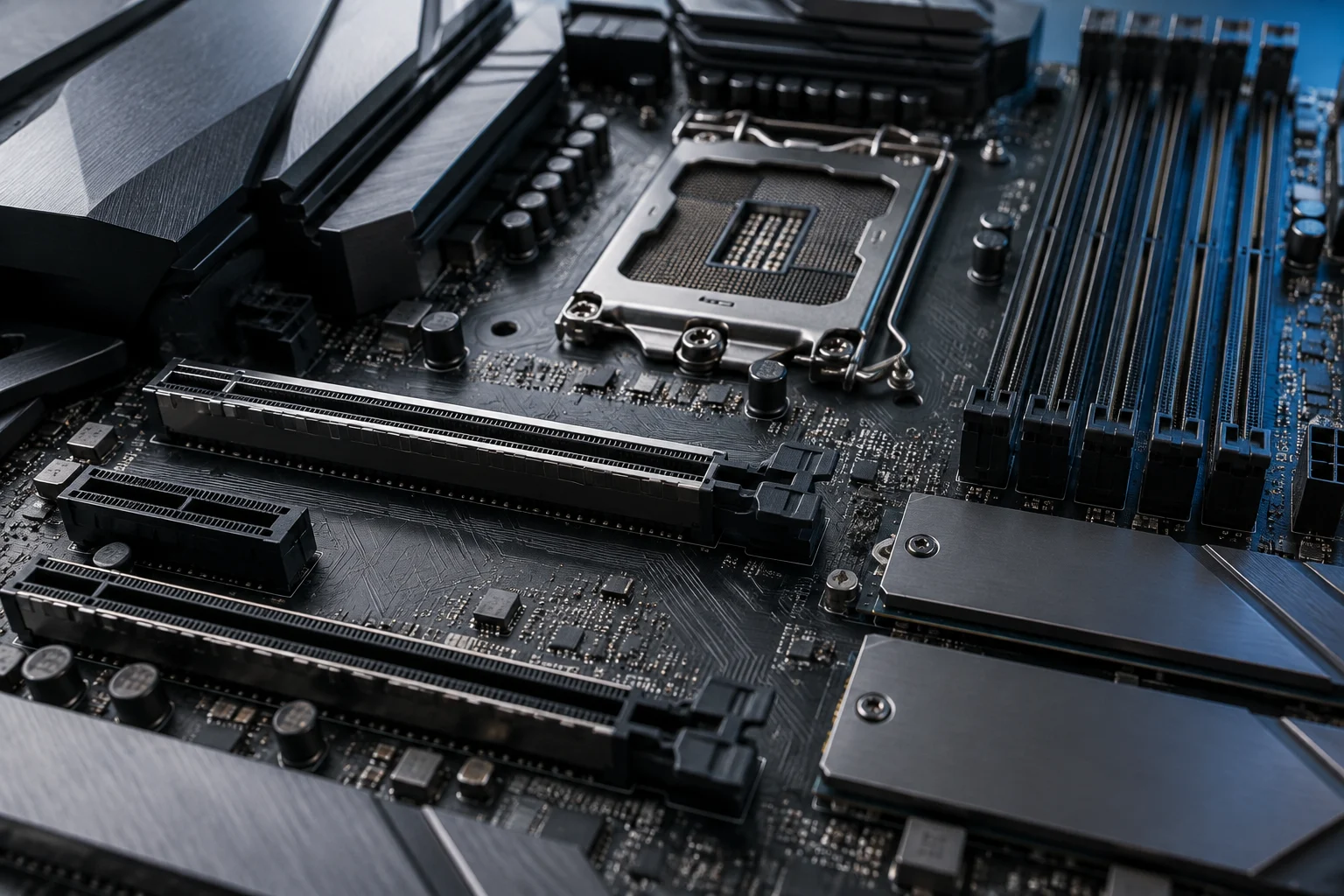
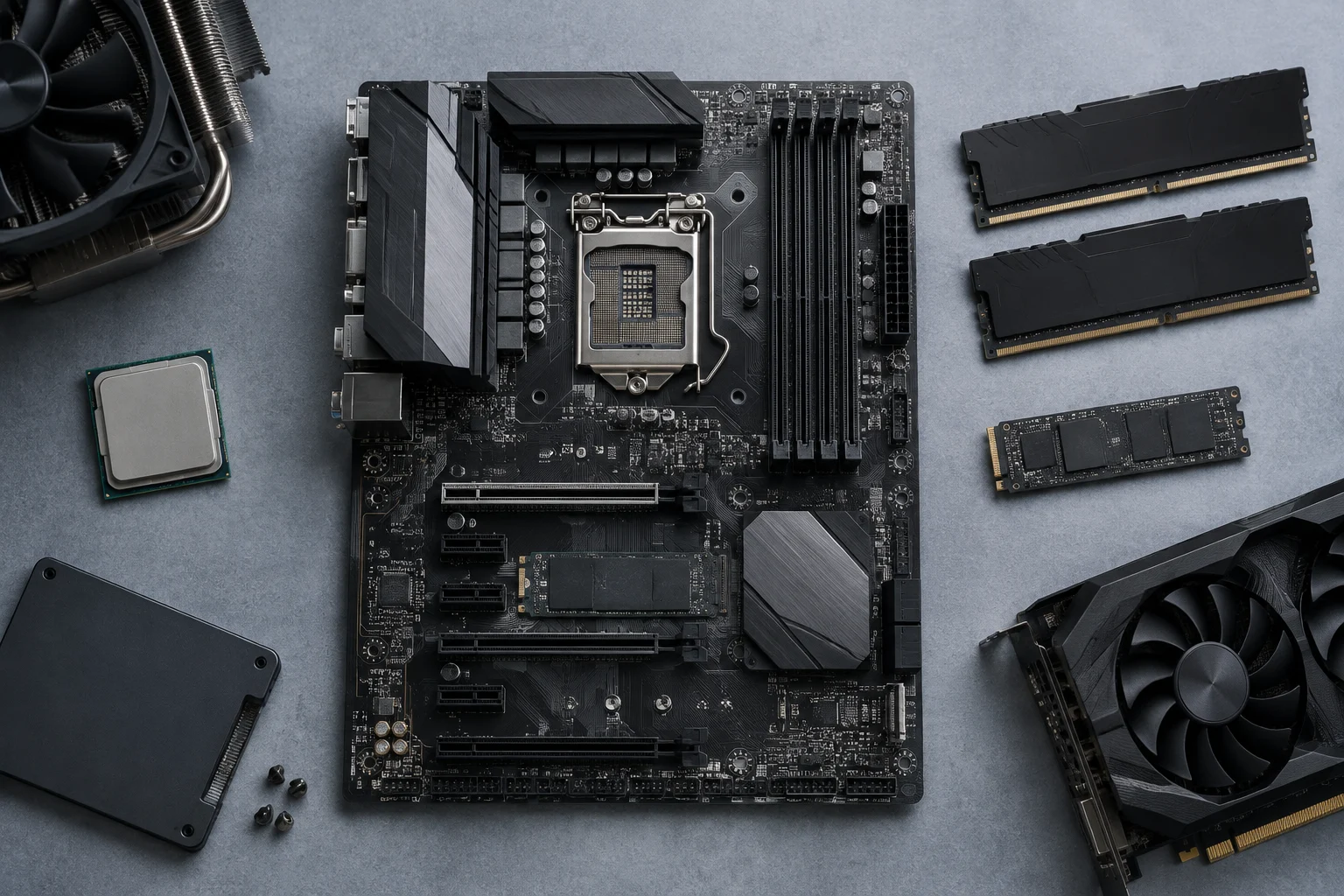
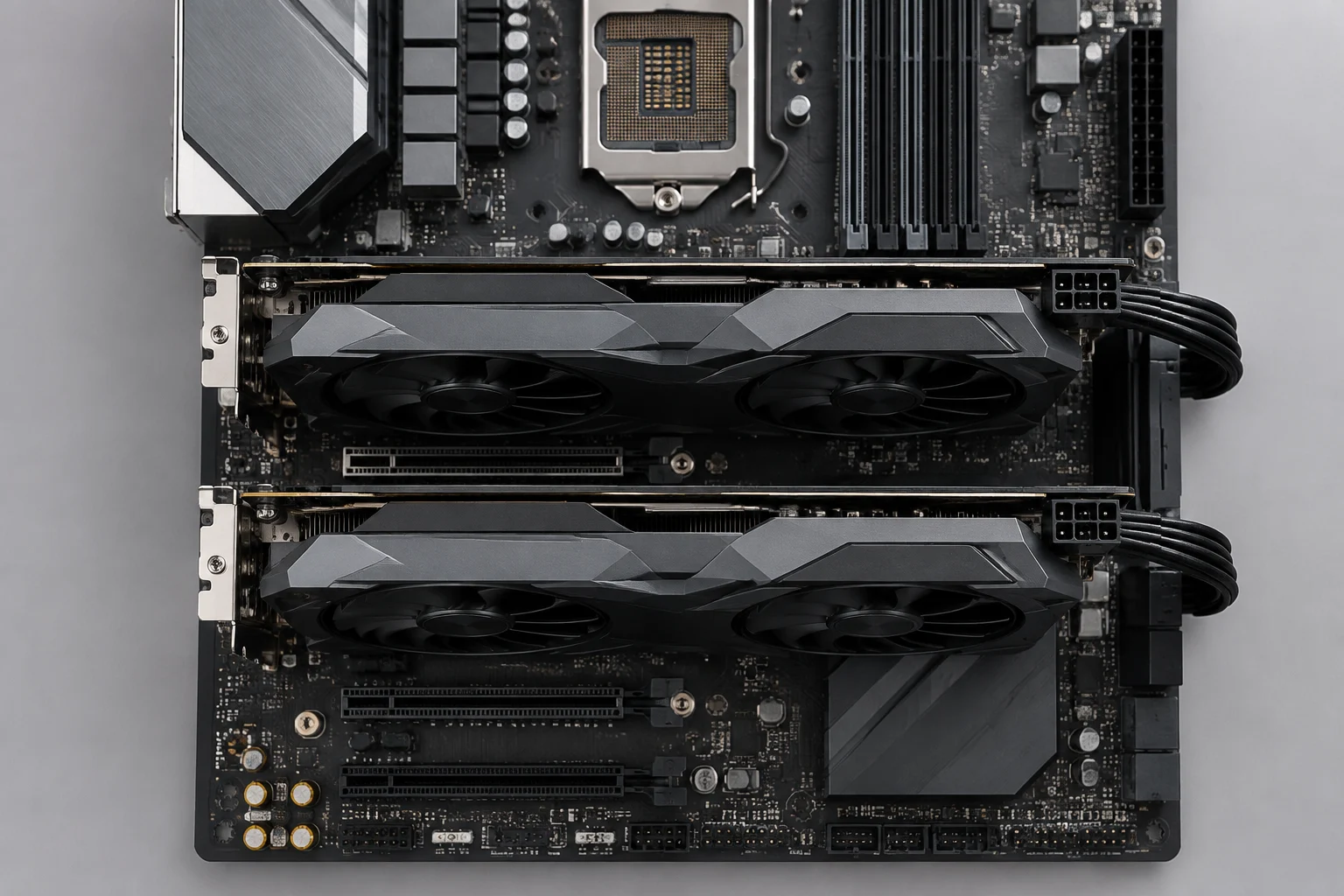
A motherboard can have two physically x16-length PCIe slots and still provide different electrical links—for example, x16 for the first slot and x4 for the second. Length describes the connector; the number of active lanes describes the connection available to the installed card. Don’t infer link width from the slot’s appearance.
PCIe has two specifications to consider separately: the generation, such as PCIe 4.0 or 5.0, and the lane count—x1, x4, x8, or x16. The generation determines capacity per lane; the lane count determines how many lanes make up the link. So “PCIe 5.0” alone doesn’t describe the complete link, and “x16” alone doesn’t identify its generation or speed.
An x16 card can fit in a long slot that is electrically wired as x4. In that case, the available link is x4, not x16. The card and platform can also limit the connection: effective operation depends on their shared capabilities and how the motherboard allocates its resources. The slot specifications and model manual are more informative than connector size.
How to interpret x16/x4 and bandwidth
The notation x16/x4 usually summarizes the electrical links of two slots: the first has 16 lanes and the second has four, subject to the manufacturer’s stated conditions. It doesn’t guarantee that both will operate that way at once in every configuration; processor choice, other slots, or M.2 drives may affect the setup. Check the notes accompanying the expansion-slot table.
Lane count and generation together determine link capacity, but they shouldn’t be confused with application performance. Bandwidth describes communication capacity; the effect on a workload depends on traffic between the GPUs and the software involved. A difference in link specifications alone doesn’t establish how long a render or training run will take.
When comparing two motherboards, record each slot’s configuration under the same conditions. One board might list the top slot as PCIe 5.0 x16 and the lower slot as PCIe 4.0 x4; another might split CPU lanes as x8/x8. These configurations aren’t equivalent, even if both boards have two x16-length connectors. A useful comparison includes generation, lane count, and where each link originates.
The processor and chipset determine where the lanes come from
PCIe lanes on a platform don’t necessarily come from a single source. Some connections may link directly to the processor, while others run through the chipset, which also serves storage and peripherals. The available number and distribution vary with the processor, motherboard, and platform architecture. Check the specific processor, not just the chipset name.
Intel explains that a CPU has a limited number of direct PCIe lanes and that the chipset manages additional connections, including slots and devices. ASUS also notes that a card’s operating mode depends on the capabilities of the GPU and motherboard, as well as lane allocation and supported generation. These principles help explain the design, but they don’t replace the tables for the exact model you’re considering.
For a two-GPU setup, use the manual to identify which slots connect to the CPU and which connect to the chipset, then check what happens when cards occupy both. If the second slot depends on the chipset, don’t assume it has the same specifications as the first or that the chipset label alone establishes its link. The motherboard and processor work as a combined configuration: checking each component separately may not reveal the actual lane allocation.
How to compare official motherboard specifications
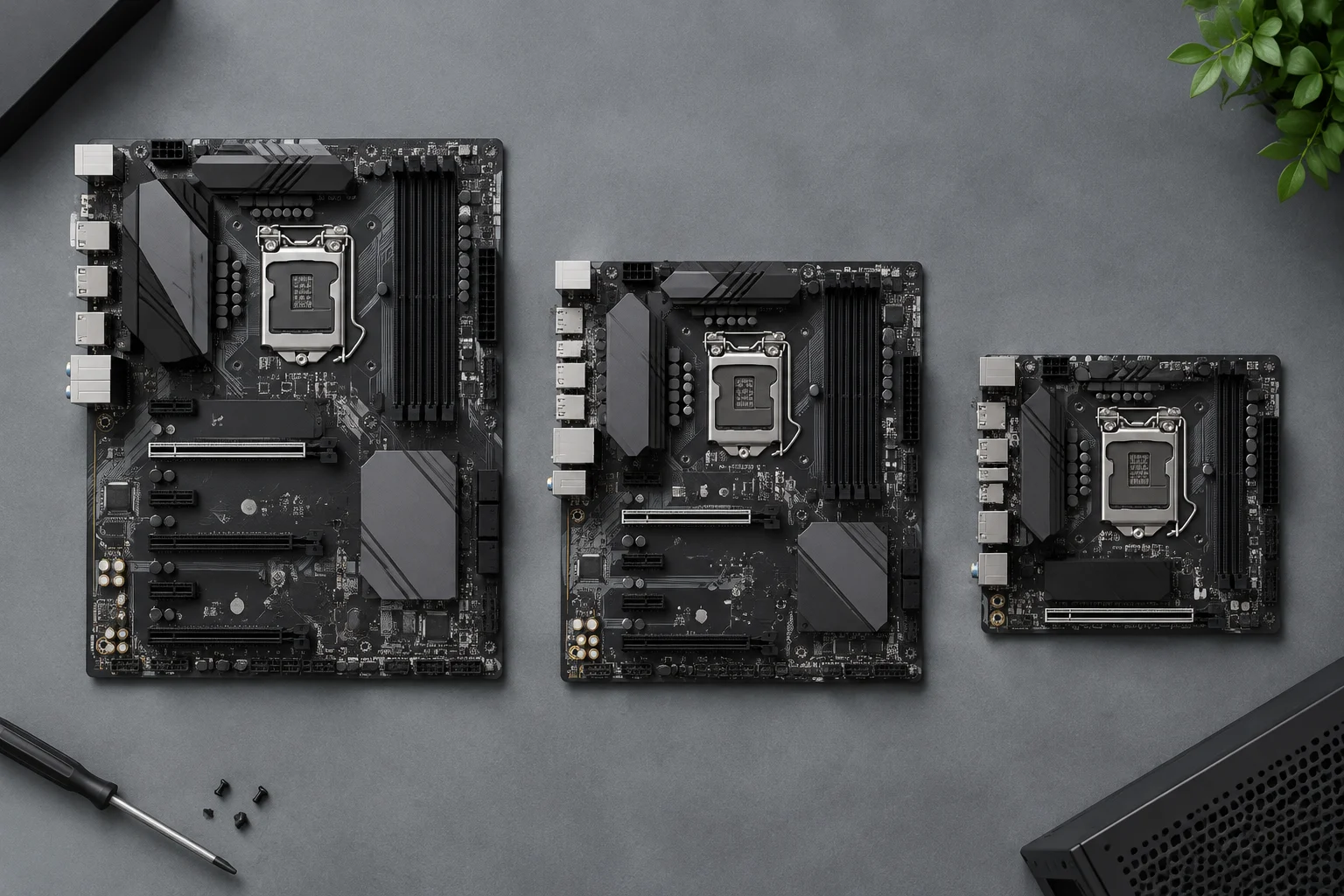
Compare exact model names and revisions, not product families. On each motherboard’s official product page and in its manual, find the PCIe slot table and record each slot’s generation, physical length, electrical lane count, connection to the CPU or chipset, and simultaneous-use conditions. Use any lane-allocation table together with its footnotes.
A page that says “two PCIe x16 slots” may be referring to physical length. The detailed specifications or manual should clarify the electrical link. If the manufacturer specifies x8/x8 when both slots are occupied, that’s the relevant detail; if it lists x16/x4, also note whether this depends on the processor or an M.2 slot. Consistent comparisons keep connector labels separate from link specifications.
To compare two candidates, summarize the information without turning it into a performance ranking:
| Detail to compare | What to record |
|---|---|
| Slot | Identification and physical length |
| Link | Generation and electrical lanes, such as PCIe 5.0 x8 |
| Connection | CPU or chipset, if specified in the manual |
| Conditions | Changes when the other slot or an M.2 connection is in use |
If a specification depends on a particular CPU, record that dependency in the same row or in a note. Don’t fill gaps with information from a similar model: a variant with a different suffix may have a different lane layout, and a motherboard revision can change details. The goal is to compare documented configurations, not infer capabilities from price, form factor, or slot placement.
M.2 and other connections can share resources
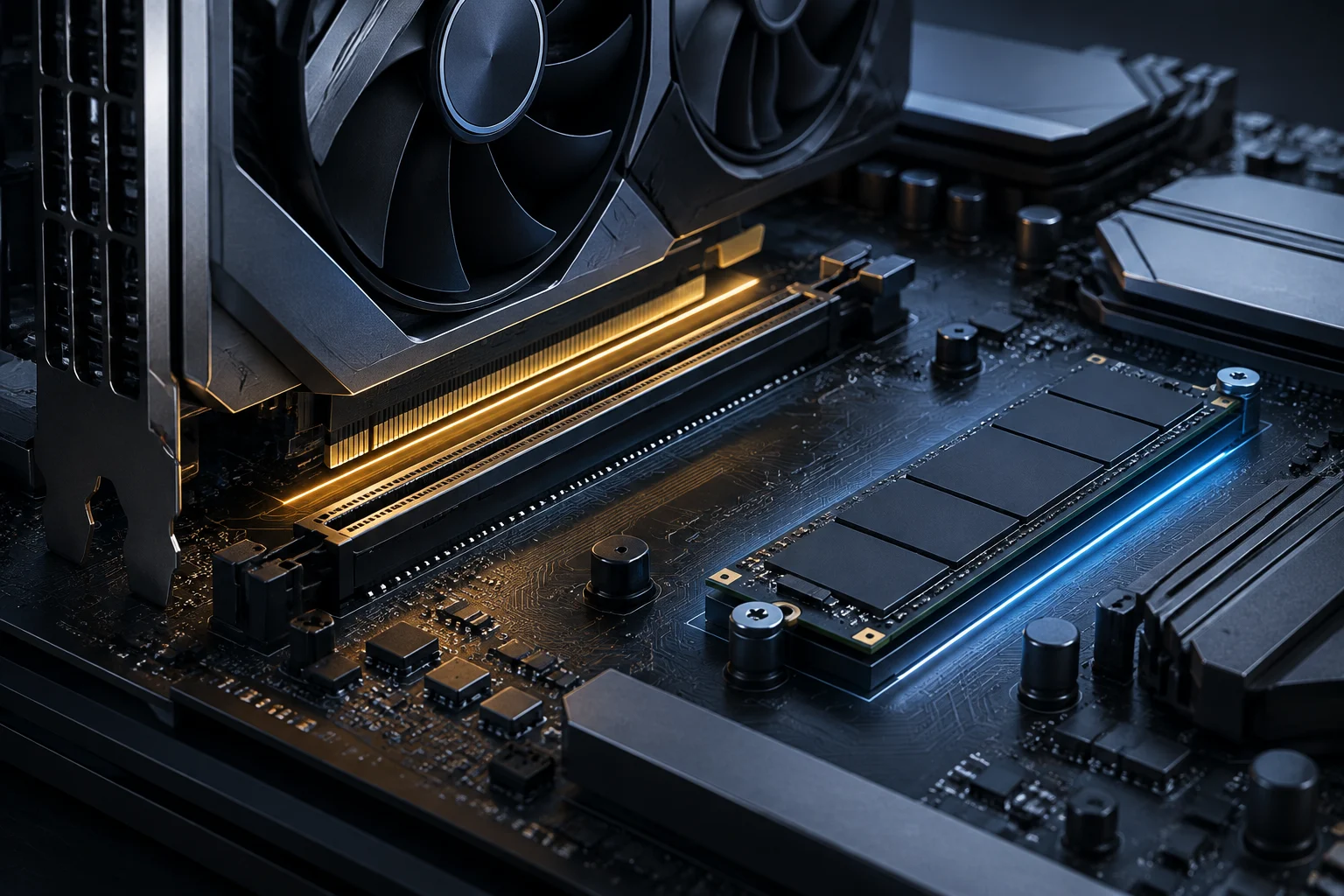
M.2 slots can use PCIe lanes and, on some motherboards, affect the availability or operating mode of an expansion slot. There’s no universal rule for predicting which connection will be disabled or reduced: lane allocation depends on the design and processor. The manual’s resource-sharing table is key to finding out whether an SSD changes the GPU configuration.
ASUS explains in guidance for specific models that the number of M.2 drives supported through expansion cards depends on the CPU and motherboard, and that using certain slots can affect the remaining lane allocation. Its PCIe-mode documentation gives another model-specific example: connecting SSDs to certain M.2 slots reduces a graphics slot’s link to x8. This illustrates one design, not a feature shared by all motherboards.
Before deciding, map the entire setup: two GPUs, M.2 drives, additional cards, and any connections you need to keep available. Then check each combination in the manual. If the manufacturer provides a lane-allocation table, look for the row that matches your exact configuration; don’t extrapolate from a different combination. A setup that works on its own may change when another slot is occupied.
Physical compatibility and checklist
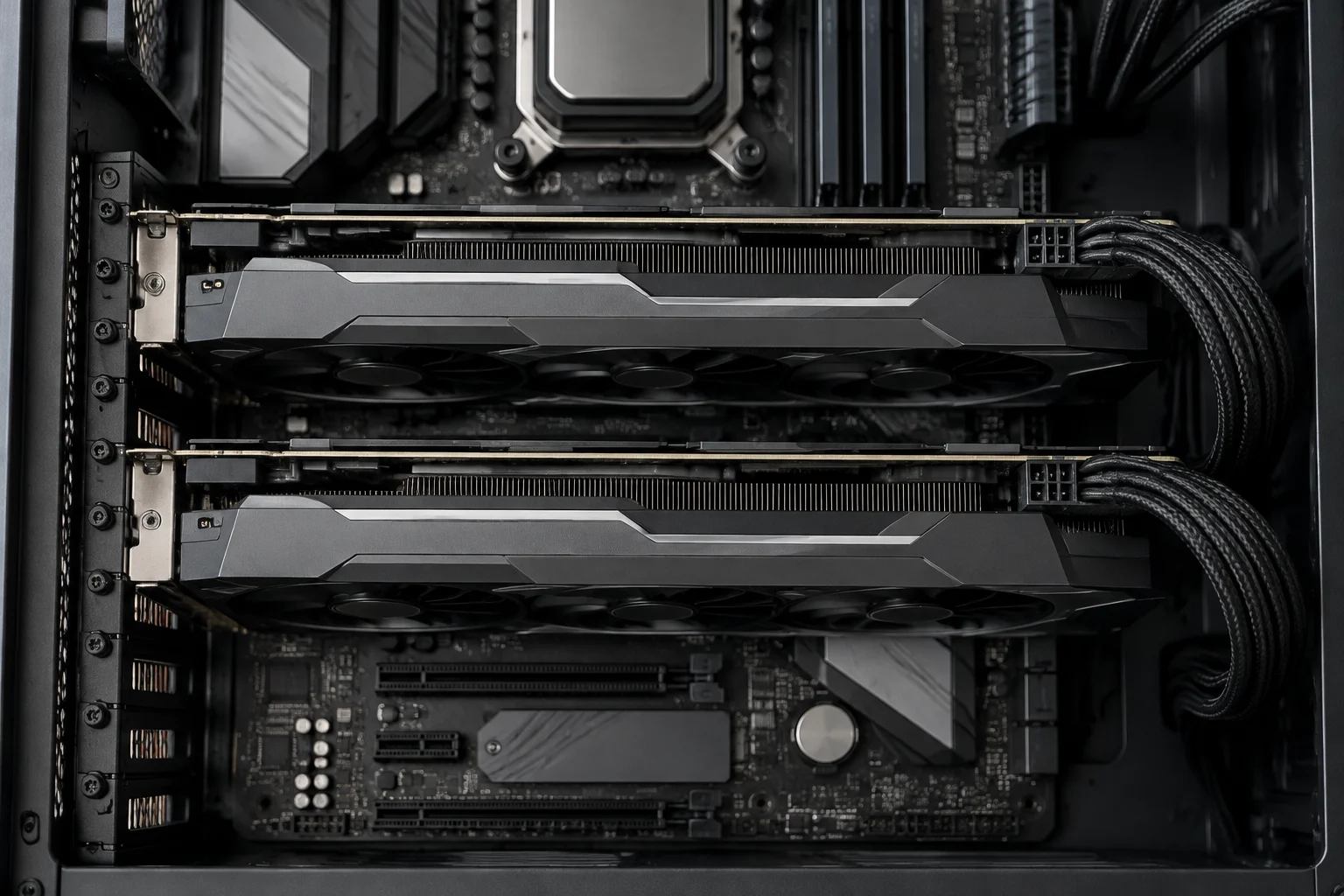
Bandwidth isn’t the only practical constraint. Check physical clearance for the cards: review their thickness, the case dimensions, and the position of connectors that must remain accessible. The motherboard manual and each GPU manufacturer’s dimensions can help assess fit, but they don’t replace checking the complete build.
The right choice depends on the workload and software. Without specifics about both, x8 or x4 cannot be translated into a universal performance loss. Treat the link as a configuration specification, not an automatic prediction of speed.
Before buying, check these points in the official pages and manuals for the exact model:
- Whether the motherboard has two slots physically suited to the cards and the case supports their thickness and length.
- Each slot’s electrical link with both GPUs installed: generation, lane count, and connection to the CPU or chipset.
- Whether the chosen processor supports the listed lane allocation and whether the motherboard imposes additional conditions.
- Which M.2, SATA, or other connections share resources with PCIe, and what changes when they’re used.
- Whether the documentation covers the complete configuration; don’t assume multi-GPU software modes or features that aren’t specified for the hardware and workload.
The safest choice is to buy for the documented simultaneous lane allocation you need, not the visible number of slots. Check the specifications for the planned CPU, motherboard, GPUs, and storage together; if a detail of the configuration remains unclear, ask the manufacturer before buying.