Why preventive maintenance matters
Maintaining a device is not about applying a universal routine, nor does it guarantee a specific lifespan. It is a way of addressing three distinct fronts: protecting information, preserving equipment functionality, and reviewing how technology integrates into daily activities. Separating these goals helps choose useful actions instead of relying on vague promises about performance or longevity.
For a home or small business, the most beneficial review usually starts with what could cause data loss or leave an account exposed: pending updates, uncontrolled shared access, or nonexistent backups. INCIBE recommends measures such as updating the system and programs, managing user accounts, and periodically backing up important information. These actions do not eliminate all risks, but they provide a concrete basis for reducing them.
Physical care also requires judgment. The information available in the sources for this guide does not allow us to claim that periodic cleaning, by itself, significantly extends the useful life of any device: construction, manufacturer instructions, and usage conditions vary. Consult the manual first and avoid disassembling the equipment or introducing liquids into its openings. A visual inspection and use in accordance with the manufacturer's instructions are more prudent alternatives than invasive intervention.
Not all devices require the same frequency. A phone carried daily outside the home, a work computer, and a connected speaker have different uses and risks. Instead of setting a quarterly audit as a technical rule, it is advisable to establish reminders for tasks that each device allows and to immediately review any relevant signs, such as an update alert or a failed backup. The priority is that the review is feasible, not turning it into an impossible list to maintain.
Secure configuration: accounts, updates, and backups
Start by identifying who uses each device and what permissions they need. INCIBE advises configuring user accounts and controlling access; it also recommends robust passwords. On a shared device, individual profiles help avoid mixing files and settings, while reserving administrator permissions for those who truly need them limits accidental changes. Reduce unnecessary access before adding tools you might not use.
Passwords must be hard to guess and not reused between important services. If an account offers multi-factor authentication, consider activating it as an additional layer: the original draft presented it as a recommendation supported by sources, but the verifiable INCIBE material supplied here explicitly supports robust keys and account management, not a specific MFA instruction. Therefore, the practical decision is to check what access options each service offers and follow their official instructions.
Updates without false urgency
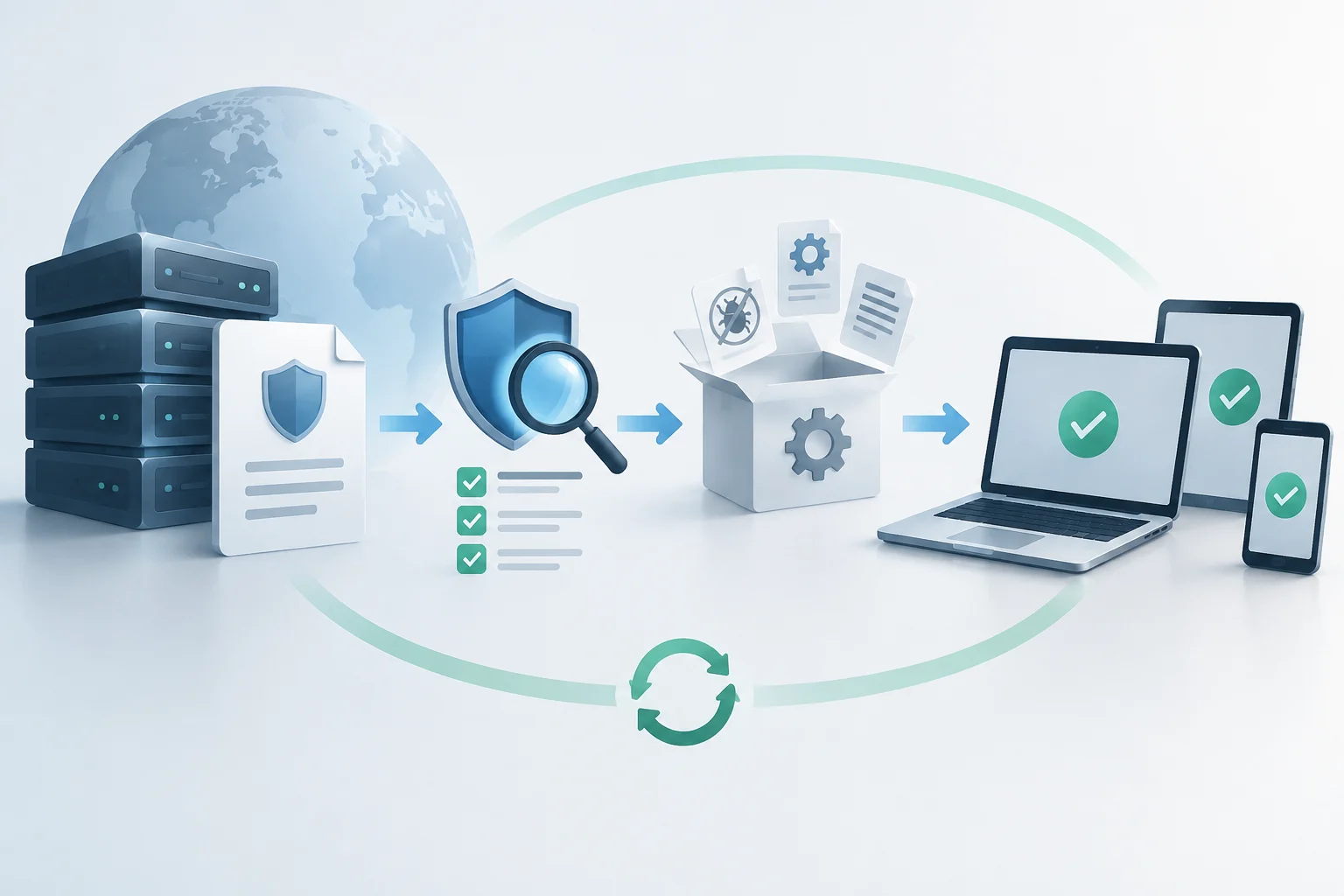
INCIBE indicates that keeping the operating system and programs updated helps correct known vulnerabilities. Enable automatic updates when the device allows it and review notifications from the manufacturer or system. There is no basis in the available sources to impose a weekly review or to ensure that installing each update reduces risk by a determined amount. Install available patches following the procedure indicated by the provider and avoid postponing security warnings without reason.
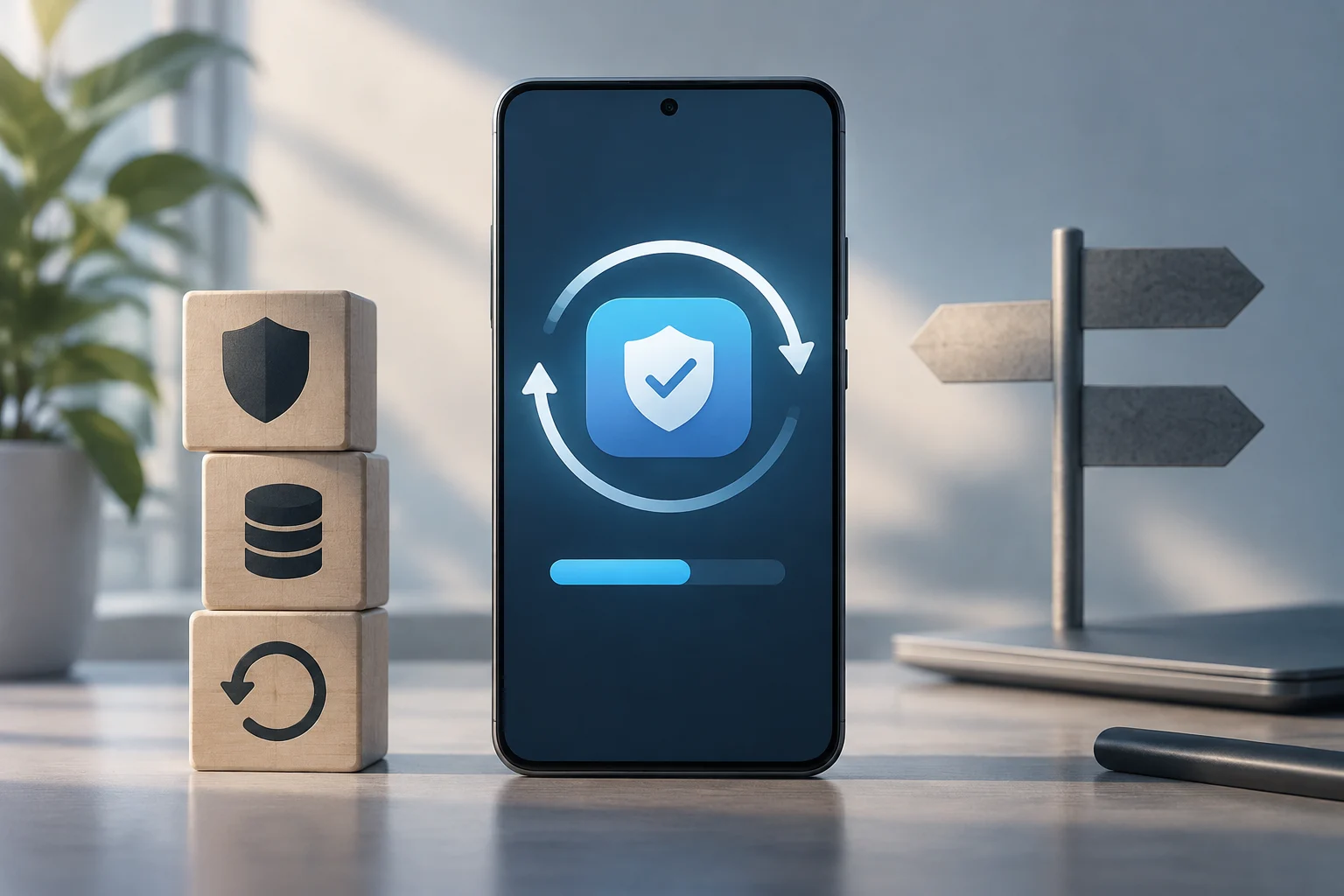
Backups serve a different function: they allow recovering information if lost due to a failure, human error, or malware. INCIBE recommends doing them periodically, although the appropriate frequency depends on how much files change and how much it would cost to lose them. For work documents modified daily, a frequent routine may be reasonable; for data that barely changes, another cadence may suffice. Verify that the backup can be recovered: seeing a recent date does not by itself prove that the files are usable.
Connected devices and home network
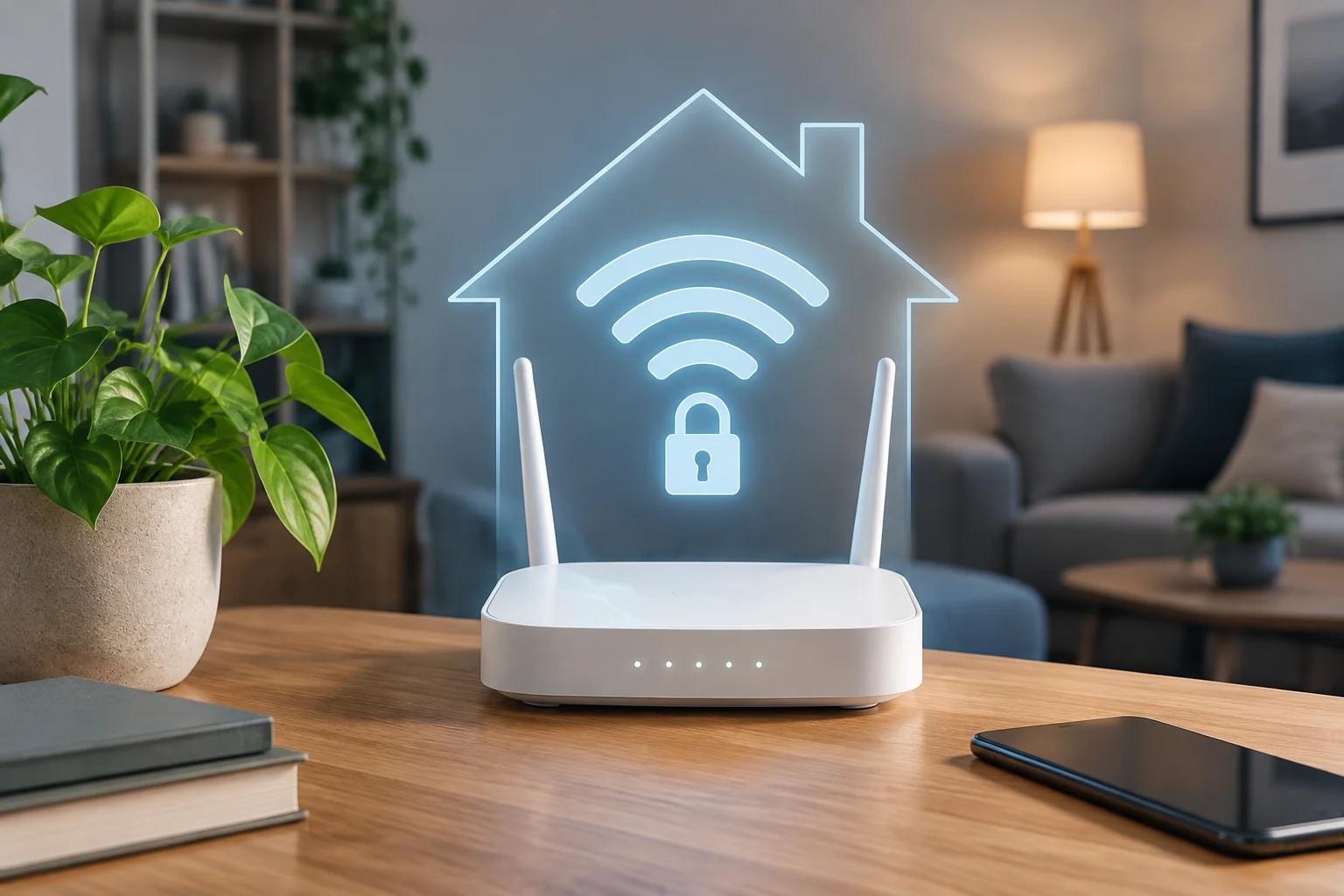
The router deserves attention because it connects several devices to the network, but the available sources do not justify ensuring it is always the "main entry point" nor support attributing the same risk to all homes. The ADT guide describes domestic problems associated with weak passwords and unupdated routers, while Kaspersky explains that connecting devices to the Internet can expose them to security risks. Treat the network as part of maintenance, along with phones and computers, without assuming that a single configuration solves all problems.
Make a simple inventory of connected devices: note what they are, who manages them, and whether they still receive manufacturer updates. On smart devices, review the privacy and security options available in the application or official documentation. If a device no longer receives support, the evidence provided does not allow determining by itself whether you should disconnect or replace it; consider what information it handles, whether it can be isolated from the network, and what alternatives the manufacturer offers. Decide based on actual use and support, not just age.
The FTC maintains a consumer guide on protecting connected devices in the home, and Kaspersky offers general recommendations for smart homes. Use them as a starting point and contrast the steps with each device's manual: setting names and available functions change between brands and models. It cannot be verified in the source package that disabling a specific function, such as WAN remote access, is a universal recommendation applicable to all routers. If an option is not clear, consult the Internet provider or manufacturer before modifying it.
A useful practice is to remove unused devices from the network, provided the process does not affect other home services. For each active device, keep the necessary information to manage the account and receive manufacturer notifications. Fewer unused devices also means fewer elements to remember when reviewing updates, access, and settings.
Physical care: prudent measures and limits
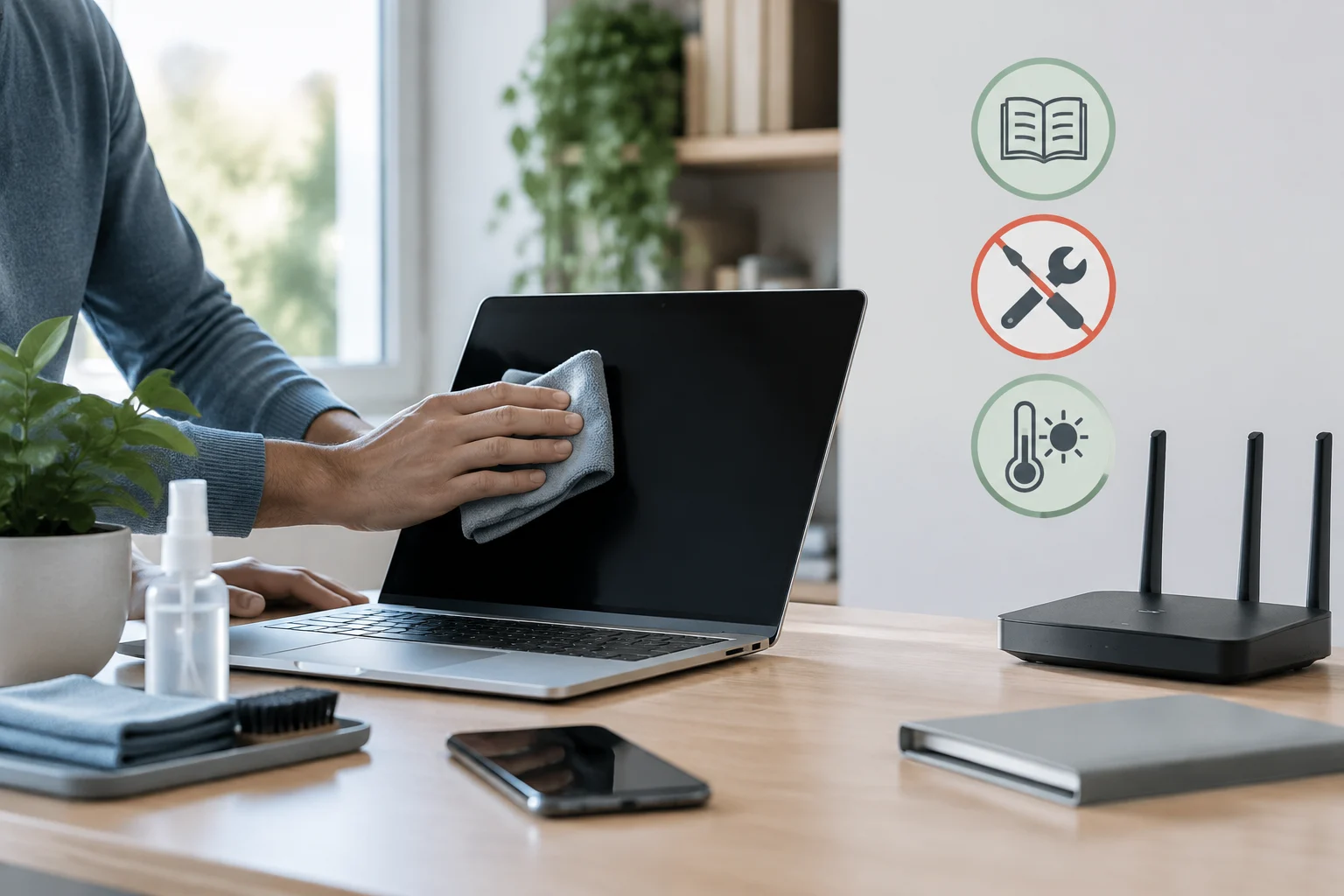
Physical care should start with the manufacturer's instructions, which are the ones that can specify cleaning methods, charging conditions, and environmental limits for a specific model. The sources for this research do not provide maximum temperatures, humidity levels, or cleaning techniques valid for all devices. Therefore, it is not advisable to present the use of compressed air, brushes, or protectors as a universal solution. Avoid unauthorized interventions that may damage the device or affect the warranty.
As a basic check, observe if there are visible damages, deteriorated cables, obstructed grilles, or temperature alerts, and consult the manual if you detect any. Keep equipment away from liquids and conditions that the manufacturer identifies as inadequate. Do not use a laptop on a surface that blocks its openings if the manual indicates it needs free ventilation; to decide, follow the specific model's instructions. This guide cannot ensure that a specific location avoids wear or quantify how much it would extend its useful life.
It is also advisable to distinguish a protection accessory from a repair. A case or screen protector may help against certain impacts or scratches, but it does not make the device waterproof or replace an inspection for damages. Do not infer resistance by the presence of a cover: review the official specifications of your variant and warranty conditions. If the device heats up unusually, smells burnt, or has a deformed battery, stop using it and seek guidance from the manufacturer or a qualified technical service.
Usage habits and digital well-being
Maintenance includes how technology occupies the day, but it is important not to turn general recommendations into medical prescriptions. UNICEF, in an article on digital habits at home, collects advice from a digital parenting specialist: maintaining open communication, being interested in the experience of girls and boys, and talking about risks. The source focuses on families and minors; it does not establish a universal rule of hours for all ages or all uses.
For homes with minors, the conversation can serve to agree on usage moments, screen-free activities, and what to do when uncomfortable or worrying content appears. UNICEF recommends that mothers, fathers, and caregivers be interested in how they use their devices and speak clearly about possible risks. Instead of applying an arbitrary limit as an identical recipe for each family, agree on understandable rules and adjust them to the routines, age, and needs of each person.
Pauses and limits: adapt the routine
Pauses and activity changes can help ensure screen use does not displace rest, movement, or daily tasks. However, the verifiable material does not support the 20-20-20 rule here nor allow claiming that applying it prevents visual fatigue or postural problems by itself. The MIOTI source mentions limiting usage time and performing physical activity among its healthy habits, but it is an editorial recommendation, not a clinical evaluation. Take pauses as a practical guideline, not as treatment.
If device use persistently interferes with sleep, work, studies, or relationships, observe when it happens and what activity it is displacing. For a minor, UNICEF recommends conversing about use and risks instead of addressing technology solely through prohibitions. If there is concern about physical or mental health symptoms, this guide does not replace professional advice: consult a healthcare professional when appropriate.
Maintenance checklist and resources
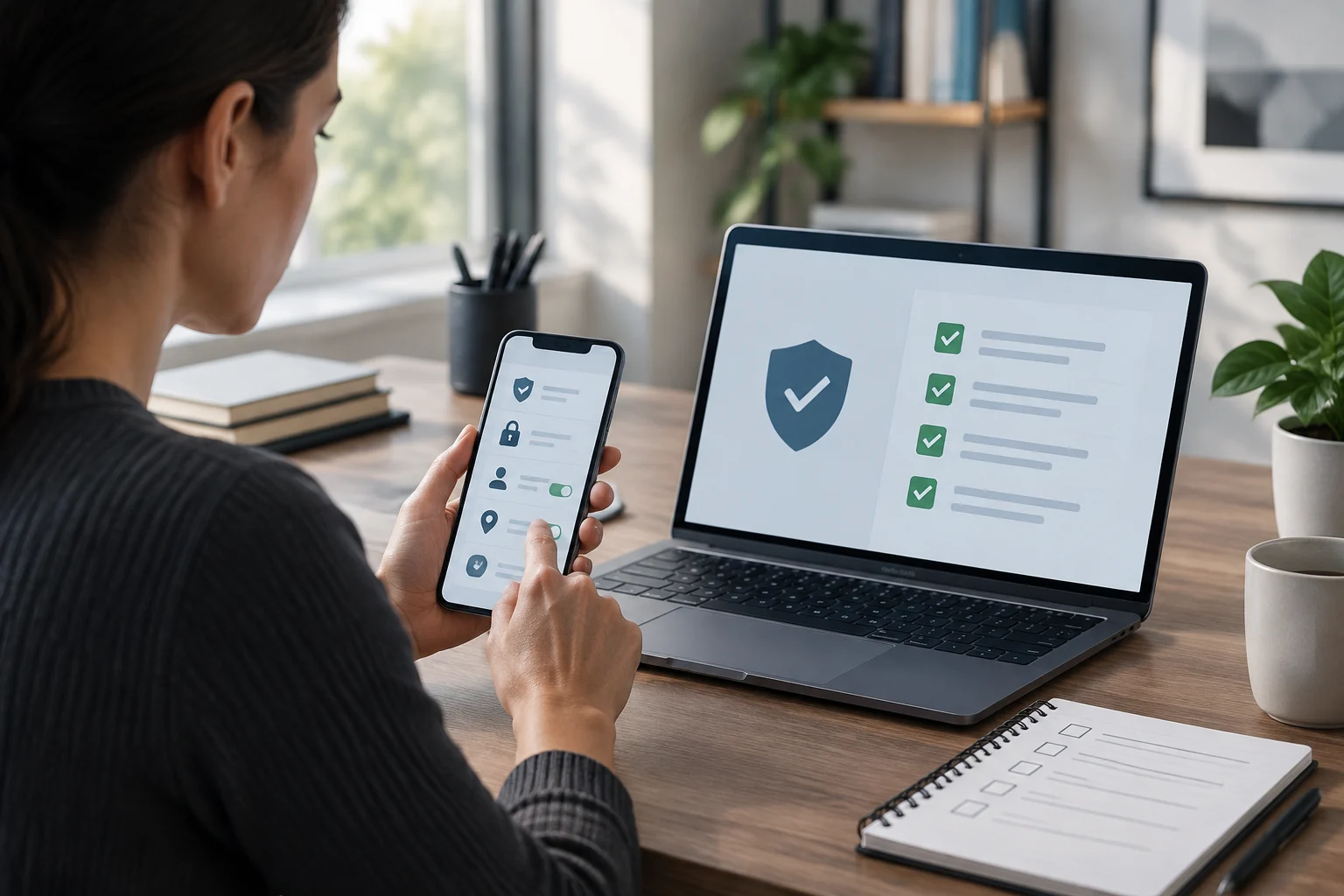
The following list serves to review the essentials without assuming all devices have the same options. You can save it in a note and record the date of each check; it is not an official calendar or a security certification. Adapt each step to the equipment manual and the options offered by the corresponding service.
- Accounts: review who has access and remove profiles or permissions that are no longer necessary.
- Passwords: check that important keys are robust and not reused.
- Updates: install those available for the system and applications via official options.
- Backups: verify the date and test that you can recover at least one important file.
- Home network: identify connected devices and review manufacturer and Internet provider recommendations.
- Physical state: look for visible damages and consult the manual before cleaning or handling the equipment.
- Well-being: converse in the family about use, especially if there are minors, and agree on realistic limits.
To expand the security part, INCIBE offers guidelines on basic configurations, updates, accounts, backups, encryption, and passwords. The FTC has a guide to protect connected devices in the home. For family digital habits, UNICEF proposes conversing early and constantly about the role of technology and online risks. Choose resources according to the need: device configuration, network security, or digital coexistence are not the same problem.
The checklist does not replace manufacturer instructions, a professional security assessment, or a medical consultation. It also does not prove that a device is free of vulnerabilities: it only records the checks performed. If you manage devices for a small business, add an inventory and a responsible person for each task, and consult the support and security policies of the providers. A clear record allows repeating the process and detecting which points remain pending without promising that maintenance prevents all breakdowns or eliminates obsolescence.