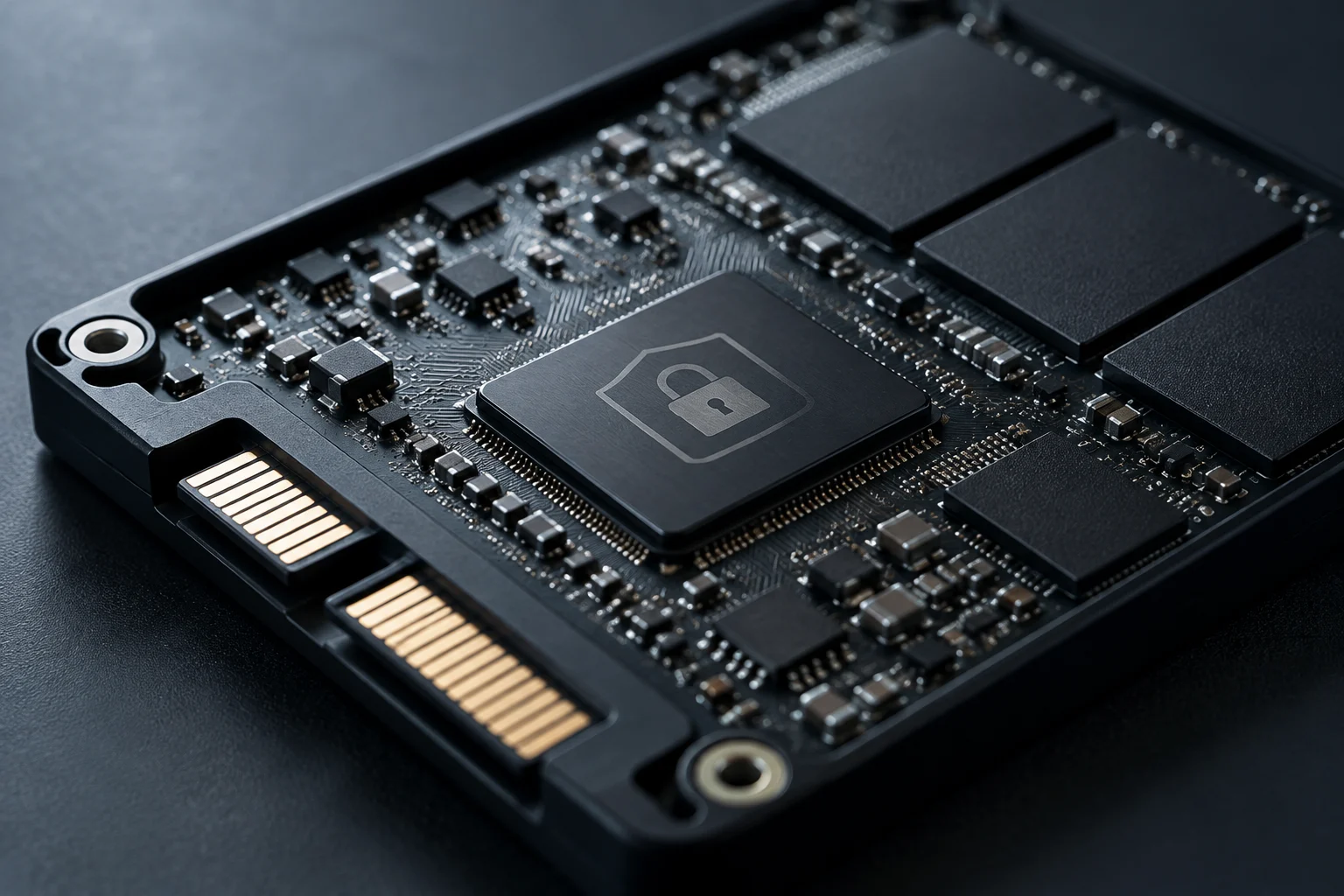
Technical Difference Between Software and Hardware Encryption
Encryption protects data by transforming it using a key so it cannot be read without proper authorization. In an SSD, the operating system, the main processor, and the drive controller may all be involved. Therefore, stating that a drive 'has encryption' is not enough to know which component performs it, how it is activated, or who manages the credentials.
In software encryption, the operating system manages the process and may use cryptographic functions from the processor. BitLocker is a Windows encryption tool; FileVault is a macOS option. In drive-integrated encryption, the SSD controller performs operations on the data it writes and reads. The difference describes where part of the work is executed, not proof that one mode is always more secure or faster.
It is also unwise to assume that hardware encryption is activated, automatically managed, or free of performance overhead. The drive may encrypt data internally yet still require compatible software to configure authentication and locking. Ontrack and Serverion documentation describes general differences between both approaches, but available sources do not offer an independent and reproducible speed comparison.
The practical decision is to separate three questions: does the drive encrypt data?, what mechanism controls access?, and can the specific combination of firmware, operating system, and software activate that mechanism? The presence of a cryptographic engine does not answer all three by itself.
What to Check in the Technical Specifications
Look for documentation of the exact model, not just a product family page. If the spec sheet mentions AES-256, confirm whether it describes controller encryption, a configurable security feature, or simply compatibility with an application. The algorithm number does not specify by itself how keys are generated and protected, nor how access to content is prevented.
A reference to TCG Opal may indicate that the SSD implements drive security management functions compatible with that standard. It is not the same as a product certification nor does it automatically prove that encryption is activated. Darren Horrocks' technical guide notes that BitLocker configuration with hardware encryption requires TCG Opal and eDrive (IEEE-1667) support, but this is a secondary source, not a normative specification.
Also check the full commercial name, capacity, and variant. A feature present in an enterprise model should not be attributed to all SSDs of the same brand. If the manufacturer does not publish a detailed spec sheet or compatibility list for that reference, treat the feature as unverified, not confirmed by a generic seller description.
Before buying, request or locate specific answers to these questions:
- Does the exact model support controller encryption and what algorithm does the manufacturer document?
- Does it include TCG Opal compatibility and, if Windows is required, the relevant configuration mode?
- What tool activates the protection and which operating system versions does it support?
- How is the drive reset and what data is lost in the process?
Keys, Passwords, and Recovery
Encryption does not eliminate the need for a recovery plan. Access may depend on a password, a recovery key, credentials managed by the organization, or a combination of these elements. Do not assume where the key is stored: it depends on how the device is configured and the software controlling access.
Losing a password does not always mean recovery is impossible; the outcome depends on the implementation, backup copies, and whether the owner has administrative credentials. Conversely, if the only unlocking medium is lost and the drive requires authentication before delivering data, it may become inaccessible. Available sources do not allow claiming that all hardware-encrypted SSDs have the same recovery process or that a physical failure automatically makes data unrecoverable.
Before activating encryption, document the recovery procedure and store keys in a location separate from the device and protected against unauthorized access. For an organization, define who manages credentials, how an emergency copy is kept, and what happens when a person leaves the team or company. Test the procedure with sample data before trusting it with unique or critical information.
A secure reset may make the drive available again by deleting the key that allowed decrypting previous data. Therefore, resetting the disk does not equal recovering files. If you need to recover information from a faulty drive, avoid experimenting with wipe or initialization commands and consult the manufacturer's procedure or a data recovery specialist.
Compatibility and Performance: What Can Be Concluded
Compatibility depends on more than the physical connector. The SSD model and firmware, the operating system, the management tool, and the device configuration all play a role. To use BitLocker with an Opal drive, Horrocks' source also mentions eDrive (IEEE-1667); his article describes configuration requirements, but it is not enough to generalize that all current Windows devices support any combination of drives and policies.
A discussion published on Microsoft Tech Community documents a user case who attempted to combine hardware encryption on a TCG Opal 2.0 SSD with PIN-based startup authentication and found a configuration conflict. It is an individual case, not an official compatibility statement. It does serve as a practical warning: before deploying a configuration, verify that the unlocking mechanism you need works on the chosen system and version.
There are no controlled comparative tests in the source package allowing the claim that in 2026 the impact of hardware encryption is always zero, or that it is faster than software encryption. Performance depends on the drive, processor, workload, and device state. The reasonable decision is not to buy based on general speed promises: look for independent measurements of the specific model if performance is a priority.
To reduce surprises, confirm before deploying:
- That the firmware and management tool recognize the drive and allow enabling the feature.
- That the device boots in the intended security mode and offers the required authentication method.
- That the organization can recover access if the device changes or the drive is replaced.
- That a firmware update does not invalidate the documented authentication flow.
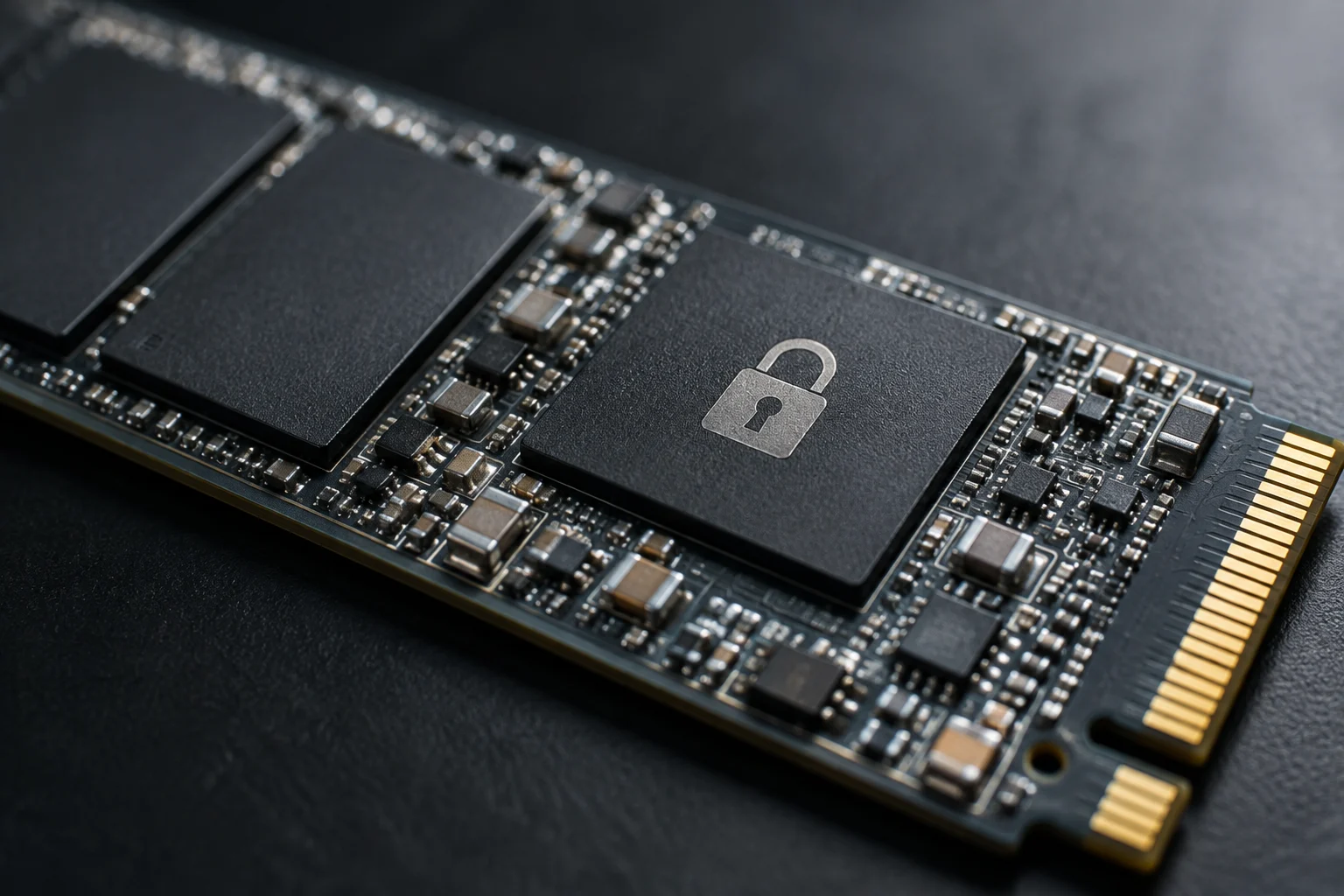
Standards, Certifications, and Limits of What They Accredit
TCG Opal and FIPS 140-3 are not equivalent. Opal relates to drive security and management functions; FIPS 140-3 is a requirements standard for cryptographic modules. A reference to one does not prove compliance with the other, and no generic commercial mention substitutes the identification of the applicable certification for the product and its cryptographic module.
Serverion material mentions FIPS 140-2, does not provide documentation for a specific SSD certified under FIPS 140-3, nor allows concluding that this certification is mandatory for every company handling sensitive data. If a tender, regulation, or internal policy requires validation, verify the current certificate, the covered module, and the evaluated configuration in the corresponding documentation. The sources for this research do not include the official FIPS certification registry or an official TCG specification.
As a buying rule, consider certifications a requirement checked by reference and scope, not an interchangeable label. A drive may advertise AES-256 without the provided sources accrediting FIPS validation; it may also support Opal without proving that locking is correctly configured. Security documentation must correspond to the exact model.
Buying Recommendations and Final Decision
Available sources do not verify specific commercial models, prices, market availability, or FIPS 140-3 certifications for specific units. Therefore, this guide does not recommend brands or references as confirmed products: a feature of an enterprise line should not be extrapolated to all models of the manufacturer, and it would not be rigorous to present a list of 'verified models' without verifiable documentation.
For an individual purchase, first compare the capacity, form factor, and interface the device needs; then verify encryption in the official spec sheet of the exact model and confirm how it is activated and recovered. If you need to protect a laptop against loss or theft, consider the operating system's integrated encryption solution and its key management, rather than assuming an internally encrypted SSD is automatically the simplest option.
In an organization, translate security needs into verifiable requirements: authentication method, central administration, recovery, wiping, compatibility, and required certification. Ask the provider for documentation applicable to the part number and keep the response with the configuration policy. If there is insufficient evidence, the prudent path is to use an encryption solution the organization can manage and audit, not accept an ambiguous 'AES encryption' promise.
The practical conclusion is simple: buy a documented and manageable feature, not just an acronym. Verify the model, test unlocking and recovery, and treat performance or compliance claims as pending until specific proof is available.