What a VPN protects and what it cannot promise
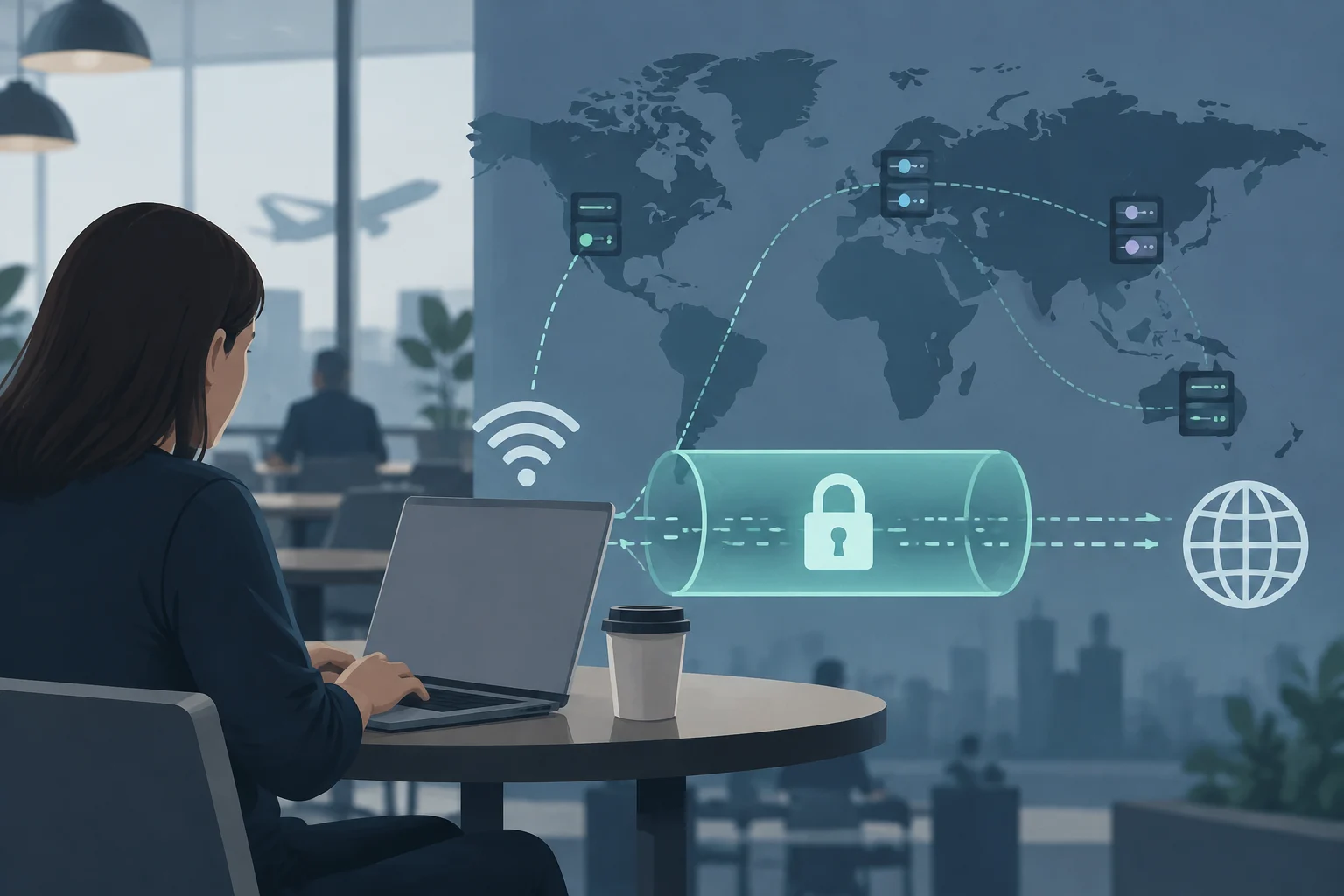
A VPN creates an encrypted tunnel between a device and a server operated by the provider. This changes who can observe certain data during transit: on a local network, protected traffic no longer circulates in a readable form for anyone who might intercept it, while visited sites see the VPN server's IP address instead of the original public address. The provider becomes a trusted intermediary; the need to trust someone does not disappear.
It is advisable to separate traffic protection from anonymity. A VPN does not erase the accounts you log into, does not prevent a website from identifying a person through cookies or browser fingerprints, and does not make payments associated with a subscription anonymous. It also does not guarantee on its own that every application on the device sends its data through the tunnel. The practical conclusion is limited: it can reduce connection exposure against the access network, but it is not a comprehensive privacy solution.
Therefore, commercial promises are not enough to compare services. The number of countries or servers advertised does not demonstrate what information the company records, how its infrastructure is configured, or what protection its application offers. Before paying, it is advisable to look for documentation on protocols, data retention, audits, and compatible operating systems, and to distinguish the provider's claim from an external verification.
Protocols: choose based on compatibility and use, not a universal table
The protocol establishes how the device and the server negotiate and maintain the tunnel; it is not synonymous with the encryption algorithm nor an autonomous guarantee of privacy. WireGuard and OpenVPN are two common options, but available sources do not justify claiming that one is always more secure, faster, or suitable for everyone. The provider's implementation and specific configuration matter as much as the protocol name.
An engineering comparison included in the research describes WireGuard as a modern and limited design, OpenVPN as a mature and configurable option, and IPsec as an alternative widely extended in enterprise networks. These traits serve as guidance, not as a universal performance classification: speed also depends on distance to the server, load, device, source connection, and configuration. There are no independent and comparable measurements in the source package to award a winner.
| Option | What can guide you | What to verify before choosing |
|---|---|---|
| WireGuard | Relatively simple design and UDP transport, according to the comparison consulted | That the provider includes it in the application and explains its configuration |
| OpenVPN | Maturity and flexibility; allows different transport configurations | Compatibility with your devices and possibility to use it on restrictive networks |
| IKEv2/IPsec | Presence in enterprise environments and IKEv2 specification documented in RFC 7296 | That the service supports it and its implementation is suitable for your case |
Available technical descriptions present WireGuard with a codebase close to 4,000 lines; this figure should be read as a characteristic of the described project, not as proof that any service based on it is more secure. A smaller codebase can facilitate review, but security also depends on maintenance, integration into the application, and server configuration. In practice, for a user, it weighs more that the client receives updates and that the provider documents what it offers on each platform than an isolated figure of lines of code.
One should not choose based on a generic recommendation like "always use WireGuard". If the service does not offer the same protocol on all your devices, if a network blocks its connections, or if the application explains an alternative, it may be reasonable to compare options. Look for a list of protocols by operating system and, if you need it, confirm if the application allows changing them without resorting to manual configurations that you cannot maintain.
No-logs: read the policy and evaluate the audit scope
"No-logs" has no practical value if it does not specify which records are excluded. The policy should clarify separately whether browsing history, DNS queries, source IP, timestamps, session data, or bandwidth usage are retained. The expression can cover different things between providers: do not assume it means absolute absence of data without reviewing the policy and its exceptions.
An independent audit can provide an additional check, but one must look at what it examined, when it was performed, who carried it out, and if the full report is available. A review of legal text is not equivalent to reviewing systems and infrastructure; nor does an audit automatically demonstrate that nothing has changed since the examination date. What is useful is to verify that the document identifies the scope, period, and limitations, instead of settling for a seal or a promotional phrase.
Proton VPN's information illustrates how a provider can present its own audit history: the company claims to have passed five consecutive annual reviews of its infrastructure and links reports. That is a provider claim, not an independent evaluation performed here. To value any service, open the report and check if it refers to infrastructure and logging policy, if the auditor is identified, and if its conclusions are dated; an old audit does not certify current operations.
A policy can also distinguish activity logs from technical data necessary to manage an account or prevent abuse. There is no need to assume that any operational data invalidates a no-logs policy: it is necessary to know what is stored, for how long, for what purpose, and if it can be associated with a person or session. If the answer is vague, the prudent decision is to treat the promise as insufficiently documented, not as a guarantee.
Jurisdiction and servers: two different questions
The location of the server selected in the application and the country where the company is incorporated are different data. The former can affect the connection route and what IP address a site sees; the latter helps identify the legal framework that can reach the entity. Neither, by itself, answers how much data exists or what the provider can deliver. The absence of identifiable records is relevant, but it is not deduced from the flag that appears on the server map.
To evaluate the legal dimension, look for the entity providing the service in its terms and privacy policy, in addition to the jurisdiction those pages declare. Then check if the document explains legal requests, retention, and shared data. The provided research does not include sufficient primary sources on specific national laws nor allows sustaining that being outside a surveillance alliance guarantees more privacy. Therefore, it is not responsible to turn a list of countries into a definitive classification.
The practical decision consists of not confusing a favorable geographic location with a technical or legal guarantee. A company can operate servers in numerous countries and still be subject to the obligations corresponding to its corporate entity; conversely, the place of incorporation also does not prove that it records activity. Examine both layers separately and prioritize clear policies, verifiable reports, and a concrete explanation of data processing.
Compatibility, stability, and disconnection protection
Compatibility must be checked device by device: Windows, macOS, Linux, iOS, and Android do not always receive the same features or protocols. Before contracting, review the provider's support page to confirm that the current version of the application works on your systems and that updates remain available. It is not enough for a promotional list to mention a platform: check if it is an official application, a manual configuration, or a limited feature.
In an unstable mobile or Wi-Fi connection, the important problem is what happens if the tunnel is interrupted. A feature called kill switch can block traffic when the VPN connection is lost, but its behavior depends on the application, operating system, and configuration. Verify that it exists and how it is activated; do not assume it is enabled by default or that all applications implement it the same way. Available sources do not include comparable tests of leaks or battery consumption, so they do not allow promising a result for a specific phone model.
CPU load, autonomy, and stability depend on factors that are not resolved by the protocol label: hardware, operating system, network quality, distance, and server congestion also count. If the provider offers a trial or a refund period, it can serve to check compatibility under your own conditions, always reviewing its terms. Without measurements performed under a common method, distrust speed or battery percentages attributed to a brand or protocol as if they were universal.
Checklist before subscribing
The selection can be reduced to a brief documentary check. It is not necessary for the user to audit servers on their own, but they can require that main promises are explained and that cited documents are accessible. A list of features without scope, date, or support for your device provides less than a precise policy and a report that can be read.
Practical checks
- Protocols: confirm what options the service offers on each device and what alternative to use if a network blocks the connection.
- Logs: identify what activity and connection data are retained, for what purpose, and for how long.
- Audit: check the auditor, date, scope, and if the public report reviews the relevant infrastructure.
- Entity and jurisdiction: locate the company providing the service and consult its legal terms; do not confuse that country with the location of a server.
- Applications and disconnections: review compatibility, updates, and documented kill switch operation on your system.
- Limits of the promise: look for what information the VPN cannot hide, such as activity associated with an account logged into a site.
The best option is not necessarily the one that advertises more servers or presents a protocol as an absolute winner. It is the one that fits your devices and your use, explains its data practices with precision, and allows reasonably verifying its claims. An audit provides evidence with limits; it does not replace reading the policy, nor does it turn a VPN into total anonymity.