
Calculate the Size of the Weights
A first estimate starts with the number of parameters and the space each one occupies. The approximate formula is parameters × bits per parameter ÷ 8; the result is in bytes, not the total memory needed to run the model. For example, 7 billion parameters stored at 32 bits correspond to about 28 decimal GB of weights. At 16 bits, the estimate falls to about 14 GB.
These numbers describe the static weights and do not include the KV cache, runtime buffers, or memory needed by the operating system and other applications. Therefore, a model file of a certain size does not guarantee that the computer has enough memory to load it and generate text. Final demand also depends on the configuration and execution method.
Quantization reduces weight memory by storing values at lower precision, for example in int8 or int4, while aiming to preserve as much accuracy as possible. As an arithmetic reference, 7 billion values at four bits would correspond to about 3.5 decimal GB before metadata and other costs are considered. This is not an exact measure of the file or the memory needed at runtime: methods and requirements vary by model, hardware, and implementation.
Reduced precision can involve a quality trade-off. Hugging Face describes different quantization methods with advantages and disadvantages, and notes that the right option depends on the use case. Do not assume every model or task tolerates the same quantization equally; it is worth testing the specific format on the tasks that matter.
Context and the KV Cache
During generation, the KV cache retains attention information for processed tokens. Its consumption cannot be derived from weight size alone: it depends on the architecture and configuration, and increases when a longer context is processed. As a result, two runs of the same model can require different amounts of memory if they use different context lengths.
Ollama states that its default context window is 4096 tokens and documents ways to change it. The server default can be set with OLLAMA_CONTEXT_LENGTH; when using ollama run, the documentation shows /set parameter num_ctx 4096, and for the API it shows the num_ctx parameter. The right value depends on the task: increasing context can allow more content to be processed, but can also increase memory requirements.
Ollama also lets users select the KV cache quantization type through OLLAMA_KV_CACHE_TYPE. Its documentation says this option requires Flash Attention to be enabled and that the cache defaults to f16. q8_0 uses approximately half as much memory as f16, with a loss of precision described as very small; q4_0 uses approximately one quarter, with a small-to-medium loss that may be more noticeable in long contexts. The effect on quality depends on the model and task.
There is no single KV cache memory figure that applies to every model. Before sizing a system, identify the model, intended context, and cache configuration; then confirm consumption on the target machine. Approximate weight figures do not replace that check.
Add Up Memory Without Confusing an Estimate with a Requirement
As a planning framework, consider weights + KV cache + runtime memory. Weight size can be approximated with the formula above, but the available sources provide no universal figure for buffers or general rule for converting that sum into required RAM or VRAM. The observed total depends on the implementation, backend, model, and configuration.
A table helps distinguish what can be calculated from what should be measured:
| Component | What can be estimated | What to check |
|---|---|---|
| Weights | Parameters × bits per parameter ÷ 8, as an approximation | Model size and quantization format |
| KV cache | Changes with context and configuration | Memory use when running the intended context |
| Runtime memory | No universal figure is available in the cited sources | Actual runtime consumption and available headroom |
| RAM and VRAM | Depend on where the model is loaded | Distribution reported by the tool being used |
In practice, avoid treating a weight calculation as a guaranteed minimum requirement. Leave room for the system and other applications, and measure an actual run before increasing context or loading more work in parallel. Ollama documents that parallel requests can multiply the effective context and additional memory allocation; the specific effect depends on settings and available memory.
RAM, VRAM, and Model Placement
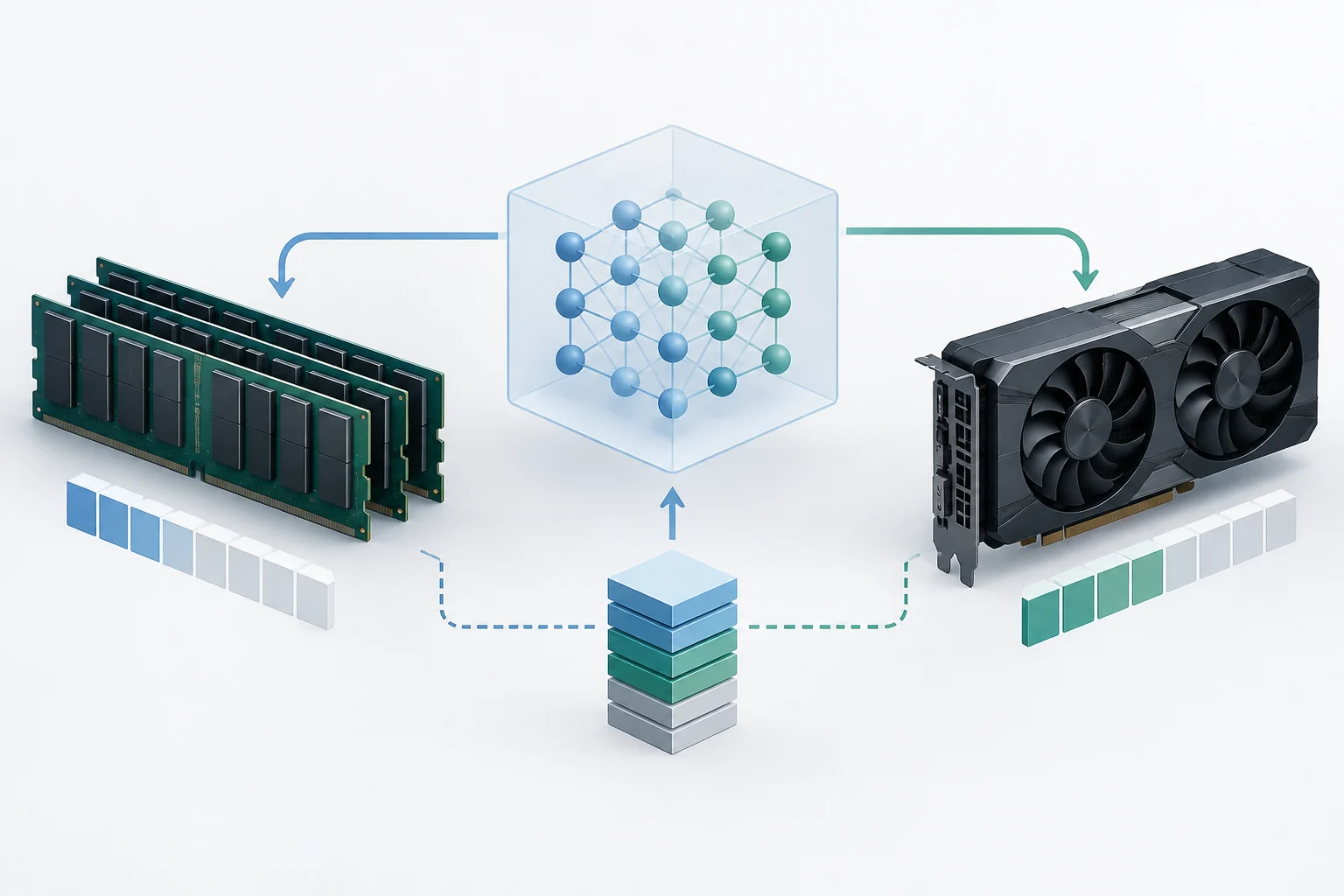
System RAM and GPU VRAM are distinct resources. Depending on the runtime, hardware, and available memory, a model can be loaded into one of them or split between both. Weight size alone does not establish that execution will use only the GPU or that it will be faster on every computer.
To check placement in Ollama, run ollama ps and inspect the PROCESSOR column. According to its documentation, 100% GPU means the model was loaded entirely on the GPU; 100% CPU means it was loaded into system memory; and an indication such as 48%\/52% CPU\/GPU means it was split between the two. Read the output as a description of placement, not as a speed measurement.
In llama.cpp, the performance guide says that before inference starts, diagnostic output may show whether cuBLAS is offloading work to the GPU. Documented examples include lines reporting layers sent to the GPU and VRAM used. When these messages appear, the guide says the GPU is being used; the specific amount depends on the run and should not be treated as a general requirement.
Ollama explains that when loading a model it evaluates available VRAM: if the model fits entirely on one GPU, it loads it there; if it does not fit on a single GPU, it may distribute it across available GPUs. The documentation associates loading onto a single GPU, when possible, with fewer transfers over the PCI bus. Actual placement should be checked for each configuration.
Check Usage and Adjust the Configuration
First calculate a reference figure for the weights and note the context and quantization type you plan to use. Then load the model and check ollama ps for its size and the processor column. If you use llama.cpp with CUDA, examine startup diagnostic messages to see whether layers are offloaded to the GPU and how much VRAM is reported as used.
On NVIDIA systems, nvidia-smi can help monitor occupied VRAM. That reading and runtime tools reflect a specific run; do not turn a one-time measurement into a universal figure for other models, contexts, or computers. If consumption approaches available memory, first reduce the context or review the cache type and weight quantization, then measure again.
For Ollama context, change OLLAMA_CONTEXT_LENGTH or use num_ctx through the relevant interface, following the documented method for the server, command-line run, or API. To quantize the KV cache, set OLLAMA_KV_CACHE_TYPE and check that Flash Attention is enabled. Consider q8_0 if you want to reduce memory with a loss of precision described as very small; evaluate q4_0 more cautiously, especially with long contexts.
In llama.cpp, the -t N option controls the number of threads. The guide recommends avoiding an excessively high value if the CPU becomes oversubscribed and suggests trying fewer threads to diagnose slow generation. This is not a memory setting or a guaranteed improvement: results depend on the machine and workload.
A Practical Routine Before Running a Model
To size memory with fewer surprises, work in this order: identify the parameter count and weight precision; calculate the approximate weight size; set a realistic context; choose a cache type if your configuration allows it; and leave headroom for the system and other processes. Then run the model and compare the estimate with the available tools.
If the run does not fit in the expected memory, change one variable at a time: try a shorter context, a different weight quantization, or, when enabled, KV cache quantization. Record observed usage alongside the model and configuration so the comparison is useful. The best estimate is the one validated on the target machine, not an isolated figure calculated from parameter count alone.
The essential point is to distinguish three things: how much the parameters weigh, how much execution adds, and where each part is stored. The first figure can be approximated with a simple formula; the others require considering context and checking runtime behavior. This avoids confusing a model’s file size with the total memory needed to use it.