
What local inference means
Local inference means running an artificial intelligence model on a user’s device or on infrastructure controlled by their organization. The model has already been trained: it receives an input, calculates an answer and returns it. A text assistant, for example, can generate a continuation; a camera can classify an image.
The word local describes where the computation takes place, not who created the model or how it was obtained. An open-weight model downloaded from a repository can run on a computer you own; a model distributed by a provider can also run there. What matters is that the request is processed on the device or in the local environment, rather than being sent to a remote service to produce the response.
Inference should not be confused with training. Training adjusts a model’s parameters using data; inference uses a prepared model to produce an output for a new input. Inference can include additional operations, such as retrieving documents or calling a tool, but those tasks do not change the term’s basic meaning.
How a request is processed
A local application uses a compatible model on a device or infrastructure under the user’s control. The particular processing steps depend on the model, runtime and application; different systems can accept inputs and return outputs in different formats.
From data to response
An inference engine provides software for loading and running a model; it does not replace the model itself. The model and runtime must be compatible with the device and the application using them.
Computer-vision models can process images on devices such as cameras or industrial equipment. Processing near where data is generated can reduce the need to transmit it elsewhere; whether images or other information are sent depends on the application’s design.
GPU, VRAM and RAM: what limits a model
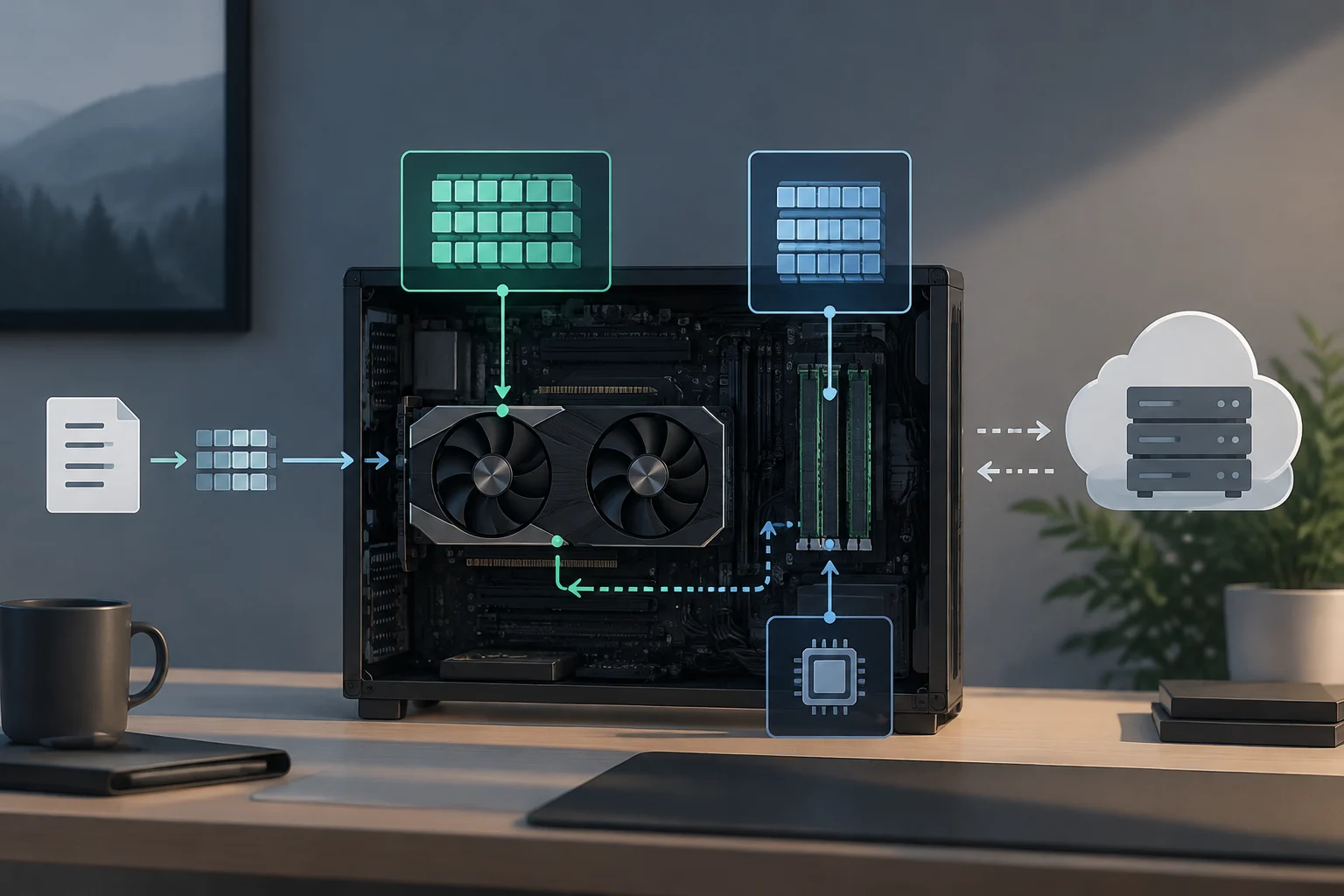
Whether a model is practical depends partly on the device’s available memory and computing resources. Local systems may use a CPU, GPU, NPU or other supported hardware, and the resources available vary by device. Check the requirements for the particular model and runtime.
A model may be able to run on a CPU, GPU, NPU or other accelerator, depending on the device and software support. Compatibility across the stack matters: check that the operating system, hardware, model format and runtime work together.
The model’s size and complexity affect which devices can run it locally. Available memory and computing capacity vary by device, so check the requirements for the particular model and runtime before choosing hardware.
A hardware guide from PromptQuorum gives a rule of thumb for certain quantized language models: around 4–5 GB for a 7-billion-parameter model in Q4_K_M and around 40 GB for a 70-billion-parameter model in that quantization. These are estimates for a particular configuration, not universal requirements or a guarantee of speed: format, context and runtime can change actual usage. When choosing hardware, check the model specification and measure it with the intended workload.
Local or cloud: differences that affect the decision
With remote inference, an application sends a request to a server through an API and receives the response over the network. The service provider manages its hardware; users avoid installing and maintaining the model there, but need to consider connectivity, service terms and the handling of transmitted data. With local inference, the organization takes responsibility for downloading, deployment, compatibility and maintenance, while computation can continue without an external connection if the application does not depend on other services.
| Criterion | Local inference | Cloud or API inference |
|---|---|---|
| Where computation happens | Device or local infrastructure | Remote servers operated by the provider or service operator |
| Connection during a request | Can work without the internet if the model and application are available locally | The request depends on a connection to the service |
| Input data | Can remain in the local environment; other parts of the application still need review | Sent to the service for processing, depending on its configuration |
| Resources and operations | The user’s hardware limits memory and capacity; the user manages models and updates | The provider supplies capacity and manages part of the infrastructure |
| Cost | Hardware, electricity, storage and maintenance; it is not equivalent to zero cost | May be billed by usage or capacity, depending on the service |
The table summarizes architectural differences; it does not guarantee the privacy, speed or price of a particular service. Sending a request to the cloud does not by itself determine how long it is retained or who can access it: those conditions depend on the provider, configuration and contract.
Latency has no automatic winner. Local processing avoids the network round trip to a server, which can benefit interactive applications or devices with unreliable connectivity. But a powerful remote GPU may calculate faster than a modest local device, while a large local model may take too long for its intended use. It is important to distinguish communication time from computation time and assess the entire process.
Costs follow a similar pattern. Running a model on hardware you already own avoids a per-request fee if you do not use a billed service, but it does not eliminate purchase, energy, support, replacement and maintenance costs. Cloud spending can grow with usage; in return, it can provide access to resources that are not installed on every device. A useful decision compares total cost for a defined workload and period, rather than equating “local” with free or “cloud” with more expensive.
Privacy, security and practical limitations
Processing data locally can reduce the need to send request content to a remote provider. That reduces one route of exposure, but does not guarantee privacy on its own. An application might sync logs, contact an external service or send telemetry; operating-system permissions, access by other users and device security still matter.
Local execution shifts responsibilities to the team operating the device or service. The model and software need to be kept up to date, access to a local service should be controlled, and the model’s origin and terms of use should be reviewed. Processing locally can reduce the need to send request content to a remote provider, but does not by itself guarantee privacy.
In terms of capacity, local hardware usually sets a practical ceiling on model size and complexity, the context it can process and the number of simultaneous requests. A smaller model may work well for a narrowly defined task, but it will not necessarily match a more capable remote system across every task. Quality depends on the model and use case, not just on where it runs.
Local inference gives users or organizations control over the environment in which a model runs. That control also entails responsibility for deployment, compatibility and maintenance; the work involved depends on the particular device and setup.

Runtime engines and tools
Local tools can serve different roles: some provide software for loading and running a model, while others offer an interface for using models or connecting applications to them. Check each tool’s documentation for the model formats, accelerators and operating systems it supports.
Microsoft documents Foundry Local as a tool for downloading and running compatible models on Windows devices using available hardware acceleration, with command-line tools and SDKs for integration into applications. Its Azure Local documentation describes model lifecycle and endpoint management in a Kubernetes deployment context. There is no single universal configuration: the product and environment determine the requirements and management approach.
Before adopting Ollama or LM Studio for a project, check each tool’s official documentation for supported operating systems, model formats, accelerators, local interface and relevant licensing terms. Compatibility depends on the particular tool, model and environment.
An initial evaluation can follow specific steps:
- Define the task and the data the model will receive.
- Choose a model whose license and capabilities fit that use.
- Check its published size, format and memory requirements.
- Install a runtime compatible with the available operating system and hardware.
- Evaluate quality, speed, consumption and stability using representative inputs.
- Decide how to protect the access point, logs and updates.
A generated response alone does not show that a deployment is suitable: failures, privacy and maintenance also need to be assessed.
When to choose local inference and when to use a hybrid approach
Local inference can be useful when connectivity is unreliable or when data should be processed near where it is generated. Edge AI is one example: a camera can analyze images locally and send an alert or other selected result. Whether any data is transmitted depends on the application’s design. Organizations can also consider local processing for internal documents, after checking how the application handles inputs, outputs and storage.
The cloud may be more appropriate when a task needs a model or capacity the available hardware cannot provide, demand is expected to vary, or the team does not have time to operate models. For applications used across many devices, it can also simplify centralized deployment, although it adds network dependence, provider terms and management of transmitted data.
A hybrid approach assigns tasks according to availability, sensitivity or complexity: first try a local model and use a remote service when the task calls for it. Google documents Android routing modes that can prefer on-device processing, prefer the cloud or restrict operation to one of the two environments. The fallback mechanism should be explicit: if a sensitive request might leave the device, the application should inform the user and follow the established policy.
To make a decision, compare these questions:
- What data goes in, and can it leave the local environment?
- What quality level and response time does the task require?
- Will the model fit comfortably in the available memory?
- Who maintains the software, models and access controls?
- How do costs vary with usage and existing hardware?
- What should happen if the local model is unavailable?
The answer can differ from task to task: there is no need to impose a single architecture on every feature in an application. A local model can handle routine or sensitive work, while a remote API serves requests beyond its capacity, provided the user and policy allow that transfer.