
What on-device AI means
On-device AI is the processing of an artificial intelligence feature on the equipment that uses it: for example, a phone, computer or browser. Technically, the model performs inference there: it receives an input, calculates an output and returns it to the application. Depending on the model’s capabilities, the input might be text, an image, audio or another kind of data.
The term describes where the computation runs, not what kind of intelligence the system has or who made it. It could be a traditional machine-learning model or a generative one; it could also be a small feature, such as recognizing text in an image, or a more complex language task. Local execution alone does not mean that the entire service, application or its data stays off the internet.
On-device AI refers to inference running on the user’s device. Check the actual data path for each feature: an application may combine local and remote stages.
How a device processes a request
The basic process starts when an application prepares an input—for instance, a sentence to summarize or an image to describe—and passes it to a model available on the device. The model turns that input into mathematical operations and produces a response; the application displays it or uses it to complete a task. Inference happens on the device when the computation does not need to send the request to a server to be resolved.
The model might be built into the operating system, downloaded separately or included in the application itself. A software layer determines how to invoke it and which hardware resources to use. On Android, for example, Google describes AICore as a system service that sits between applications and Gemini Nano; the platform manages access to the model and its distribution. This is an example of an architecture, not a feature found on every phone.
At the hardware level, the CPU can manage the application’s overall flow and run compatible models; the GPU can accelerate parallel calculations, and the NPU is designed for certain machine-learning operations. Not every model uses the NPU: this depends on the device, operating system, model format and software. In Windows, inference tools can select a compatible accelerator and, in some cases, fall back to the CPU or GPU if another route is unavailable.
Available memory and the model’s representation also matter. A larger model or longer input may require more memory and computation time. Quantization lowers the numerical precision of model weights to make some models more compact or efficient, with possible trade-offs in quality. A device having an accelerator therefore does not guarantee that every model or feature will run on it efficiently.
Local AI, cloud AI and hybrid inference
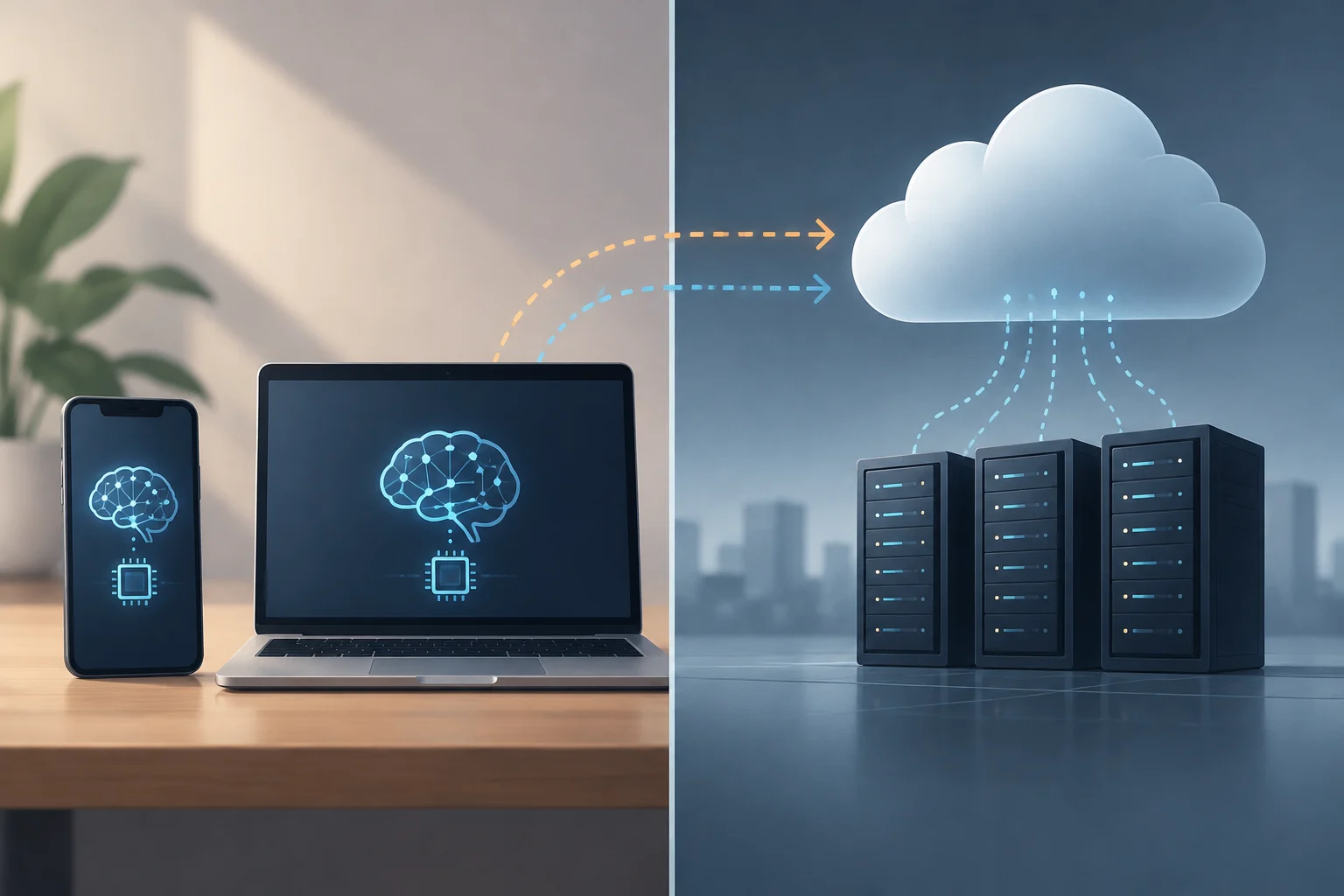
The main distinction is where the response is computed. In a local path, the model processes the request on the device. In a cloud path, the application sends data to a remote service that runs the model and returns the result. In a hybrid architecture, an application may split stages between the two or choose a path according to the task and the device’s capabilities.
| Aspect | On-device processing | Cloud processing |
|---|---|---|
| Where computation happens | On the user’s phone, computer or another device | On the provider’s remote servers |
| Connection for inference | May work offline if the model and feature are already available | Usually requires a connection to send the request and receive the response |
| Potential latency | Avoids the network round trip, although performance depends on the hardware and model | Adds communication time as well as remote processing time |
| Data | The request may stay on the device if the feature is designed that way | Data sent is processed off-device, subject to the service and its policies |
The table describes tendencies, not guarantees: an application may synchronize data, download models or send telemetry even when a particular inference is local.
Hybrid inference combines the two paths. An app might first try to respond locally and turn to a remote model when the local model is unavailable, the query exceeds its limits or the user requests a feature that requires online services. Android’s developer documentation describes this kind of fallback: certain requests can be sent to cloud models when Gemini Nano is unavailable or unsuitable.
So “local” and “cloud” are not always mutually exclusive categories for an entire application. One feature might analyze text on the device and then synchronize the result; another might use a local model for simple tasks and a remote service for more complex queries. The route can vary by feature, so it is more useful to ask what happens to a specific operation than to assign a single label to an entire app.

Which tasks can run locally
Tasks suited to a device usually have a defined scope and fit within its resources. Examples documented by platforms include transcribing or translating speech, summarizing short texts, rewriting messages, describing images, recognizing text in a photograph and generating structured results. System features can also include handwriting recognition or reducing noise during a call.
One practical example is extracting text from an image. A camera captures a visual signal, and an optical character recognition (OCR) model identifies the characters; an application can display the text or let the user copy it. Android offers text-recognition APIs that can process camera images on the device. If the feature needs only the image and the local model, it may work without sending each capture to a remote service, although the behavior depends on the specific app.
A documented Android use case is summarizing voice recordings: the Google Pixel Recorder app uses Gemini Nano to generate summaries on-device and offline. Separately, ML Kit’s generative AI APIs can transcribe spoken audio into text, translate speech and synthesize speech from text. Availability depends on the application and a compatible device.
Other uses are less visible, such as classifying content or finding files by meaning rather than looking only for exact matches. A model can create numerical representations of text or images—embeddings—so a local index can retrieve related items. In other cases, the system interprets what appears on screen to offer contextual actions. Local processing does not establish that an output is correct: quality depends on the model and context, and sensitive tasks may need human review.
Potential benefits and performance limits
The most direct benefit of local inference is avoiding part of the network round trip: if a request is resolved on the device, the response need not wait for a call to reach a server and return. This can reduce latency, but does not guarantee fast computation; a demanding model on modest hardware may take longer than a powerful remote service.
Another possibility is offline operation. That requires both the model and the necessary components to be installed already, and the feature must not depend on an external request. The initial download, a model update, file synchronization or an internet-connected tool may still need a network. “May work offline” does not mean “never needs the internet.”
Hardware imposes concrete limits: computing power, memory, storage, temperature and available energy. An NPU can accelerate compatible operations and leave other resources available, but it does not eliminate the cost of running a model. For extended tasks, power consumption and heat remain relevant; a manufacturer’s specifications alone do not establish the performance of every application or workload.
Model size and capability also constrain what a feature can do. A compact model may handle bounded tasks quickly, but be less capable with long instructions, extended context or complex questions. Google notes hardware, token and model-capability limits for Gemini Nano and proposes hybrid inference when greater scope is needed. The practical choice is to use a local model when it handles the task well within available resources and reserve the remote path for features that genuinely need it.
Privacy and security: what it does and does not guarantee
Local processing can reduce the amount of information a feature needs to transmit: if a request is resolved on the device, that input need not be sent to a server for that inference. That is a property of the data path, not a general privacy certification. The application may still send other data, synchronize content, log activity or use remote services for other features.
What a feature collects and why depends on its design and the service’s stated practices. It also matters where inputs, outputs and temporary data are stored, who can access them, and whether the application retains them after processing. For a sensitive decision, review the requested permissions, feature settings and provider policy, and check whether the feature can be disabled or its data deleted.
The location of inference alone does not establish the security of a feature or the accuracy of its output. Local does not automatically mean secure, just as a cloud connection does not by itself mean that a service is insecure. Storage encryption, authentication and system controls are separate from where inference happens.
Some platforms provide feature-specific controls. Microsoft’s documentation on Recall, for example, describes encrypted local storage, voluntary activation and controls to pause or delete data; these conditions apply to that feature and should not be generalized to all on-device AI. The useful questions are what data the feature processes, where it stores it, whether it leaves the device and what controls the user has.
How to assess a feature before using it
The label “on-device AI” can be a useful guide, but a decision should be based on the behavior of the specific feature. On a phone or computer, compatibility information may identify supported models and operating-system versions; privacy settings can show permissions, storage and synchronization options. For a workplace tool, check which features are enabled in the tool itself.
A practical check can focus on four questions: What input does it process? Which parts run locally? What happens without a connection? What data is retained or shared? Do not assume that offline mode is active just because a model runs locally.
The comparison is not about declaring one architecture the winner. A device offers a useful route when offline access, immediate responses or reducing certain transmissions matters; the cloud can help when a feature needs a more capable model or resources the device lacks. The choice depends on the use and the data, as well as the app’s actual options—not just the feature’s marketing name.
In short, on-device AI means that some inference takes place on the user’s equipment. It can improve availability and limit data transmission for that operation, but its results depend on the hardware, model and software design. Privacy requires examining the complete data path; local capability, in turn, must be assessed against the task at hand.