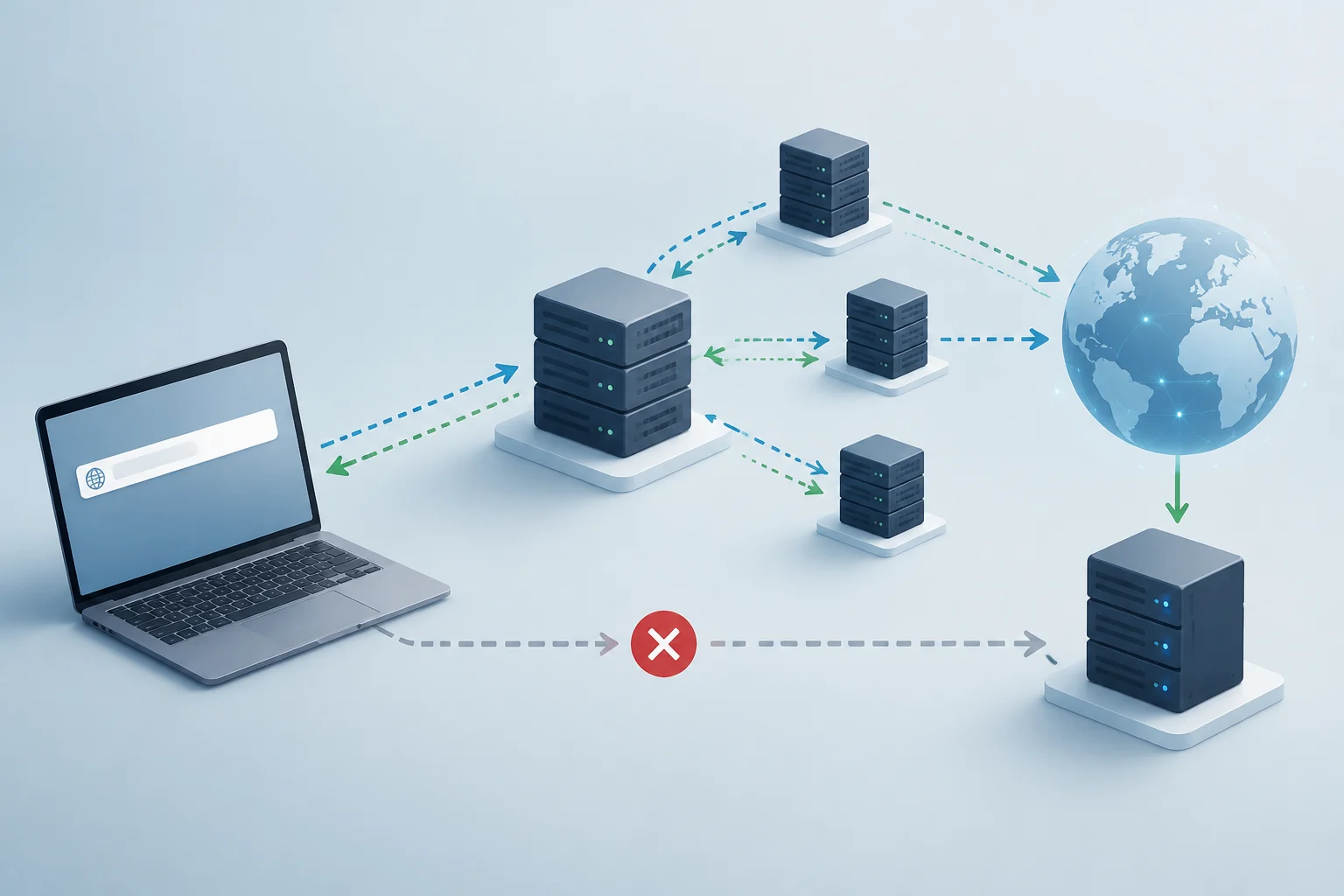
What happens before an HTTPS page loads
When you open an HTTPS page, the browser and the server need to agree on how to protect the communication before exchanging application data. This initial negotiation is known as the TLS handshake. It is not a password entered by the user; it is an automatic exchange of messages and cryptographic parameters.
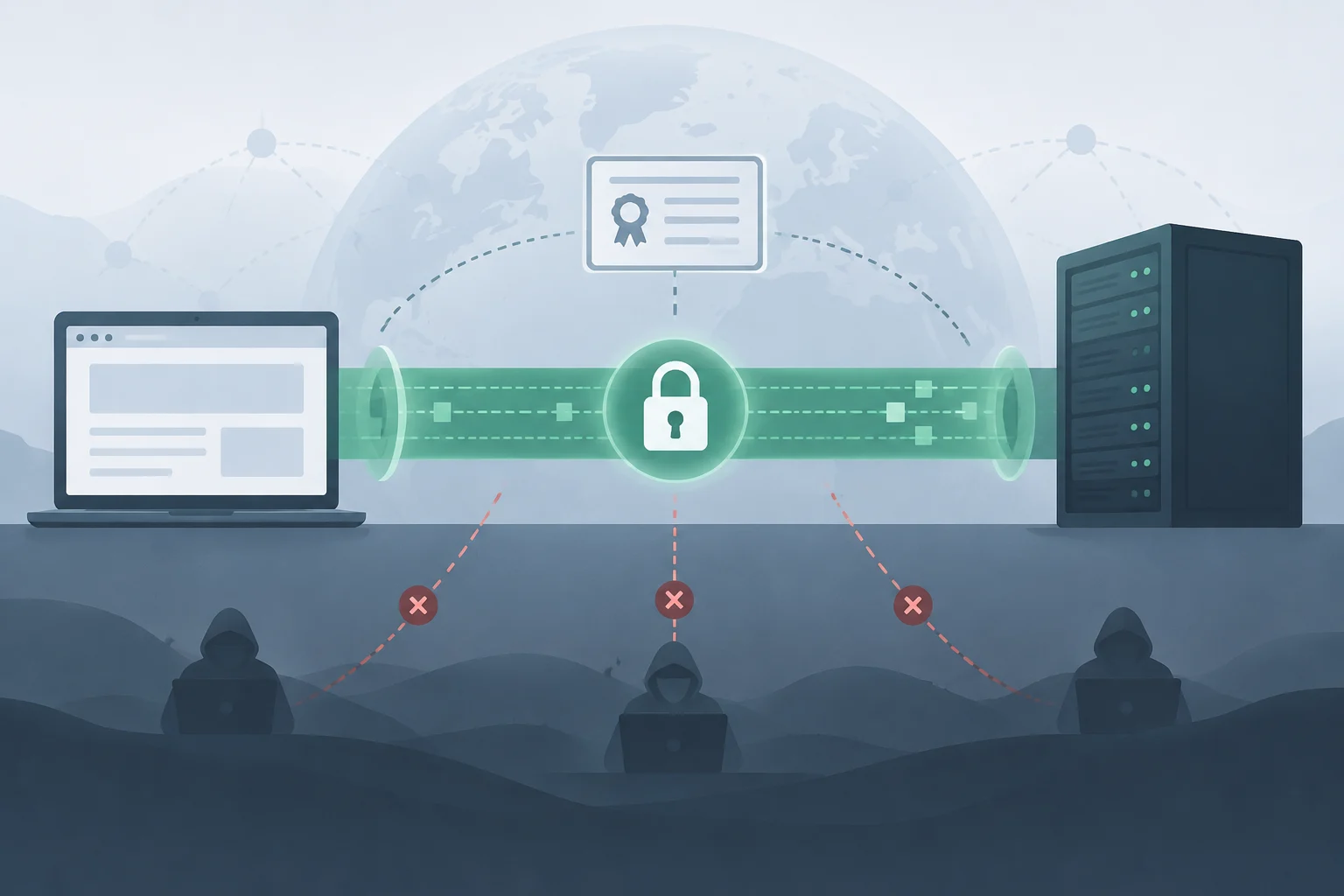
TLS protects data in transit through confidentiality and integrity, and it allows the server to be authenticated. The practical result is a channel where a network observer should not be able to read or silently modify the traffic. TLS does not encrypt information stored on devices or servers by itself, nor does it decide if the site's content is honest.
SSL is the name of the predecessor protocol, now obsolete; in current web connections, the relevant protocol is TLS. By habit, people still speak of "SSL certificates," but the certificate is a digital credential and TLS is the protocol that establishes and protects the connection. Certificate and protocol are distinct pieces: having one installed is not enough to demonstrate that the TLS configuration is well done.
How parameters and keys are negotiated
At the start, the client sends a ClientHello message with information about the options it supports, such as TLS versions, algorithms, and data for key exchange. The server responds by selecting compatible parameters. No arbitrary combination is chosen: both ends must agree on the options allowed by their implementations and configurations.
In TLS 1.3, the client can include a part of the ephemeral key exchange public key in the first message. The server selects the parameters, presents its certificate, and sends its corresponding part; both ends independently derive shared secrets and traffic keys. With ECDHE —ephemeral Diffie-Hellman over elliptic curves— the session secret key is not transmitted as data that a third party could copy: public values are exchanged that allow calculating the secret on both sides.
Symmetric encryption protects subsequent traffic because it is more suitable for processing large amounts of data than public key operations. TLS derives traffic keys to protect connection records; it is not advisable to describe the process as if the browser simply created a session key and handed it to the server. The exact design depends on the negotiated version and the agreed parameters.
TLS 1.3 reduced the ordinary establishment to one round trip (1-RTT), while TLS 1.2 usually needs two before starting the normal exchange of protected data. Session resumption with 0-RTT is a different option: it may allow sending data before completing a new round trip, but it has replay risks and is not indiscriminately appropriate for operations that do not tolerate duplicates. Lower latency does not mean all requests are safe for 0-RTT.
What the browser validates in the certificate
The server's certificate links an identity —usually a domain name— with a public key and contains a verifiable signature within a chain of trust. The client checks that the chain leads to a root authority it recognizes, that the certificate is within its validity period, and that the requested name matches the names covered by the certificate, usually in the SAN (Subject Alternative Name) field.
Validation is not just looking for a padlock. The browser performs automatic checks and can reject the connection if the certificate is expired, the name does not match, or the chain cannot be validated. Revocation checking also depends on client mechanisms and policies; one should not assume that a visual inspection of the icon exposes all the details of that process.
A valid certificate authenticates control of a domain according to applicable issuance rules; it does not certify that the business is legitimate, that the site is not fraudulent, or that the content is reliable. A deceptive site can also serve HTTPS for its own domain. The padlock indicates a protected connection with that server, not an approval of its practices or claims.
Usual web TLS authentication mainly verifies the server. Mutual authentication, or mTLS, is an additional configuration in which the client also presents a certificate to authenticate. It should not be confused with the normal operation of HTTPS, in which the user does not necessarily deliver a personal certificate.
What encryption and integrity protect, and what is left out
During a TLS connection, encryption makes it difficult for third parties on the route to read the protected content, and integrity allows detecting modifications of data in transit. Server authentication helps reduce the risk that the client establishes the connection with an impostor who does not control the certified identity. These protections apply to the connection path, not to all points through which data pass.
TLS does not necessarily hide all context information. For example, the server's IP address and other network metadata may still be visible; also, the server name may be exposed during establishment in configurations that do not use name protection mechanisms. It also does not prevent the site itself, a malicious extension, or a compromised device from accessing the data once they are decrypted at the endpoint.
An HTTPS connection also does not guarantee end-to-end encryption between two people. The server terminates the TLS connection and can read the data it receives to provide the service. Encrypted transport does not equal content inaccessible to the provider: for the latter goal, an end-to-end encryption design is needed in which the service does not control the decryption keys.
How to inspect a connection with OpenSSL
openssl s_client allows opening a TLS connection to a server and observing negotiation information, such as the selected protocol, cipher suite, and certificates presented. For a test domain, a basic check is:
openssl s_client -connect example.com:443 -servername example.com -showcerts
The -servername option sends the name via SNI, necessary when several sites share the same IP address. Without SNI, the server might respond with a default certificate that does not correspond to the domain being reviewed. Replace example.com with the name you administer or have permission to check.
The output is not a complete security verdict. Examine the negotiated protocol and cipher, the chain presented by the server, and the verification code. Verification may depend on the local OpenSSL installation's trust store; a correct result on one machine does not prove how all browsers or devices will behave.
To request a specific connection with TLS 1.3, if the local OpenSSL version allows it, add -tls1_3; for TLS 1.2, use -tls1_2. These options serve to check compatibility with a version, but a failed connection may be due to server policy, the network, or the local implementation. Do not change production configuration based on a single test.
In the browser, the site information panel allows reviewing the connection and certificate data, although the exact path depends on the browser and its version. For a practical review, check at least the covered name, the issuer, the validity, and whether the page loaded via HTTPS. Developer tools can also show security and request information, but they do not replace a server configuration review.
Configuration errors worth investigating
Handshake failures are symptoms, not diagnoses: they can appear when client and server do not share a version or cipher suite, when the certificate is not valid for the requested name, when an intermediate certificate is missing, or when there are SNI problems. An incorrect clock can also make a certificate appear not yet valid or already expired. Identifying the cause avoids "fixes" that remove protections.
In a web service, the administrator should maintain protocols and algorithms compatible with the clients they actually need, and remove obsolete options according to their security policy. TLS 1.3 reduces inherited cryptographic options; TLS 1.2 may still be necessary for compatibility, but its security depends on the specific parameter selection. It is not enough to activate a version without reviewing the complete configuration set.
A useful list for a first review is:
- Confirm that the requested domain appears in the certificate and that it is valid.
- Check if the necessary certificate chain is sent and if the server uses the correct certificate via SNI.
- Verify which TLS version and cipher suite are negotiated with representative clients.
- Investigate server logs and OpenSSL output before modifying policies.
- Avoid disabling certificate validation or reactivating obsolete protocols as a quick fix.
Do not disable validation to make a warning disappear. If the problem is an incomplete chain, an incorrect name, or an expired certificate, ignoring the check turns a visible error into a less reliable connection. The practical decision is to correct the cause on the server or client, not to blindly accept an identity that could not be verified.