
Practical definition and scope of the term
Local AI is a practical way to describe systems where an artificial intelligence model or function runs on the user's device or on infrastructure controlled by the user, their organization, or an administrator. The term does not by itself determine the model's size, who developed it, or whether the entire service operates offline.
There is no single technical definition of 'local AI' in available sources. Therefore, it is best used to discuss where processing occurs for a specific function, rather than treating it as a closed category with universal requirements. A phone processing a task and an organization's server can both fit this description, even if their resources and administration methods differ.
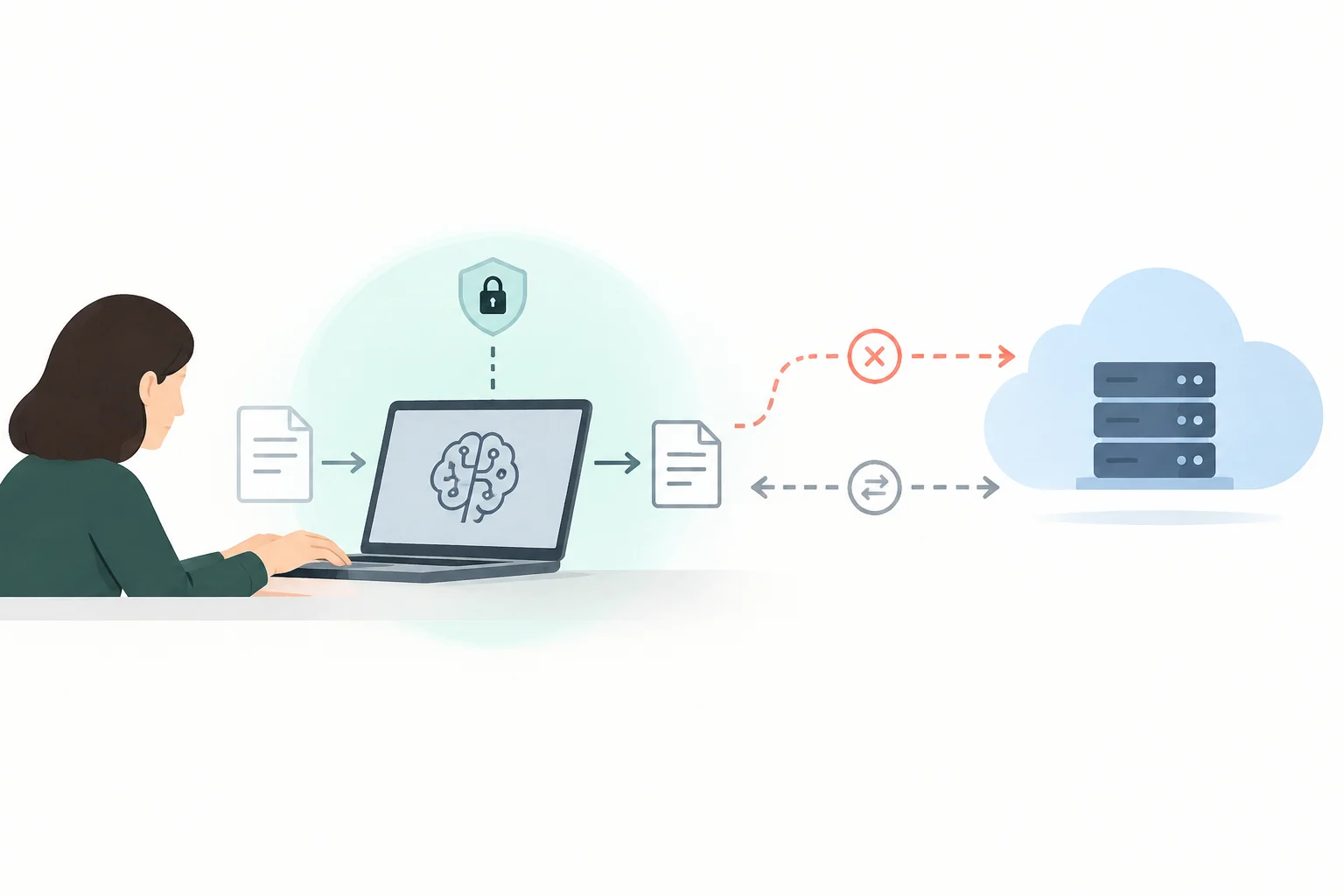
The basic difference from a cloud AI service lies in the location of the main calculation: in the former, it happens on the device or a local environment; in the latter, on the provider's remote infrastructure. This distinction does not imply that every component follows the same path. An application can process one operation locally while relying on remote services for other functions.
Thus, when evaluating a function, it is more precise to ask which part is processed locally than to label the entire application as local. Model download, authentication, updates, and auxiliary functions may still depend on a connection or external services. The word 'local' does not, by itself, prove that there is no data exchange with third parties.
How it works: model, inputs, and resources
In simple terms, the system needs the model available on the chosen device or server and must execute the corresponding operations for a request there. The CPU, GPU, and memory are part of the resources that may be involved. If the task is completed in that environment, the input does not need to be sent to a remote server for that processing; this does not exclude other communications related to the application.
The device must have sufficient resources to load the model and handle the task. Available memory is a significant limit, but not the only one: computing power, model format, and the executing application also count. It is not enough for the file to fit in storage; the system must be able to use it during inference.
Some examples illustrate the difference between installing a model and being able to run it. A secondary guide cites models of 12 billion parameters associated with about 7.6 GB and 27 billion associated with 18 GB. These are specific examples from that source, not universal requirements: real needs vary depending on the model, its format, configuration, and hardware.
Processing can occur on a personal computer or on a server administered by an organization. The latter may offer different resources than a mobile device, but 'local' does not automatically mean the user has exclusive control over the server. To understand the deployment, one must distinguish physical location, administration, and access: these are related issues, but not equivalent.
Local, on-device, offline, and self-hosted
These terms describe different aspects and can overlap. On-device AI usually indicates that calculation occurs on a mobile phone, computer, or other personal equipment. 'Local AI' can cover that case, but also a server within a locally administered network or infrastructure. 'Self-hosted' emphasizes who maintains or administers the system, not necessarily that it runs on the same device the person uses.
'Offline' describes a connectivity condition: the function can operate without internet access. It is not synonymous with 'local'. A model can run on the device and still need the internet to download, update, or access a complementary function. Conversely, a local network server can handle requests on that network even if client devices are connected to it.
The cloud refers here to processing performed on remote infrastructure managed by a provider. Configurations can be hybrid: one stage runs on the device and another is sent to a remote service. The table summarizes practical distinctions; they are not necessarily exclusive categories nor do they guarantee a specific privacy outcome by themselves.
| Configuration | Where main calculation occurs | Does it need internet? | What can be concluded about privacy |
|---|---|---|---|
| On-device AI | On the mobile phone or computer used by the person | Not necessarily for each task; download or additional functions may require connection | Locally processed input does not have to be sent for that operation; other communications must be checked |
| Self-hosted AI | On infrastructure administered by the person or organization, such as a private server | Depends on server access, updates, and associated services | Administration may be under own control; this does not prove the server or application is free of accesses or transfers |
| Cloud processing | On the provider's remote infrastructure | Connection is usually required to send requests and receive results | The request is processed outside the device; data policies and journey depend on the service |
| Hybrid configuration | A combination of device, local infrastructure, and remote services | Depends on the specific function | One must identify which data and stages pass through each environment |
Privacy, security, and connectivity
If a request is processed locally and not transmitted to another system, the exposure associated with sending that input to a remote provider may be reduced. This is a potential control advantage, not a general privacy guarantee. To know what happens in practice, one must check the data journey of each function, including stages before and after inference.
The term local also does not certify the security of the equipment. A device or server may be misconfigured, allow unauthorized access, or store data in ways the user does not expect. Protection depends on applied measures, who has access, and how logs, copies, and updates are managed. The location of calculation is only one piece of that evaluation.
Connection may still be necessary to obtain the model, update it, or use remote capabilities. Moreover, an application can combine local processing with requests to external services. Therefore, running locally does not equate to always running without a network. The useful question is which tasks can be completed offline and what data is transmitted when the connection is available again.
For sensitive information, it is not advisable to deduce privacy from a commercial label or an isolated setting. Look for provider explanations about what is processed on the device, what is sent to servers, how long it is retained, and which services are activated. If documentation does not allow answering this, that lack of detail limits what can be concluded; it does not, by itself, prove a transfer.
Possible applications and performance limits
Local processing can be relevant when one wants a task to be resolved close to the data or to reduce dependence on a remote service. Among the tasks usually considered are summarizing documents, transcribing content, or analyzing images. These are possible applications of the approach, not a guarantee that any local model can perform each task with adequate quality.
The choice depends on the task and the model, in addition to the hardware. A text-specialized model is not equivalent to one prepared to analyze images; two models of similar size do not necessarily respond the same way. For extensive documents, for example, the ability to handle context and how the application incorporates information matter. The size or name of the model is not enough to anticipate its utility.
On the device, memory and computing power limit which models can run and with what fluidity. Larger models may require more resources; available documentation does not allow offering a universal figure for speed, consumption, or quality for each type of equipment. The practical decision is to check the specific model's requirements and the application's compatibility, without assuming installation is sufficient.
There are also less visible operational costs: reserving space, obtaining new versions, and maintaining the environment. In an administered installation, these tasks fall on whoever maintains the infrastructure. In a remote service, part of that maintenance may correspond to the provider, although the user still depends on their service and connection. Control and convenience may imply different trade-offs, not a hierarchy valid for everyone.
How to check where a function is processed
Start with the provider's official documentation and look for an explanation referring to the specific function: on-device execution, remote processing, or hybrid modality. Also check if the function requires downloading a model, connecting to a server, or activating additional services. A general description of the application may not clarify the behavior of each capability.
Operating system permissions provide context about the accesses an application requests, but they do not by themselves identify the destination of data or where a model runs. In Android, for example, <uses-permission-sdk-23> allows declaring that a permission is required for installations on Android 6.0 (API level 23) or later. That declaration deals with permissions and compatibility, not with proving that AI runs locally.
It is also useful to check if a task remains available when the connection is disabled, but that result only informs about the need for a network in that circumstance. It does not by itself certify what data was transmitted before, if there are logs, or how other functions behave. Similarly, an 'on-device' indicator must be read together with documentation and the exact scope it refers to.
A short checklist helps avoid hasty conclusions:
- Identify the function and the model, not just the application name.
- Look for where inference runs and which operations use remote services.
- Review download, update, and connection requirements.
- Consult what data is stored, transmitted, or logged, and for how long.
- If the answer is not documented, consider the processing location unconfirmed, rather than inferring it from permissions or promotional messages.