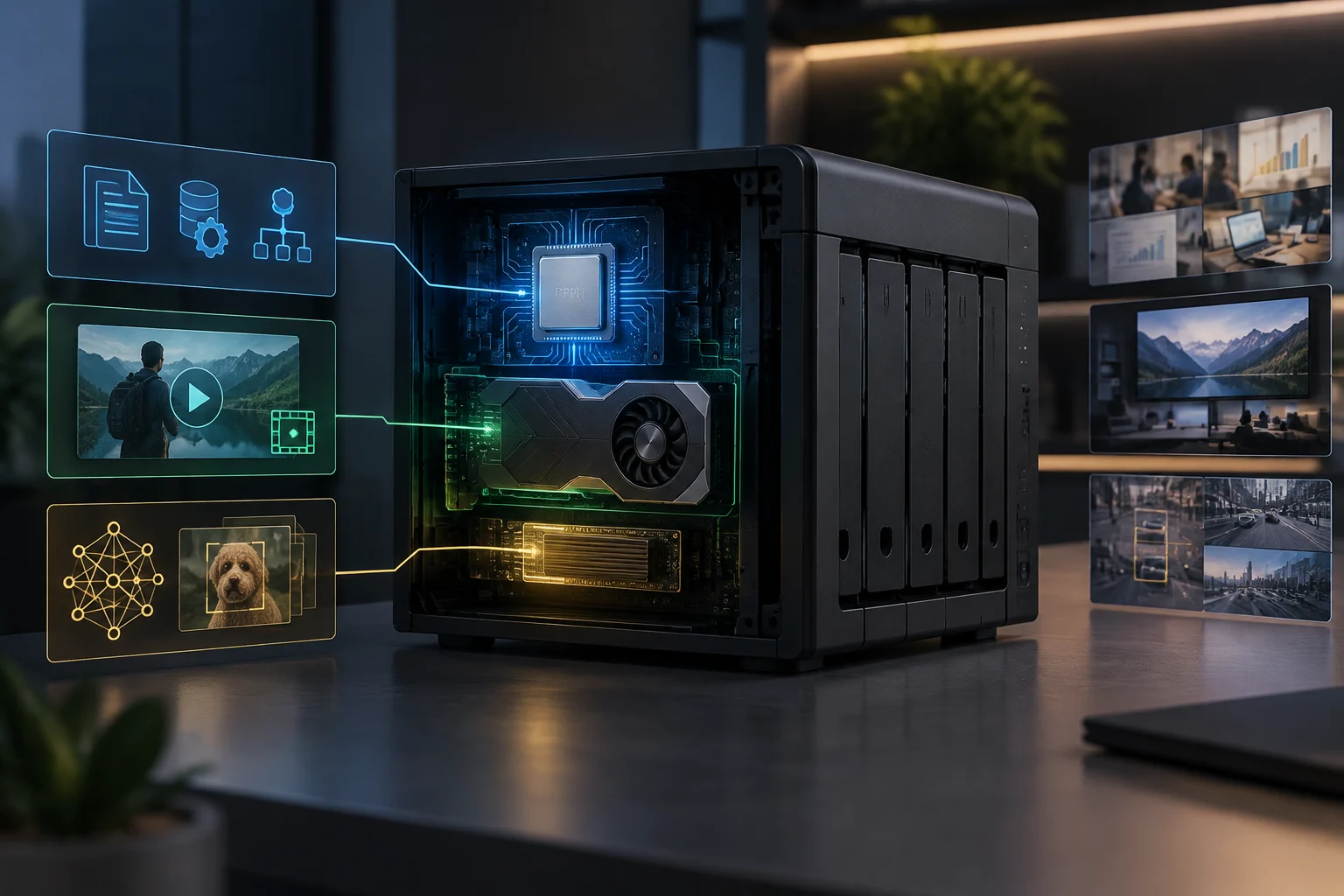
Scope: What a NAS Does and Where Complexity Arises
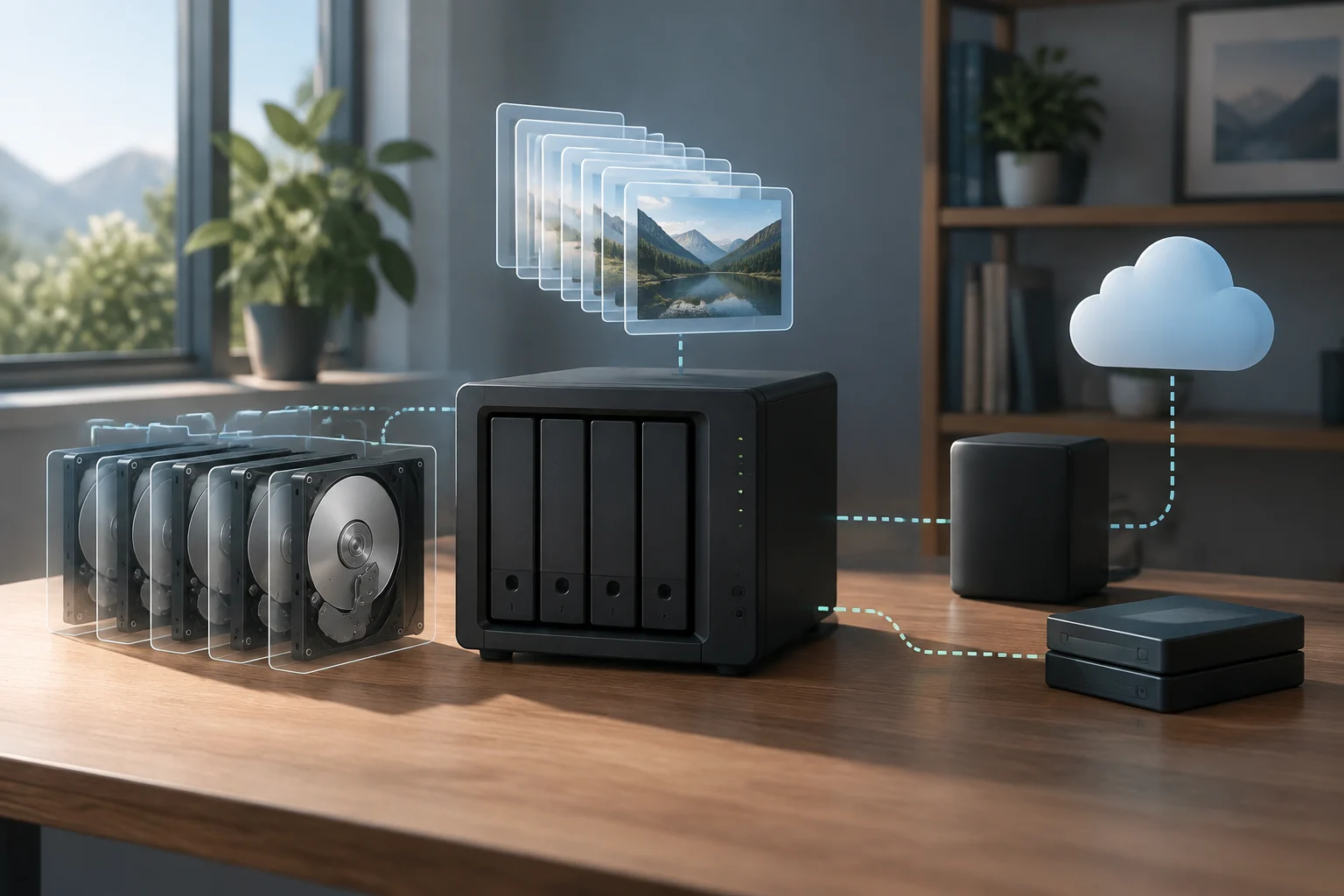
A NAS is, in essence, a file server that shares data through standard protocols such as SMB, NFS, or FTP. Most basic operations—copying, moving, or opening files—depend on network bandwidth and storage drive speed, not on the processor's computing power. In these routine tasks, the device functions primarily as a central data access point: it receives requests, locates files, and transmits them over the network. However, when running additional applications like media servers, virtualization, or databases, the workload changes radically, and the CPU can become the main bottleneck.
The key distinction lies in separating passive storage from active processing. In the former case, a mid-range NAS with a four-core CPU and 8 GB of RAM is more than sufficient for dozens of simultaneous users. This does not mean the figure is valid for any task combination: it describes a scenario focused on file sharing, not on running numerous demanding applications. In the latter case, each additional service consumes CPU and memory resources, which is where decisions about hardware acceleration begin to make sense.
Therefore, before comparing processors or graphics cards, it is advisable to identify the functions the device must perform. The specific workload determines which component may limit performance; the number of users, by itself, does not explain how much processing the system requires.
CPU in the NAS: Functions That Depend on the Processor
The CPU manages network service logic, data encryption, file compression, and the execution of containers or virtual machines. For a home or small office user, the most relevant metrics are the number of cores, clock frequency, and available RAM. A 6 to 8-core processor with 16 GB of RAM allows running several services simultaneously without degrading base storage performance, although the result will depend on active applications and the resources each requires.
Core count and frequency help describe processor capacity, but they do not replace the evaluation of intended use. Memory also counts: containers and virtual machines share resources with file services, so available RAM is part of the same decision. If the NAS is limited to basic operations, computing power may be secondary to storage and network connection.
It is important not to confuse brute power with efficiency. A NAS dedicated to file sharing does not need a high-end processor; what matters is stability under sustained load and thermal management. The ability to function for prolonged periods without heat affecting operation is especially pertinent in a 24/7 environment. Manufacturers like Synology or QNAP specify maximum consumption and operating temperatures in their technical sheets, data that should be consulted before choosing a model.
Integrated or Dedicated GPU: Distinguishing Video Acceleration from General Graphic Use
The idea that a GPU automatically improves any NAS is a common mistake. Graphic acceleration in a NAS has a very specific use case: real-time video transcoding. If the goal is to play multimedia content on devices that do not support the original format—for example, converting H.265 to H.264 for an older TV—a GPU with hardware decoding support can relieve the CPU load and allow multiple simultaneous streams. The utility depends, therefore, on the existence of a conversion task that the playback device requires.
Transcoding is not the same as directly playing a compatible file. If the receiving device supports the original format, it can receive the content without the NAS having to convert it during playback. In that scenario, the GPU provides no measurable benefit, and its presence does not in itself imply an improvement for storage or network operations.
Furthermore, not all GPUs are compatible with all NAS operating systems. QNAP, for example, allows configuring transcoding resources with GPU acceleration in QTS, but requires verifying that the graphics card is on the list of supported devices and that drivers are updated. The compatibility of the card, the system, and the application must be reviewed together: the fact that a component can perform the task does not guarantee that the NAS software will use it.
Accelerators and Network Processing: Clarifying Specific Functions
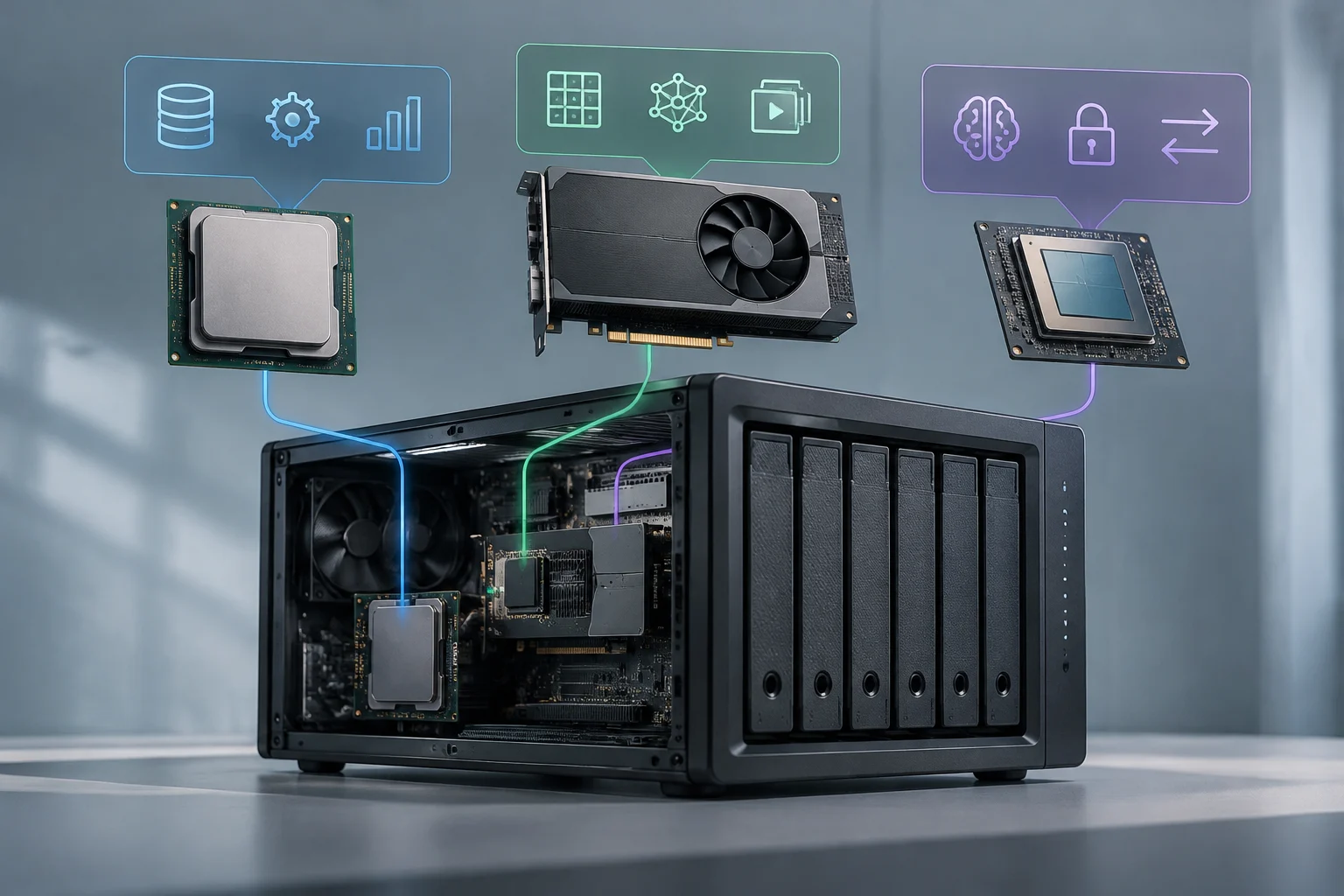
Terms like NPU, DPU, and GPU are often used interchangeably, but they perform distinct functions. An NPU (Neural Processing Unit) is designed for AI inference; a DPU (Data Processing Unit) accelerates network tasks like encryption or compression, and a GPU focuses on parallel floating-point operations. They are not equivalent components: each unit is oriented to a type of work, so their convenience depends on the applications actually to be run.
In a home or small office NAS, none of these units is strictly necessary unless specific AI or intensive data processing workloads are executed. The presence of an advanced function in the technical sheet does not mean it will be useful in all uses. For file sharing and routine tasks, the decision can be resolved without adding a dedicated accelerator.
Confusion arises because technical marketing often associates 'acceleration' with 'better performance', but in practice, adding an unused accelerator only increases energy consumption and system complexity. It also adds a component that must fit with existing hardware and software. The decision must start from a concrete list of applications to be run, not from the promise of more powerful hardware.
What to Verify in Official Documentation Before Buying
Before acquiring a NAS with a GPU or an additional accelerator, it is essential to consult the manufacturer's official documentation. In the case of Synology, DSM specifications detail supported protocols and hardware limitations. In QNAP, the transcoding configuration guide indicates how to enable GPU acceleration and which cards are compatible. Intel, for its part, publishes lists of processors compatible with Quick Sync Video, a video acceleration technology integrated in some chips. Documentation allows distinguishing between an announced function and one that can actually be configured in the chosen model.
The check should not be limited to confirming that a compatible GPU or processor exists. It is also necessary to verify that the operating system and the application used can access that capacity and that the required format is covered. Quick Sync Video, for example, is integrated in some Intel processors, not all; therefore, the processor family name is not enough to assume compatibility.
A practical verification includes: 1) Confirming that the target application (e.g., Plex, Emby, or Jellyfin) supports the specific GPU. 2) Verifying that the NAS operating system includes the necessary drivers. 3) Reviewing additional energy consumption and physical space available in the chassis. 4) Checking if acceleration is limited to certain video formats, such as H.264 or H.265, and not others like AV1 or HEVC in some implementations.
Each point answers a different condition: application compatibility, driver availability, physical and energy viability, and format support. Reviewing them before buying reduces the risk of acquiring a component that cannot be used for the intended task.
Independent Contrast and Conclusion: When the GPU Justifies Its Cost
Available evidence suggests that a GPU in a NAS is a situational improvement, not a universal one. For a user managing a large multimedia library and needing to transcode content for multiple devices simultaneously, a dedicated or integrated GPU with hardware support can reduce latency and allow more streams. The benefit corresponds to a specific load—converting video while playing—and depends on hardware and software compatibility. In that case, acceleration can respond to a real need.
For a user who only shares files, runs backups, or hosts a light database, investing in a GPU does not translate into a perceptible benefit. In these uses, adding it does not solve a non-existent transcoding demand, nor does it replace the importance of an adequate CPU, sufficient memory, or a capable network.
The practical decision should be based on a real load analysis: how many simultaneous streams are needed? What video formats are used? Are there AI or intensive data processing applications? If the answer to these questions is negative, a modern CPU with sufficient RAM and a 10 GbE network are much more cost-effective components than a GPU. The recommendation is not to maximize every specification, but to prioritize resources corresponding to the intended use.
Hardware over-dimensioning in a NAS is not only an unnecessary expense but can also complicate management and increase failure risk. The conclusion is conditional: a GPU can be justified if simultaneous transcoding is a need and compatibility is confirmed; for most other uses described, it is advisable to dedicate the budget to a modern CPU, sufficient RAM, and an adequate network.