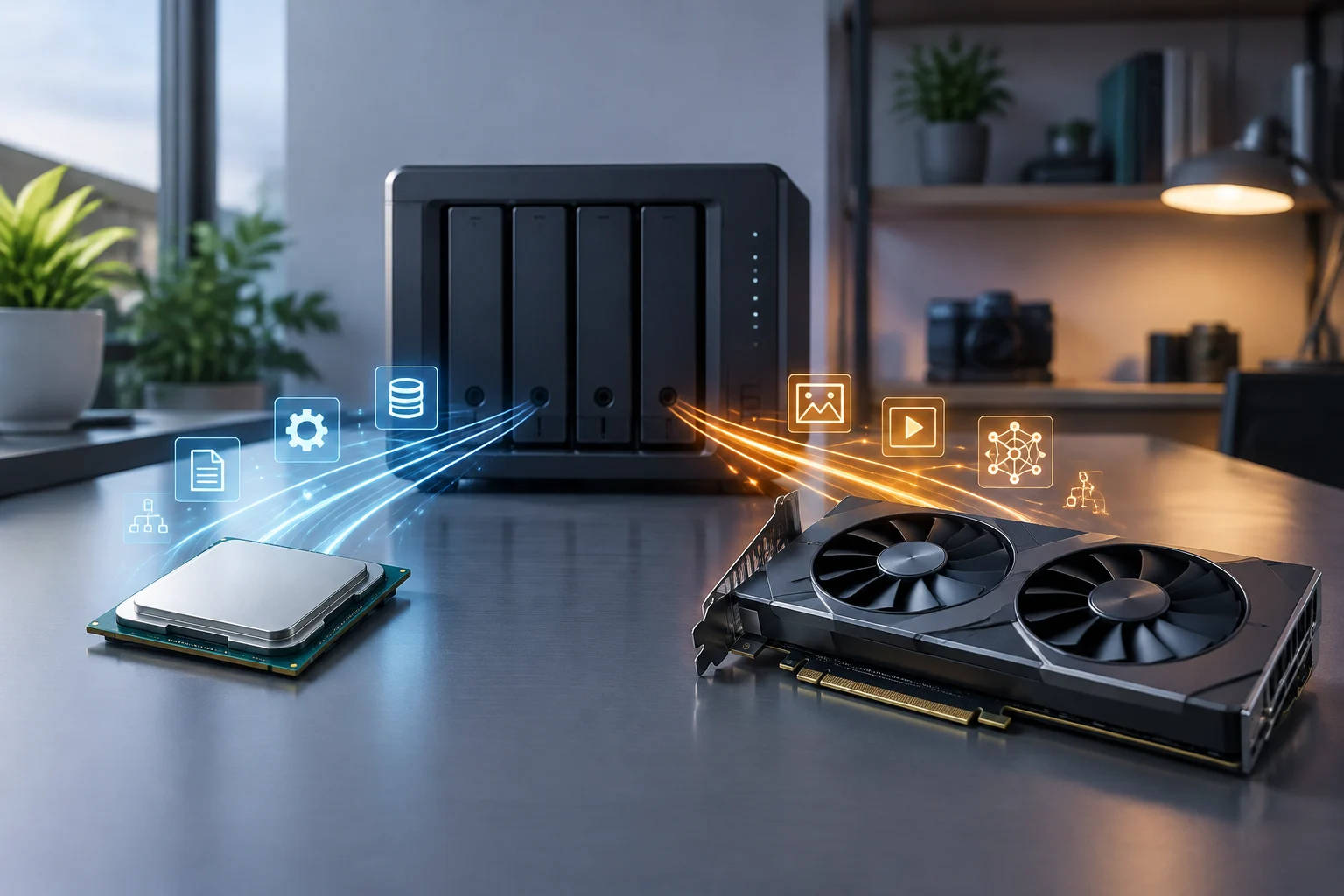
The practical difference between a CPU and a GPU
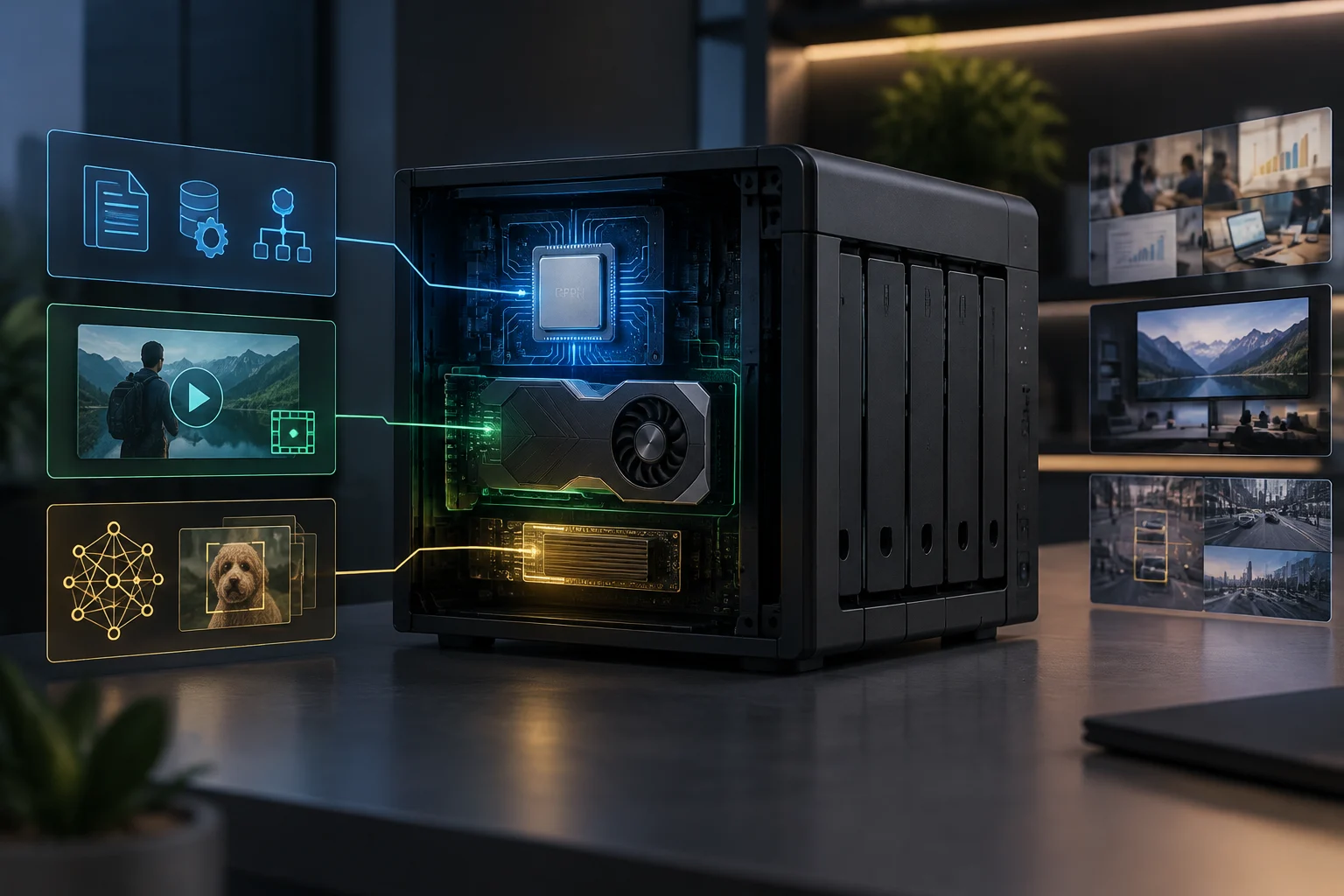
Choosing between a CPU and GPU for a NAS is not a matter of asking which is more powerful in the abstract. The CPU runs the operating system and coordinates general tasks; a GPU is designed to process certain calculations in parallel, including graphics, video and some machine-learning operations. The workload, not the processor label, determines which component matters.
A NAS is primarily a network-connected storage device: it receives requests, manages files and delivers them to other equipment. That work involves the processor, memory, drives and network connection. A GPU does not automatically speed up file reads or writes, nor can it compensate for a slow network, overloaded drives or an unsuitable storage configuration.
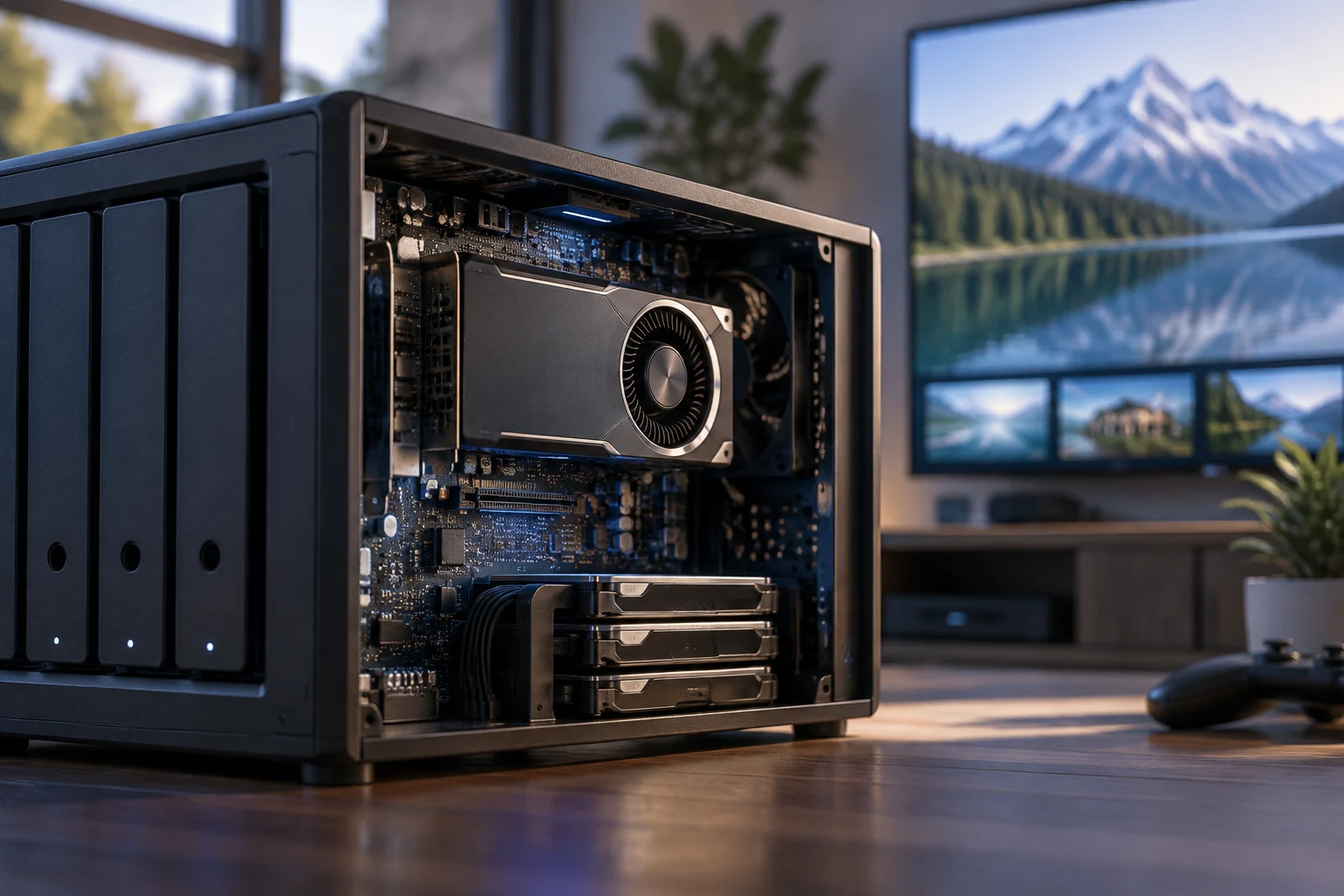
An integrated GPU is part of the processor or system-on-chip; a discrete GPU is a separate component. For the QNAP TS-1277, the manufacturer specifies three PCIe slots and support for certain graphics cards; compatibility depends on the card model and slot.
Files, backups and networking
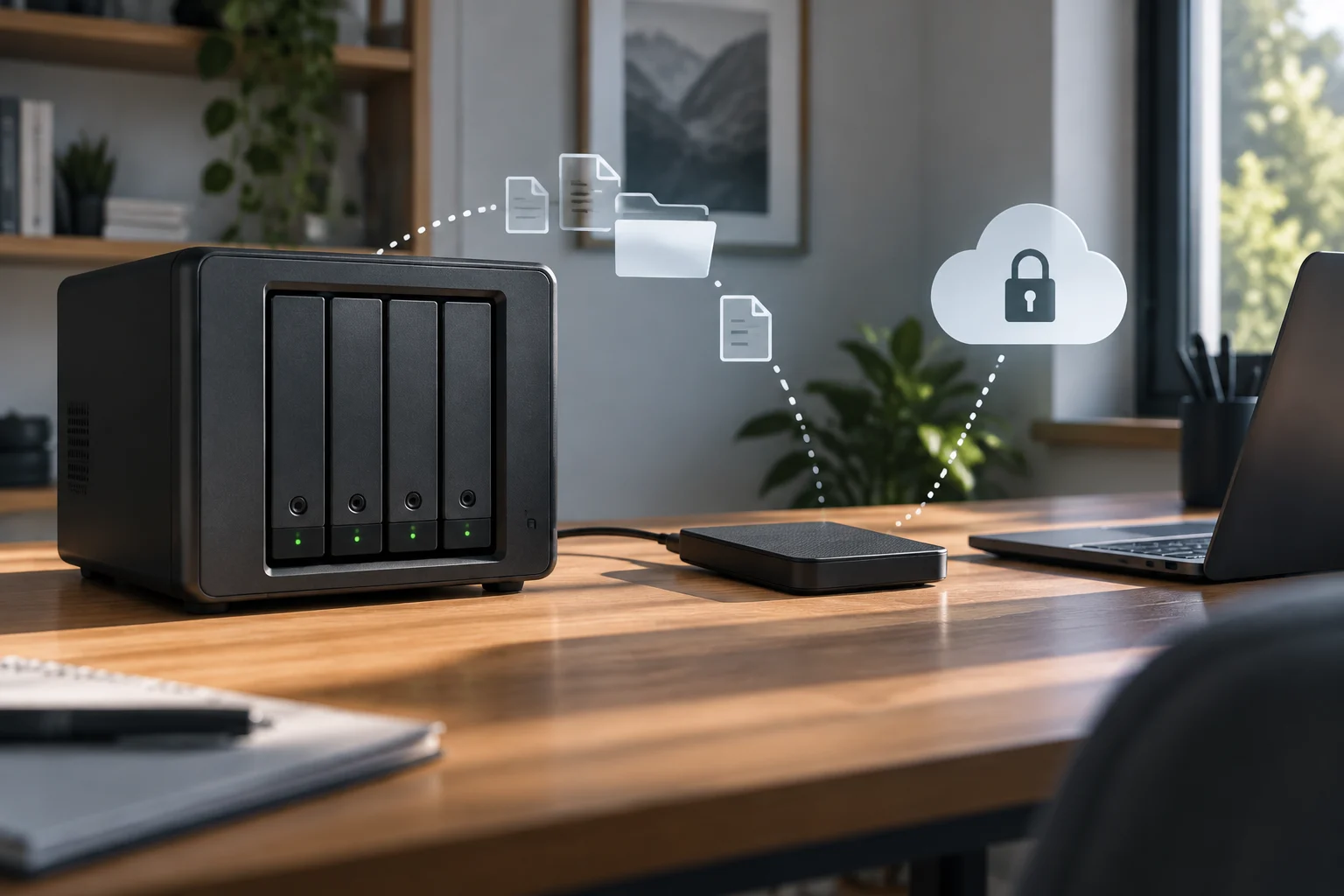
A NAS can be used to share files and make backups. The CPU processes system instructions and requests, while the device provides network-connected storage. Specific capabilities vary by model and software.
Network ports and adapters differ between models. For example, QNAP says the TS-1277 has four Gigabit Ethernet ports and supports 10 or 40 GbE network cards in its PCIe slots. Those specifications describe that particular model, not every NAS.
A GPU might be involved if the NAS runs an application that actually uses it, such as an image-analysis or media-processing service. That does not mean the GPU accelerates routine file tasks. For storage and backups, check drives, memory, networking and CPU capacity first; consider a GPU only if a specific application declares support for one and needs it.
Transcoding: distinguish playback from conversion
During media playback, content may be played directly or converted on the server. QNAP says the TS-1277 can use hardware-accelerated transcoding in QTS with compatible NVIDIA graphics cards. That capability applies to this model and configuration.
QNAP specifies that Virtualization Station on the TS-1277 can use AMD or NVIDIA graphics cards by passing them through to a virtual machine. According to the product page, QTS GPU compatibility is limited to NVIDIA cards. Check the specifications for the exact model and card.
QNAP notes that on the TS-1277, when Virtualization Station uses graphics cards, QTS temporarily stops hardware-accelerated transcoding, and vice versa. Those two functions cannot be used simultaneously in that configuration.
Before buying a GPU for a media server, identify what happens during actual playback: direct play, remuxing, audio conversion or video transcoding. Then check support for the exact model, application and system. If the client can play your files directly, prioritizing format and device compatibility may be more useful than increasing graphics capacity.
Virtual machines: system resources and GPU passthrough
TrueNAS documentation says each virtual machine receives some system memory and a zvol; while the VM is running, those resources are unavailable to the host and other virtual machines. To pass a GPU through to a VM, TrueNAS requires a GPU to be isolated for that purpose.
Using a GPU inside a virtual machine is a separate capability: TrueNAS says a GPU must first be isolated before it can be passed through to a VM. The specific setup depends on the system and device; TrueNAS documentation also describes assigning CPU and memory to virtual machines.
Capabilities vary by product. For some models in its range, QNAP says certain graphics cards can improve image processing or virtual-machine performance through GPU passthrough, but it also sets limits on cards, slots and simultaneous use. On the TS-1277, for example, using graphics cards in Virtualization Station temporarily suspends QTS hardware transcoding, and vice versa. A GPU shared between functions can force a choice about which workload to prioritize.
When comparing NAS devices for virtualization, check that the hypervisor supports the model, the maximum memory capacity, CPU allocation and device-passthrough support. Also review slot and power limits. Do not assume that the behavior of one QNAP model or TrueNAS version applies to another NAS or software version.
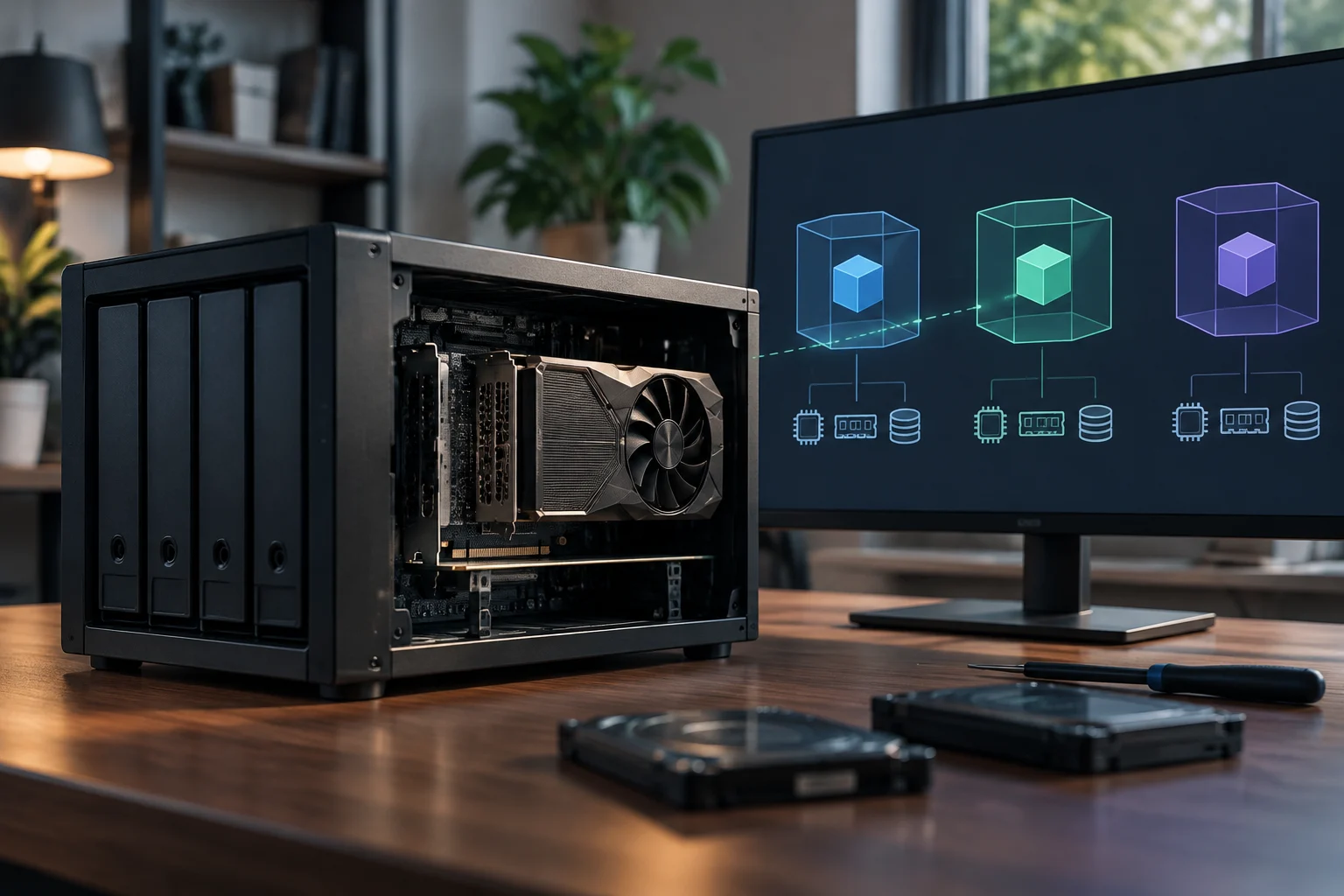
Local AI: computing power does not guarantee compatibility
GPUs can help with certain AI operations because they process large sets of calculations in parallel. This can matter both for model training and inference, although suitability depends on model size and workload. A CPU can also run some AI tasks; the practical difference comes down to time, resources and the support available for the chosen model and software.
With a NAS, the question is not only whether a graphics card can be installed. Check that the application supports the device, that the operating system has compatible drivers and libraries, and that GPU memory is sufficient for the model and its working context. The PCIe connection, power draw, cooling and available space also constrain which card can be installed.
QNAP describes GPU use and its QuAI package on certain compatible NAS models. To check a specific setup, consult the model specifications and compatibility list. The word “AI” in a product listing does not replace checking the exact application and GPU.
If the goal is to run models locally, first determine whether you need inference, training or image processing, which software you will use and which model you plan to load. Then check its GPU and memory requirements against NAS support.
A comparison based on real workloads
To compare NAS devices, gather the exact model and variant, operating-system version and applications you want to run. For each task, check the resources it requires and the product’s compatibility.
A checking sequence helps compare a feature’s requirements with those of the NAS before you choose:
- Define the workload: files and backups, direct playback, transcoding, VMs or local AI.
- Identify the resources required for the task you want to run.
- Check the exact model: slots, card dimensions, power supply, cooling and maximum memory.
- Verify the software path: operating system, drivers, application, codecs or hypervisor.
- Review the stated limitations for the functions you want to use.
- Test with a representative workload: the files, clients and applications you actually need.
A product page and each manufacturer’s compatibility list can specify supported devices and functions. Check the exact model and version, as well as the card and application you intend to use, before choosing a NAS.
Which workloads need which components
For storing and sharing files, compare the CPU, memory, drive and networking capabilities of the models you are considering. For media, check whether clients can play formats directly; if transcoding is needed, verify hardware support in the application and the exact NAS model.
For virtualization, start with the CPU and the memory available to the host and virtual machines. A GPU is a purchasing requirement only if a VM or application needs direct access to one and the product supports that passthrough. For local AI, assess the workload, model, graphics memory and software support before considering a card.
The right choice depends on the tasks you expect to run: a GPU can help with parallel calculations, including some AI workloads, when the hardware and software are compatible. Check each application’s requirements and the NAS model’s compatibility before choosing its components.
Match the NAS workload to the hardware
A quick reference to the component or compatibility check that matters most for common NAS tasks.
| Files and backups | CPU, memory, drives and network |
|---|---|
| Transcoding | Verify model and software support |
| Virtualization | CPU and memory; GPU passthrough is separate |
| Local AI | Check software, compatibility and GPU memory |
GPU support depends on the NAS model, operating system, application and compatible card; this is not a performance benchmark.