The Adoption Context: From CPU-Only to Hybrid Acceleration
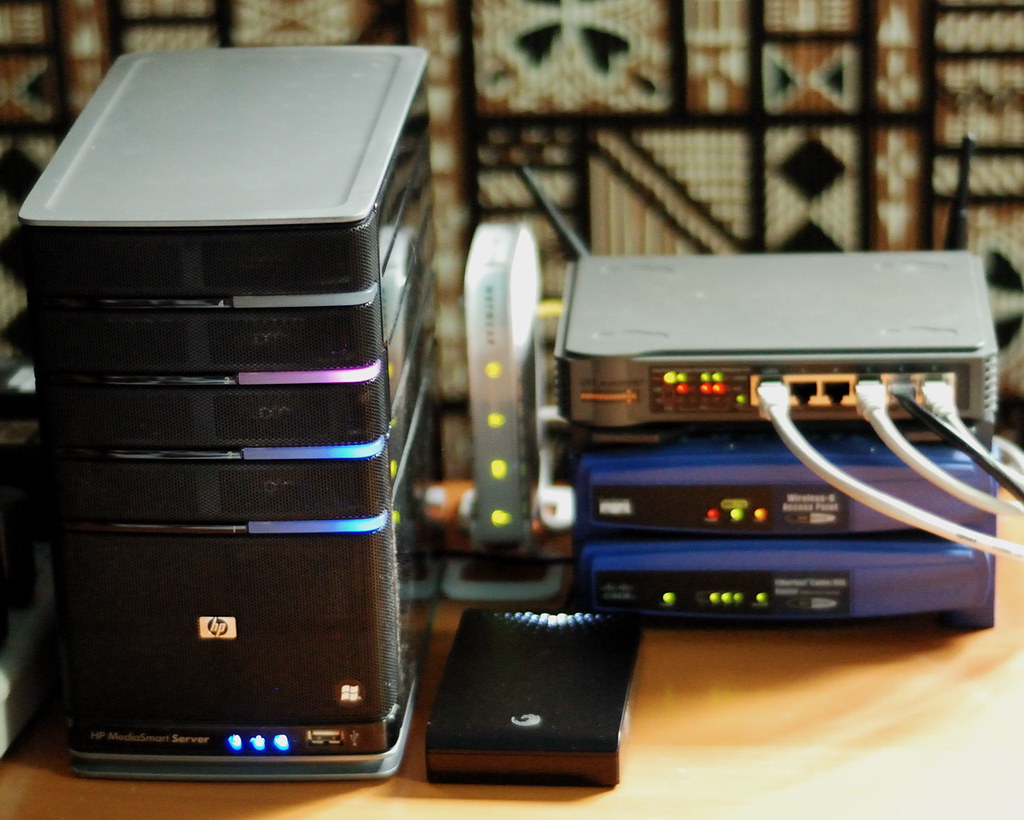
For years, home NAS devices were designed around low-power processors that prioritized energy efficiency over raw performance. The traditional architecture relied exclusively on the CPU to manage the operating system, networking, and video transcoding tasks. However, the proliferation of 4K content and the growing interest in local artificial intelligence have changed this equation, introducing the need for dedicated graphics acceleration even in consumer-grade equipment.
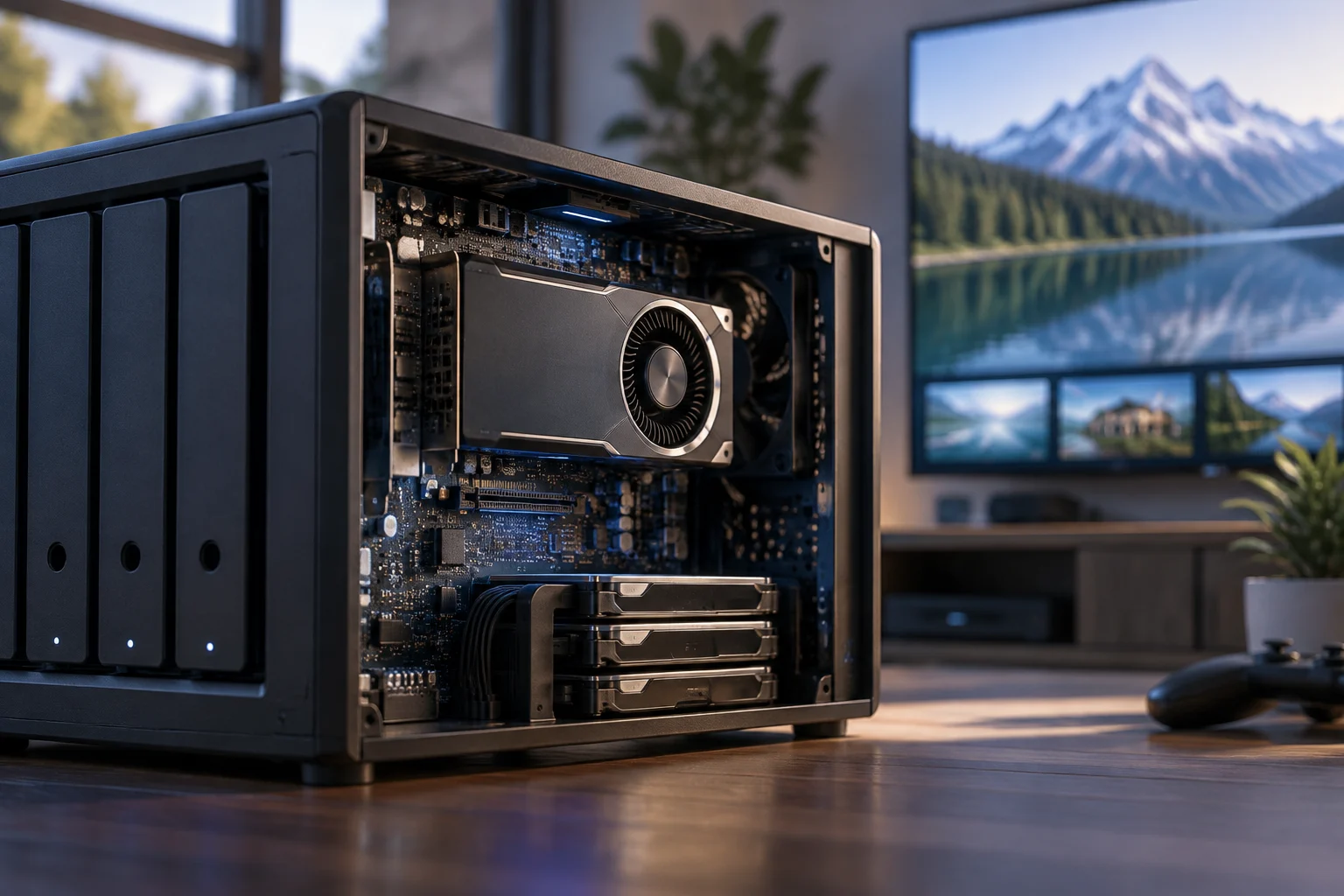
The transition is not uniform. While data center servers integrate high-consumption discrete GPUs for intensive workloads, the home sector has opted for GPUs integrated into the SoC or low-profile expansion cards. This distinction is crucial: an integrated GPU shares resources with the CPU and does not add significant energy consumption, whereas a discrete GPU can double or triple the equipment's power demand. For the end user, this difference determines whether the device remains viable for continuous 24/7 operation or becomes an unsustainable electrical expense.
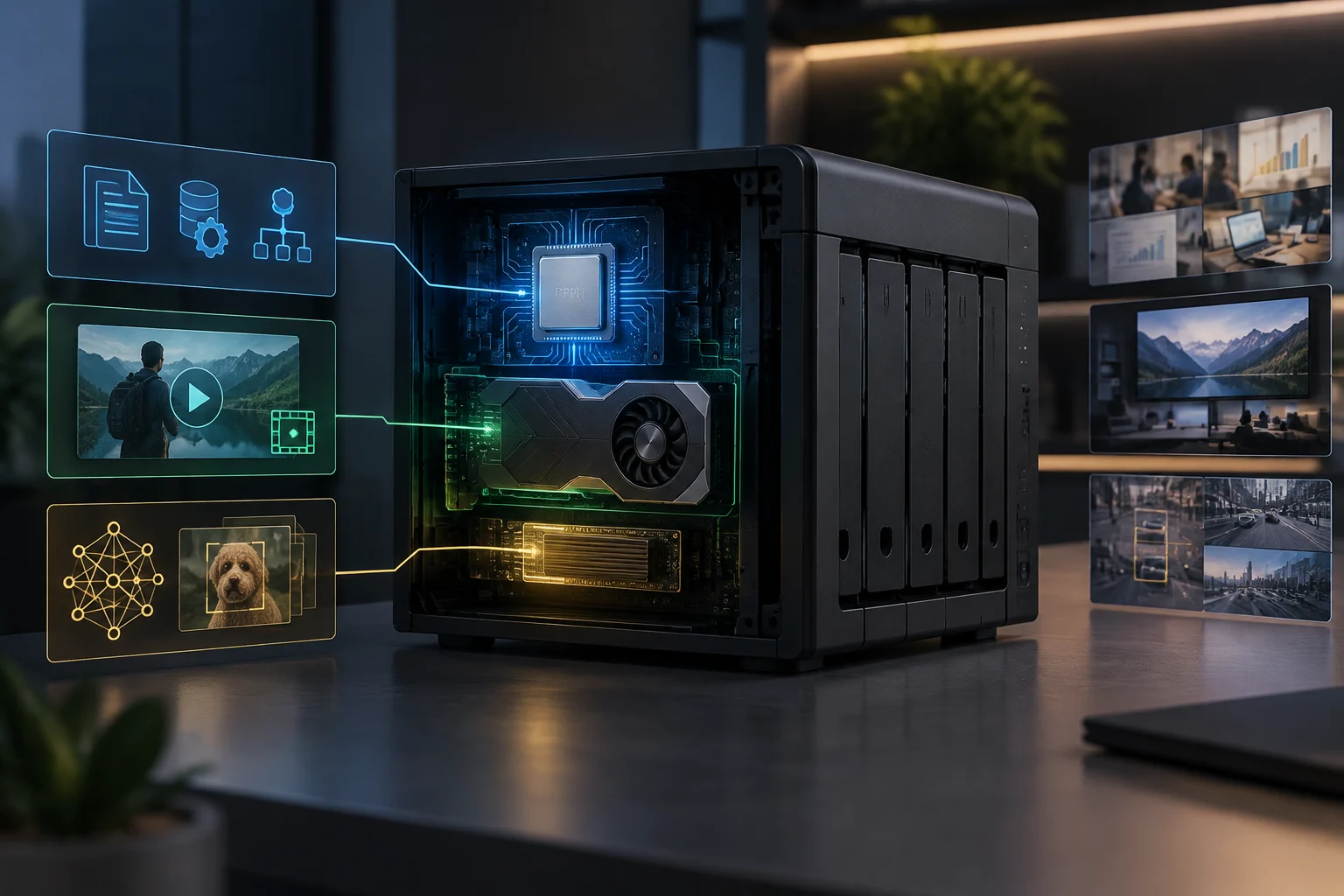
The current market presents a clear bifurcation. On one hand, entry-level models like the ASUSTOR Drivestor Gen2 series incorporate integrated graphics to improve 4K decoding without drastically increasing cost. On the other hand, manufacturers like QNAP offer models with support for PCIe cards that allow adding discrete GPUs for more complex tasks. This duality reflects the reality of the user: most need smooth transcoding, not inference of large language models.
Impact on Energy Efficiency: The Real Cost of Performance
Energy consumption is the determining factor in the viability of a home NAS. A typical unit consumes between 20 and 60 watts in normal operation, which translates to a moderate monthly cost. The incorporation of an integrated GPU in the processor, such as those found in Realtek or AMD Ryzen Embedded chips, adds a marginal energy overhead, generally less than 10% of total consumption. This allows maintaining the equipment's efficiency while improving multimedia processing capabilities.
The situation changes radically when a discrete expansion GPU is installed. These components can consume between 75 and 300 additional watts under load, depending on the model. In a home environment, this implies a significant increase in the electricity bill and greater heat generation that requires more aggressive cooling. For most users who only perform backups and basic streaming, this energy overhead is not justified by the performance gained.
It is fundamental to distinguish between idle consumption and consumption under load. A NAS with an integrated GPU can maintain a low idle consumption of 15-20 W, while under transcoding load it can reach 40-50 W. In contrast, a unit with a discrete GPU can exceed 100 W under AI load. This difference is critical for those seeking to minimize the carbon footprint and long-term operational costs. The choice should be based on real usage, not on theoretical maximum specifications.
Performance in Transcoding and Streaming: The Main Use Case
The most tangible benefit of a GPU in a home NAS is real-time video transcoding. Modern codecs like H.265 and AV1 require intensive processing that low-power CPUs cannot efficiently manage when multiple simultaneous streams are performed. An integrated GPU accelerates these processes, allowing the equipment to offer smooth 4K playback without degrading the performance of the operating system or other tasks.
Models like the ASUSTOR Drivestor 4 Gen2 stand out for their ability to handle simultaneous 4K streams thanks to their integrated GPU. This is especially relevant for users who use the NAS as a multimedia hub for several devices in the home. Without graphics acceleration, the CPU would have to dedicate itself exclusively to transcoding, limiting the capacity to perform other tasks such as backups or photo indexing.
However, it is important to note that transcoding is not the only task that benefits. Decoding acceleration also improves the experience of viewing photos and videos in mobile applications. The GPU allows processing to be done more efficiently, reducing latency and improving interface fluidity. For the average user, this improvement is perceptible but not transformative; the difference between a NAS with and without an integrated GPU in basic streaming tasks is minimal.
Viability for Local AI: Expectations vs. Reality
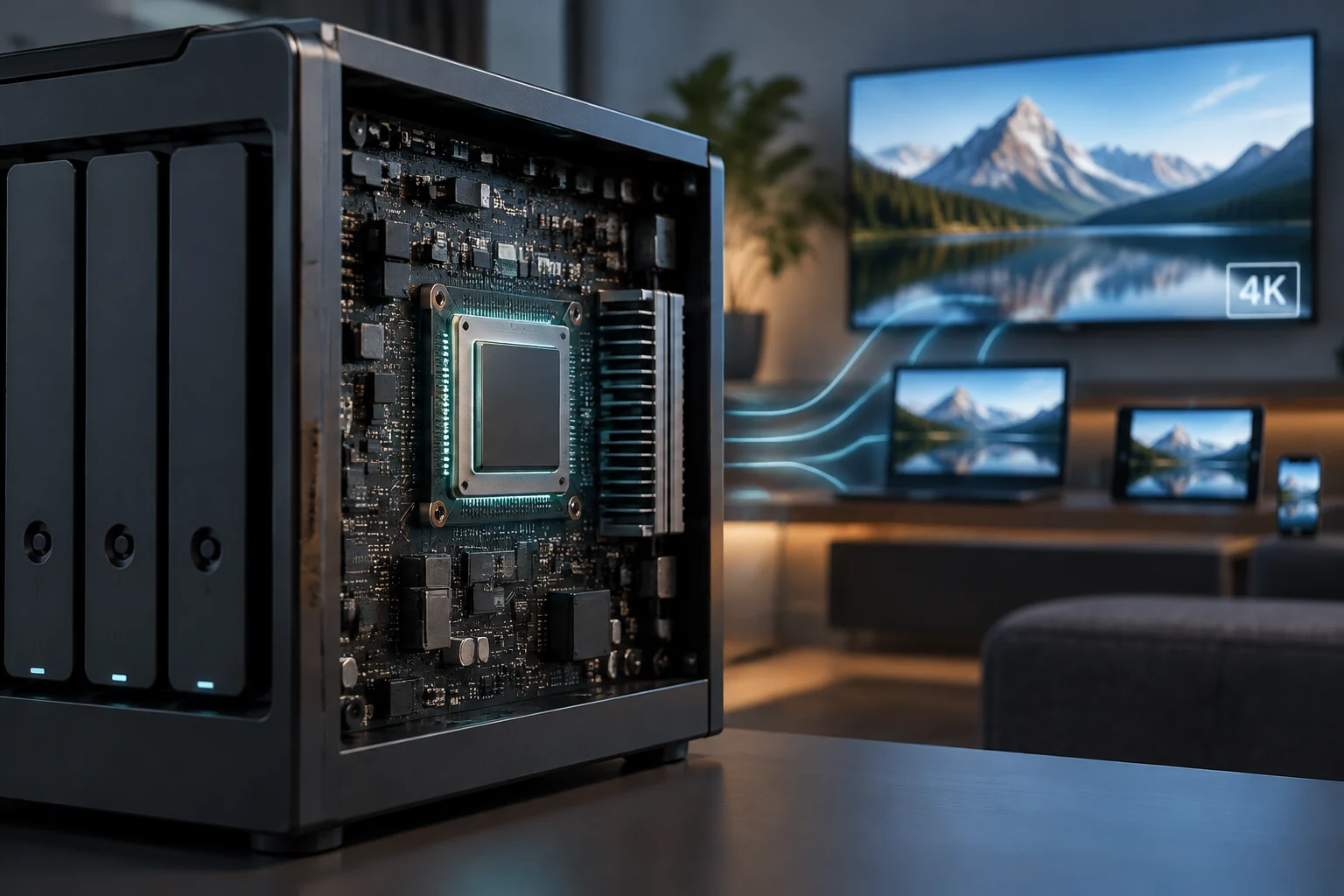
Interest in local artificial intelligence has driven demand for GPUs in NAS, but expectations often exceed reality. Large language models (LLMs) and image generation tools require massive computing capacity that the integrated GPUs of a home NAS cannot provide. To efficiently run models like Llama 3 or Stable Diffusion, high-end discrete GPUs with large amounts of VRAM are needed, something that exceeds the budget and cooling capacity of most home equipment.
Manufacturers like QNAP have responded to this demand with specific products like the QAI-h1290FX, which integrates NVIDIA RTX Pro GPUs and AMD EPYC server processors. These units are designed for enterprises that need local LLM inference and private RAG search, not for home users. The price and energy consumption of these systems place them out of reach for most households, where a NAS with an integrated GPU is a more suitable solution for light AI tasks.
For the home user, local AI is limited to tasks such as photo classification by content, facial recognition, or audio transcription. These tasks can be efficiently executed with an integrated GPU or even with the CPU alone, depending on the complexity of the model. Investing in a discrete GPU for these purposes is rarely justifiable, as the additional performance does not translate into a significant improvement in user experience for most home applications.
Practical Decisions: When to Buy a NAS with a GPU
The decision to buy a NAS with an integrated GPU should be based on a clear analysis of the user's needs. If the main use is 4K video streaming to multiple devices, the integrated GPU offers a tangible benefit in terms of fluidity and multitasking capacity. In this case, models like the Drivestor Gen2 series or similar from other brands are a reasonable option, as the energy overhead is minimal and the improved performance is perceptible.
Conversely, if the goal is to run complex AI models locally, a home NAS with an integrated GPU is not the right solution. In this case, it is necessary to consider dedicated edge AI servers or desktop units with high-end discrete GPUs. Investing in a NAS with a discrete GPU for this purpose is not recommended due to energy, cooling, and maintenance costs, which far exceed the benefits for most users.
For most home users, a NAS with a low-power CPU and no dedicated GPU remains the most efficient and economical option. Backup tasks, file synchronization, and basic streaming are perfectly managed with the CPU alone. The integrated GPU is only justified if high-resolution video transcoding is prioritized or if the ability to run light AI applications in the future is desired. The key is not to pay for performance that will not be used.