AR, MR, and VR: Three Experiences That Do Not Solve the Same Problem
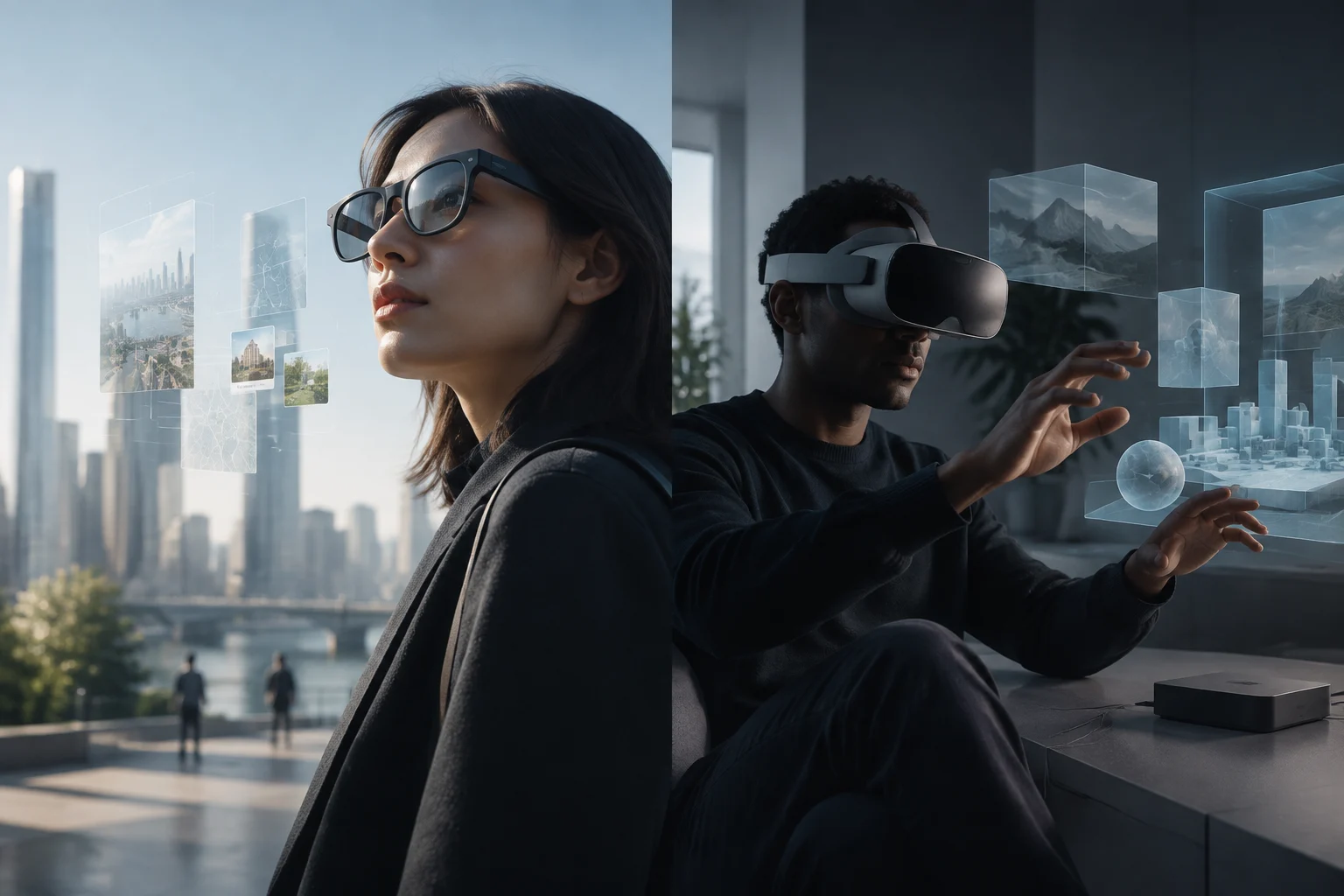
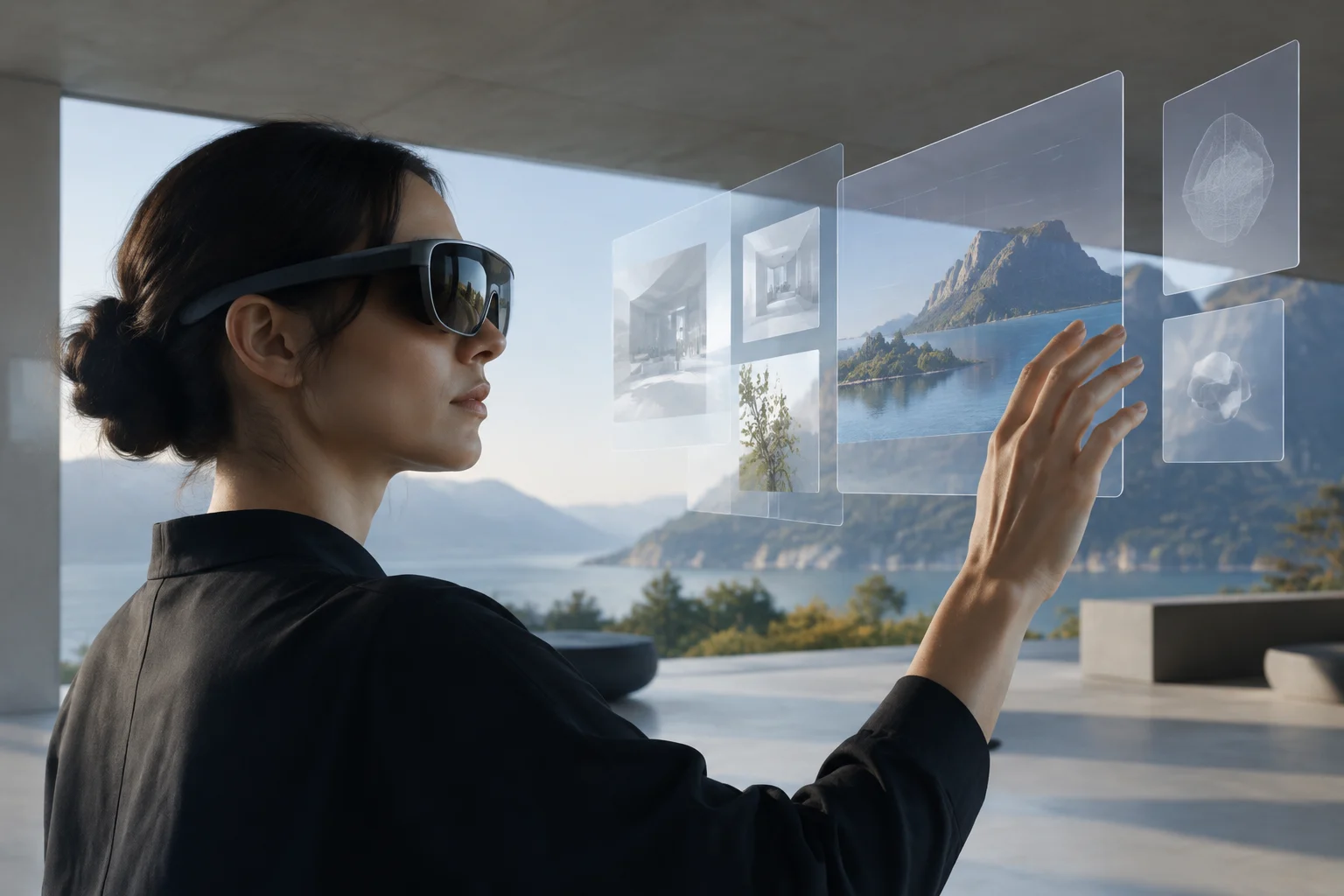
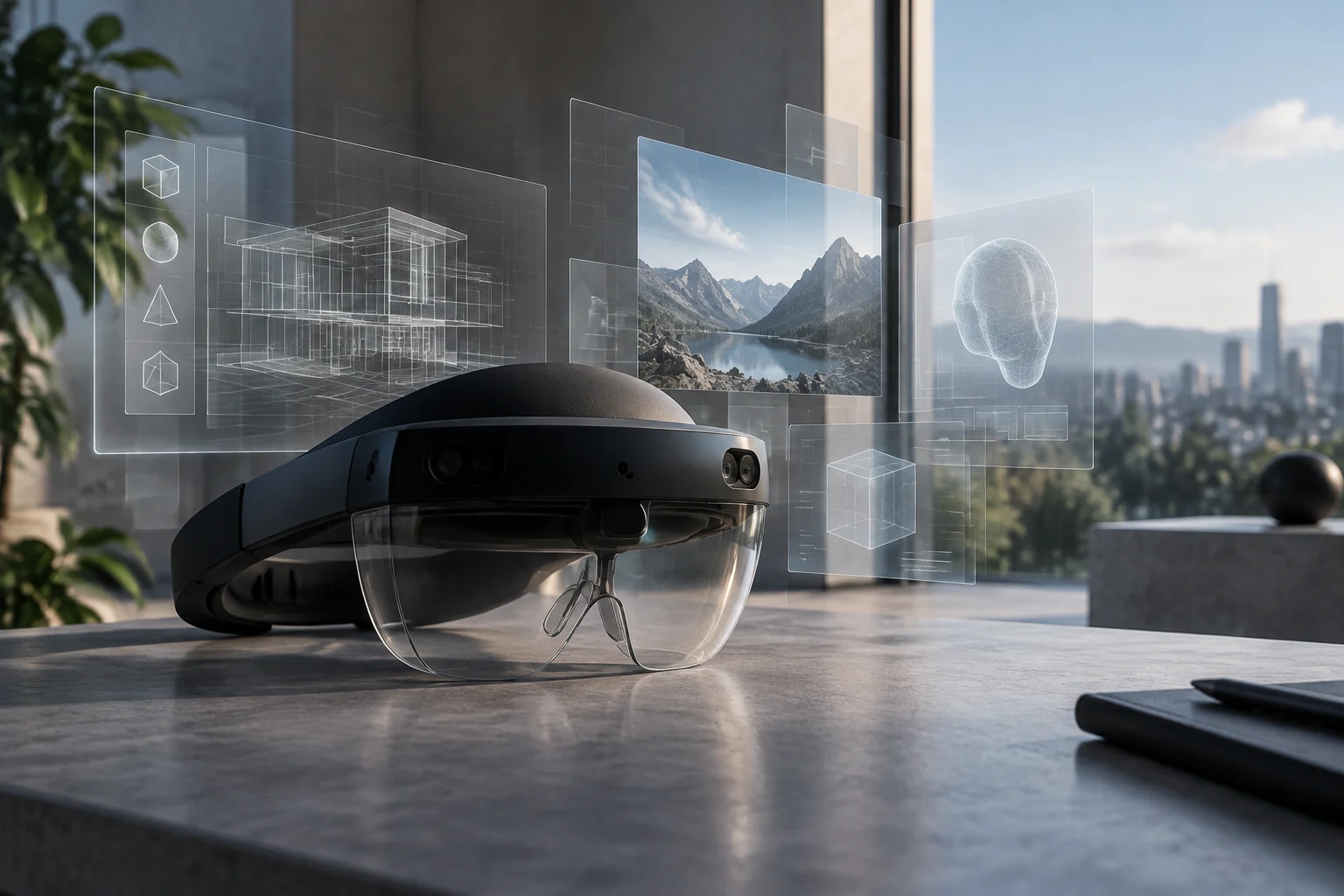
The label extended reality (XR) groups distinct technologies. In augmented reality (AR), the user retains sight of the real environment and receives superimposed digital information; in virtual reality (VR), the device replaces the visual environment with a digitally generated one. Mixed reality (MR) combines physical space with virtual objects that can remain anchored to places or surfaces. In the market, commercial boundaries between these categories are not always clear: it is advisable to evaluate the display mode and effective interaction, not just the name on the spec sheet.
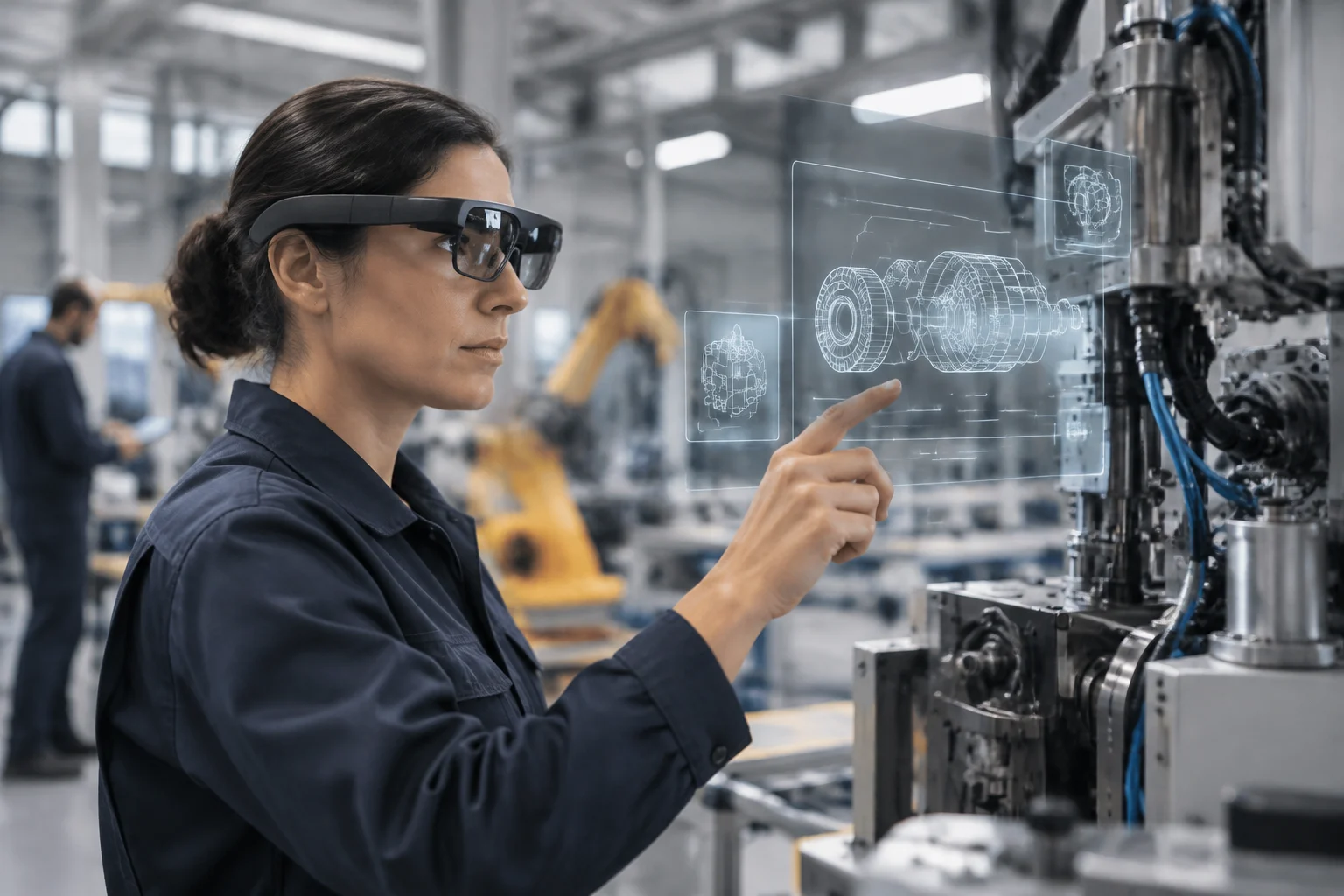
The difference has operational consequences. Glasses that display a virtual screen connected via USB-C can serve as a private monitor, but they do not necessarily recognize surfaces or anchor instructions to machinery. A VR headset with passthrough cameras can show the environment in video and add digital objects, but this does not equate to transparent optics. For hands-free industrial assistance, the requirement is usually interaction with space and the ability to consult instructions while observing equipment; for immersive training, a headset that obscures the real environment may be more useful.
There is no winning category in the abstract: the appropriate technology depends on whether the worker needs to see the physical environment, enter a simulation, or consult a floating screen. In museums, training, and design, the choice must start from the specific task; for example, reconstructing a vanished space favors VR, while adding contextual information about a real piece may fit better with AR.
What 'AR Glasses' Can Mean in a Professional Purchase
In a commercial offer, 'AR glasses' can describe very different products. One group is personal screen glasses, which project one or more virtual screens and often rely on a phone, computer, or other device. Another consists of smart glasses focused on audio, camera, or notifications, which may not have a screen. At the higher-capacity end are spatial devices with cameras or sensors, environment tracking, and tools to place digital content in space. One should not assume that a feature from one group is present in the others.
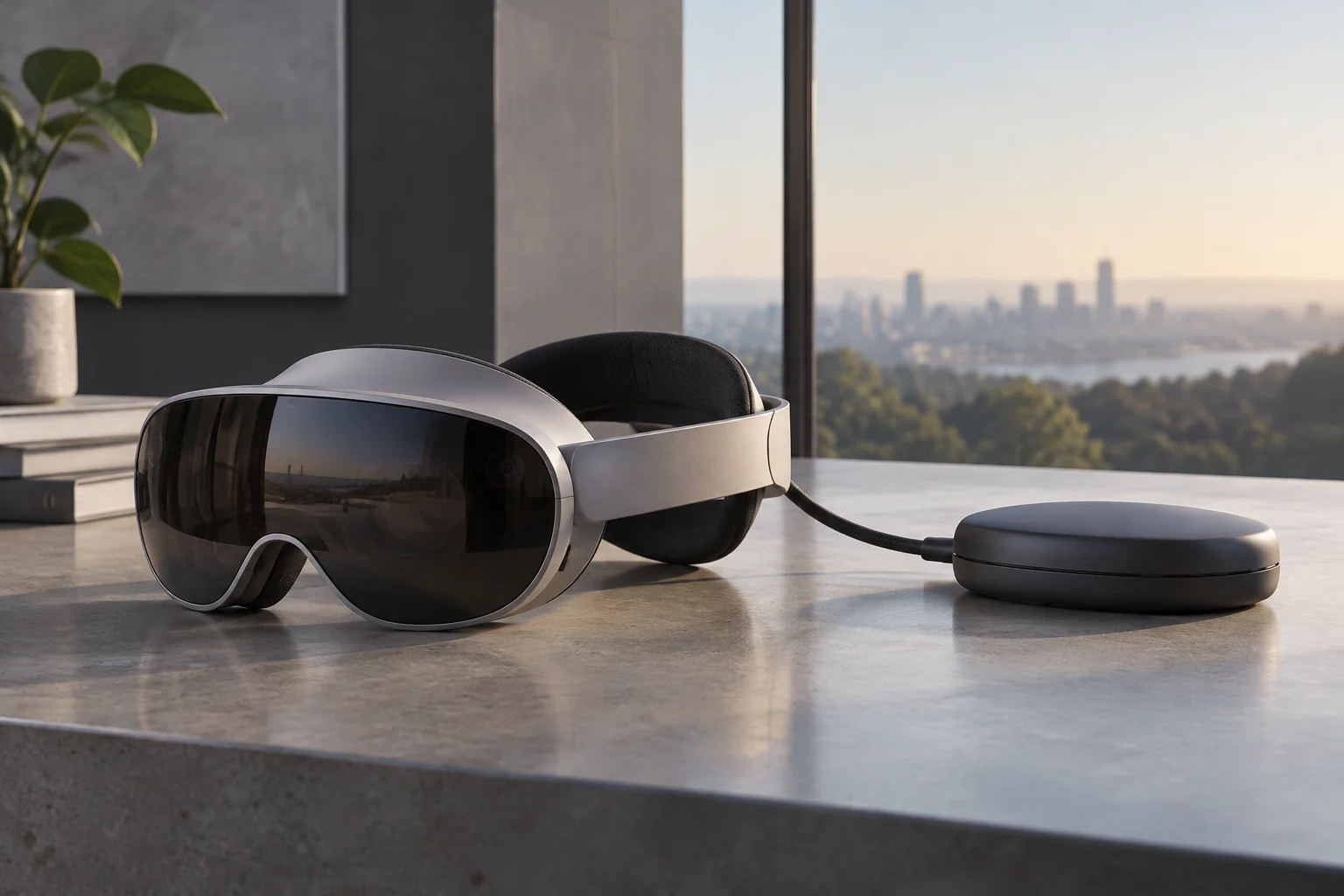
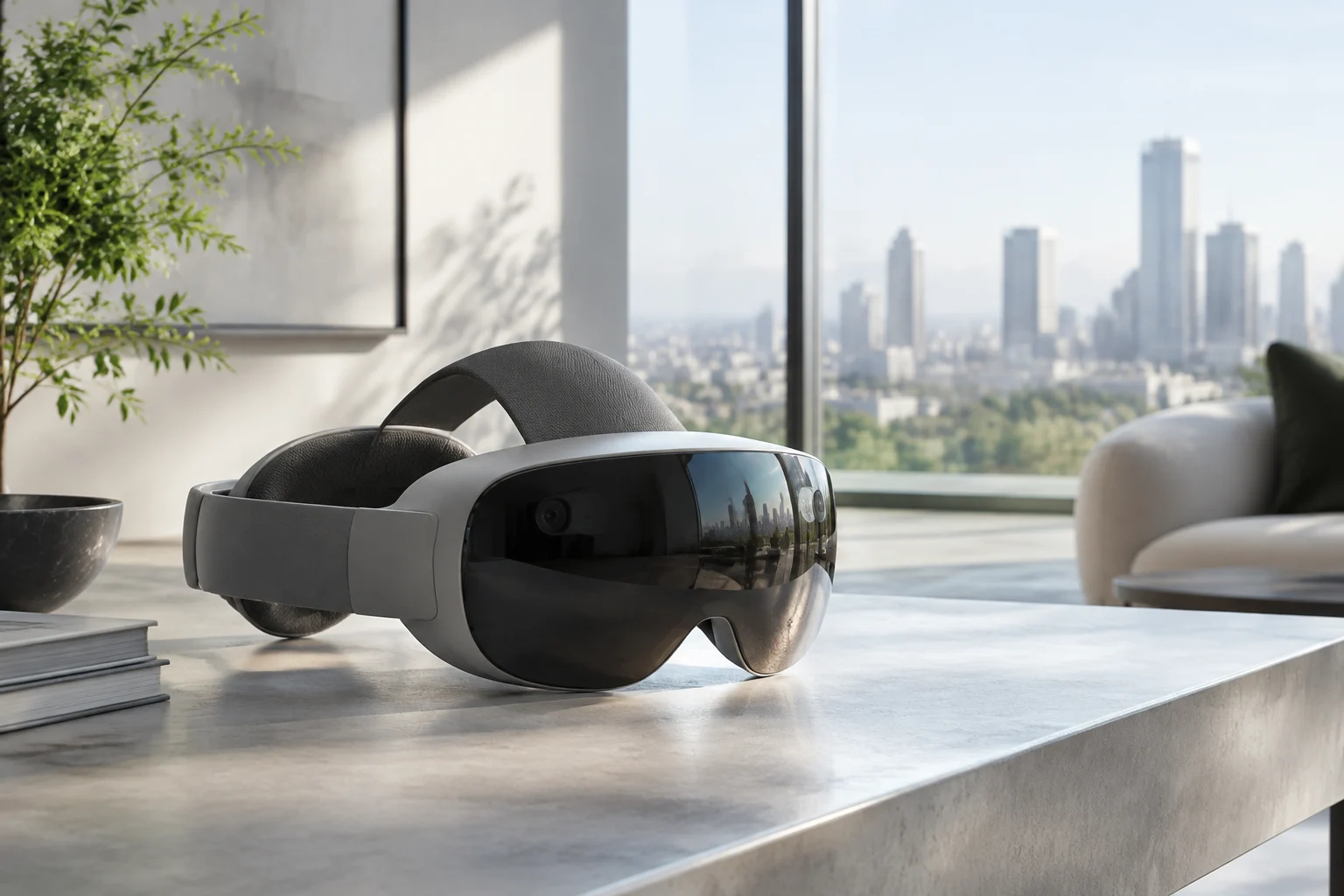
Mixed reality headsets, like the Meta Quest 3S, use cameras to present a view of the environment and superimpose virtual elements. This is a video-based form of MR, different from looking directly through transparent lenses. Meta's page indicates for Quest 3S external RGB cameras, depth mapping, hand tracking, and compatibility with applications on its platform. These data make it pertinent for immersive experiences and certain training uses, but do not automatically turn it into a substitute for transparent industrial glasses.
Labels can also mislead about operational autonomy. Some glasses are primarily a peripheral screen and need a host device; others run applications locally; certain professional systems combine glasses, a processing unit, and management services. Before comparing prices or weights, one must identify which components form the complete system and what additional equipment the workflow requires.
Ergonomics and Autonomy: Looking Beyond the Announced Weight
Weight is relevant, but it is not enough to judge comfort. Load distribution between the forehead and back, pressure on the nose and temples, fit with prescription glasses, stability when bending, and heat during prolonged sessions also matter. A figure published by the manufacturer describes the device under a specific configuration; it does not guarantee that the set with strap, battery, cable, or accessories will be comfortable for every user. When the purchase is for a fleet, it must be evaluated with the people and tasks that will actually use it.
Autonomy must be read with the same care. Usage time varies with brightness, wireless connection, cameras, processing, and application type. Meta publishes for Quest 3S different averages per activity: from 1.8 hours in productivity to 2.8 hours in multimedia content, while warning that usage conditions affect the battery. A single figure does not represent all workloads. For shift operations, one must plan for charging pauses, interchangeable or external batteries when the design allows, and logistics for charging multiple devices.
Optics also affect suitability for work. Virtual screens may have a limited field of view, and the legibility of small text depends on perceived resolution, focus, contrast, and image position. For maintenance instructions, it matters that the text remains legible when moving and does not cover critical elements of the environment; for a product demonstration, a peripheral limitation may be less relevant. Resolution specifications alone do not resolve this evaluation.
Compatibility: The Operating System Does Not Guarantee That Applications Will Work
The purchase should start with the software, not with the generic promise of compatibility with Windows or Android. One must identify the specific application, its execution platform, distribution method, and required functions: hand tracking, cameras, spatial anchoring, controllers, network access, or connection with enterprise systems. A device using Android or connecting to a PC does not mean it runs a Windows application without modifications, nor that a conventional mobile app can place stable instructions on physical objects.
Request a compatibility matrix by task and version: exact glasses model, operating system, application version, required peripherals, and network services. In a pilot test, it is advisable to verify login, document access, offline use if necessary, updates, support for multiple accounts, and how data is synchronized. One must also confirm if the application provider maintains the version for the selected device and who handles issues between manufacturer, integrator, and developer.
In deployments with multiple units, remote management can be as decisive as the screen. The organization may need to install applications, control updates, configure kiosk mode, revoke access, and wipe lost devices. Visualife's enterprise buying guide highlights precisely device management, support, hygiene, and logistics as factors for implementation. This is a practical recommendation from an independent provider, not a guarantee that any model includes these features: one must confirm which management tools are compatible and if they require a subscription.
Privacy, Security, and Terms of Use
Cameras, microphones, and spatial sensors change the privacy profile compared to glasses that only receive video from a phone. Depending on the model and application, the system may process images of the environment, voice, movements, or spatial maps. The technical sheet allows identifying components, but it does not by itself determine what data is stored, for how long, in which region, or who can access it. These answers must be obtained in the privacy policy, terms of service, and configuration of each application.
In devices with cameras, one must consider both the privacy of the wearer and that of colleagues, clients, and visitors. Meta indicates that Quest 3S incorporates an external light to signal camera use and controls to manage certain permissions and data. A visible signal helps, but does not replace internal rules on recording, image processing, and use in sensitive spaces. In a work environment, the privacy or security officer must review which functions are enabled and if the proposed use is proportional to the task.
Connectivity is another condition, not a detail. Collaborative experiences, remote assistance, and content downloads may depend on Wi-Fi, cloud services, or access to corporate systems. Before deployment, one must clarify what happens if the network is interrupted, if the device stores information locally, and how security patches are applied. For installations with network restrictions or sensitive information, a demonstration connected to external services is not enough to approve real use.
Choosing by Use Case: A Checklist
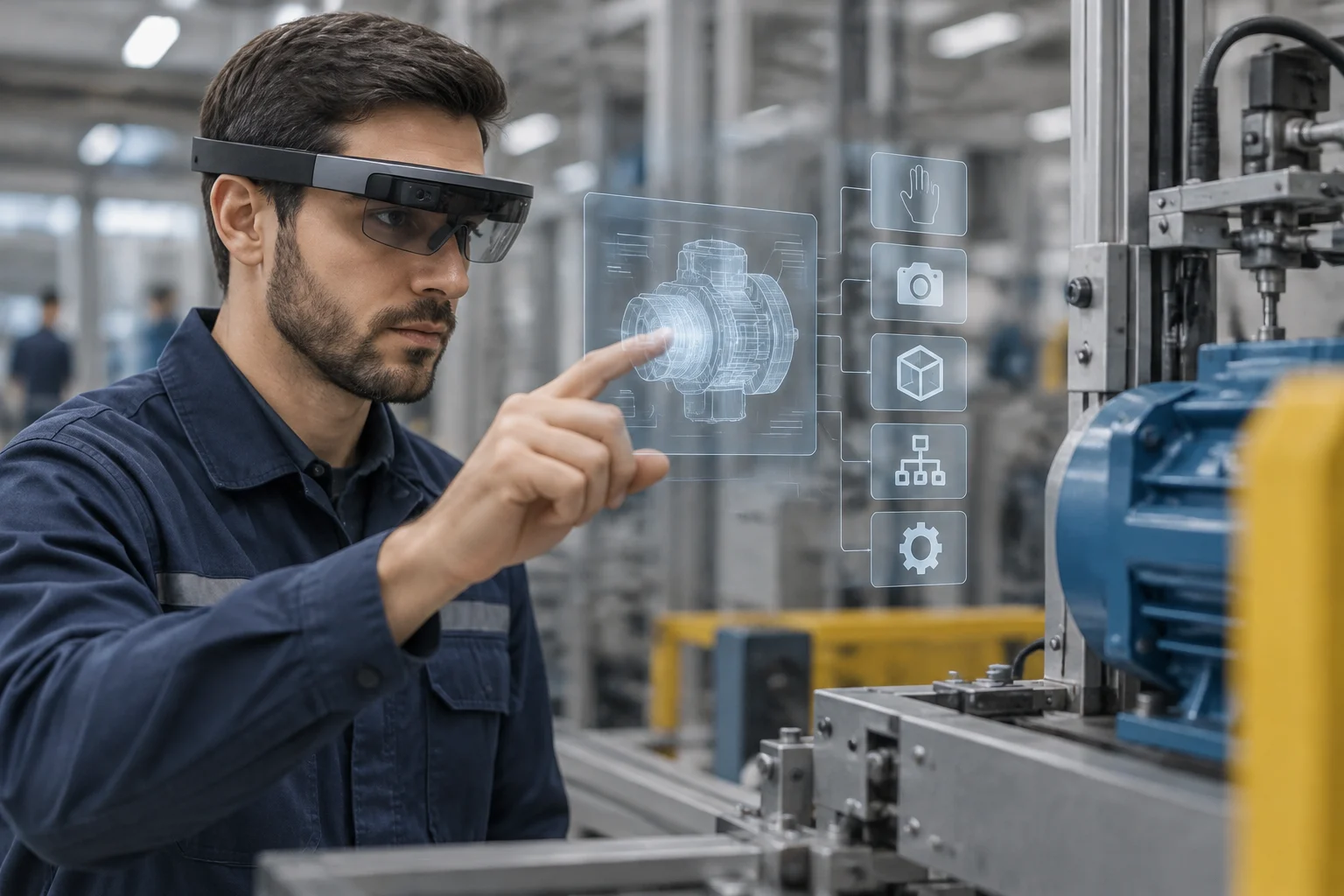
For maintenance, inspection, or logistics, prioritize hands-free operation, environment visibility, instruction legibility, adequate resistance, and compatibility with operations software. Also check if it can be cleaned, adjusted, and shared safely between shifts. If the workflow requires placing annotations on real components, a virtual screen without spatial tracking may fall short, even if its image is sharp.
For training, first decide what to teach. A simulation that needs to recreate a complete environment may benefit from VR; a practice where the student must act on physical equipment may require AR or MR. In design, the ability to manipulate 3D models and share a session may weigh more than offline use. For presentations or work as a second monitor, screen glasses may suffice if compatibility with the host device is confirmed.
Before buying, turn spec sheet promises into verifiable conditions:
- Identify the exact model and variant, plus accessories, processing unit, and operating system.
- Demand confirmation of the target application and its necessary functions in that version.
- Contrast weight and autonomy of the set in the intended work mode; plan fit, charging, and rotation.
- Review fleet management, updates, support, data policy, and operation during network outages.
- Define a pilot test with a specific task and acceptance criteria before buying multiple units.
The most useful result of an evaluation is not a list of ranked models, but an architectural decision: what task to improve, what type of display facilitates it, and what operational commitments the organization accepts. If a feature does not change the work or pass a compatibility test, it should not justify by itself the cost or complexity of an immersive platform.