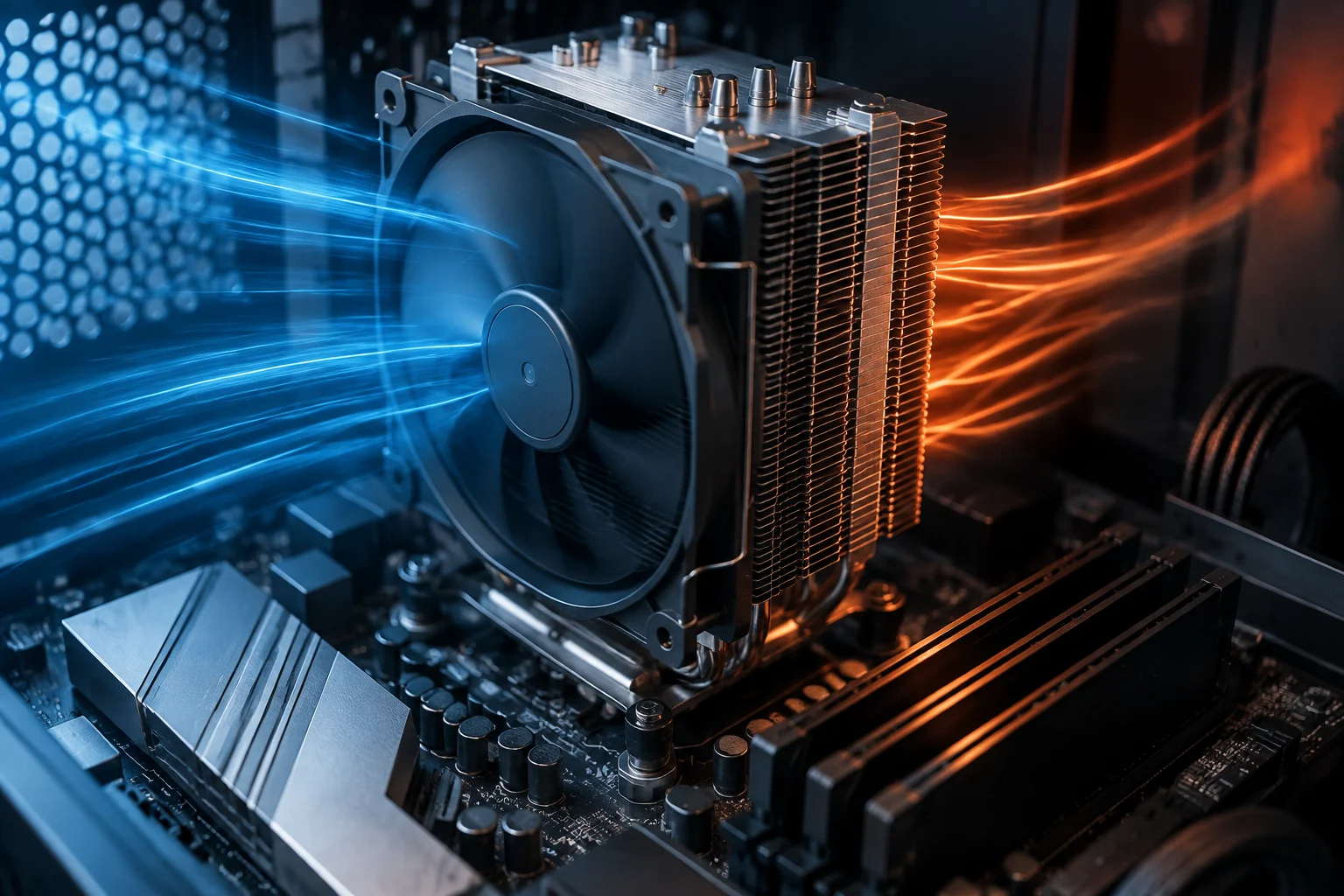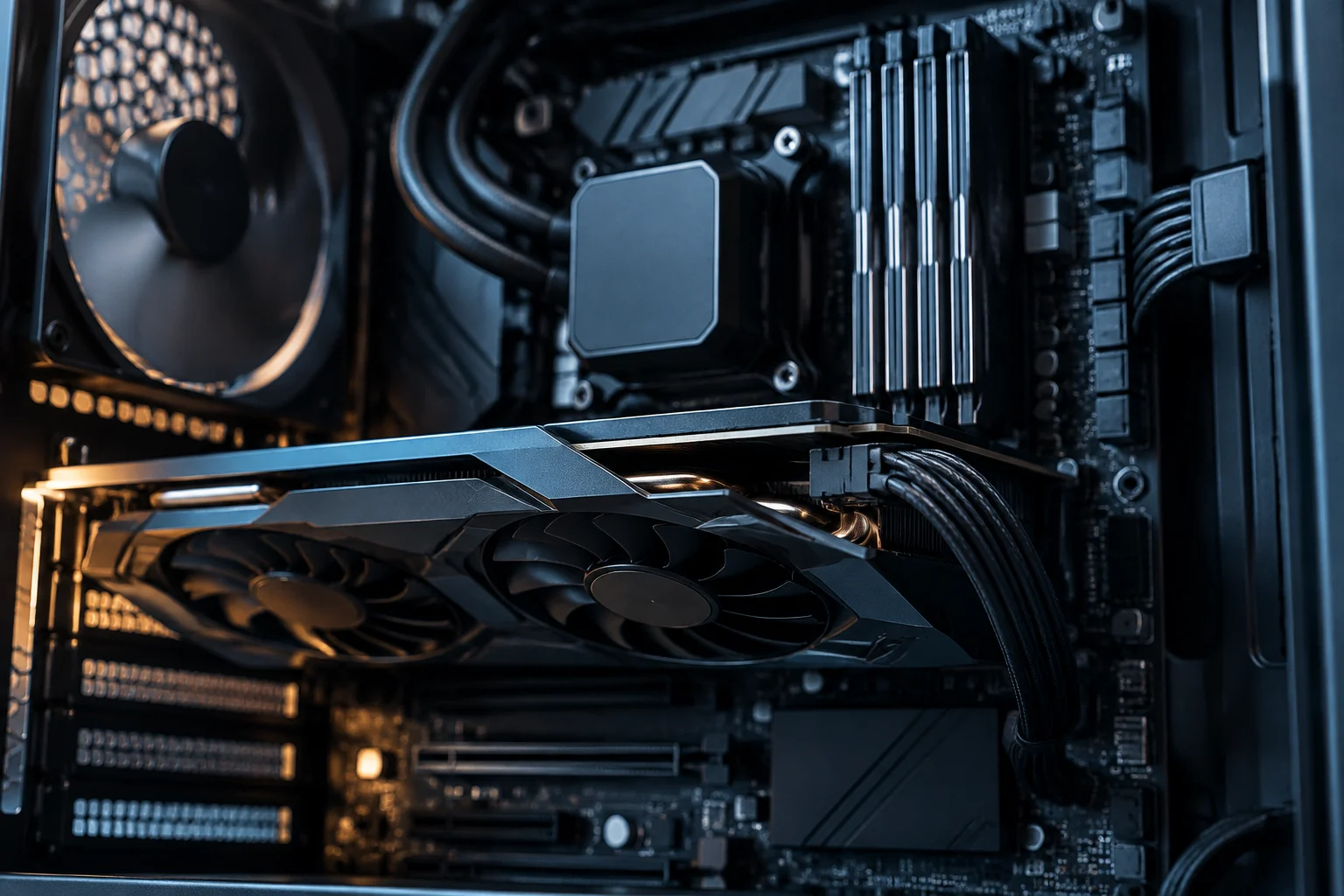
From the concept of local AI to specific tasks
The term local AI groups very different tasks that require disparate resources. Inference (generating text or images from a pre-trained model) is the most common for home users, while fine-tuning or training require orders of magnitude higher in memory and computing power. Confusing these categories leads to oversizing the hardware necessary for basic use, as learning processes involve gradients and additional states not present in simple output generation.
For a user wishing to test open models like Llama or Mistral, the goal is usually inference with acceptable latencies. This involves loading the model weights into GPU memory and managing the KV cache (context memory). Documentation from projects like Hugging Face indicates that memory optimization is key for these models to function on consumer hardware, not just in data centers, where scalability is the main priority.
GPU memory: the main bottleneck
The amount of video memory (VRAM) determines the maximum size of the model that can be fully loaded into the GPU. If VRAM is insufficient, the system must offload parts of the model to system RAM or disk, drastically reducing generation speed due to lower main memory bandwidth. Tools like ApXML's VRAM Calculator allow estimating the required memory based on weight precision (FP16, INT8, etc.) and context length, offering a realistic projection before purchase.
For example, a 7-billion parameter model in FP16 precision requires approximately 14 GB of VRAM just for the weights, excluding context memory. Applying INT8 quantization reduces this requirement to about 7-8 GB, allowing execution on mid-range cards. This distinction is vital: marketing specifications often cite the number of parameters but not the execution precision, generating unrealistic expectations about the hardware needed for fluid response times.
Software compatibility and CUDA architecture
Not every GPU is compatible with modern AI libraries. The NVIDIA CUDA platform is the de facto standard for AI development on PC, and its support depends on the card's Compute Capability (CC). Older GPUs (CC < 7.0) have limited or no support for reduced-precision instructions (FP8, INT4) that optimize current inference. NVIDIA maintains a list of legacy GPUs that no longer receive CUDA toolkit updates, making them obsolete for new AI workloads relying on these specific optimizations.
Beyond hardware, the NVIDIA Driver acts as the GPU's operating system and must be updated to support the latest CUDA Toolkit versions. Without this software layer, libraries like PyTorch or TensorFlow cannot efficiently leverage hardware acceleration. For users, this means a powerful but old GPU may be less useful for AI than a newer GPU with full support for low-precision instructions, as software compatibility is as critical as raw power.
System memory and storage
Although the GPU is the critical component, system RAM and NVMe storage play a fundamental supporting role. RAM must be sufficient to load the model if offloading is used or to manage input/output data. A system with 16 GB of RAM may fall short when running large models with long contexts, even if the GPU has enough VRAM, as the OS and other apps compete for this resource. Fast storage is essential to load model weights (which can exceed 10 GB) in reasonable times, avoiding bottlenecks during initialization.
In desktop configurations, unified memory (like Apple Silicon chips or new NVIDIA Grace Blackwell superchips) offers an advantage by eliminating the barrier between RAM and VRAM. However, in most traditional desktop PCs, the separation between system memory and GPU memory remains the norm, requiring careful planning of both components' capacity to ensure the data flow is not interrupted by transfer limitations.
What a user can check before buying
Before investing in hardware for local AI, the user must verify three points: 1) The available VRAM and its compatibility with the desired quantization precision. 2) The GPU's Compute Capability to ensure updated CUDA support. 3) The RAM and storage capacity to manage offloading and model loading. Command-line tools like nvidia-smi allow checking VRAM and temperature, while NVIDIA's official documentation lists supported CCs, providing a solid technical basis for evaluation.
It is important not to extrapolate marketing specifications to real performance. A card advertising 'AI support' does not guarantee it can run 70B parameter models at useful speeds. Inference latency (tokens per second) depends on the GPU's memory bandwidth, not just its computing power. For home use, a GPU with 12-16 GB of VRAM and good bandwidth is more practical than one with 24 GB but an old architecture, as data transfer speed directly impacts user experience.
Contrast of claims and limits of extrapolation
Marketing claims of 'AI PCs' usually refer to the ability to run small models or use AI functions integrated into the operating system, not the capacity to train or run frontier models. The Dell Pro Max with NVIDIA GB10, for example, advertises compatibility with models up to 200 billion parameters, but this refers to the theoretical capacity of unified memory, not the practical inference speed for an end-user seeking real-time interaction.
Available evidence shows that the entry barrier for local AI has lowered but remains significant. Users must distinguish between capacity (being able to load the model) and performance (generating text at a useful speed). Without primary documentation from independent benchmarks, it is prudent to treat manufacturer specifications as upper limits, not user experience promises, maintaining a critical perspective on advertising figures.