Compatibility Is Not a Single Checkbox
DLSS, FSR, and XeSS group functions that modify how frames are rendered or presented. The useful question is not just whether a card "supports" a brand, but which specific feature it admits, in which game, and with which software version. Upscaling may be available where frame generation is not; other functions, such as ray reconstruction, have their own requirements.
It is also worth separating the count of displayed images from responsiveness. Upscaling reconstructs an image from a lower-resolution render; generation inserts intermediate images. The latter can raise the FPS shown by a counter, but it does not equal rendering each frame natively nor does it eliminate latency linked to the base rendering rate.
The availability of a specific feature depends on the GPU and the game: check the requirements of the option and whether the title offers it. In XeSS, Intel indicates that the option is activated from the graphical menu of compatible games.
DLSS: Multiple RTX Generations, Different Features
NVIDIA presents DLSS as a set of neural rendering techniques. Its compatibility page separates functions by GPU family: super-resolution, DLAA, and ray reconstruction are listed for GeForce RTX series 20, 30, 40, and 50; frame generation for series 40 and 50; and multiple frame generation for series 50. DLSS features vary by generation, so check compatibility for the specific function you want to use.
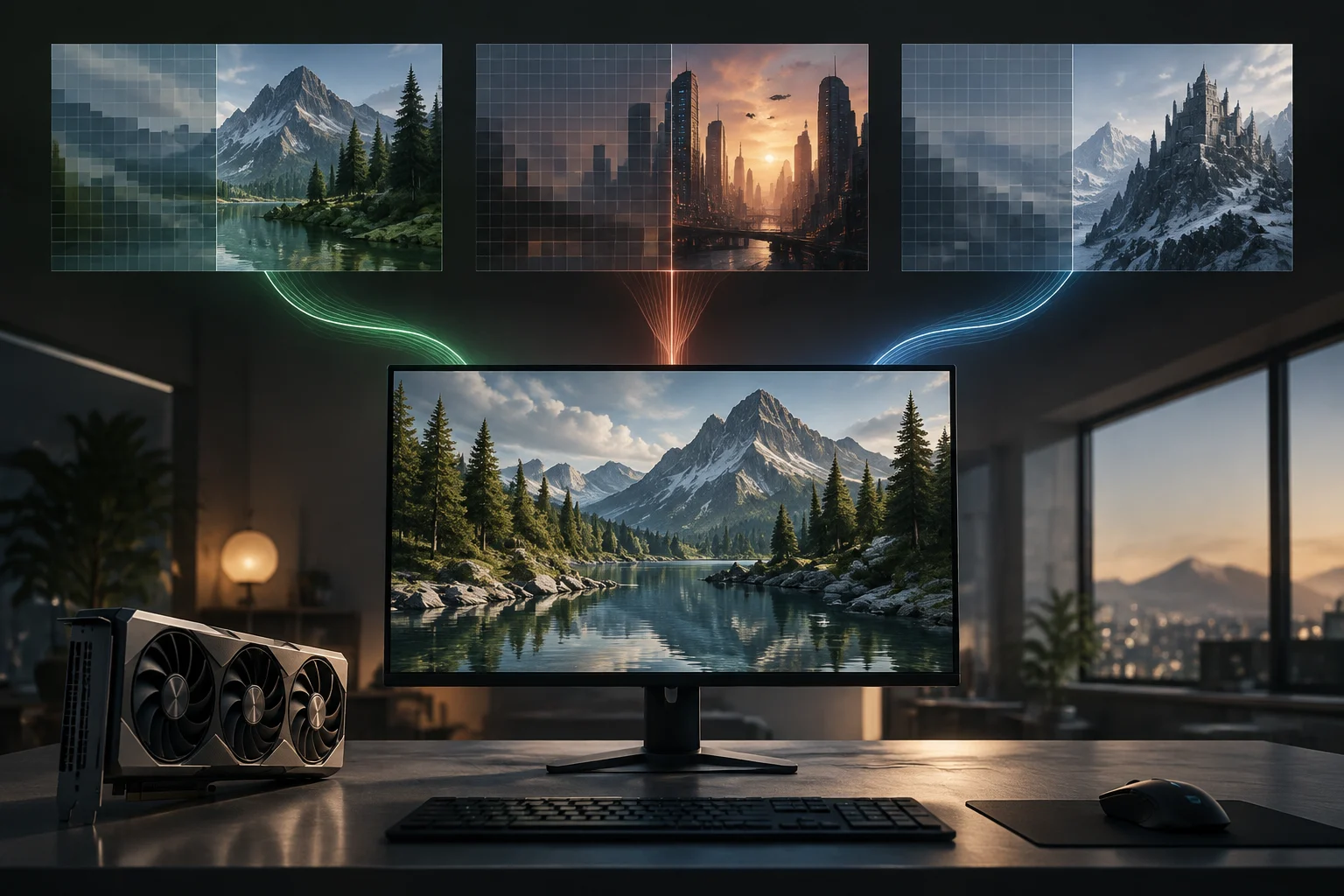
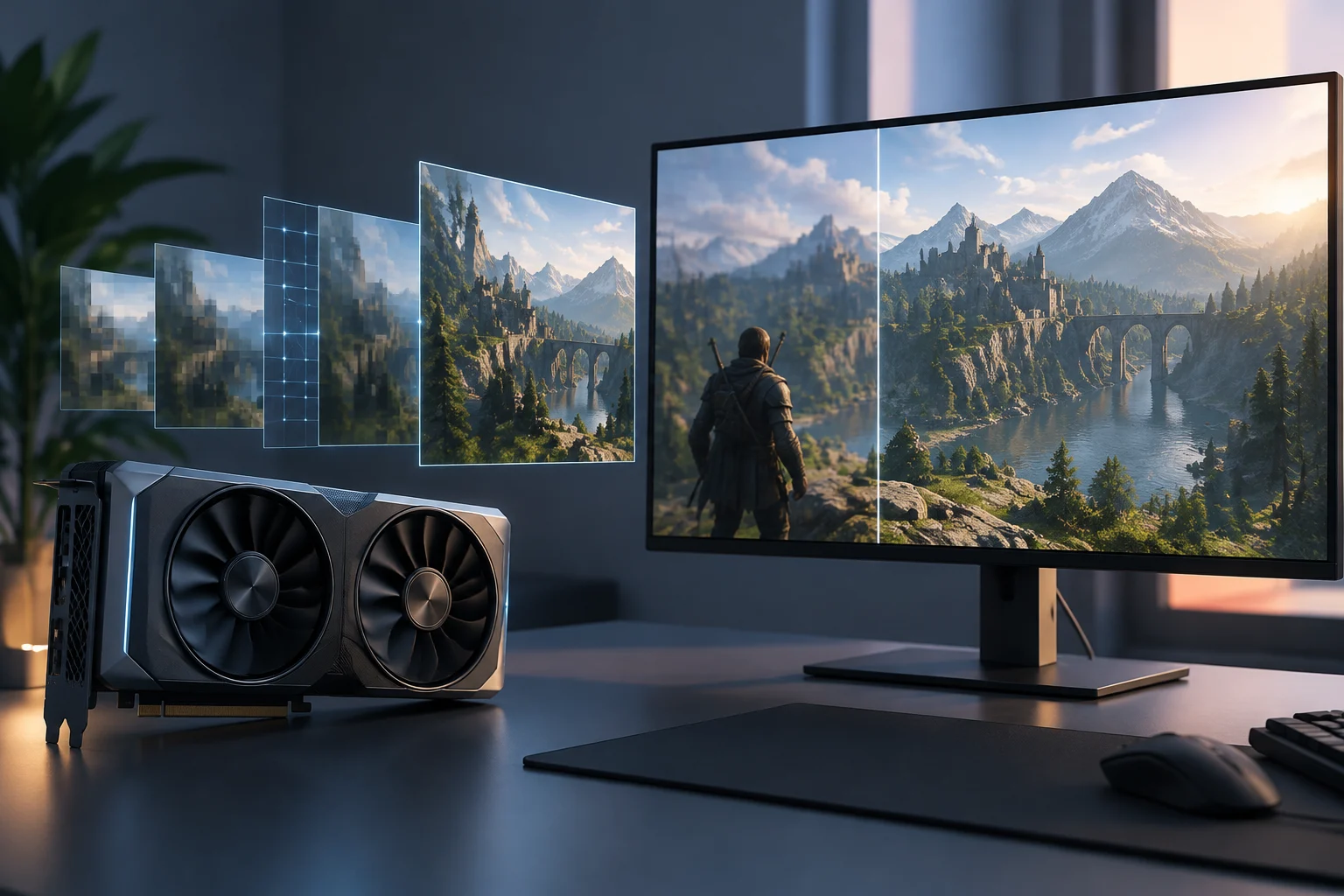
Super-resolution uses a lower-resolution image and data such as motion and previous frames to reconstruct a higher-resolution output. DLAA applies antialiasing technology at native resolution, so it should not be confused with a performance boost mode. Frame generation adds intermediate images, and NVIDIA indicates that it combines with Reflex to maintain responsiveness. Each option must also appear in the game itself or be available through the configuration supported by NVIDIA.
The practical consequence is that a purchase based only on the word DLSS can be misleading. An RTX series 20 or 30 can use super-resolution, but not the frame generation of RTX 40 or the multiple generation associated with RTX 50. The GPU spec sheet must be contrasted with the table for each function, and the game's compatibility list must confirm that the title offers that implementation.
DLSS feature availability by GeForce RTX generation
NVIDIA’s compatibility chart distinguishes DLSS functions by GPU generation; game support is still required. XeSS features listed here are described by Intel, but availability depends on the game and implementation.
| DLSS Super Resolution | RTX 20 / 30 / 40 / 50 |
|---|---|
| DLAA | RTX 20 / 30 / 40 / 50 |
| Ray Reconstruction | RTX 20 / 30 / 40 / 50 |
| Frame Generation | RTX 40 / 50 |
| Multi-Frame Generation | RTX 50 |
| XeSS Super Resolution | Listed in XeSS 3; check game and hardware |
| XeSS Multi-Frame Generation | Listed in XeSS 3; check game and hardware |
| Xe Low Latency | Listed in XeSS 3; check game and hardware |
This summarizes feature-family compatibility, not support in every game, driver, or software configuration.
Sources and references2
FSR: Ecosystem Openness, With One Important Exception
FSR is not a single technique with unchanging requirements. AMD has maintained versions of FidelityFX Super Resolution that can work on different GPUs, but FSR 4 incorporates a machine learning-based upscaling path linked to Radeon RX 9000. The broad compatibility of previous generations cannot be transferred as-is to the latest feature.
This forces a distinction between the family name and the specific variant shown by the game. A title may offer an earlier version of FSR on AMD, NVIDIA, or Intel cards, while the ML mode of FSR 4 requires compatible AMD hardware. Frame generation and other related functions must also be verified separately: the menu including FSR does not prove that all its pieces are active on that GPU.
For those who already have a card, the safest check is to identify the exact version indicated by the game and review the compatibility of that function, not assume that "FSR" means universal compatibility. For buyers, the historical openness of FSR does not replace the verification of FSR 4. Implementation and support can vary between games and drivers.
XeSS: Accelerates on Arc, But Integration Still Matters
Intel describes XeSS as a set including super-resolution and, in recent versions, frame generation and Xe Low Latency. Its Arc GPUs feature specialized engines that accelerate AI loads; Intel's documentation also presents XeSS as designed to work with widely available hardware. Optimal acceleration on Arc and the possibility of execution on other GPUs are distinct issues: the card, the version, and the game's implementation determine the path used.
Intel's page shows XeSS 3 and mentions Multi-Frame Generation, as well as Xe Low Latency. This does not allow concluding that all GPUs compatible with an earlier version can run all XeSS 3 functions. Neither the name XeSS nor the presence of Arc in the system proves that each title includes the newest version; one must check the game's menu and the list of compatible titles.
XeSS can be a useful alternative on systems with Intel GPUs, but its practical value depends on the game catalog that integrates it and the specific feature available. The GPU manufacturer is not the only criterion: a card from another brand might admit an XeSS path, while a specific game may not offer it or limit its options.
The Compatibility Matrix That Actually Helps Decide
In a technical sheet, the manufacturer's name and the GPU series provide the first filter. Then one must check the function: super-resolution, frame generation, multiple generation, ray reconstruction, or latency reduction. The same card may admit one of them and not another. Check the requirements of the specific function when evaluating recent technologies.
Practical verification reduces to this list:
- GPU and function: check the exact generation required for the desired option, not just general compatibility with DLSS, FSR, or XeSS.
- Game and version: confirm that the title includes that technology and that function; support changes between games and updates.
- Activation: review if the option is in the game's graphical menu or, where applicable, in the manufacturer's software.
- Screen configuration: check that the selected resolution and frequency match the options you want to use.
Check the monitor specifications, memory, and video connections indicated for the configuration you want to use. Upscaling and generation support also depend on the GPU, software, and game. It is advisable to buy based on base performance and real compatibility, not on a generated FPS multiplier that does not by itself describe input response.
How to Choose Without Confusing Smoothness with Responsiveness
If the priority is to improve the frame rate in a compatible game, start with super-resolution: it allows reducing the rendering load and reconstructing the image. Test the available modes and choose the one that best fits your configuration.
Frame generation inserts additional images between those rendered by the GPU. NVIDIA indicates that DLSS Frame Generation combines with Reflex to maintain responsiveness; Intel includes Xe Low Latency among XeSS 3 technologies. The availability of these options depends on the game and compatible hardware.
Before buying a GPU or changing monitors, the useful order is: choose the games actually used, confirm which version and function they offer, review the card's requirements, and finally, match the monitor's resolution and refresh rate with the expected performance. Real compatibility is an intersection, not an isolated promise on a box: GPU, function, game, and software must align.