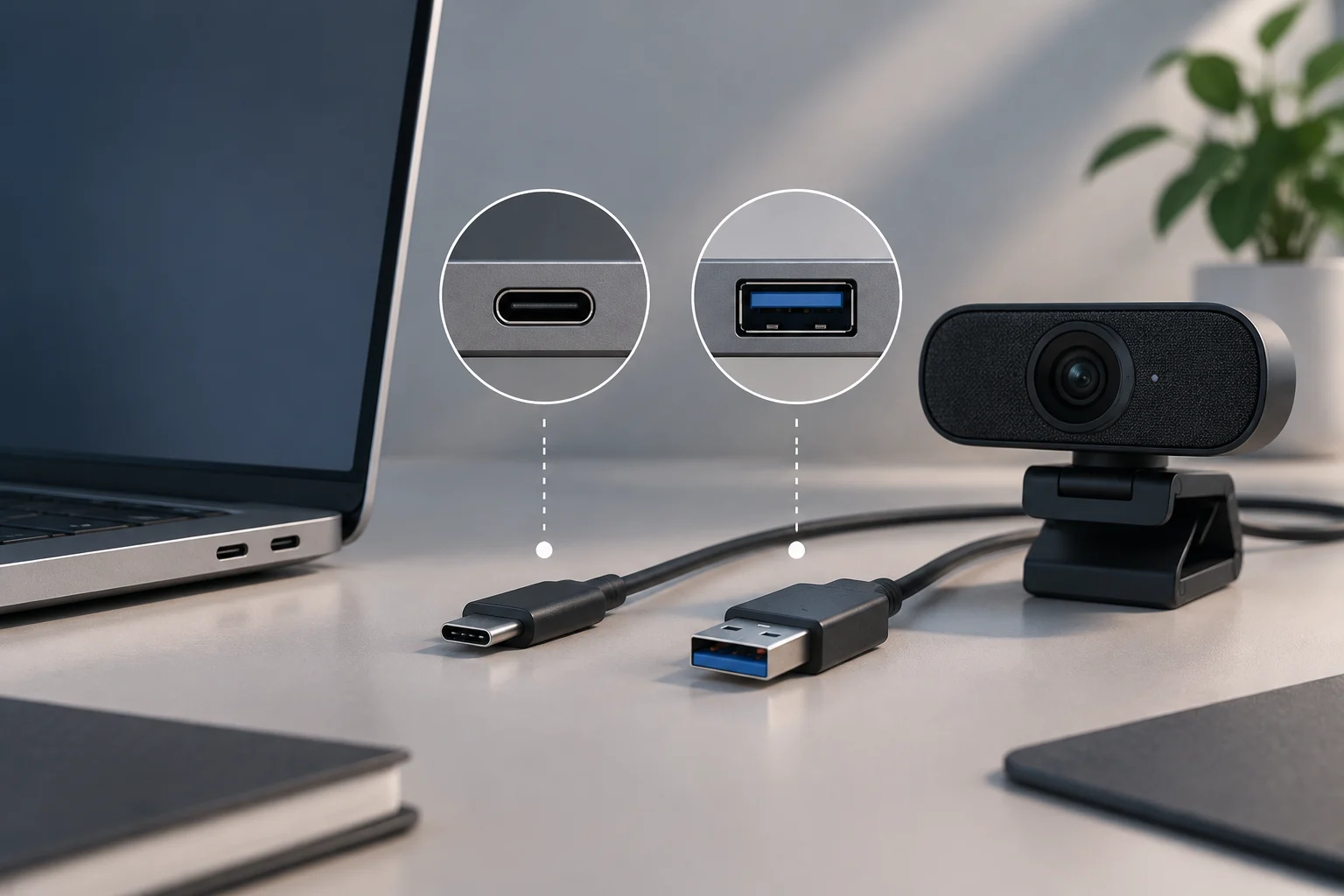
What compatibility means in an enterprise infrastructure
Technological compatibility describes the ability of different systems, devices, or components to work together. In a company, the practical question is not just whether each element works in isolation, but whether it can exchange data and fulfill its function within the specific combination of hardware, operating system, applications, network, and peripherals used by the organization.
Two components being incompatible does not necessarily mean they are faulty. There may be a difference in requirements, versions, or available features: for example, an application may depend on an operating system version that certain devices do not support, or a peripheral may lack drivers for the chosen platform. Therefore, compatibility must be evaluated for a defined configuration, not as a universal property of the product.
In practice, the effects depend on usage and scale. An incompatibility on a test device may be limited to a local incident; in a shared system, it may affect a workflow or multiple users. It is not possible to deduce an economic cost without data from each organization, but anticipating failures allows comparing the cost and risk of fixing them before deployment with resolving them afterwards.
Inventory requirements and dependencies before buying or installing
Start by identifying exactly what you want to incorporate and in what environment: hardware brand and model, operating system version, application edition and version, involved peripherals, and dependent services. For software, note the requirements published by the provider and compatible versions of databases, browsers, drivers, or other components when that information is available. For hardware, record interfaces, power requirements, and relevant drivers according to manufacturer documentation.
Distinguish minimum requirements from conditions of operation verified by the provider. Meeting the published minimum may allow installing a system, but it does not prove by itself that all company applications, peripherals, or workloads will function as expected. Conversely, a checking tool can serve as an initial filter, without replacing the verification of elements it does not evaluate.
Windows 11 offers a concrete example of why it is advisable to review each condition. Microsoft publishes as minimums, among others, a processor of 1 GHz or faster with two or more cores, 4 GB of RAM, 64 GB of storage, UEFI firmware with secure boot capability, and TPM 2.0. The page also warns that the PC Health Check does not review the graphics card or the screen: a favorable result does not equate to a comprehensive validation of all corporate uses.
The review must include dependencies that often go unnoticed: security policies, permissions, authentication, connection with internal services, and network requirements. Do not assume that all this data appears in a technical sheet; if the provider does not document them, turn them into questions for the purchasing process and conditions that will need to be checked during the pilot.
Use official documentation and tools with discernment
First, consult the documentation from the operating system, device, or software manufacturer. Look for the exact version, not just the general name of the family: matrices and specifications can change between editions or releases. For enterprise systems, compatibility documentation may list operating systems, server requirements, and compatible components; ensure the page consulted corresponds to the version to be installed and not an archived revision.
Official tools help reduce the search space, but their scope has limits. In the case of Windows 11, Microsoft indicates that the PC Health Check allows evaluating certain device requirements and specifies aspects the application does not check. Record that limitation in the evaluation and separately validate the screen, graphics, or other functions relevant to the intended work.
In Android, developer documentation explains that applications can adapt to different configurations and declare feature requirements that restrict the types of devices capable of installing them. This helps understand that compatibility is not resolved solely with a list of models: it also depends on the capabilities declared by the application and how it responds to variations between devices.
A provider source has more authority over the requirements of its own product than a general guide or a third-party publication. Use the latter to guide questions or design scenarios, not to replace an official specification. If two documents disagree, keep the link, date, and version of both, and request clarification before making a purchase or deployment decision.
Design a scoped validation and pilot
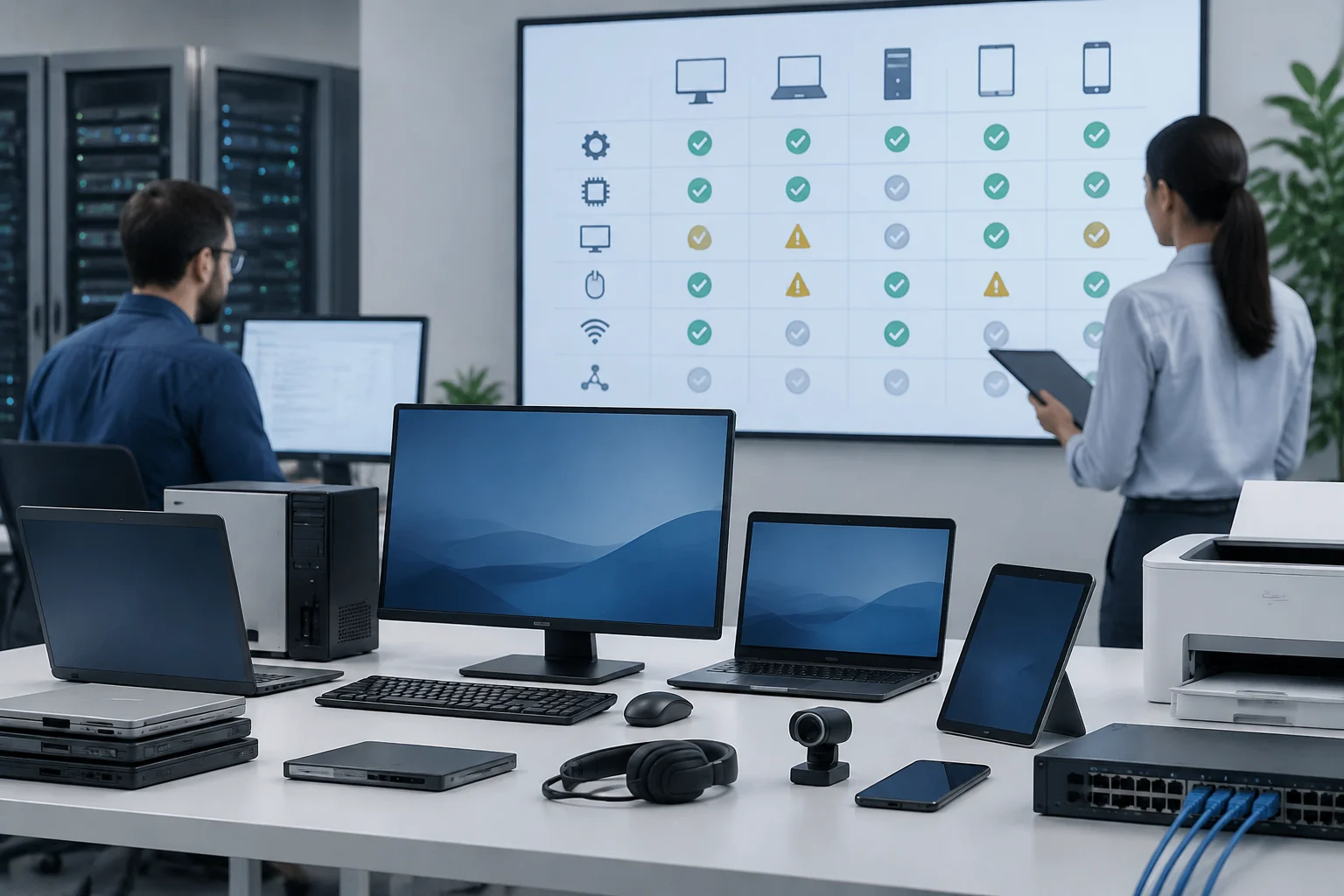
It is not realistic to test all possible combinations of devices, versions, and conditions. Choose a sample that represents important usage profiles: common configurations, older devices still in service, and high-impact cases. A coverage matrix can organize the combinations of operating system, hardware, peripherals, browser, resolution, or network conditions corresponding to the evaluated application.
Before running tests, define observable scenarios. For example: installation and update, login, access to essential functions, file reading and writing, connection to peripherals, and recovery after restarting. Add load or performance tests only if expected usage requires it and comparable conditions and metrics have been established. Available documentation recommends considering different configurations and acknowledges that exhaustive coverage is not viable; the specific selection of cases must respond to each company's environment.
A pilot must limit the scope and have a rollback path. Use test devices or accounts, non-production data when possible, and an agreed window with affected teams. Define who can stop the test, which services must remain available, and how to restore the previous configuration. These decisions are project controls, not guarantees that an integration will pass the tests.
A practical sequence can be as follows:
- Confirm versions, requirements, and dependencies in provider documentation.
- Compare those requirements with the actual inventory of devices and services.
- Select a representative sample and note the combinations to be tested.
- Run functional cases in a controlled environment and record reproducible incidents.
- Classify each result as passed, pending correction, or blocking before expanding the deployment.
Record results and agree on acceptance criteria
Test traceability requires saving what configuration was evaluated, what steps were followed, the result, and any incident. Include date, responsible person, software and driver versions, device model, and relevant conditions. If a failure is detected, record the steps to reproduce it and distinguish between a confirmed problem, an intermittent one, and one that has not yet been replicated.
Agree on acceptance criteria before starting, instead of deciding them when results are already known. They can include that essential functions are completed, there are no blocking errors, necessary peripherals are recognized, and open incidents have a responsible person and resolution plan. Performance thresholds must be set according to usage and the organization's baseline: there is no single value that can be applied to every company or application.
A brief table can help convert findings into decisions:
| Result | Interpretation | Possible Action |
|---|---|---|
| Passed in defined cases | The configuration passed the tested scope | Consider a gradual deployment |
| Correctable incident | There is a failure with verifiable mitigation | Correct and repeat affected tests |
| Blocking or unmet requirement | The configuration does not satisfy an essential condition | Stop integration or evaluate an alternative |
| Insufficient evidence | Relevant functions or combinations were not covered | Expand the pilot before deciding |
The table does not turn a limited test into a general certification. Always indicate what was left out: untested models, unsimulated loads, pending integrations, or limitations of the tool used. This precision allows purchasing, IT, and service managers to assess risk with a common basis, rather than interpreting 'compatible' as an absolute guarantee.
Resolve incompatibilities without creating new risks
If a problem appears, first identify in which layer it occurs: hardware, driver, operating system, application, configuration, or external dependency. Check if there is a supported version or an update indicated by the provider, and retest the affected case after the change. Avoid applying multiple modifications at once: if the driver, configuration, and application are altered simultaneously, it will be harder to determine which resolved the failure or introduced another.
Possible measures depend on the cause: updating a driver, adjusting a supported configuration, maintaining a compatible version of the application, or replacing a component that does not meet a requirement. Virtualization can be an alternative to isolate certain software environments, but it should not be treated as an automatic solution: it must be verified that the use case and dependencies function in that environment.
Do not confuse compatibility with security. An old version may work with the hardware and, yet, not be acceptable if it lacks support or necessary fixes. Vulnerability remediation may involve updating, uninstalling, or configuring software; after those changes, relevant functions must be checked again. The final decision must balance functionality, support, and security, and document accepted exceptions.
If no verifiable correction exists, compare alternatives with previously agreed criteria: replace the device, choose another version or provider, postpone the deployment, or limit usage to a controlled group. Do not consider an incompatibility resolved just because it has stopped reproducing once. Maintain follow-up during gradual expansion and keep a procedure to revert the change if a failure reappears.