Introduction: Automating is not the same as measuring
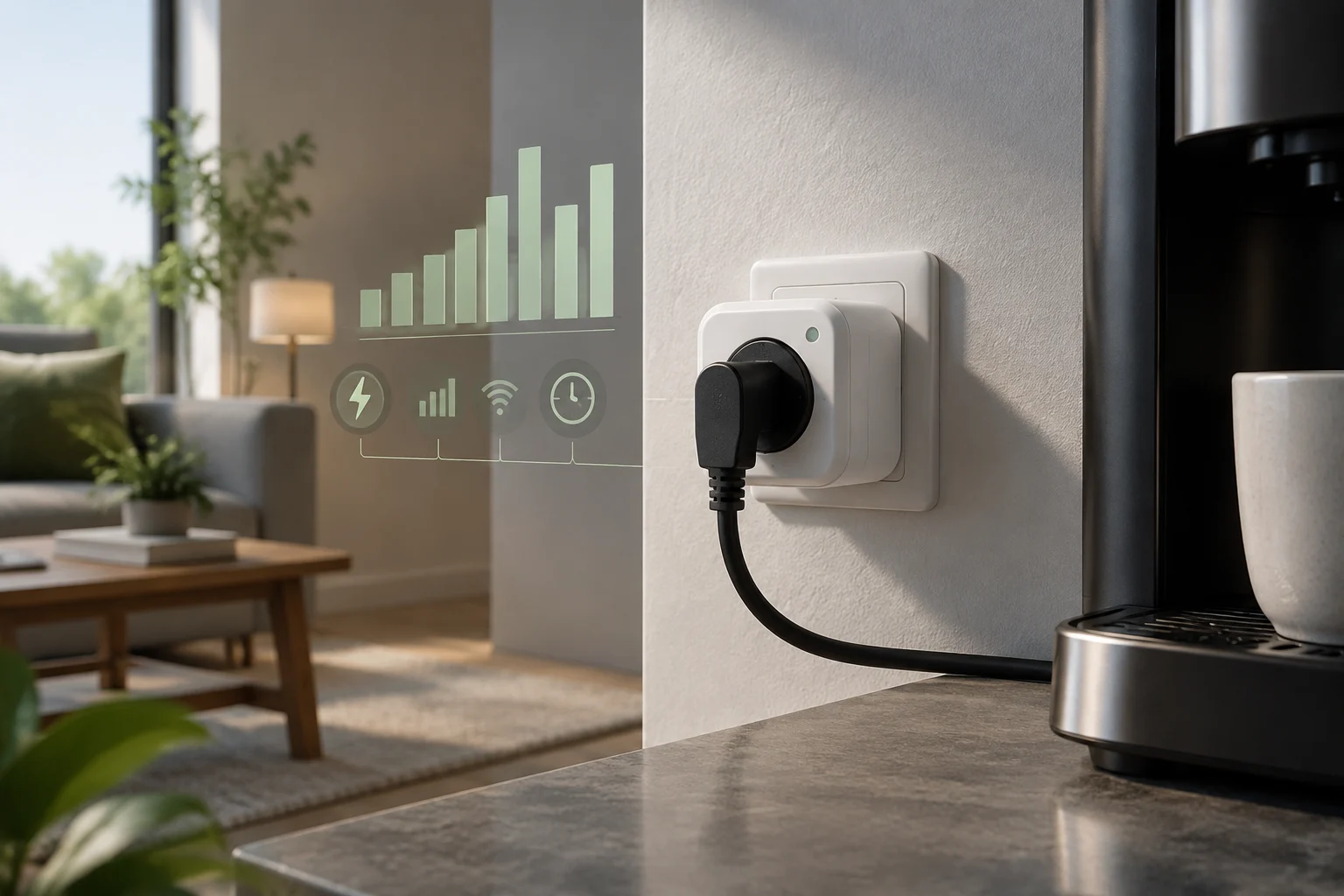
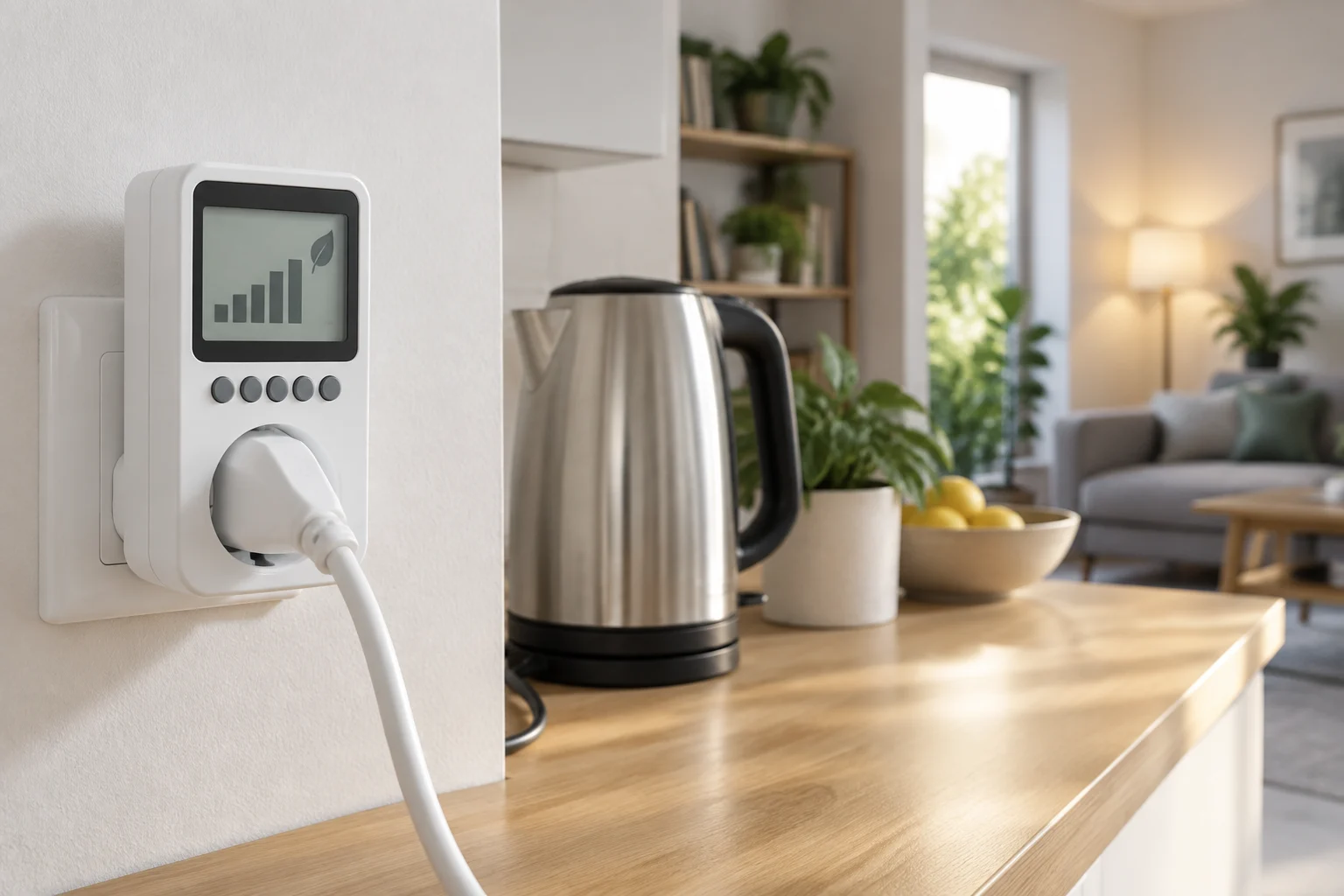
A smart plug allows you to switch a device's power on or off and, depending on the model, schedule times or integrate it into routines. If it includes measurement, it adds another function: recording magnitudes related to the consumption of the connected equipment. Remote control and measurement are distinct features; the fact that a plug can be turned off from an app does not imply that it reports watts, accumulated energy, or cost. A category guide describes precisely this combination of control and consumption recording, but specific functions must be checked for each model. (https://tucasaconectada.es/enchufes-inteligentes-medicion-consumo-guia/)
Data can help decide whether it is worth turning off a device during certain periods, comparing its operation, or investigating unexpected consumption. But the device does not save energy simply by measuring it. The practical result depends on the appliance, its consumption when it remains connected, and the actions taken afterwards. Measurement informs; automation executes an action. Separating both things avoids attributing savings to the plug that have not been calculated. Home automation can automate switching on and off, but that does not by itself demonstrate a specific reduction in the bill. (https://www.simonelectric.com/es-mx/blog/domotica-enchufes)
Before comparing prices or protocols, it is advisable to define what you need to observe: instantaneous power, accumulated energy, history by intervals, or an economic estimate. Not all models or their apps present the same data. Furthermore, a figure in euros requires incorporating the applicable electricity price and understanding which bill concepts are outside that calculation. A useful reading starts with a specific question: for example, how much a device consumes during the night or if its standby mode is relevant for the home.
What specifications to check in the measurement
Magnitudes, accuracy, and load limits
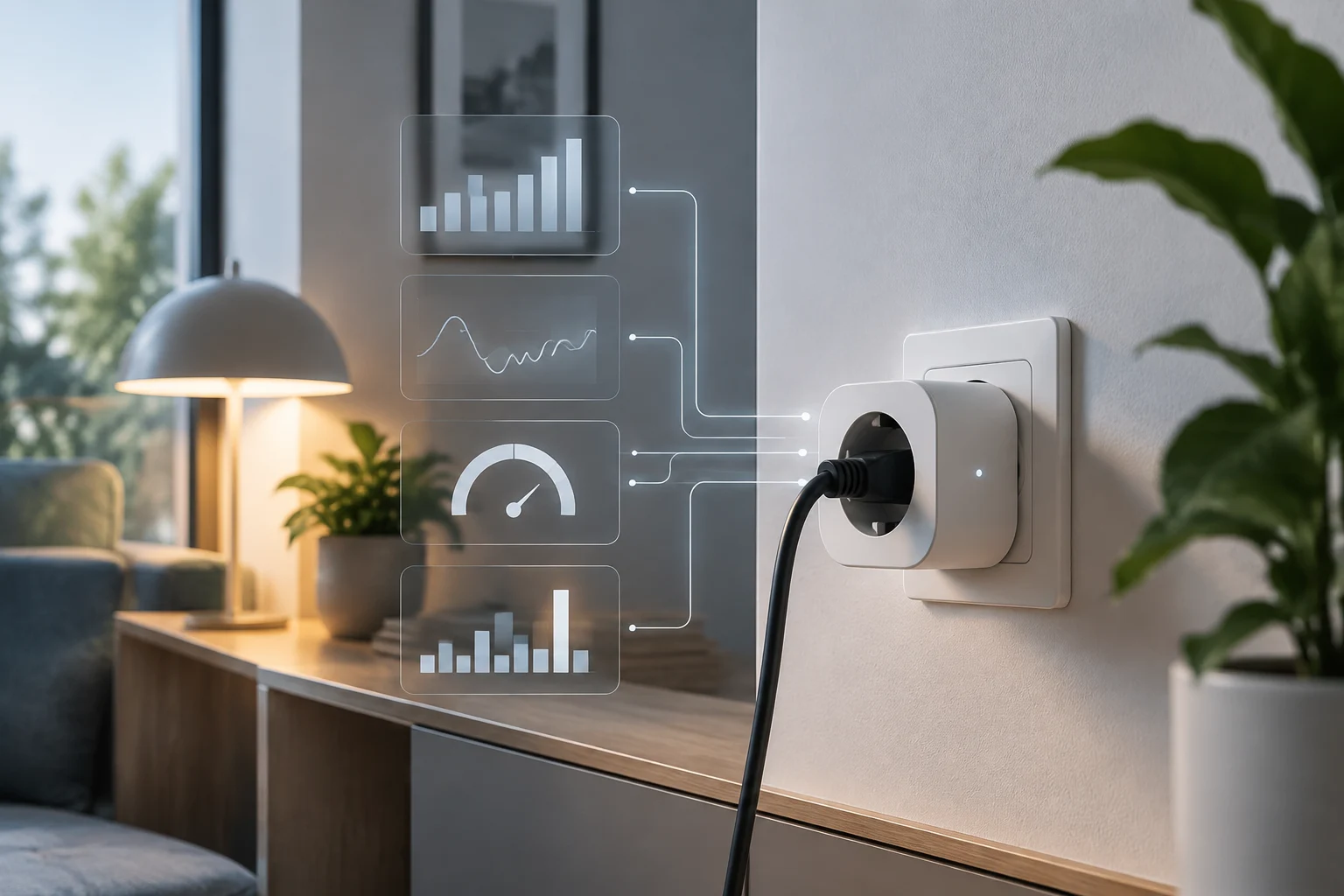
Look for an explicit description of the magnitudes the plug records and how they are displayed: watts (W) for power at a given moment and kilowatt-hours (kWh) for accumulated energy. If the manufacturer also publishes voltage or current, check if the app, the smart home integration, and the export offer the same values. Do not assume that “energy monitoring” defines accuracy: available sources do not accredit a common error class for this category nor allow comparing the accuracy of sensors from different models.
Maximum load is a safety and usage specification, not a measure of accuracy. It must be read in the datasheet of the exact model, along with the electrical conditions and limitations indicated by the manufacturer. A datasheet for a NOUS plug, for example, announces 16 A and 3840 W; that figure corresponds to that product and does not serve as a general rule for any smart plug. Do not extrapolate a capacity from one model to the whole category, nor use a plug for loads that exceed the declared limit or for equipment whose type of operation the manufacturer advises against. (https://www.domadoo.fr/es/productos-compatibles-con-home-assistant/7560-nous-2x-enchufe-inteligente-wifi-matter-16a-medicion-de-consumo-5905072800556.html?srsltid=AU7gw4VlMXS2AuFE46fwvJ8eW1F0BJokZklRDoyo_mrV_V4OfUyP_7nO)
A reasonable home check
If accuracy is important for a decision, request the measurement tolerance and the conditions under which it applies from the manufacturer. The commercial description may confirm that a measurement function exists, but it does not replace a metrological specification. Nor is it enough to compare the reading of two plugs against each other: if they differ, without an independent reference, it is not known which is closer to the real value. For an indicative home verification, behavior can be contrasted under repeatable conditions with a suitable meter, without treating that comparison as a certification. If there is no published tolerance, note that accuracy is not accredited and avoid basing fine calculations on those readings.
Protocols and compatibility: verify the function, not just the logo
Wi-Fi, Zigbee, and Matter describe different aspects of how a device connects or integrates. In practice, the decision does not reduce to one protocol being universally more stable, private, or suitable: the available network, the presence of a compatible hub, and what functions the manufacturer exposes to each ecosystem matter. Wi-Fi may be direct if a suitable network already exists; Zigbee usually involves checking the coordinator or hub; Matter can facilitate interoperability, but the label does not guarantee that every attribute of the device is available on all platforms. Switch compatibility does not equal measurement compatibility.
The point is seen in a NOUS A8M-2 datasheet: the seller indicates Wi-Fi and Matter connectivity, but warns that, with Matter 1.2, consumption data is not transmitted via Matter and is consulted through Smart Life. It is a specific example, not a rule about all Matter products. Before buying, look for explicit confirmation that the measured power or energy integrates with the specific hub you already have and the platform you will use. Ask what data arrives via each path, not just if the plug appears as compatible. (https://www.domadoo.fr/es/productos-compatibles-con-home-assistant/7560-nous-2x-enchufe-inteligente-wifi-matter-16a-medicion-de-consumo-5905072800556.html?srsltid=AU7gw4VlMXS2AuFE46fwvJ8eW1F0BJokZklRDoyo_mrV_V4OfUyP_7nO)
Before closing the purchase, contrast three elements: the exact model and variant, the manufacturer's compatibility documentation, and the integration available in your controller. Also check if the function requires an account, an Internet connection, or an additional app. If the documentation only promises on/off control, do not interpret that as confirmation that energy readings will be received. Verification must follow the real path of the data: from the plug to the protocol, from there to the hub, and finally to the application or analysis system.
History and export: who keeps the data
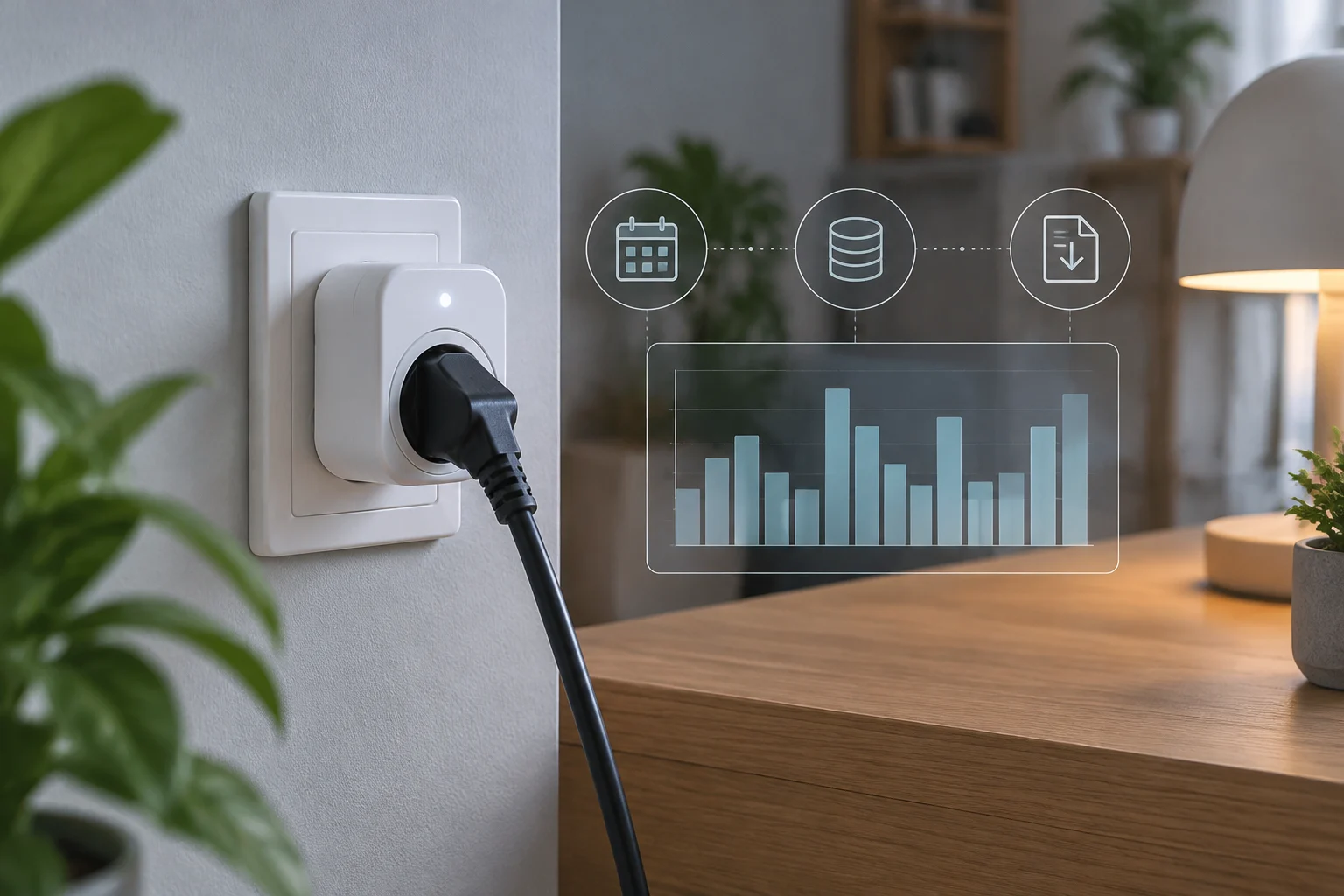
A screen with a real-time reading is not equivalent to a history that allows comparing weeks or months. Before buying, identify how long data is stored, at what frequency it is recorded, and if it can be downloaded. A short record may be enough to observe daily operation; analyzing seasonal changes or keeping a personal file requires more continuity. Retention and export are distinct requirements: the fact that the app shows a graph does not mean it allows downloading its values.
It is also necessary to verify what product and sensor an export guide covers. TP-Link documents the export of historical data for its Tapo temperature and humidity sensors, with interval and period selection, and points to a storage limit of up to two natural years. That documentation does not accredit that Tapo plugs export their consumption readings in the same way. Do not extrapolate a function between product categories: look for specific instructions for the plug and for the magnitude you want to analyze. (https://www.tapo.com/es/faqs/how-to-export-temperature-humidity-history-data-from-tapo-sensor/)
If data is stored in an account or remote service, consult what functions remain available without Internet and how to access the history. If the platform offers download, check the format, the selectable period, and if the file contains clear timestamps and units. A CSV can facilitate analysis in a spreadsheet, but it is not a universal feature nor does it guarantee that the data is complete. An academic work hosted by the University of Málaga describes an experimental system that used plugs with custom firmware, time-series storage, and MQTT; it serves to illustrate a possible architecture, not to certify that any commercial plug offers those capabilities. (https://riuma.uma.es/entities/publication/61086f6f-2098-4b2b-b5c8-a4cb452a2ef9)
Reliability, certifications, and limits of claims
Long-term reliability is not deduced solely from the product reporting consumption. To value it, look for documentation on tolerance, update intervals, operating conditions, and possible limits in small or variable loads. If those data do not appear, the prudent conclusion is that accuracy is not documented in the information consulted; not that the device is necessarily inaccurate. The lack of a verifiable figure is a limit of evidence, not proof of failure.
Compliance and safety marks must be read in their scope. The NOUS A8M-2 datasheet mentions CE, RoHS, and RED, along with its electrical capacity; that mention identifies what the seller declares for that product. It does not by itself demonstrate a class of measurement accuracy nor allow extrapolating the certification to other models. Similarly, an amperage limit indicates the load the product declares it can admit, not how much error its reading has. Safety and accuracy answer different questions. (https://www.domadoo.fr/es/productos-compatibles-con-home-assistant/7560-nous-2x-enchufe-inteligente-wifi-matter-16a-medicion-de-consumo-5905072800556.html?srsltid=AU7gw4VlMXS2AuFE46fwvJ8eW1F0BJokZklRDoyo_mrV_V4OfUyP_7nO)
It is also advisable to distinguish between local control and local storage. A plug responding to commands within the network does not prove that the history is kept there; an app showing data does not prove that the device transmits it directly to the hub. If cloud independence is important, look for confirmation for each function: control, measurement reading, and storage. Evaluate the architecture by features, not through a general label like “local” or “Matter compatible”.
Interpreting consumption without promising savings
Measuring allows quantifying observed use; it does not automatically establish how much will be saved. To estimate the energy cost of a period, the energy consumed in kWh and an applicable price per kWh for that period are needed. That multiplication can serve as an approximation, but the bill may include components that do not directly depend on the appliance's consumption. If the app converts readings to euros, verify what tariff you entered and if you can update it. An estimated cost is not an itemized bill.
The savings attributable to disconnecting a device depend on what it would have consumed without that action and how long it actually remains disconnected. A routine that turns off a device when it was not consuming much may barely change the total; another that eliminates continuous consumption could have a different effect. Without device data, a reference period, and an equivalent comparison, it is not responsible to promise a specific reduction. Use the history to pose checkable questions and compare similar periods, striving not to confuse usage changes with the effect of automation.
To make the most of measurement, start with a device whose consumption interests you and record a recognizable situation: normal operation, standby, or a specific schedule. Then check if the plug provides a sufficiently detailed historical series and if the data reaches the chosen tool. If you make a change, compare it with a comparable period and save the comparison conditions. The useful conclusion may be that the savings are small or uncertain; knowing it also allows avoiding unnecessary automations.
Purchase criteria and final checklist
There is no winning protocol for all homes. For a simple installation, a Wi-Fi plug may suffice if the readings appear in the app you want to use. If you already have a Zigbee system, check the coordinator and the availability of energy entities. If you consider Matter, confirm that the consumption data —not just the switch— is shared with your ecosystem. The official TP-Link range, for example, identifies Tapo models with energy monitoring; this allows locating candidates, but functions and conditions must be reviewed in the datasheet of each reference. The best fit is the one that delivers the data you really need. (https://www.tp-link.com/es/home-networking/smart-plug/)
As a budget criterion, compare the cost of the plug with the integration capability, history retention, and any dependence on services or accounts. The Spanish TP-Link page shows the Tapo P115 Mini with consumption measurement and an indicated recommended price of 22.90 euros for one unit; that data corresponds to the manufacturer's datasheet and does not constitute a universal price or a guarantee of availability in all sellers. Compare the exact model and market, and check the current price at the point of sale before deciding. (https://www.tp-link.com/es/home-networking/smart-plug/)
Before paying, review this brief list:
- Specified measurement: what magnitudes it records and if the manufacturer publishes tolerance.
- Admitted load: limit of the exact model, suitable for the appliance to be connected.
- Real compatibility: the hub receives the energy readings you need, not just the switch state.
- History and output: duration of retention, intervals, and possibility to export the relevant data.
- Dependencies: Internet connection, account, app, or remote service required.
- Intended use: the plug is appropriate for the appliance and its operating pattern according to the manufacturer's instructions.
If a key specification does not appear, ask the manufacturer or treat that function as unverified. This avoids paying for a protocol label or a savings promise when what is needed is an accessible, retainable, and suitable reading for a specific decision.