What Bluetooth LE Audio Means
Bluetooth LE Audio is an architecture for transmitting sound via Bluetooth Low Energy (LE). It is not synonymous with any low-power Bluetooth connection: it defines audio profiles and transports that allow playing sound, managing calls, and enabling features like transmission to multiple receivers. Bluetooth LE alone does not imply LE Audio compatibility.
The main contrast is with Classic Audio, which traditionally uses profiles like A2DP for playback and HFP for calls. LE Audio uses new profiles, including the Basic Audio Profile (BAP) and, in telephony and multimedia scenarios, TMAP. This difference matters because the connection is not determined solely by the radio: the audio functions implemented by the phone, computer, and accessory must also match.
A practical way to understand it is to separate three layers: the LE radio, which transports data; the isochronous transport, which organizes audio streams in time; and the codec, which represents sound in compressed form. LE Audio specifies how these pieces work together and adds interoperable profiles so that products from different manufacturers can negotiate compatible capabilities.
How Sound Travels: Isochronous Channels and LC3
Isochronous Channels: Synchronized Audio over Bluetooth LE
Isochronous channels are transports designed to send data in coordinated time intervals. In LE Audio, a unicast configuration can use a Connected Isochronous Stream (CIS), while a broadcast emission can employ a Broadcast Isochronous Stream (BIS). The former serves to link specific devices in a coordinated manner; the latter allows compatible receivers to join a transmission without the transmitter establishing an individual connection with each one.
In stereo headphones, the architecture can coordinate streams for the left and right sides. This organization also allows the phone to manage audio and capabilities declared by the accessory via profiles like BAP and services that describe available codecs. Isochronous does not mean zero latency: the final delay depends on stream configuration, packet size, device processing, the codec, and the manufacturer's implementation.
LC3: A Codec, Not a Quality Promise
LC3 is the interoperable audio codec associated with LE Audio. It represents sound in compressed form, and Bluetooth SIG identifies it as the codec supported by the LE Audio standard. The codec name alone does not specify the sound quality of a finished product.
LC3 provides a common codec option for LE Audio devices. Its presence alone does not specify a headphone’s sound quality: that depends on the complete product and its configuration. To compare devices, check their specifications and, where possible, listen to them.
LE Audio vs. Classic Audio
Classic Audio and LE Audio use different architectures and profiles. Classic audio uses profiles such as A2DP for media and HFP for calls; LE Audio includes BAP, TMAP in telephony and multimedia scenarios, and isochronous transport. Bluetooth LE alone does not mean a device supports LE Audio playback.
LE Audio operates over Bluetooth LE, and Microsoft describes a possible architecture with audio offload hardware that can provide power-saving benefits. Actual battery life is product-specific; check the manufacturer’s figures for the device and use you have in mind.
| Aspect | Classic Bluetooth for Audio | Bluetooth LE Audio |
|---|---|---|
| Reference Profiles | A2DP for media; HFP for calls | BAP for audio; TMAP for telephony and media configurations |
| Transport | Audio streams via classic profiles | CIS or BIS isochronous streams, depending on use |
| Associated Codec | A2DP audio codecs vary by implementation | LC3 is the standard codec supported by Bluetooth SIG |
| Consumption | Classic Audio uses Bluetooth Classic; power use varies by implementation | An audio-offload hardware architecture can provide power-saving benefits |
| Multiple Listeners | Depends on the feature and device implementation | Auracast can broadcast audio to multiple compatible receivers |
For video or games, check the latency information and supported modes for the specific devices you plan to use; LE Audio does not by itself guarantee that audio delay will be eliminated.
Auracast and Uses with Multiple Receivers
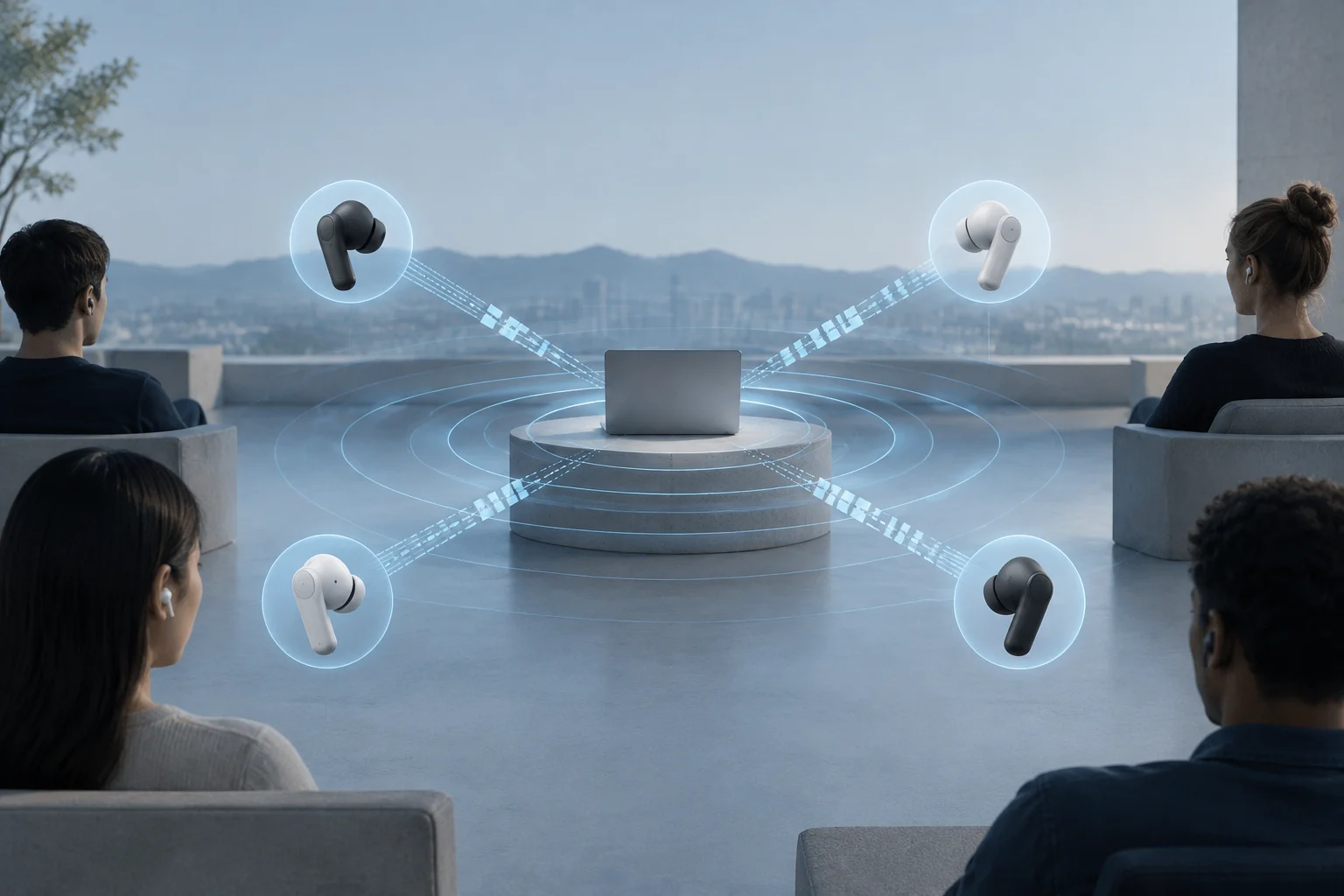
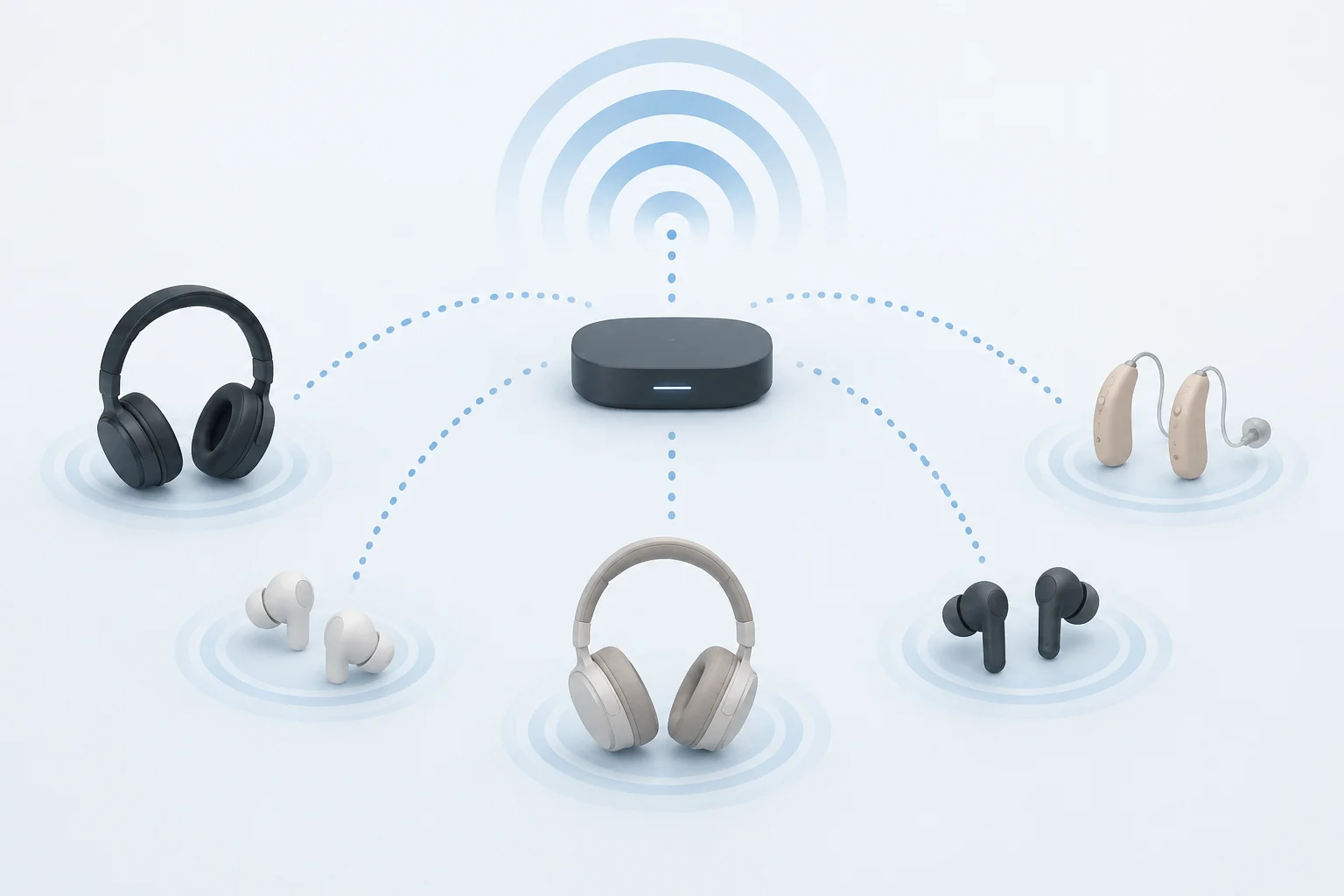
Auracast is an audio broadcast function that is part of the LE Audio ecosystem. A compatible source can announce a transmission so that headphones, hearing aids, or other compatible receivers can find and tune it. Unlike a conventional connection that pairs each receiver with the source, broadcasting allows multiple devices to listen to the same stream. The ability to use it depends on whether the transmitter and receiver implement Auracast, and how the manufacturer allows discovering and selecting the emission.
Examples That Clarify the Difference
Sharing music privately: a compatible phone can transmit audio so that several people can listen with their own LE Audio accessories. Android documents an audio sharing function on compatible devices and allows joining transmissions via mechanisms like a QR code. It is not enough for the mobile and headphones to indicate Bluetooth: both must support LE Audio and the corresponding function.
Listening to a public screen: a TV, airport screen, or PA system equipped to emit Auracast can offer its sound to nearby receivers. In conference rooms, theaters, or guided tours, a transmission can also serve to send audio directly to compatible hearing devices. These are possibilities of the architecture, not automatic features of any screen or venue: the place must install a transmitter and facilitate access to the signal.
Using hearing aids in calls and media: LE Audio can expand connection options for hearing aids with compatible phones and computers. In the case of Windows, compatibility depends on Bluetooth hardware, adequate drivers, and codec support. A hearing aid that announces LE Audio does not by itself turn an old computer into a compatible transmitter.
Compatibility: What to Check Before Buying
Compatibility requires support across the host, operating system, and accessory: the computer or phone must support LE Audio, and the headphones or hearing aids must also be compatible. Bluetooth LE is not equivalent to LE Audio. On Windows 11, Microsoft lists the operating system version, compatible Bluetooth LE hardware, a supported codec, and manufacturer drivers among the requirements; check the device’s specifications and settings.
In Windows 11, Microsoft indicates that LE Audio requires Windows 11 version 22H2 or later, compatible Bluetooth LE hardware, adequate codecs, and manufacturer drivers. The configuration option “Use LE audio when available” serves to check if Windows offers support on that device. Windows 10 and Windows 11 version 21H2 do not support this function according to Microsoft support documentation.
Android also depends on the model and implementation. Google's help explains audio sharing on compatible devices, but this possibility should not be extrapolated to all Android phones or any system version. Auracast functions may differ between manufacturers, generations, and updates; one must check the mobile and accessory specs to confirm both LE Audio and the specific function desired.
Before choosing a product, check these points in the manufacturer's specifications:
- LE Audio, not just Bluetooth LE or a numerical Bluetooth version.
- Specific operating system, model, and region compatibility.
- Audio profiles and codec shared by source and receiver.
- Auracast, if you need to listen to public broadcasts or share audio.
- Firmware, application, driver, or intermediate accessory requirements.
The announced Bluetooth version is a clue, not a practical certification that all functions are enabled. Two products compatible with a related generation may offer different capabilities, and a software update can only add functions if the hardware can already run them.
Advantages, Limits, and a Practical Decision
LE Audio is interesting when seeking a low-power audio architecture, interoperable negotiation via common profiles, synchronized transmission, or broadcasting to multiple receivers. Hearing aids and public spaces are especially relevant fields, because a source can deliver audio directly to personal devices or facilitate access to a shared signal. Auracast allows broadcasting audio to multiple compatible receivers, provided the devices and the place where one wants to listen support the function.
Its limits are concrete: adoption is not uniform; requirements are distributed among source, system, drivers, and accessory; and quality, battery life, range, and latency depend on each implementation. Auracast also does not mean that anyone within range connects automatically: the user needs a compatible receiver and there may be selection or access options configured by the emitter.
For a purchase, prioritize the function you actually need. If you only want to listen to music, compare battery life, comfort, sound, and compatibility with your phone, in addition to confirming the supported audio mode. If you want to share a broadcast or use a hearing aid in public spaces, explicitly verify Auracast on both ends and ask if the venue has compatible transmitters. The useful decision is to check a combination of devices, not buy by the Bluetooth version number.