
Operational Definition: CMDB vs. Asset Inventory
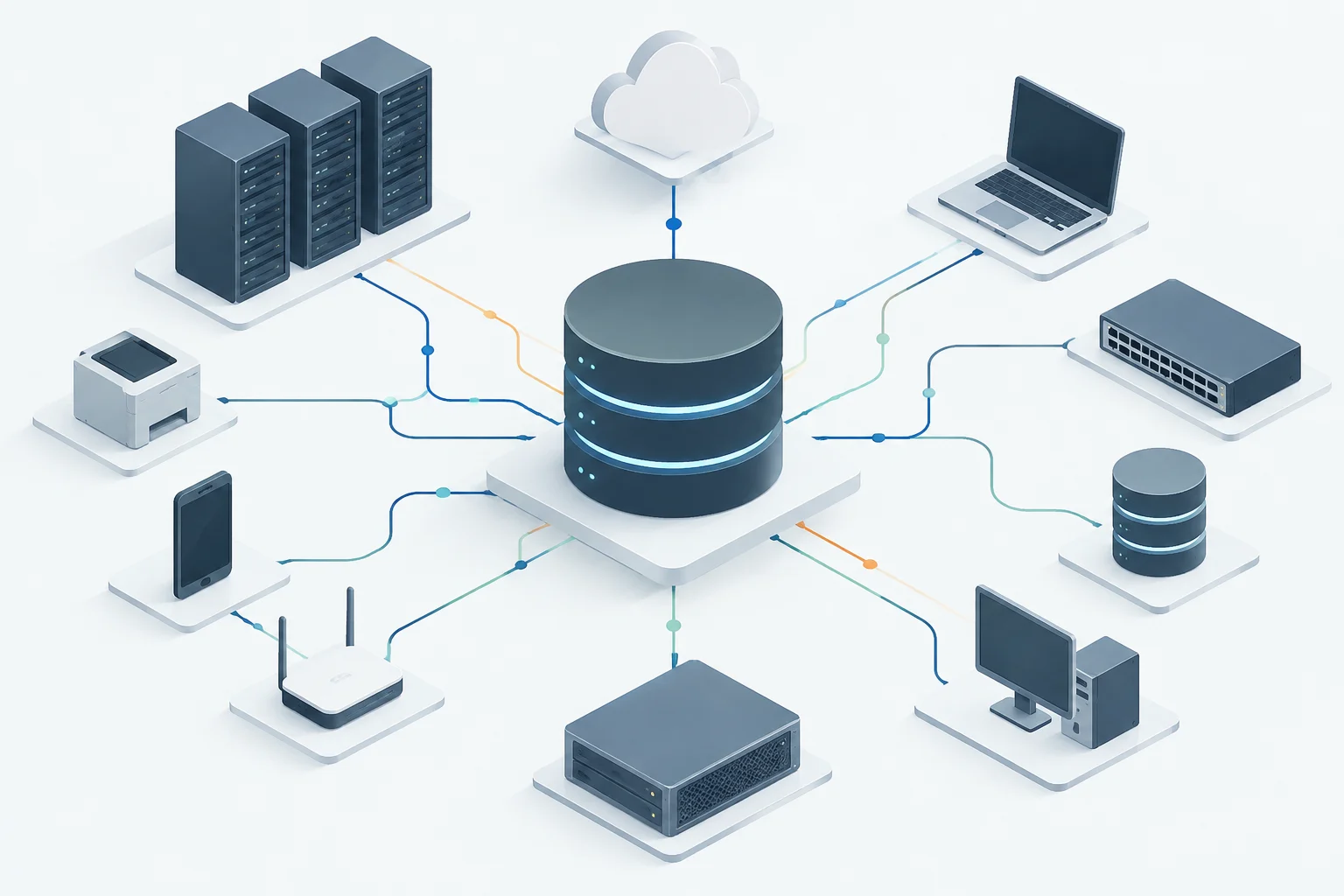
A Configuration Management Database (CMDB) is not simply a list of devices. An inventory can register what hardware exists; a CMDB also organizes information about configuration items and their relationships. This allows representing, for example, that an application depends on a server or that a service uses a specific database. The differential utility lies in making dependencies visible, not in accumulating more inventory rows.
Such a repository can contain data on hardware, software, networks, and other technological resources, helping teams locate assets and understand their links. In practical terms, the inventory answers 'what do we have?' and the CMDB aims to also answer 'what depends on what?'. However, having a relationship function does not guarantee that the map is complete or updated: its reliability depends on data sources, discovery coverage, and maintenance rules.
For an SME, the decision is not necessarily to buy a standalone CMDB. If the problem is knowing owners, location, and lifecycle of laptops, asset management may suffice. If it is necessary to analyze the impact of changes, investigate incidents between systems, or link assets with services and requests, a CMDB can add more value. The requirement must precede the tool: defining which operational decisions will improve avoids paying for a data model that no one will maintain.
Criterion 1: Discovery and Inventory Quality
The first aspect to check is how data is incorporated and updated. Automatic discovery can reduce the burden of entering each item manually, but the expression covers different capabilities: detecting devices on a network, reading installed agents, synchronizing with cloud services, or importing from other sources. It should not be assumed that a tool covers all these cases.
Ask the provider to describe precisely what it detects, with what mechanism, and with what frequency. Check if it requires agents, privileged credentials, network access, or permissions in cloud accounts, and what happens when a device is off, out of the VPN, or incompatible. Discrepancy handling also matters: a useful CMDB must allow identifying outdated, duplicate, or contradictory data, not hiding them under an appearance of automation.
Secondary documentation describes automatic discovery of network assets as a capability of some solutions, but does not credit that all products can discover any device, software, or dependency. Therefore, request a demonstration with a representative sample of your environment and agree on what 'discovered' means: initial detection, correct identification, association with owner, and continuous update are different results. Measure coverage and maintenance effort, not just the existence of a scan button.
Criterion 2: Integration with Tickets and Monitoring
A CMDB adds more value when its data can connect with the workflows the team already uses. Integration with a service management platform can relate an incident or change to affected items; connection with monitoring can associate alerts with known components. But announced compatibility does not by itself prove that an official connector exists, covers necessary fields, or works in the offered edition and plan.
Request a list of supported integrations and technical documentation for each. Distinguish between manufacturer-maintained connector, third-party application, public API, and custom development. Ask what data flows in each direction, how errors and duplicates are managed, what call limits exist, and if the connector generates additional costs. For Jira, ServiceNow, Zabbix, or Prometheus, verify the exact combination of versions and products: do not assume an integration exists because a page mentions 'ITSM' or 'monitoring' generically.
A useful test is to follow a complete case: create or update an asset, open an incident, associate it with the correct item, and check what relationships are shown to the technician. Include the reverse process: if a configuration change is recorded in the ticketing system, is it reflected in the CMDB, and with what controls? The answer helps separate real synchronization from a one-time import. If the provider proposes a custom integration, request implementation, support, and maintenance estimates to calculate the total cost.
Criterion 3: Capacity, Growth, and Performance
The size of a CMDB is not measured only by the number of devices. Stored attributes, the number and type of relationships, synchronization frequency, change history, and the queries the team needs to execute also influence it. Therefore, it is not prudent to assume that an asset limit or a generic scalability figure predicts the real performance of a specific installation.
Before contracting, request documented limits for managed items, users, storage, integrations, and API calls, plus any differences between plans. Ask what happens when exceeding those limits and if charges, restrictions, or migrations apply. If the provider publishes metrics, request the context: data volume, configuration, query type, and test conditions. Without that context, an isolated latency figure does not allow reliable comparison of solutions.
The most useful test reproduces representative queries: finding service dependencies, identifying assets linked to an incident, and reviewing a change history. Do it with a dataset close to the expected size, not just a small demonstration prepared by the seller. For a growing company, it is advisable to estimate how the inventory will change and review the cost of expanding capacity. There is no universal CI figure suitable for all SMEs: it matters that the solution responds to the queries and update rate the team actually needs.
Criterion 4: Security, Access, and Data Protection
A CMDB can gather sensitive information about infrastructure, versions, owners, and relationships between systems. Evaluate who can query and modify each data point, how changes are logged, and what measures protect the account and stored data. Ask about role-based access control (RBAC), multi-factor authentication, audit logging, and service account management; then verify which are included in the considered plan.
Do not take encryption at rest, encryption in transit, a certification, or a specific data location for granted if available documentation does not confirm it. Request contractual and technical evidence: security documentation, data processing annex, sub-processors, hosting region, export and deletion procedures, and incident notification deadlines. A provider's certification can be relevant, but it does not replace the evaluation of the configuration, the contracted service, or the company's obligations.
GDPR does not generally establish that all data must be stored in the European Union. Location, international transfers, the type of data processed, and applicable guarantees require a specific evaluation. If the CMDB links devices with employees, determine if that information constitutes personal data in the context of use and limit its collection to what is necessary. Data residency and compliance are not synonyms: location is a due diligence question, not an automatic conclusion about conformity.
Verification Checklist Before Contracting
Before deciding, request written answers and verify them in a demonstration or proof of concept. A commercial answer like 'it integrates with everything' does not replace a compatibility matrix, a configuration guide, or an obligation included in the contract. It is advisable to fix in advance the scenarios the tool must solve and who will be responsible for validating the results.
- Discovery: What types of assets does it detect, by what mechanism, and with what frequency? What is left out and how are obsolete data identified?
- Relationships: Can it represent the dependencies the team needs? How are those relationships created, verified, and corrected?
- Integrations: Are there maintained connectors for the specific versions of ticketing and monitoring used? What data do they synchronize and what costs or limits do they have?
- Capacity: What are the limits per plan for assets, users, history, API, and storage? What tests support the performance figures?
- Security and Privacy: What access, audit, and encryption controls are included? In which region are the data hosted and what documentation covers transfers and sub-processors?
- Exit and Continuity: How are data exported, in what format, at what cost, and within what deadline if the service is cancelled?
Close the evaluation with a bounded test: choose a few critical services, load assets from different sources, and simulate an incident and a change. Check if the team can locate dependencies, detect incomplete data, and maintain the map without a disproportionate manual task. Record the results, exclusions, and commercial conditions in writing. Thus, the decision compares demonstrated capabilities and operational cost, not just feature lists or general promises.