Explore

Computing

News, analysis and guides about Computing: developments, concepts and practical decisions backed by verified sources.

Storage guide8 min

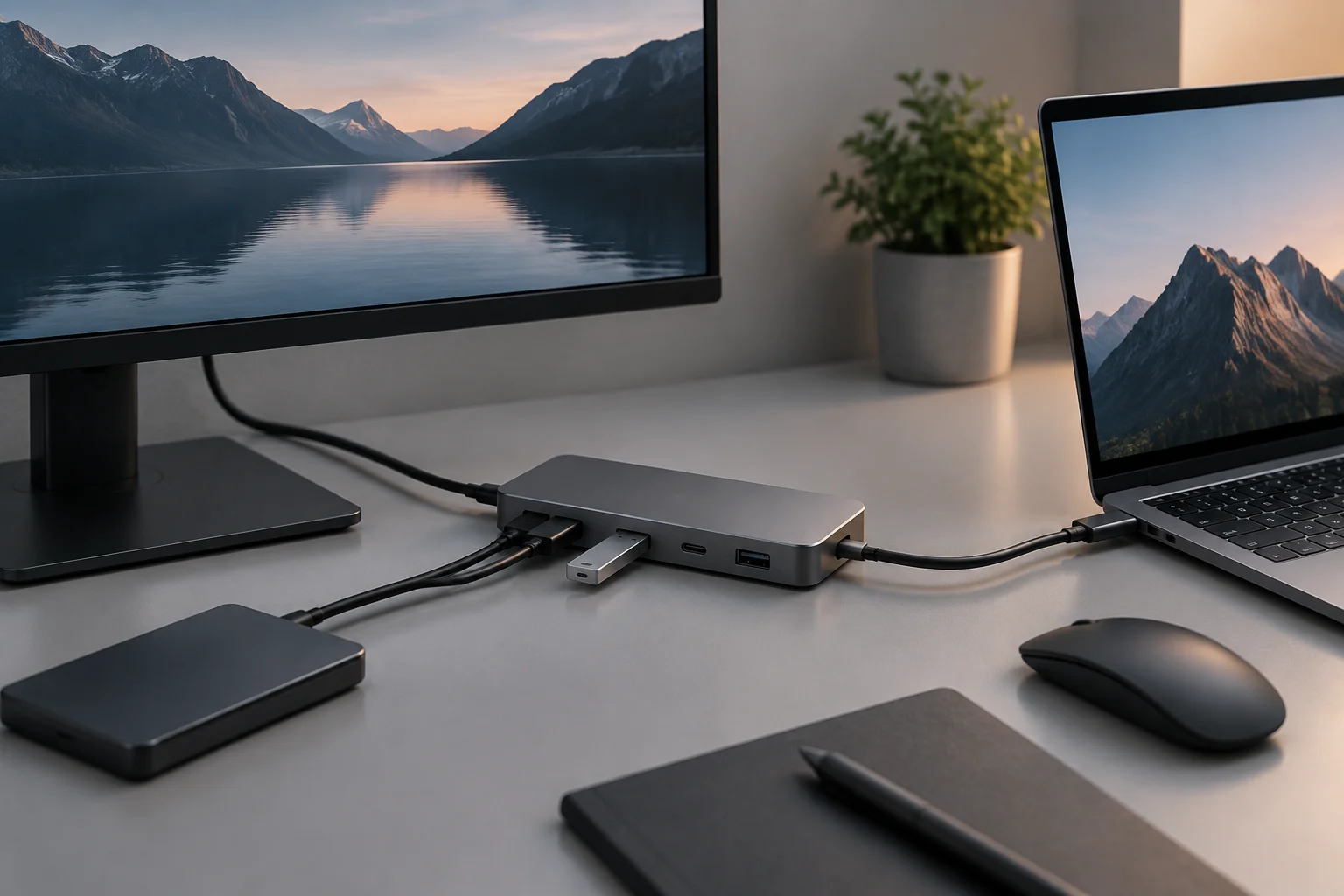
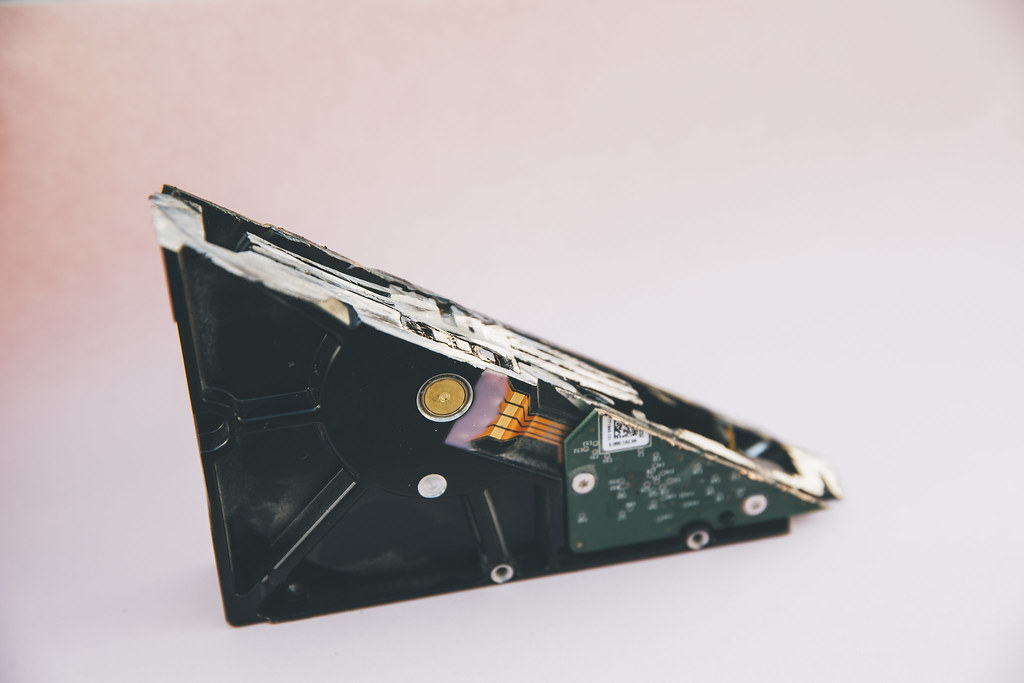
SSD or HDD for backups: what to compare before choosing

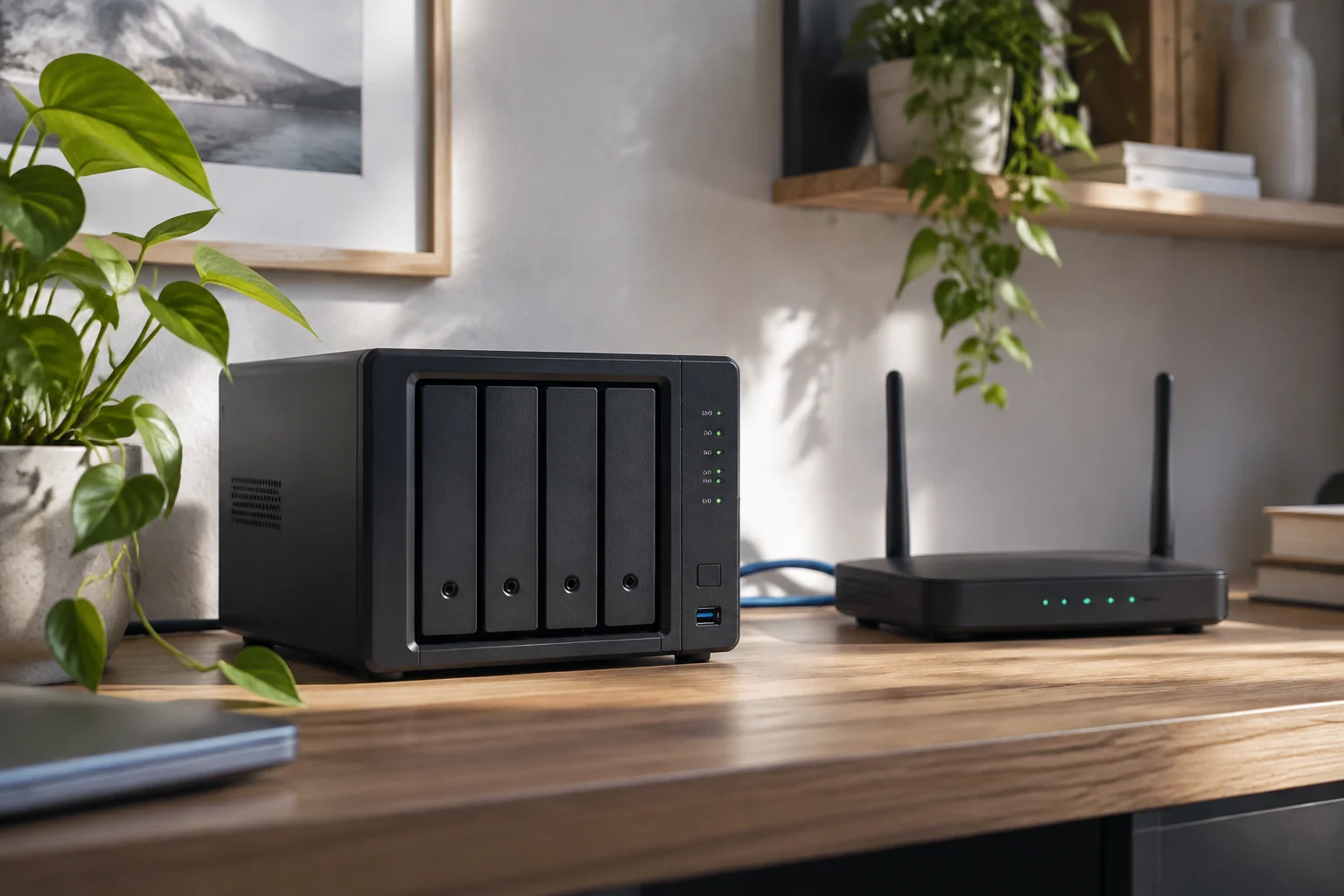
Choosing between an SSD and an HDD depends on capacity, cost, frequency of use and connection. For a backup, the drive matters, but so does keeping independent copies and checking that files can be recovered.

Technical and buying guide14 min

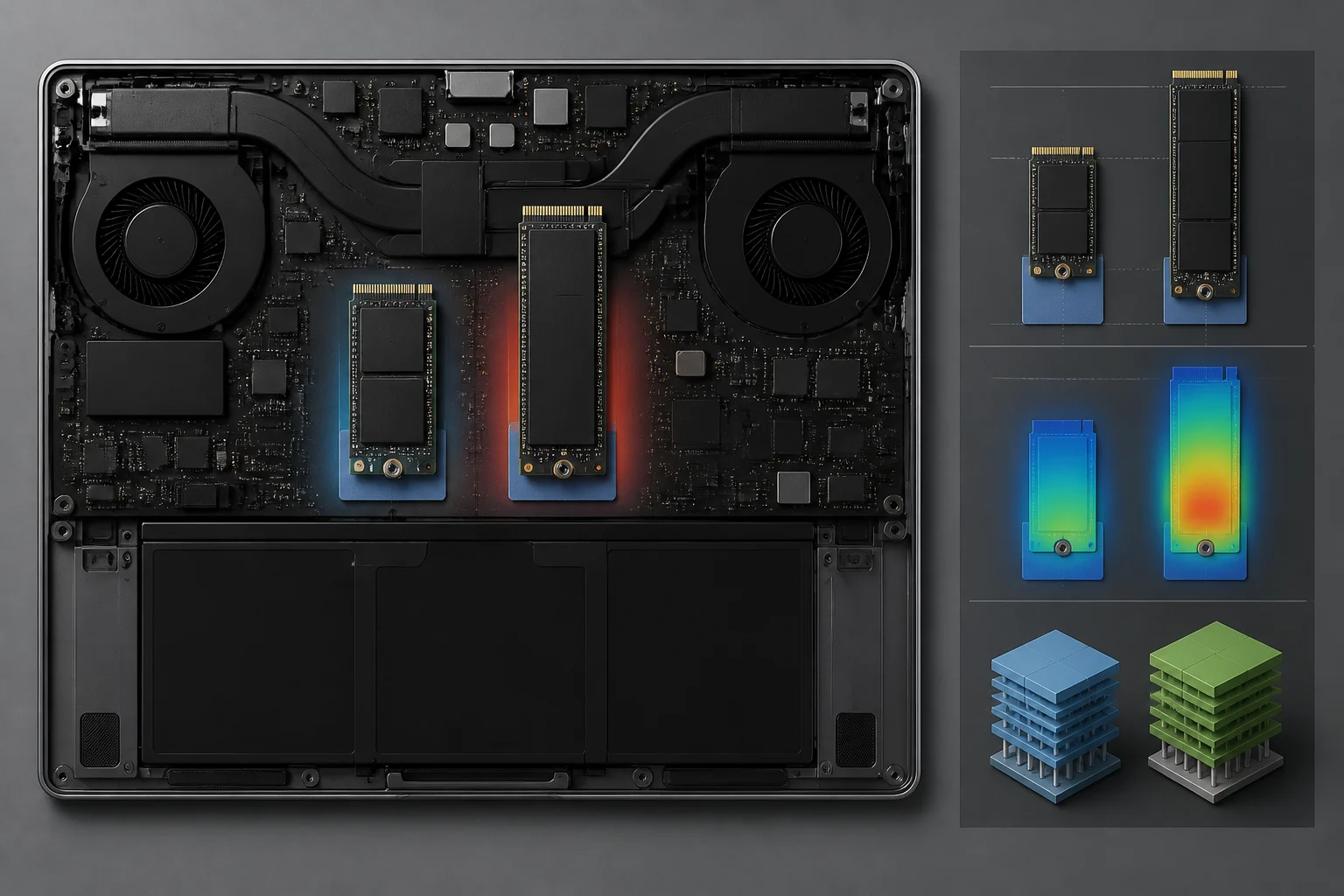
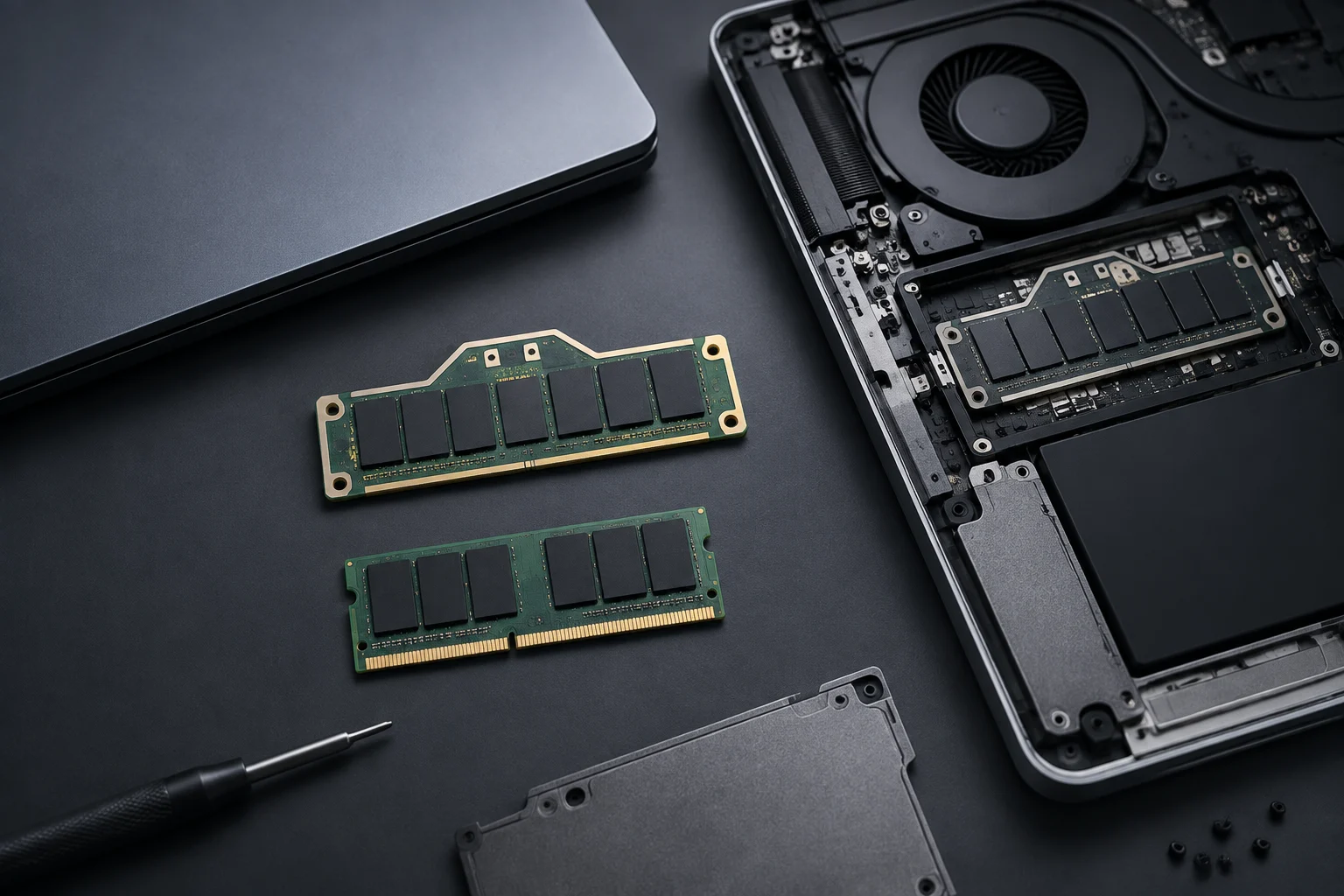
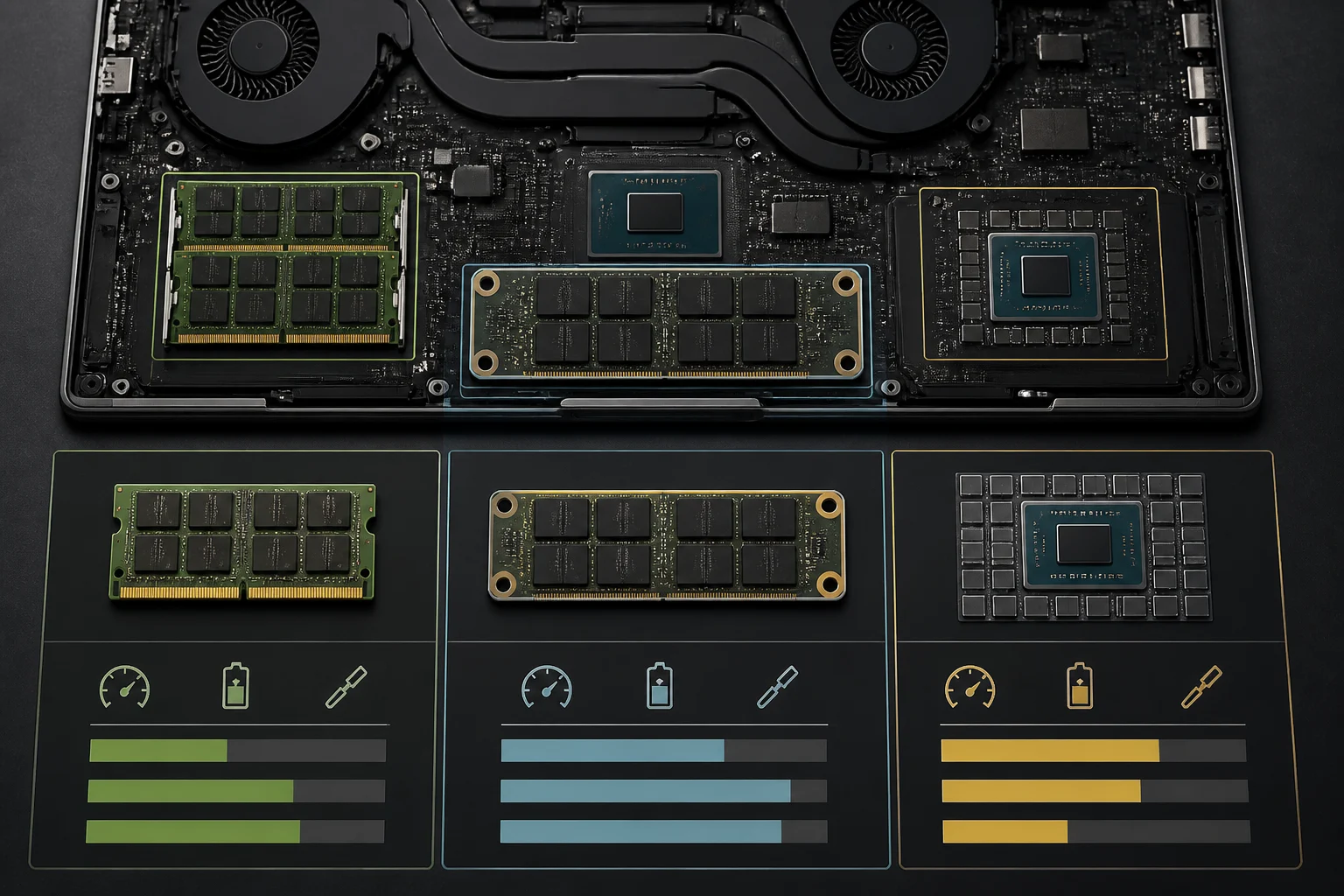
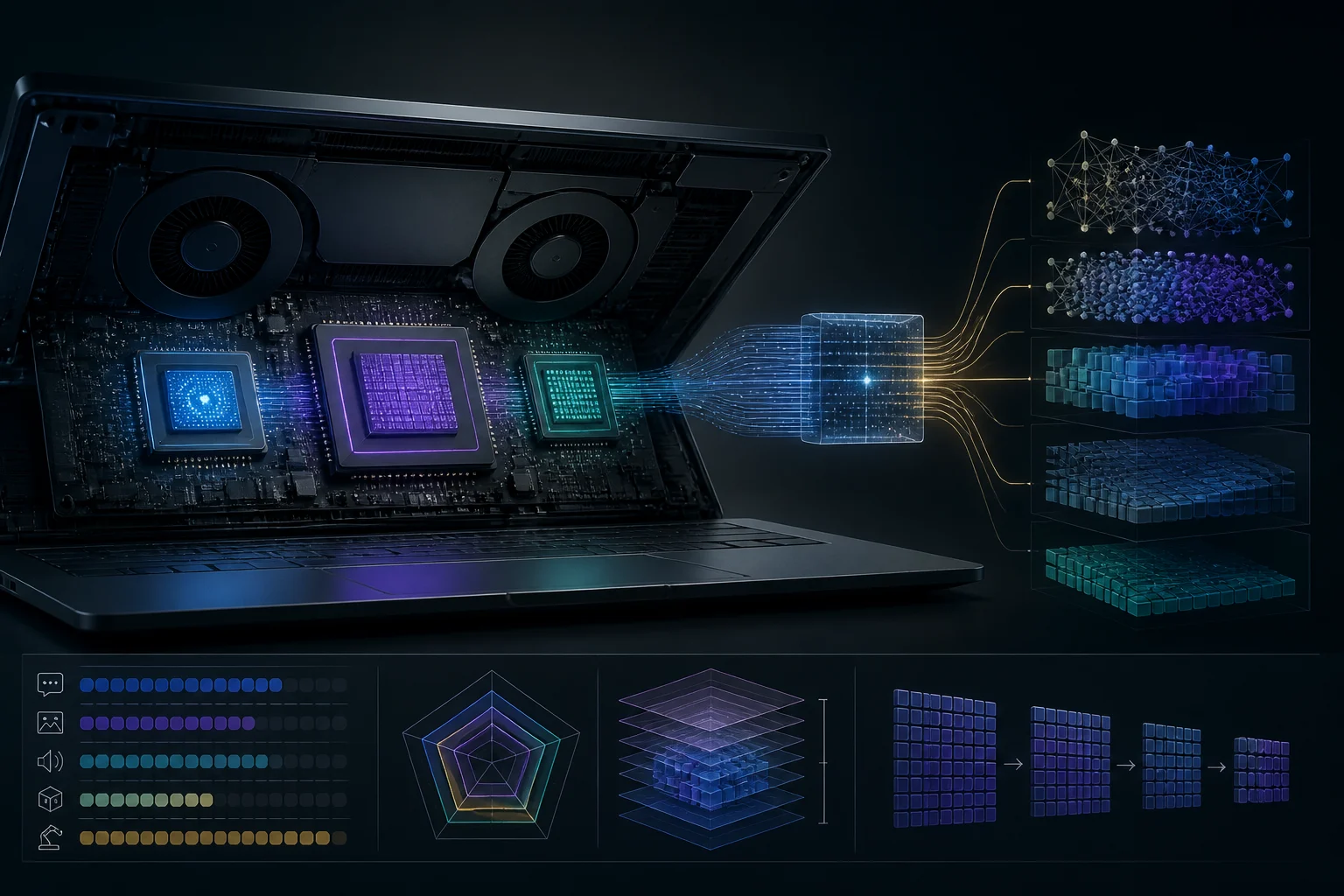
CAMM2 in laptops 2026: what it is, how it differs from SO‑DIMM, and which models truly allow RAM upgrades

CAMM2 is the new JEDEC standard for notebook memory modules. It arrives in two families — DDR5 CAMM2 and LPDDR/LPCAMM2 — and enables thinner designs, higher frequencies and, in many systems, brings back user‑replaceable RAM without reverting to SO‑DIMM limitations. Here’s what you need to know to choose and upgrade with confidence in 2026.

Buying guide7 min

How to compare processors beyond cores and GHz

Core counts, clock speeds, and cache describe different aspects of a CPU, but none of them alone predicts how it will perform in your programs. Learn which details to compare and what a benchmark must document to make a comparison useful.

Buying guide8 min

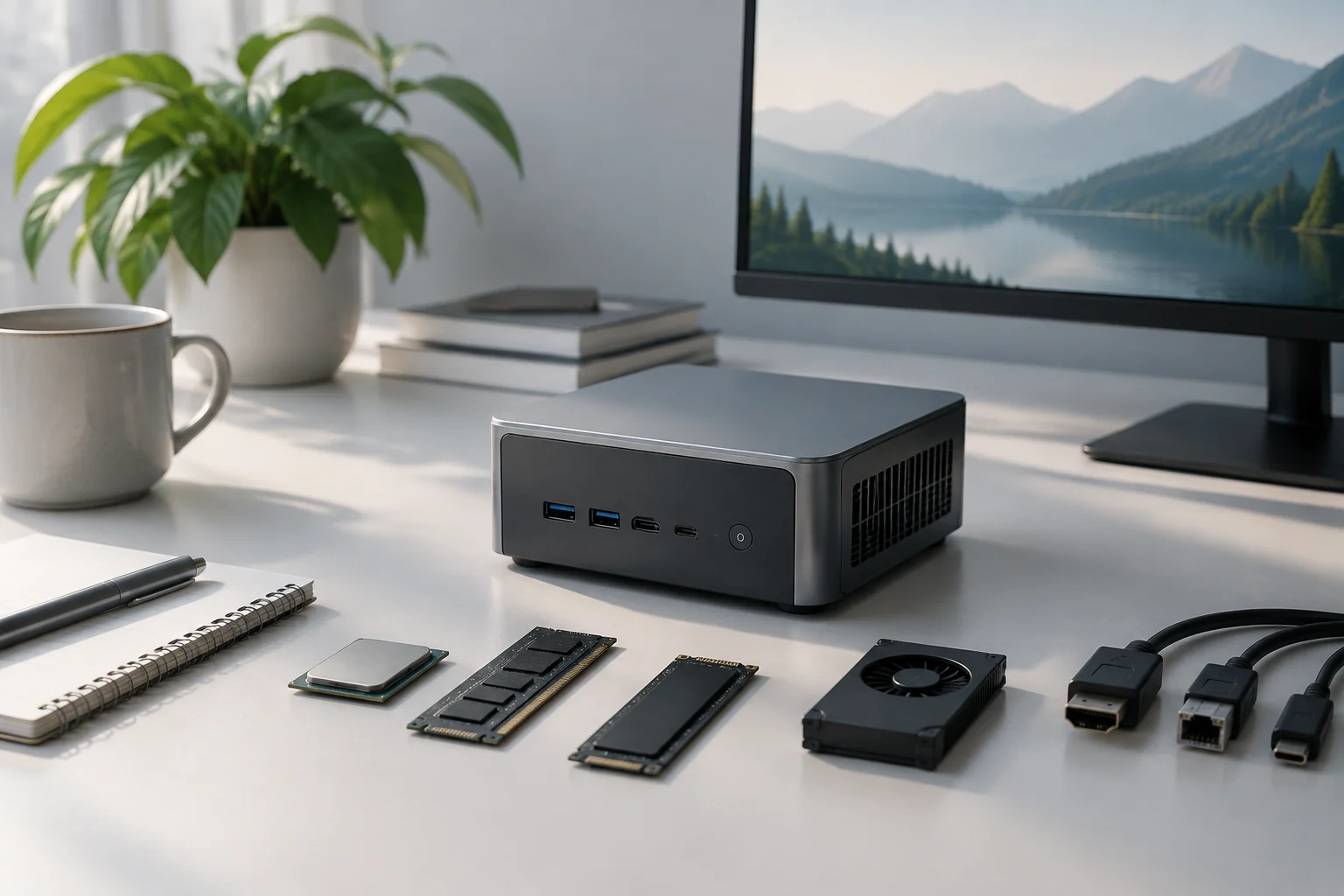
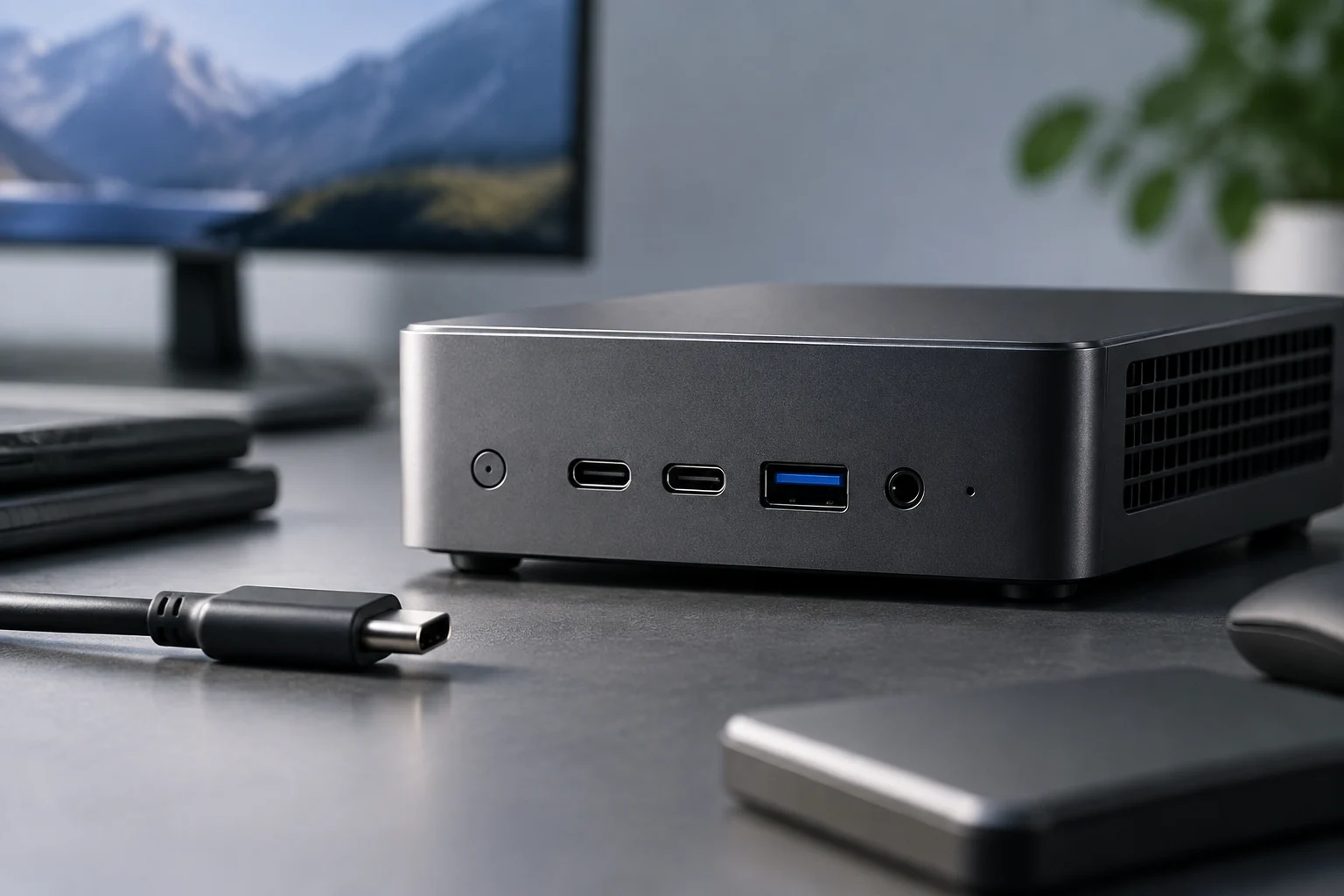
How to Compare Mini PC Specifications Before You Buy

A computer’s size alone won’t tell you whether it will fit your routine. Learn how to verify the exact configuration, memory, storage, graphics and ports, and how to distinguish manufacturer specifications from details that only independent testing can confirm.

Buying guide7 min

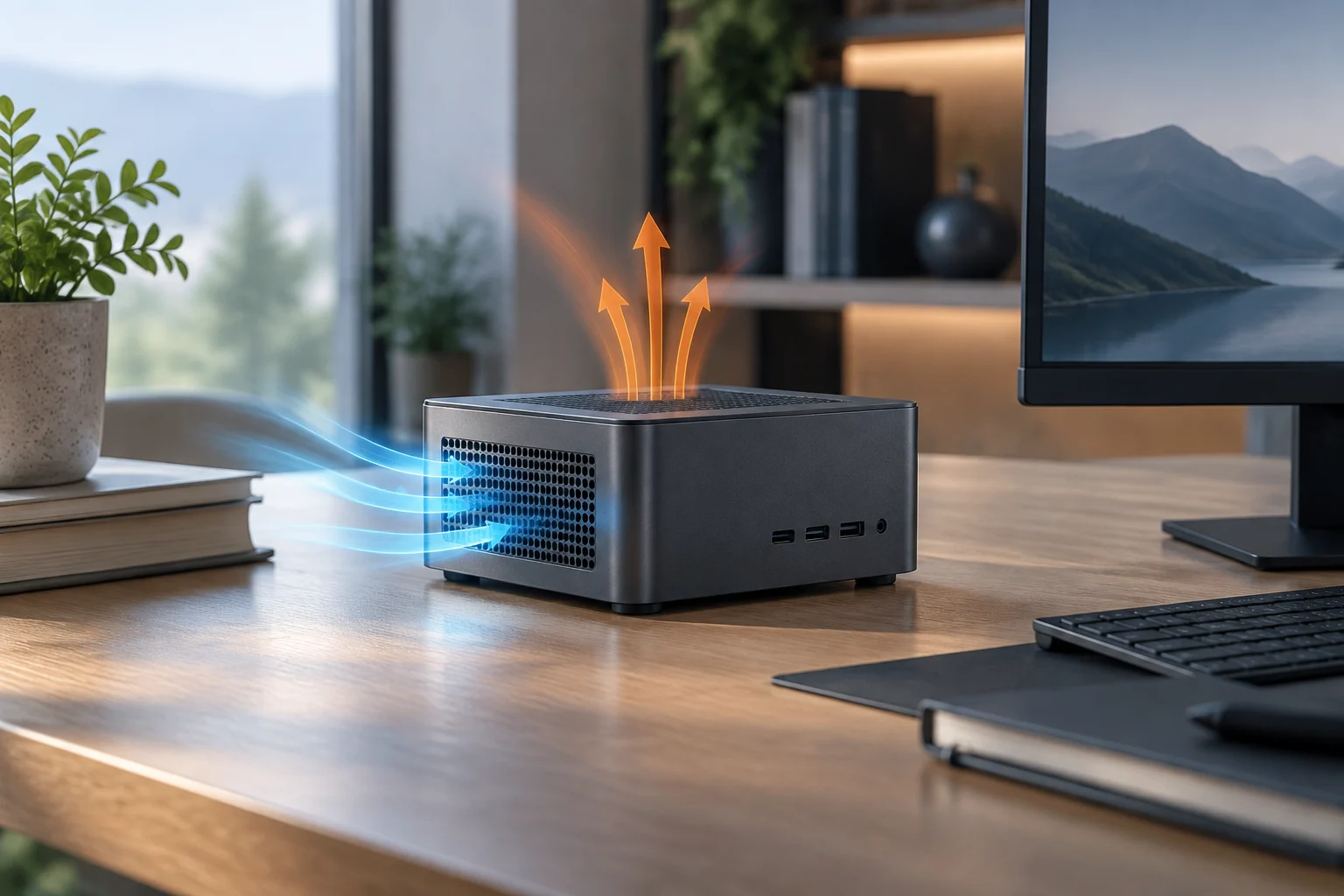
Mini PCs for Continuous Use: What to Check Before Choosing

Size and processor alone cannot predict a mini PC’s power use, noise, or sustained performance. This guide explains which figures to compare and how to distinguish a catalogue specification from a useful measurement.

Monitor buying guide: more than resolution13 min

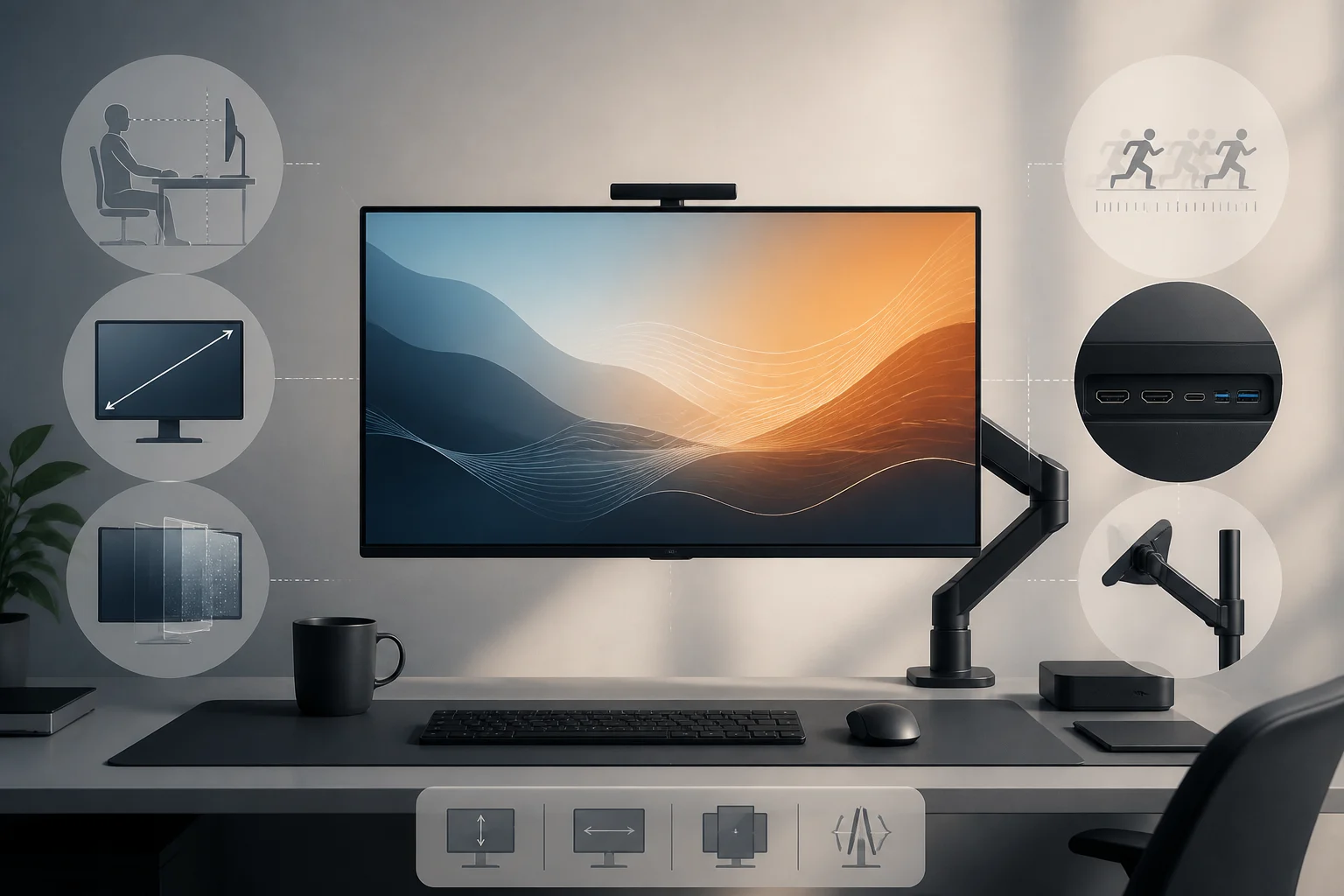
How to choose a monitor beyond resolution

Size, distance, refresh, connectivity and ergonomics work as a system: optimizing a single number often just moves the bottleneck elsewhere. This guide helps you balance the whole setup on your desk.